
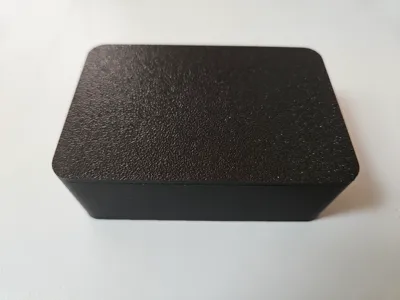
Snap Fit Box - Customize or big ready print


Print Profile(30)


Description
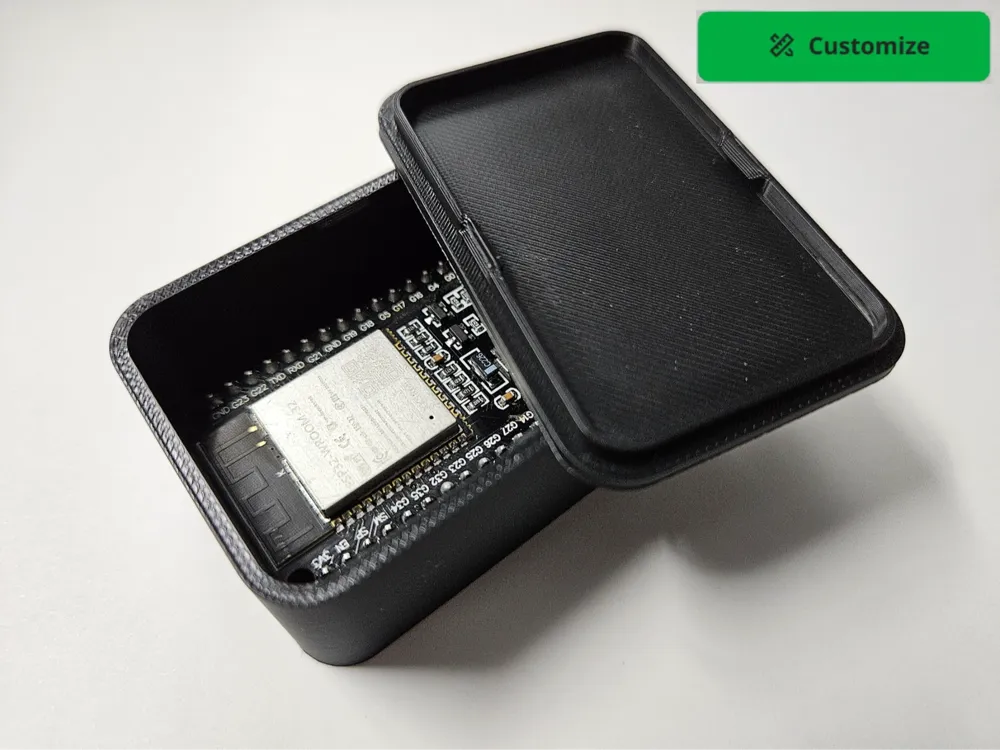
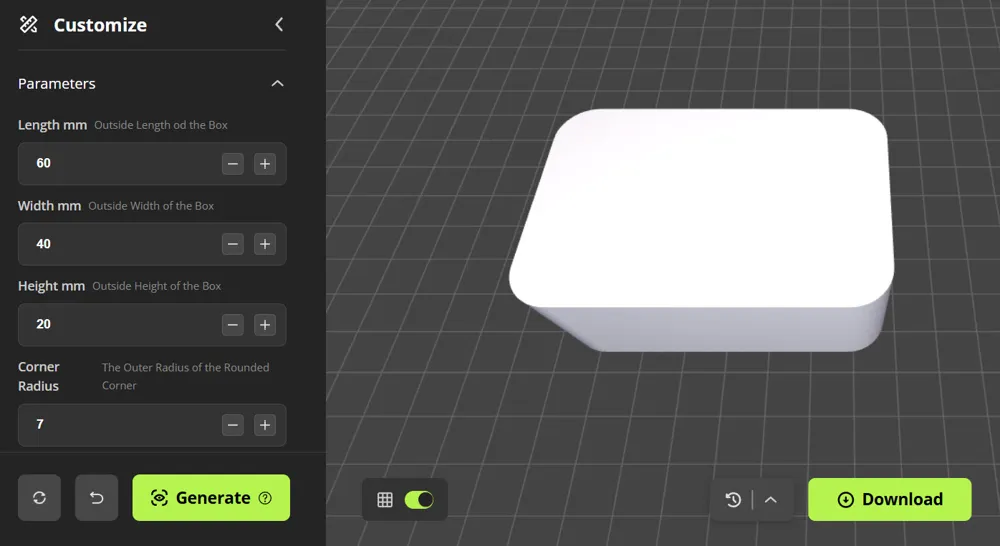
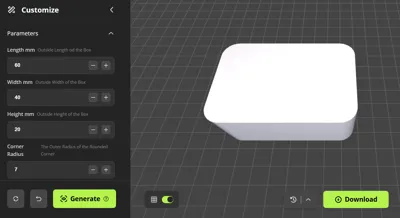
Snap Fit Box - Custom Size
Select Customize to make your very own box and size
OR
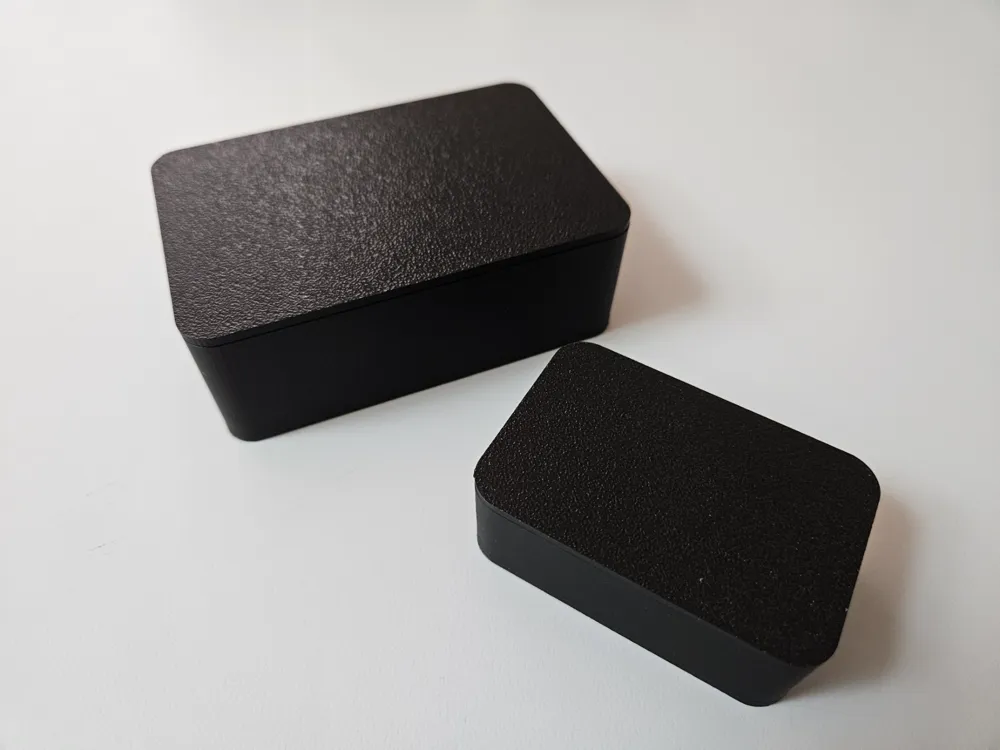
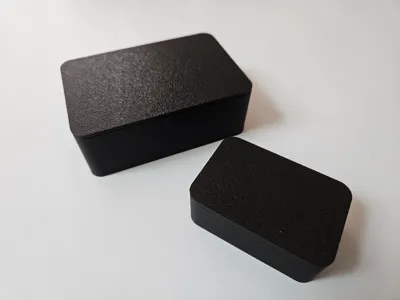
Select one of the “Ready To Print” profile options.
- There are so many ready print sizes that they are split in to 2 models - These are the “Bigger” sizes (over 100 mm)
- Select from these 35 bigger sizes here
- For smaller sizes and other box types checkout
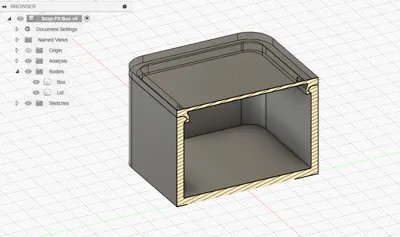
- These boxes have a tight snap on lid - may need a finger nail to open
- There is a fingernail groove that can optionally be removed in Bambu Studio
- Internal dimentions are 4 mm less than the profile name suggests (2 mm walls)
- These models will not simply resize in Bambu Studio
I have many different box types. These are great for electronics projects or hiding things like keys (and more).
Checkout All My Boxes to decide the best type for your needs.
Feel free to add holes or supports inside. In Bambu Studio, right click and add a part or negative part for a hole.
After you download your custom box, you need to :
- Select it (click it)
- Click "Split to Objects"
- Click "Arrange all objects"
- Click "Auto Orient" (lid should now be top / flat side down)
- Use a standard 0.2 mm layer preset. I personally like one wall on first layer
Also checkout:
Boost Me (for free)
Please support my designs so that I can share even more with the community.
License

You shall not share, sub-license, sell, rent, host, transfer, or distribute in any way the digital or 3D printed versions of this object, nor any other derivative work of this object in its digital or physical format (including - but not limited to - remixes of this object, and hosting on other digital platforms). The objects may not be used without permission in any way whatsoever in which you charge money, or collect fees.


Comment & Rating (21)