
Templates for square and round watch faces
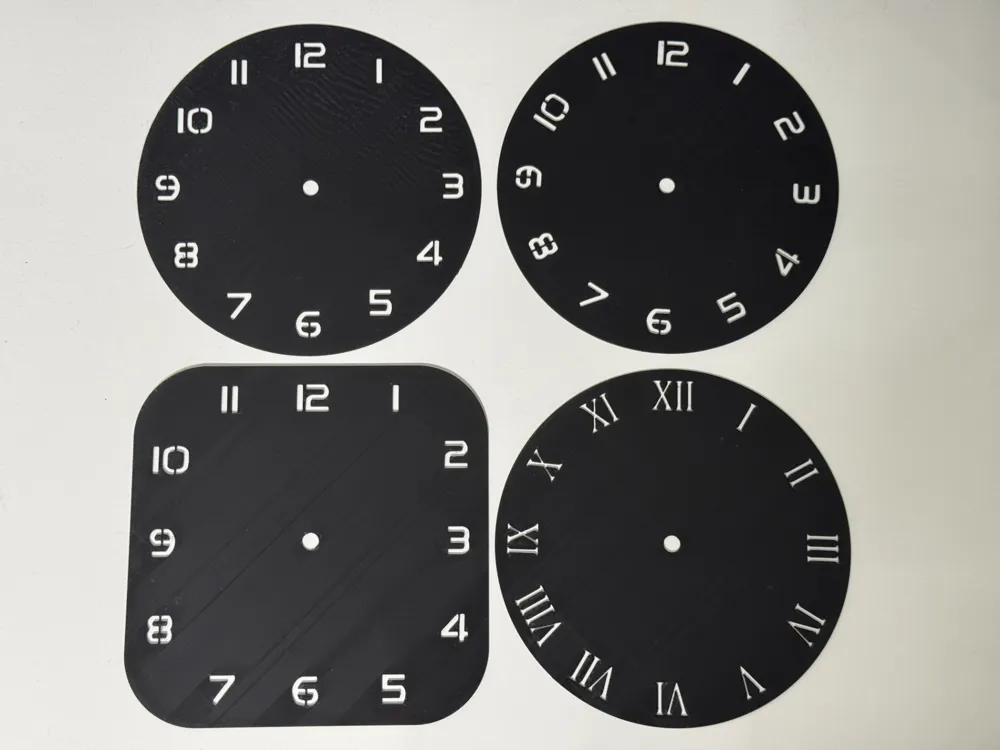
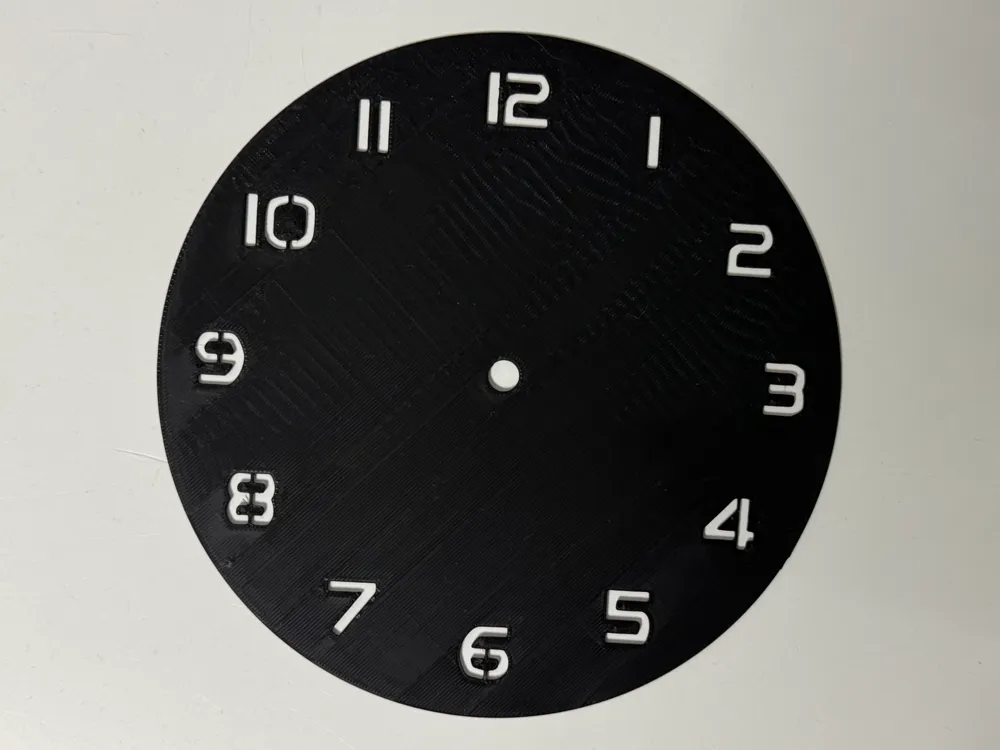
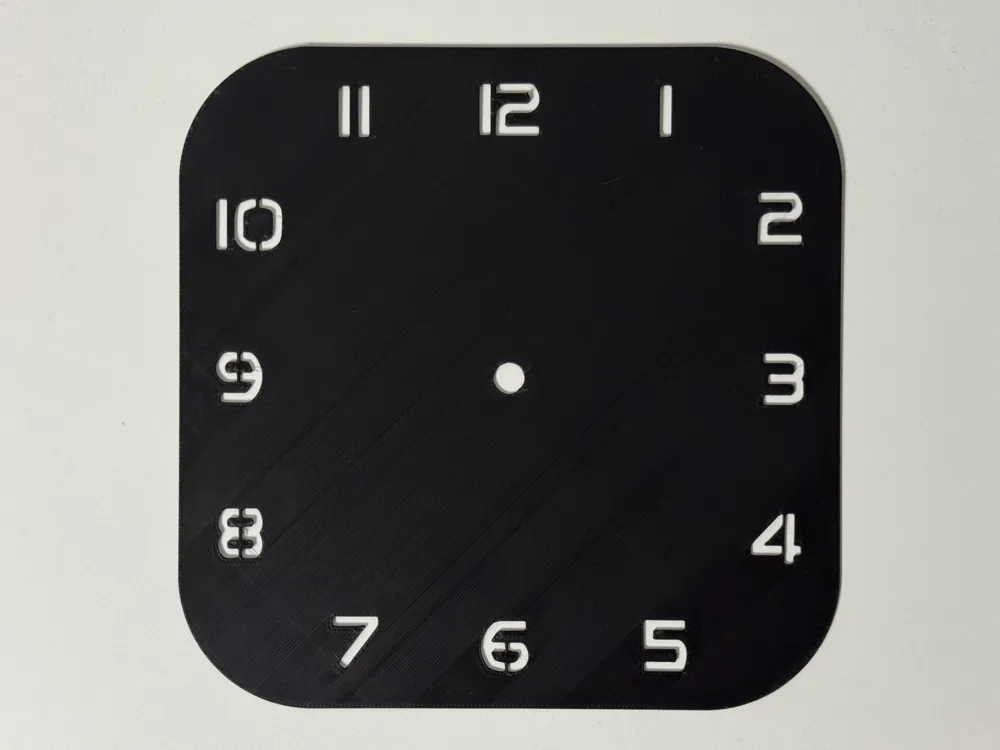
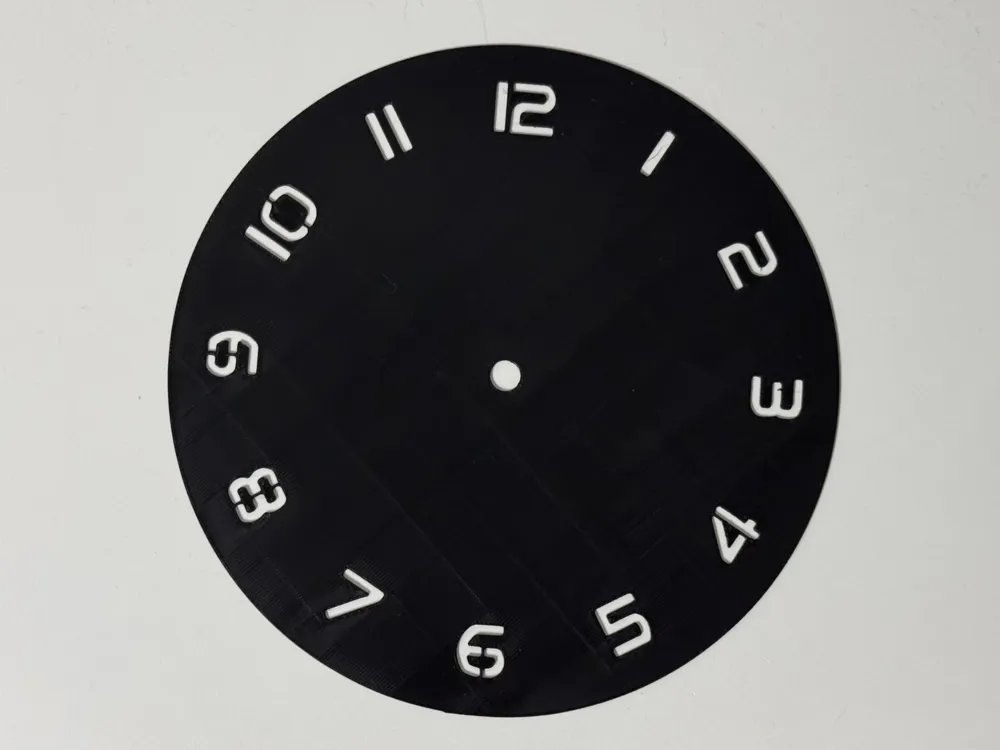
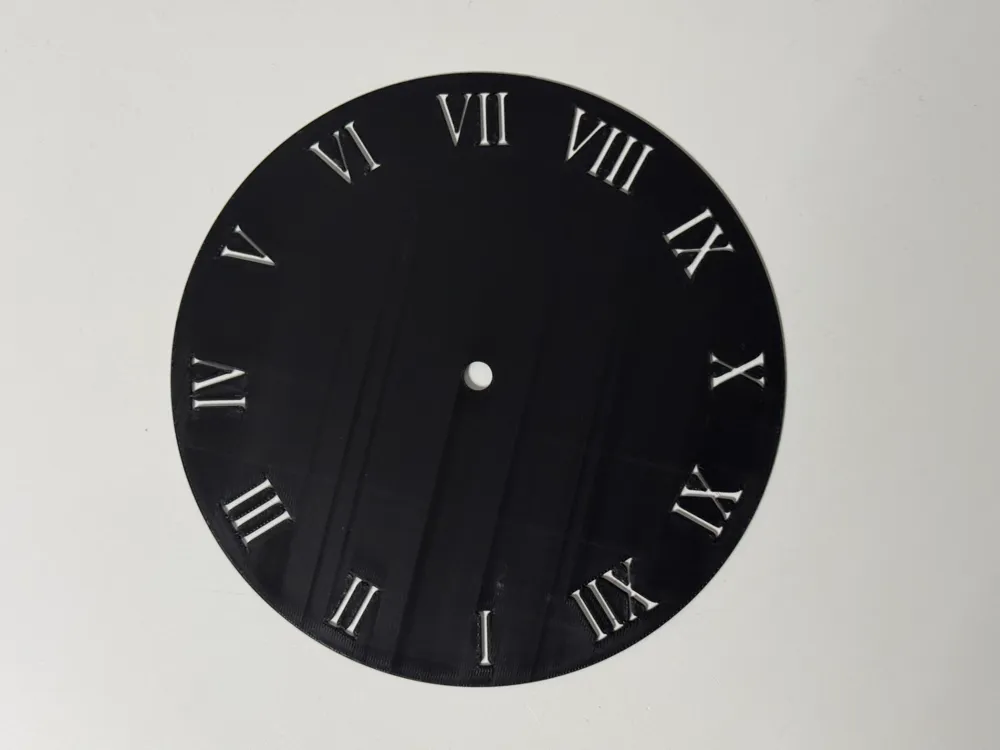
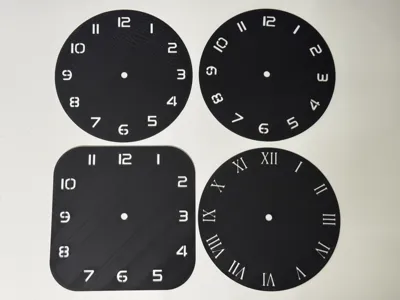
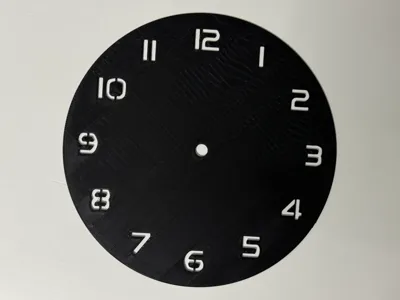
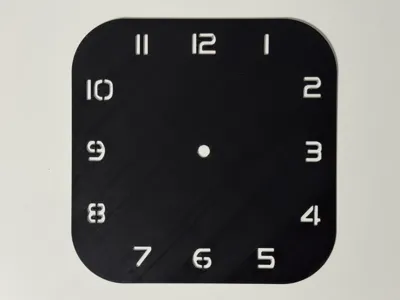
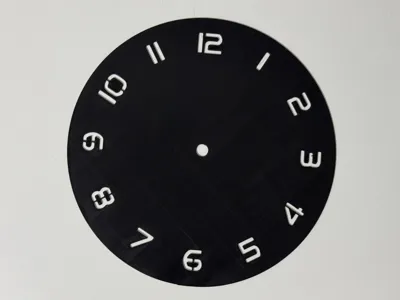
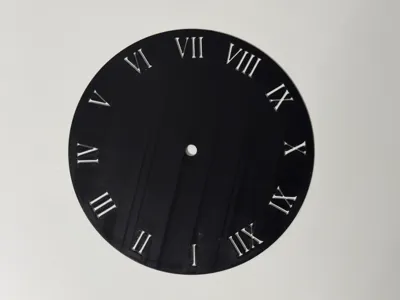
Print Profile(9)


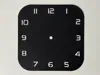
Bill of Materials
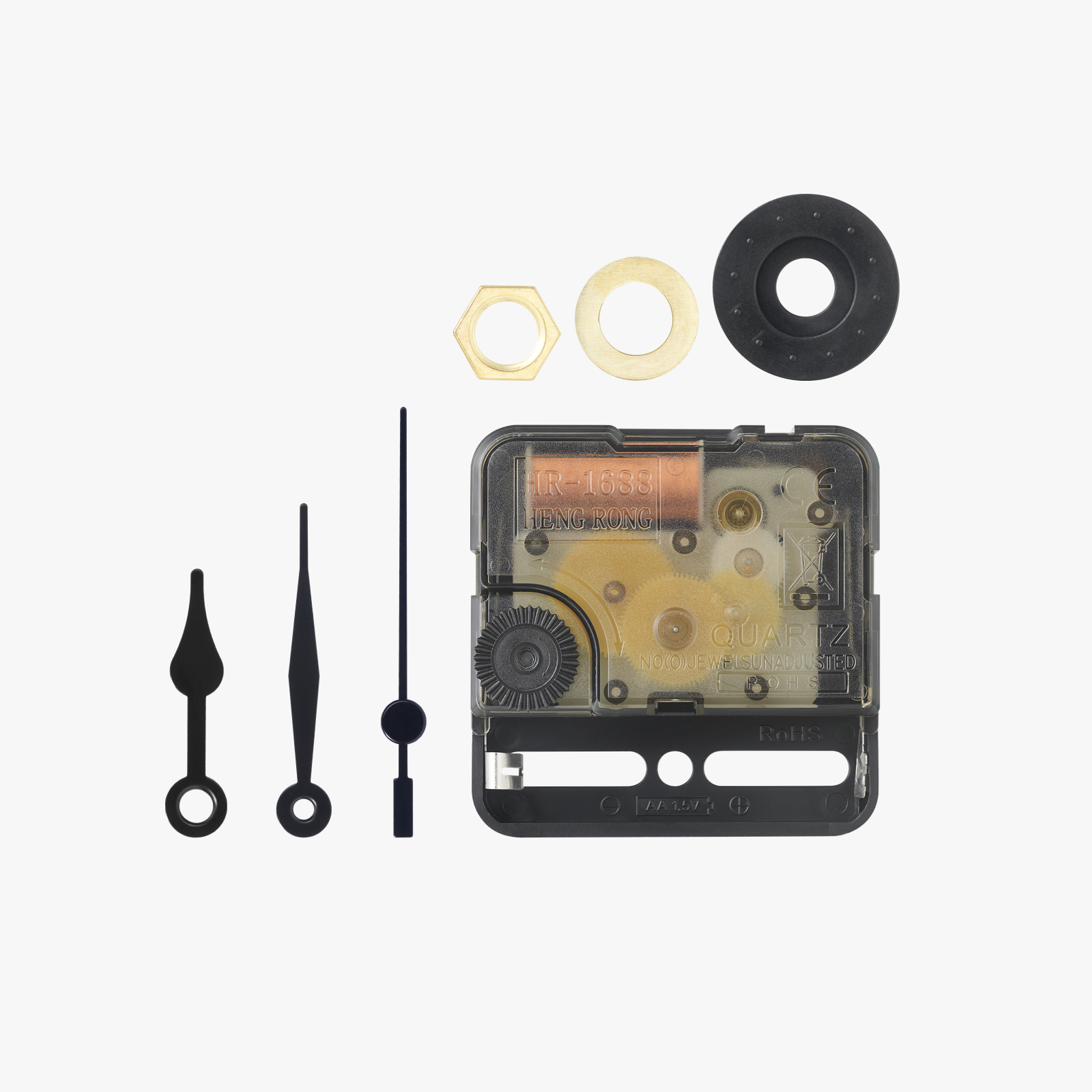
Description
https://makerworld.com/en/collections/4639439-licensed-models
You may sell this model, and all models in the above link,
with a Patreon membership.
www.patreon.com/cP_3D
Greetings everyone,
I have endeavored to empower you to craft a personalized timepiece. I believe I have achieved a satisfactory result.
To clarify, these templates are intended for creating your own Hueforge designs for friends and family. These templates must not be remixed, as I do not wish for watches using my design to be disseminated on online platforms. You may create your own watches and, with my Patreon license, sell them. Please respect this limitation.
Here you will find the necessary accessories to complete your watches.
https://makerworld.com/en/collections/4894074
Regarding the instructions:
Note: you must commence with my print profile in Bambu Studio!!!! Loading the .stl file and adjusting all settings independently is overly complex; hence my chosen approach.
Open the print profile using Bambu Studio
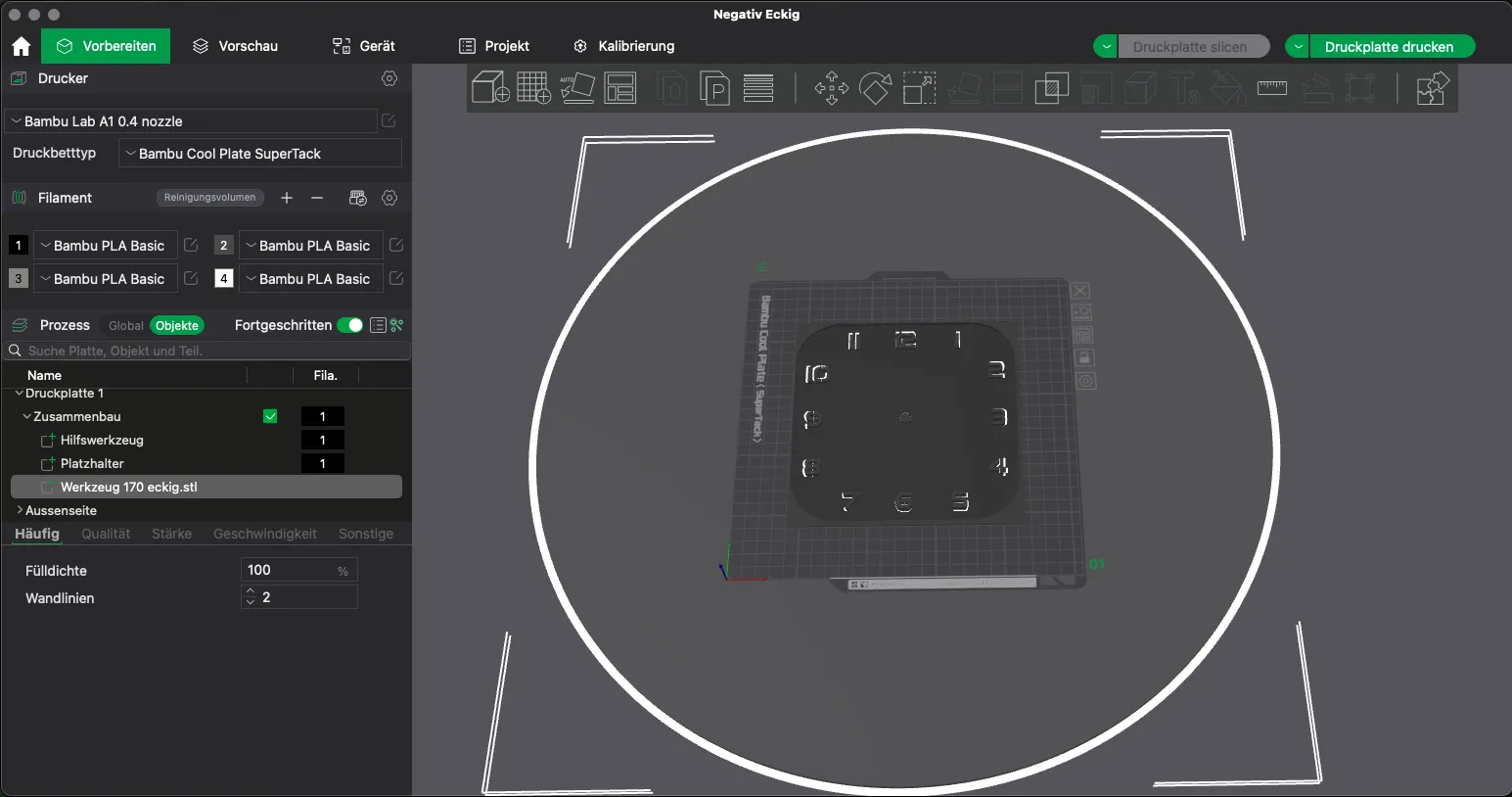
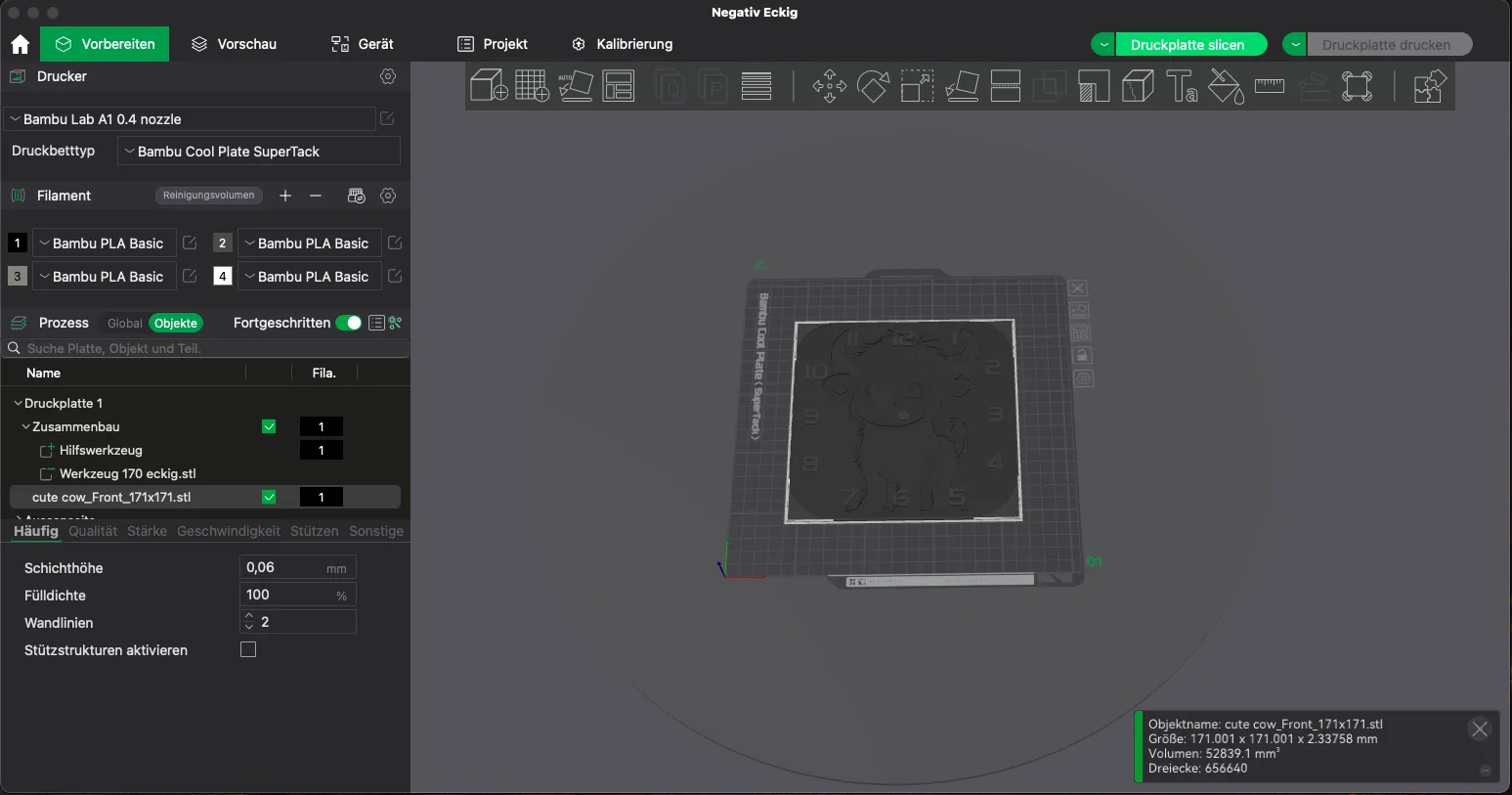
Delete the placeholder object
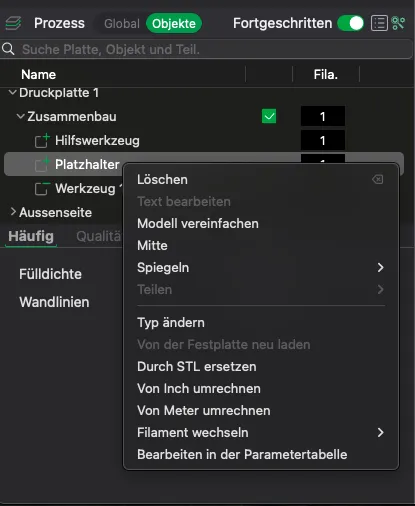
Insert your Hueforge or another suitable model. (Currently, I have only tested it with Hueforge)
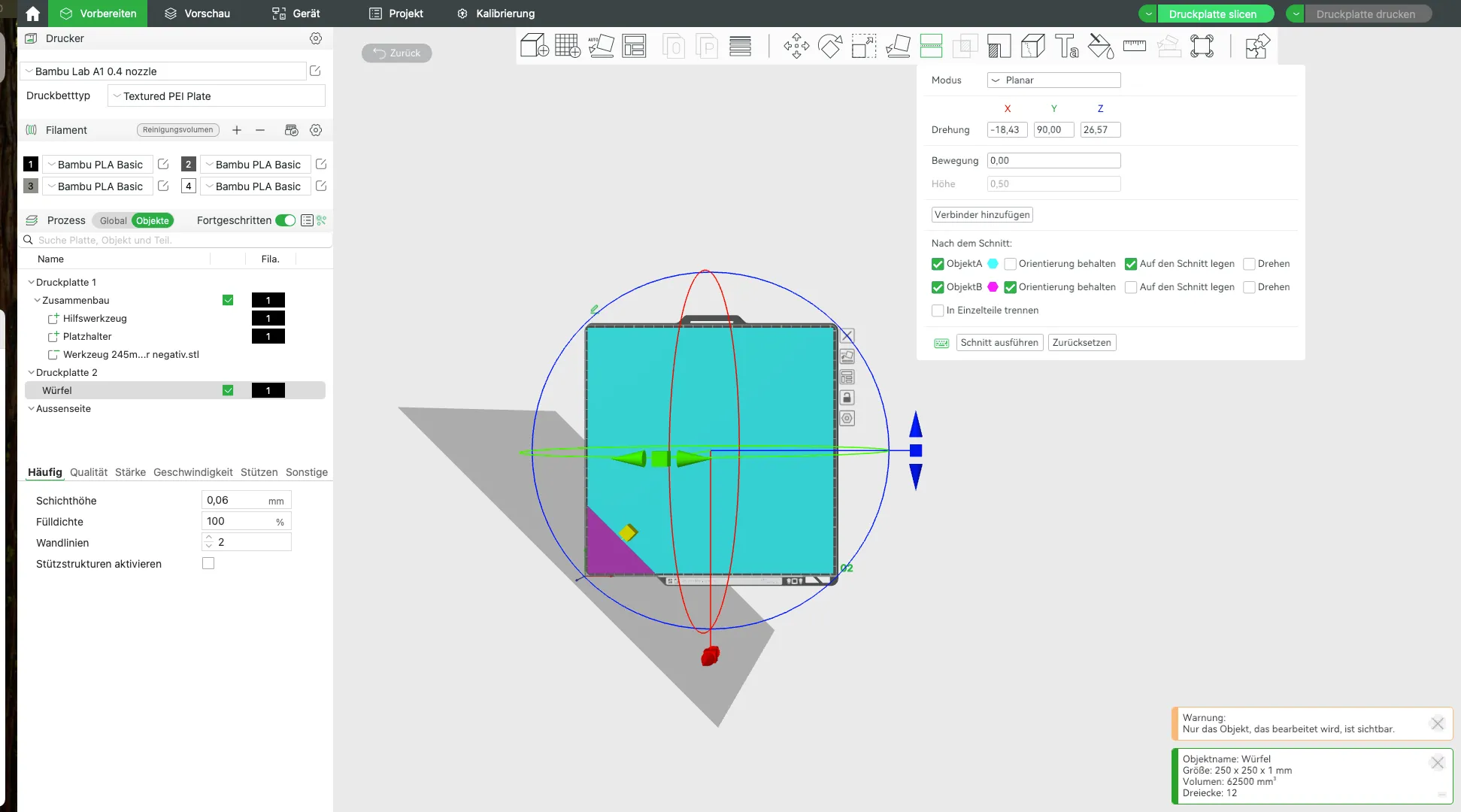
(Optional) If using an X1 or P1 printer and creating a 245 mm watch, you must truncate and delete the bottom left corner of your Hueforge; otherwise, an error will prevent slicing.
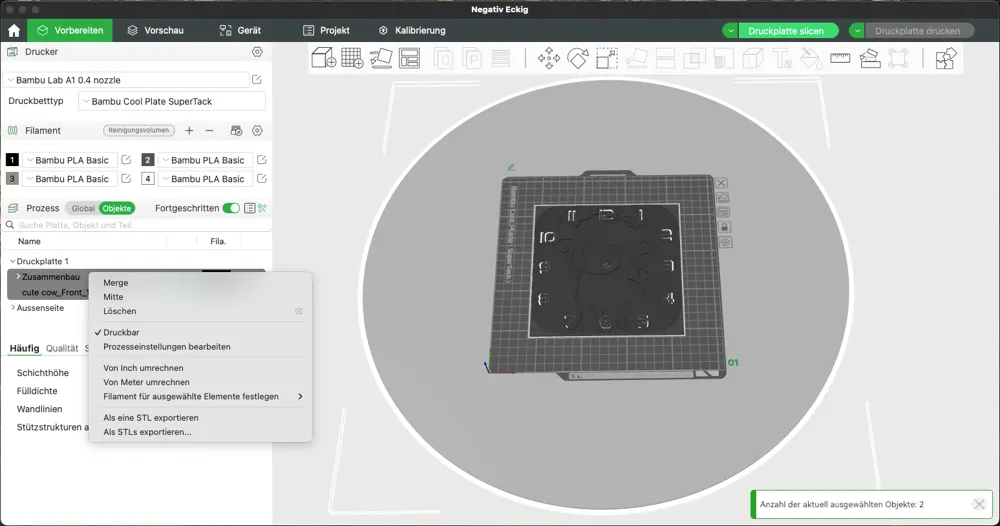
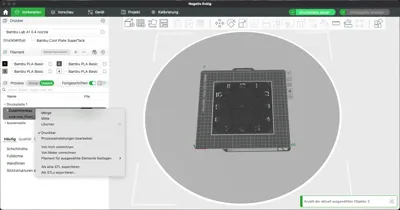
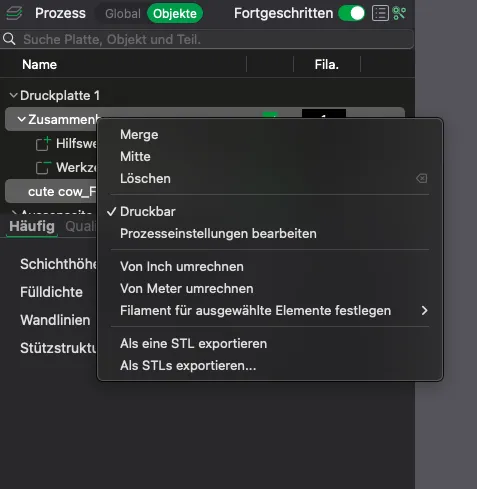
Merge the Assembly object and your model (here, cute cow…) using the Merge function
The result should look like this:
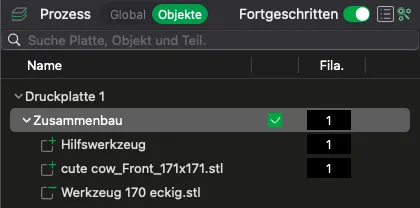
- Now adjust your settings for your image/Hueforge… color changes… layer height, etc.
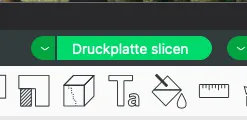
Now slice and you're done.
Finally, a small request. If you intend to use this profile repeatedly, it would be appreciated if you did not save the profile separately, but instead opened and used it from the Makerworld/Bambu Studio downloads each time. Otherwise, Makerworld will not continue to count the downloads, and I will only receive credit for one download, even if you create 10 watches with it.
Should you have any questions or requests, please post them in the comments for this model.
Boost Me (for free)
Creating for 3D printing brings me joy. I also aspire to bring delight to others or offer exceptional gifts.
If this object has brought you or your recipient happiness, a boost would bring me joy as well 😉
Happy printing
License

You shall not share, sub-license, sell, rent, host, transfer, or distribute in any way the digital or 3D printed versions of this object, nor any other derivative work of this object in its digital or physical format (including - but not limited to - remixes of this object, and hosting on other digital platforms). The objects may not be used without permission in any way whatsoever in which you charge money, or collect fees.


Comment & Rating (204)