Search models, users, collections, and posts

Magnetic Purge Chute for Raised X1/X1C/P1P/P1S
IP Report
Print Profile(1)

0.2mm layer, 2 walls, 15% infill
Designer
5.2 h
3 plates
Open in Bambu Studio
Boost
13
48
6
6
75
32
Released
Bill of Materials
Maker's Supply Kits and Parts
Select all


Bambu Filaments
Select all


Description
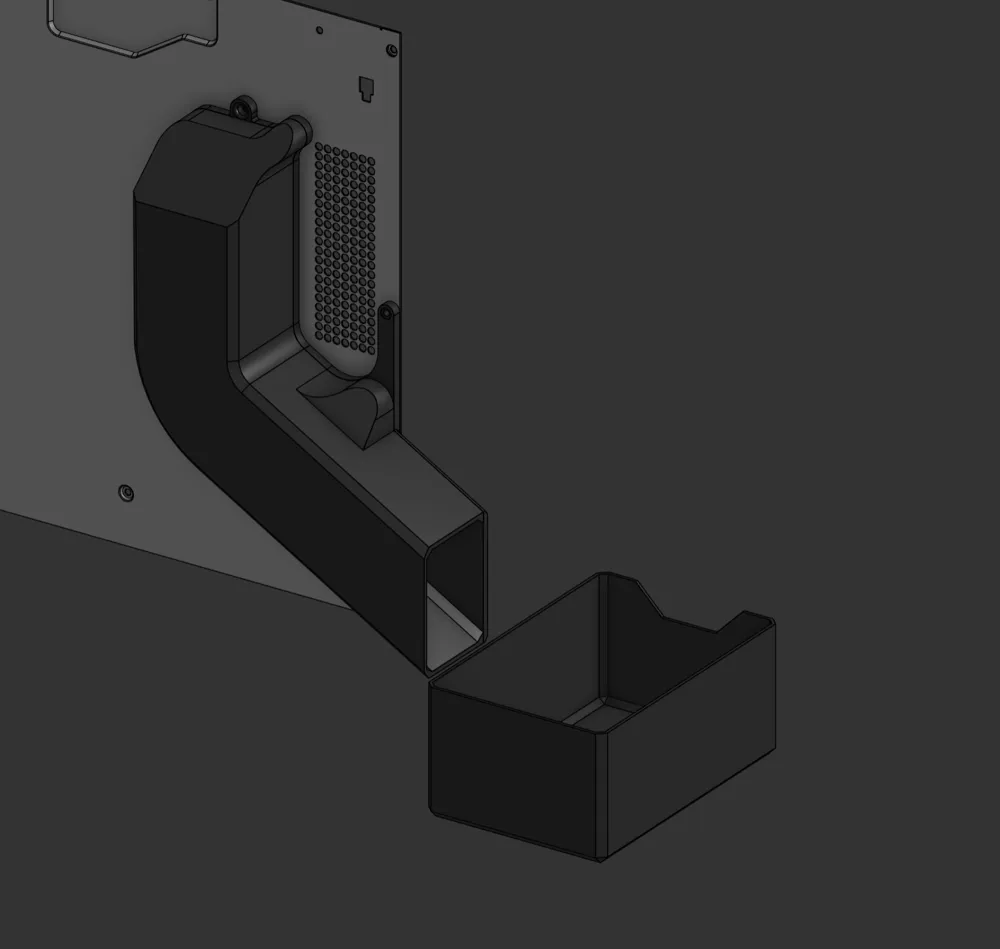
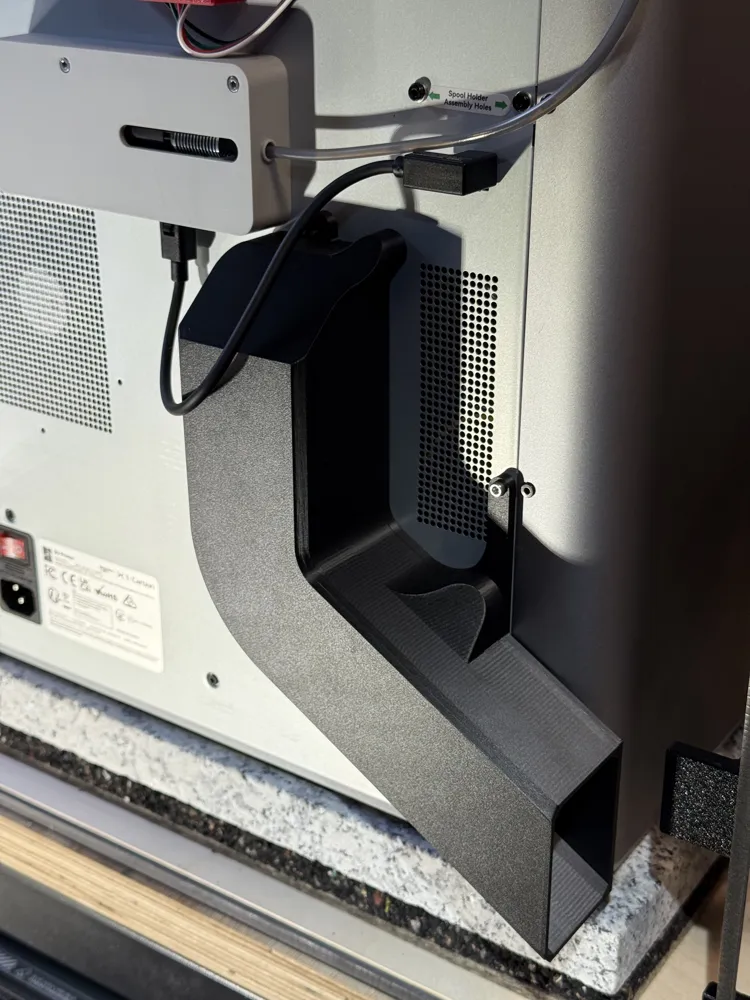
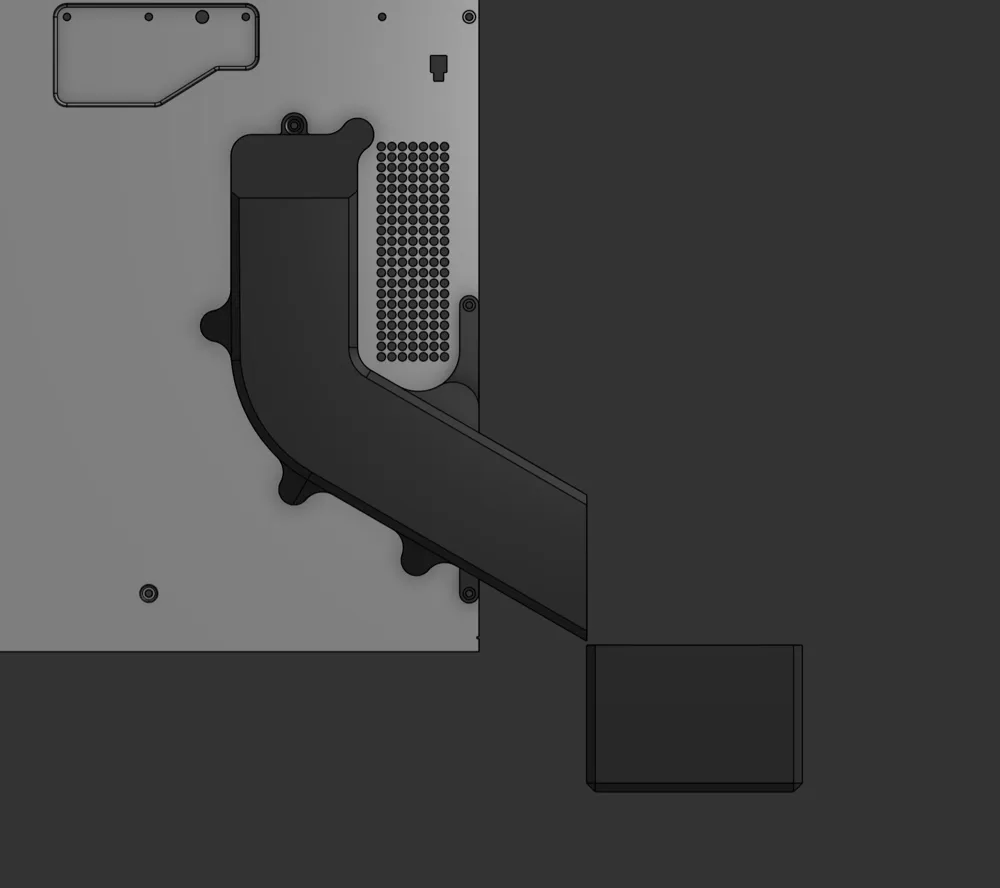
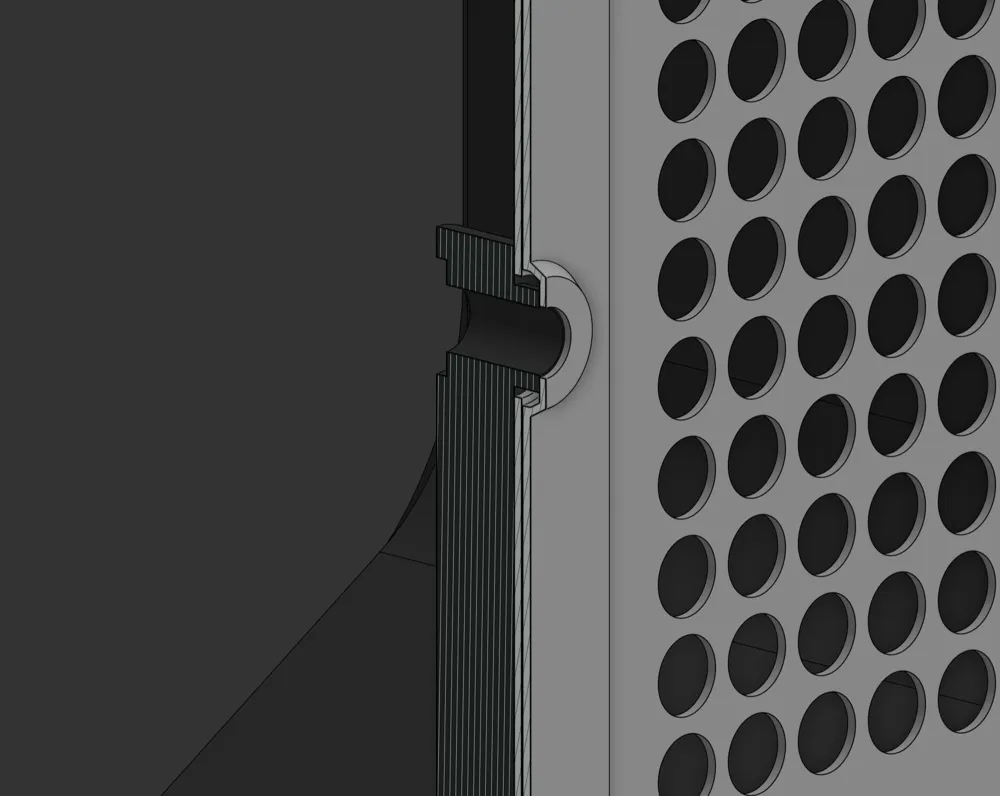
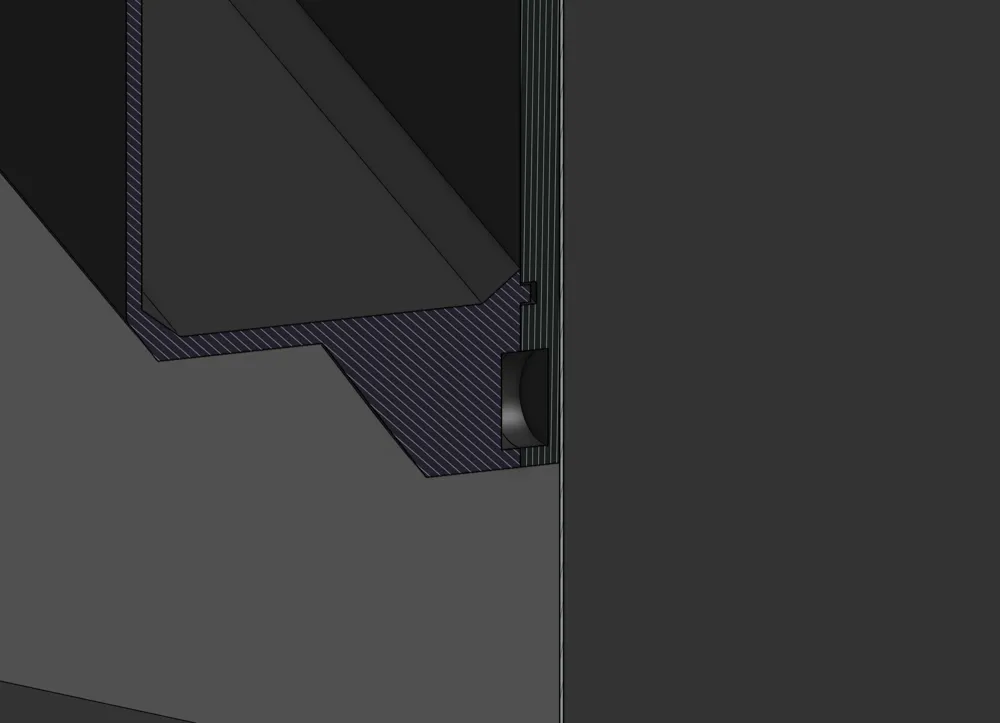
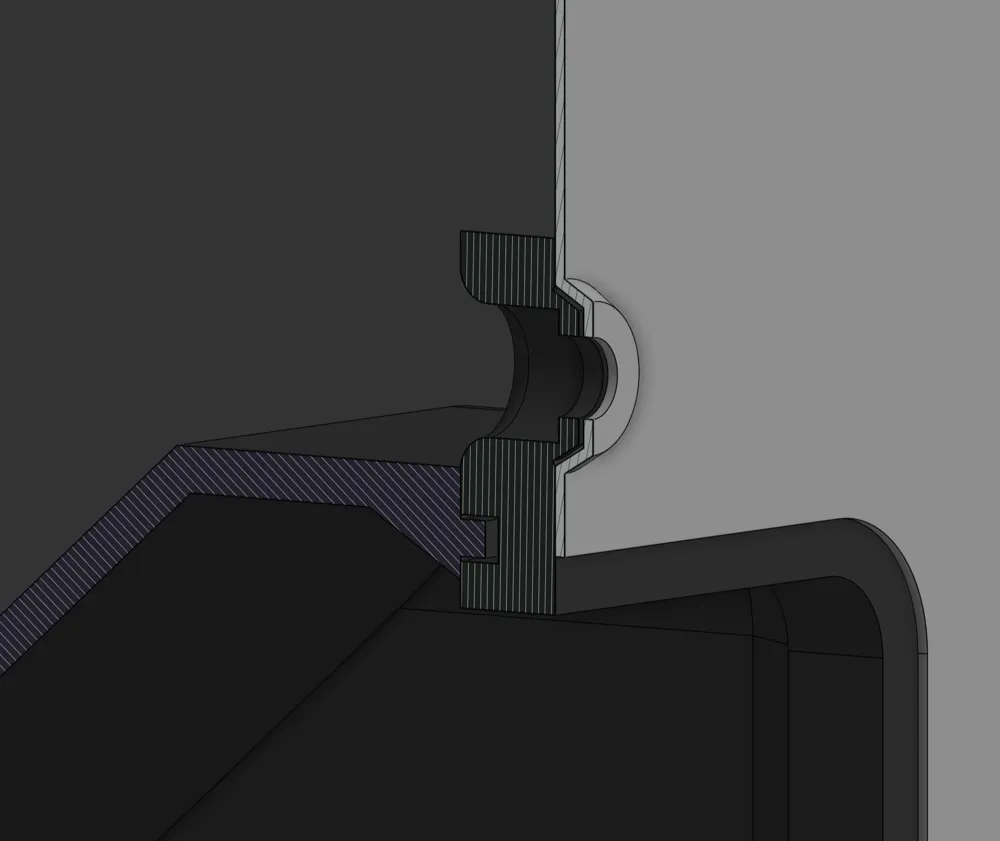
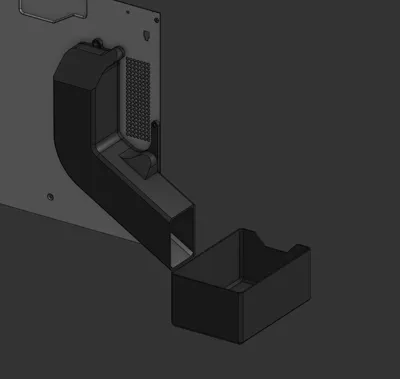
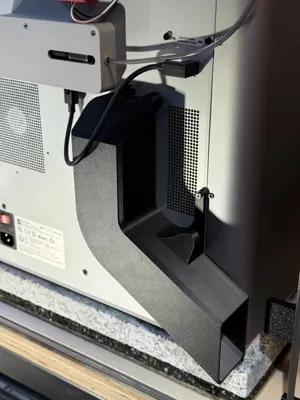
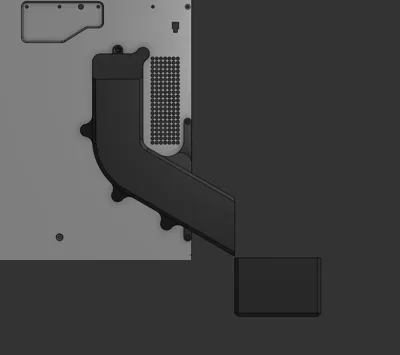
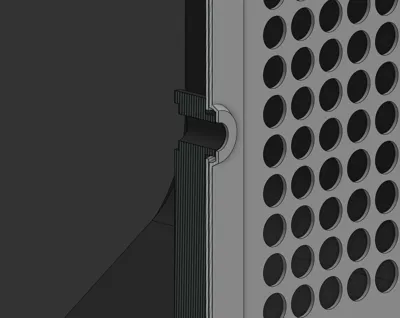
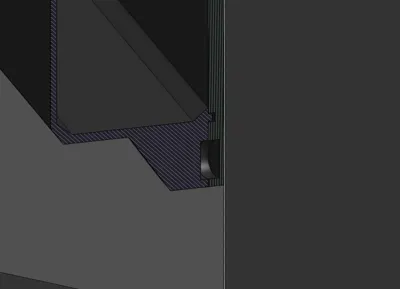
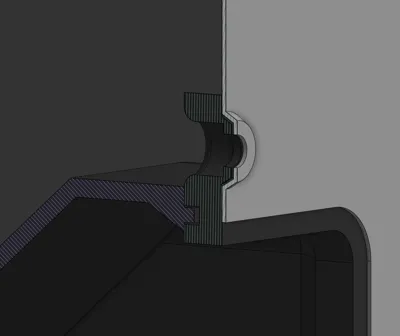
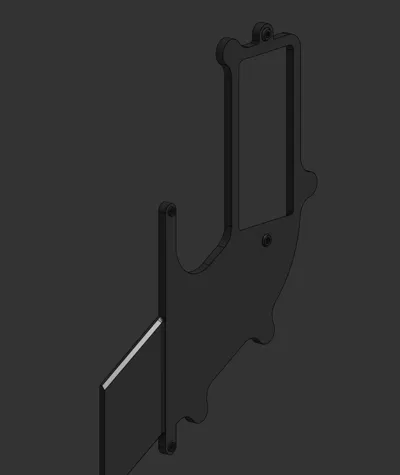
Optimize your Bambu Lab X1/X1C/P1S/P1P printer with this magnetic filament purge chute, designed specifically for printers on raised surfaces. Its closed design retains heat in the chamber, while the magnetic attachment system makes assembly and maintenance effortless.
Key Features:
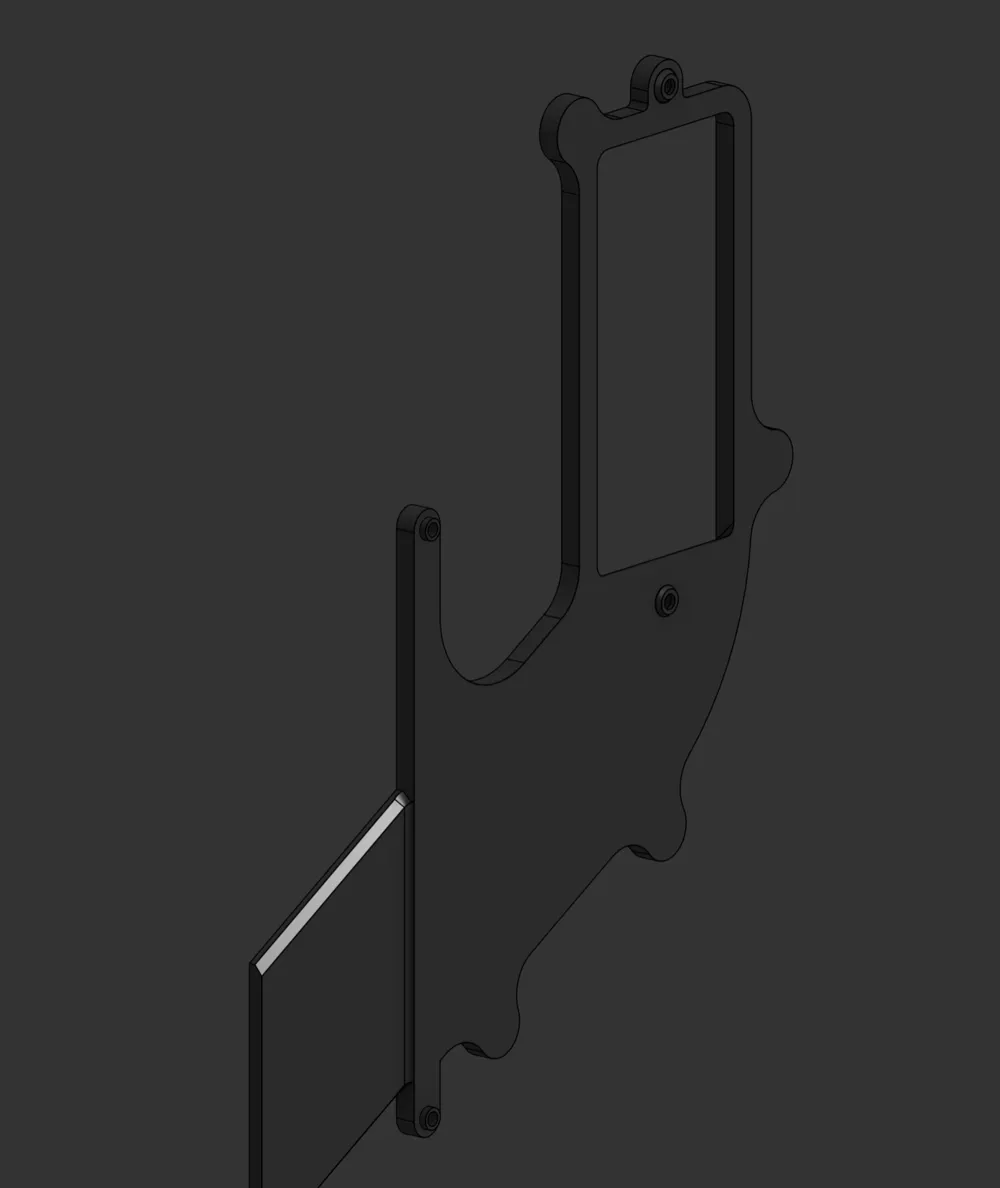
- Perfect Fit: Precise dimensions for easy installation using 2 M3x10 screws and re-used coarse-thread screws.
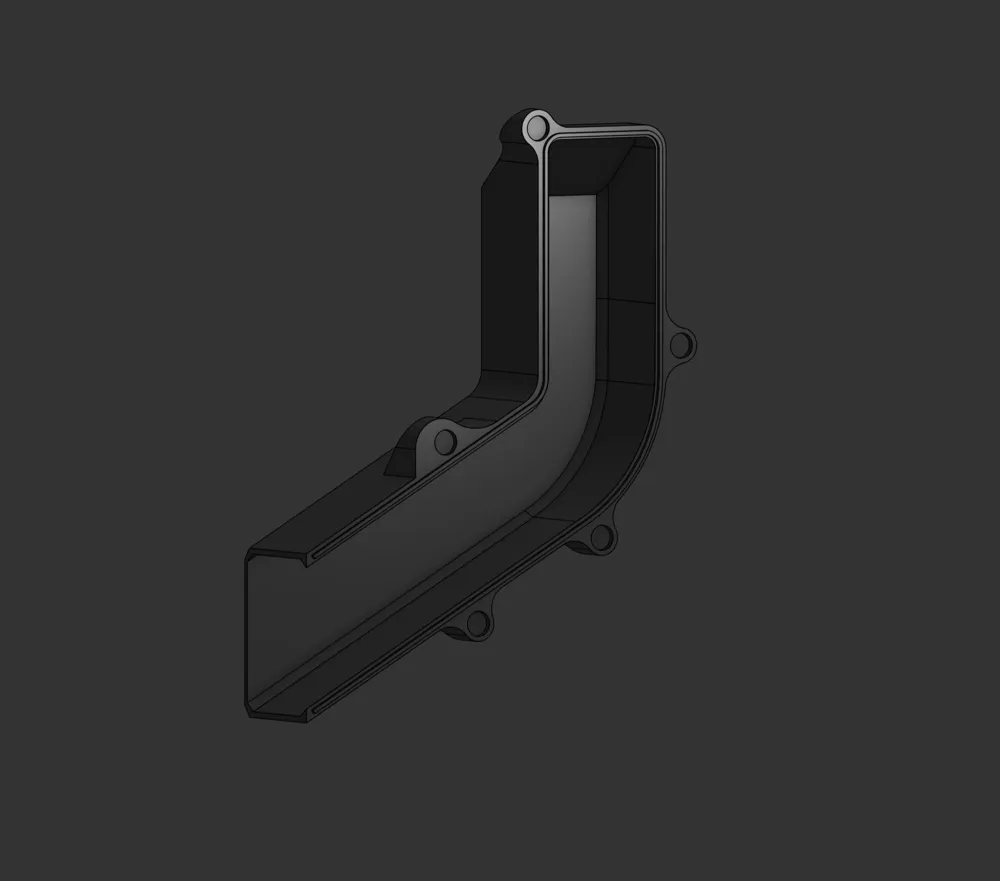
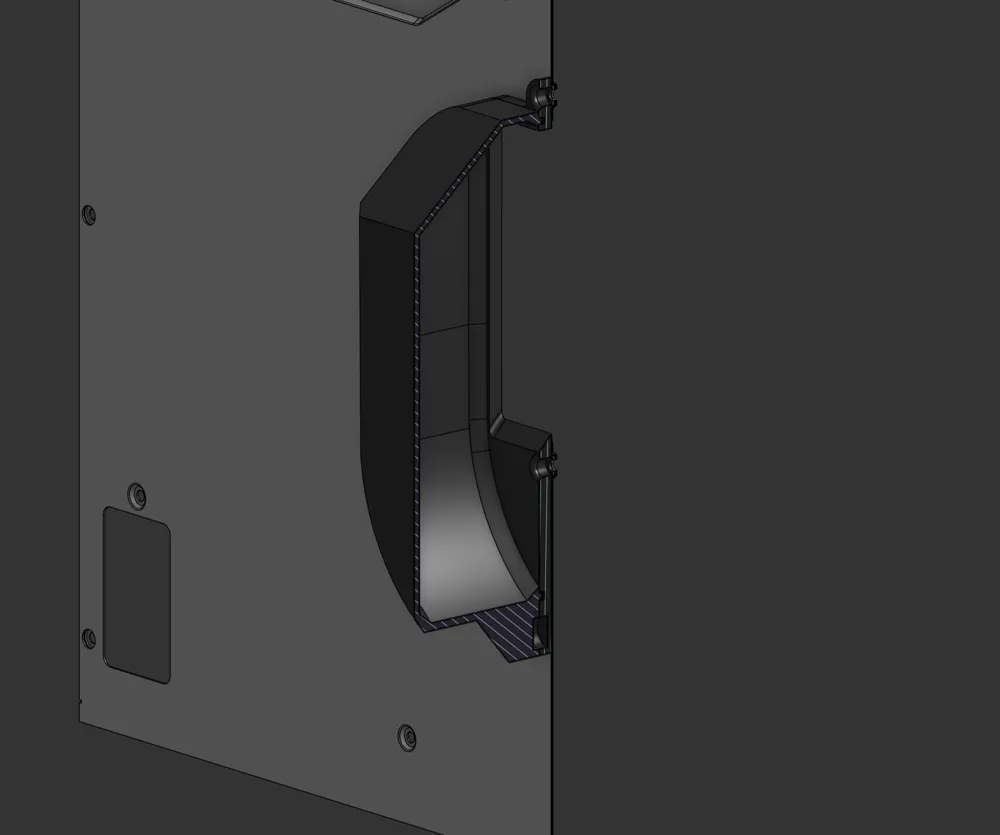
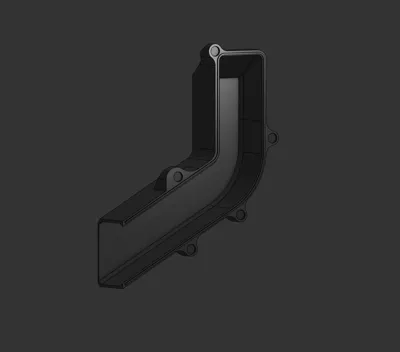
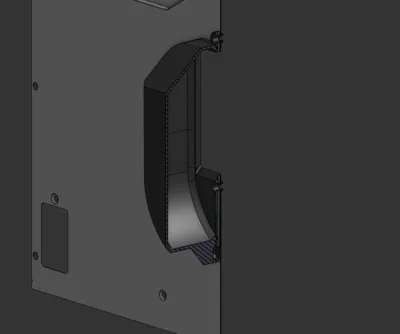
- Closed Design: Helps maintain chamber temperature and keeps your workspace clean.
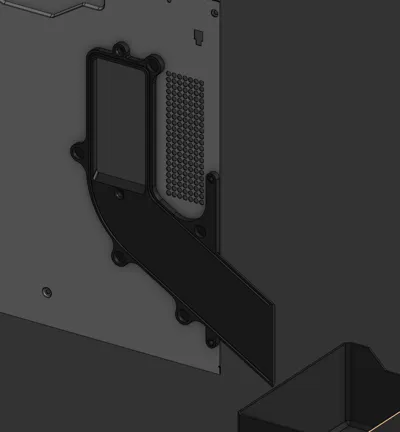
- Magnetic Attachment: Snap-on chute and magnetic base for effortless cleaning and assembly.
- Wide Filament Path: Prevents clogs, even during heavy use.
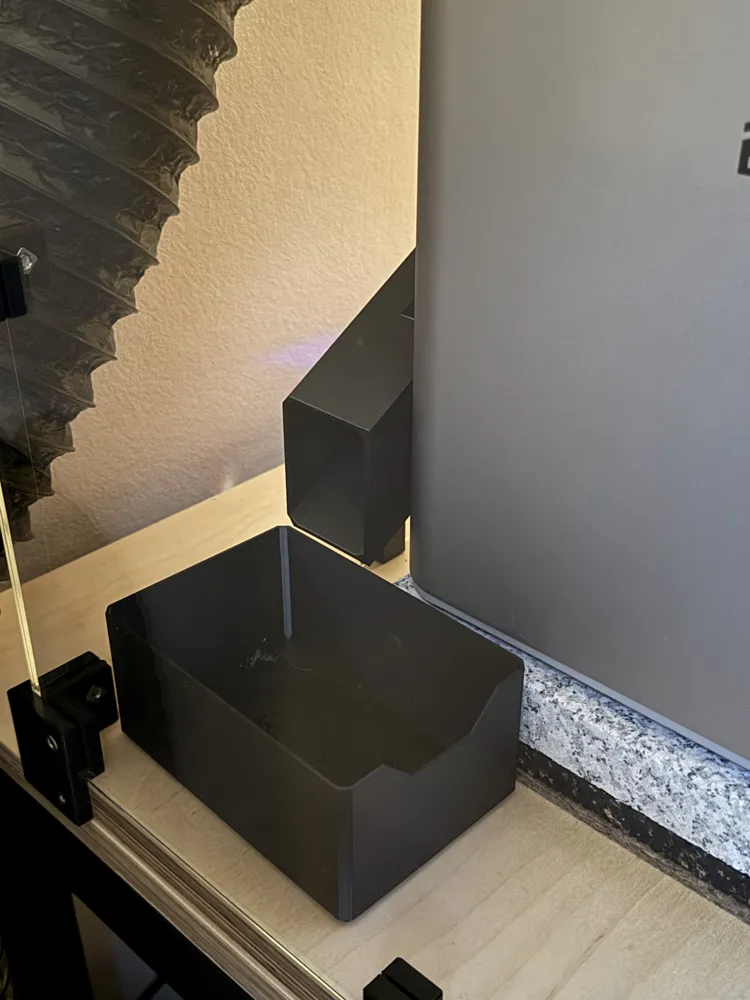
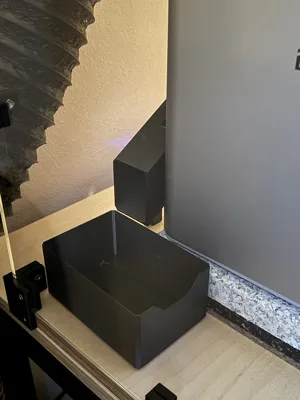
- Compatibility: Works with any container; includes a suitable design for printers raised by 5cm. If you want to design your own container, I recommend first printing and installing the chute, then measuring the height and printing a suitable container.
- Easy to Print: Designed with maximum 45° overhangs and no supports for the visible features. The model only has some small bridges for the magnets (might require support, but if you tuned your bridging, it works without) and screw holes.
Assembly Instructions:
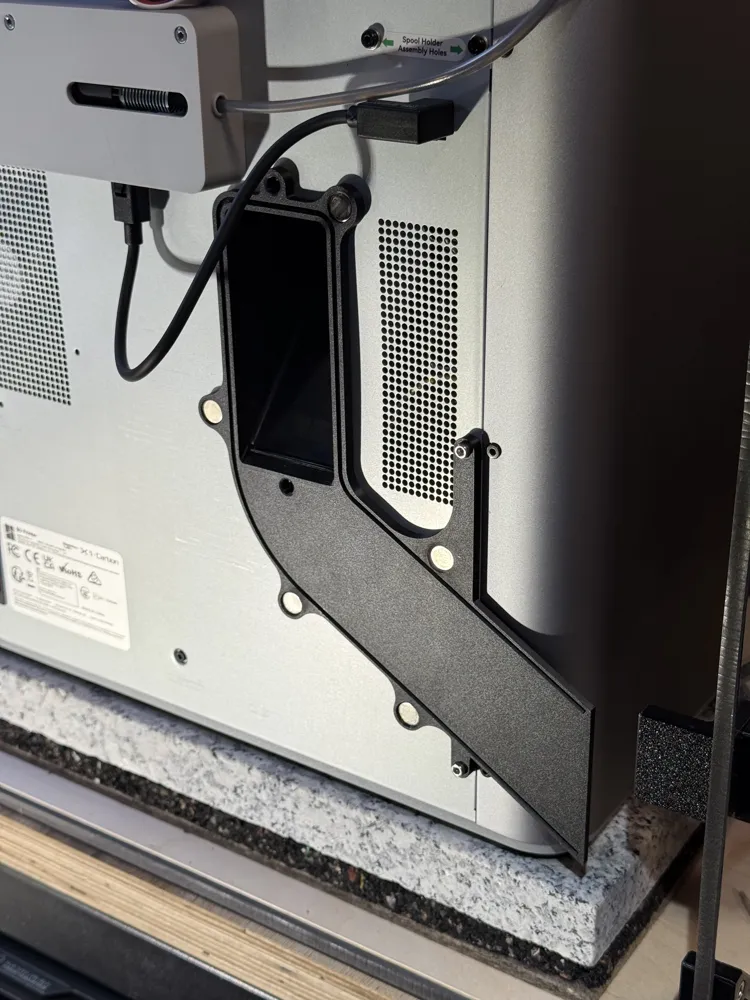
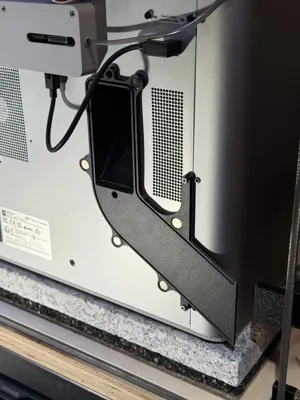
- Glue 10x2mm magnets in place.
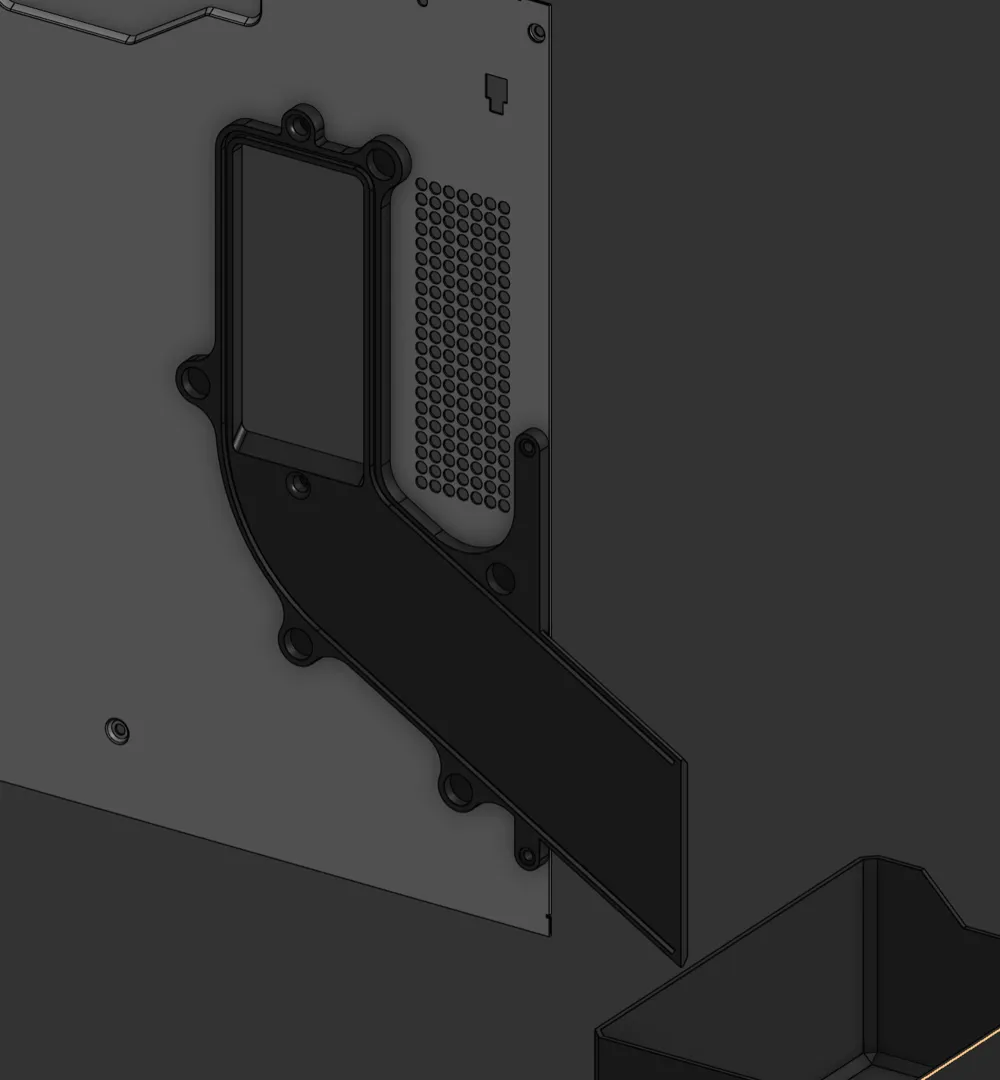
- Remove the printer’s coarse-thread screws (above and below the chute) and lower two M3x10 screws.
- Attach the magnetic base to the printer and secure with screws.
- Snap the chute into place magnetically.
Important: Suitable only for printers raised off the table surface to allow the filament to drop freely into a container.
For modifications or customizations, use the Onshape model: Onshape Link.
License

This user content is licensed under a
Creative Commons Attribution-Noncommercial-Share Alike


Comment & Rating (6)