
90°, 180°, or 60° PTFE Bowden tube bend guide
Print Profile(1)

Description
Description
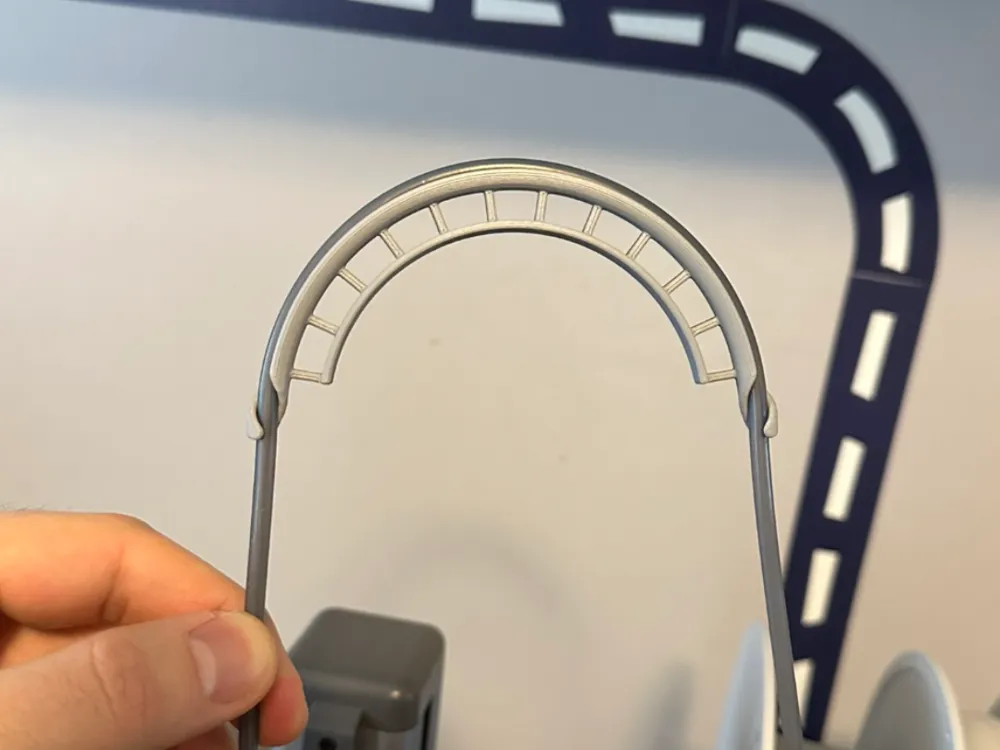
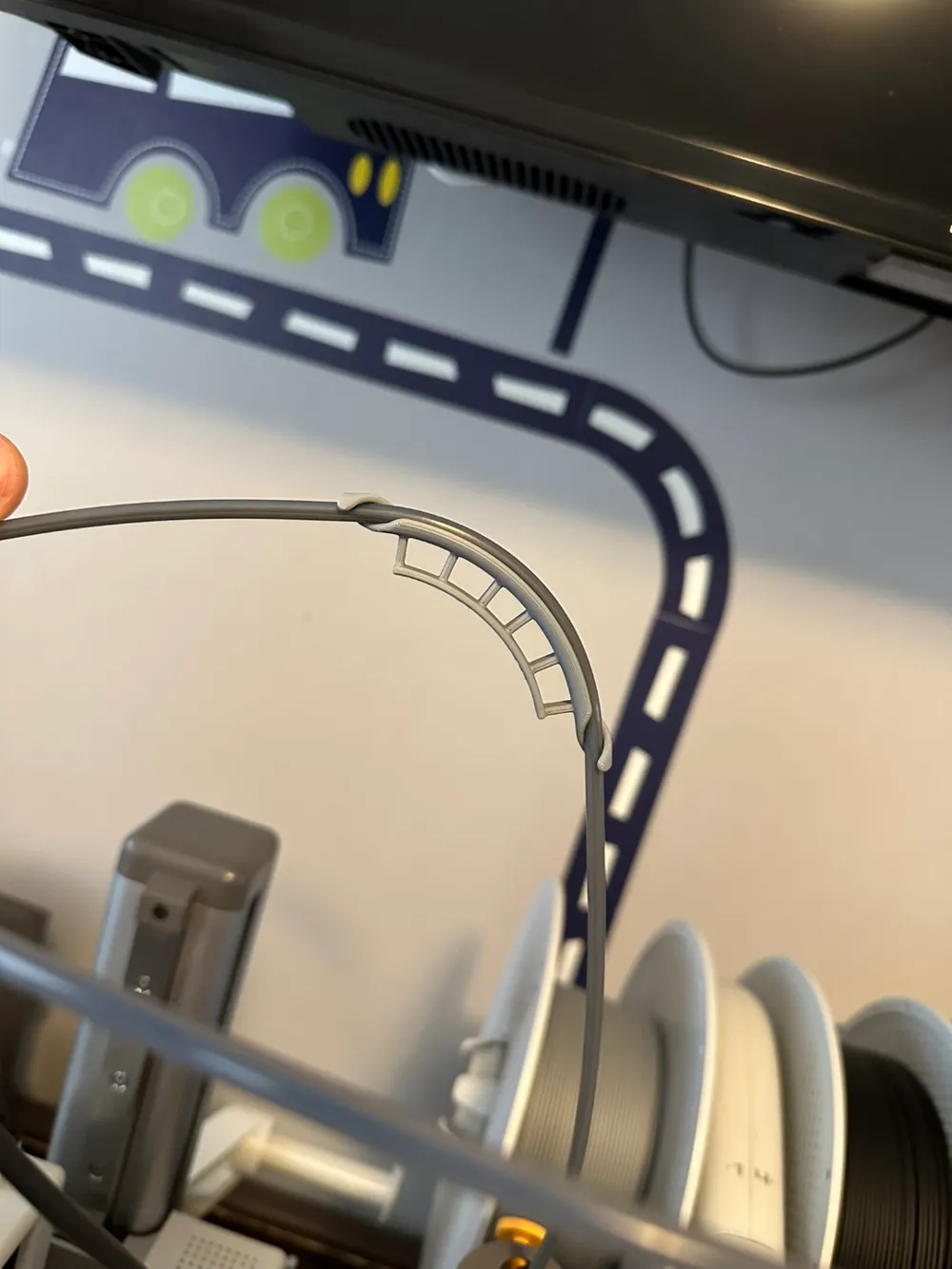
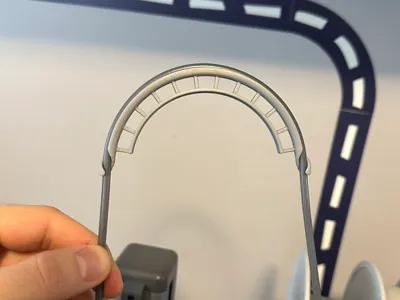
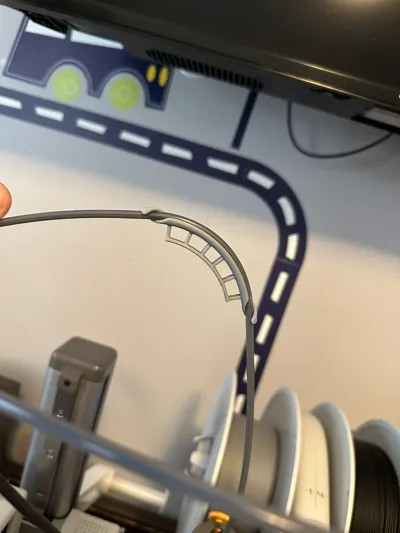
As requested, a PTFE Bowden tube version of my popular widget that forces cables or tubes into a 90, 180, or 60-degree bend!
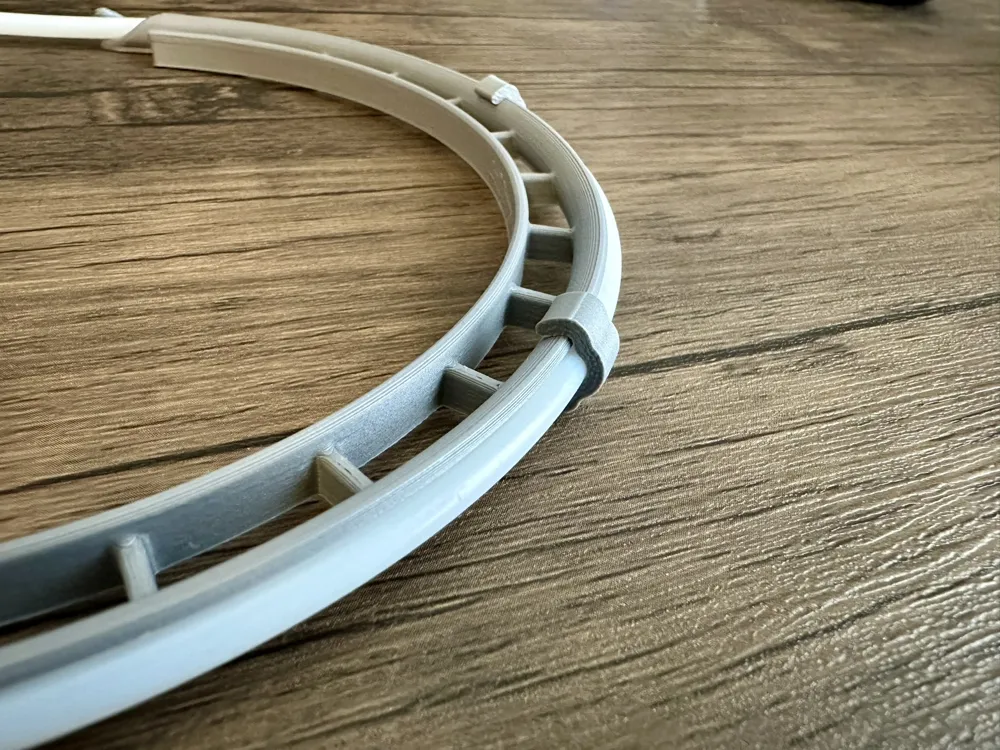
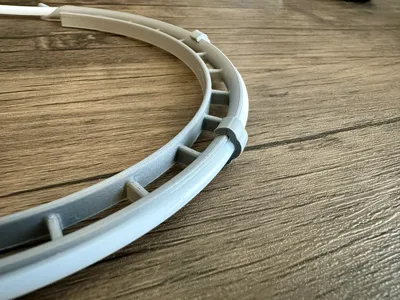
They are very lightweight and easy to install, with no need to unplug your Bowden tube! Since PTFE tubes are pretty stiff, I added a support rail to increase the stiffness which can also double as a mounting feature.
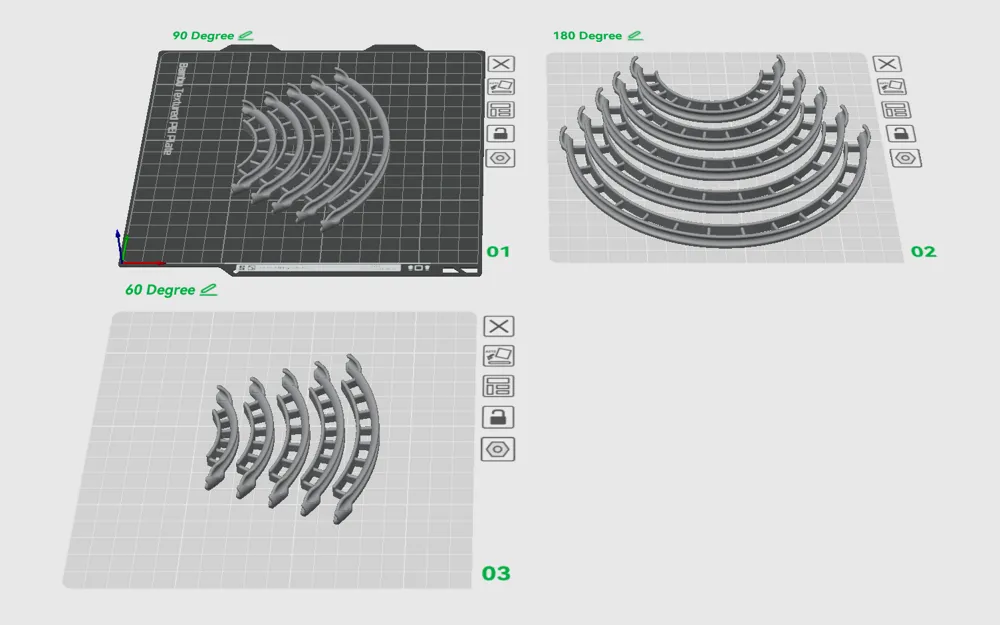
Designed for 4mm OD tubes, and I've presented 5 choices for bend radius: 40mm, 50mm, 60mm, 70mm, or 80mm. Based on this excellent research, 50mm or larger should have very little effect on the system, while 40mm may lose some efficiency. Any tighter begins to risk filament binding. You should choose the largest radius that fits in your setup.
The print profile contains every size in a single profile, so make sure to select the one(s) you want!
Updates:
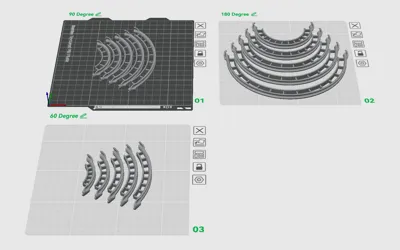
- 2025.01.30: Based on feedback, I removed the 30mm radius from the print profile, and added 3 more sizes: 60, 70, and 80mm. It is also now on two plates, one for 90-degree and the other for 180-degree. Enjoy!
- 2025.02.11: By request I have added a 60-degree version for each bend radius. Find them in the default print profile on the “60 Degree” plate!
- 2026.01.31: Added clip for 90 and 180 degree benders. Also reduced over-bending of 180deg model.
How to Use:
- Print the appropriate size bender(s)
- Tap Prepare to Print then Next
- Select the 90 Degree or 180 Degree plate
- Tap Select parts to print
- Uncheck Select All on the bottom
- Select your desired bend radius / angle, and tap Confirm
- Scroll down to Copies in a plate and increase to the desired amount
- Tap Start Print
- Hook one end of the bender onto the tube
- Bend the tube through the other end, then pull straight
- Enjoy your bent tube!
Other Notes:
- Designed for PLA as it's very stiff - more flexible materials may not hold shape as well
- But let me know if you try any!
- Modeled in Fusion, STEP files are available for download
- Source model is parametric and easy to tweak, so feel free to leave requests in the comments!
This remix is based on

License



Comment & Rating (298)