
Decay Mask

Print Profile(0)
Description
Summary
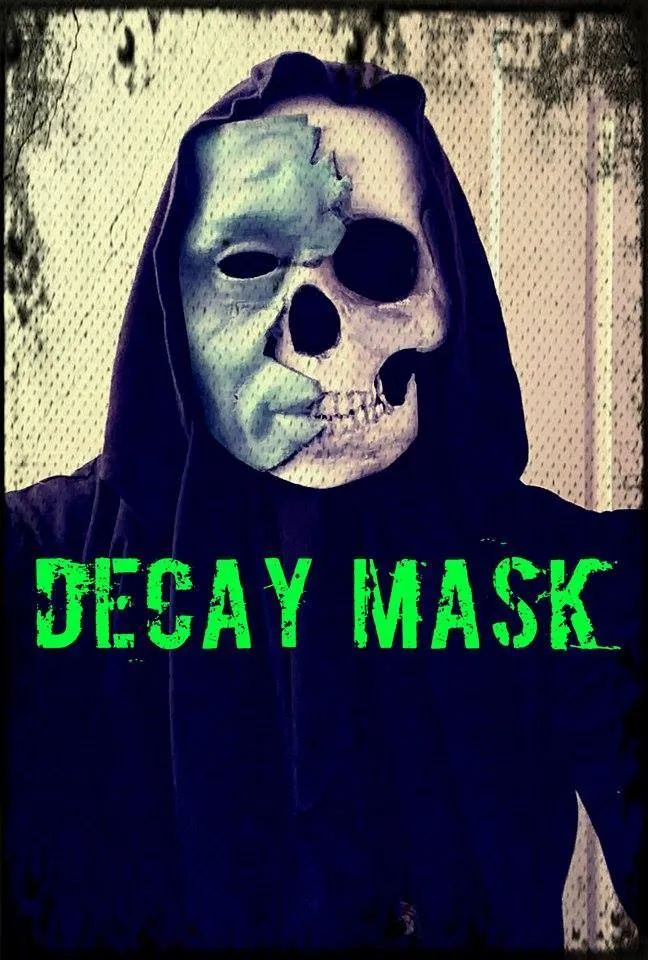
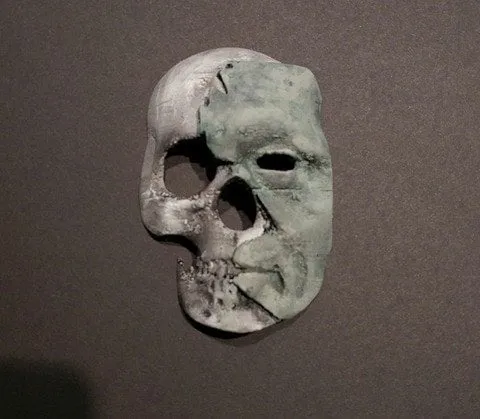
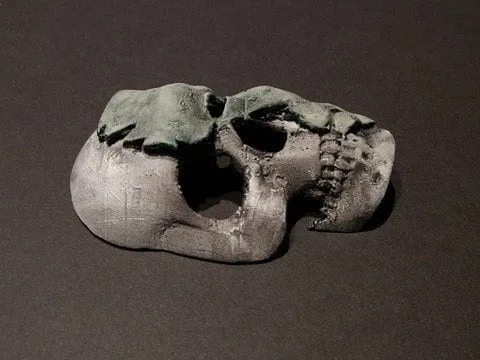
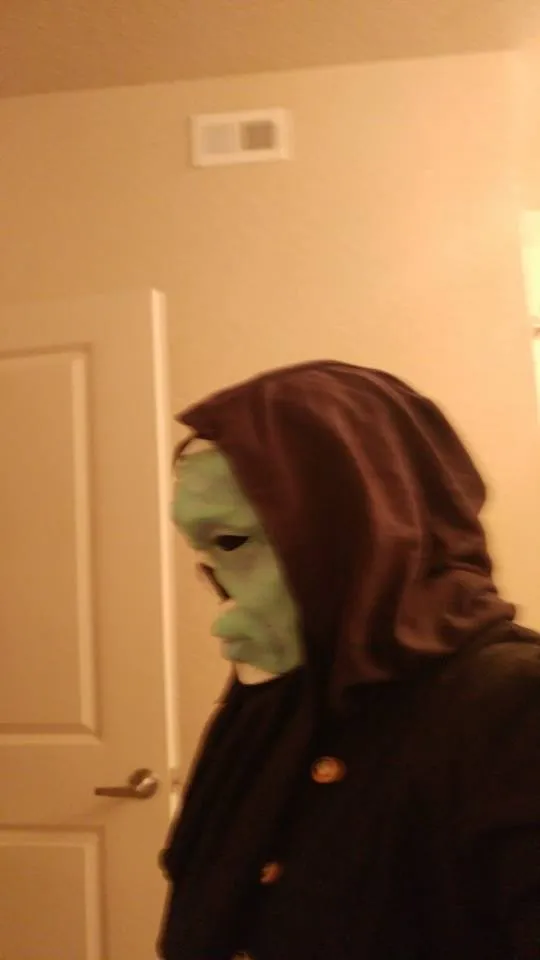
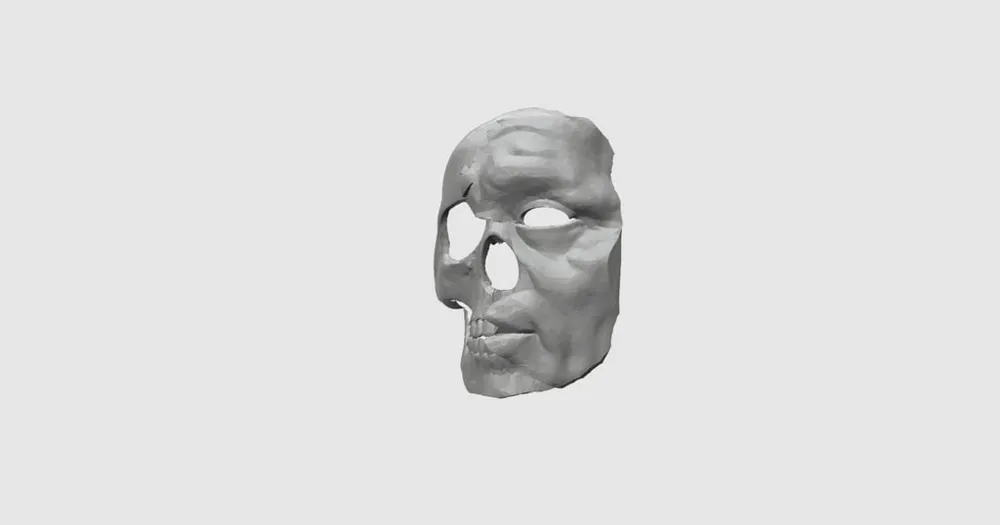
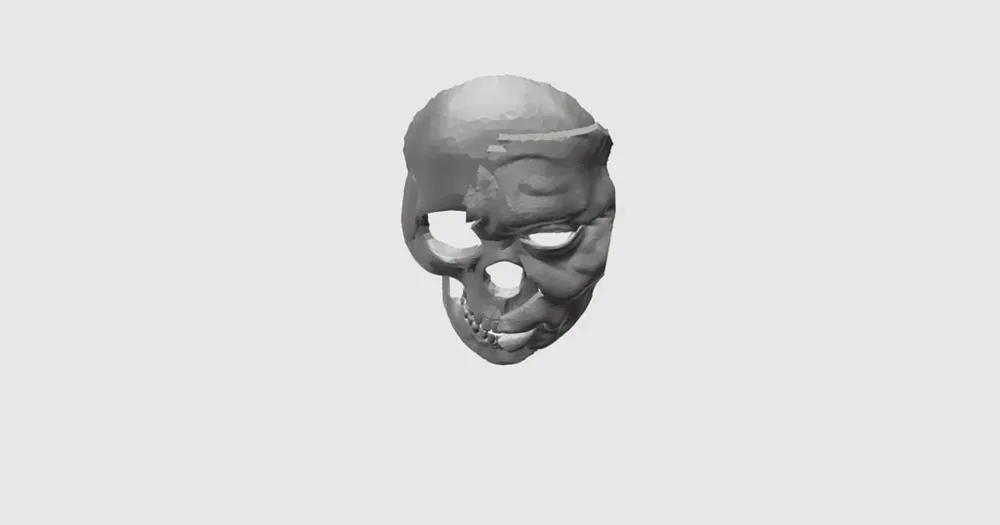
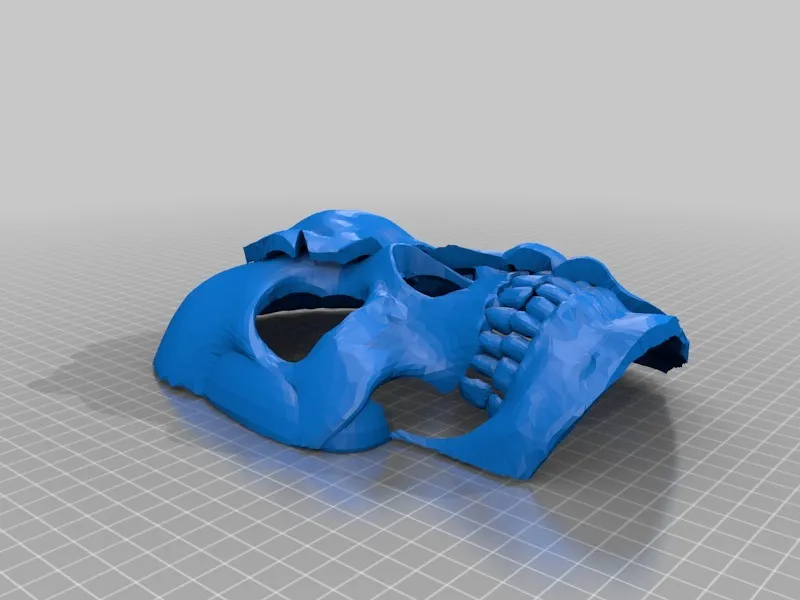
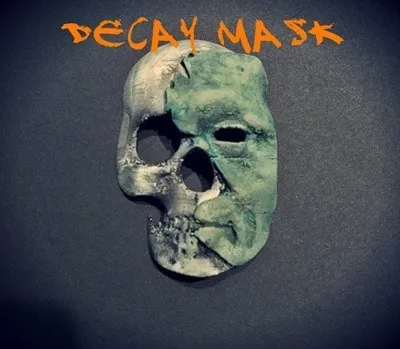
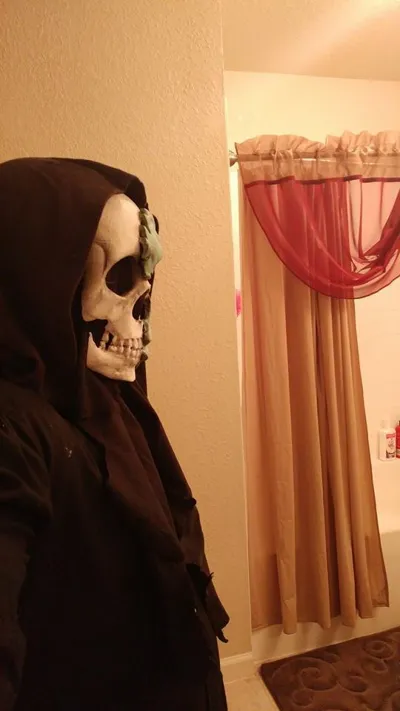
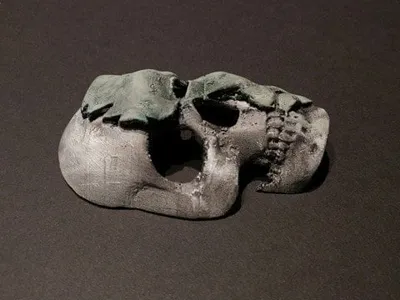
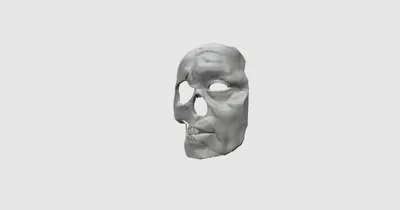
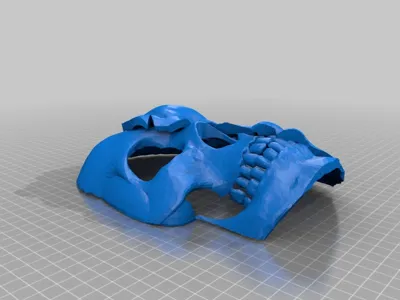
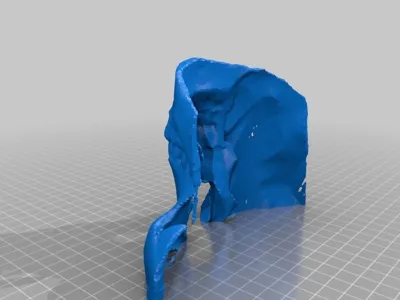
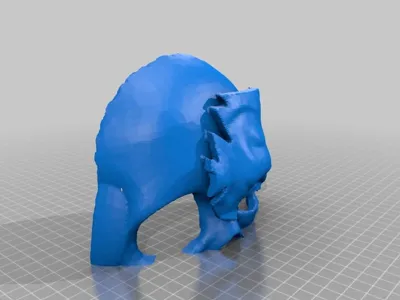
This mask is an original design inspired by death and decay.
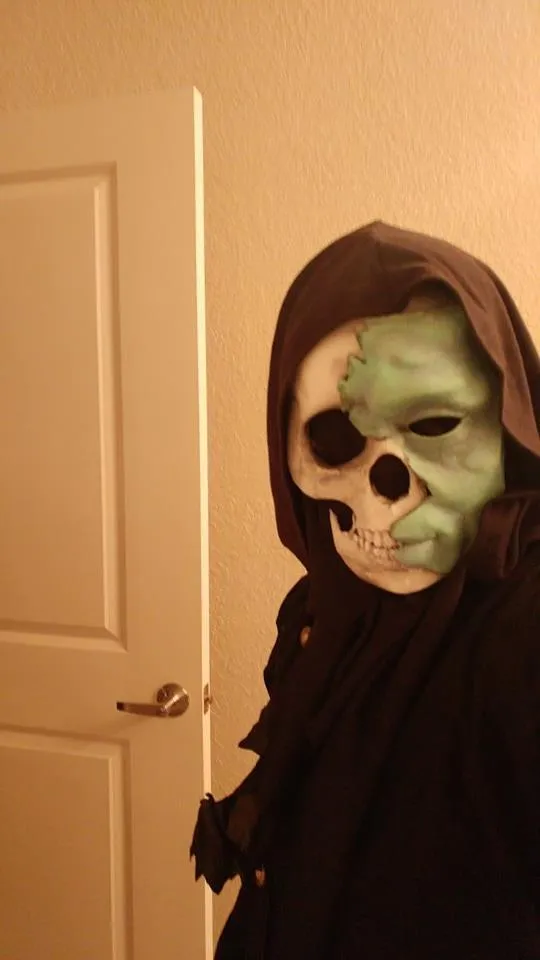
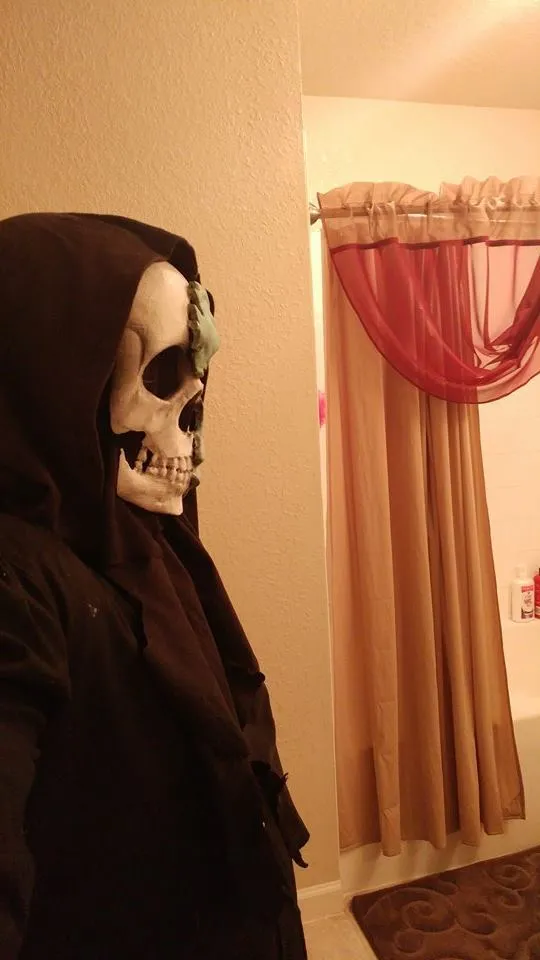
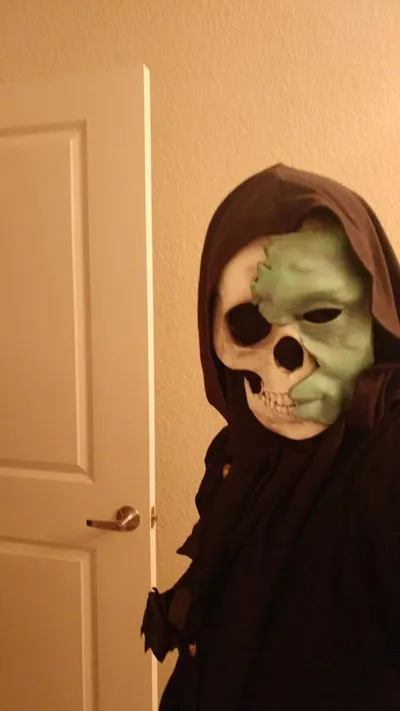
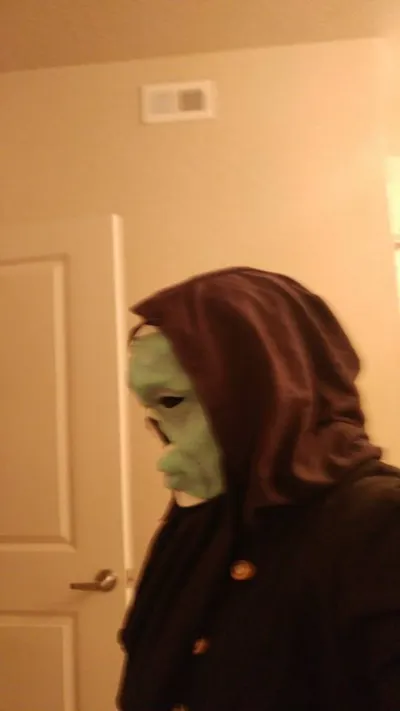
It is full size and completely wearable (Perfect for Halloween or Cosplay)
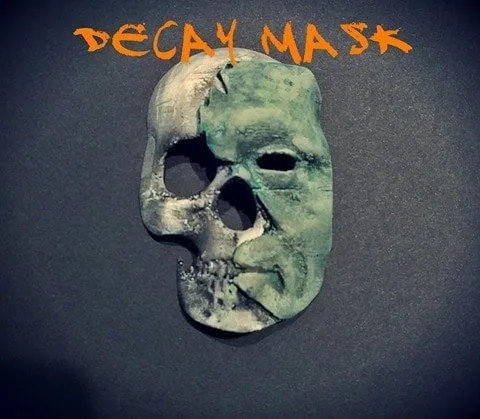
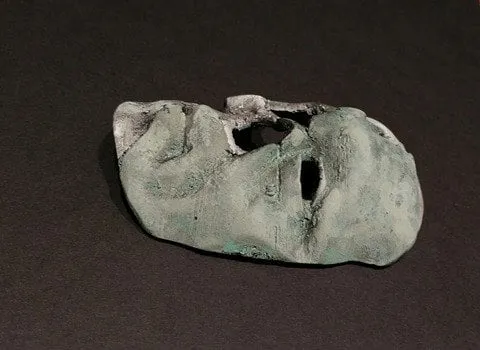
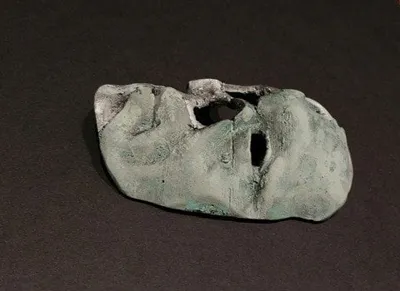
the first complete mask (the one with the orange text) was printed at %30 infill at 40% scale lightly sanded then painted.
The Final Full Size Mask (The One With Green Text) was printed at 25% infill at full scale and is the one featured in the post processing
If you have any suggestions about the model feel free to let me know and share the ones you create
Print Settings
Printer:
duplicator 4
Rafts:
Yes
Supports:
Yes
Infill:
30-25
Post-Printing
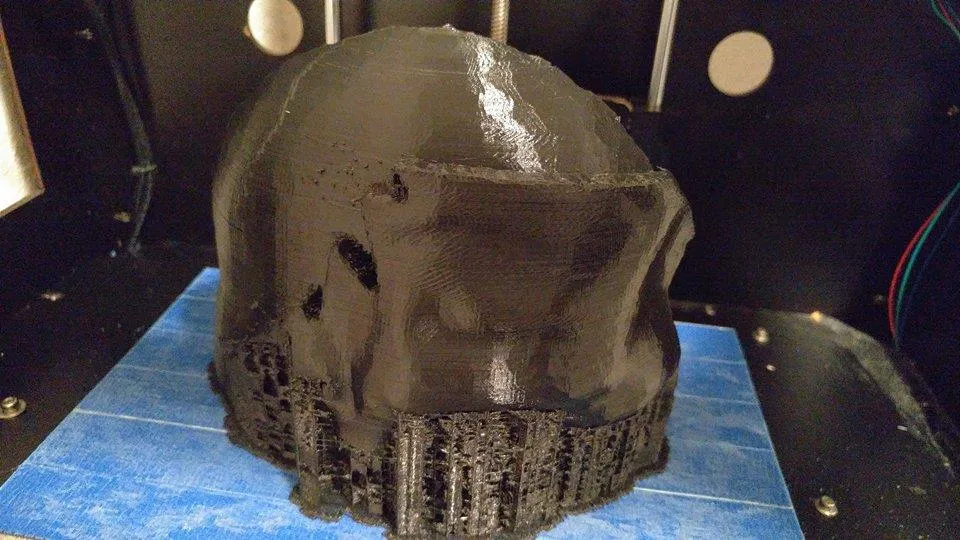
after printing i removed the supports and raft
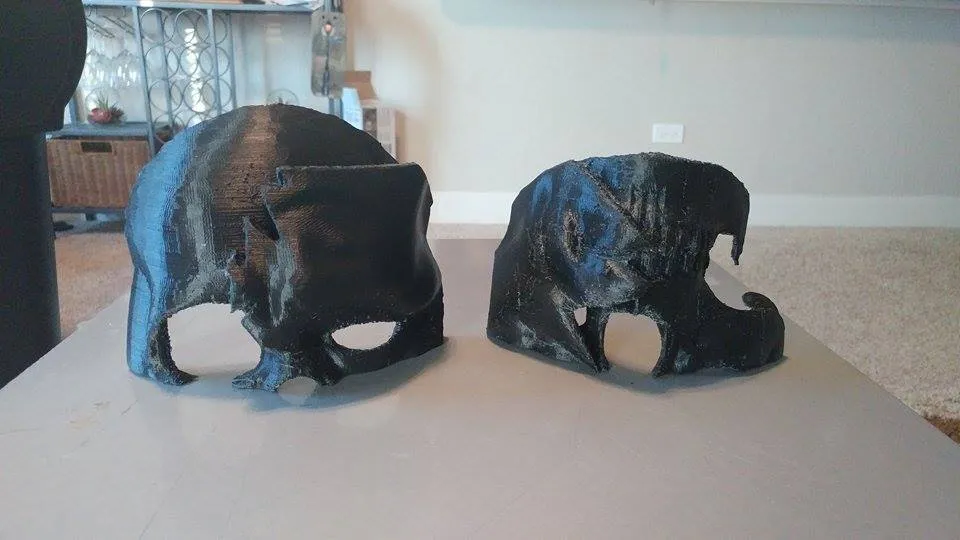
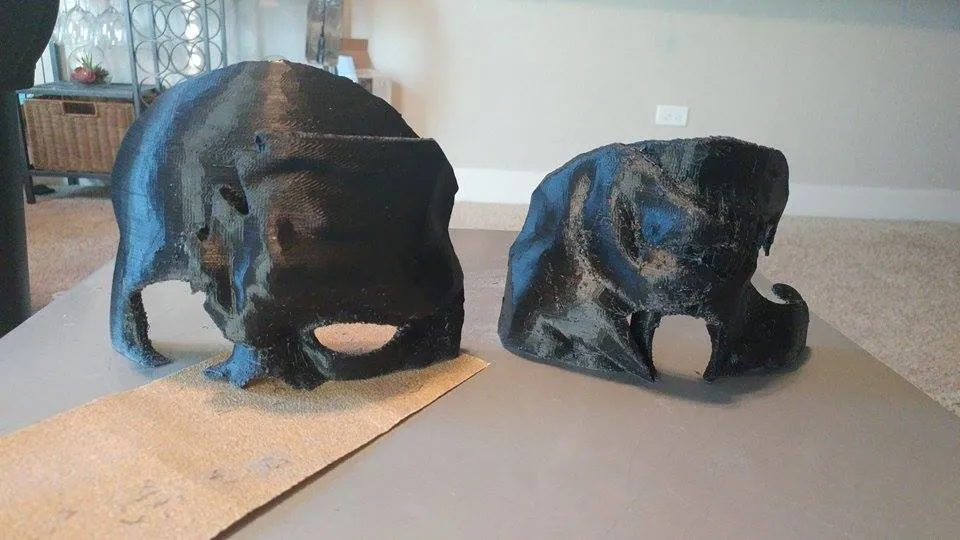
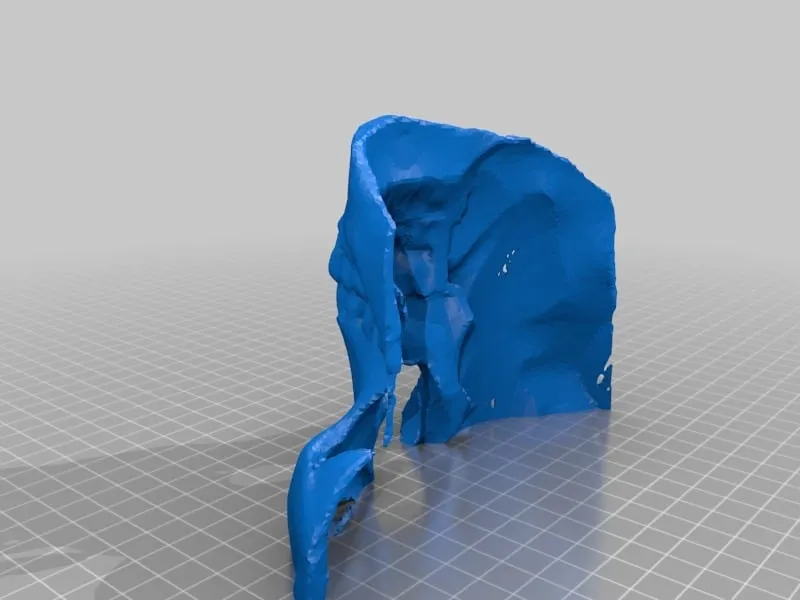
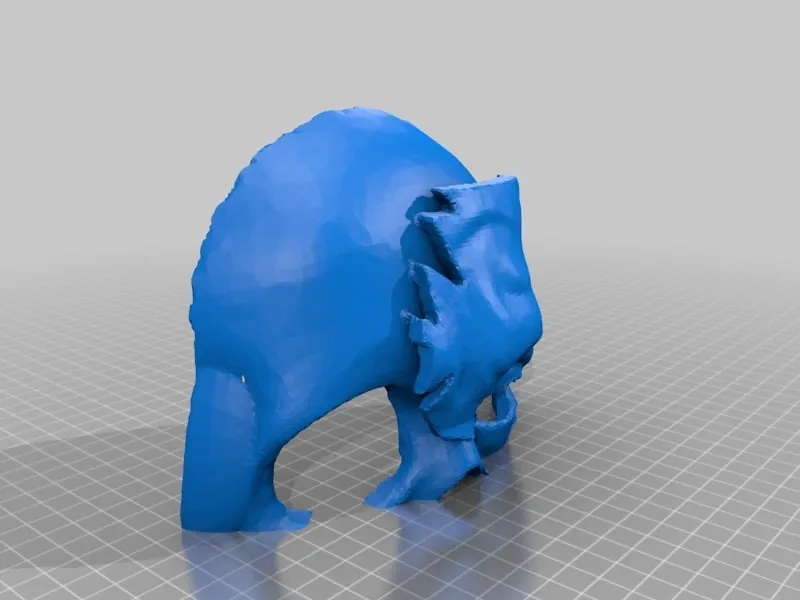
I sanded the bottoms of each half
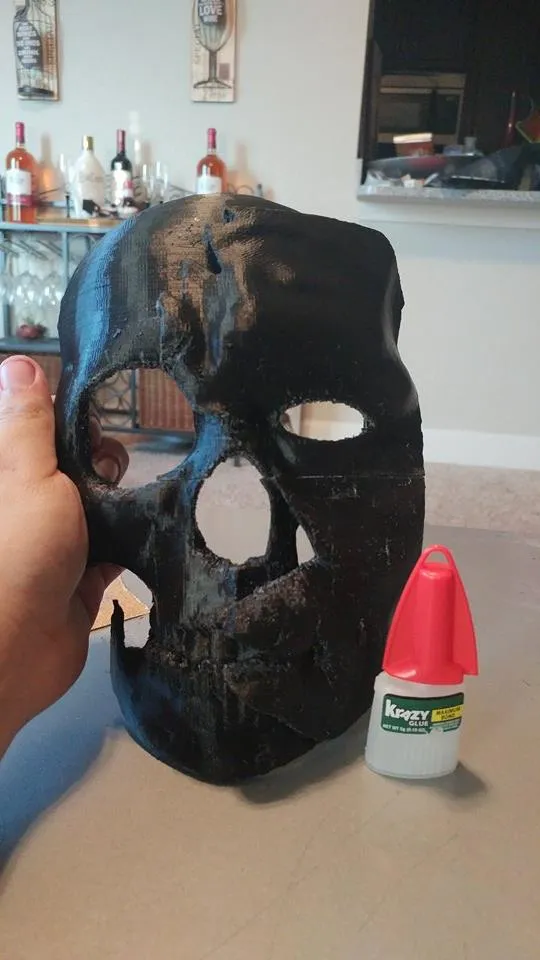
then glued them together with super glue
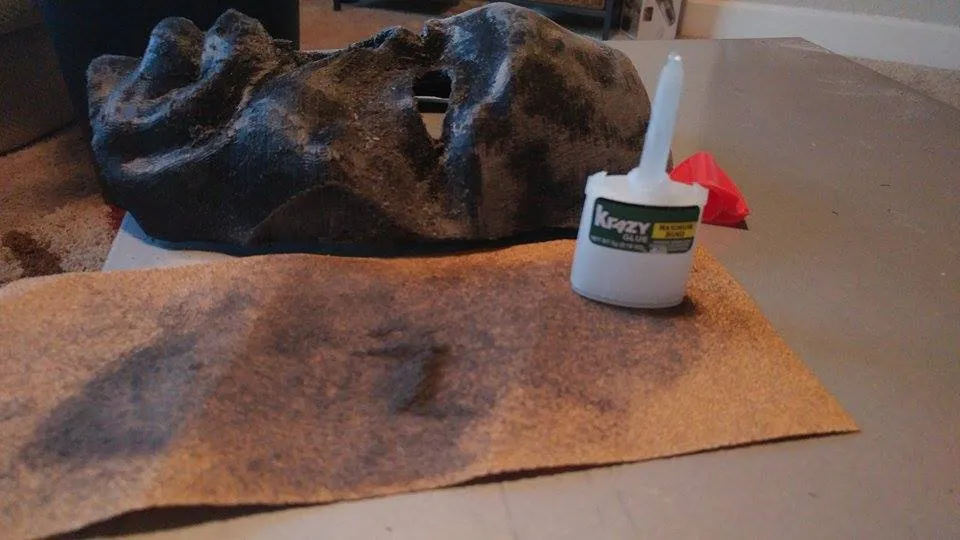
While sanding the mask i used the pla dust that accumulated to fill in the seem You could also use baby powder to fill the seem.
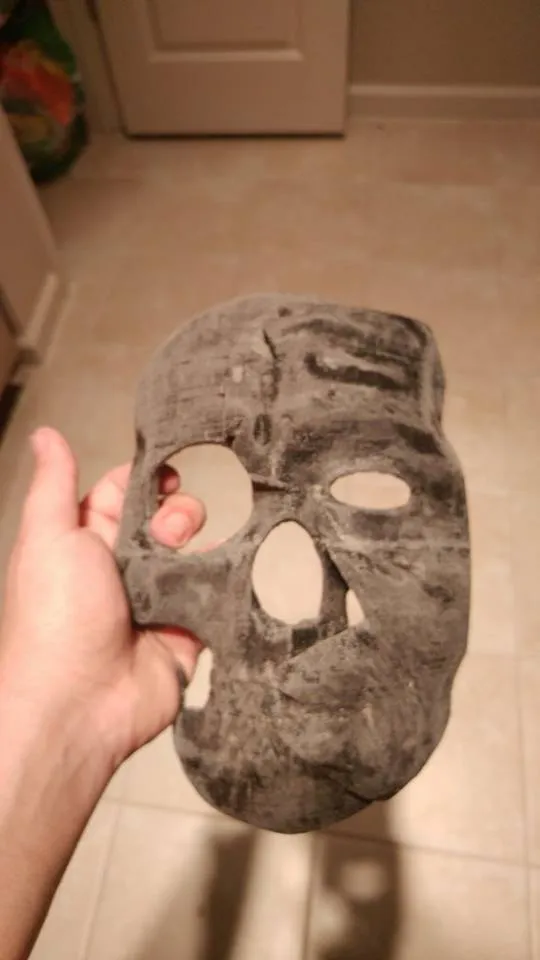
This is what it looked like after a little sanding
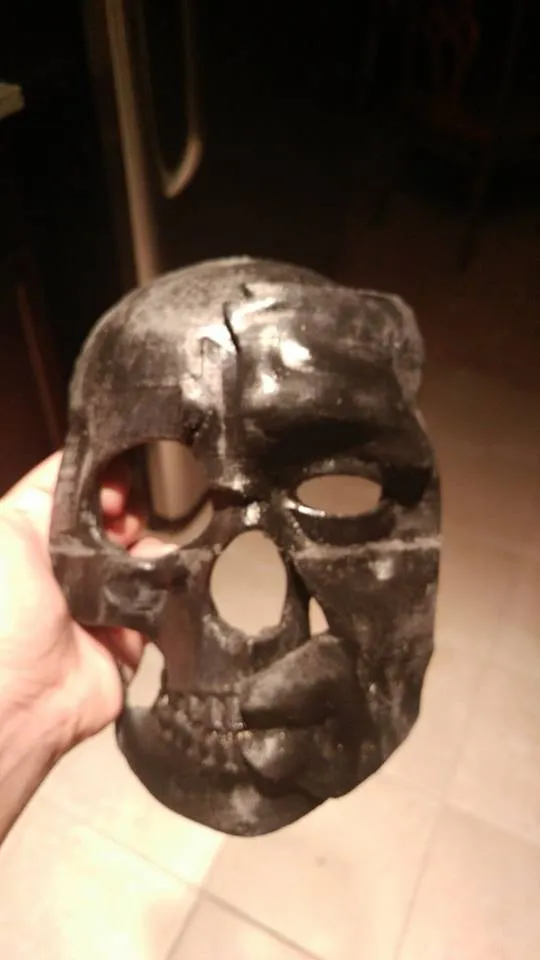
then I went over it with a heat gun to smooth it out but you can also use acetone if you dont have a heat gun
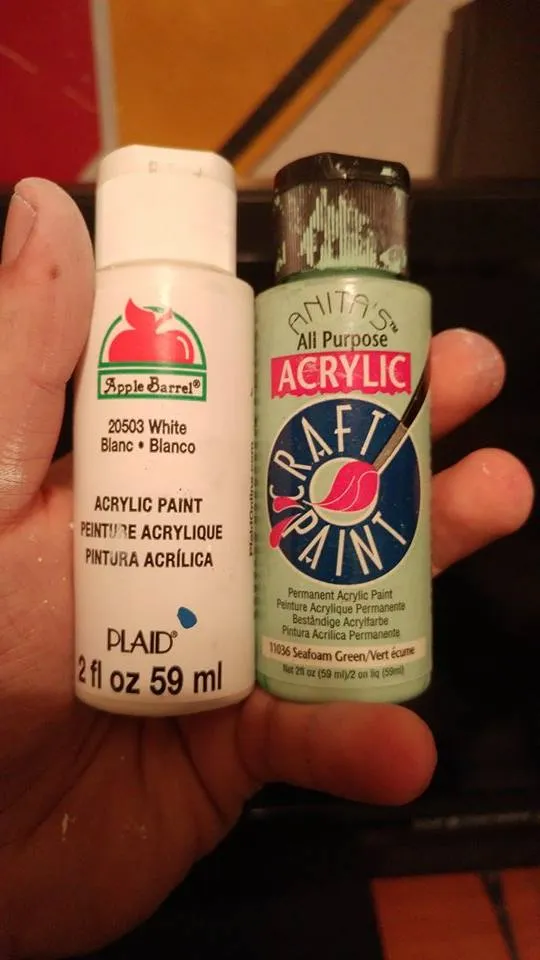
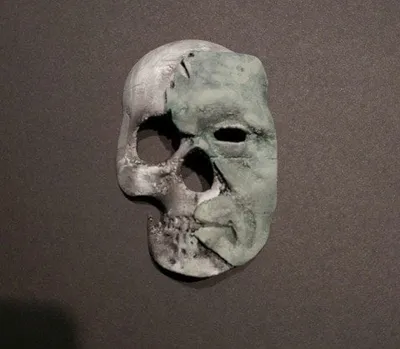
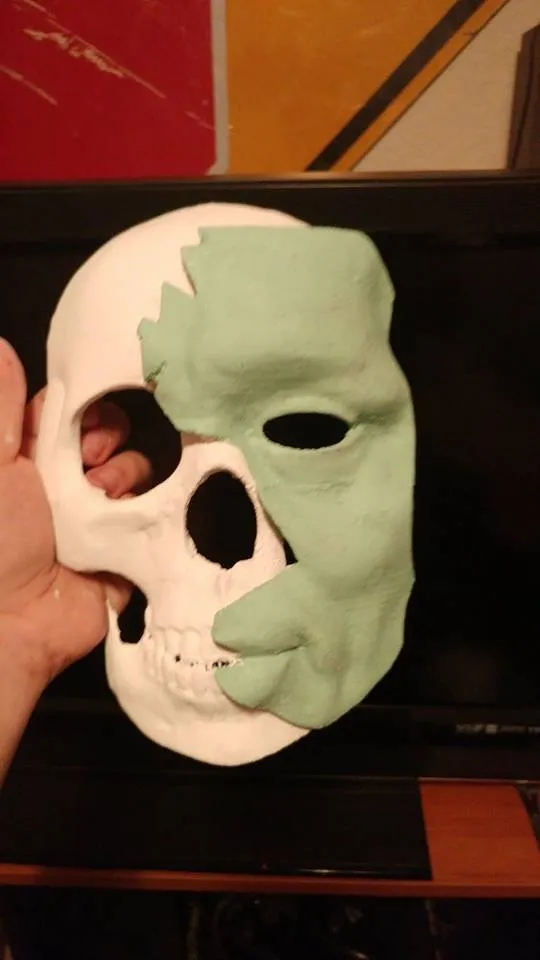
Then I gave it a base layer of white and green paint
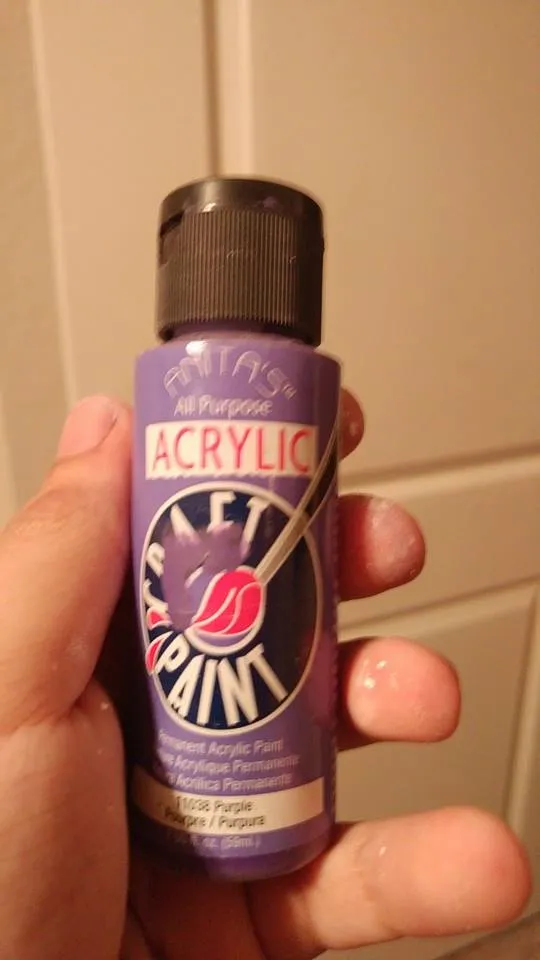
I added a little purple for some darker tones ( Stipple dont brush the purple)
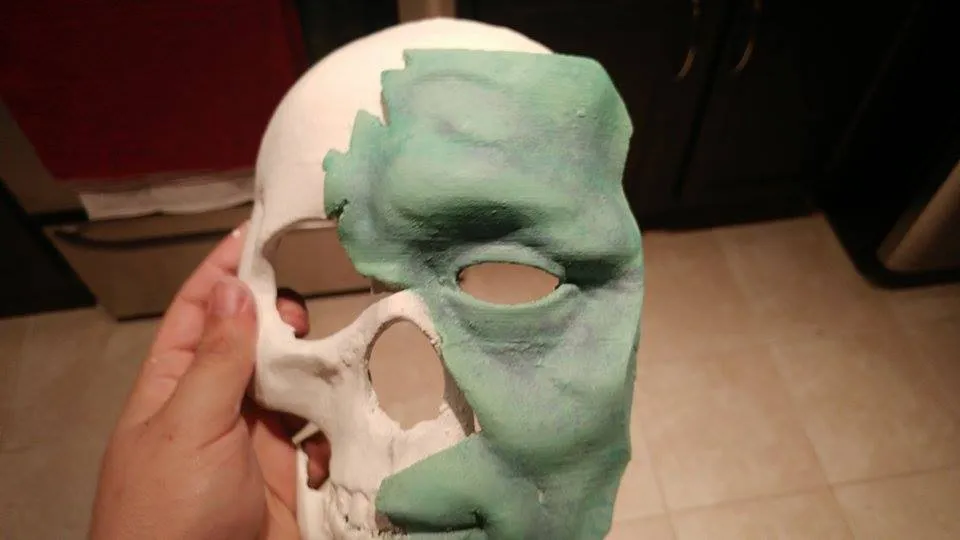
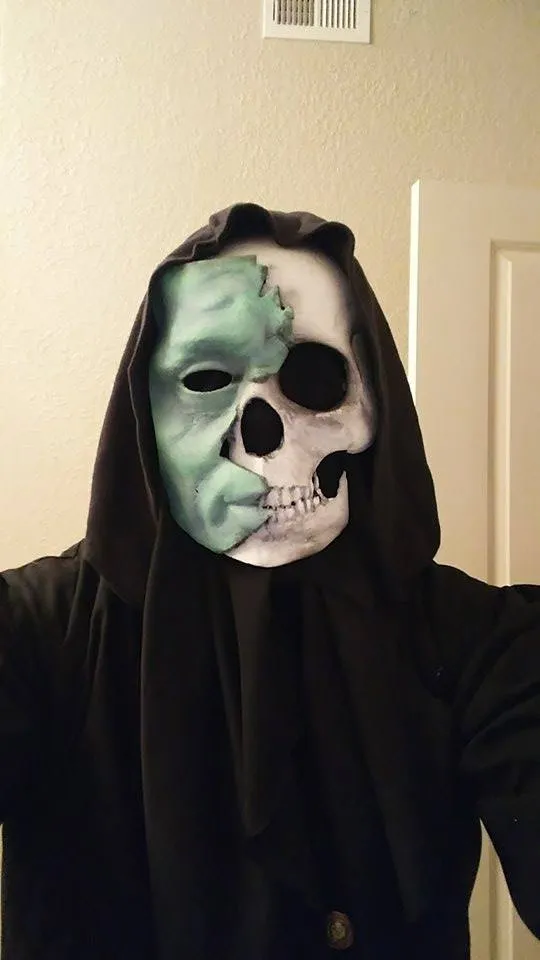
I airbrushed a some black paint to weather it a bit then i glued some string to the back and it was ready to wear from there.
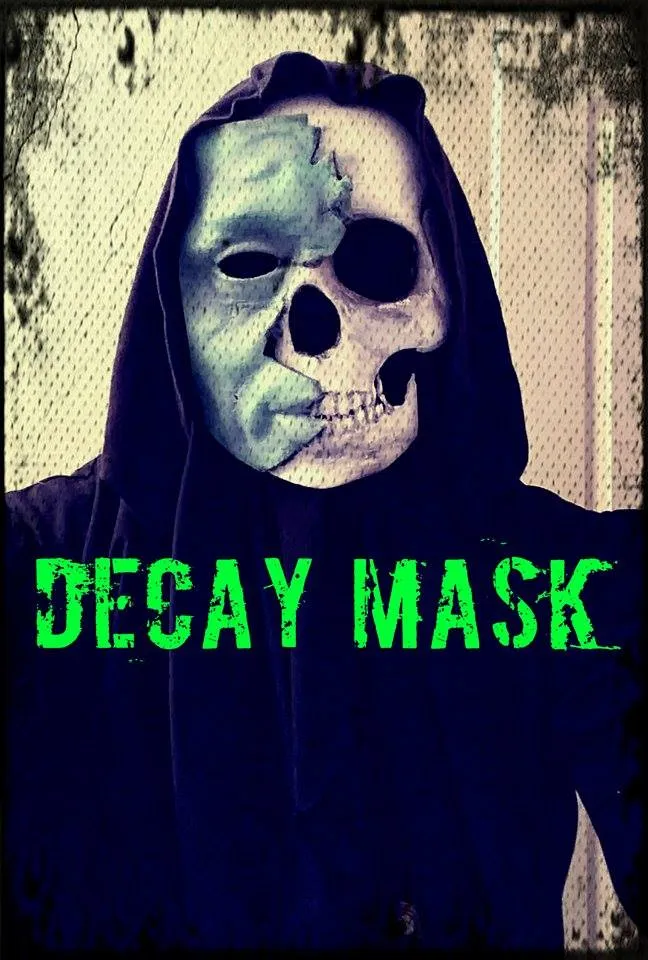
Im quite happy with how it turned out and ill do a nicer photo shoot of it in costume soon!!
How I Designed This
Decay Mask Design Process
After seeing the contest on the Thingiverse homepage I began the concept Faze of the design process. Ill admit it was difficult to try to think of an original Halloween design, So I asked Friends and family for thoughts and a couple of ideas stood out to me, those ideas being A cracked porcelain mask, a grim reaper mask and a old melting face. I couldn't decide which one to make so I tried to incorporate them all in one design.
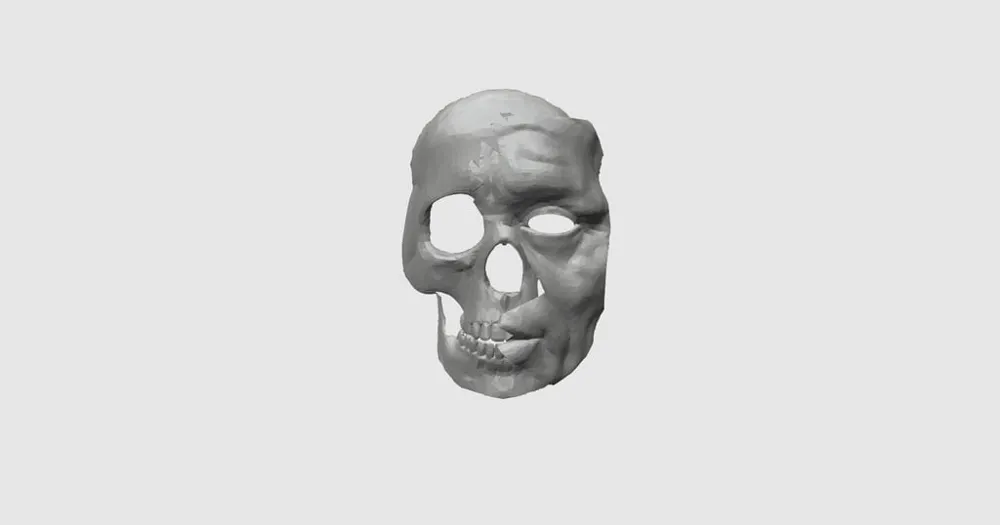
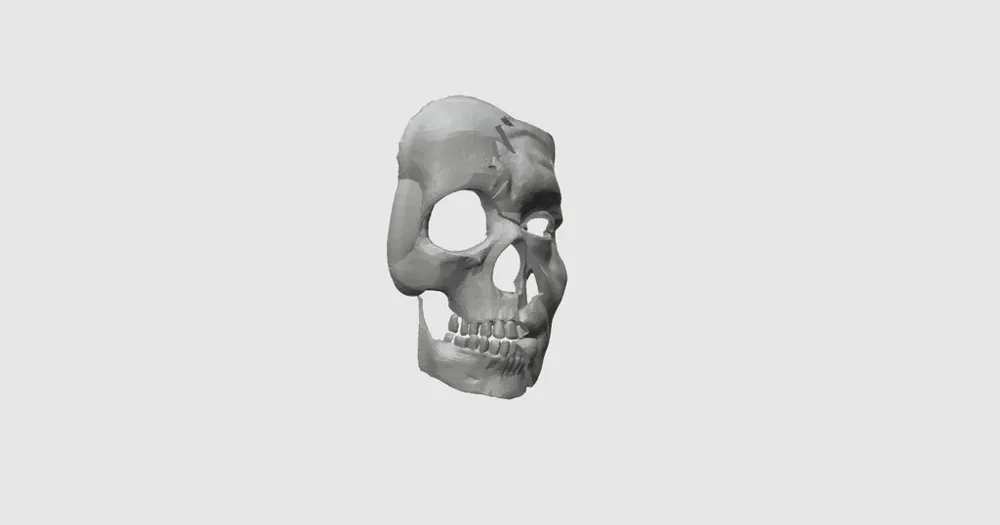
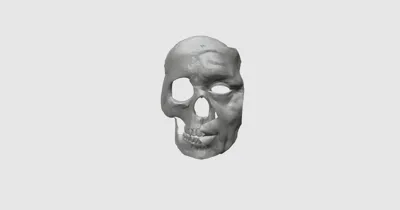
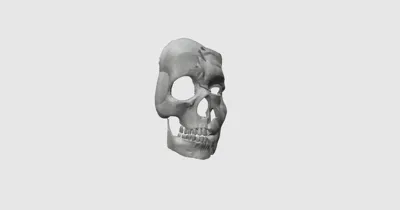
- I started by using Zbrush to sculpt a skull and a aging face.
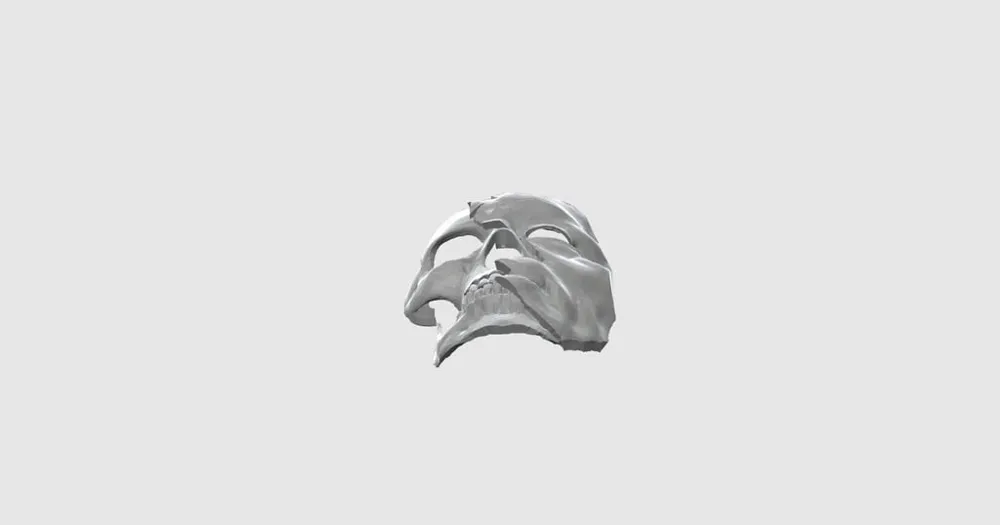
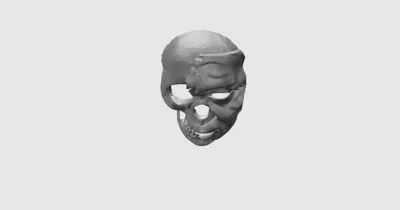
- Once I was satisfied with both sculpts I imported them both to 123d design and cut them flat then layered the face on top of the skull with a slight overlap.
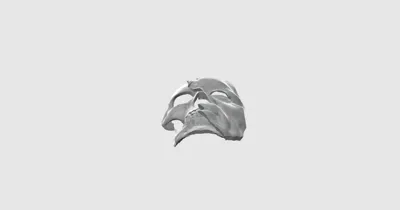
- I then drew random jagged shapes and used them to create the shatter cuts on the top mask until I liked how it looked ( I did experiment with the break pattern on the skull also but it looked a bit odd so I decided to leave it be)
- After ,I imported it into Mesh mixer and used the correction tool to fix any errors that may have occurred in the design then I used the make solid tool with custom perimeters to make the edges more hard and a bit more like broken porcelain( i also used mesh mixer to cut the model for printing )
- I then used Makerbot desktop to slice and print a test print at %40 using a raft and support to make sure the file was printable.
Since the test print turned out great, I printed it at full scale and prepared for post-printing
License

You shall not share, sub-license, sell, rent, host, transfer, or distribute in any way the digital or 3D printed versions of this object, nor any other derivative work of this object in its digital or physical format (including - but not limited to - remixes of this object, and hosting on other digital platforms). The objects may not be used without permission in any way whatsoever in which you charge money, or collect fees.


Comment & Rating (2)