
Build Plate Holder X1 P1|Fast, Simple and Low Cost
Print Profile(5)


Description
The model details are just below—feel free to scroll down!
Boost Me (for free)
Thanks for checking out my design! If you liked it, a Boost would mean a lot. I truly appreciate every follow, download, like, and boost. Thank you for your support!

- Making 3D Printing More Fun & Functional. -
◀ Printer Upgrade Collection ▶


Overview
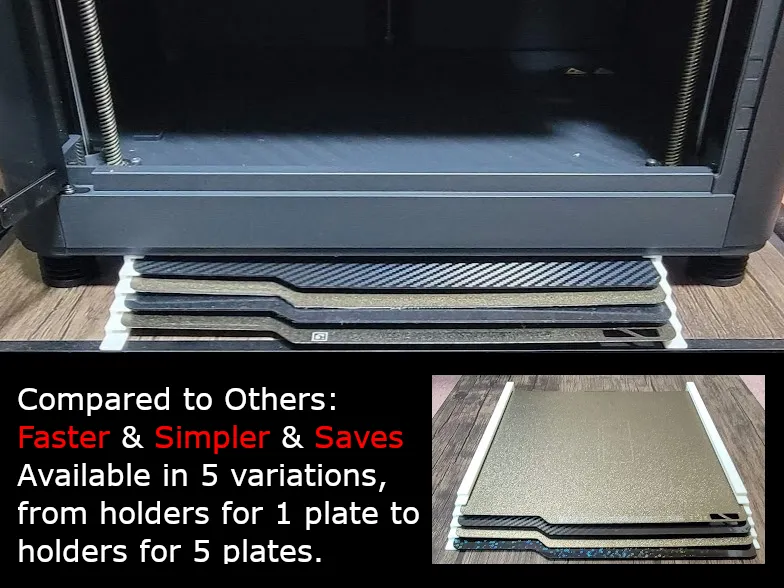
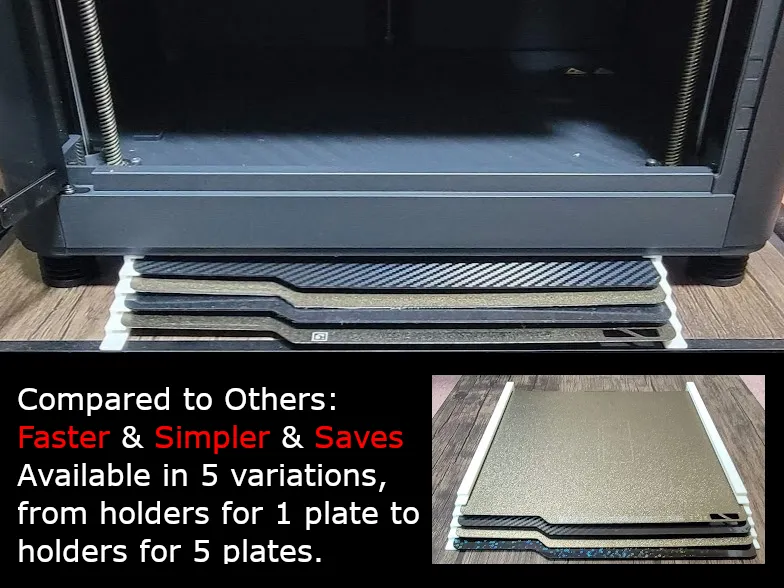
This fast, simple, and low-cost build plate holder is designed for Bambu Lab X1 Carbon, X1 Carbon Combo, P1S, and P1P. The holder features a lightweight design that minimizes filament usage, prints quickly, and can be easily installed using double-sided tape.
Additionally, the staggered design ensures that the stored build plates are easy to see and retrieve.
Features and Highlights
Fast, Simple, and Low-Cost
Prints quickly, features a simple design for ease of use, and consumes minimal filament thanks to its lightweight structure.Staggered Design for Visibility and Easy Retrieval
The build plates are stored in a staggered manner, making each plate visible and easy to access.Space-Saving Installation
Securely fix the holder to your desk or workspace using 1 cm wide double-sided tape (recommended), and place your 3D printer on top to make the most of your available space.- Flexible Design for 1–5 Plate Storage
Choose the appropriate model to match your needs, from 1 plate (6 mm height) to 5 plates (24 mm height).
Parts List
Optional Sizes (Left and Right)
- 1 Plate (6 mm height)
- 2 Plates (10 mm height)
- 3 Plates (14 mm height)
- 4 Plates (20 mm height)
- 5 Plates (24 mm height)
- Left Build Plate Holder × 1
- Right Build Plate Holder × 1
- Double-sided tape** (1 cm wide recommended, not included)
Instructions
- Choose the appropriate model based on the storage height you need (1–5 plates).
- Print the **Left Build Plate Holder** and **Right Build Plate Holder**.
- Hold both the left and right holders in your hands, and place a build plate between them to secure it.
- While holding the build plate in position, place the holders at the desired installation location (desk or workspace).
- Use double-sided tape (1 cm wide) to fix the holders in place. Ensure the build plate fits securely in the holders.
- Place your 3D printer on top of the holders to stabilize the setup further.
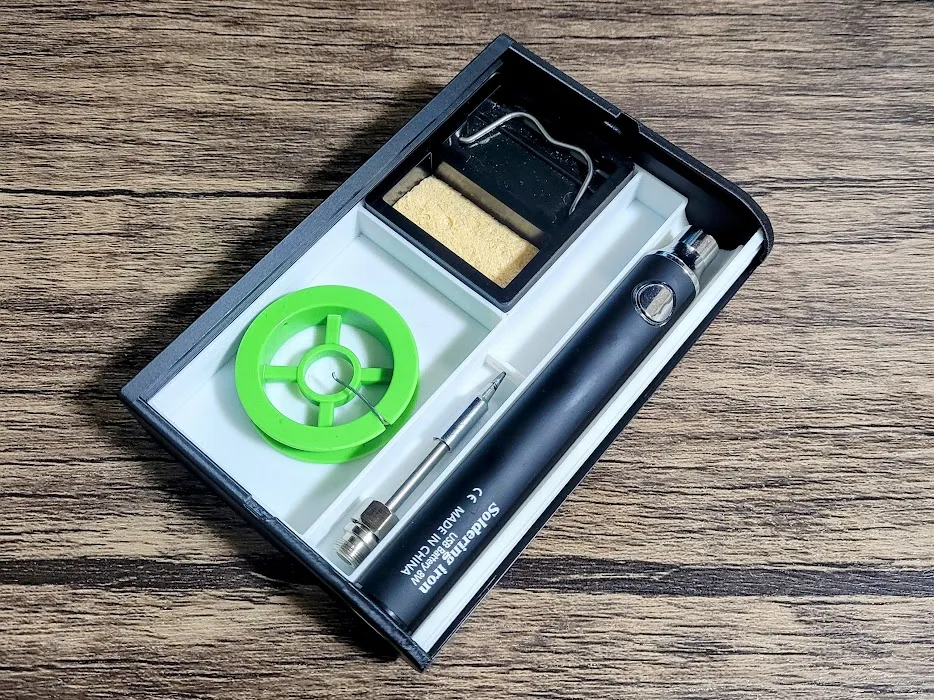
🔥 my favorite other models 🔥
⚡️Customizable models⚡️
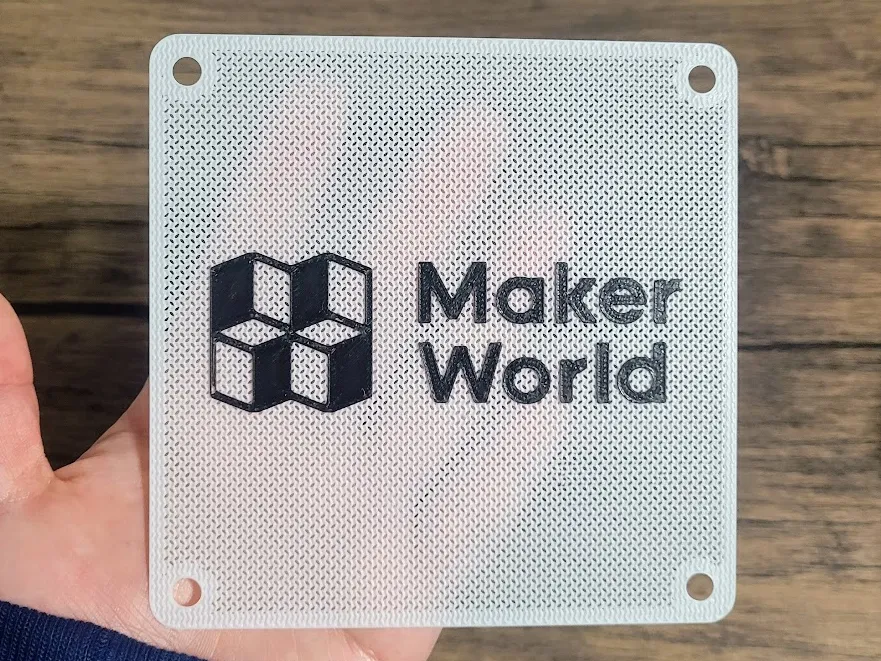
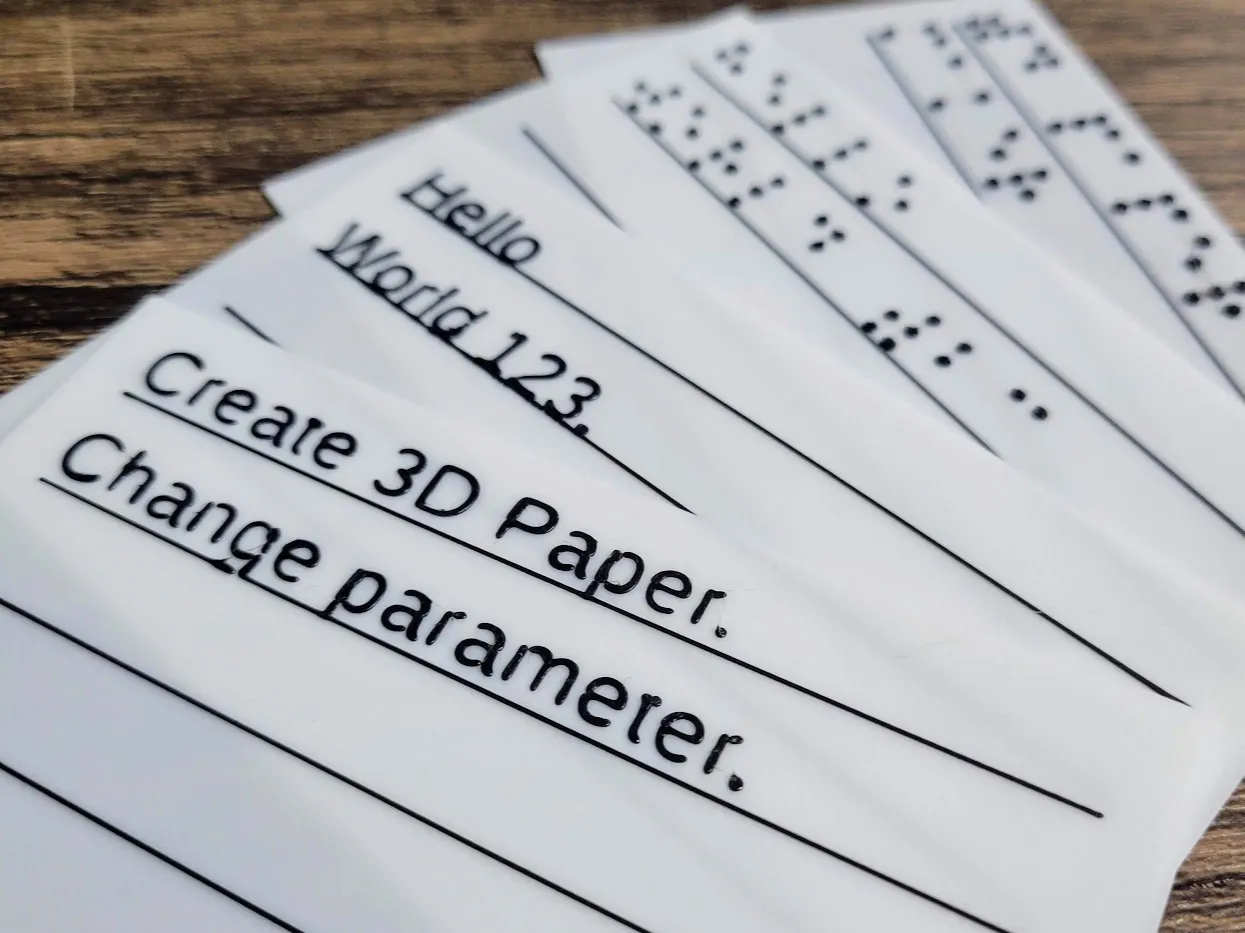

License

You shall not share, sub-license, sell, rent, host, transfer, or distribute in any way the digital or 3D printed versions of this object, nor any other derivative work of this object in its digital or physical format (including - but not limited to - remixes of this object, and hosting on other digital platforms). The objects may not be used without permission in any way whatsoever in which you charge money, or collect fees.


Comment & Rating (5)