
Plant Label Generator (OpenSCAD)

Print Profile(3)



Description
Boost Me (for free)
If you like my work, feel free to boost me :)
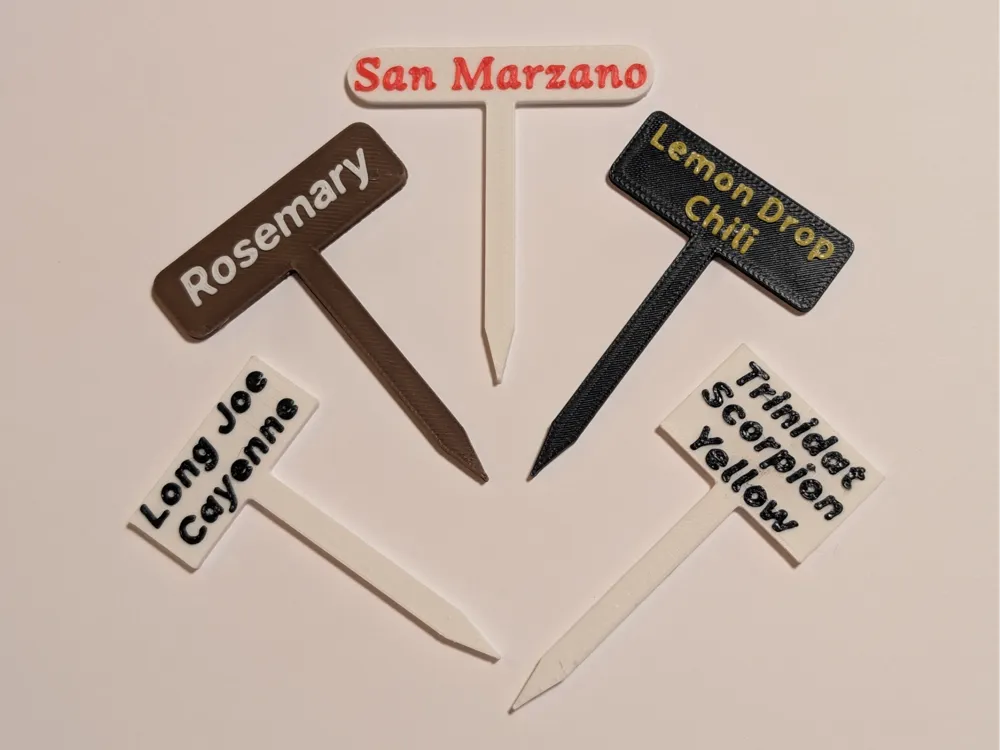
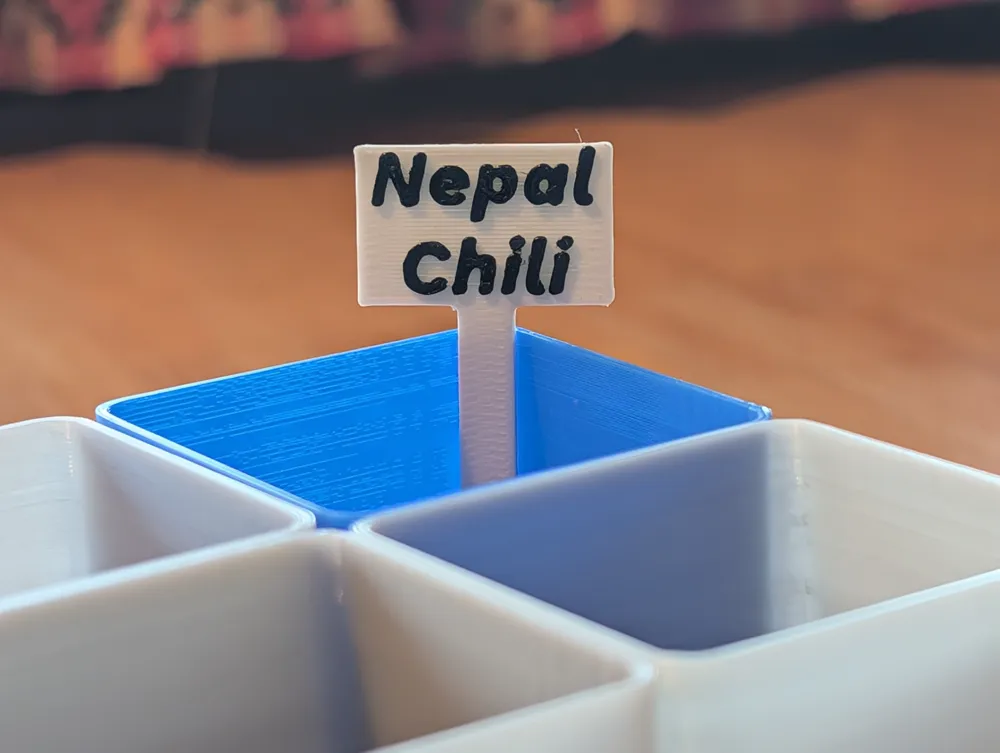
Spring is just around the corner, and I've made it my mission to properly label all my plants this year! As a fan of minimalist design, I created this sleek plant label generator that allows for clean, two-color prints.This model is specifically designed for multi-color 3D printing (requires at least 2 colors/AMS capability). The design features a base color for the label and stick, with raised text in a contrasting color. You can customize it with one to three lines of text, and the label size automatically adjusts to fit your text perfectly.
Features:
- Customizable text (1-3 lines)
- Minimalist design
- Auto-adjusting label size
- Pointed stake for easy placement
- Two-color design for optimal readability
- NEW: Adjustable corner radius for rounded edges in the Label tab
If you need help customizing the text or have any questions, feel free to reach out. I'm happy to generate a ready-to-print 3MF file with your specific text requirements. Let's make our urban jungles more organized and stylish together!
Technical Requirements:
- 3D printer with multi-color capability (min. 2 colors)
- Recommended layer height: 0.2mm
- No supports needed
You need a Planter for the Label? Check out my Customizable Planter Generator :)
How to Generate your own Plant Label:
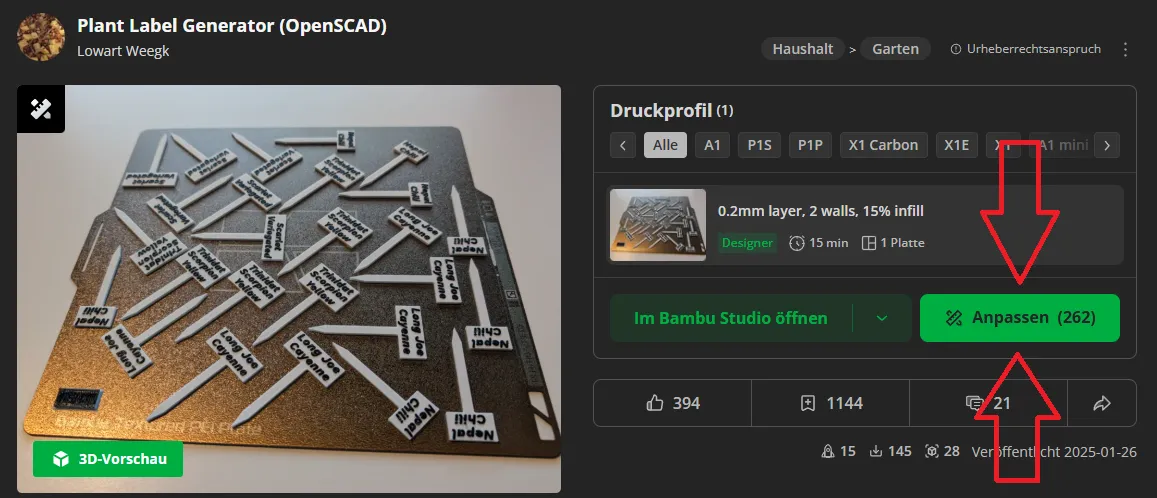
Click on Customize to open the generator
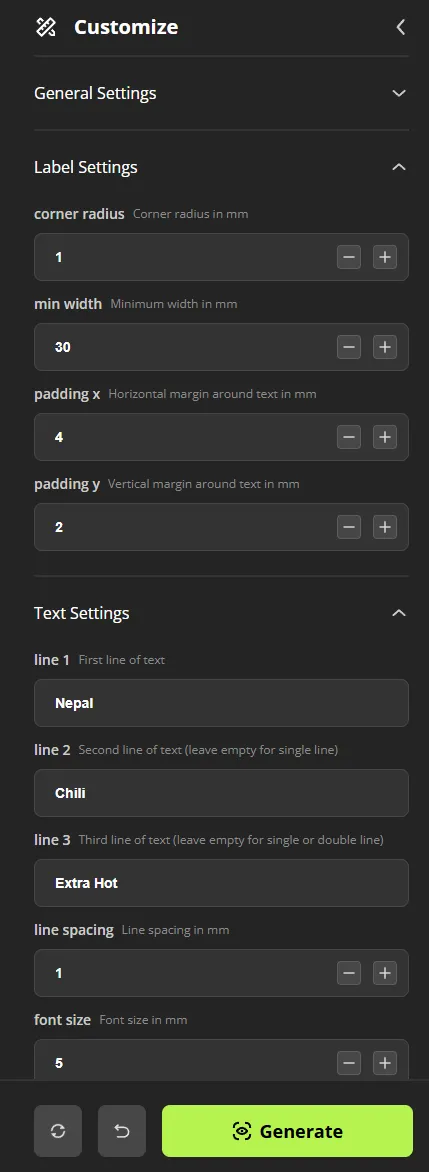
Customize the label settings and click Generate to preview your changes.
Tip: If text appears misaligned after changing font settings, adjust the horizontal (padding_x) and vertical (padding_y) margins in Label Settings to fine-tune the text placement on your label.
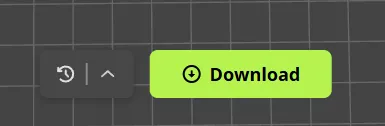
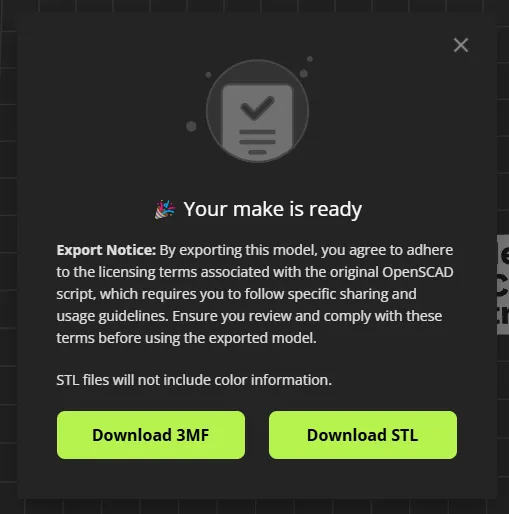
Click Download and select Download 3MF (STL format will not preserve color information)
Open the downloaded 3MF file in bambu studio and enjoy printing :)
License

You shall not share, sub-license, sell, rent, host, transfer, or distribute in any way the digital or 3D printed versions of this object, nor any other derivative work of this object in its digital or physical format (including - but not limited to - remixes of this object, and hosting on other digital platforms). The objects may not be used without permission in any way whatsoever in which you charge money, or collect fees.


Comment & Rating (88)