
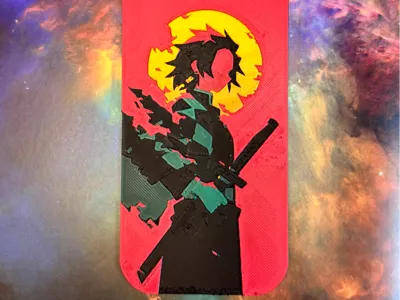
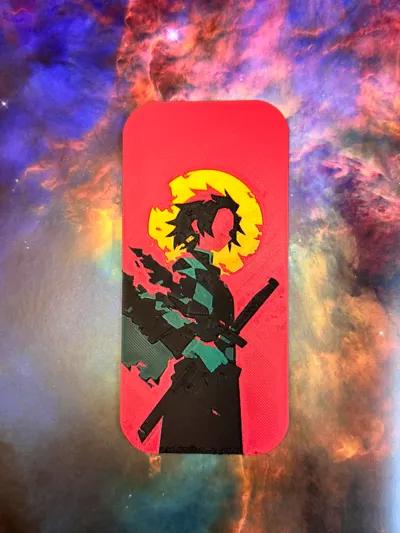
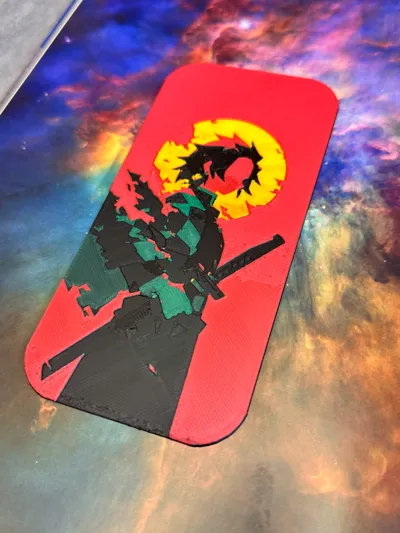
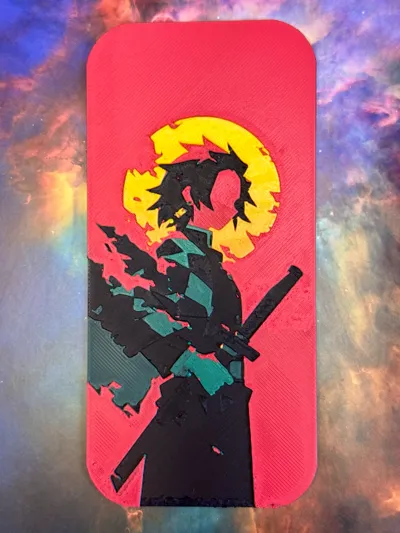
Print Profile(4)


Description
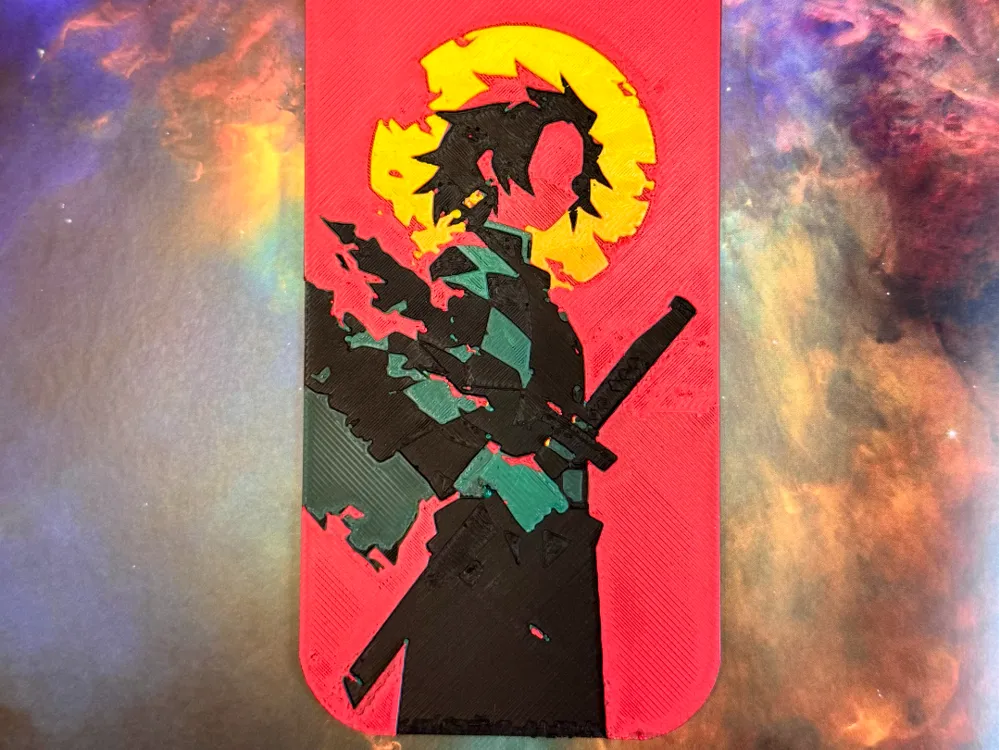
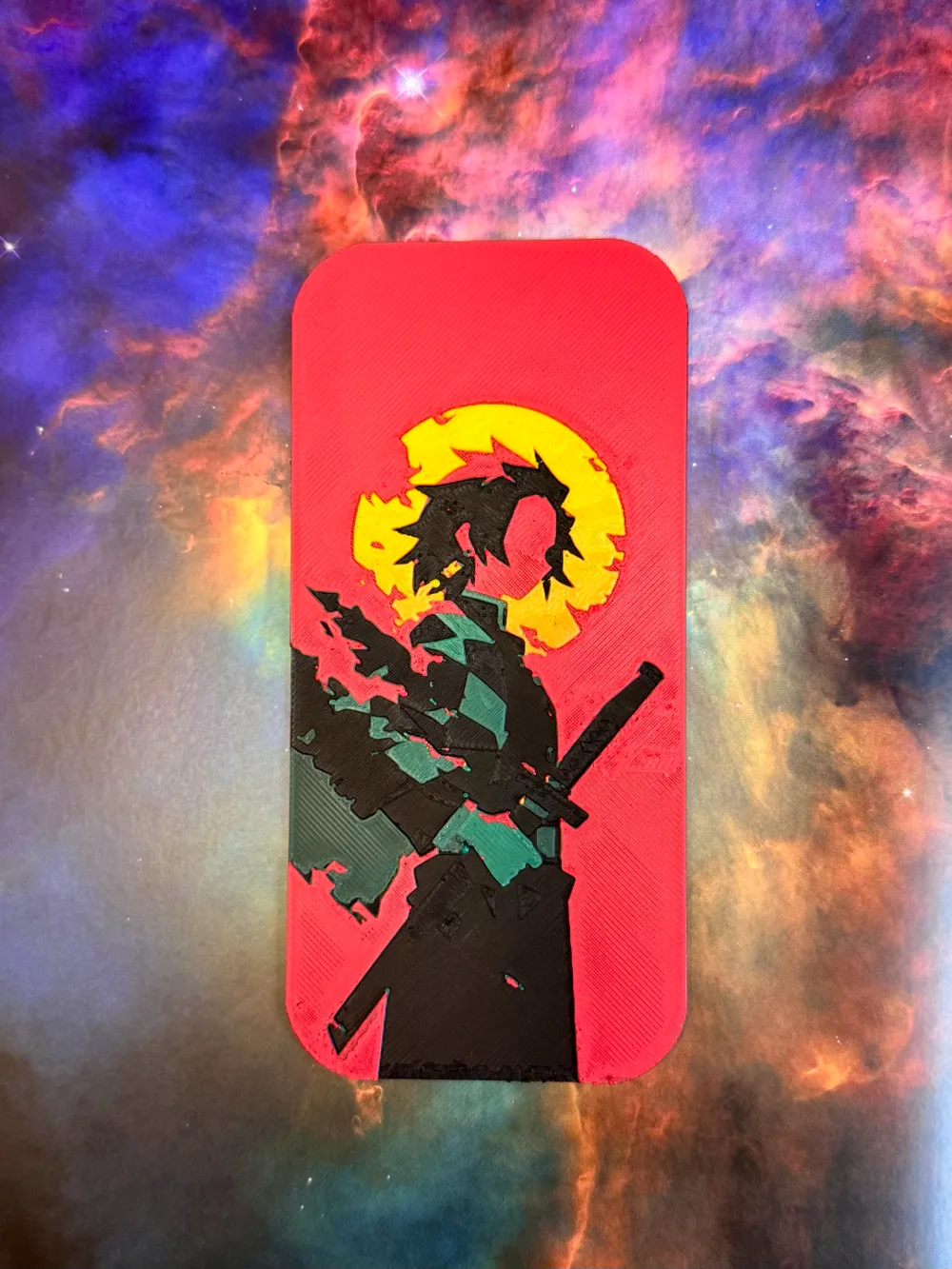
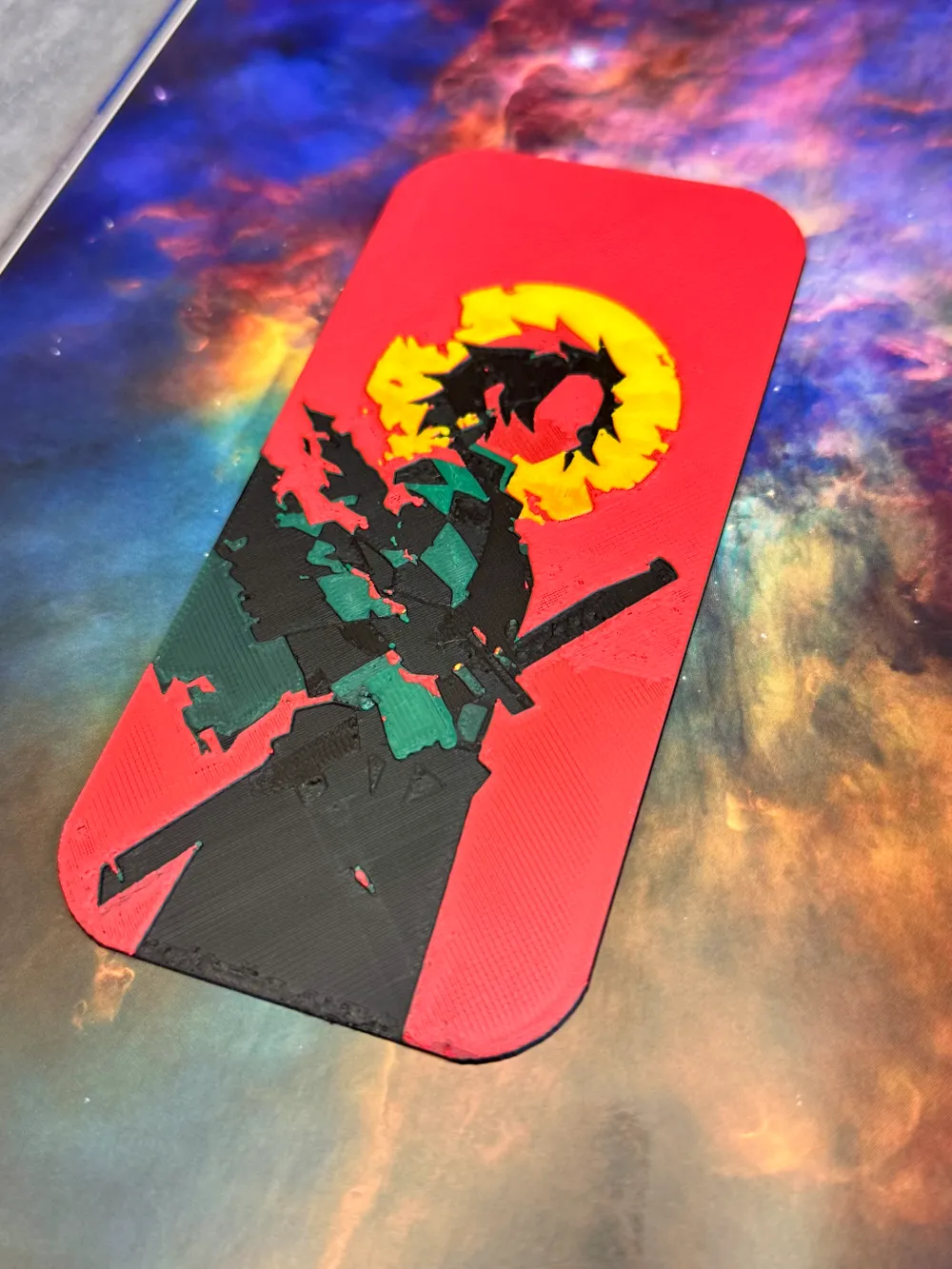
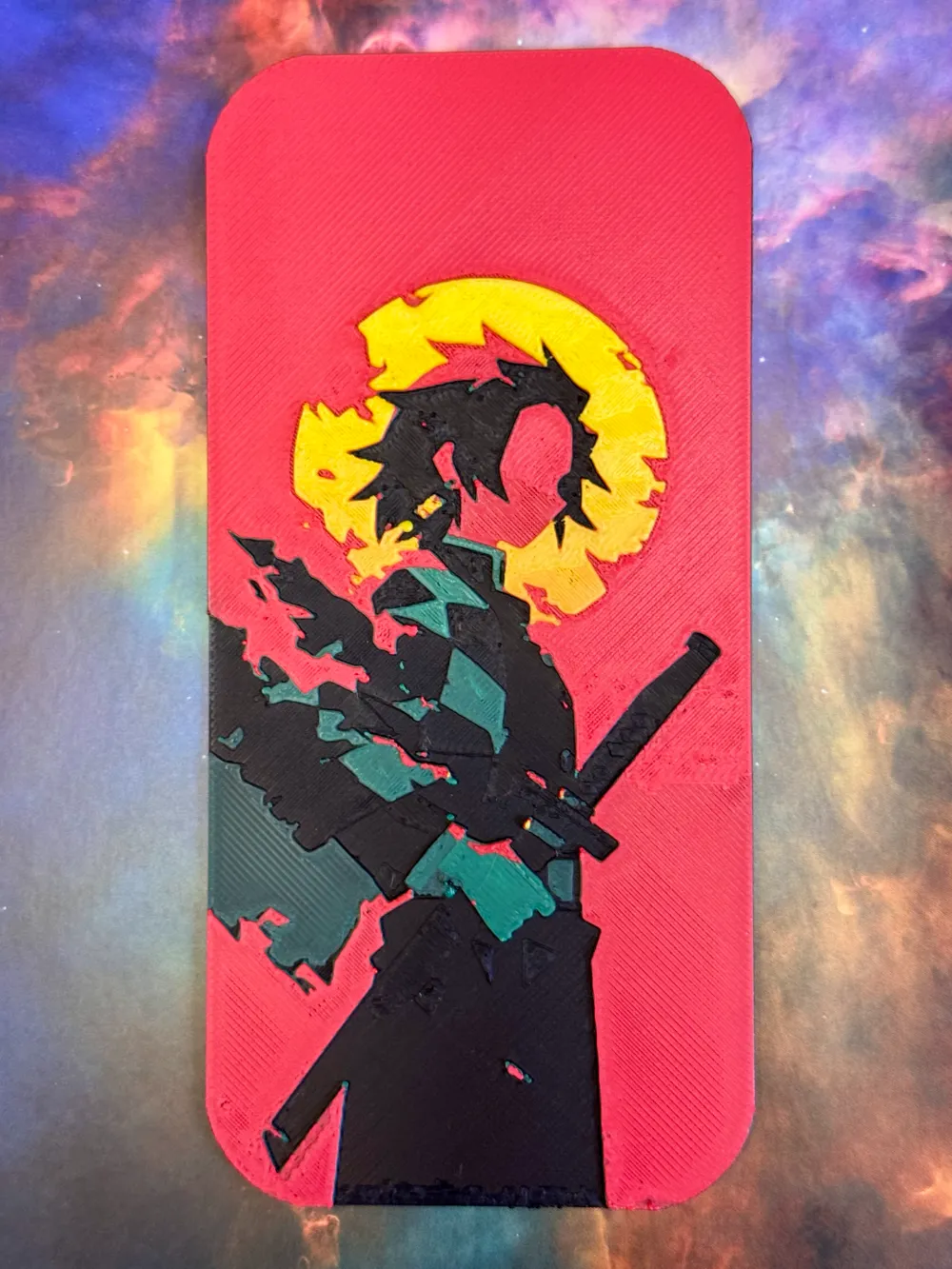
📖 Feel free to use, sell, or modify this model—no permission needed. Just have fun! 📖 Check out my latest creation—a Tanjiro-inspired bookmark! ⚔️🔥 |
With his iconic silhouette set against a vibrant sun, this design perfectly captures the essence of Demon Slayer. The bold colors and clean lines make it a must-have for any fan and a great addition to your book or manga collection.
The design prints effortlessly, and I’m really happy with how it turned out. It features simple layer-based color changes, making it filament-efficient and easy to customize.
While it might not help you slay demons, it will definitely keep your place in style! 📚✨
Printing Tips:
- For best results, use a 0.2mm nozzle, but a 0.4mm nozzle works just fine too. (The photos show a model printed with a 0.4mm nozzle.)
- The design allows for seamless color changes at specific layers, which saves filament and keeps things simple.
- NEW: 0.2mm nozzle profile available for download! Use it for the sharpest details.
Quick Fix:
Got strings stuck on the model? A quick pass with a lighter will smooth out those pesky strands instantly! 🔥
Recommended Print Settings:
- Infill: 100%
- Layer height: 0.08mm (base layer at 0.2mm)
Filaments Used:
- PLA GeeTech Black Transmission Distance: 0.6
- PLA BambuLab Basic Green Transmission Distance: 2
- PLA BambuLab Matte Scarlet Red Transmission Distance: 2
- PLA GeeTech Lemon Yellow Transmission Distance: 4
Color Swap Instructions:
Start printing with Black, then follow these layer swaps:
- At layer #12 (1.04mm) swap to Green
- At layer #15 (1.28mm) swap to Scarlet Red
- At layer #18 (1.52mm) swap to Lemon Yellow for the rest.
Boost Me (for free)
👽 If you like this model, you can support me by boosting for free! 🤠 Your support helps me creating prints that you can use or sell for free. 🔥🐸
Let me know if you'd like any further tweaks!
License



Comment & Rating (4)