
Print Profile(3)


Description
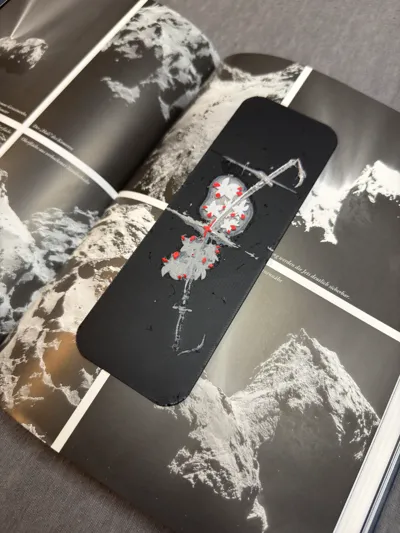
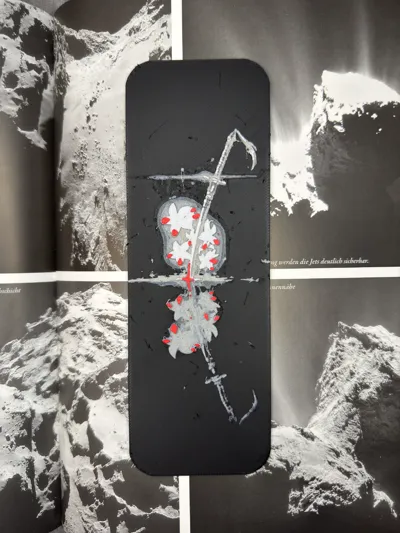
📖 Feel free to use, sell, or modify this model—no permission needed. Just have fun! 📖 Check out my latest creation—a samurai-inspired bookmark! ⚔️🔥 |
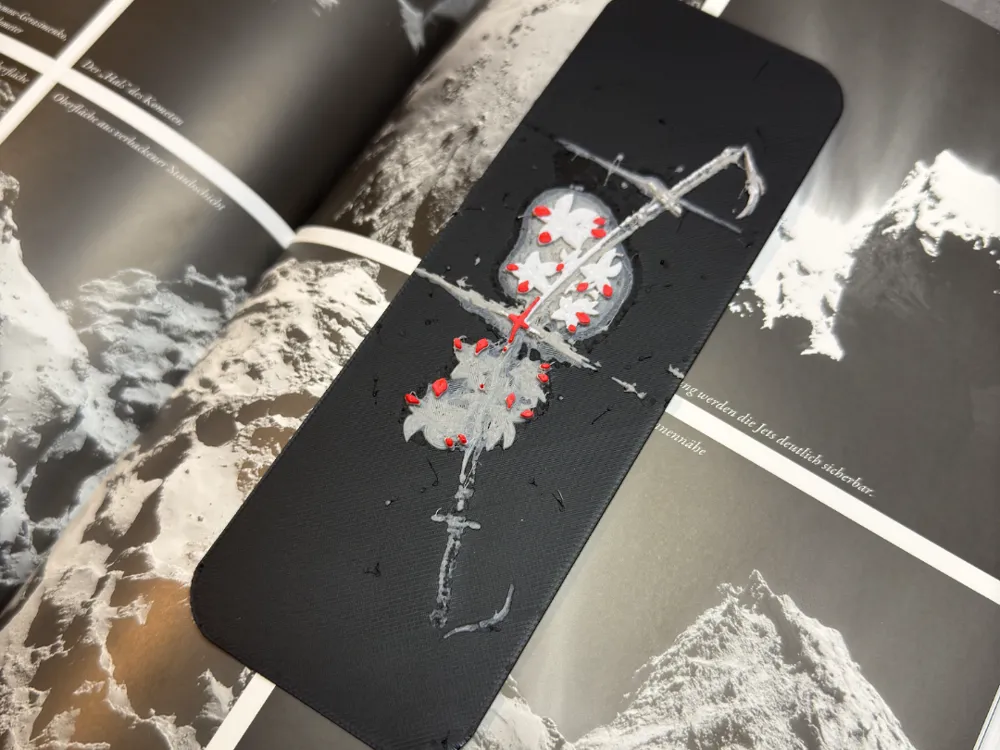
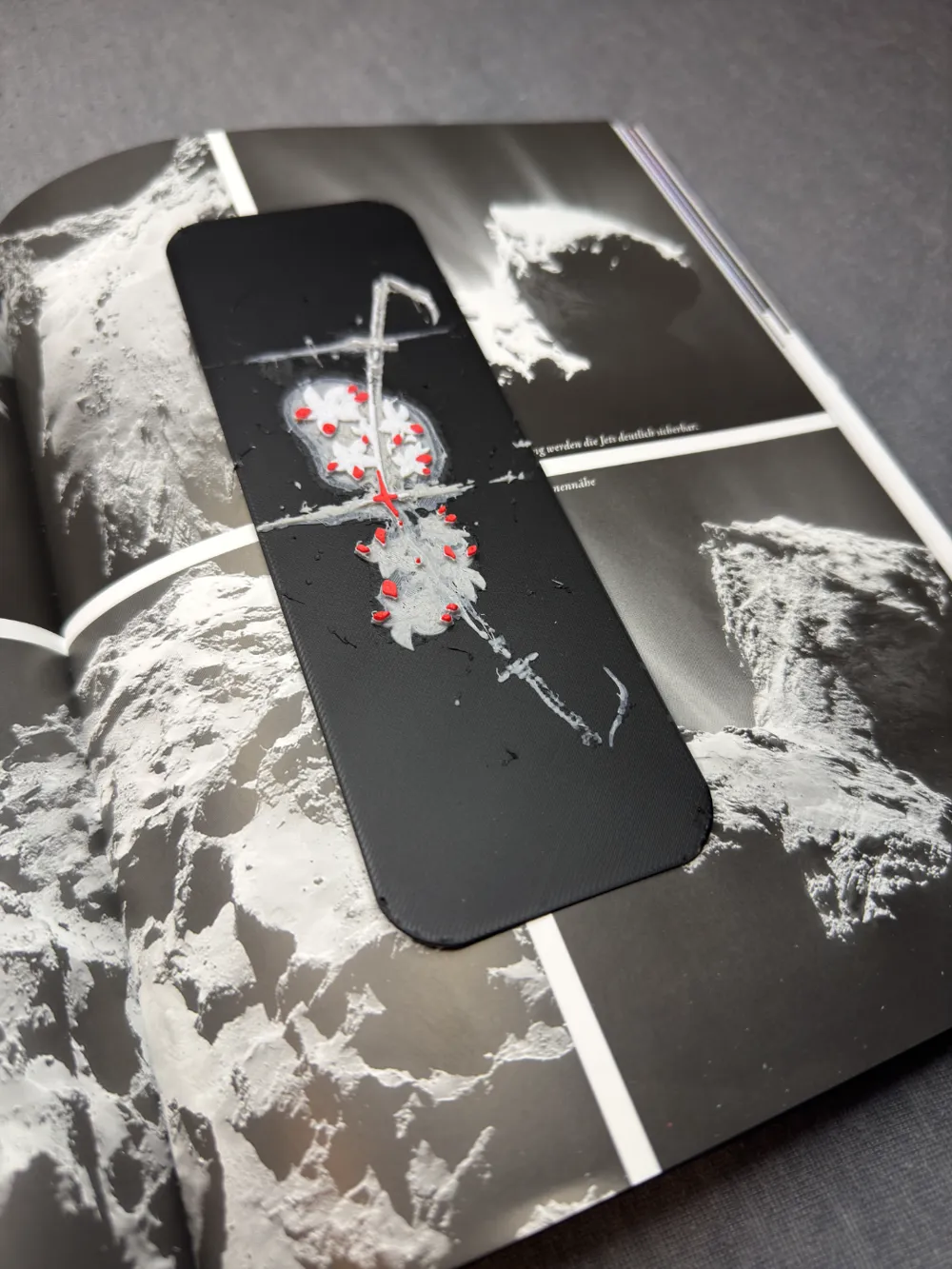
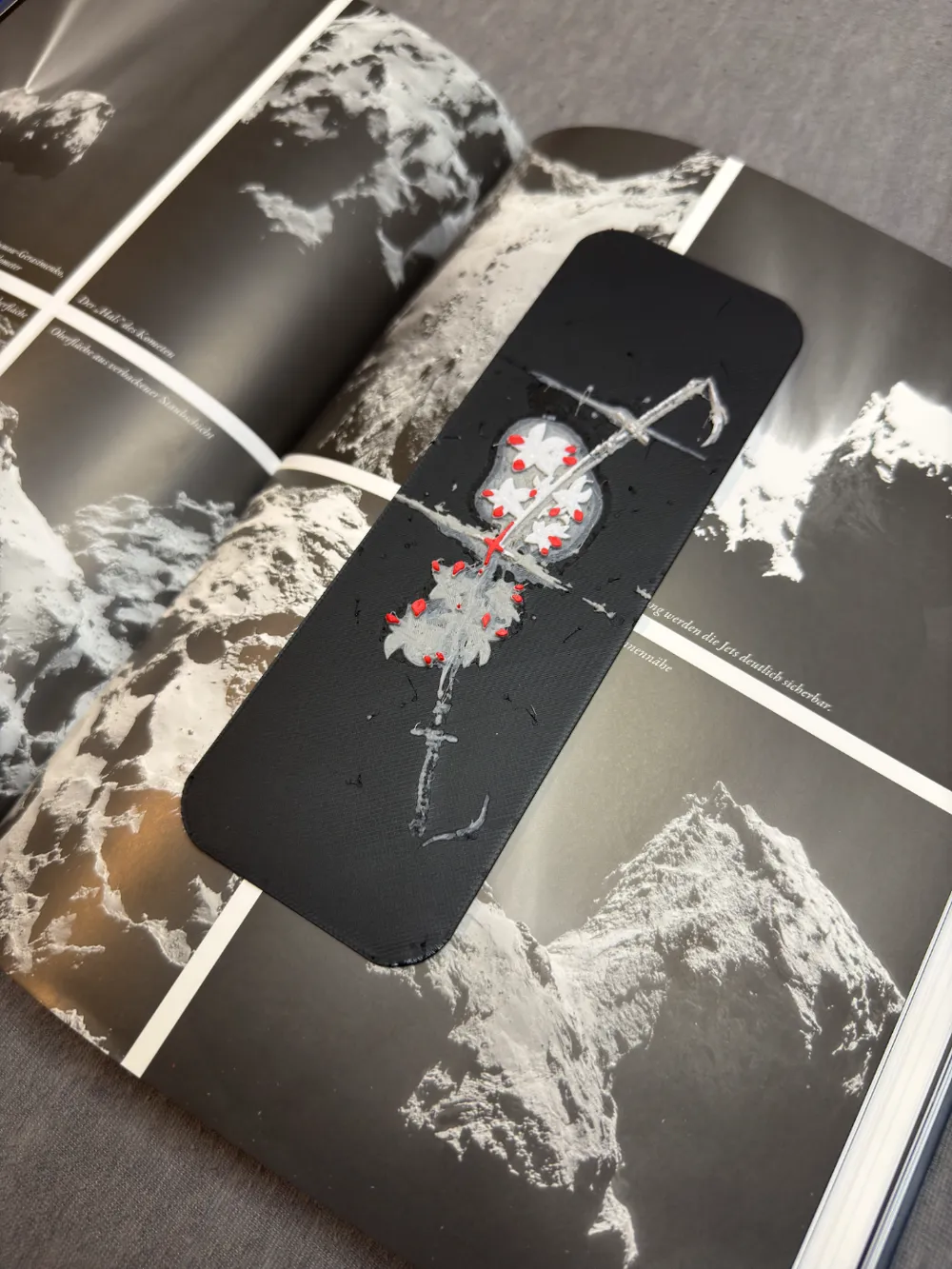
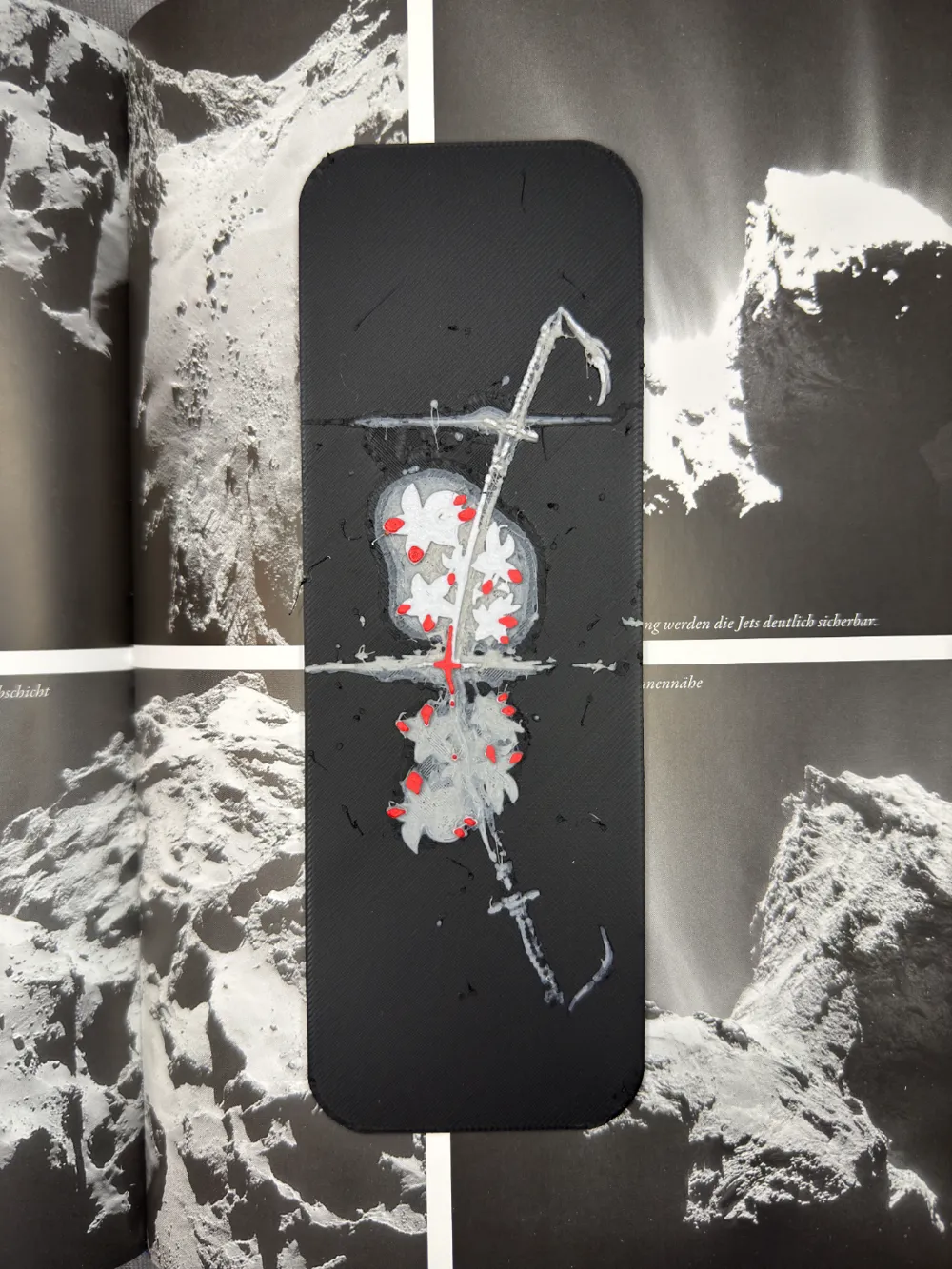
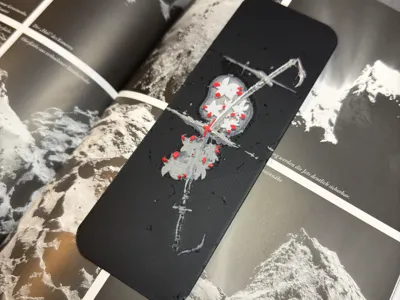
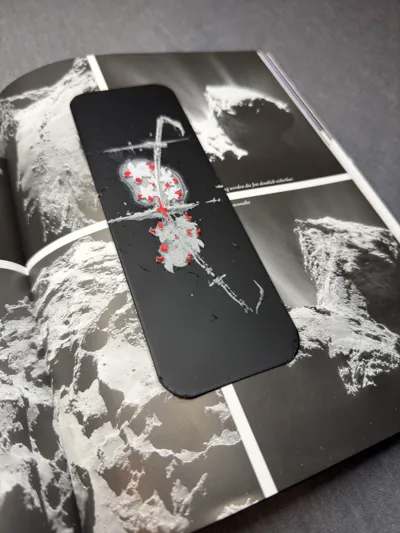
This elegant design of a samurai sword intertwined with delicate flowers perfectly blends strength and beauty. The intricate details and contrasting colors make it a striking addition to any collection, whether you're a fan of Japanese culture or simply appreciate fine craftsmanship.
The design prints smoothly with well-defined layers, allowing for easy filament changes to customize colors to your liking. It's a stylish and meaningful accessory that brings a touch of tradition and artistry to your everyday items.
While it may not serve in battle, it will certainly make a bold statement wherever you use it! 🌸⚔️
Printing Tips:
- For best results, use a 0.2mm nozzle, but a 0.4mm nozzle works just fine too. (The photos show a model printed with a 0.4mm nozzle.)
- The design allows for seamless color changes at specific layers, which saves filament and keeps things simple.
- NEW: 0.2mm nozzle profile available for download! Use it for the sharpest details.
Quick Fix:

Got strings stuck on the model? A quick pass with a lighter will smooth out those pesky strands instantly! 🔥
Recommended Print Settings:
- Infill: 100%
- Layer height: 0.08mm (base layer at 0.16mm)
Filaments Used:
- PLA GeeTech Black Transmission Distance: 0.6
- PLA GeeTech Grey Transmission Distance: 2.5
- PLA PolyLite White Transmission Distance: 5
- PLA BambuLab Matte Scarlet Red Transmission Distance: 2
Color Swap Instructions:
Start printing with Black, then follow these layer swaps:
- At layer #7 (0.64mm) swap to Grey
- At layer #20 (1.68mm) swap to White
- At layer #25 (2.08mm) swap to Scarlet Red for the rest.
Boost Me (for free)
👽 If you like this model, you can support me by boosting for free! 🤠 Your support helps me creating prints that you can use or sell for free. 🔥🐸
Let me know if you'd like any further tweaks!
License



Comment & Rating (1)