
Mini 3.5 Floppy Disk Keychain with NFC Tag

Print Profile(1)

Bill of Materials


Description
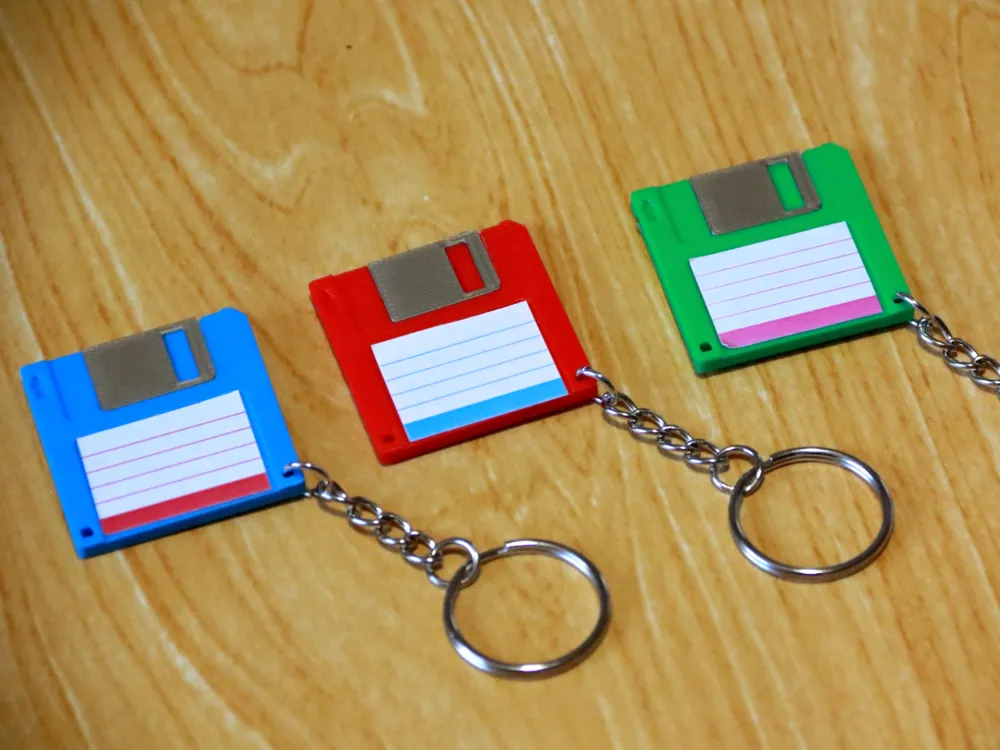
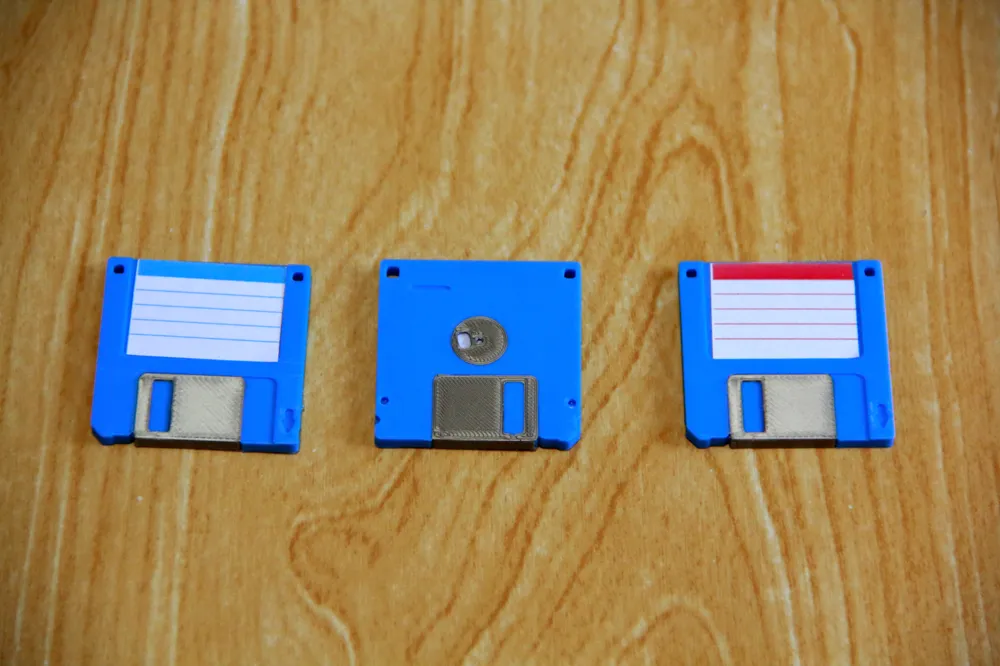
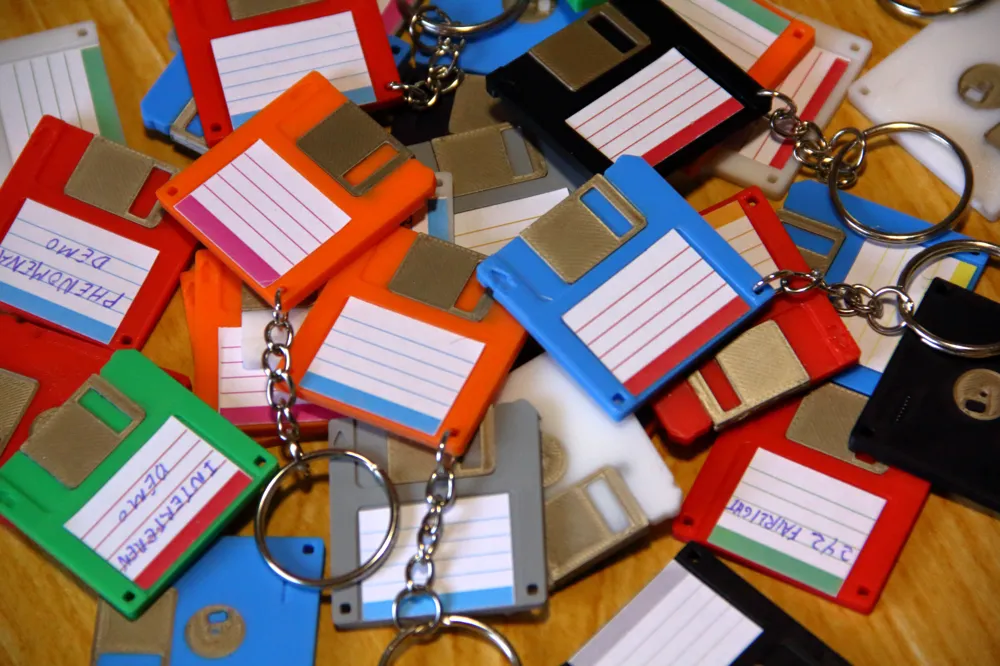
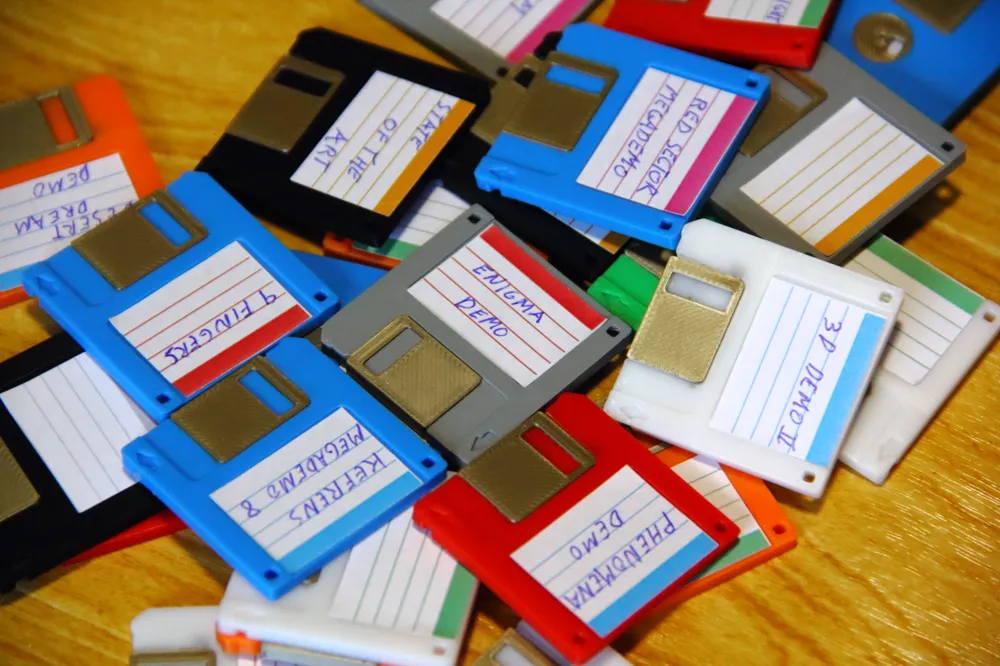
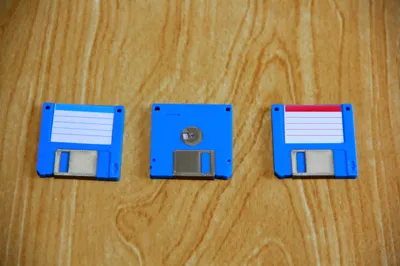
This design is the iconic 3.5-inch floppy disks, perfect for retro computing enthusiasts. But it’s not just a decorative keychain: it incorporates an NFC tag, allowing you to program it with links, contact information, access credentials, or any other functionality compatible with NFC technology.
3D Printing Instructions
- Suggested material: PLA or PETG
- Recommended layer height: 0.2 mm
- Nozzle size: 0.4 mm
- Supports: Not required
Embedding the NFC Tag During Printing
To properly integrate the NFC tag into the keychain during printing, follow these steps:
- Pause at layer 10: Configure your slicer to stop printing at this layer. This will allow you to manually insert the NFC tag.
- Securing the NFC tag: To ensure the filament adheres properly to the tag when printing resumes, apply a light adhesive such as 3DLac, Magigoo, or 3D printer bed adhesive to the surface of the tag.
- Resume printing: Once the tag is placed and secured, continue printing to seal it inside the keychain.
Design Details
- Approximate dimensions: 40 mm x 40 mm x 3 mm
- Slot for standard NFC tag (25 mm diameter)
- Compatible with NTAG213, NTAG215, and NTAG216
- Optimized design for support-free printing
Print your own retro keychain and give it a modern NFC touch!
📝 Important Note:
The pause for embedding the NFC tag is set at layer 10, assuming a layer height of 0.2 mm.
If you change the layer height in your slicer settings, you will need to recalculate at which layer to pause.
Make sure to check your slicer preview to confirm the correct pause point!
Membership
Want to sell physical prints? Join the membership.
Documentation (1)
License

You shall not share, sub-license, sell, rent, host, transfer, or distribute in any way the digital or 3D printed versions of this object, nor any other derivative work of this object in its digital or physical format (including - but not limited to - remixes of this object, and hosting on other digital platforms). The objects may not be used without permission in any way whatsoever in which you charge money, or collect fees.


Comment & Rating (183)