
Infiniti Calender


Print Profile(6)


Description
Infiniti Calender
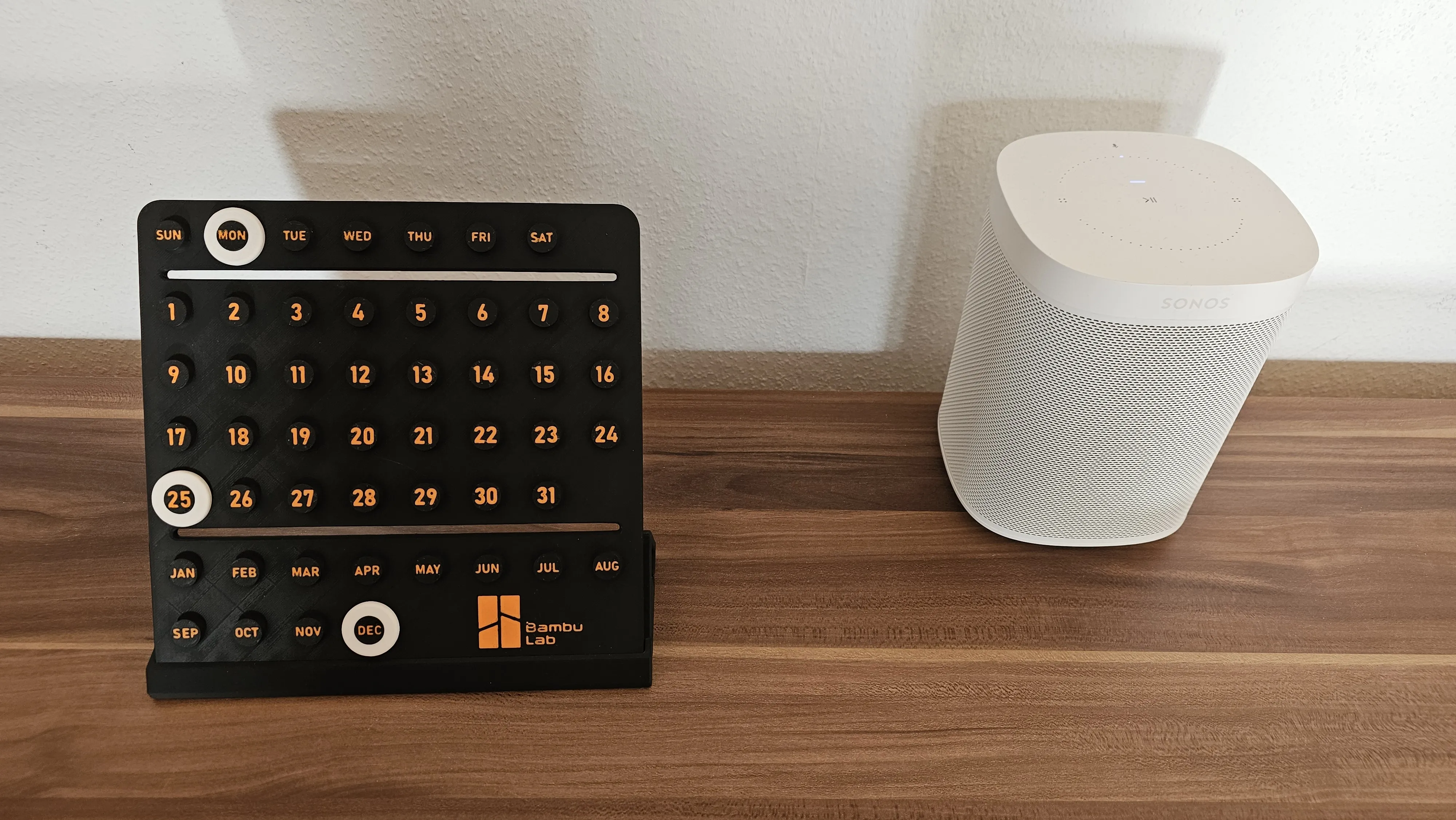
A nice little infinite calendar.
Easy Print - No Supports needed.
I printed it in matt black and orange PLA, maybe it's even nicer in glossy colour.
The deck is 200x200mm. You can scale it freely if it is too big for you (A1 MINI User).
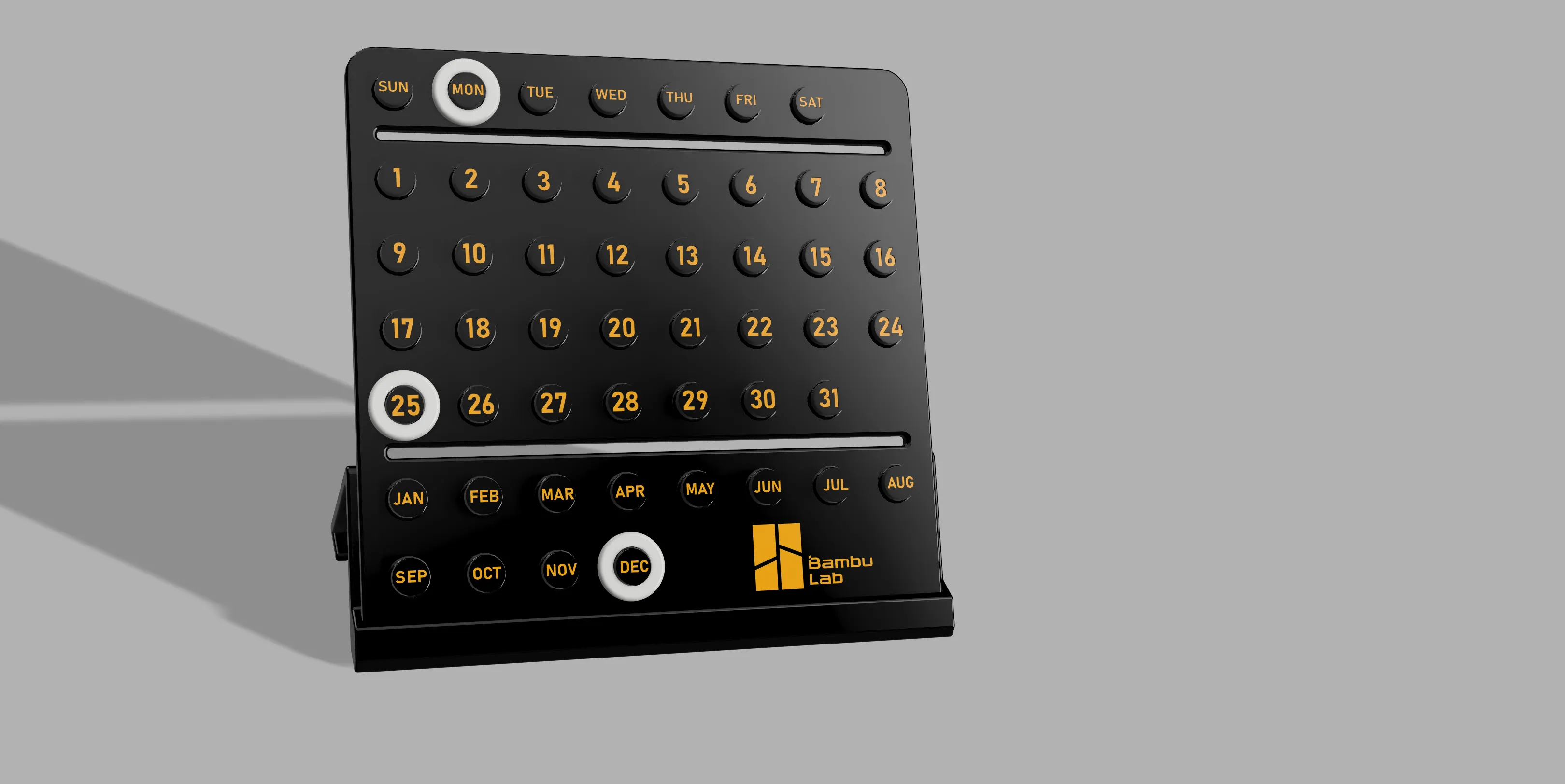
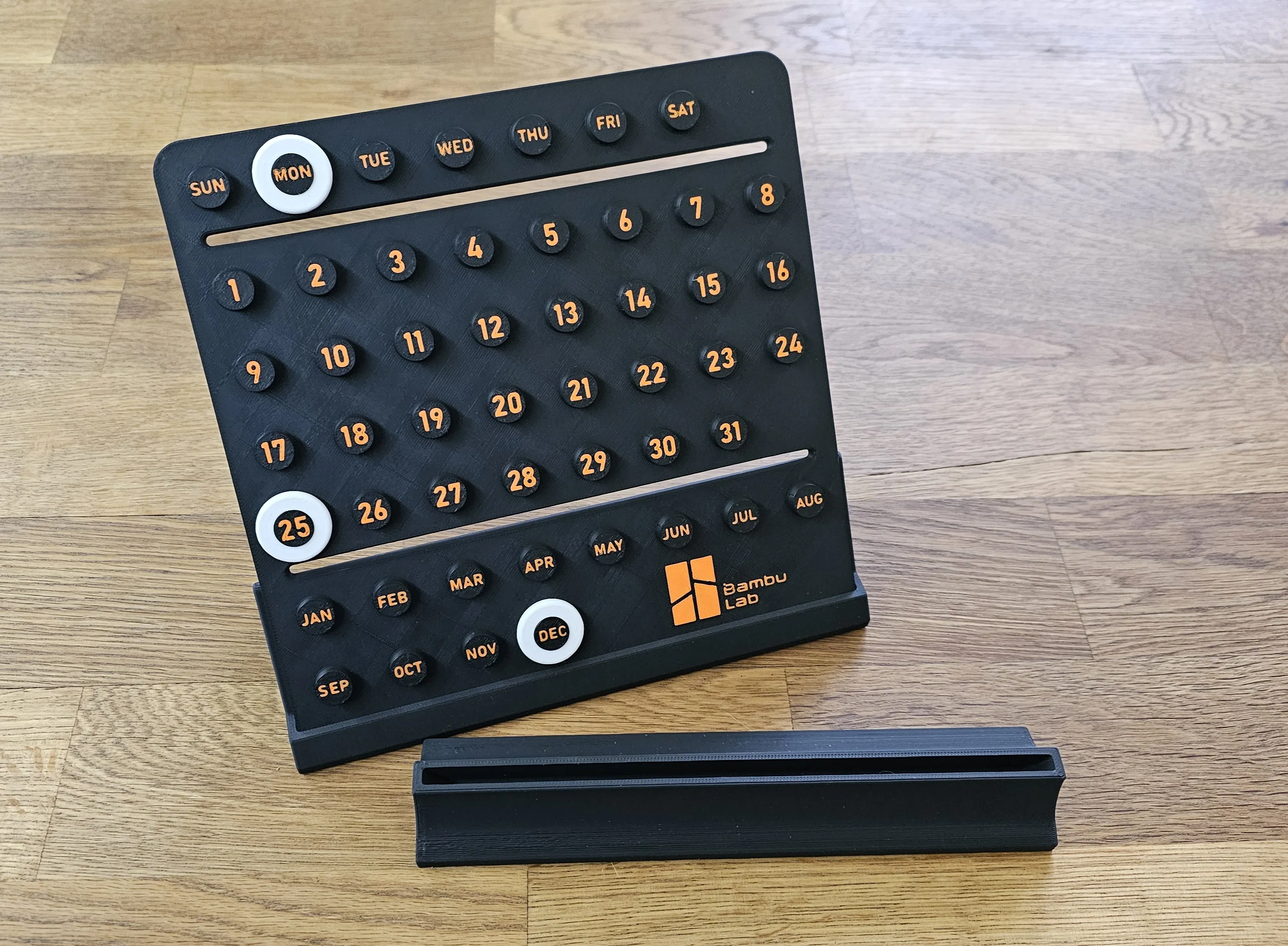
I have added 2 different holders. If you print both you can hide the one in the other.
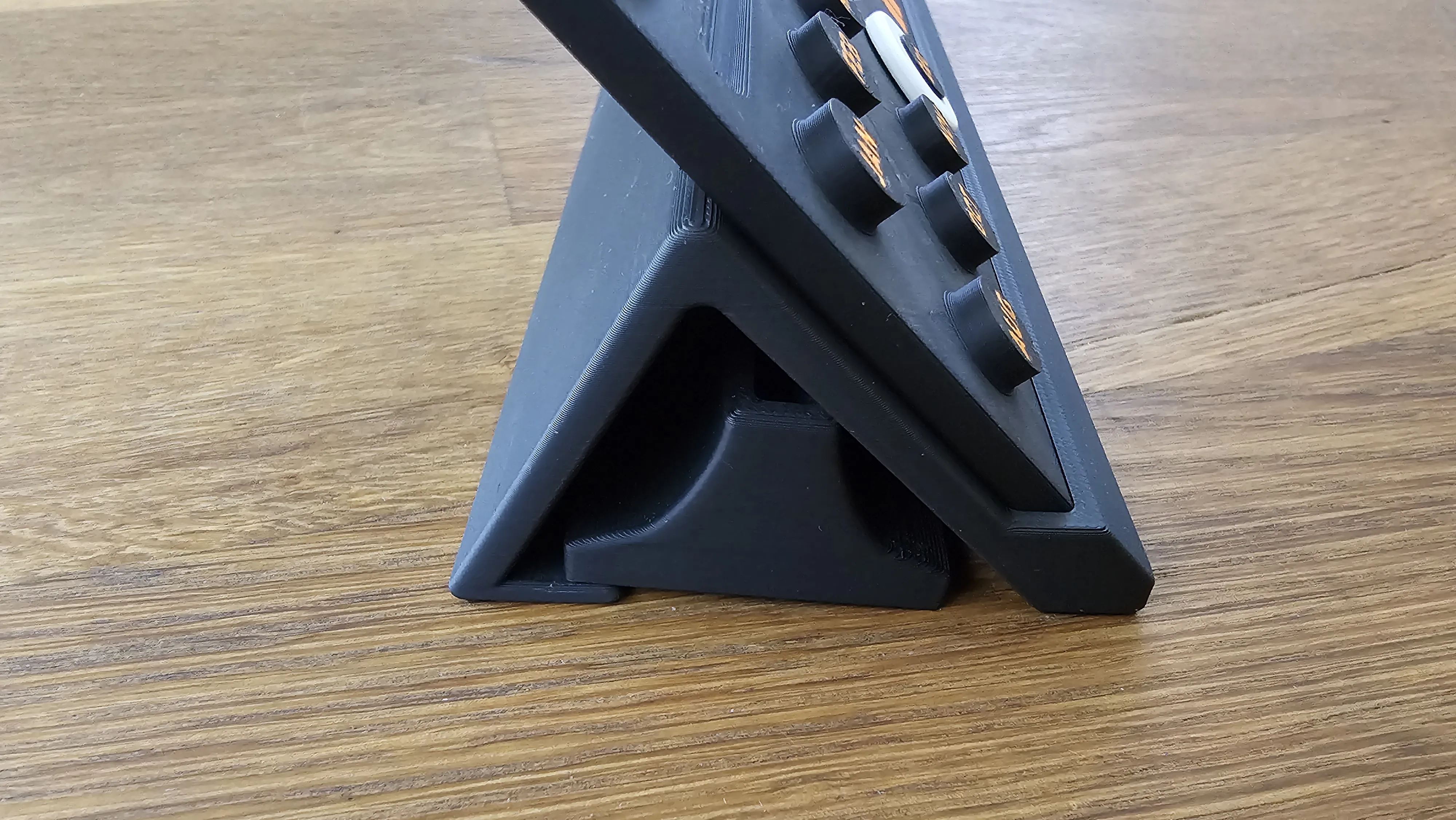
There are also holes on the back so you can add magnets to hang the calendar on the fridge or wherever.
( I make the sign for my wife, don´t know why she wantet it you can find it here if you like it https://makerworld.com/de/models/90880#profileId-97241 )
The size of the magnets is 5x3mm
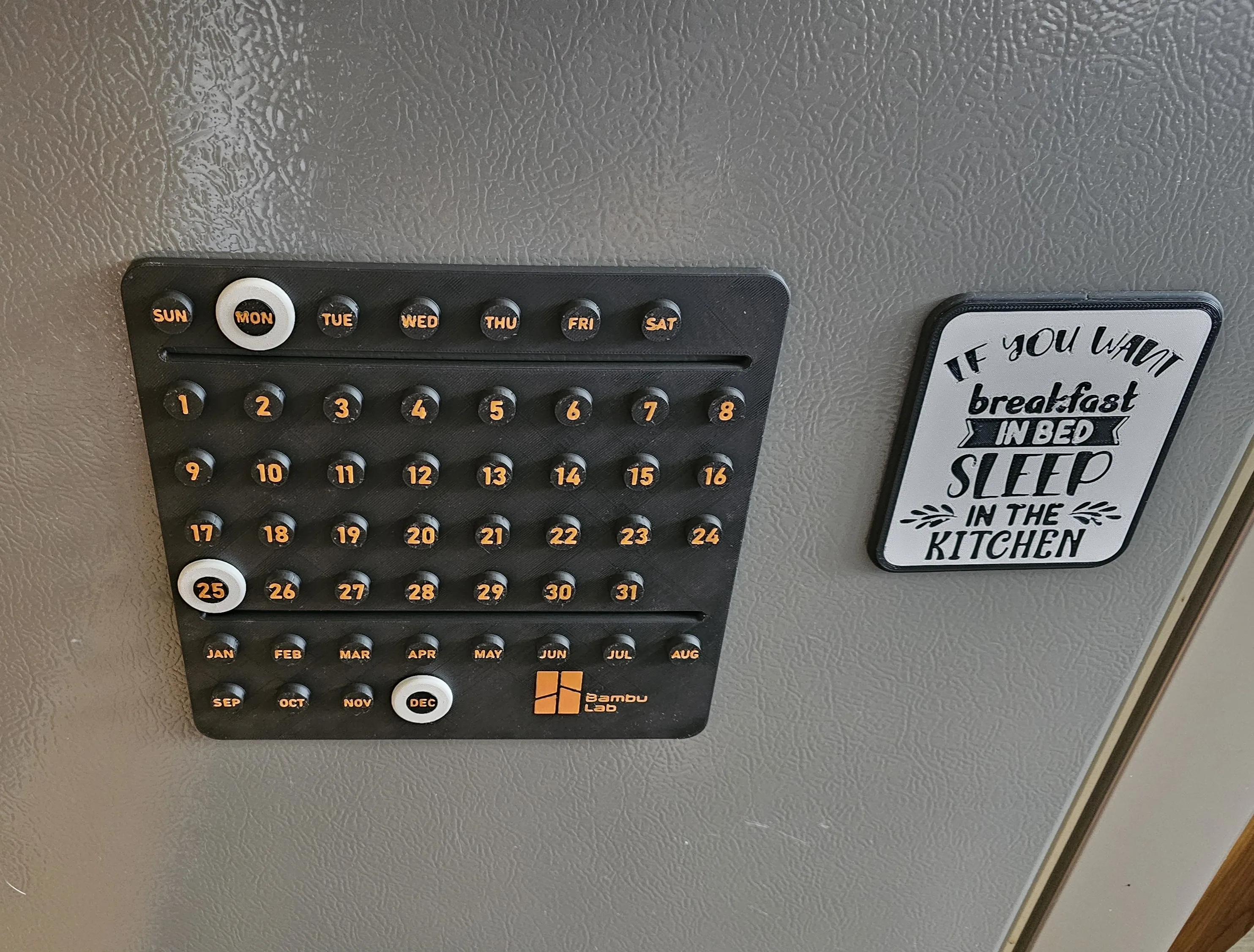
I didn't add the calendar year so that you can always use it.
I also find the gaps very useful so that you can leave a note.
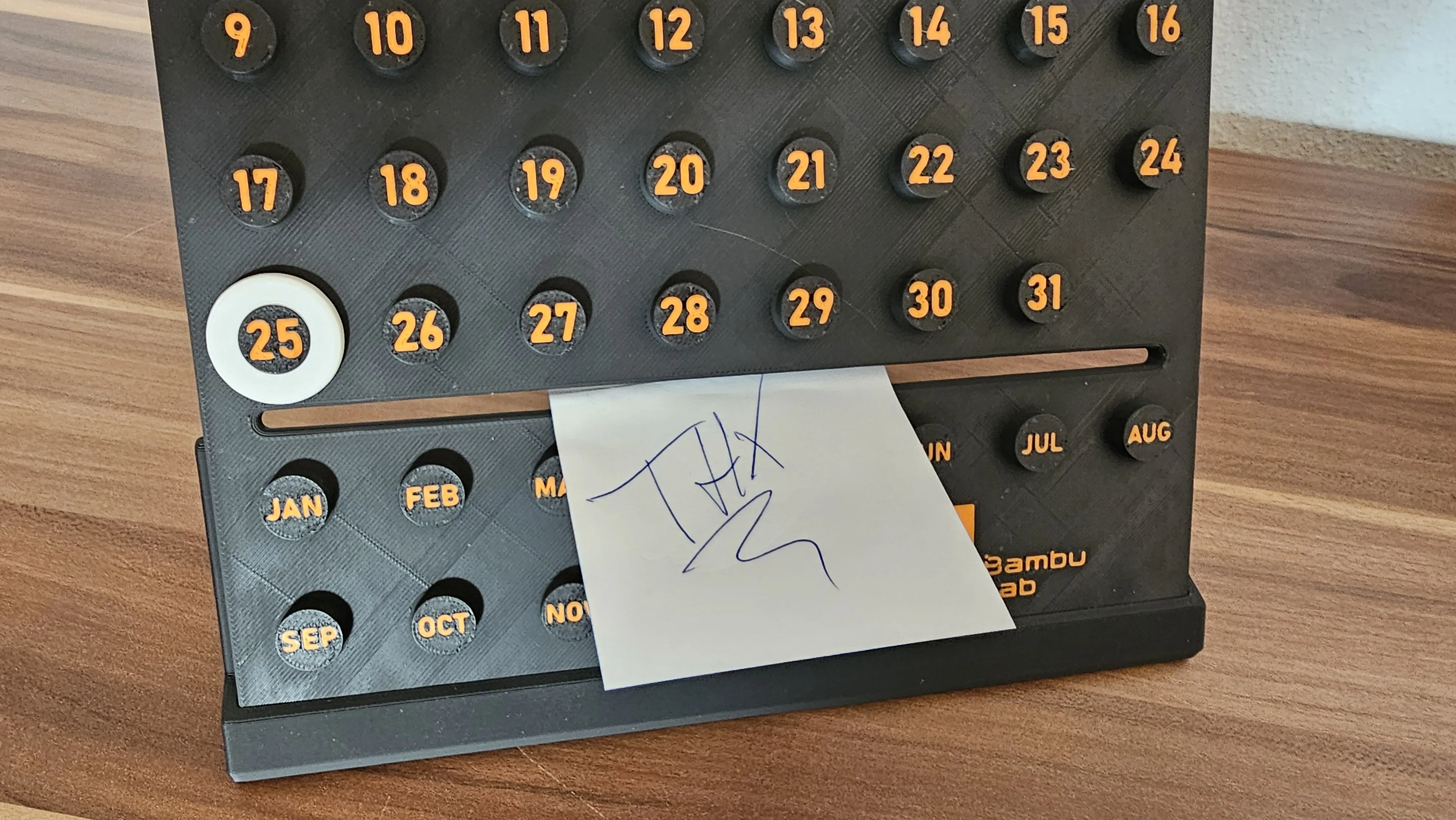
There are a few print profiles available,
from fast, smooth, fast and ironing and of course smooth and ironing, etc.you have the choise
also the colours is up to you.
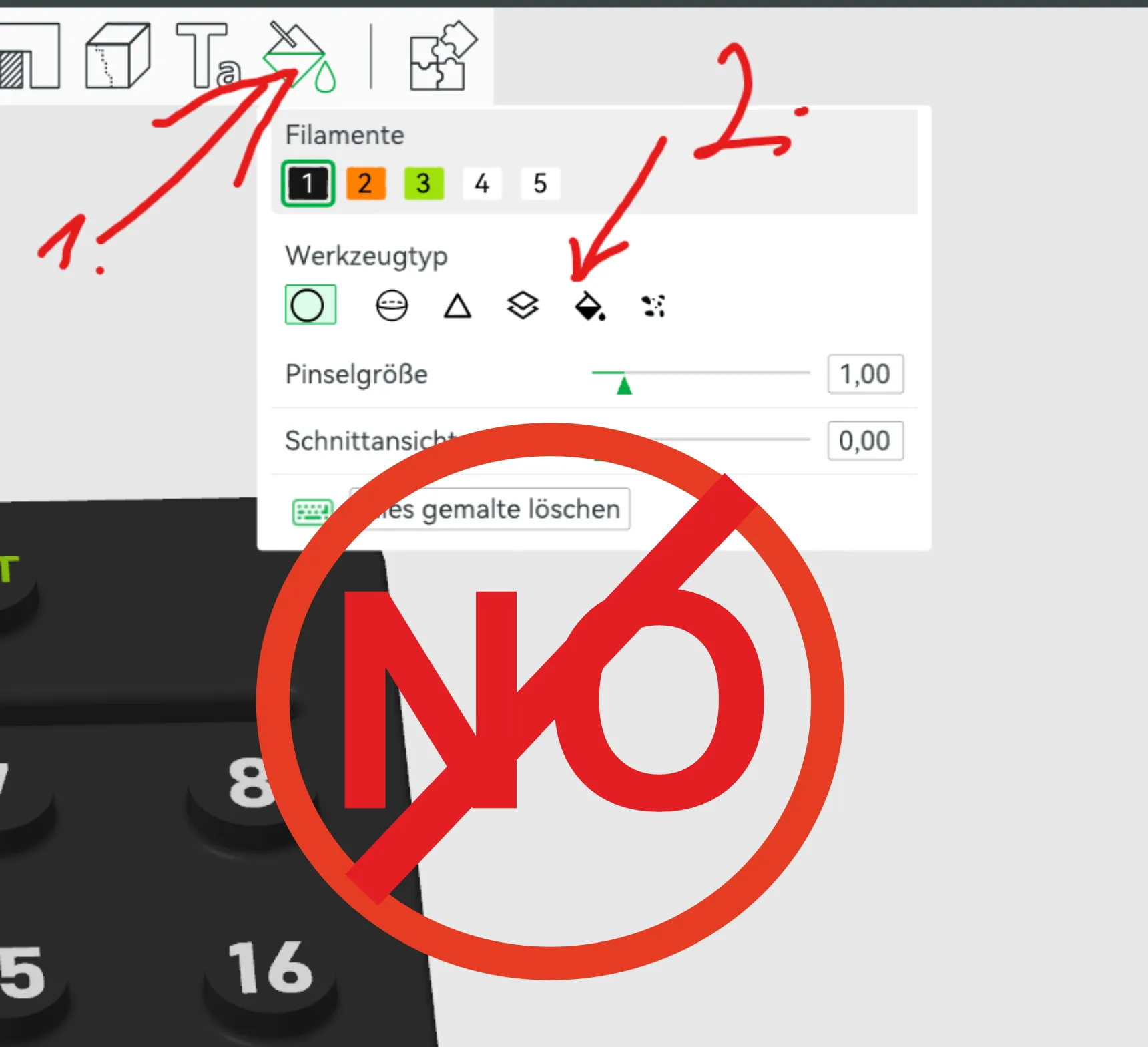
Here is a short guide for users who may not know the function for changing the colour in the print profile.
Let´s start
You can certainly colour each individual part by hand with this tool
but this is very complicated and that's why the calendar is designed so that you can change it more easily.
First look and search for process and click on objects
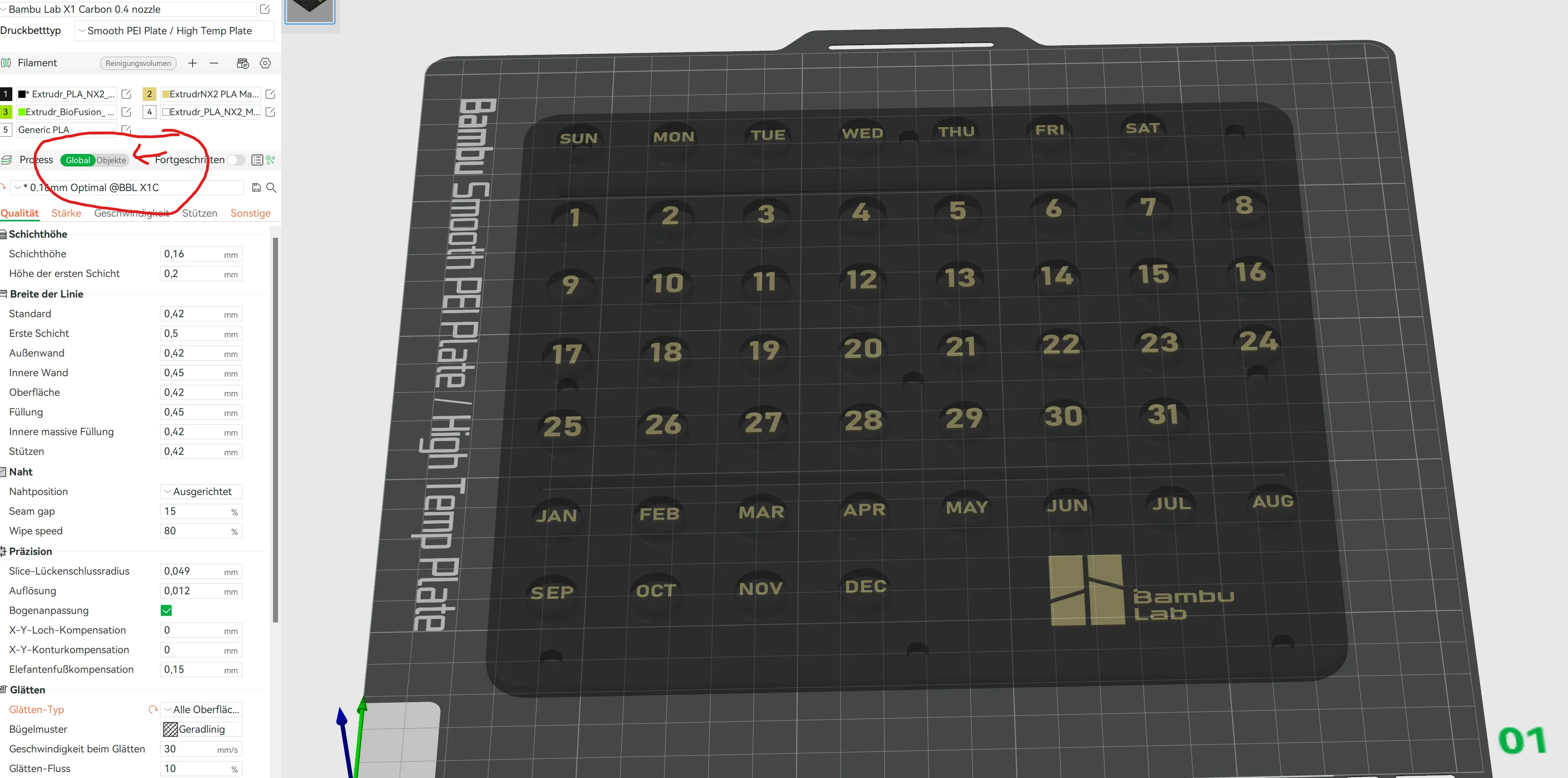
Then you should see this menu and on the left side the individual objects that you can change.
In this case it is days of the week, the logo, month, days(Numbers) and the calendar itself.
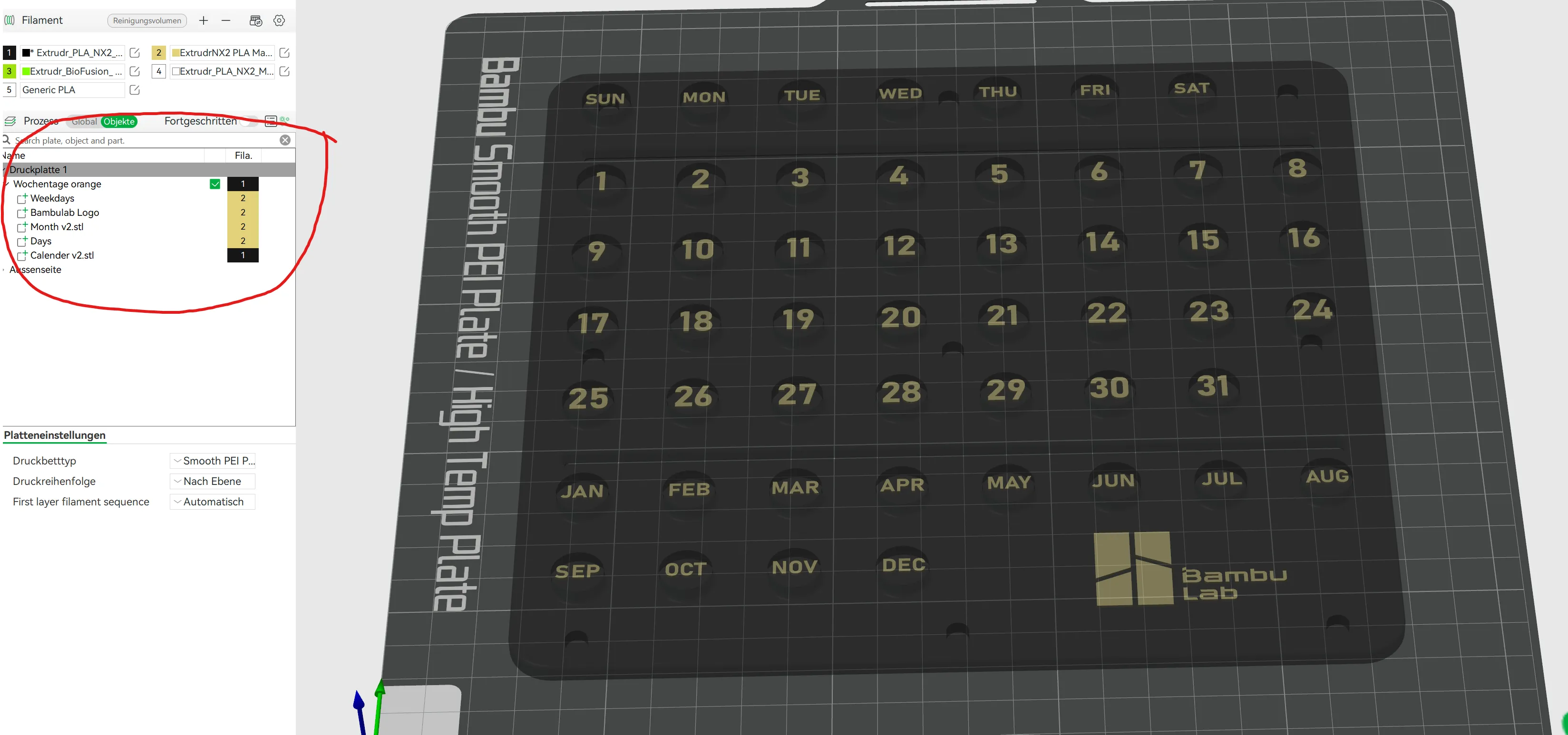
Select the colours you have (you can see this in your AMS) and change them on the right-hand side. look at the following picture
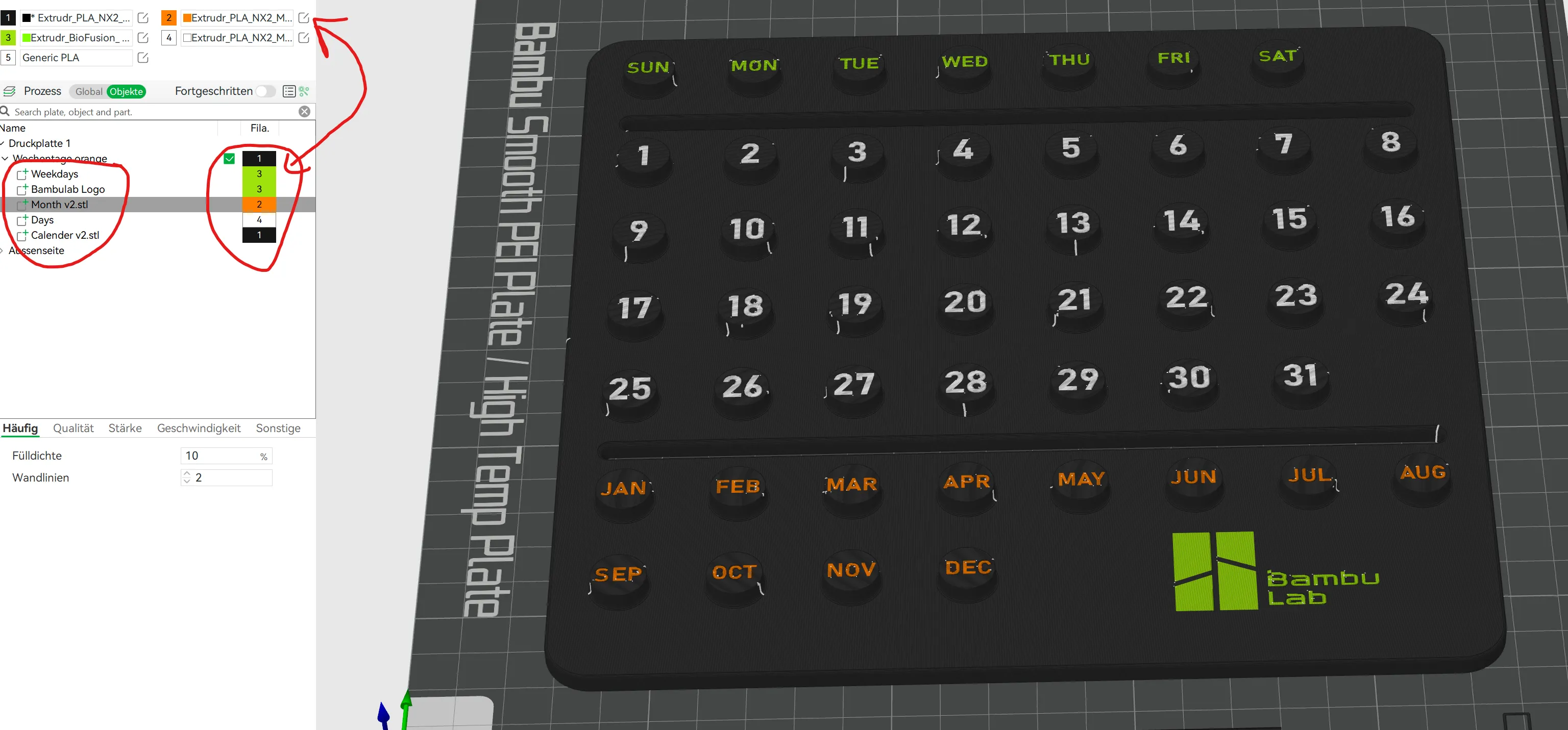
Once you have done this, you can start printing and have a nice colour design
(I like orange and black )
I think you should be able to do this with the short instructions.
Now have fun playing around and please show me your results
If you like, have a look at my other stuff too
If you like my work/project consider supporting me with these options:
- leave a like
- leave a comment
- download the file
- or By me a Coffee
Have fun printing and If you like the project, simply like and download it.
License

You shall not share, sub-license, sell, rent, host, transfer, or distribute in any way the digital or 3D printed versions of this object, nor any other derivative work of this object in its digital or physical format (including - but not limited to - remixes of this object, and hosting on other digital platforms). The objects may not be used without permission in any way whatsoever in which you charge money, or collect fees.


Comment & Rating (103)