
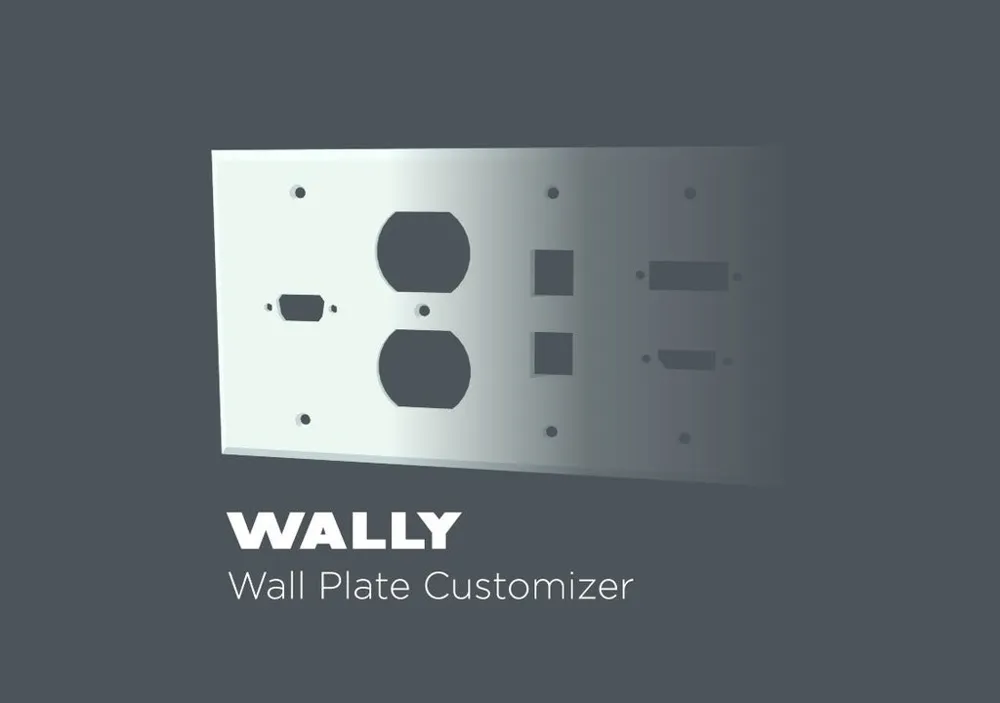
WALLY - Wall Plate Customizer
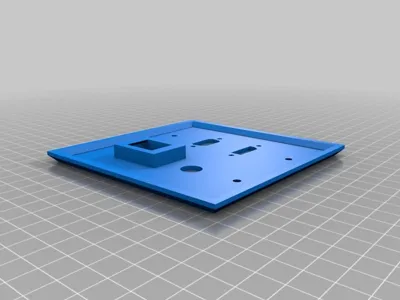
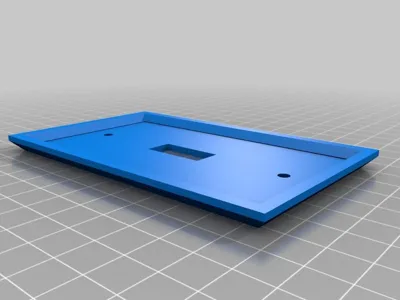
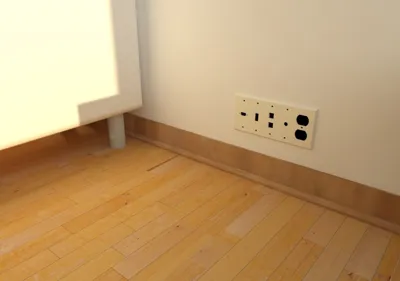
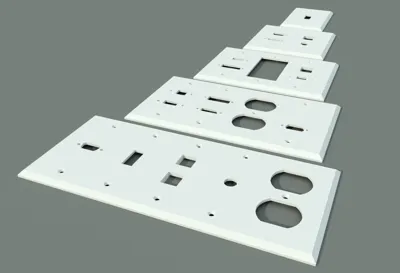
Print Profile(4)


Description
Instructions
I've included several pre-generated WALLY wall plates for test printing, but the real value from this model comes from customizing it to fit your needs. Here are instructions for creating a custom model using Makerworld MakerLab.
Click Customize

- Adjust the customizable parameters.
- Click Generate.
- When you're happy with your model click Download.
- Download a 3MF or STL for printing.
More Info:
So here it is, my first model designed in OpenSCAD. I found something that would really benefit from being a parametrically designed model: Wall Plates.
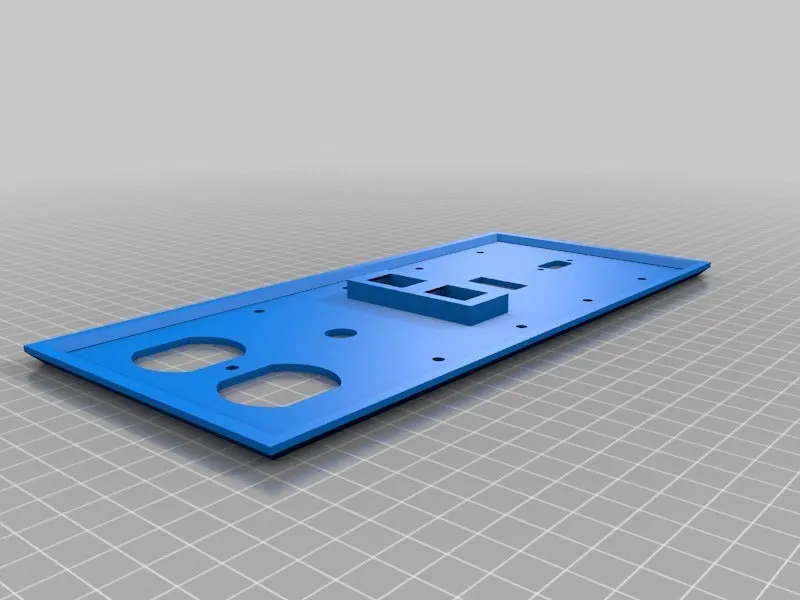
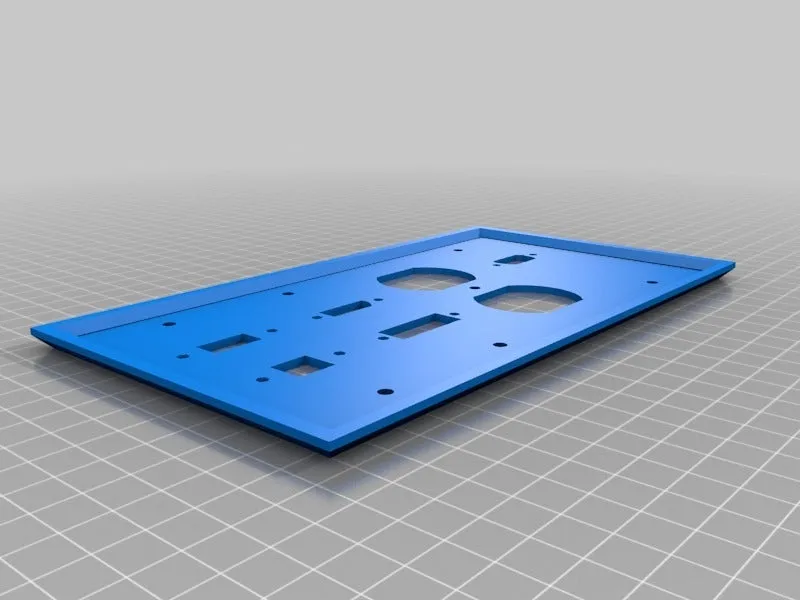
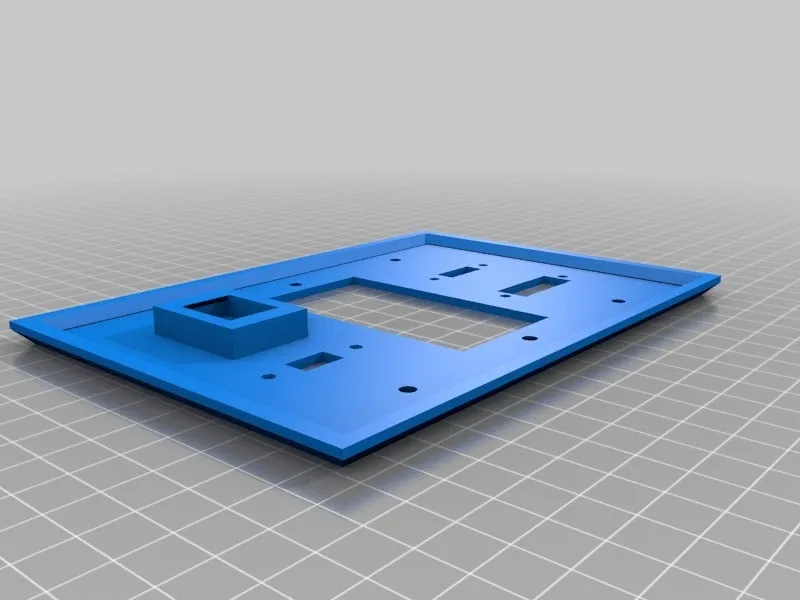
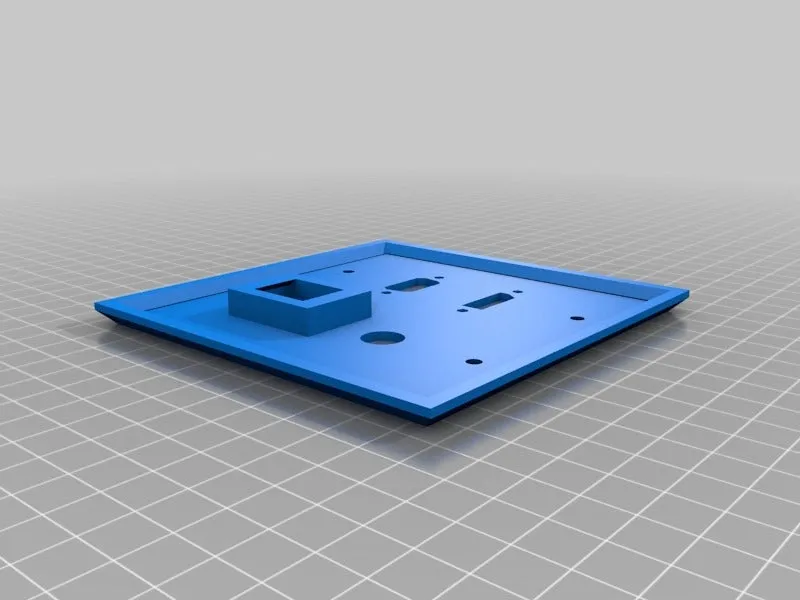
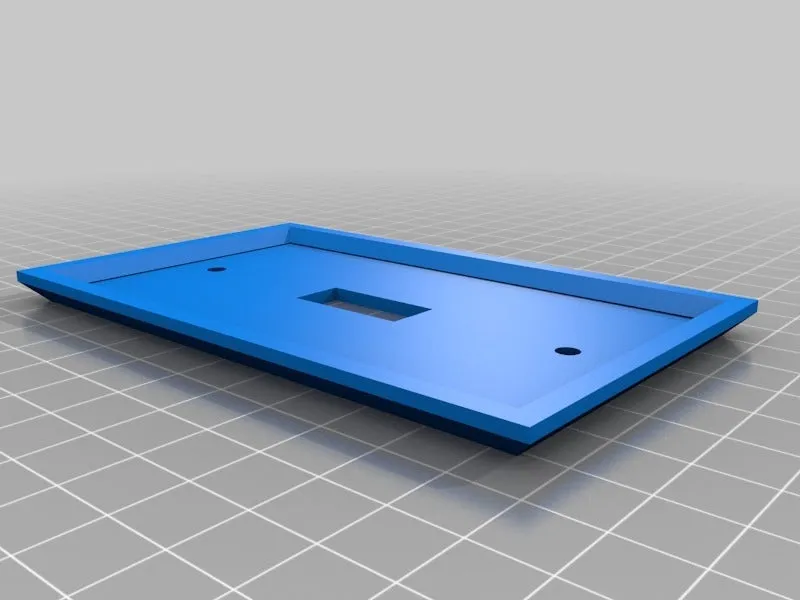
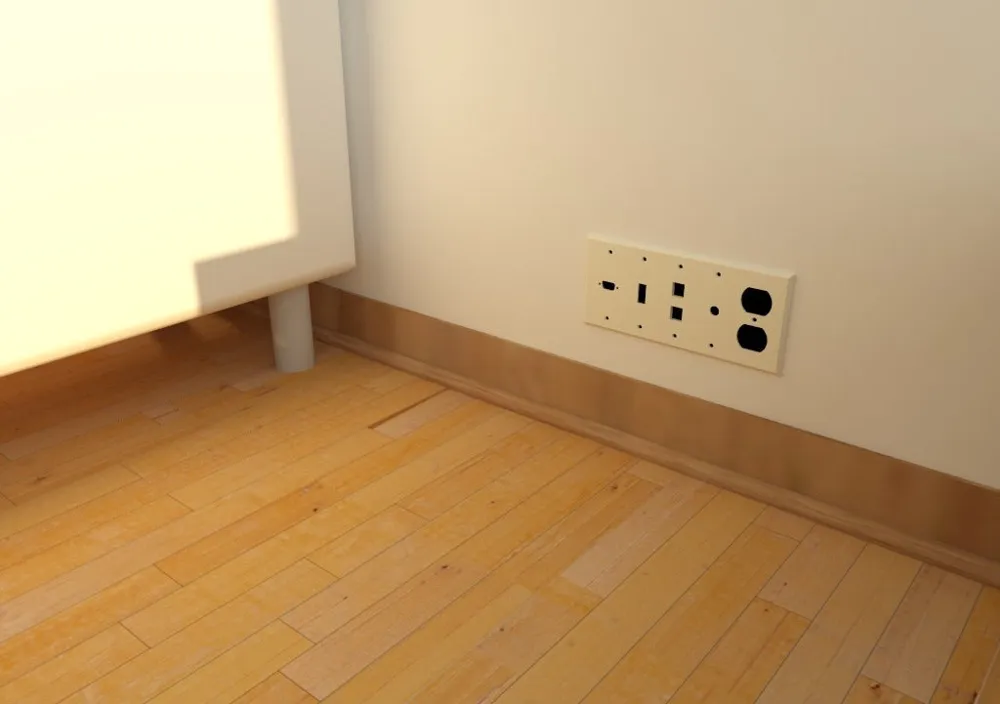
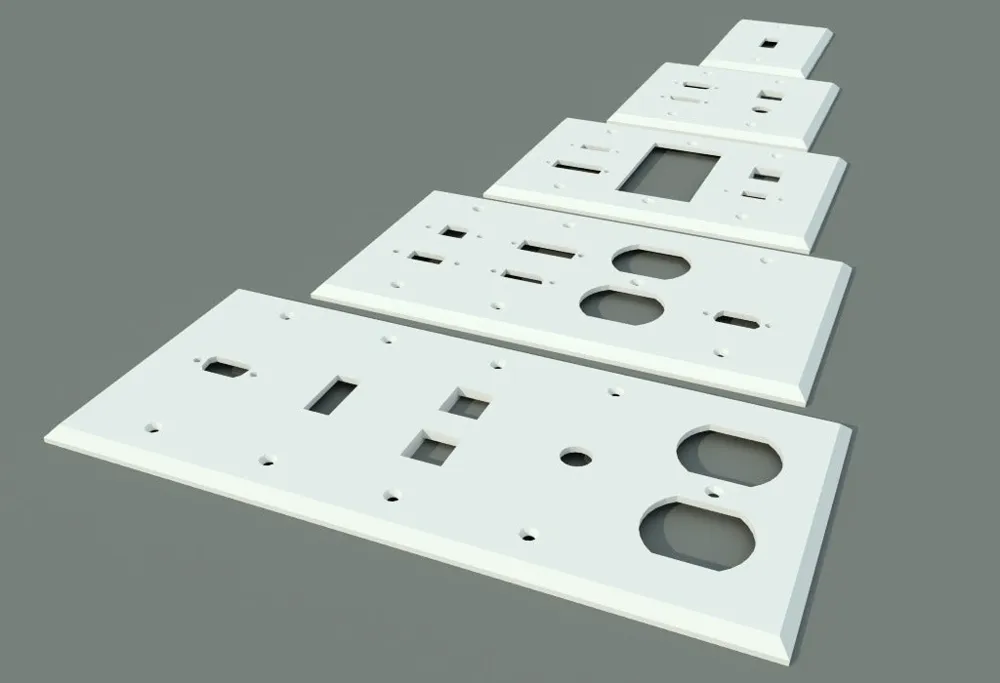
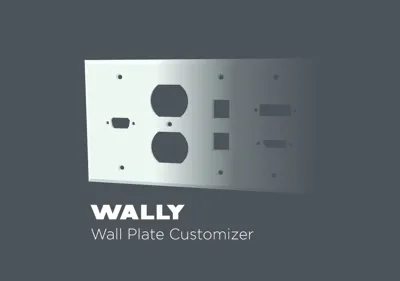
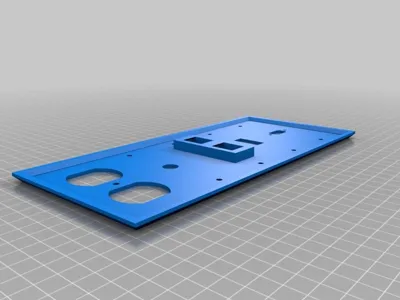
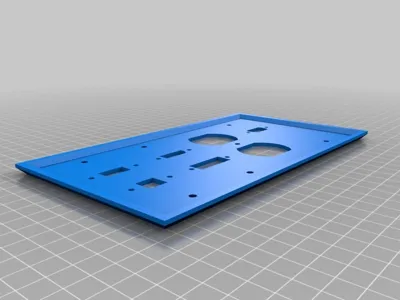
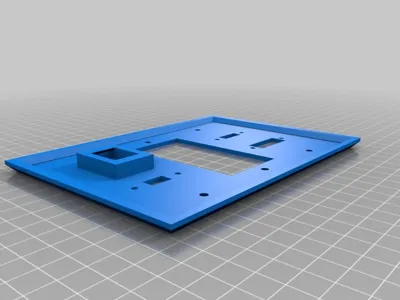
I've created a OpenSCAD model that allows you to pick from a list of 18 types of connector/outlet style which then generates a 3D model correctly oriented and modeled to be immediately 3D printed.
So what options did I include in this file? Well I've allowed the user to pick any width from 1 to 5 faceplates wide. These were measured off the standard electrical box sizes and should match screw holes in your existing boxes. The list of available plug and outlet styles is listed below:
- Blank Port
- Toggle Switch (Takes up entire plate)
- Duplex Outlet (Takes up entire plate)
- Rocker/Designer Plate (Takes up entire plate)
- Keystone Jack
- VGA Port
- HDMI Port
- DVI-I Port
- Displayport
- Cat5e/Cat6 Port
- USB-A Port
- USB-B Port
- Firewire IEEE 1394 Port
- DB-09 Port
- PS2 Port
- F-Type/Coaxial Port
- S-Video Port
Stereo Headphone Jack
With the exception of #2-4 all of the plug types are modular and be placed on the top, bottom, or centered on a generated wall plate. All of the ports (excluding the outlets and keystone jacks) are designed to accommodate DataPro.net's panel-mount cables.
License



Comment & Rating (21)