
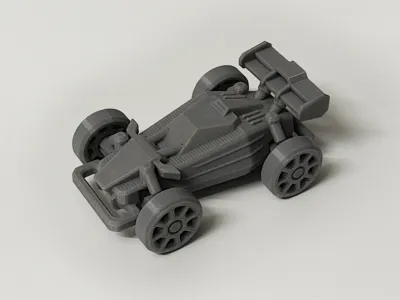
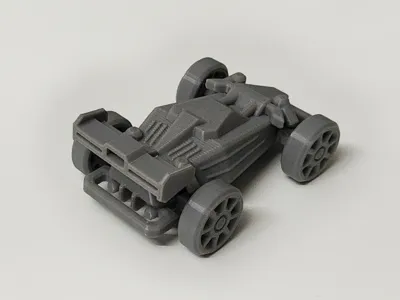
Mini Off-Roader 1.0 (Articulated, no hardware required)
Print Profile(2)
Description
Boost Me (for free)
Your likes and boosts are my motivation to update!!! Thank you~


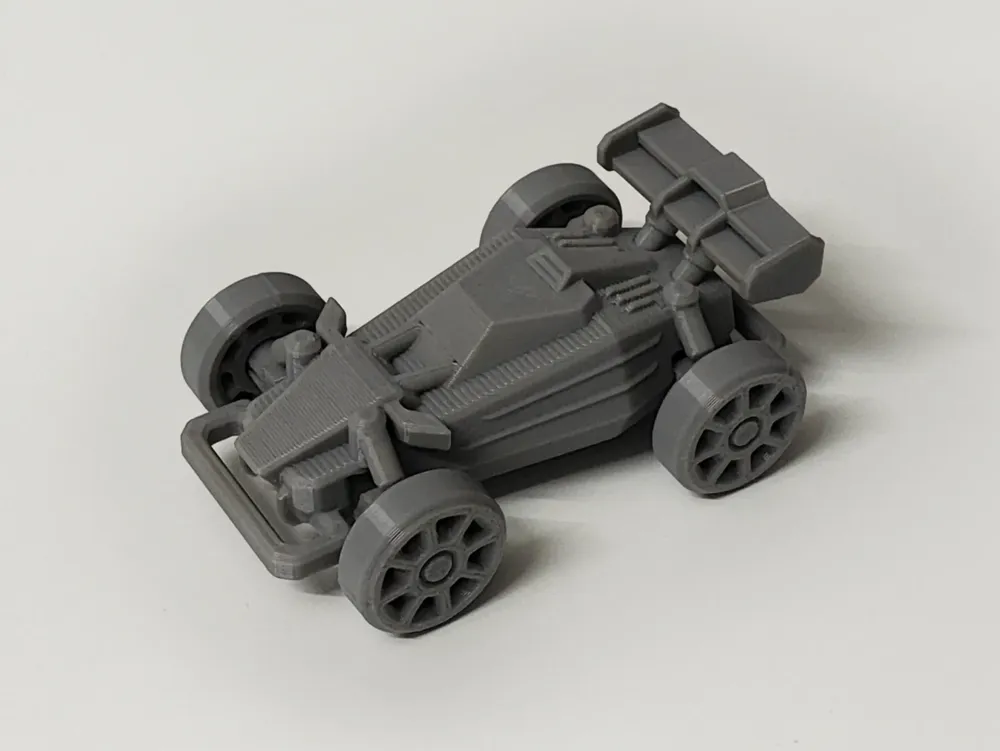
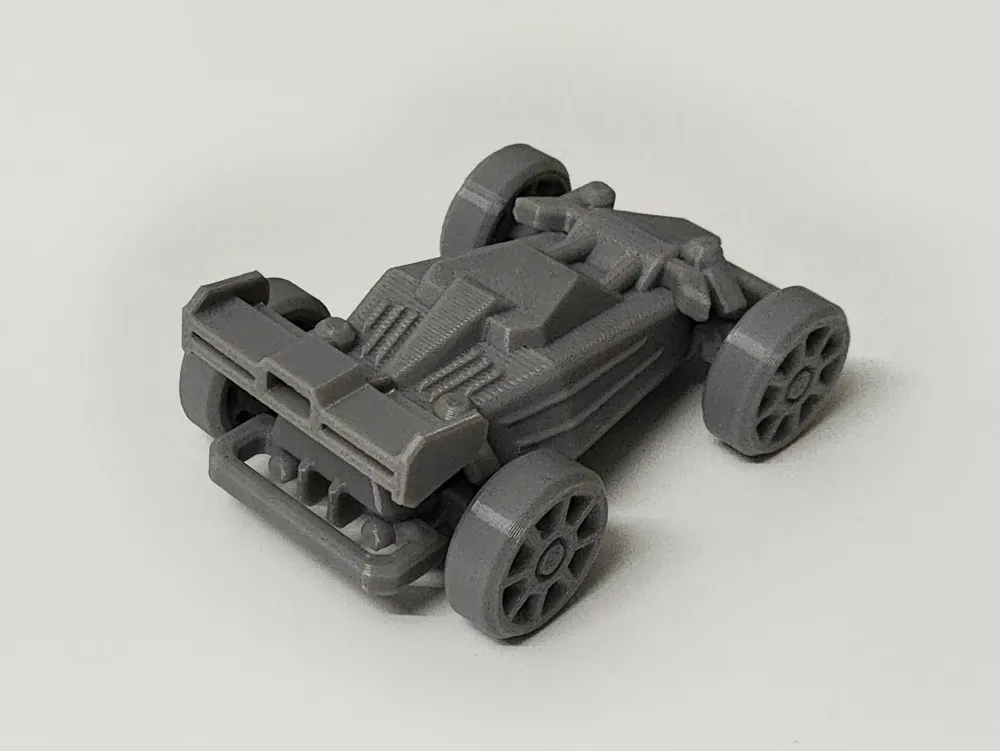
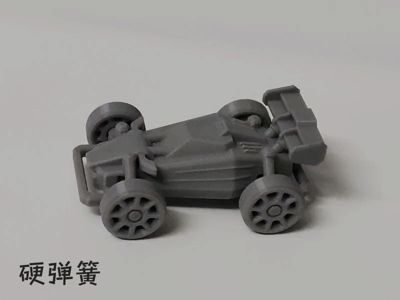
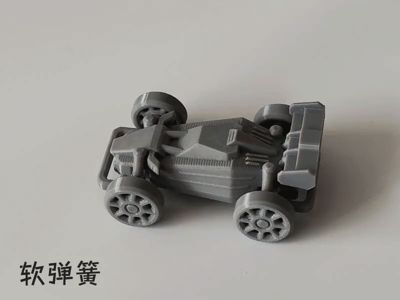
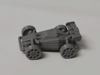
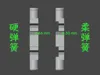
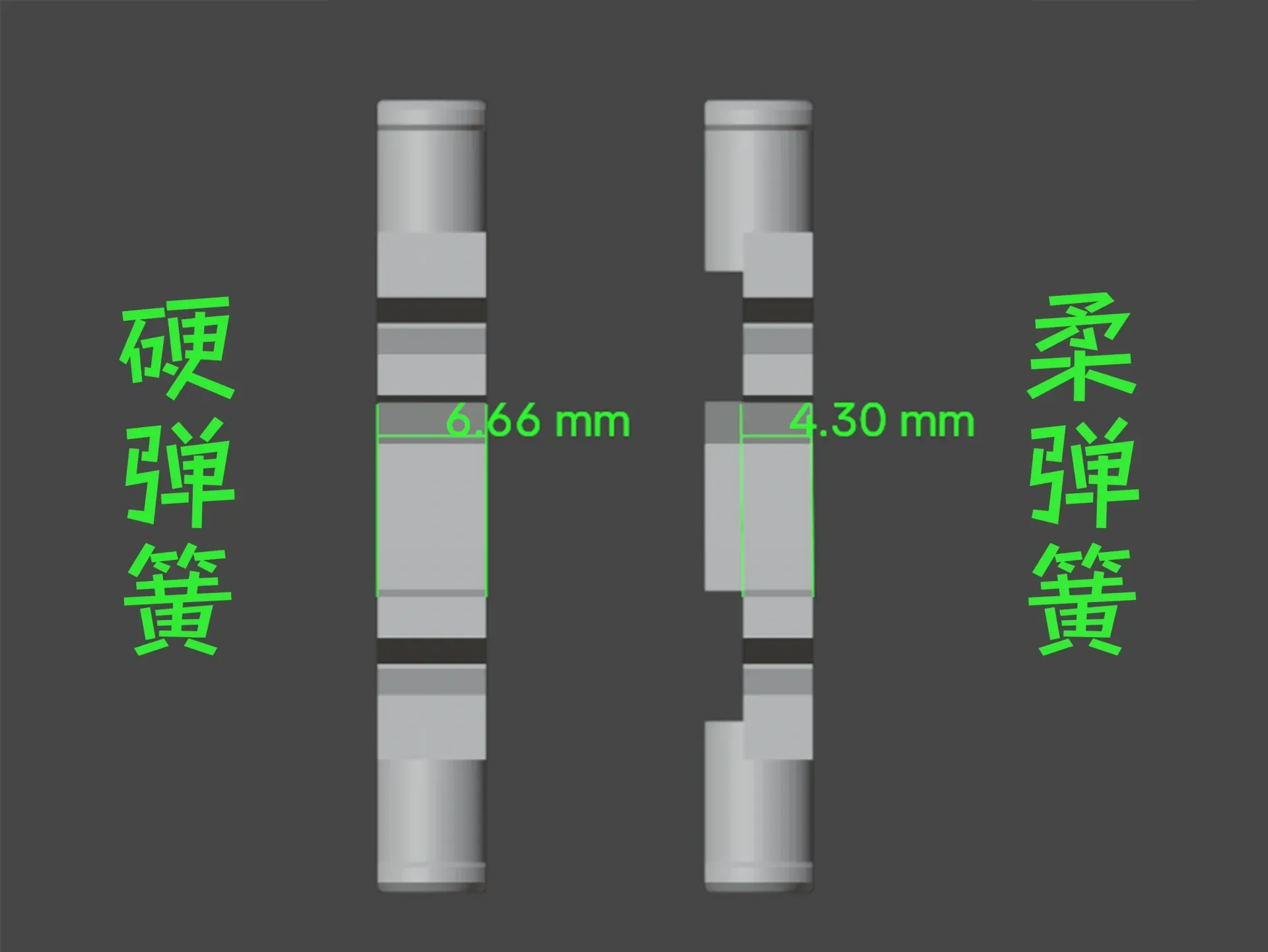
This is a two-wheeled vehicle with front and rear wheelsrequiring no hardwarea small off-road vehicle with shock absorption, featuring minimal supports for easy disassembly! The springs (available in soft and hard options, hard is default) are printed components,springs are consumable parts,and can be easily reprinted if broken. PETG is recommended for printing, offering superior flexibility and preventing spring clasp breakage!
2025.3.22 Update:
All clasps have been adjusted (see below) to enhance their strength!
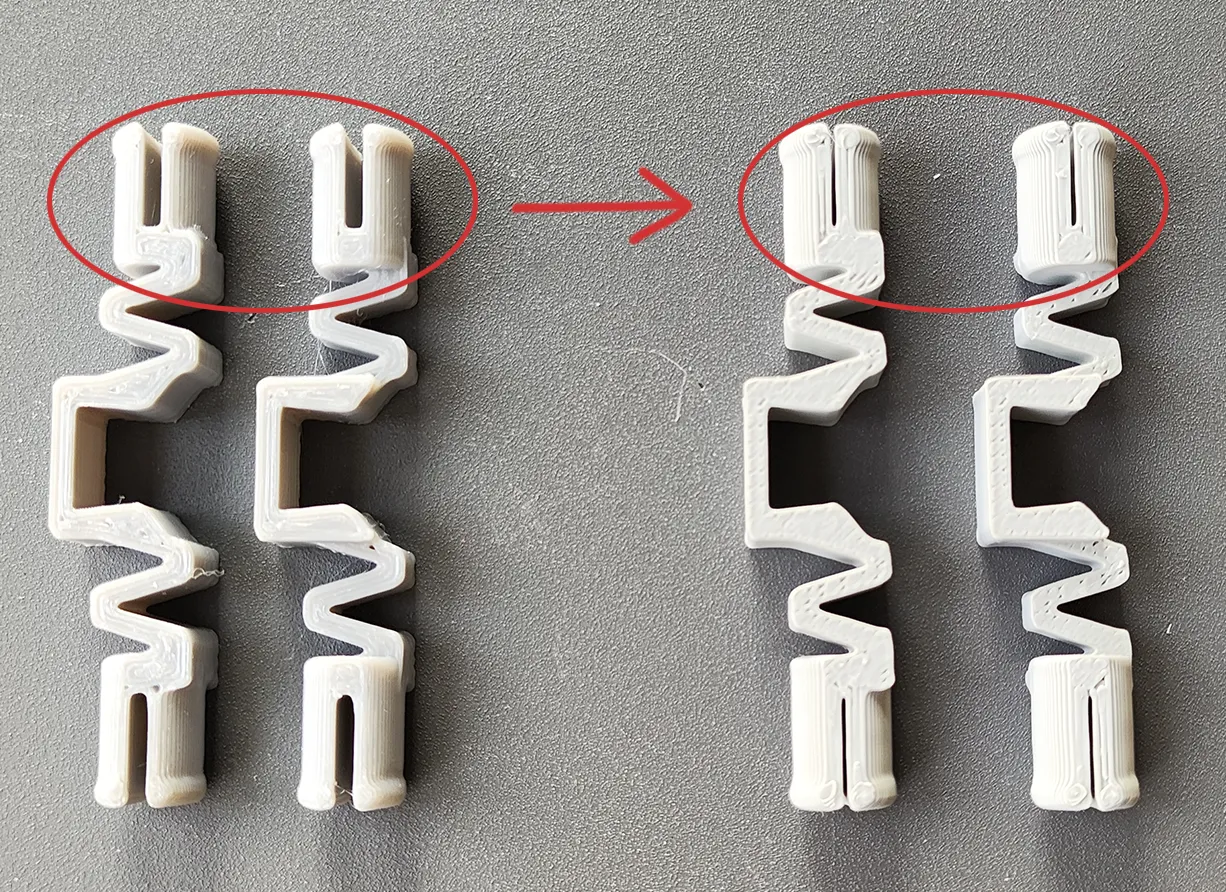
Assembly diagram and instructions below:
1. Install wheels into springs, 2. Then attach springs to the chassis to prevent breakage of the spring and wheel clasps!

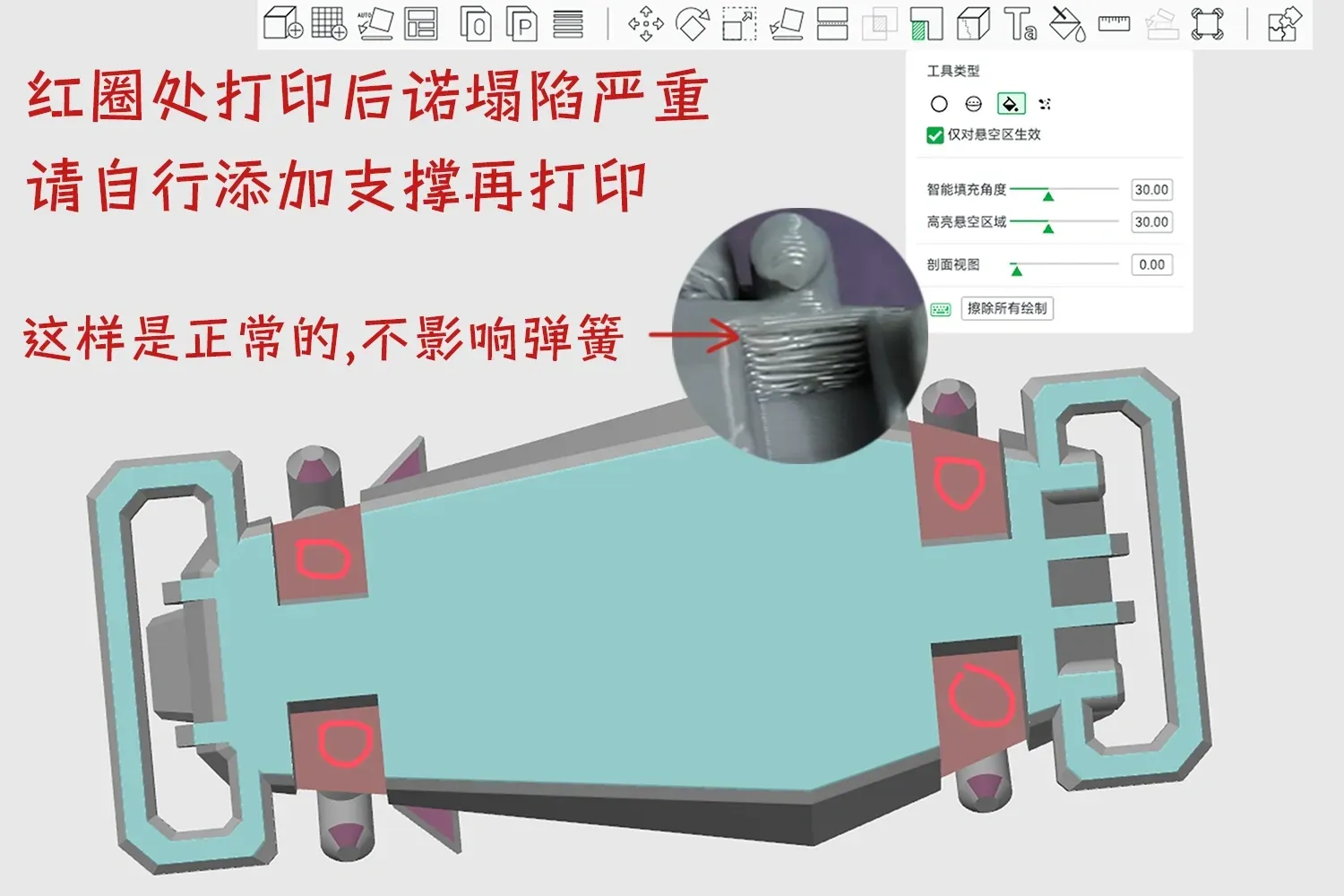
The areas indicated by arrows below are normal and do not affect the springs! If significant sagging occurs in the four circled areas after printing, add supports before printing again.
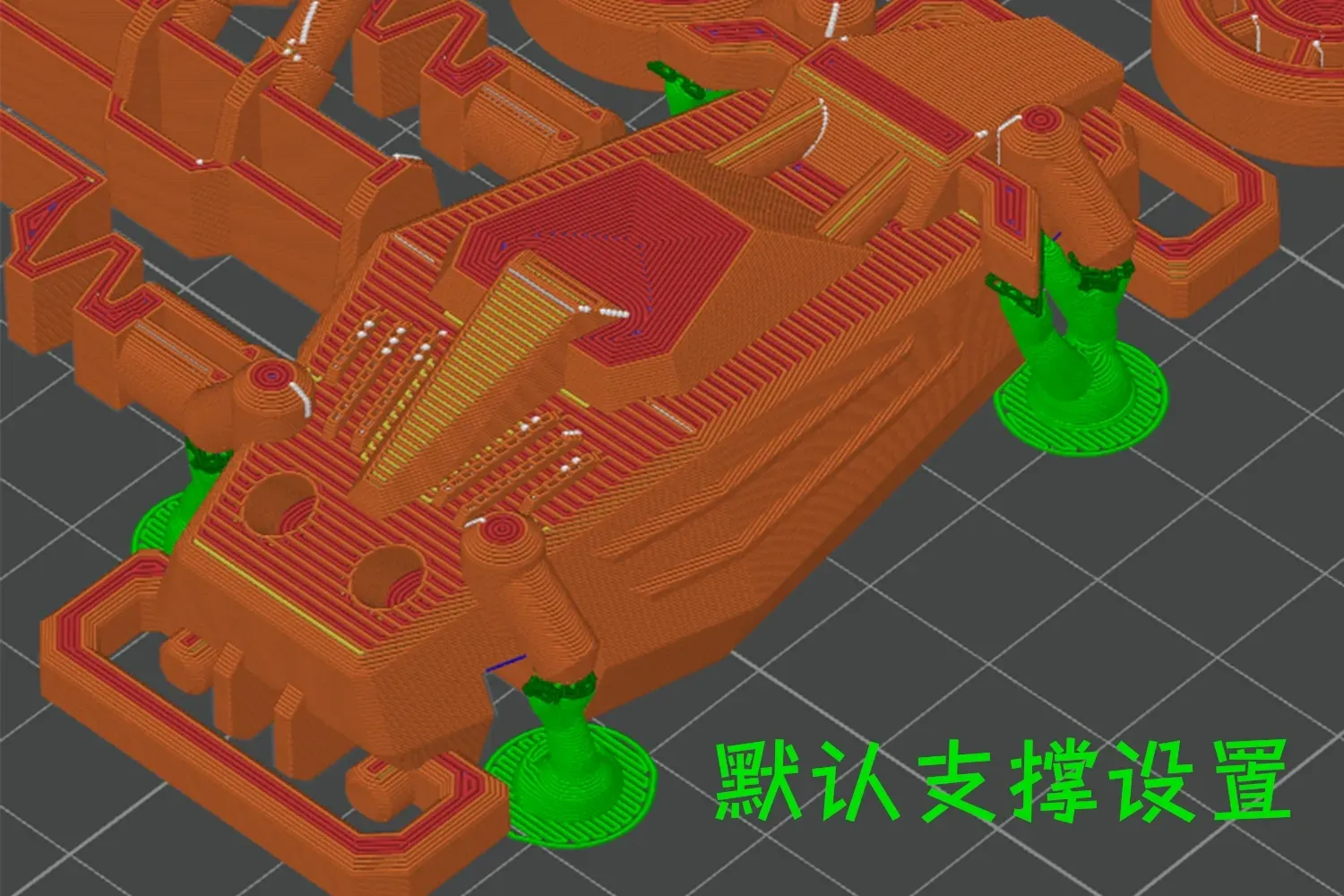
Default support settings shown below
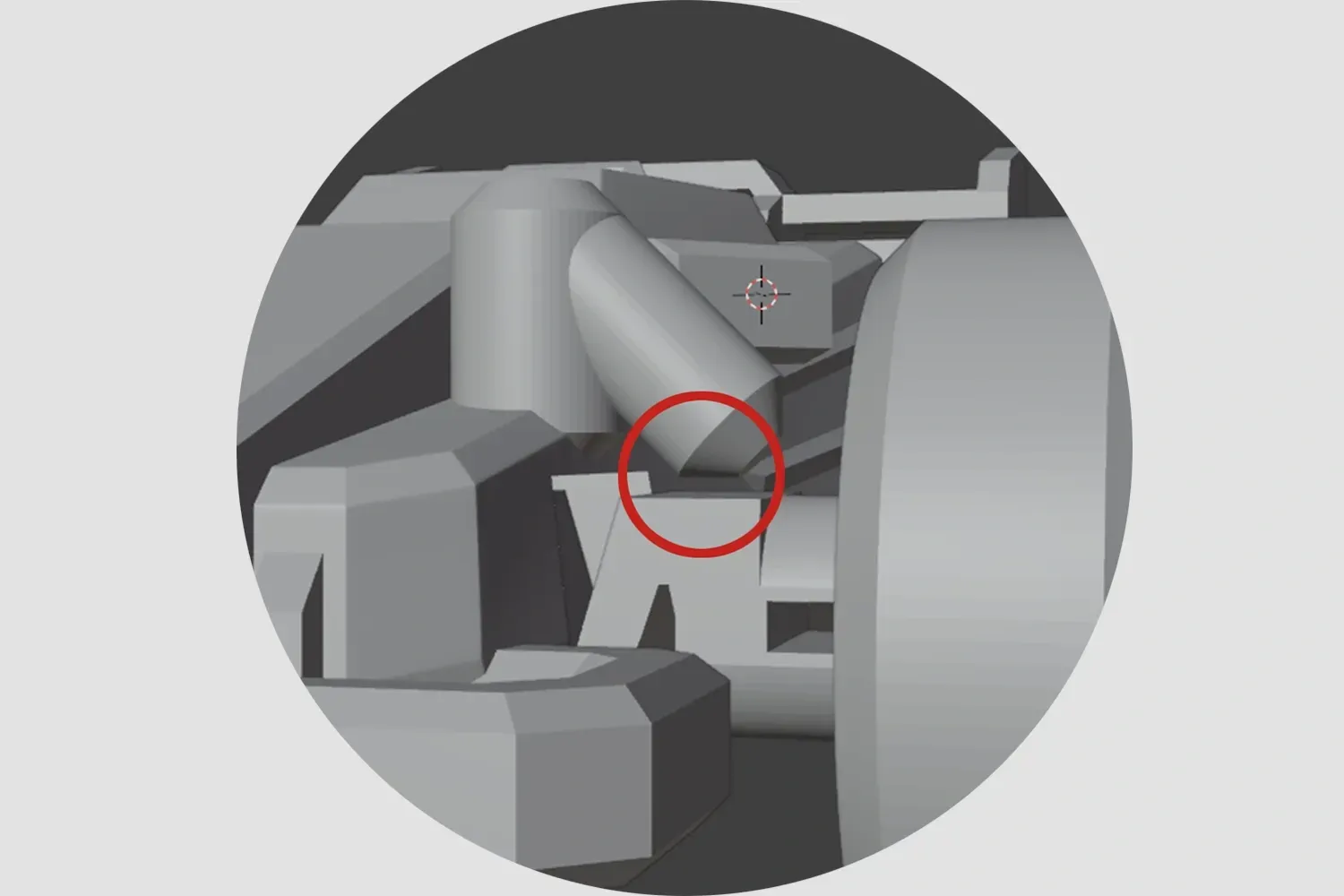
The areas circled in red below are designed to prevent excessive compression and subsequent spring breakage! For increased compression, carefully trim the area using a utility knife or flush cutters (exercise caution when using tools)!
Note: 1. Both PLA and PETG can be printed. It's best to understand the characteristics of these two materials before printing to avoid printing failures!! For example, PLA can become brittle if left for a long time or at low temperatures, while PETG has good toughness. Please choose the filament that suits you!!
2. If it's for younger children, and the parts are small and easy to disassemble, it's better to glue them firmly with 502 or other adhesives to prevent them from being swallowed!!
3. If there are no special requirements, please do not use your own advanced process settings for printing~ to avoid printing failures!!
If your printd part has local spaghetti, or the filament doesn't stick to the build plate, please recall if you touched that area (hands secrete sweat and oil, touching it has a very high chance of causing spaghetti) or if the build plate is dirty. The solution is to search online for how to clean a 3D print plate!! If other problems occur, please describe it in the comments section and add pictures, so it's easier for us to solve it~ Otherwise, I can't imagine the situation = =!!
License

You shall not share, sub-license, sell, rent, host, transfer, or distribute in any way the digital or 3D printed versions of this object, nor any other derivative work of this object in its digital or physical format (including - but not limited to - remixes of this object, and hosting on other digital platforms). The objects may not be used without permission in any way whatsoever in which you charge money, or collect fees.


Comment & Rating (20)