
Swan (Valentine's Day)
Print Profile(1)
Description
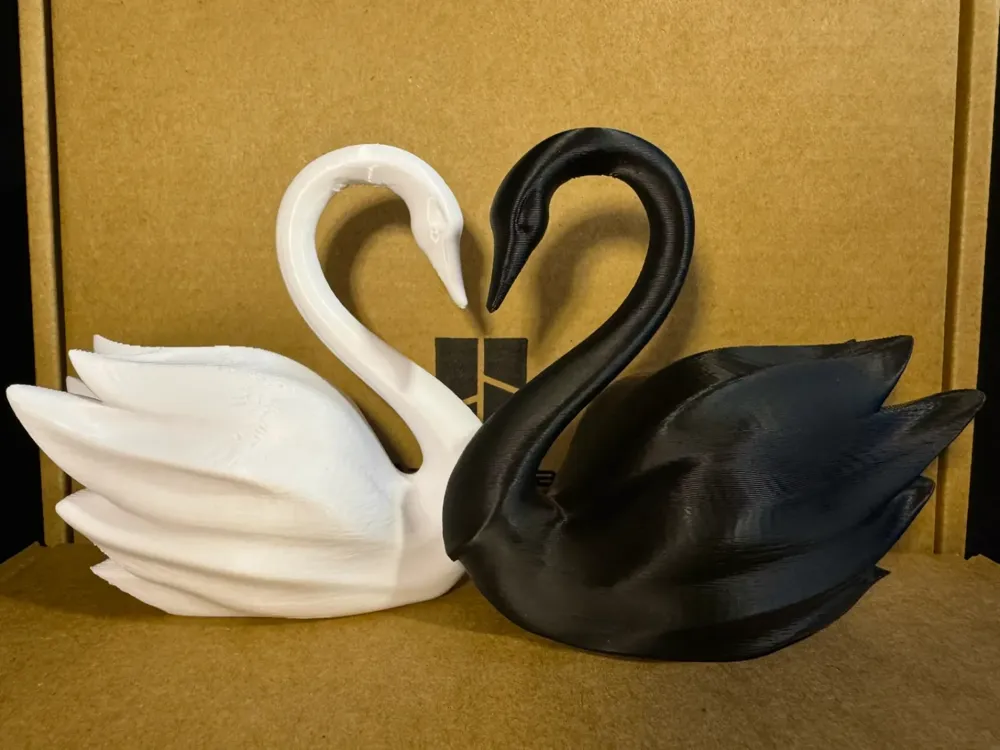
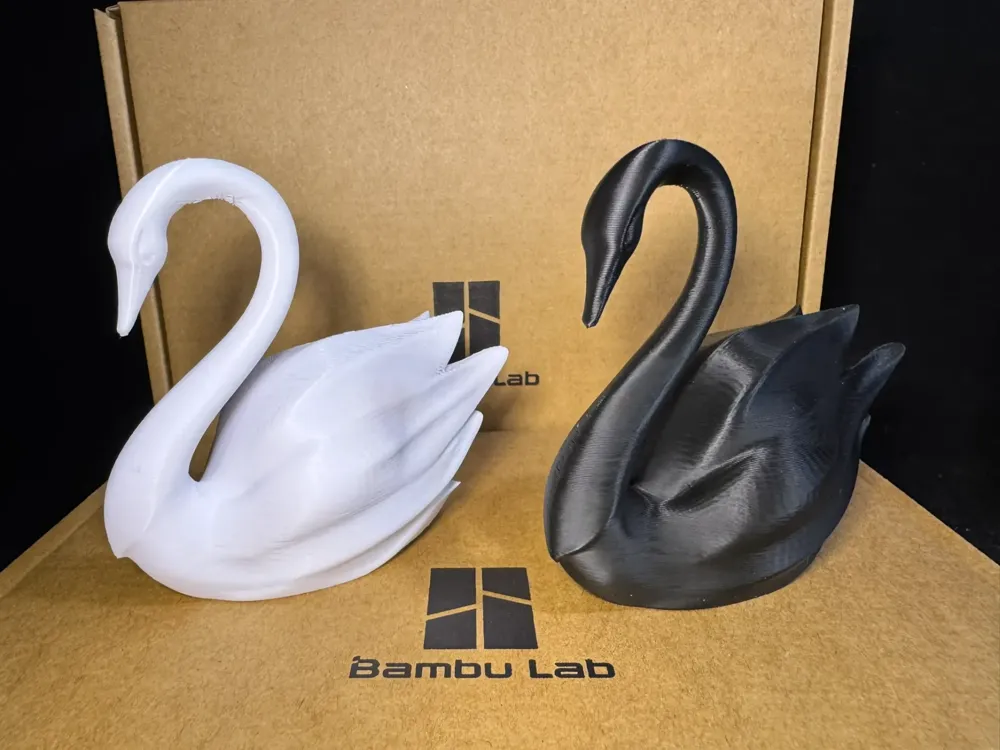
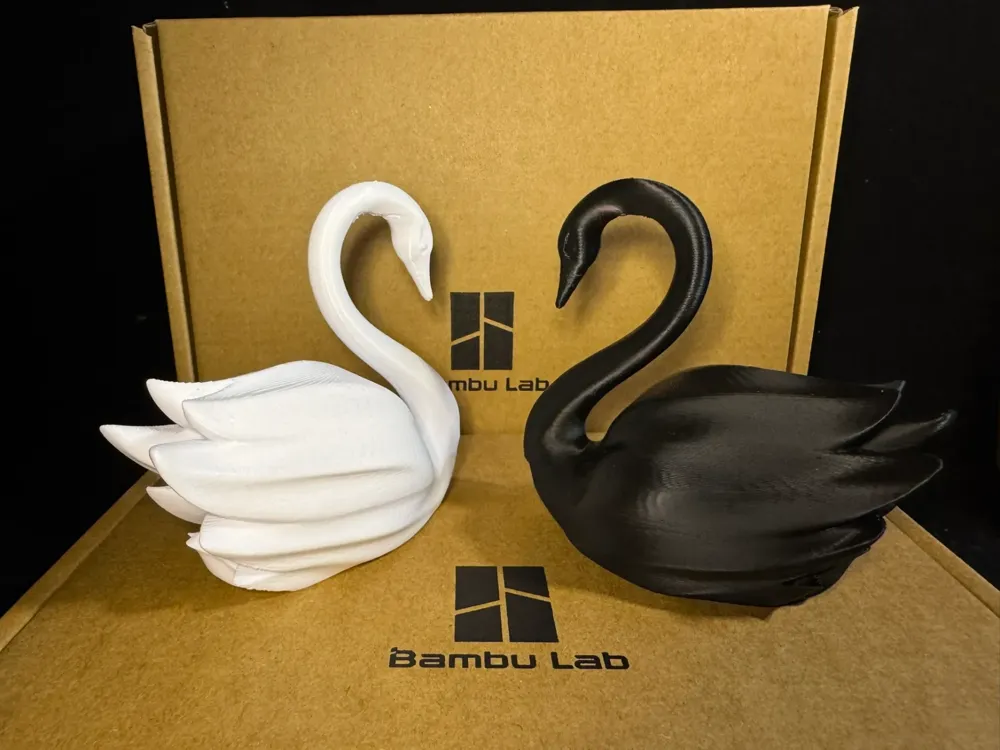
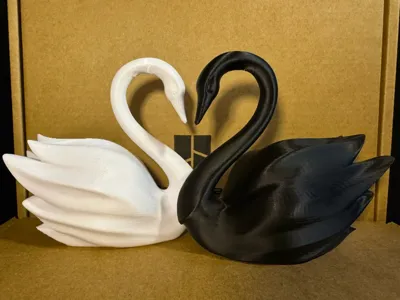
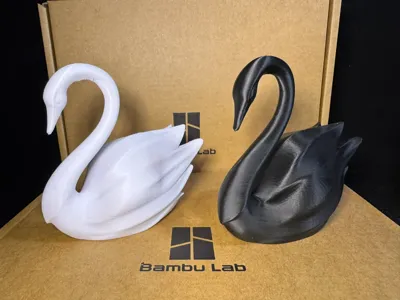
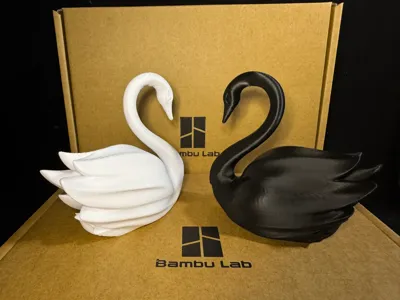
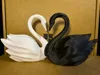
Valentine's Day Love Swan
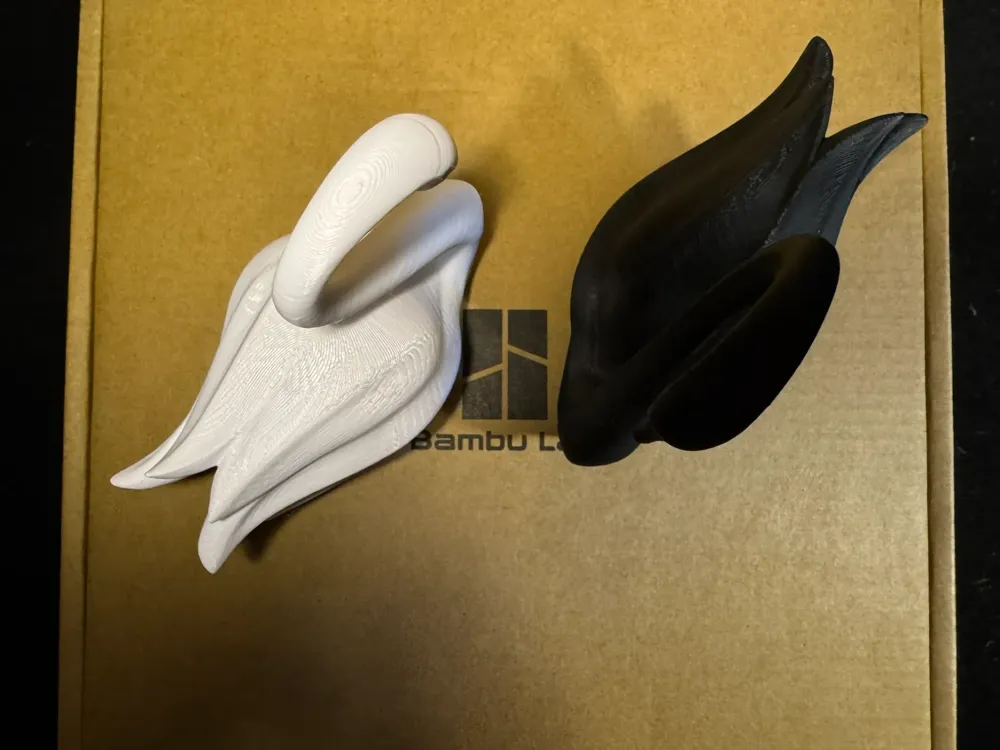
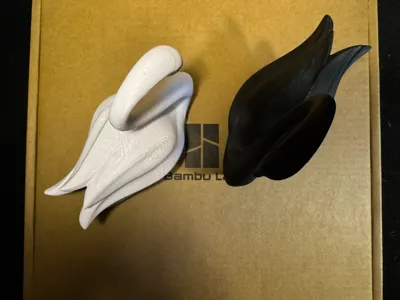
- A minimalist Valentine's Day swan ornament, configured for single-piece printing; you can print a pair and match the colors yourself
- Initial configuration: 100% outer contour dimensions 94X51X89mm, scalable as needed
After testing and adjustments, supports are simple to print, but remove beak supports gently to prevent breaking the neck structure. The integrated printing is fine and well-formed. 0.20 variable layer height for optimal printing, 100% recommended print speed.
- Note cooling if overhang quality is unsatisfactory! Also pay attention to filament flow calibration and drying!
Boost Me (for free)
If you like this model, you can boost me to buy a cup of milk tea. Thank you all!
3D Printing Tips and Precautions
(Most models released by creators have been tested and are compatible with all machine types. Printing problems often arise from issues with your printer or filament—troubleshooting is a crucial 3D printing skill. Feel free to discuss any issues in the comments section; that's the purpose of this community)
Some important notes are detailed below; for further questions, contact customer service or consult the Bambu Wiki—a wealth of information awaits you there!Print Quality and Troubleshooting | Bambu Lab Wiki
- Ensure the build plate is clean; regular cleaning is recommended! Oil residue from touching the build plate significantly reduces adhesion. Similarly, debris from previous prints and microscopic remnants affect the quality of the first layer, thus lowering the yield rate.
- Pay attention to filament drying; this greatly impacts print quality and experience! Filaments inevitably absorb moisture over time. If stringing occurs, consult the manufacturer's drying parameters. Also, most filaments are not dried before shipping, so some moisture remains. Pre-drying is recommended.
- When using new filament, calibrate the filament flow immediately and adjust the calibration factor. This drastically impacts print quality and is crucial for adapting new filaments to your printer.
- If print quality suddenly deteriorates, or the yield rate drops, check for nozzle clogging or try recalibrating the printer.
- Print at the recommended speed indicated in the model instructions. Overhang quality and print speed are directly related. An appropriate speed (neither too fast nor too slow) allows the material sufficient time to cool and solidify during deposition.
Set appropriate bed and nozzle temperatures for the specific material. Temperatures that are too high or low can lead to warping, layer defects, or adhesion problems, thus affecting print quality and success rates.
License

You shall not share, sub-license, sell, rent, host, transfer, or distribute in any way the digital or 3D printed versions of this object, nor any other derivative work of this object in its digital or physical format (including - but not limited to - remixes of this object, and hosting on other digital platforms). The objects may not be used without permission in any way whatsoever in which you charge money, or collect fees.


Comment & Rating (15)