
Packout Drawer Badge | All Files available

Print Profile(1)

Description
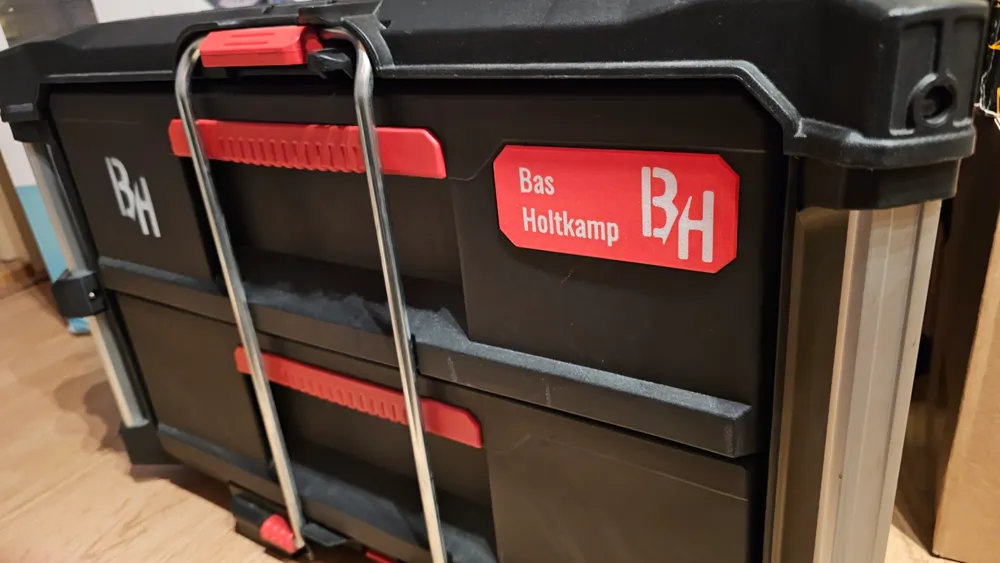
You probably want to personalize your Packout in Style, Im glad you found this page ;)
Looking around the internet i couldn't find the Badge with the CAD file to make adjustments and only some STL's, so here is my 100% self designed version.
The Procces to personalize your own Packout Badge within Bambustudio
- Open the Bambu File
- Edit the Text_Shape in the Object menu
Procces to personalize your own Packout Badge:
- Open the Fusion360 File
- Adjust the Text in the “Text” Sketch and hit Finish Sketch
- It should be ready to Export now properly as STEP file
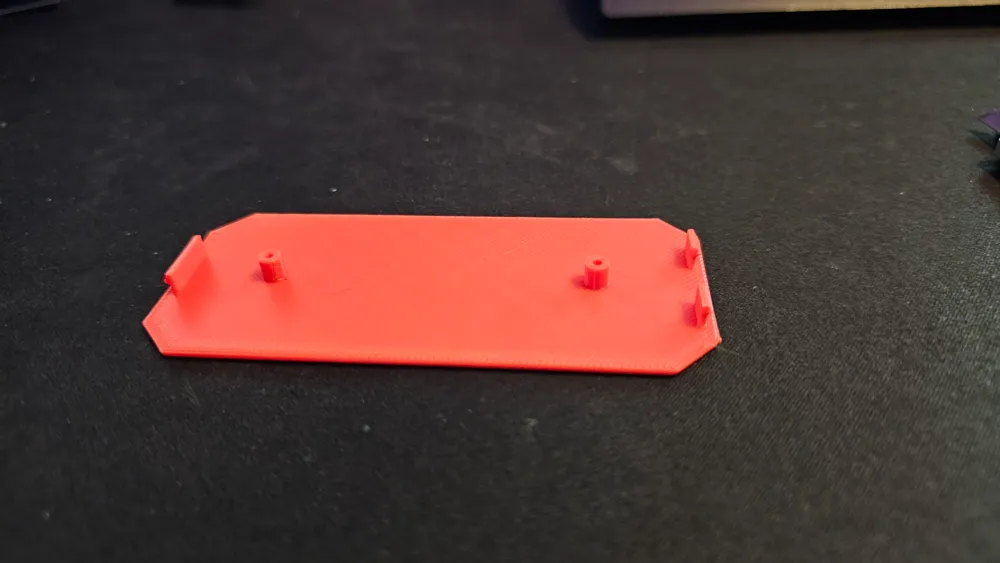
- If yes, Load the STEP File in Bambustudio and asign the colors per object and lay the Text side on your buildplate, no support needed.
- If not, Bellow the instruction how i made the text so you're able to print it in 2Colors
*Also the way to put your own logo in it
- Adjust the Text in the “Text” Sketch
- Extrude “Cut” the Text 0.2mm from the main body
- Extrude “New Component” > Start from Object inside your cutout letters > Extent to Object - Top side badge
- Now you should be able to export it as STEP File and import it to Bambu and assign the colours to each object en print it without issues.
Print in ASA or simulair to prevent it from deforming in the Heat or Sun
Badge for Dolly > https://makerworld.com/nl/models/123616#profileId-133189 (Its a smaller size)
Not for Commercial use without permission.
Boost Me (for free)
Boost this model if you like this model or want to see other usefull designs from me.
Any Support will be appreciated <3
License

You shall not share, sub-license, sell, rent, host, transfer, or distribute in any way the digital or 3D printed versions of this object, nor any other derivative work of this object in its digital or physical format (including - but not limited to - remixes of this object, and hosting on other digital platforms). The objects may not be used without permission in any way whatsoever in which you charge money, or collect fees.


Comment & Rating (10)