
Print Profile(1)

Description
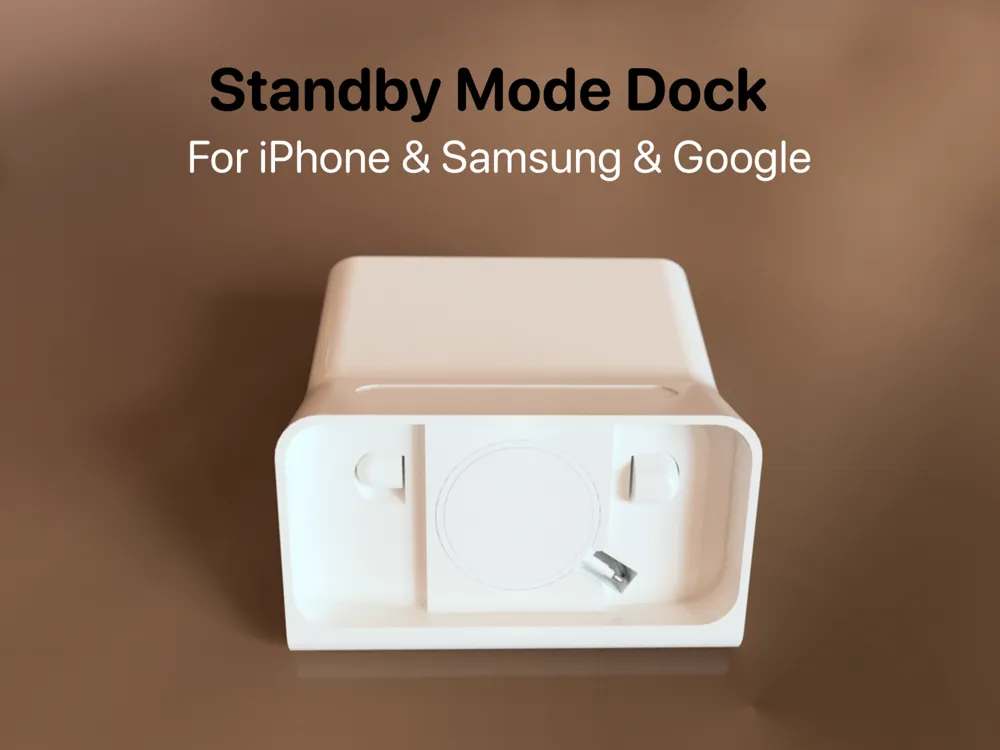
Fully Customizable for Any Phone!
Boost Me (for free)
If this design helped you, a boost would mean the world! 🙏
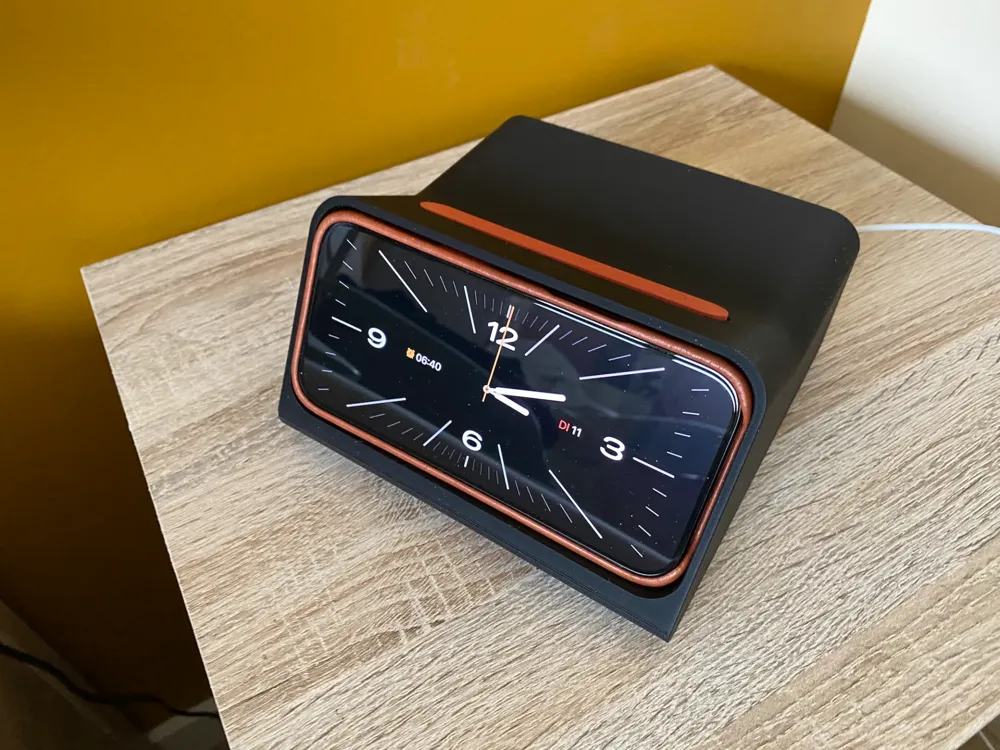
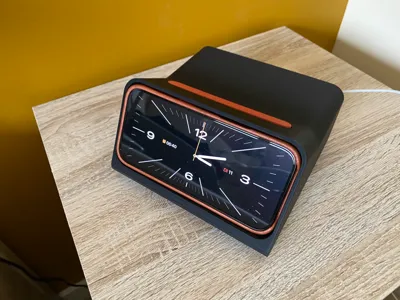
When I first saw Scott Yu-Jan's iPhone Dock, I was instantly impressed! His designs always have this perfect balance of simplicity, elegance and function, and this one is no exception. It's sleek, practical, and just feels like something Apple could have designed themselves.
Although in my opinion it's missing the following:
- It needs mass/weights to keep it firmly in place!
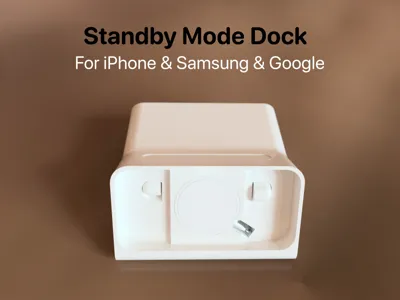
- It should allow any phone which can be wirelessly charged (not only iPhone)
When I printed the original model, I noticed that it kept sliding around on my nightstand whenever I interacted with it. This quickly became frustrating, and I realized the dock needed more stability. So, I decided to carefully recreate the model based on the original Fusion 360 file.
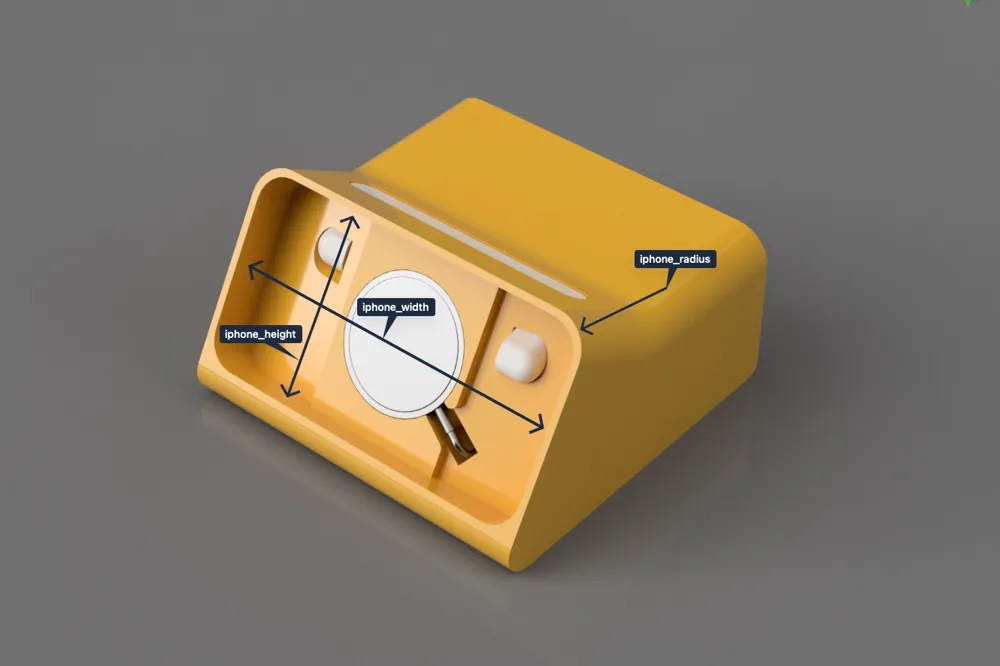
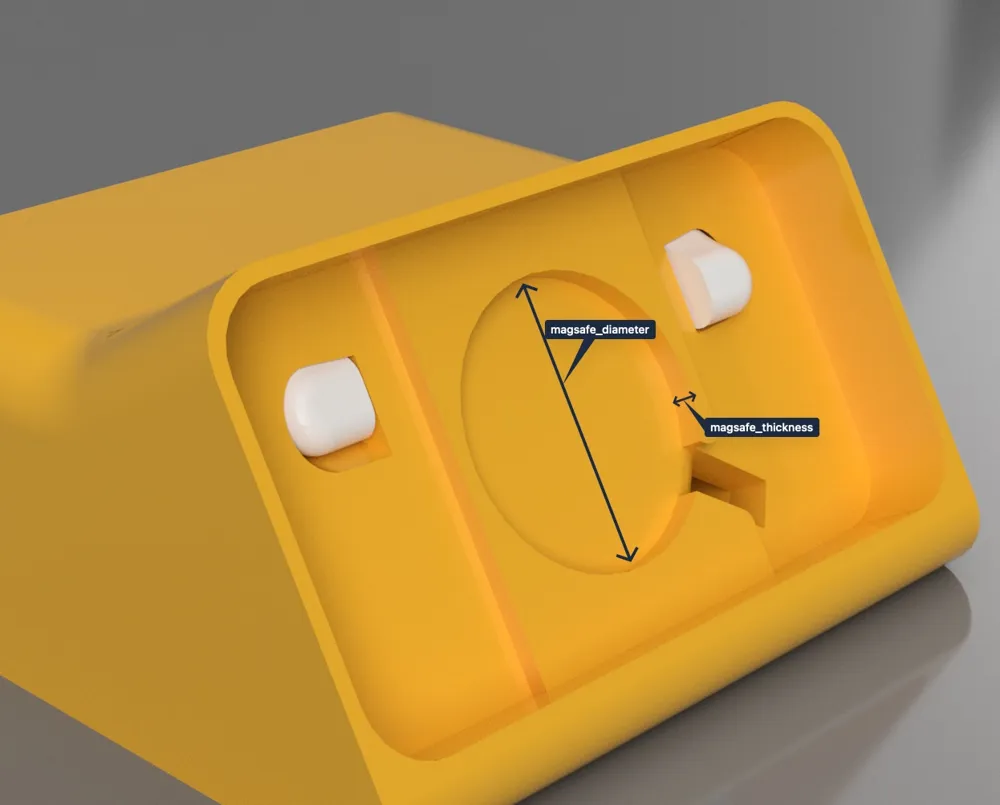
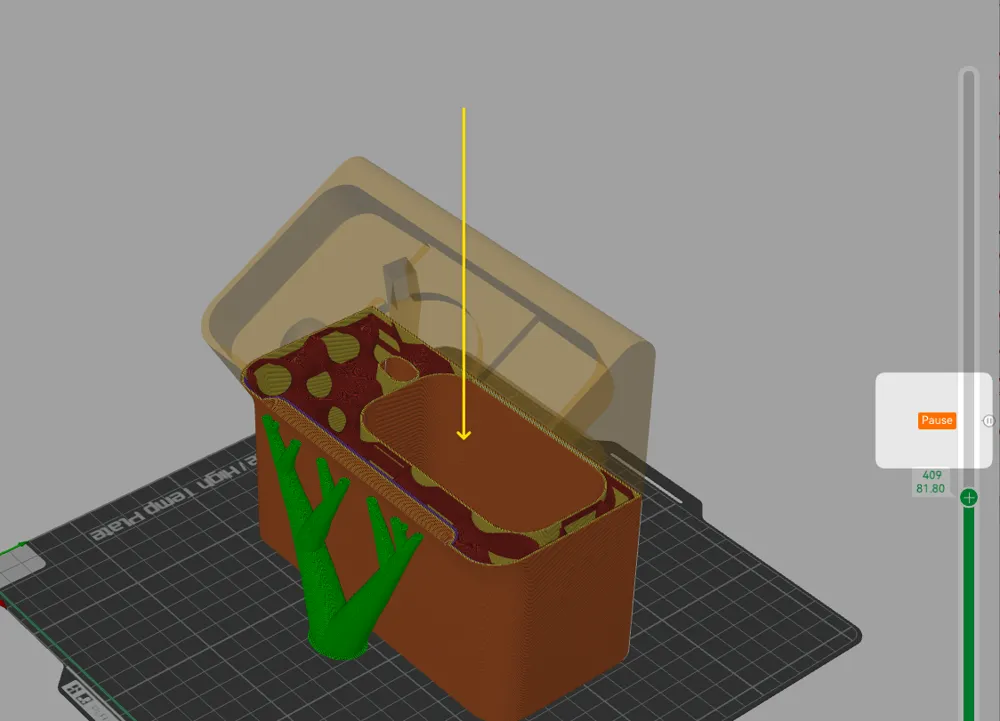
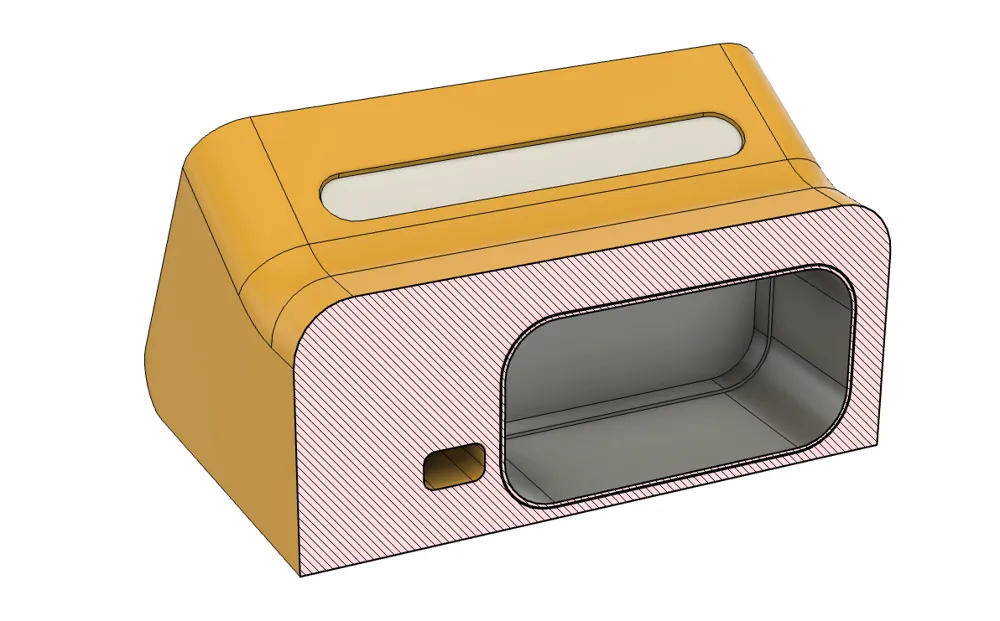
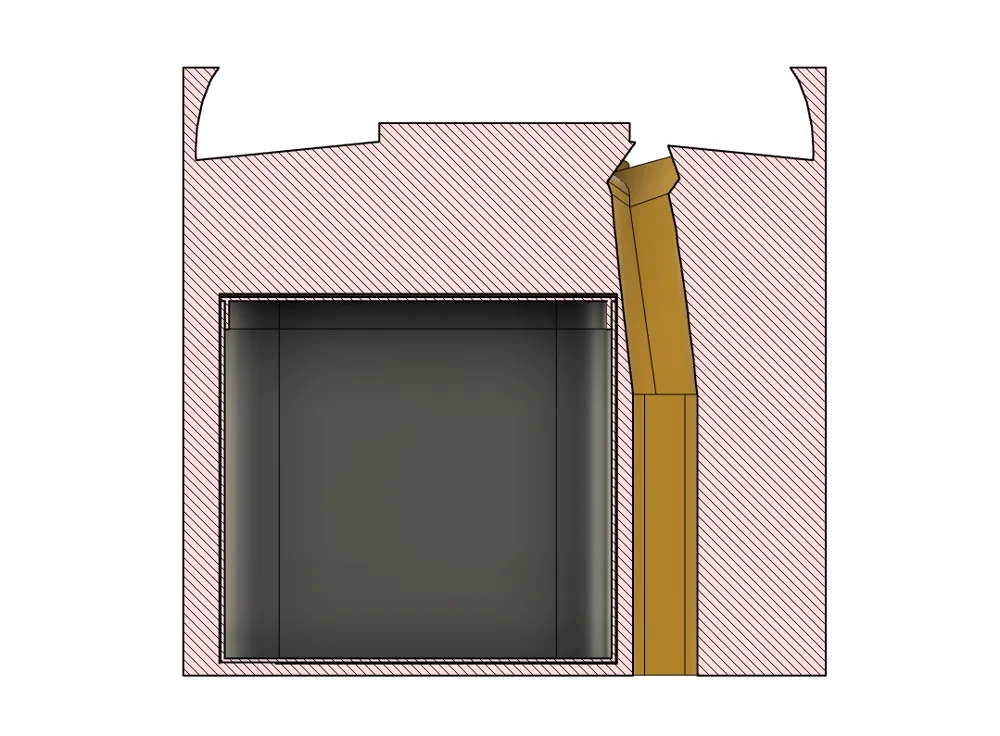
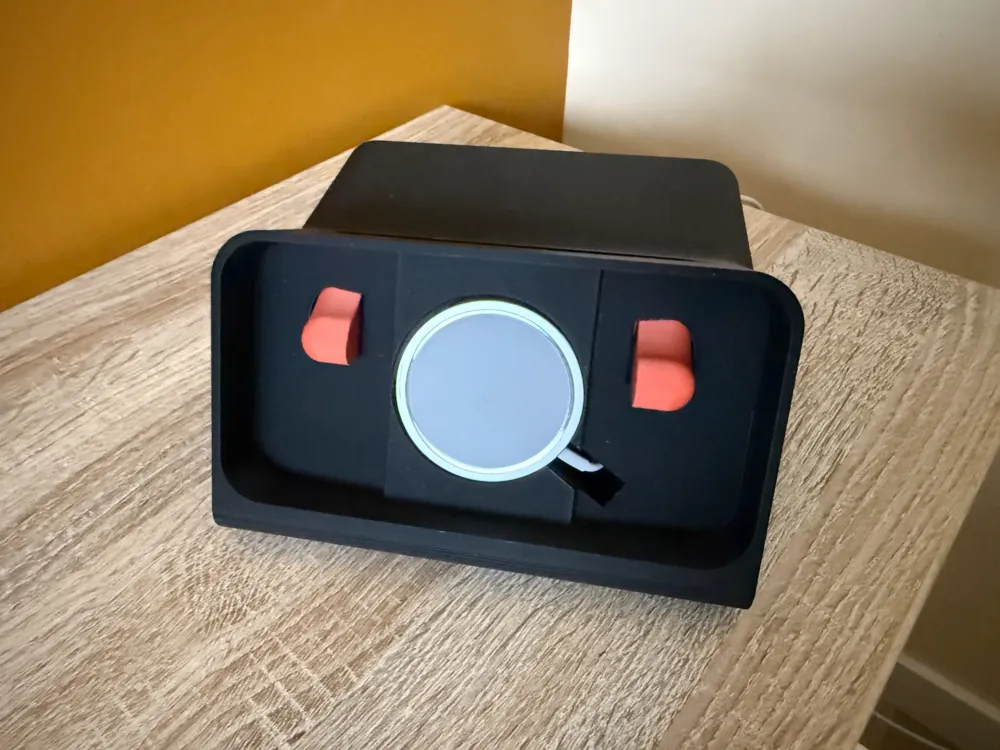
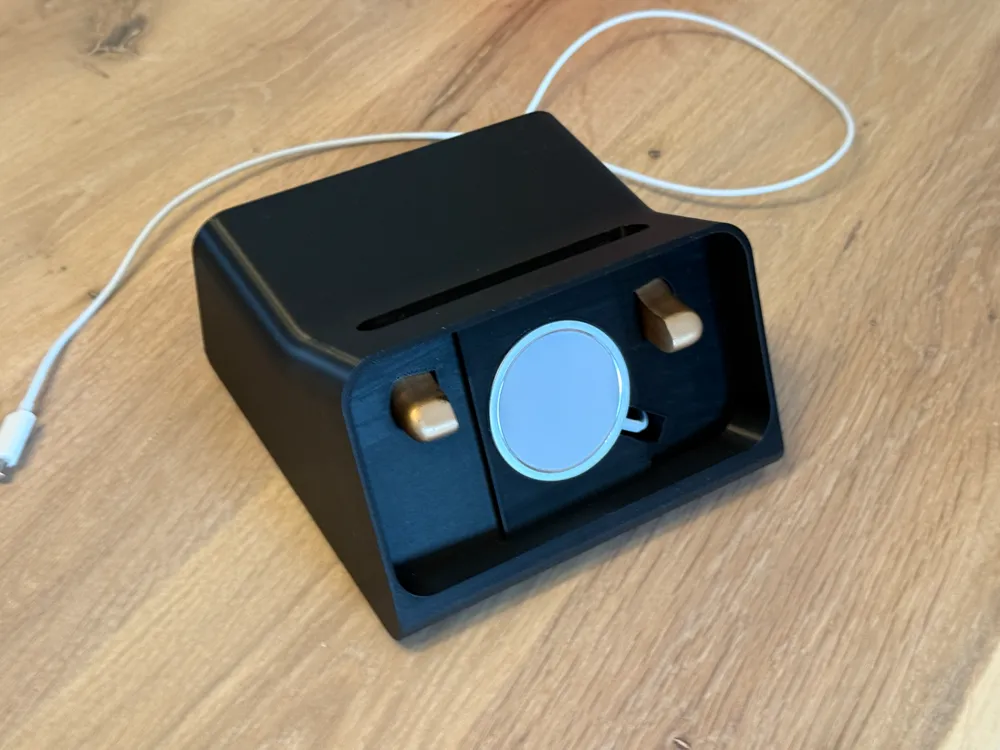
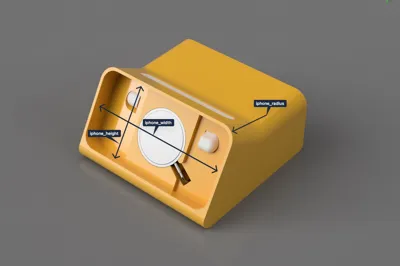
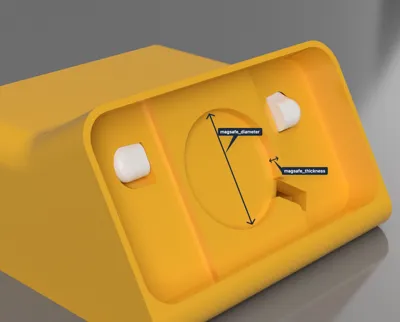
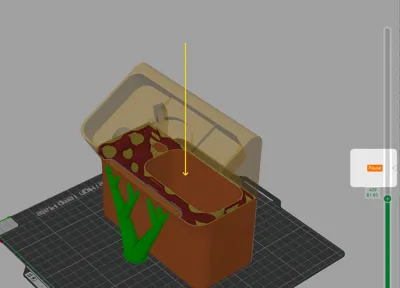
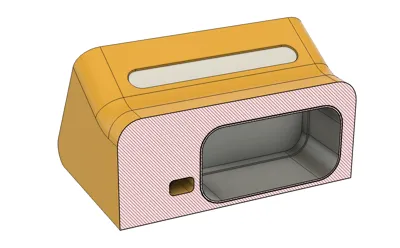
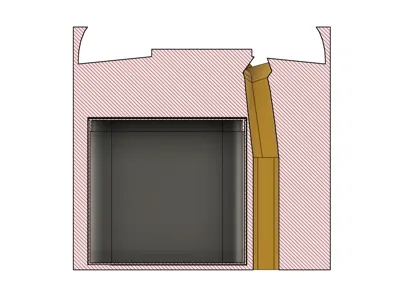
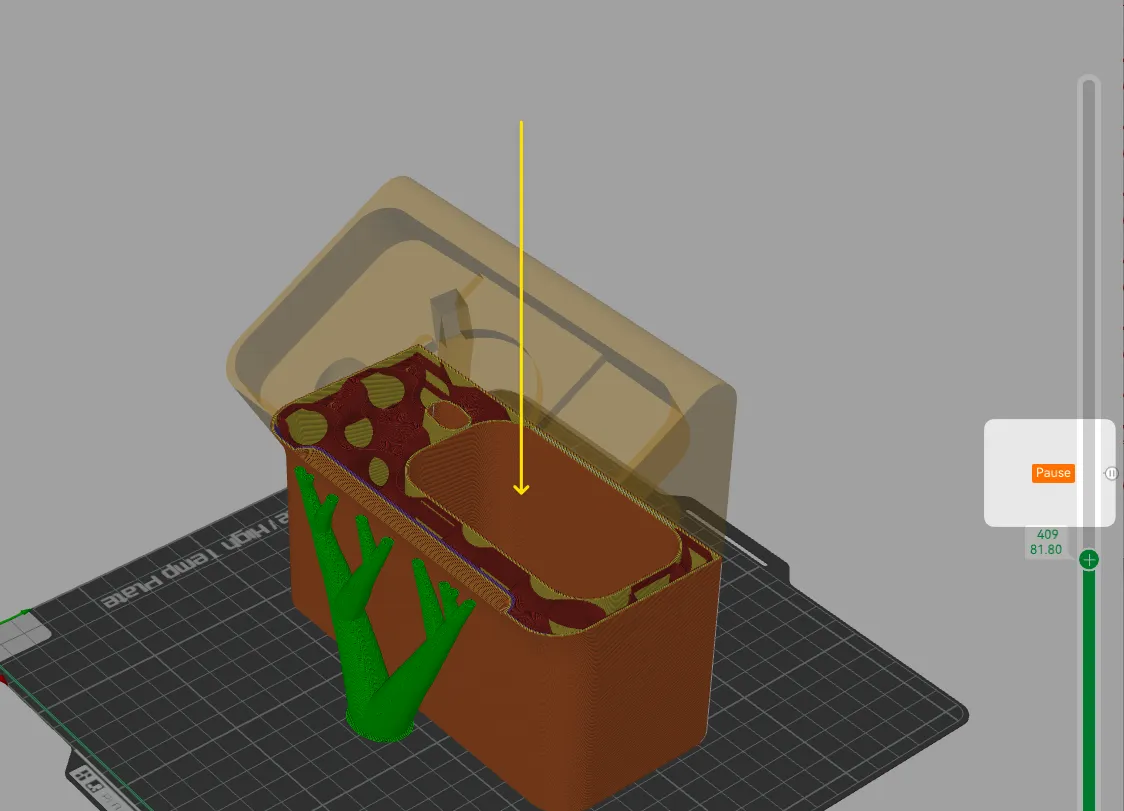
In my new design, I made everything fully parametric, meaning all dimensions automatically adjust when you change the phone- or magsafe size. Heck, you can even make it fit for third-party chargers. This makes the dock compatible with any phone model! Just fill in the size for your iPhone (see table below). To solve the stability issue, I added a hidden weight compartment, allowing you to pause the print and insert the weight container, filled with any weighting material (such as clay, plaster, sand, tungsten, BBs, or whatever you prefer) to prevent it from sliding away.
A̶p̶p̶l̶e̶ ̶W̶a̶t̶c̶h̶ ̶C̶h̶a̶r̶g̶e̶r̶
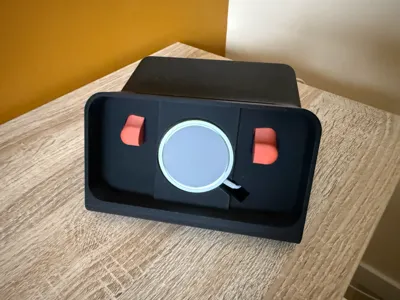
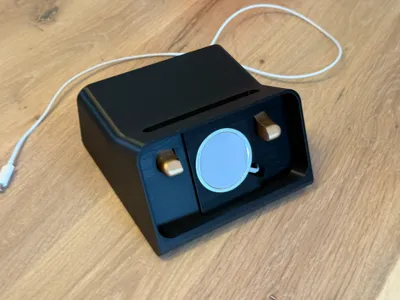
Unfortunately I had to make a compromise. The weight container requires extra space, leaving no room for an Apple Watch charger compartment anymore (I might adjust this in the future and find another way). By removing it, the design remains functional and stable, focusing entirely on charging and displaying purely for your phone while ensuring the added weights keeps it firmly in place.
Fusion 360 Parametric Design
Open the `.f3d` file, adjust the parameters to make it fit for your phone and charger (you can even make it fit to any phone now). The default settings are configured for the iPhone 16 Pro and the Apple Magsafe.
The dimensions should match the exact physical dimensions of your phone (for iPhone you can find these on the official Apple website), clearance will be calculated automatically so the phone and charger fits snug into this Dock.
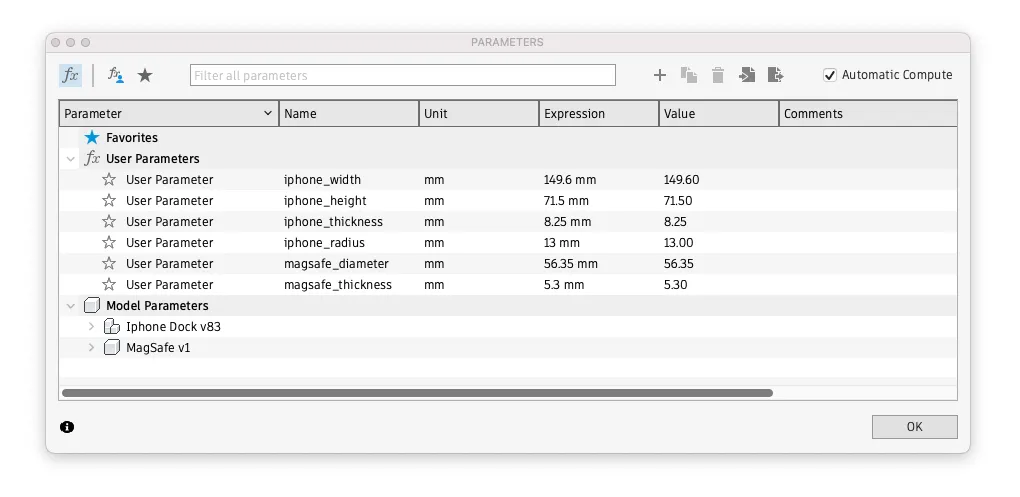
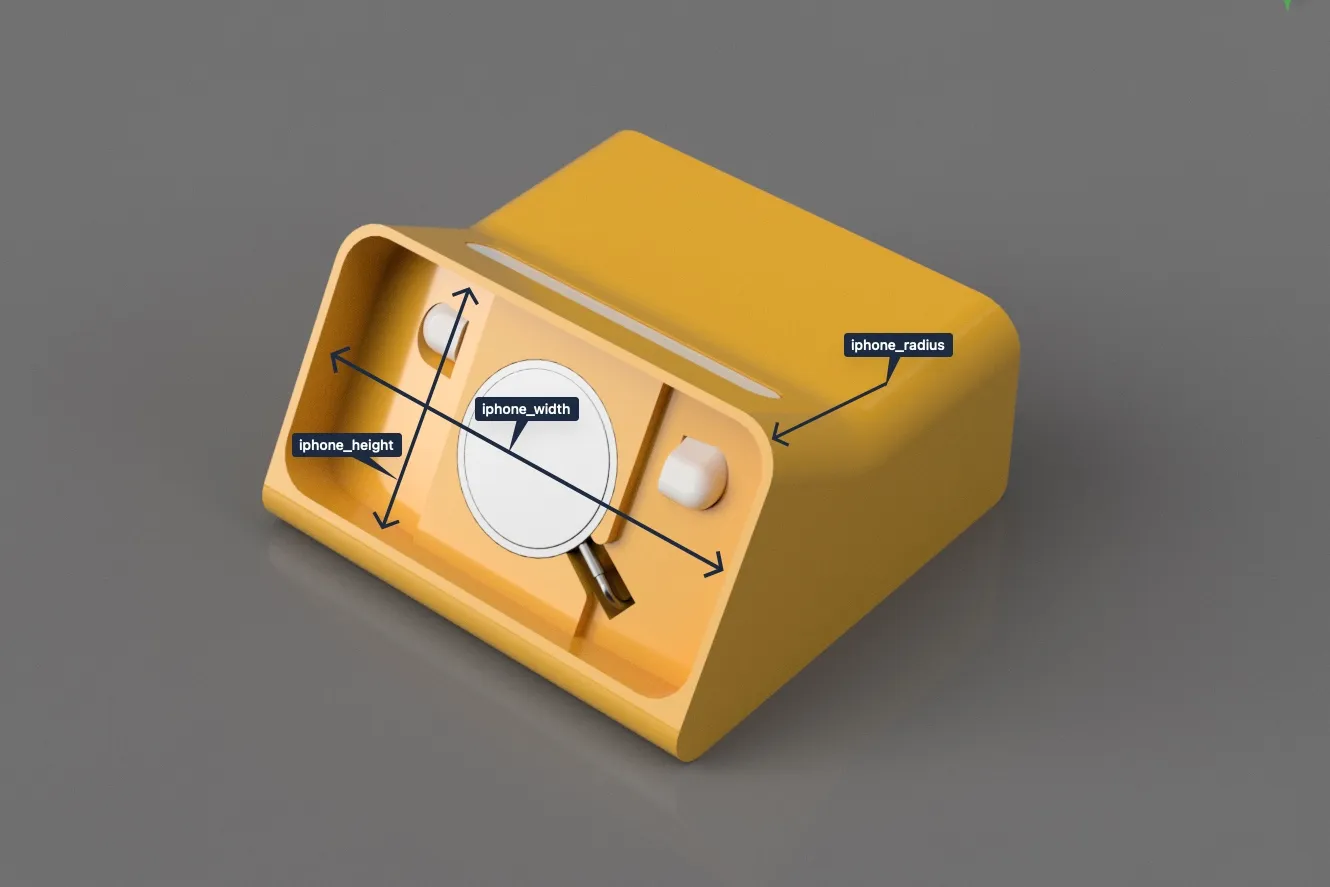
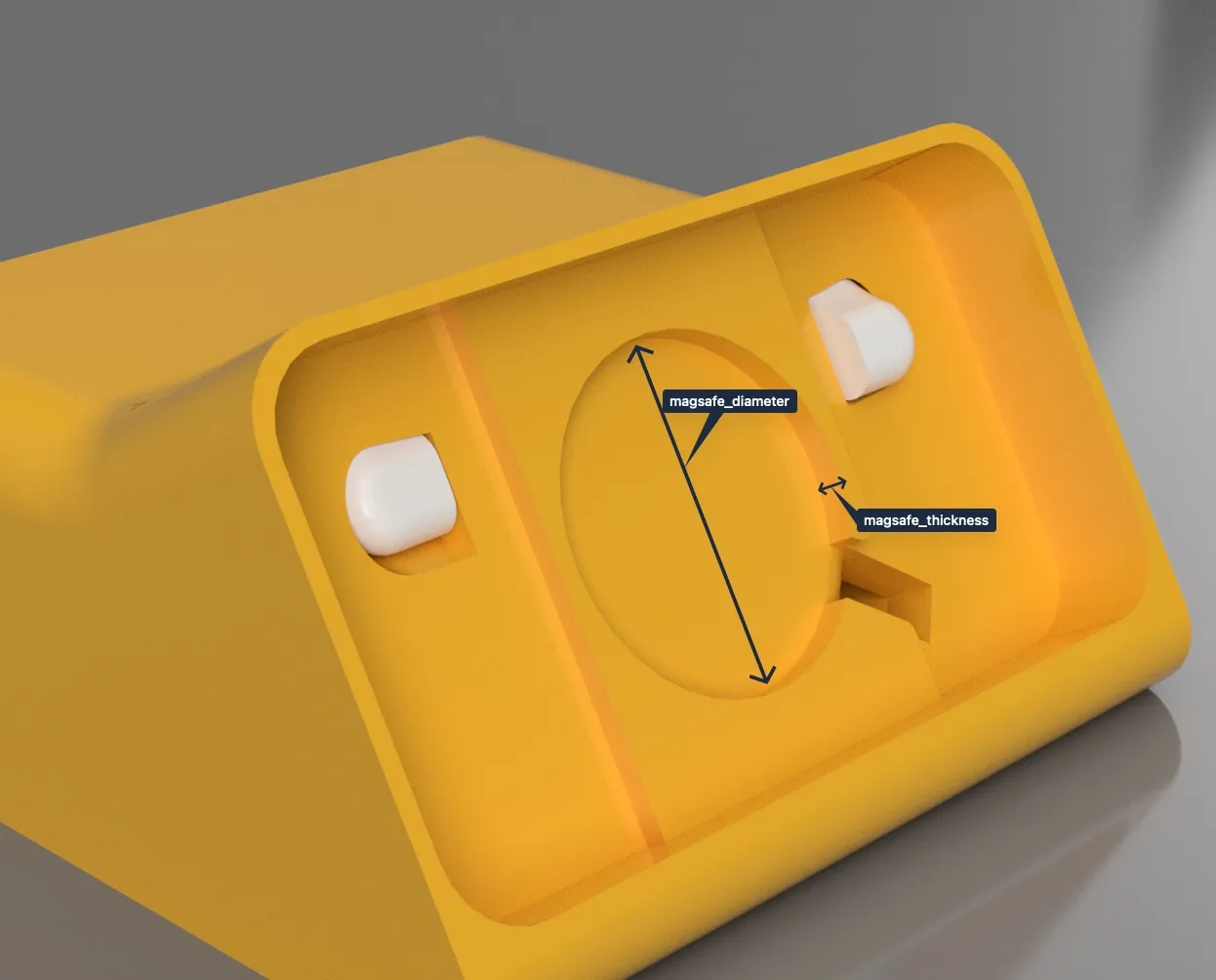
iPhone Models & Dimensions:
The Fusion file is preconfigured for an iPhone 16 Pro (without a case), but customizing it for any model, with or without a case, is super easy. Below, you'll find a reference table with iPhone dimensions (copied from the Apple website) to help you adjust the fit. (Note: The listed dimensions are without a case.)
| Model | Height (mm) | Width (mm) | Thickness (mm) |
|---|---|---|---|
| iPhone 16 Pro Max | 163.0 | 77.6 | 8.25 |
| iPhone 16 Pro | 149.6 | 71.5 | 8.25 |
| iPhone 16 Plus | 160.9 | 77.8 | 7.8 |
| iPhone 16 | 147.6 | 71.6 | 7.8 |
| iPhone 15 Pro Max | 159.9 | 76.7 | 8.25 |
| iPhone 15 Pro | 146.6 | 70.6 | 8.25 |
| iPhone 15 Plus | 160.9 | 77.8 | 7.8 |
| iPhone 15 | 147.6 | 71.6 | 7.8 |
| iPhone 14 Pro Max | 160.7 | 77.6 | 7.85 |
| iPhone 14 Pro | 147.5 | 71.5 | 7.85 |
| iPhone 14 Plus | 160.8 | 78.1 | 7.8 |
| iPhone 14 | 146.7 | 71.5 | 7.8 |
| iPhone 13 Pro Max | 160.8 | 78.1 | 7.65 |
| iPhone 13 Pro | 146.7 | 71.5 | 7.65 |
| iPhone 13 | 146.7 | 71.5 | 7.65 |
| iPhone 13 Mini | 131.5 | 64.2 | 7.65 |
| iPhone 12 Pro Max | 160.8 | 78.1 | 7.4 |
| iPhone 12 Pro | 146.7 | 71.5 | 7.4 |
| iPhone 12 | 146.7 | 71.5 | 7.4 |
| iPhone 12 Mini | 131.5 | 64.2 | 7.4 |
| iPhone SE (2nd Gen) | 138.4 | 67.3 | 7.3 |
| iPhone 11 Pro Max | 158.0 | 77.8 | 8.1 |
| iPhone 11 Pro | 144.0 | 71.4 | 8.1 |
| iPhone 11 | 150.9 | 75.7 | 8.3 |
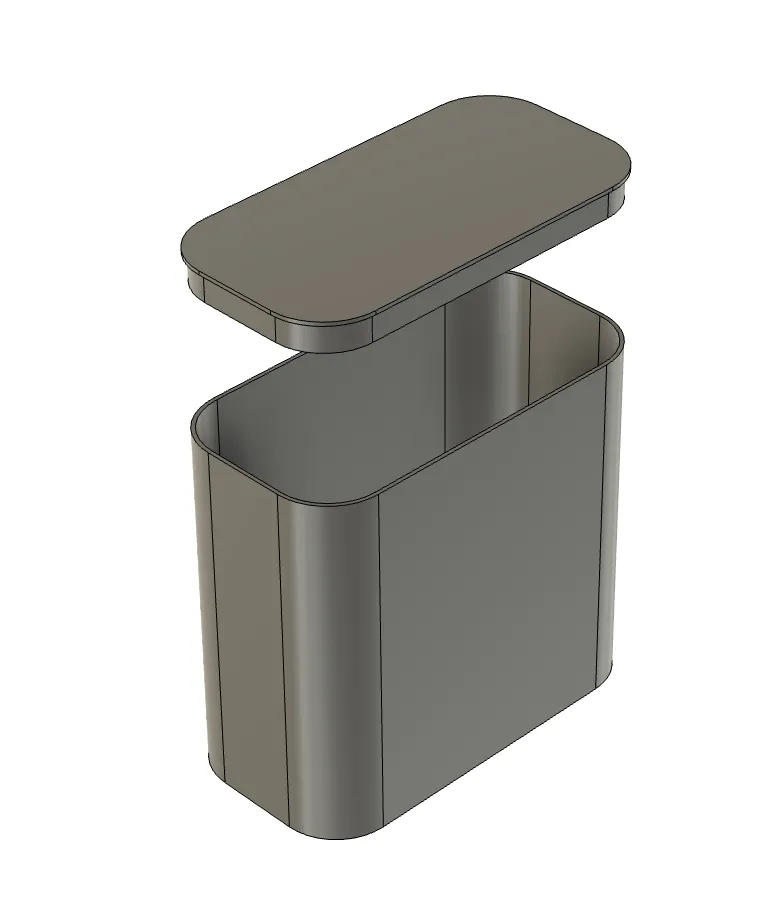
Weight Container
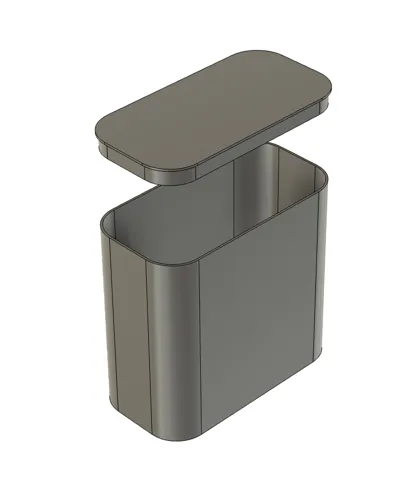
The weight container will automatically adjust in size based on the parametric design.
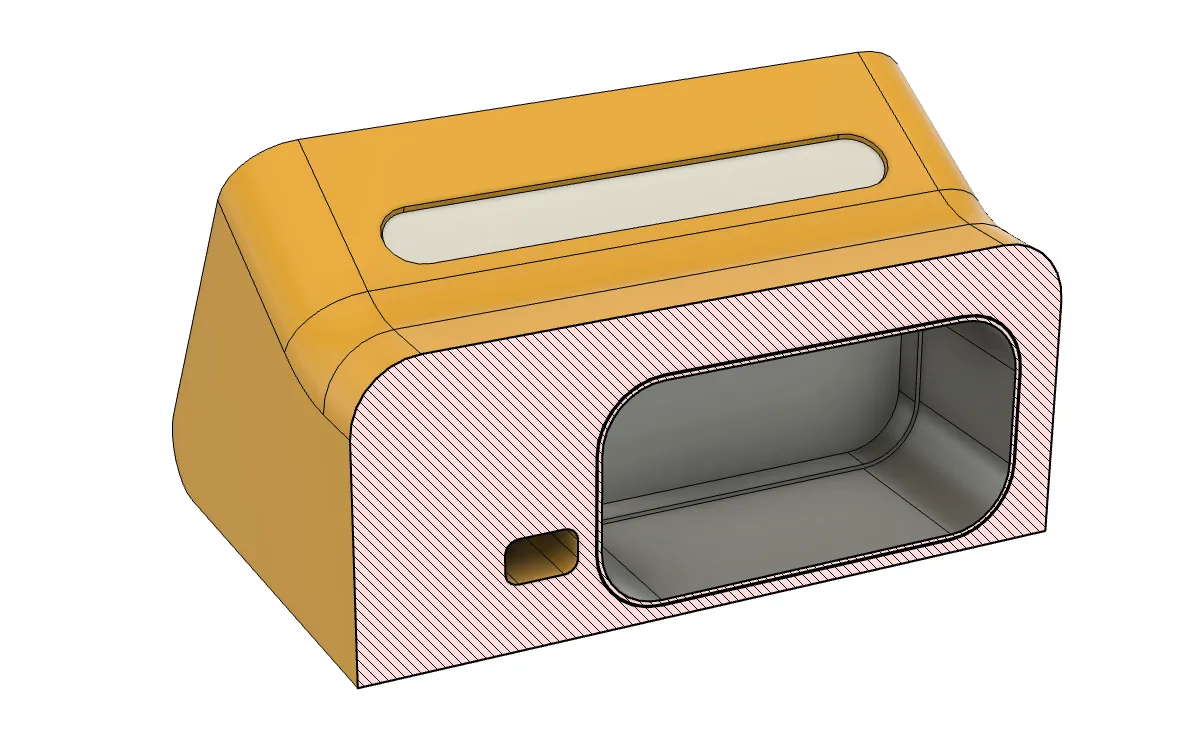
Print the container and fill it with any material to add mass/weights to the model.
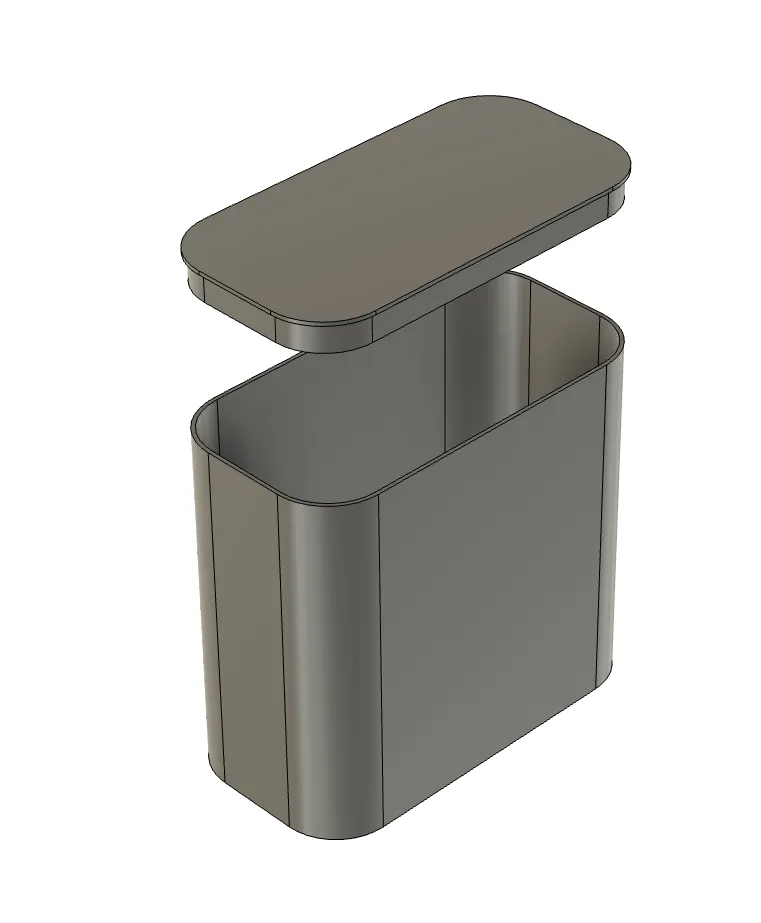
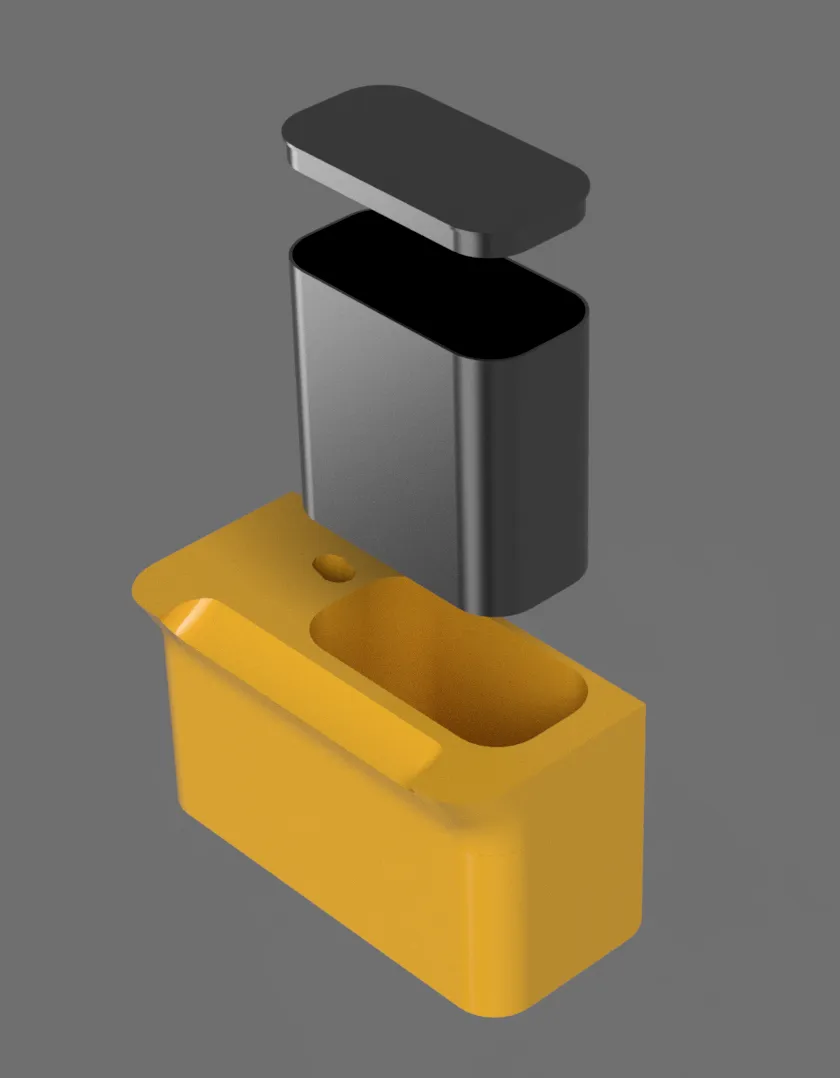
Then, print the dock (see .3mf file). The print will automatically pause at the right moment, allowing you to insert the weight container. Once inserted, simply resume printing to complete the dock.
This remix is based on


License



Comment & Rating (0)