
Black light frame for glow-in-the-dark prints

Print Profile(1)

Bill of Materials




Description
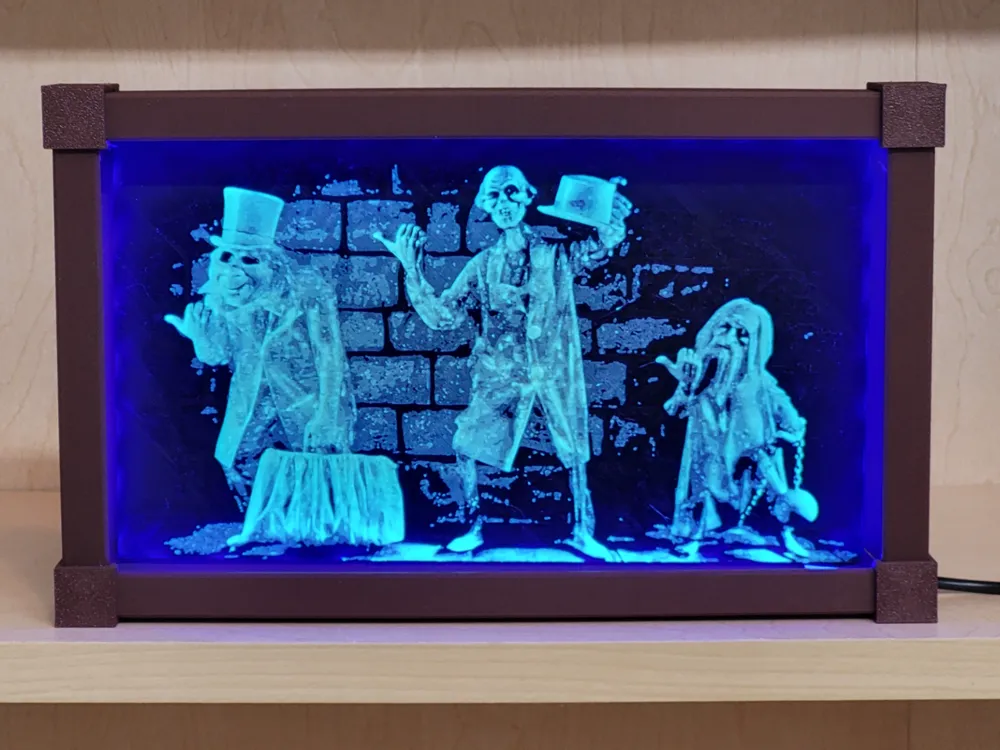
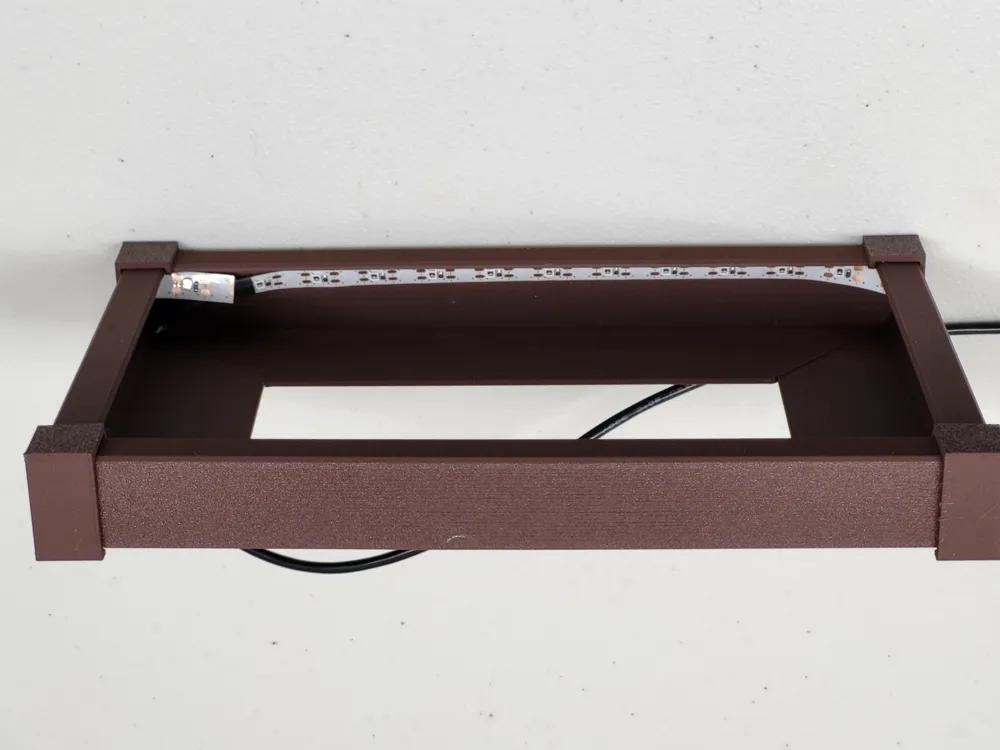
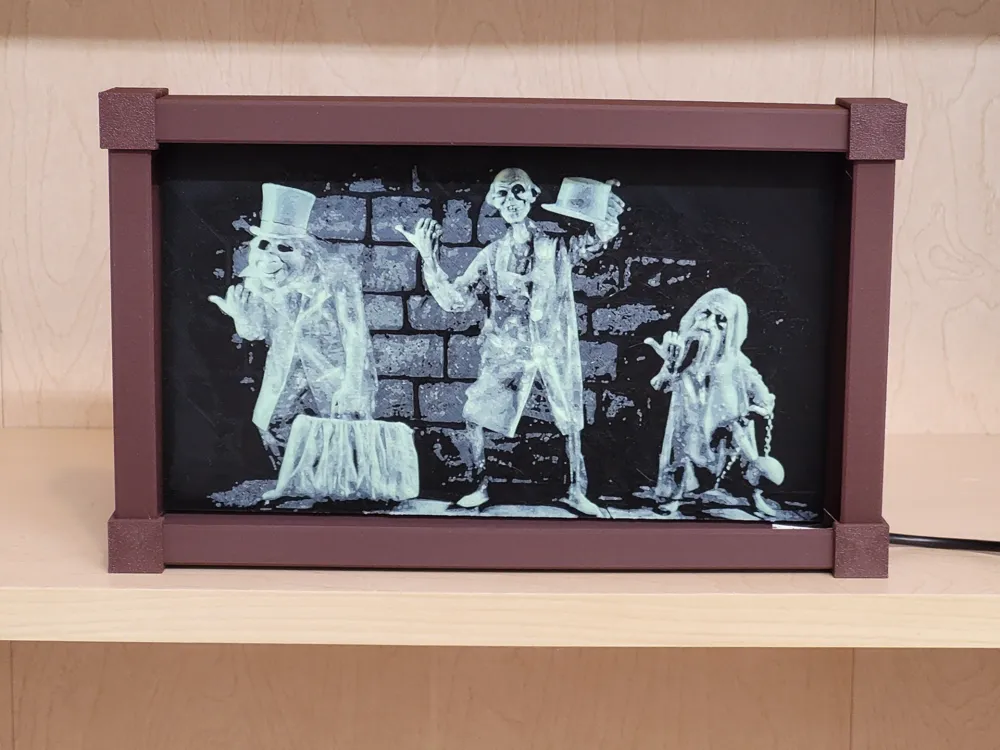
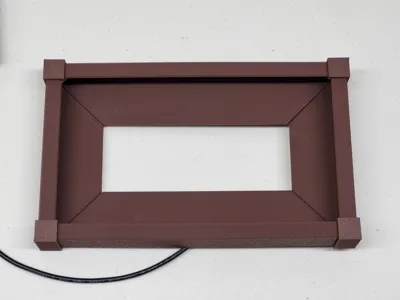
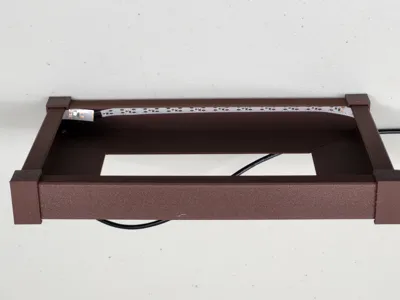
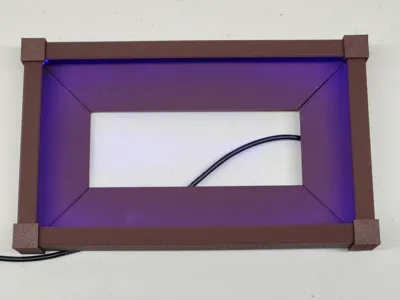
This frame is designed to hold a 200 x 112mm photo or Hueforge print made with glow-in-the-dark filament. It has a hidden lip inside the box where you can add a black-light (UV) LED light strip to light the picture. I have included my parametric Fusion file in case someone wants to make the frame a different size.
To build the frame you will need to add these pieces:
- A USB powered Blacklight LED strip. Mine is from Amazon and came with a battery pack.
- Some glue to hold the pieces together
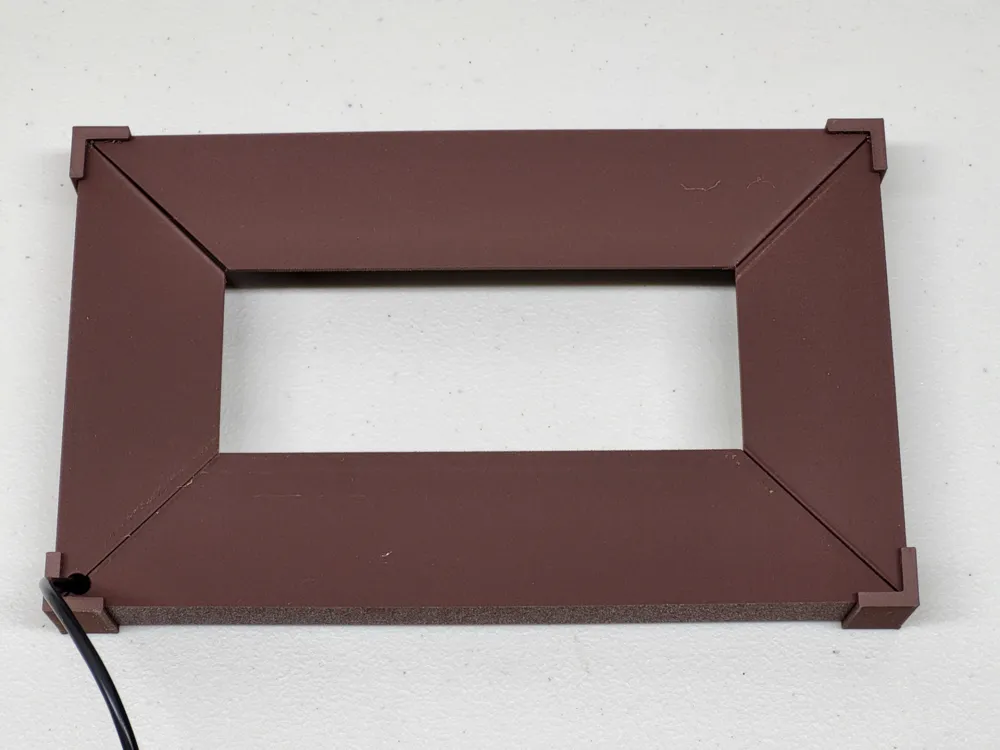
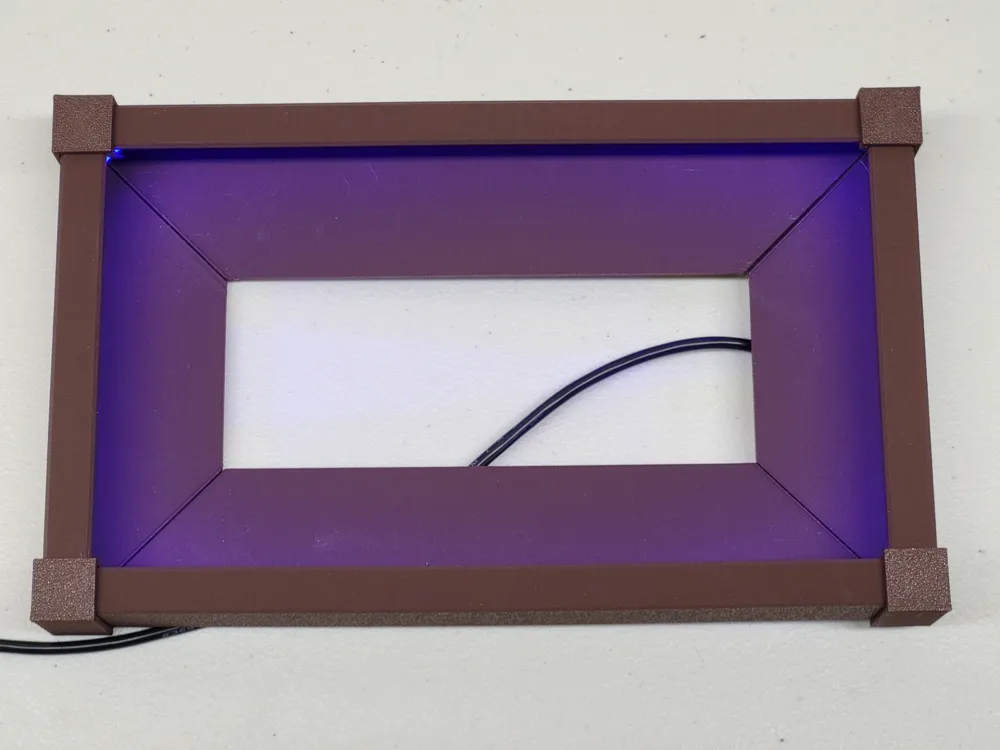
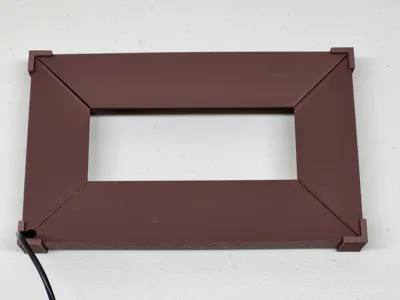
Fit the frame pieces into the corners without glue first. Thread the USB cord through the hole in one corner BEFORE you add glue. Then glue the corners together. Carefully stick the LED strip to the angled corner inside the frame so it is facing the picture. When I did it, I peeled a few inches of the backing off and stuck it down, then worked my way around the frame until I had a full loop. Trim the LED strip to size as needed.
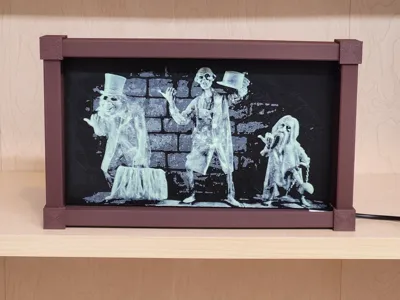
The pictured print is not included in the model. To make a similar picture, you will need a copy of Hueforge, or some other tool to make a lithophane from an image. Note that Make My Lithophane on MakerLab is designed for back-lit prints which will not work well with this front-lit frame.
- Search the web for a 16:9 ratio “desktop” image that you like. Save it to your computer.
- Open the picture in Hueforge.
- My settings were:
- Scale: 200mm x 112.5mm
- Layer height 0.08, Base layer 0.16, Detail size 0.20
- Min depth 0.56, Max depth 1.36
- Filament 1 = Bambu Basic Black (TD 0.3), up to layer 8 (0.72)
- Filament 2 = Bambu Glow Green (TD 5.5), up to layer 15 (1.28)
- Brightness comp = Dim 1 at 1.6 power (adjust to what looks good)
- Export the STL and print it with a Hueforge print profile with 0.08 layer height and 0.4mm nozzle. Be sure to set the filament changes as recommended by the program.
I chose to mount the picture in the frame by gluing magnets to the back of my picture and to the inside of my frame. That way I can change the picture if I want to later.
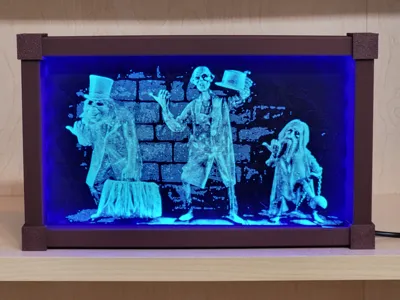
All that's left is to turn on the black light strip and enjoy the fluorescent glow!
License



Comment & Rating (3)