
Parametric Weight Plate Keychain
Print Profile(1)

Bill of Materials


Description
UPDATED To Version 1.1 - Entire font library is now available to choose from.
Explore Fonts at: https://fonts.google.com/
3mf file errors mentioned in the comments are resolved ✅
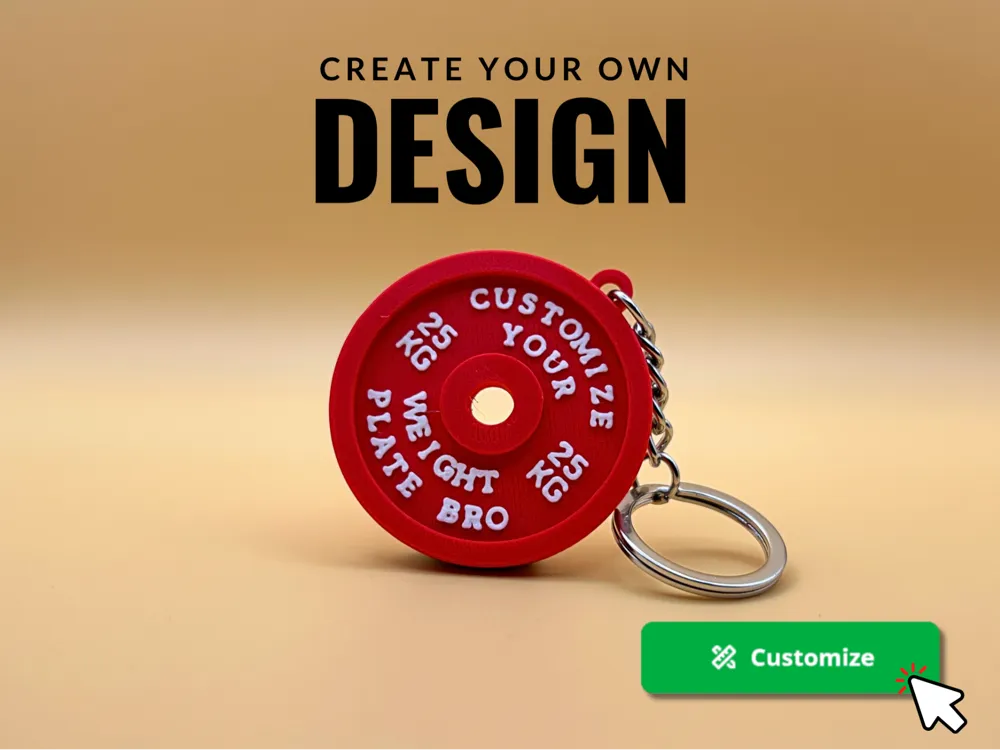
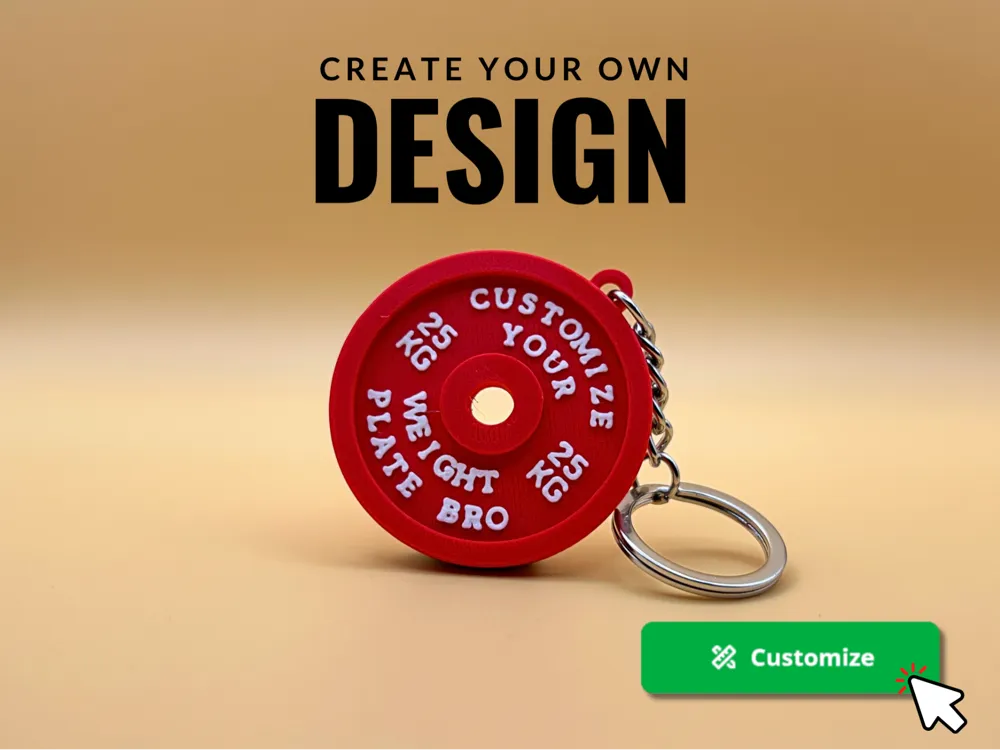
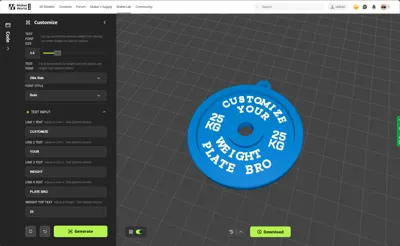
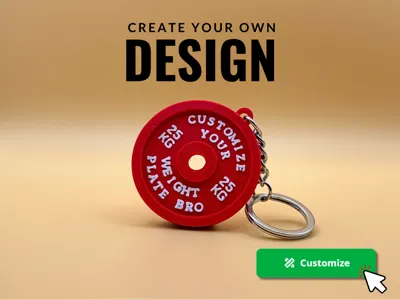
⭐ Create your own unique design with this Parametric Weight Plate Model ⭐
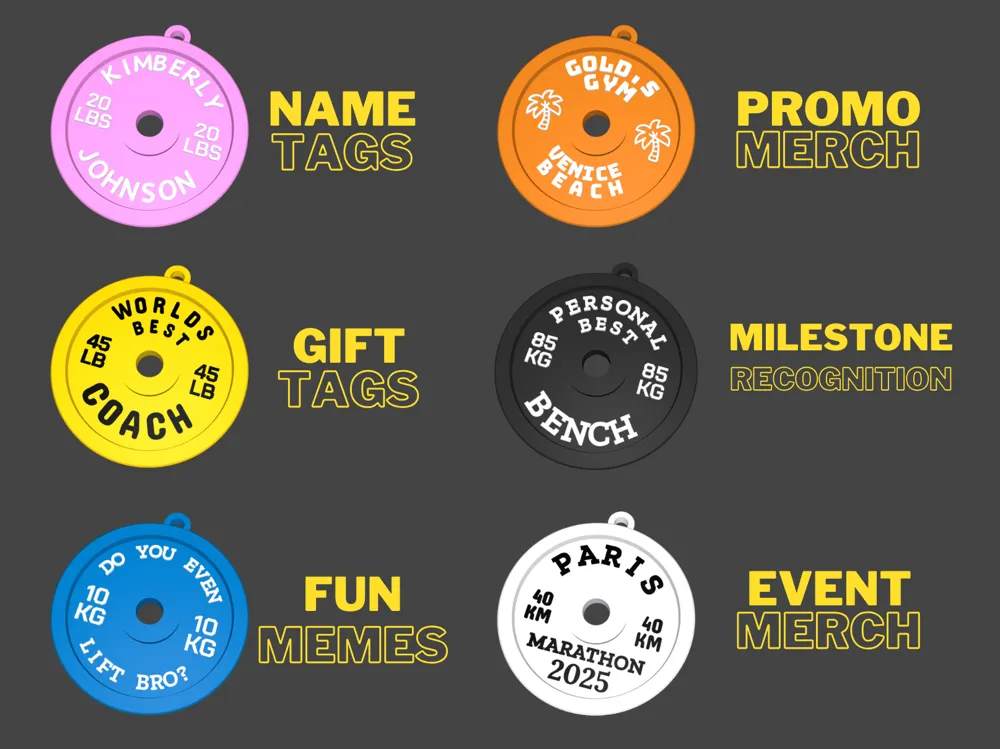
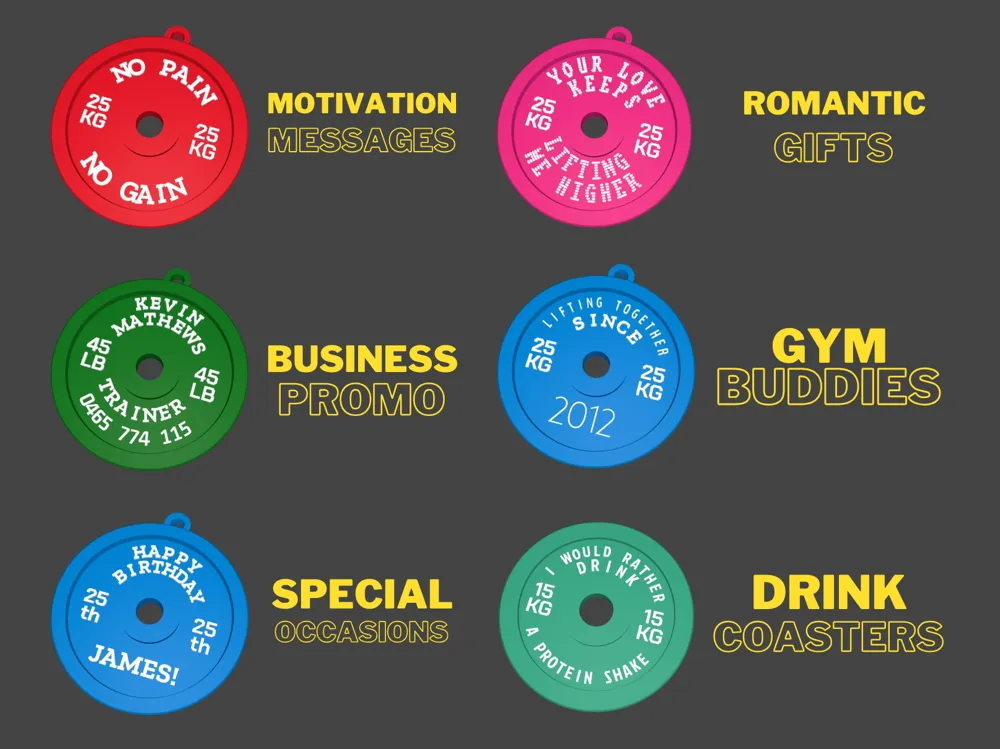
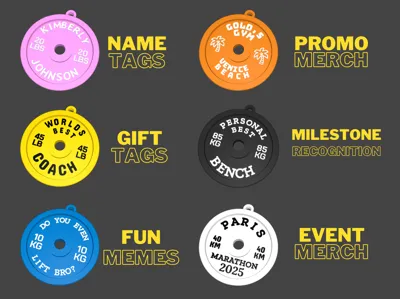
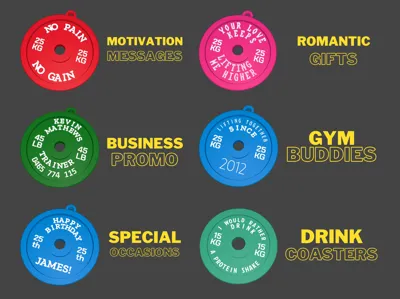
After many requests to personalize my other popular weight plate design, I have created a Parametric version from the ground up with advanced customization features. Several ideas for use cases have been included in model images.
Instructions - PLEASE READ FIRST
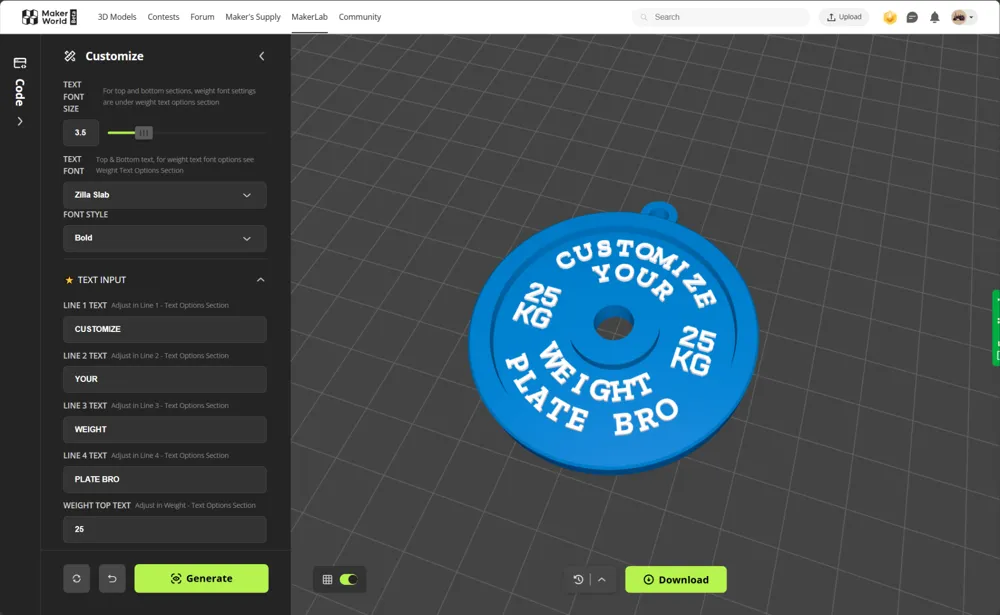
Step 1: Change the Global Settings to your liking.
Step 2: Input your text in the TEXT INPUT section, you can leave fields blank if you don't want text on that line.
Step 3: Proceed to Lines 1-4 TEXT OPTIONS to tweak settings until just right.
Step 4: Once you are happy download the model as a 3MF or STL file and print. See below recommended print settings.
TIPS:
- If your text is too long, start by adjusting the Letter Spacing, if it is still too long or is overlapping too much adjust the Text Scale until just right.
- Use the text offset adjustment to adjust the vertical placement of any line of text, this can be used also to have one large word or sentence as per my example images.
- If increasing size of the plate significantly I recommend adjusting the Global Text Size before adjusting scaling settings
- You can use emojis if you select the "Noto Emoji Font". On windows press WIN+. keys to bring up emoji panel
- If printing the Double Sided version (which has a thinner base by default) super-glue the two halves together after printing
- MESSAGE ME for help please before posting a bad review, I will try point you in the right direction
IMPORTANT
If you make your text too small it might not print, verify visually in the slicer that the text will print first. You can also try changing the Wall Generator from Classic to Arachne.
Features
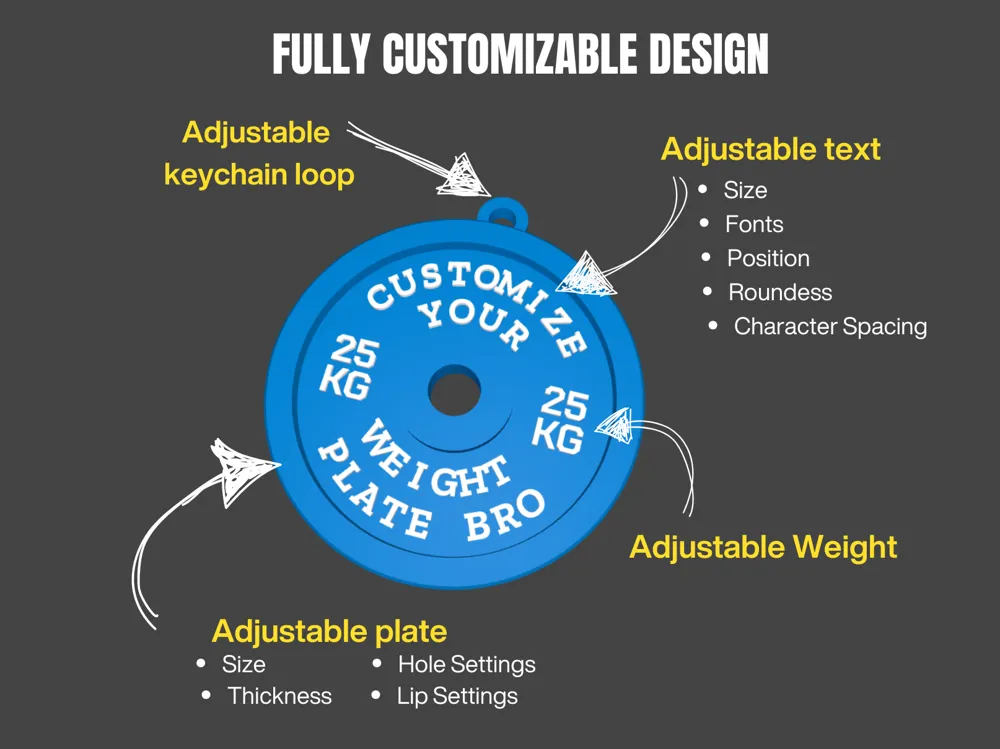
- Parametric: Use the “CUSTOMIZE button to start creating
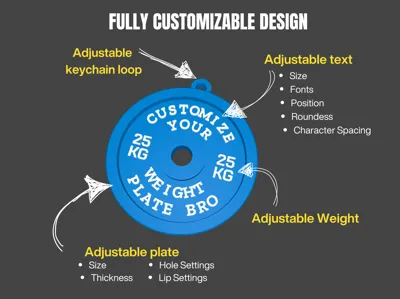
- Fully adjustable Weight Plate options
- Fully adjustable keychain loop
- Fully customizable Text
- Emoji Support (use Noto Emoji Font)
- Advanced text tweaking features to get designed look
Recommended print settings
- Layer height: 0.2mm (lower works fine to but takes longer)
- Ironing highly recommended (top layers, default Bambu Studio settings)
- 100% infill so is as strong as possible
Important Note
Even though this model is customizable it is still covered by the Standard Digital File Licence. In order to sell prints created using this script you must obtain a commercial licence by becoming a member.
Membership
Enjoy my works and want to sell them commercially? Please subscribe to my Commercial Licence Membership to get started. You can also subscribe to Buy Me A Coffee which is also greatly appreciated!
License

You shall not share, sub-license, sell, rent, host, transfer, or distribute in any way the digital or 3D printed versions of this object, nor any other derivative work of this object in its digital or physical format (including - but not limited to - remixes of this object, and hosting on other digital platforms). The objects may not be used without permission in any way whatsoever in which you charge money, or collect fees.


Comment & Rating (183)