
Print Profile(8)


Description
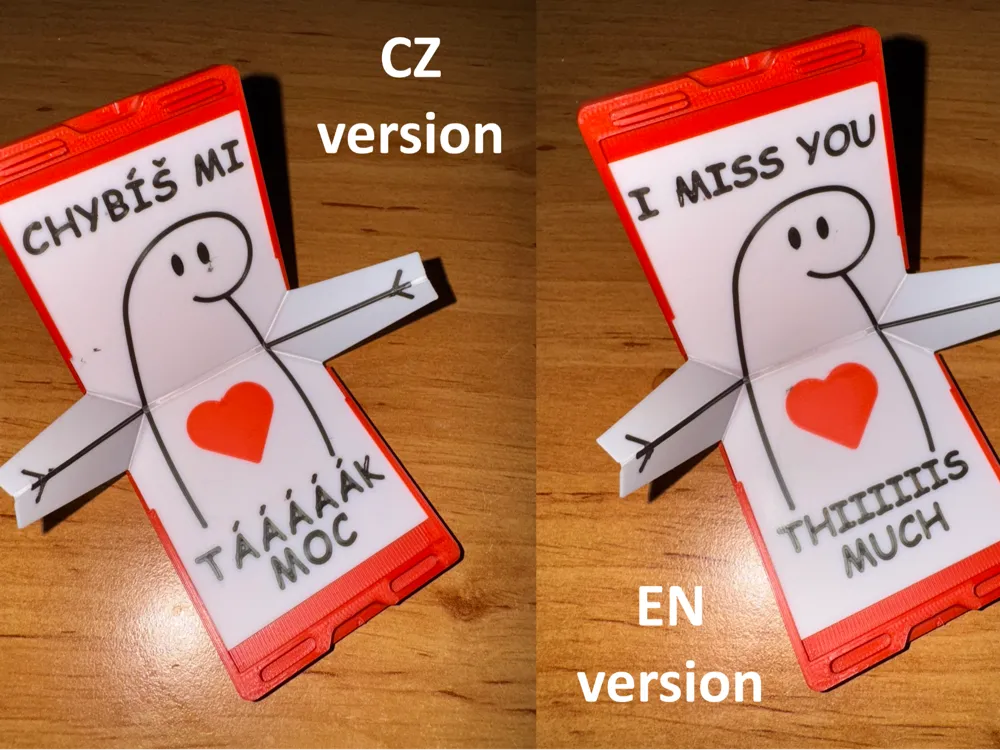
Miss you letter box
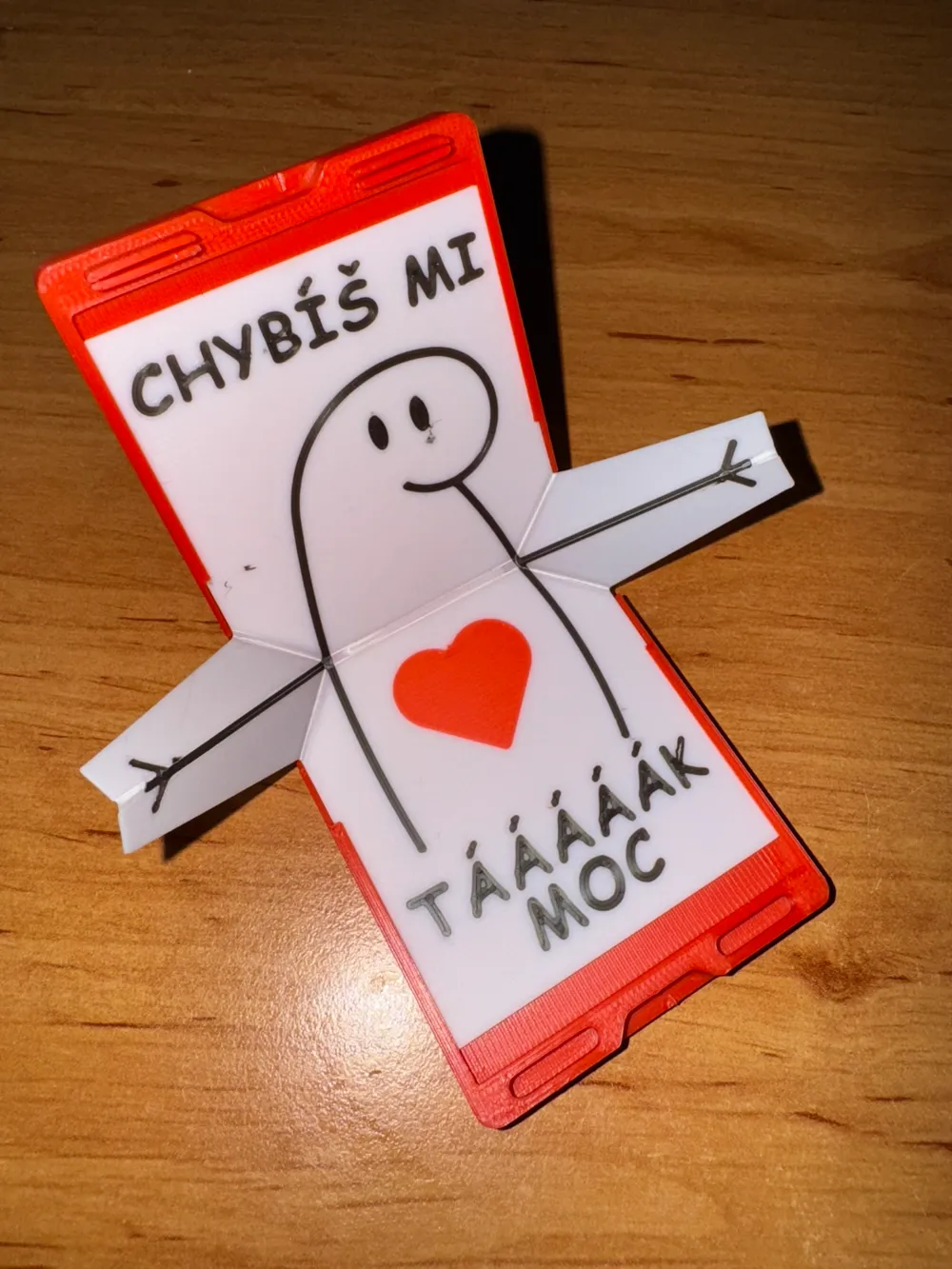
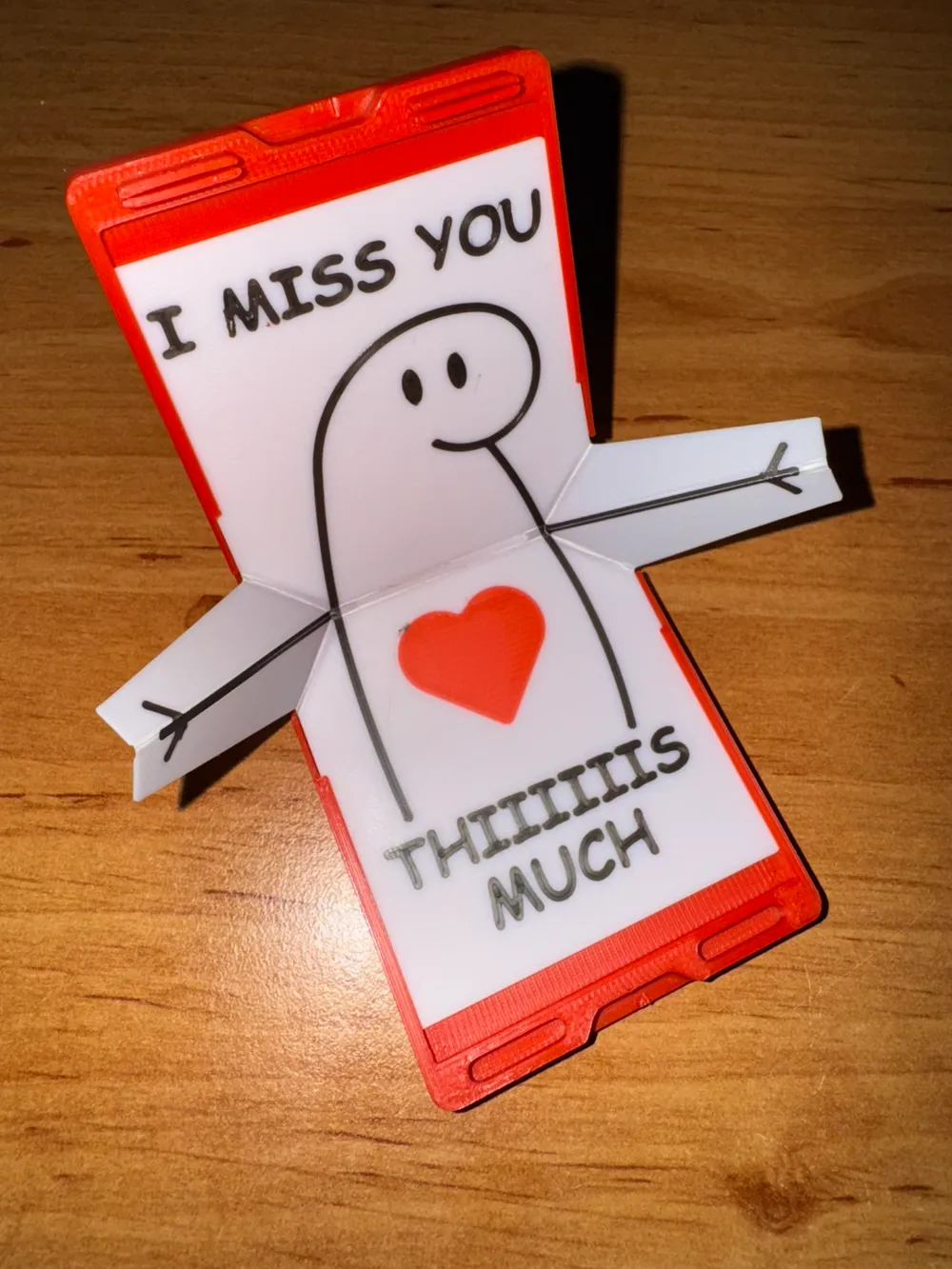
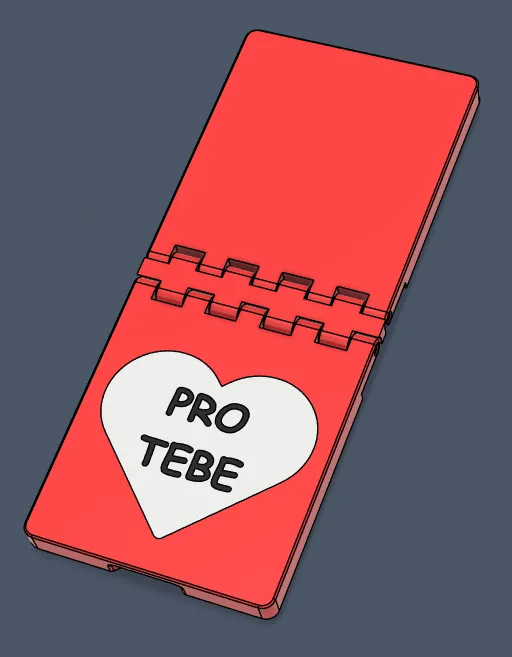
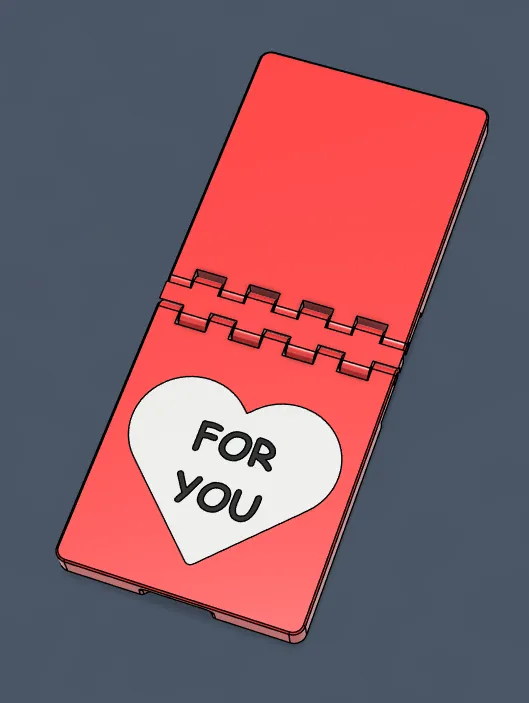
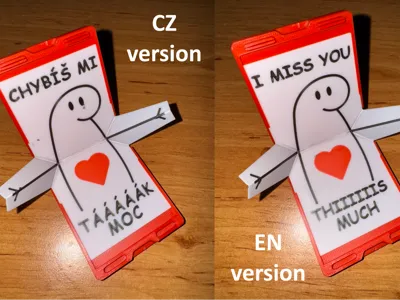
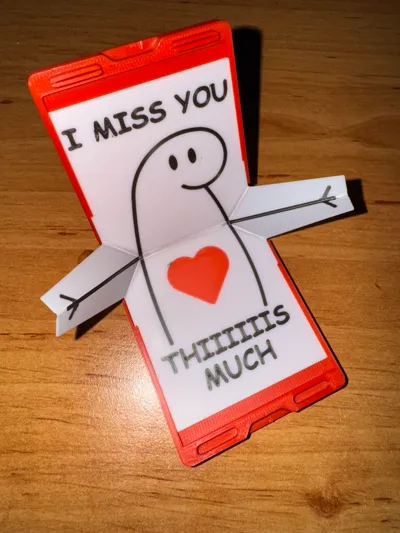
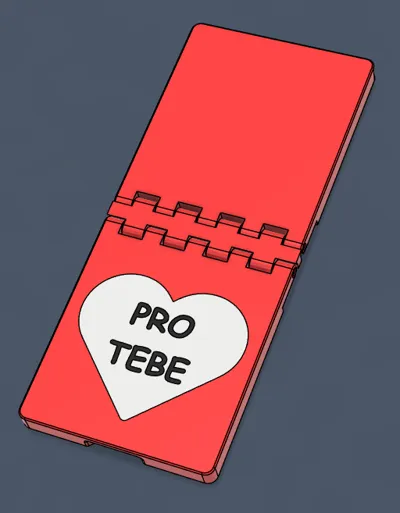
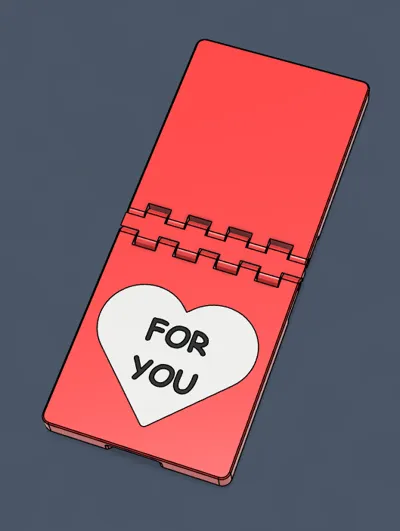
EN: After opening the lid of the box, a cute mechanism opens, where the character shows outstretched arms as a symbol of how "much" you miss someone. On the inside, there is printed text and a heart, which gives the message even more emotional charge. You can choose from pre-prepared texts. A text with a dedication fits on the box, or you can print a box with a heart and the inscription "For you" (available in print profiles).
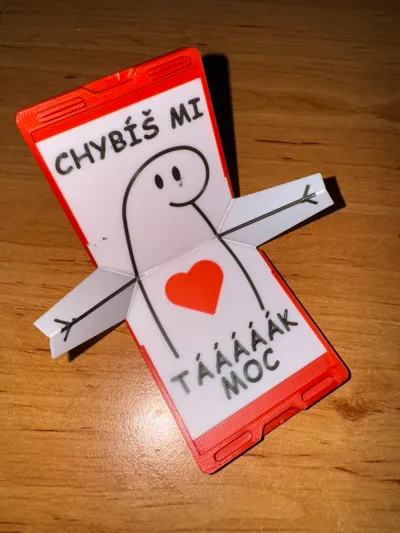
CZ: Po otevření víčka krabičky se rozevře roztomilý mechanismus, kde postavička ukazuje rozpřažené ruce jako symbol toho, jak „moc“ vám někdo chybí. Na vnitřní straně je vytištěný text a srdíčko, což vzkazu dodává ještě větší emocionální náboj. Můžete si vybrat z předem připravených textů. Na krabičku se hodí text s věnováním, nebo si můžete vytisknout krabičku se srdcem a nápisem "Pro tebe" (dostupná v tiskových profilech).
I definitely recommend checking out my profile for other versions of this box with additional lyrics. I'm sure there will be more and more of them over time.
Thank you for all the feedback, or ideas on how to improve the model. I would be happy if you would show off your creations in the comments.
NEW
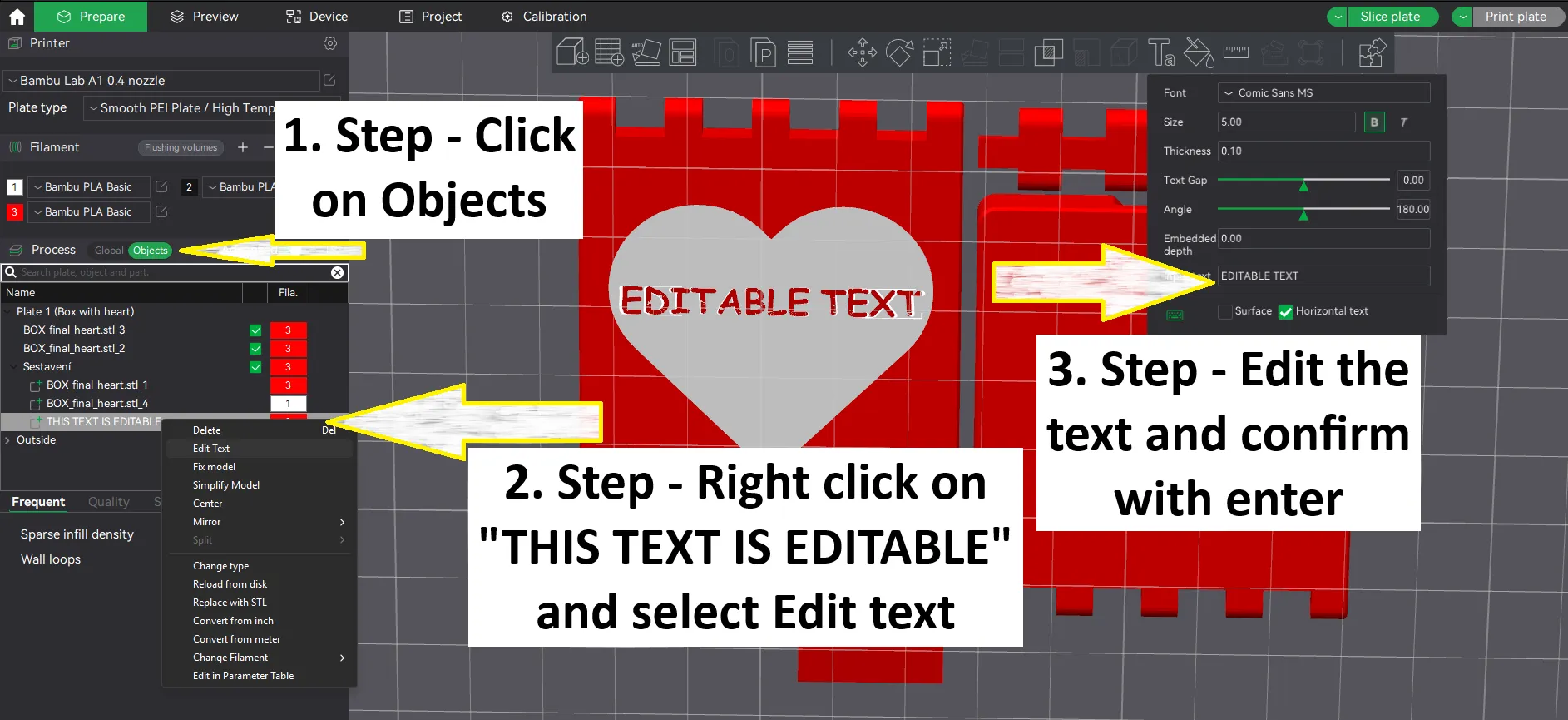
A new profile is available where you can simply change the text on the box, so the dedication can be even more personal.
Recommendation
- The letter needs to be printed with a layer of 0.1mm even in the first layer, due to the strength of the bend.
- For the exact dimensions of the box, not only the dynamic flow rate (which the printer does automatically) needs to be adjusted, but also the filament flow rate ratio (the standard value is around 0.98-1, but for example I used 0.96). If the box is difficult to open, or the filament does not fit into the hinge, I recommend reducing this value and trying to print the box again.
Instructions
Print the parts
Print the box and letter. You can choose from a ready-made design, or choose only your own text on the box.
The letter needs to be printed with a layer thickness of 0.1mm, including the first layer.
Fold the box
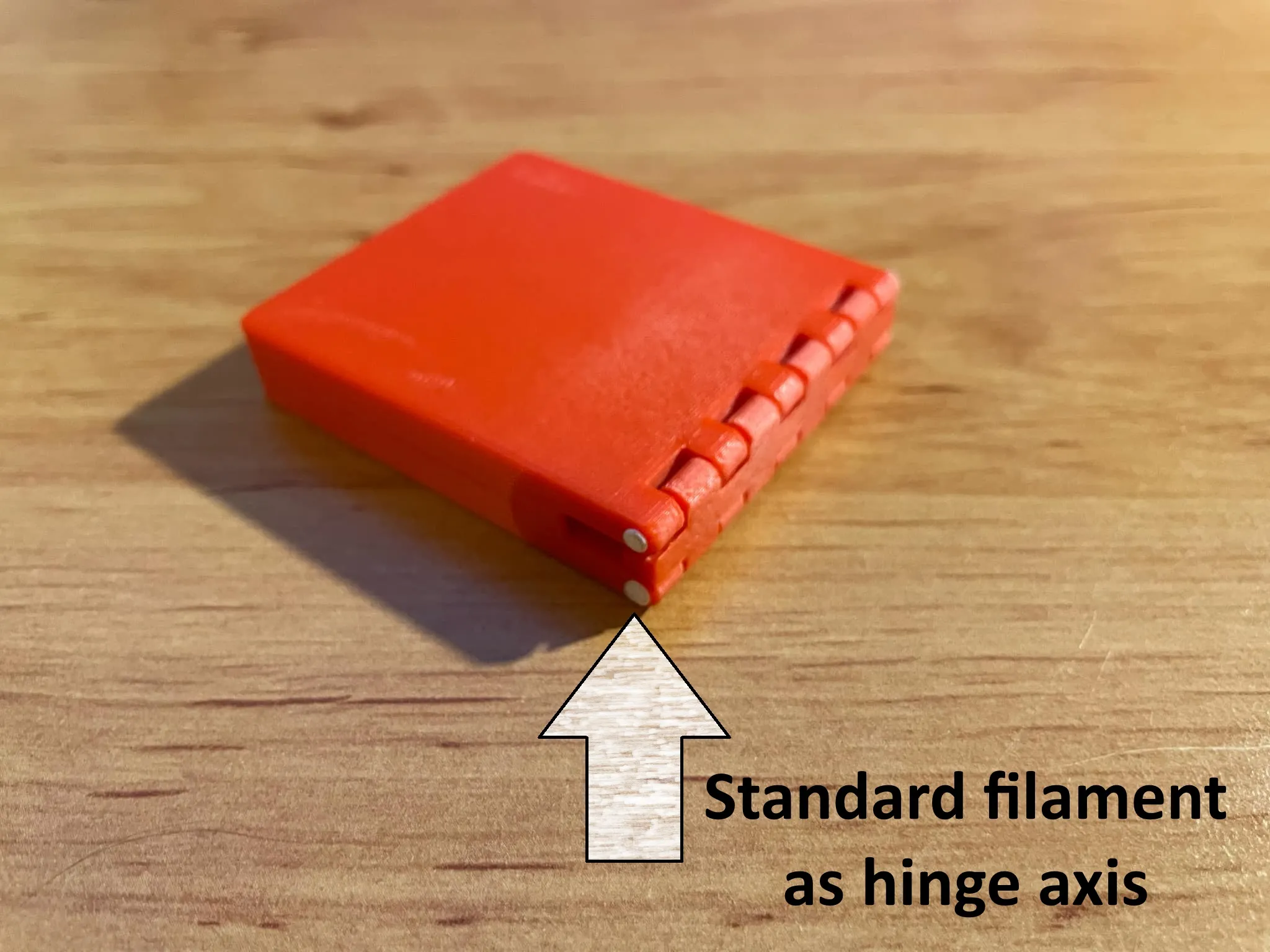
Insert a piece of filament into the hinge. I recommend heating the ends and melting them so that the axle does not slide out.
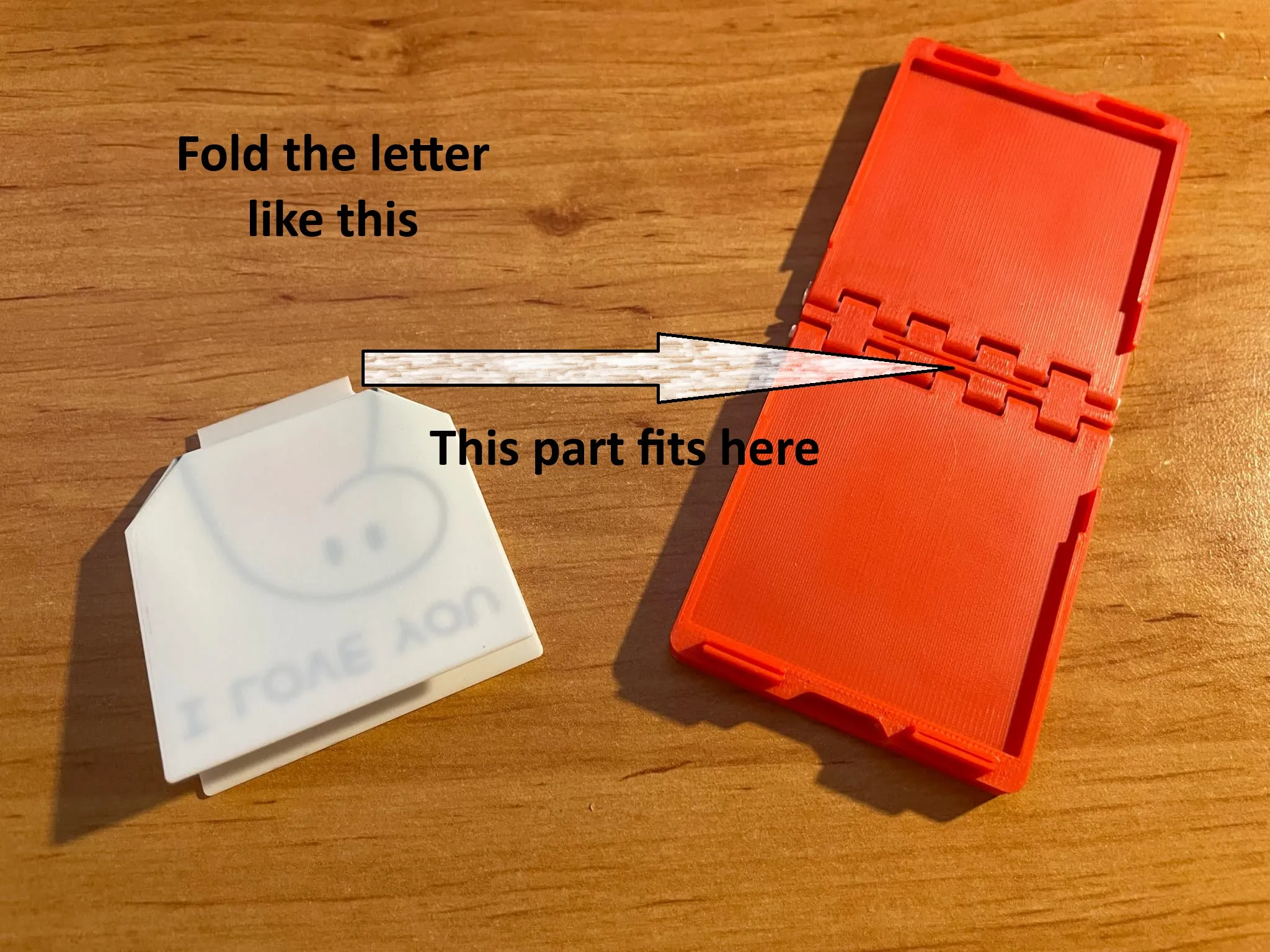
Bend and fold the letter
Slide the letter into the box
Carefully turn the box inside out and insert the letter into the box. Make sure the tab on the letter fits into the groove in the hinge. This will ensure the box opens and closes properly.
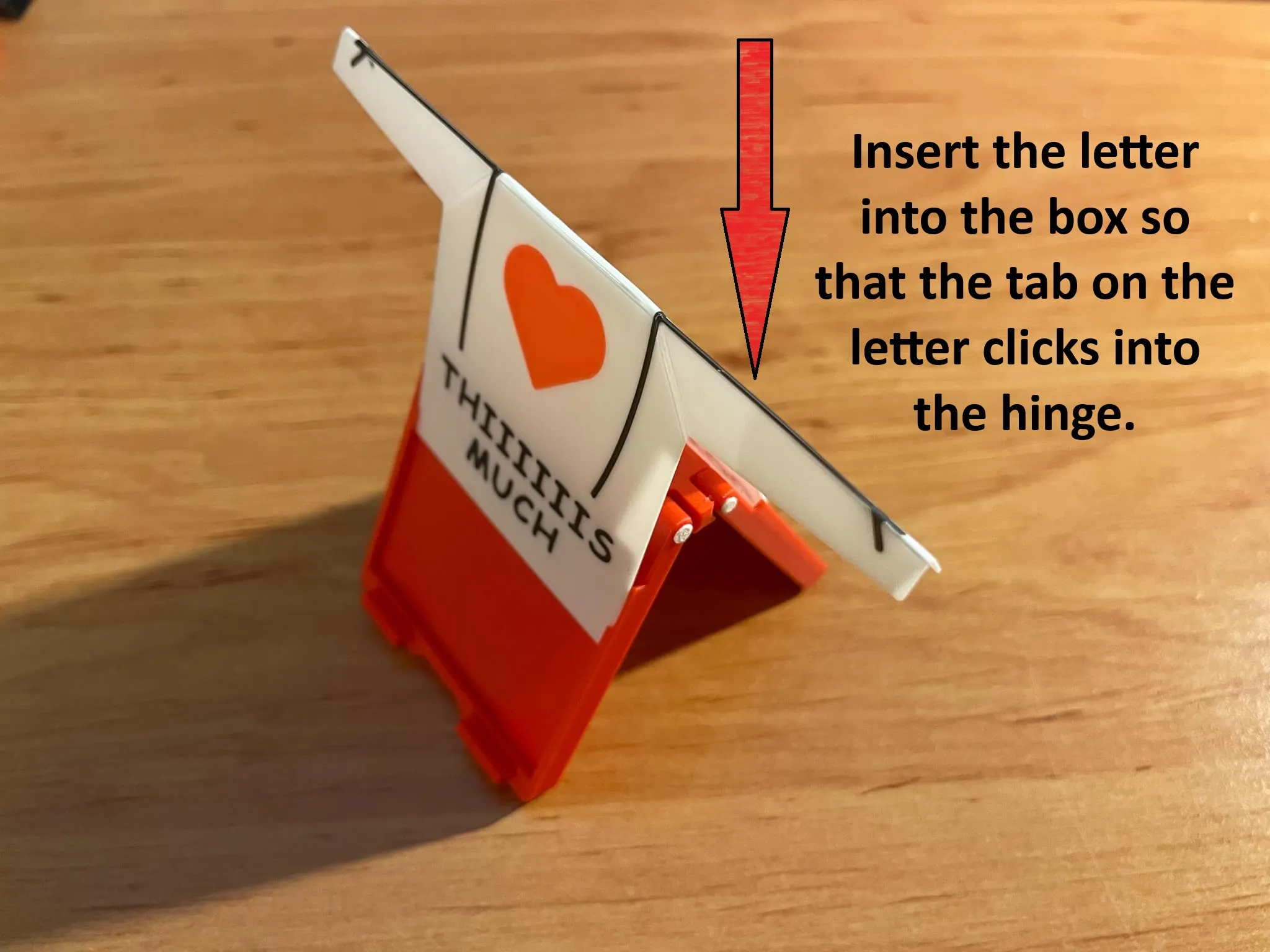
5. Done
Here is a guide to easily editing the text on a box in the Box with editable text profile.
Boost Me (for free)
Thank you very much for any boost.
License

You shall not share, sub-license, sell, rent, host, transfer, or distribute in any way the digital or 3D printed versions of this object, nor any other derivative work of this object in its digital or physical format (including - but not limited to - remixes of this object, and hosting on other digital platforms). The objects may not be used without permission in any way whatsoever in which you charge money, or collect fees.


Comment & Rating (39)