
Geode Rock - 3D Printed
Print Profile(4)


Description
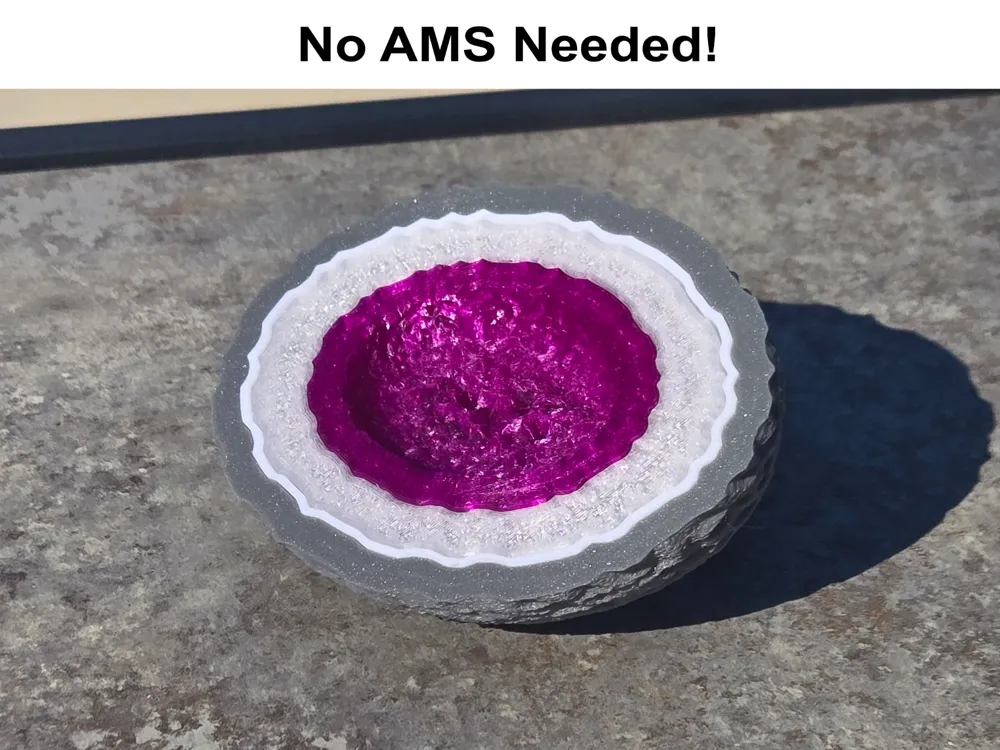
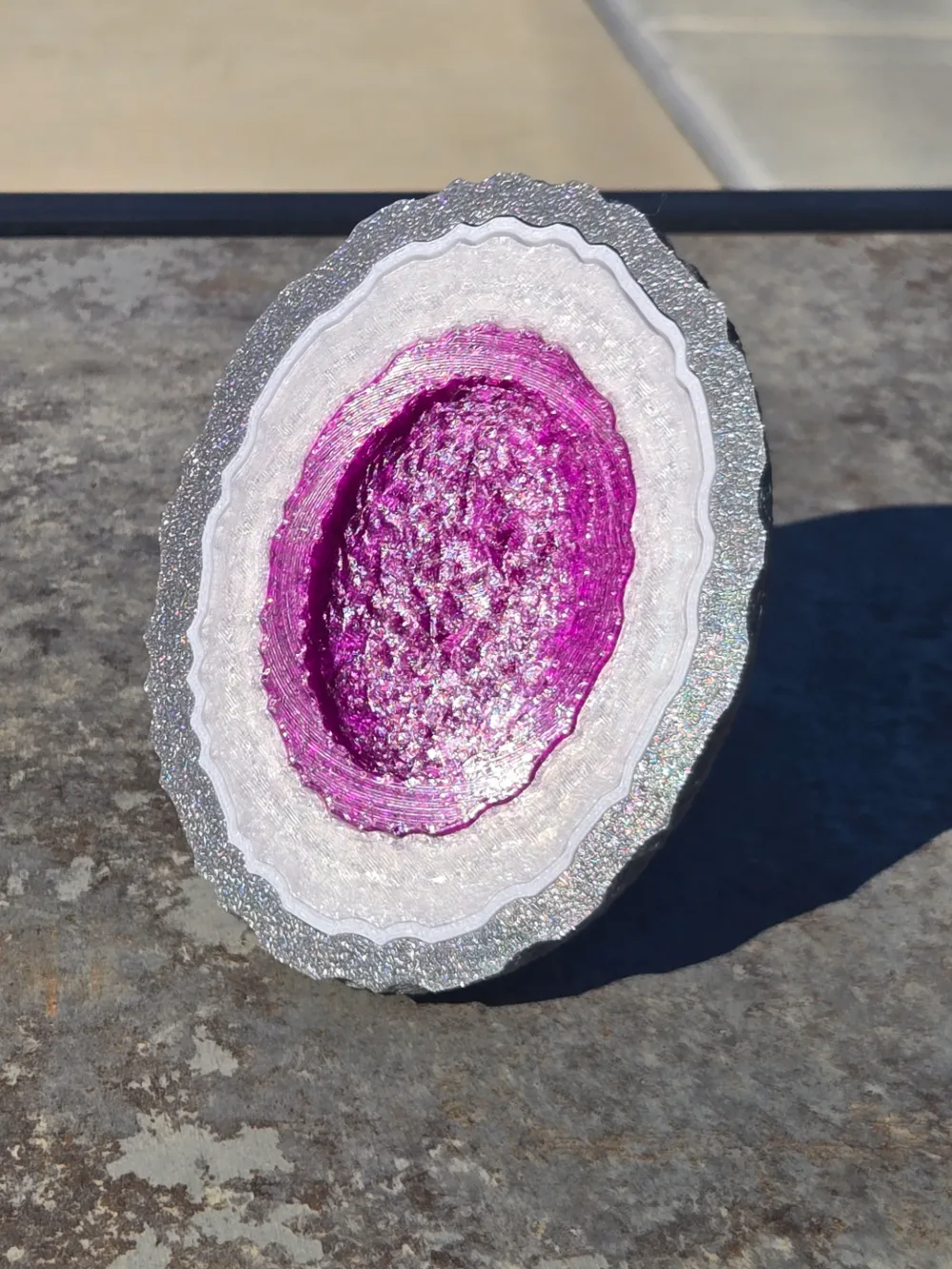
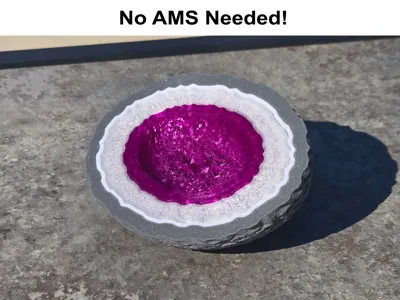
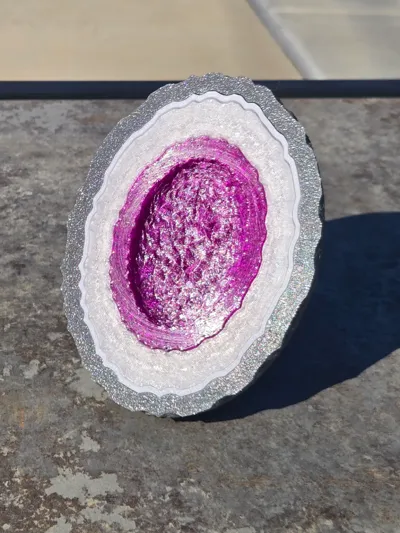
I made a simple Geode rock to be 100% 3D printed with a few layers.
I am a limited with my current filament selection and lack some of the colors / silk / transparent / glitter / etc filaments that would make this model GREAT! Please print this with your own color choices and post pictures with your color / filament choices listed!
Mine were:
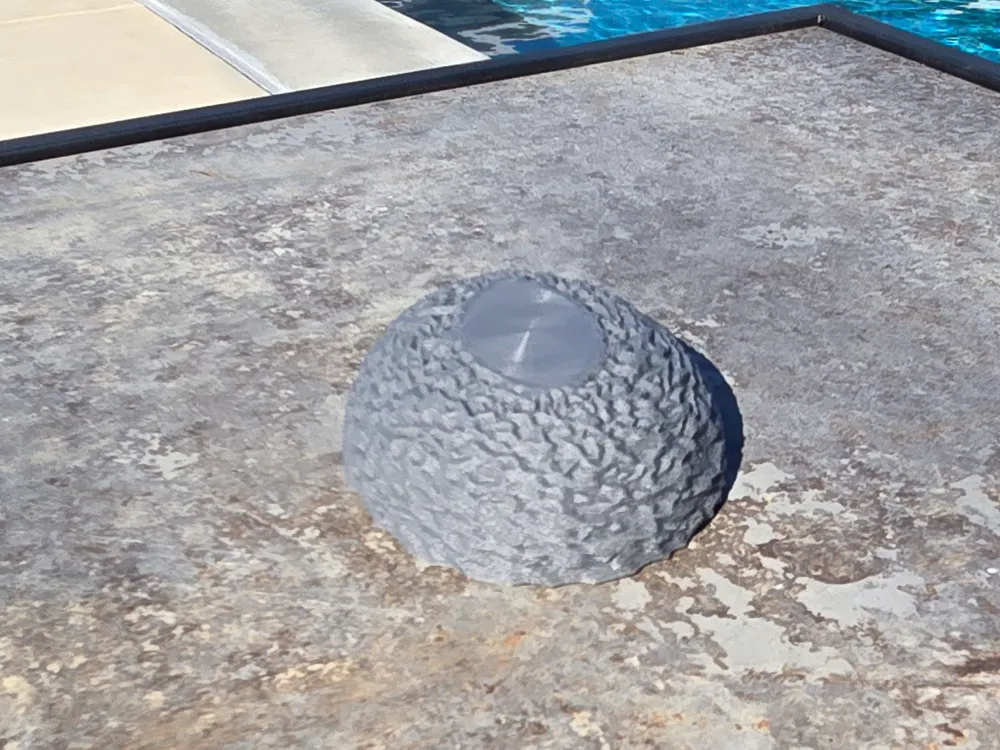
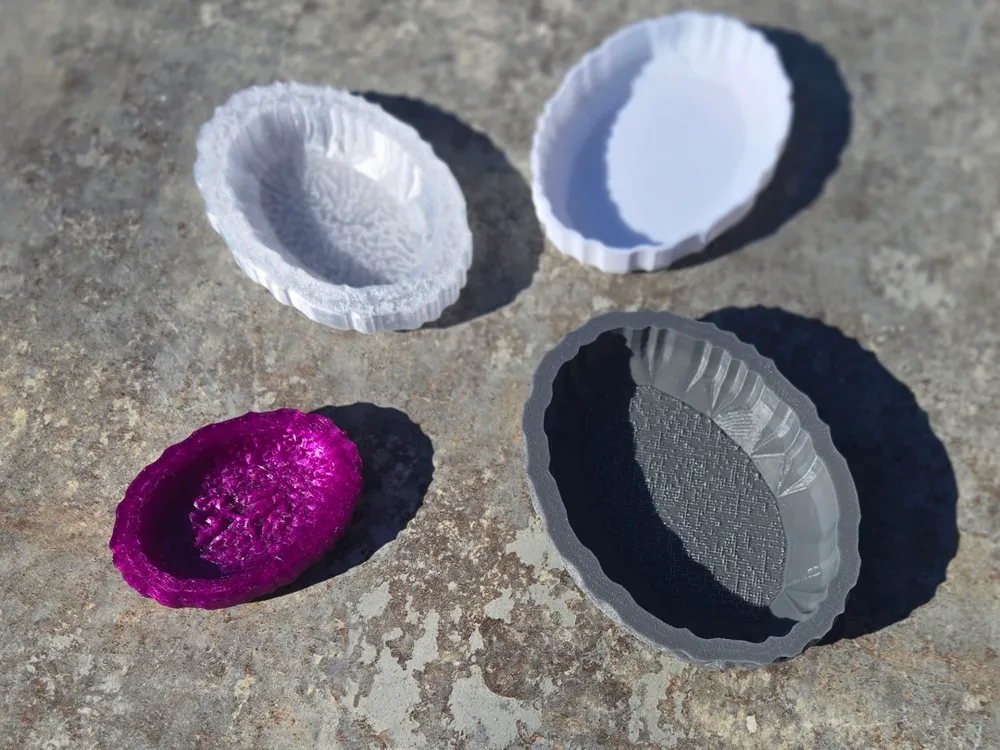
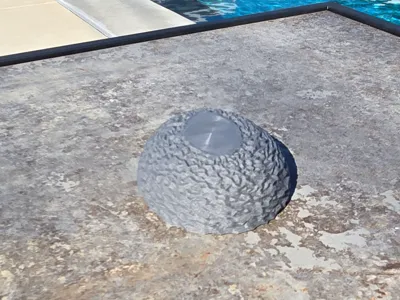
- Layer 1 - outer layer / rock - Dark Grey (PLA)
- Layer 2 - thin layer - White (PLA)
- Layer 3 - thick layer - Transparent Clear (PETG)
- Layer 4 - center colored crystals - Transparent Purple (PETG)
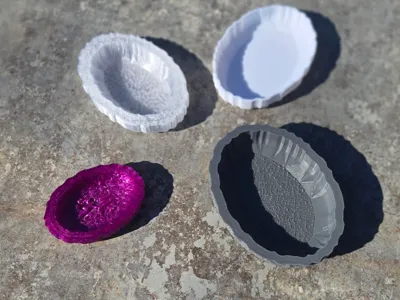
All layers are printed separately, so NO AMS Needed!
Each Layer had it's own print file & layer thicknesses / options / etc (it was easier to post as 4 separate files). Layer 1, the outer shell is printed upside down with supports. Also using 0.12 layers for extra detail and has a fuzzy skin to help create the roughness of a rock. Layers 2 & 3 are both done at 0.16 thickness. Finally layer 4, the colored / clear crystals has a very solid base for a dark center to the geode and is printed at 0.08 for a bit of extra detail!
The clear layers were also filled with lightning infill to reflect more light when viewing and the center section was giving a very solid base to be a very dark shade at the middle of the Geode. You may want to glue all of the layers together as well so it doesn't fall apart on you! I'm sure there are several other ways to mess with the printer settings to better optimize this, but I feel this was a good start. If you try your own settings, please share them! Thank You and Happy Printing!
License

You shall not share, sub-license, sell, rent, host, transfer, or distribute in any way the digital or 3D printed versions of this object, nor any other derivative work of this object in its digital or physical format (including - but not limited to - remixes of this object, and hosting on other digital platforms). The objects may not be used without permission in any way whatsoever in which you charge money, or collect fees.


Comment & Rating (10)