
Musical Fidget - Video Game Edition

Print Profile(44)


Bill of Materials

Description
Please have a look at my new fidget, the Magtire Fidget

Magtire Fidget - Free 3D Print Model - MakerWorld
Membership
Support my work by becoming a member and get a commercial license to sell my models.
!!!Update #1!!!
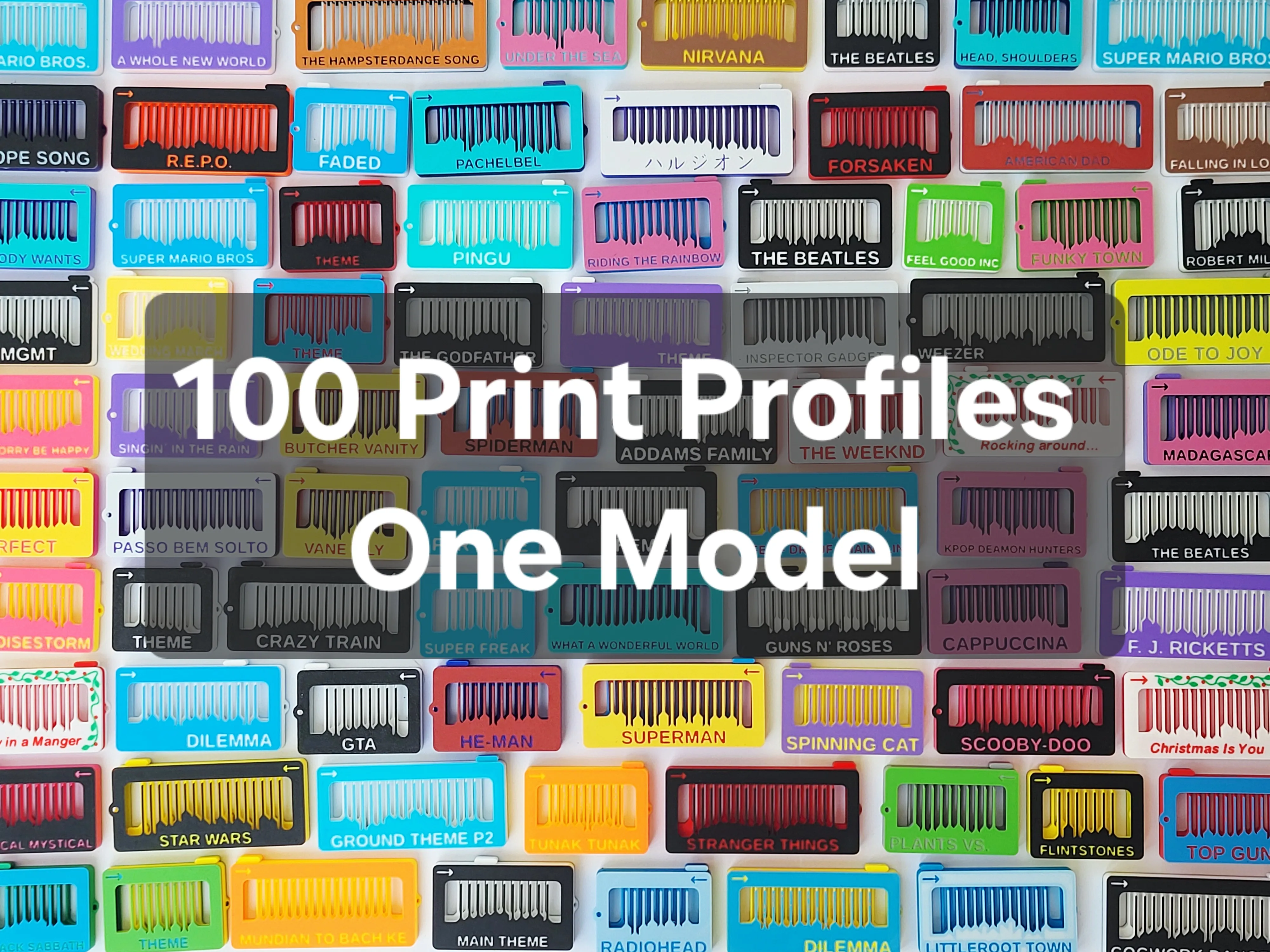
The new Musical Fidget Generator is live. Please try it out or enjoy the >100 new melodies. More Mario and Undertale melodies are available there, where all new melodies from now on are uploaded!
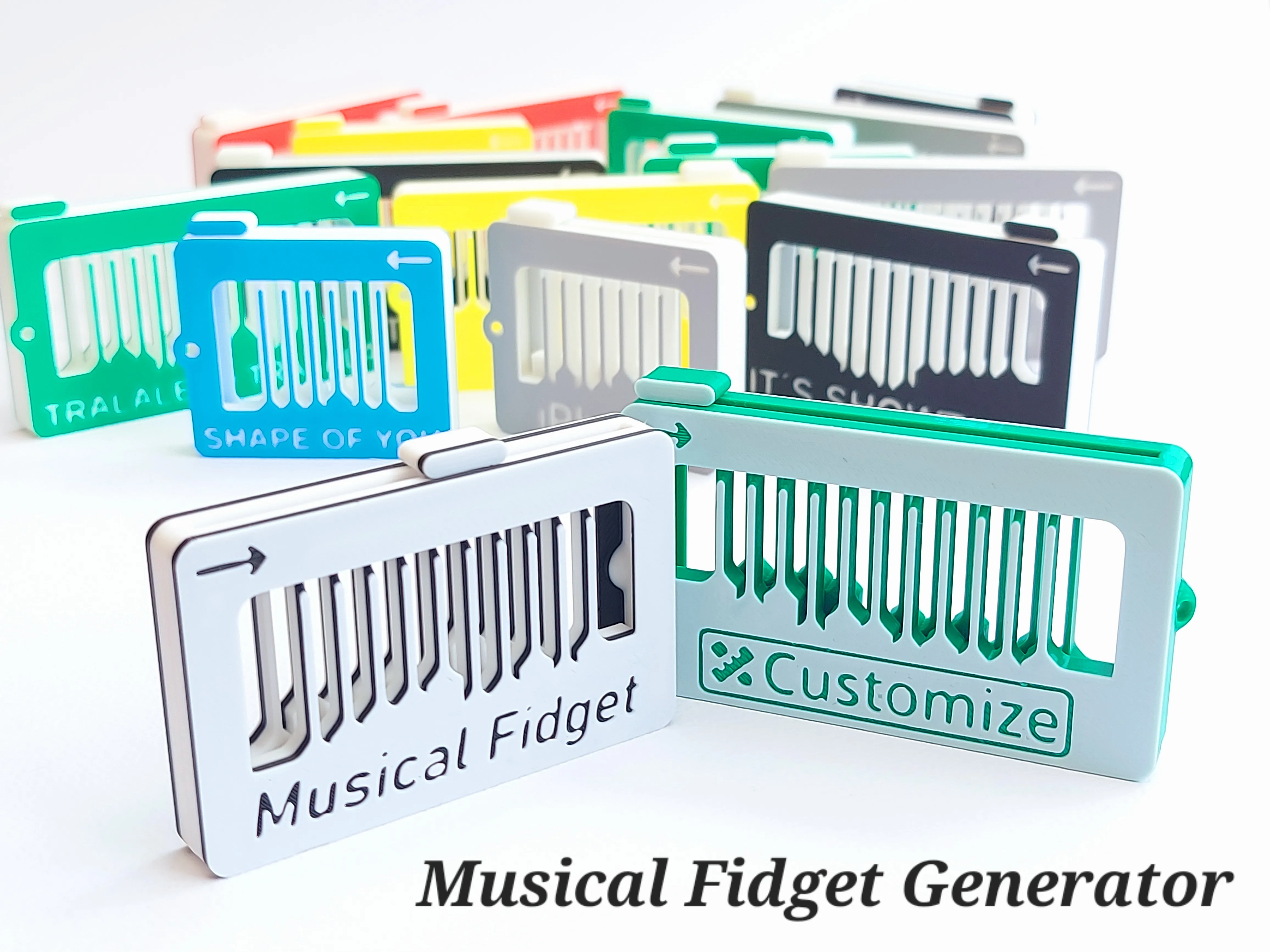
Musical Fidget Generator by kida MakerWorld: Download Free 3D Models
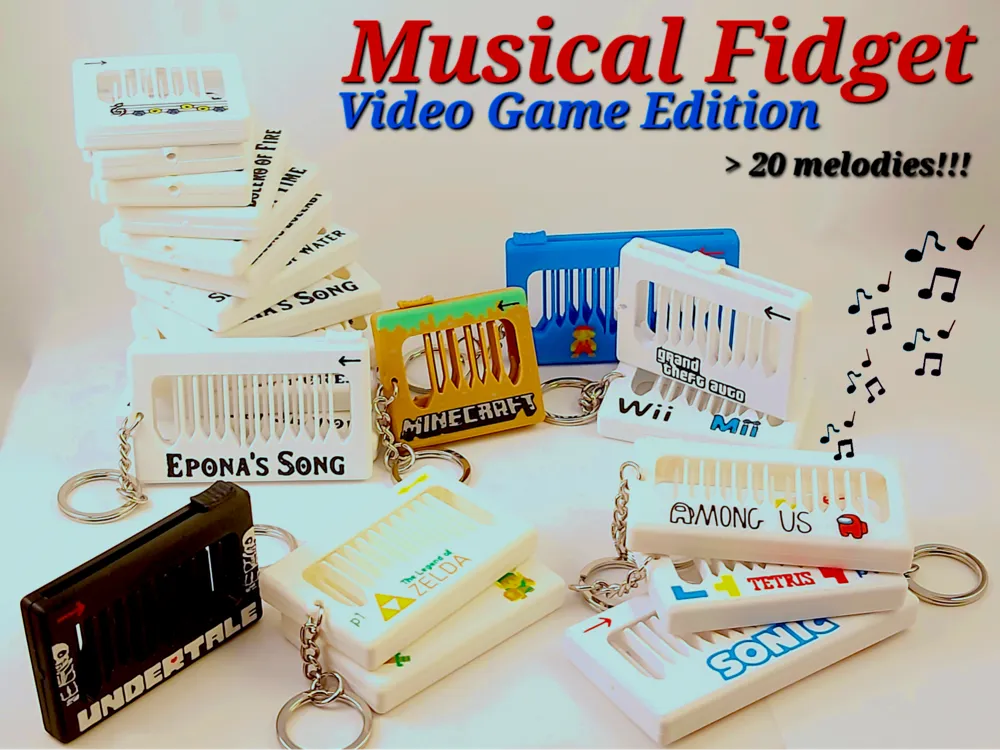
I am happy to finally present the “Musical Fidget – Video Game Edition”.
As of now, this is a collection of fidgets playing over 30 different melodies from >17 well known video games. All of these have Multicolour and Single colour versions for you to choose from and includes melodies from Super Mario to Tetris and even the 12 Ocarina songs from Zelda. Suggestions for other melodies are appreciated or even better, use the reprogrammable feature of the print profiles to make a new song and upload the profile for others to enjoy!
If you are interested in the development and story of the musical fidget, please have a look here:
Boost Me (for free)
This model took a significant amount of time modelling and printing so if you enjoy the work, please consider giving it a boost. Thank you!
Or buy me a coffee if you want to support me further.
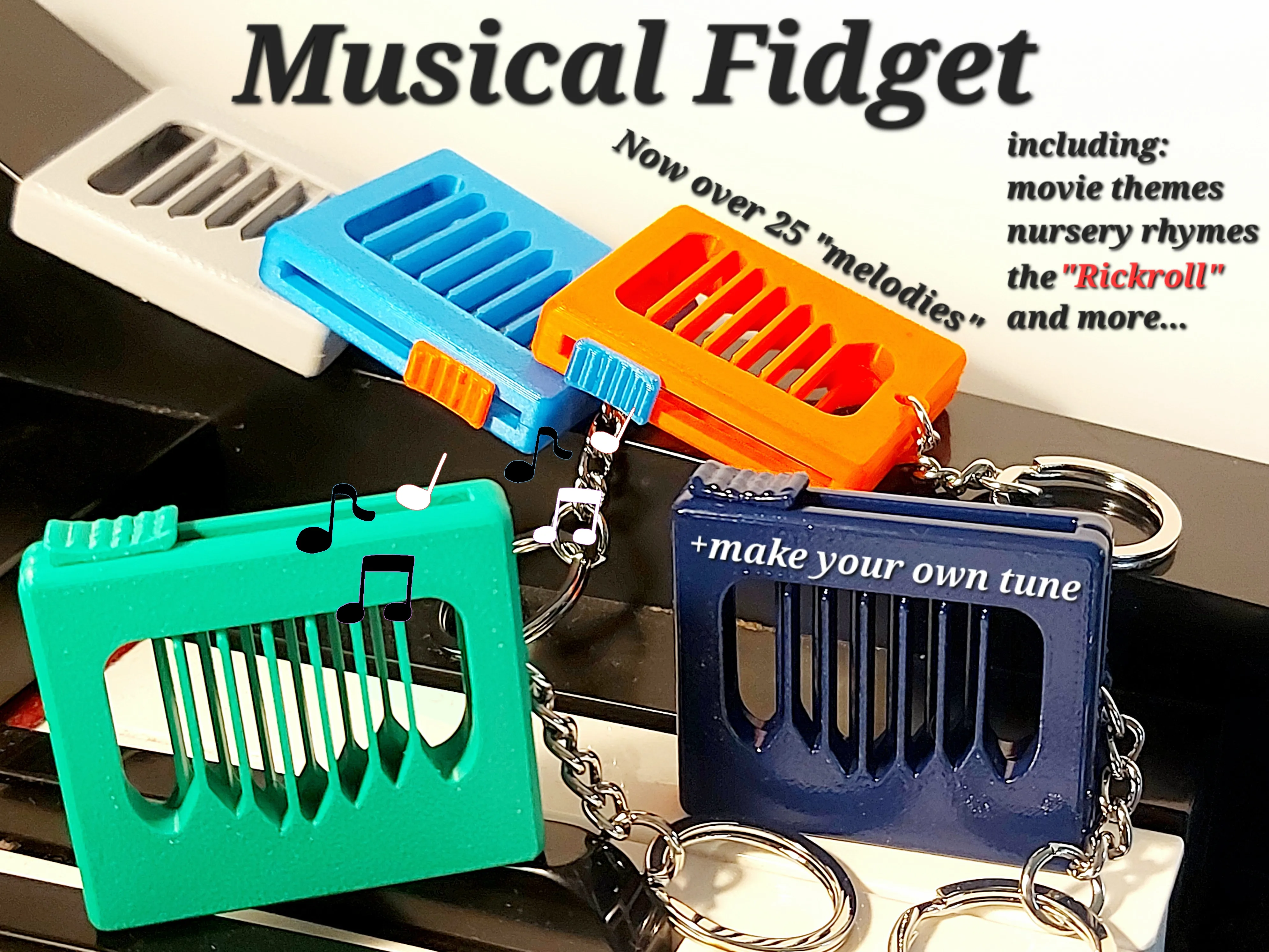
For this version of the Musical Fidget, I have had to redesign the original to allow for a number of new melody lengths as well as playing two notes at the same time. Considerable time was also spent on making sure to provide both coloured and single colour versions of the fidgets.
As with the Original Musical Fidget, user created print profiles playing other video game related melodies are highly appreciated. To make a new Melody, please follow the instructions over at the Original Musical Fidget.
If you printed a musical fidget before, you know what to expect. If not, please have a look at the text below for tips and tricks and please have a look at the original fidget for many more melodies. Musical Fidget by kida - MakerWorld
The Songs
Animal Crossing – Theme
Plays the Animal Crossings New Horizons Theme, decorated with text in the “logo” font.
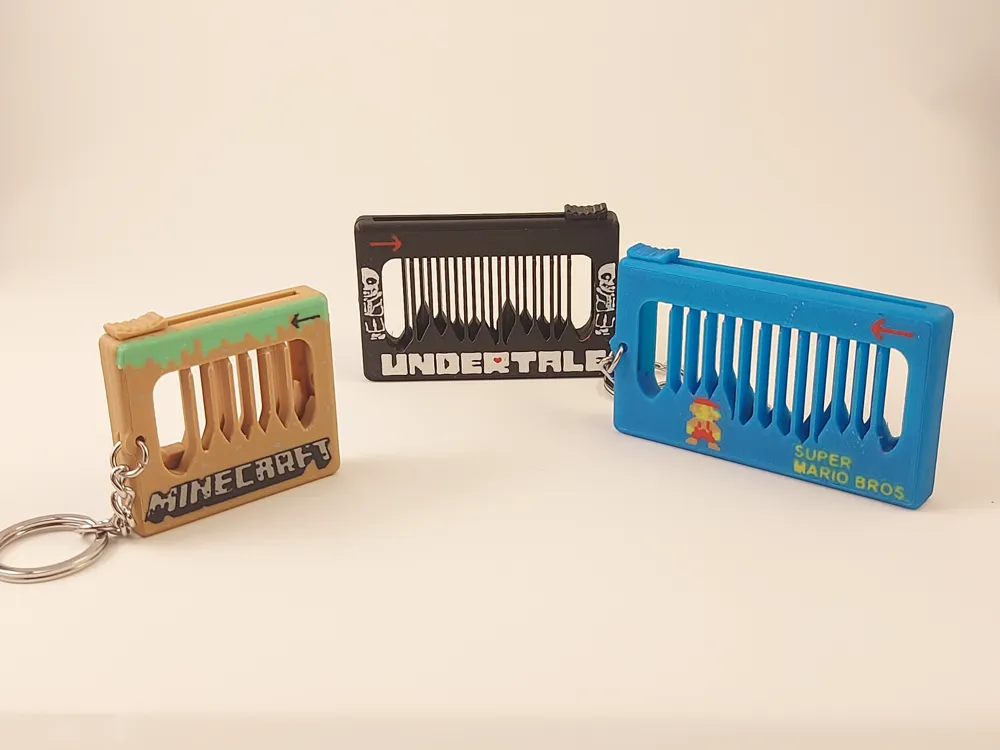
Super Mario Bros – Ground Theme
Plays the highly recognizable beginning of Level 1-1. AMS version adds a 8-bit Mario figure. I highly recommend this fidget.
Super Mario Bros. - Underground Theme
Plays the beginning of level 1-2 from Super Mario Bros. I had to make some changes to make it playable on the Musical fidget. See video to get an idea of how to play it. In general, quite a difficult tune to play.
Super Mario Bros 3. - Overworld Theme
Plays the beginning of the overworld theme from Super Mario Bros 3. This melody was tricky to get to sound right, but Im quite happy with the results. Enjoy!
Super Mario World - Overworld Theme
Plays the melody of the Overworld Theme starting just after the "intro". This is a lovely melody that is quite easy to play right, but as always, you need to know the melody in order to play. In multicolour the print looks lovely with the added text, but plays equally well in single colour. A clear favourite of mine that I highly recommend!
Angry Birds - Theme
Plays the beginning of the Angry Bird Theme song. The coloured version includes a bird on one side and the logo in the appropriate font.
PAC-MAN - Theme
Plays the first part of the original Pac-Man theme. Its a fun song which is relatively easy to play, but the original should be played fast, which is more challenging. Coloured version obviously has PAC-MAN eating some dots.
The Secrets of Monkey Island - Theme
This one plays the Monkey Island theme song, the part when the song becomes faster. The last note is improvised as the melody would sound cut-off without it. Quite tricky to play, with very variable tempo. But fun trying to master!
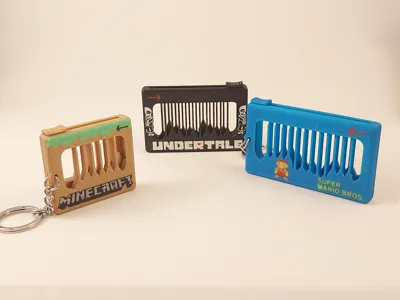
Undertale – Megalovania
My personal favourite. I like how the colouring turned out with the logo and Sans. Additionally, the tune plays relatively easily and sounds just great.
Undertale – Fallen Down
A “user suggestion”. Simply a nice tune.
Halo – Theme
Plays the iconic beginning of the Halo Theme. Its a slow song, so some imagination will help making it sound perfect :)
Portal – Still Alive
A suggestion. Lovely song which has 3 distinct parts. It is therefore one fidget for each part. Part 2 and 3 directly follow each other, but each fidget plays nicely by its own. Quite tricky to play in the right rhythm, but becomes more rewarding when figured out!
Hollow Knight - Theme
Requested by a couple of users. Sounds very nice, even if you don't know the tune/rhythm. A clear favourite.
Mortal Kombat - Techno Syndrome
A request. This is now the longest fidget with 32 notes. It easy to play as all notes should be equally long (no rhythm). The colouring also came out nice.
Omori - Final Duet
Requested by a few people. This song is slow, (should take about 20 sec to play) meaning you have to know the melody to enjoy this. Coloured with appropriate font and logo.
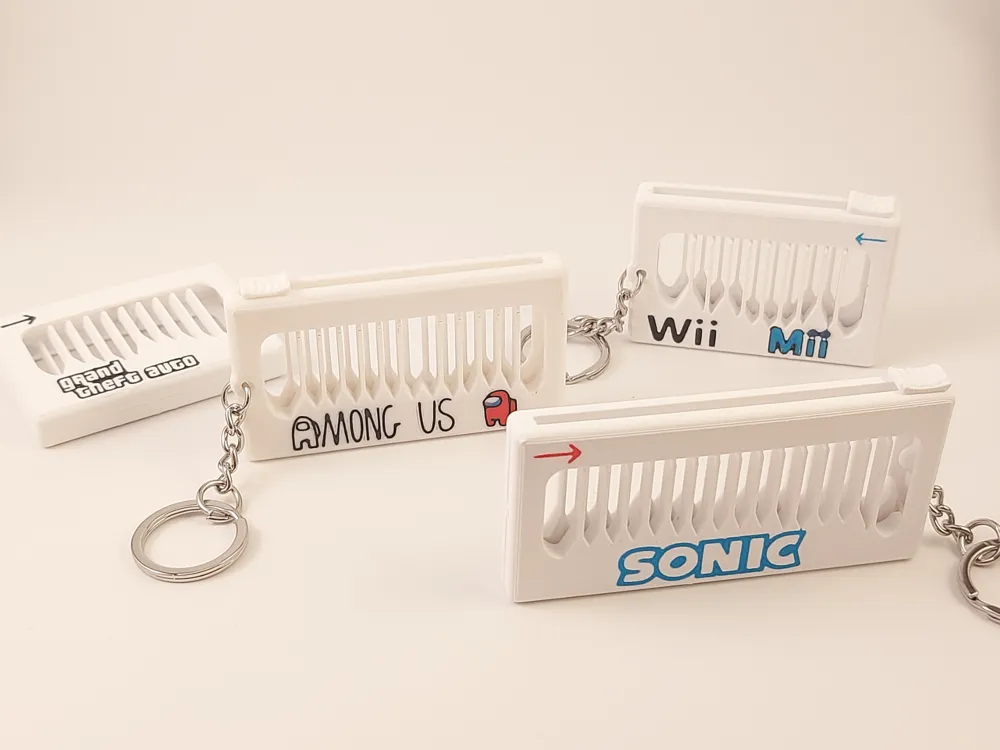
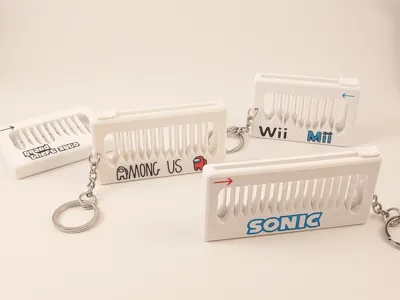
Grand Theft Auto V – Theme
This fidget plays a part of the theme music from GTA5 that. The notes are a simple scale which makes this fidget the easiest to “fidget” with, as any tempo will make a nice sound.
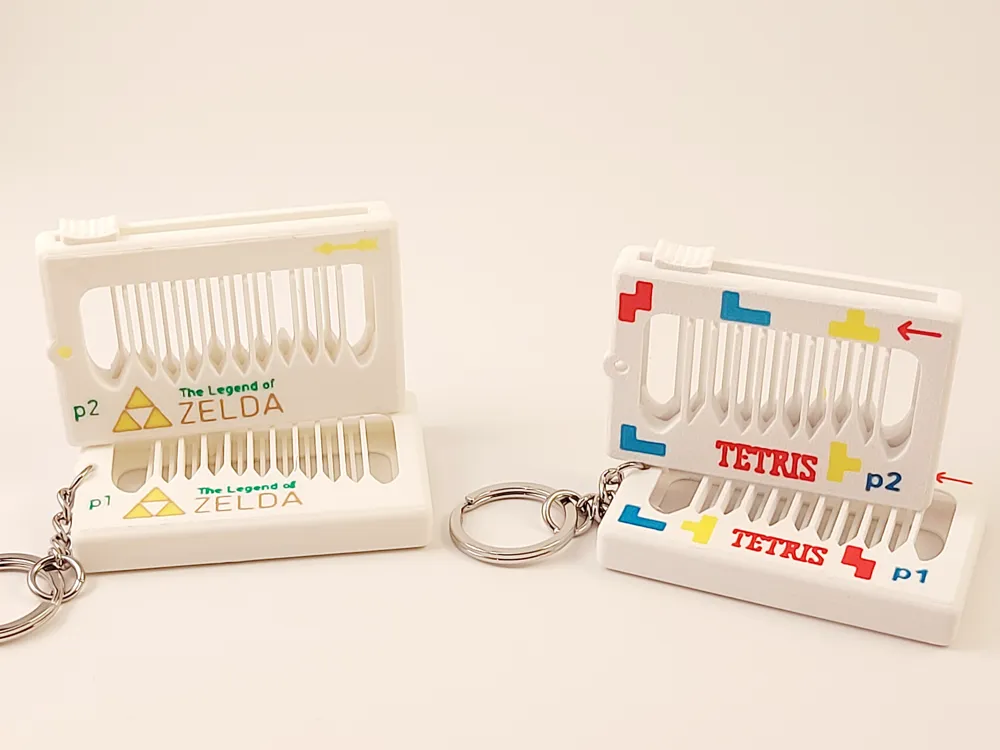
Tetris – Korobeiniki
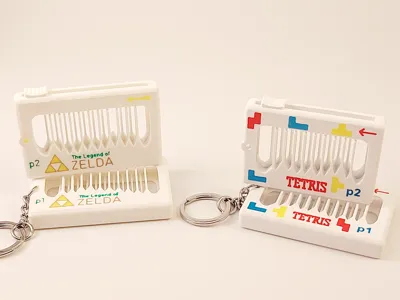
This fidget is split into two parts, together playing the main part of the Tetris Melody (Korobeiniki). Part 1 by itself is enough, but if adding the second part you will have more fun. This one is a little tricky to play correctly, but when mastered it sounds great!
Wii – Mii
Plays the lovely Mii song from the Wii. Quite simple to play. When printed in single colour, make sure to remove the brim within the text.
The Legend of Zelda – Overworld Theme
The classic Zelda tune split in two parts. I recommend printing both of these to be played together. This one is tricky to get right as the tempo of the melody is quite variable, but its one of the best songs there is.
Minecraft – Minecraft
Plays the song named Minecraft from Minecraft. For this melody, I redesigned the fidget to be able to play two notes at the same time. It only has 10 notes and needs to be played slowly. Sounds better on the piano than the fidget for sure 😊 but you can not keep a piano in your pocket. For the coloured version, I attempted to make the fidget look a little like a “grass block”.
Among Us – Drip Theme
A must print for any “Among Us fan”. Arguably it should include a last note, but I decided against this as I think it belongs to the base line.
Sonic the Hedgehog – Green Hill Zone
This was the longest fidget uploaded (not anymore) sporting 30 notes. It’s simply a lovely song. If printed in single colour, make sure to remove the brim from inside the text.
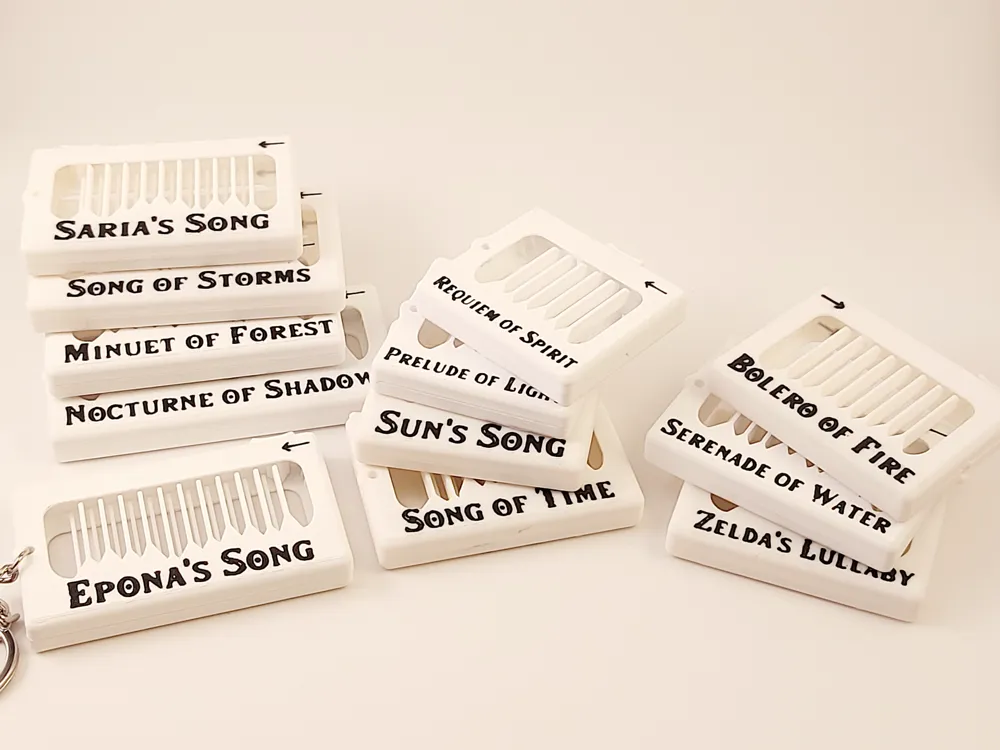
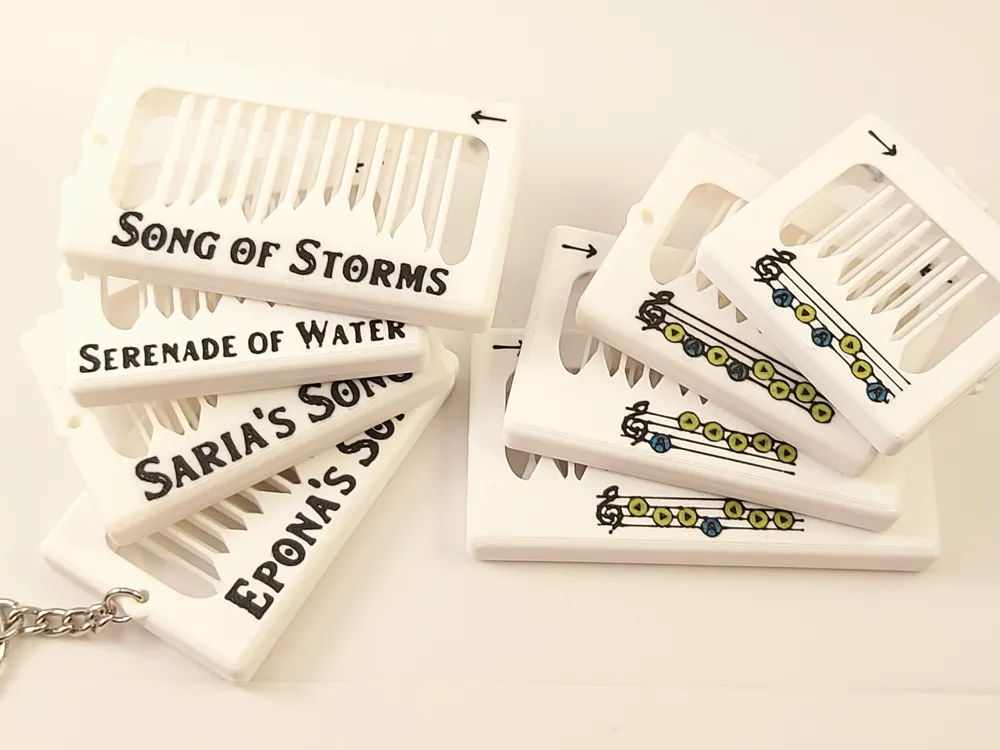
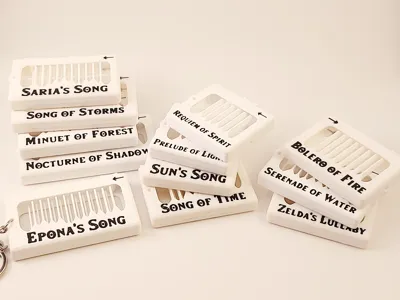
All 12 Ocarina songs from Ocarina of Time
(Zelda’ Lullaby, Ephona’s Song, Saria’s Song, Sun’s Song, Song of Time, Song of Storms, Minuet of Forest, Bolero of Fire, Serenade of Water, Requiem of Spirit, Nocturne of Shadow, Prelude of Light)
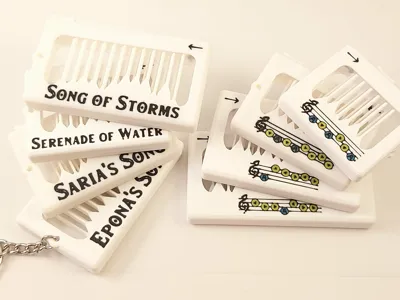
This set was a major effort. These are the 12 songs that you can play on the ocarina in the game Ocarina of Time. A few of these songs had to be changed from the original as they repeated the same notes in different octaves. As the fidget can’t play all these notes, I had to just keep the same octave. With the AMS you additionally get the song name printed in the appropriate font and the notes/buttons to press as seen in the game. Most songs are great (like Saria’s Song, Song of Storms, Ephona’s Song) while a few are a bit less exciting but included for completeness. Two print profiles are available, one for multicolour and one optimized for single colour printing each having 12 print plates.
Goldeneye 007 - Theme
Based on user suggestion. Plays the James Bond theme from the classic game Goldeneye 007.
Doom – At Doom’s Gate
Does the Musical Fidget play Doom? Now it does. I made this for a friend and it plays one loop of the main melody. In my opinion, not the best song, but enjoyable for the true Doom fans.
Kingdom Hearts – Dearly Beloved
This was a request. Plays a part of the melody (0:41-0:56 in this video).
Printing
Overall, the printing process is fast and easy. Multicolour adds a little time and creates 2-3g of waste. There are a few things to keep in mind.
All profiles have a brim (only on inside). This is not required if you have good bed adhesion, but is there to help the ~10% that does not.
The sound produced is dependent on the filament. From my experience, many PLA + filaments are a bit soft and do not produce good vibrations/sound (Still the right notes but not sounding crisp). Do not use Bambu PLA Matte for the main part of the fidget. Of the few filaments I have tested, Prusament PLA seems to give best sound. Please leave a comment if you find that your filament is especially good!
Update!! Bambu Sparkle PLA sounds great according to a couple users.
The clips designed to hold the fidget together are sensitive to bad layer adhesion and might break during assembly (see below). To avoid this, take care during assembly, but also consider increasing the nozzle temperature to promote layer adhesion.
- If you need to reprint only the “slider” there is a print profile at the original “Muscial Fidget” called “Only the Slider”.
Assembly
After printing you first need to remove the brim (unless you removed brim from the print profile). Make sure to remove everything as remains will affect the pitch of the note. If printing the single colour optimized versions, there might also be brim structure within the negative space creating the text/logo. Most profiles also have support for the slider. This needs to be removed before assembly.
After removing the brim the 2 large parts are simply snapped together while keeping the small slider in place. There is a chance that the “clips” break during assembly if you are not careful/or have bad layer adhesion. If this happens, just glue the fidget together instead.
Finally attach a keychain and attach the fidget to your backpack or keys.
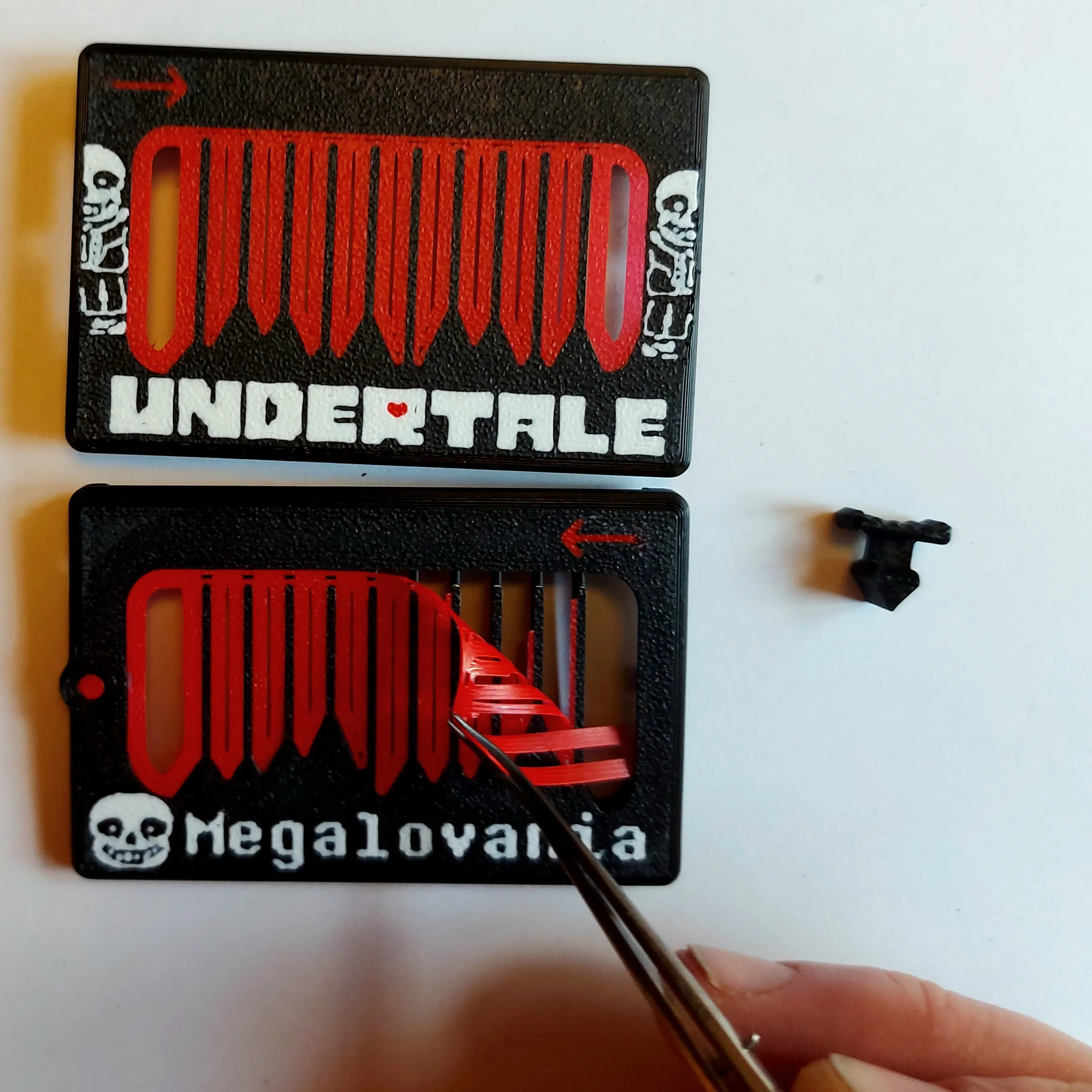
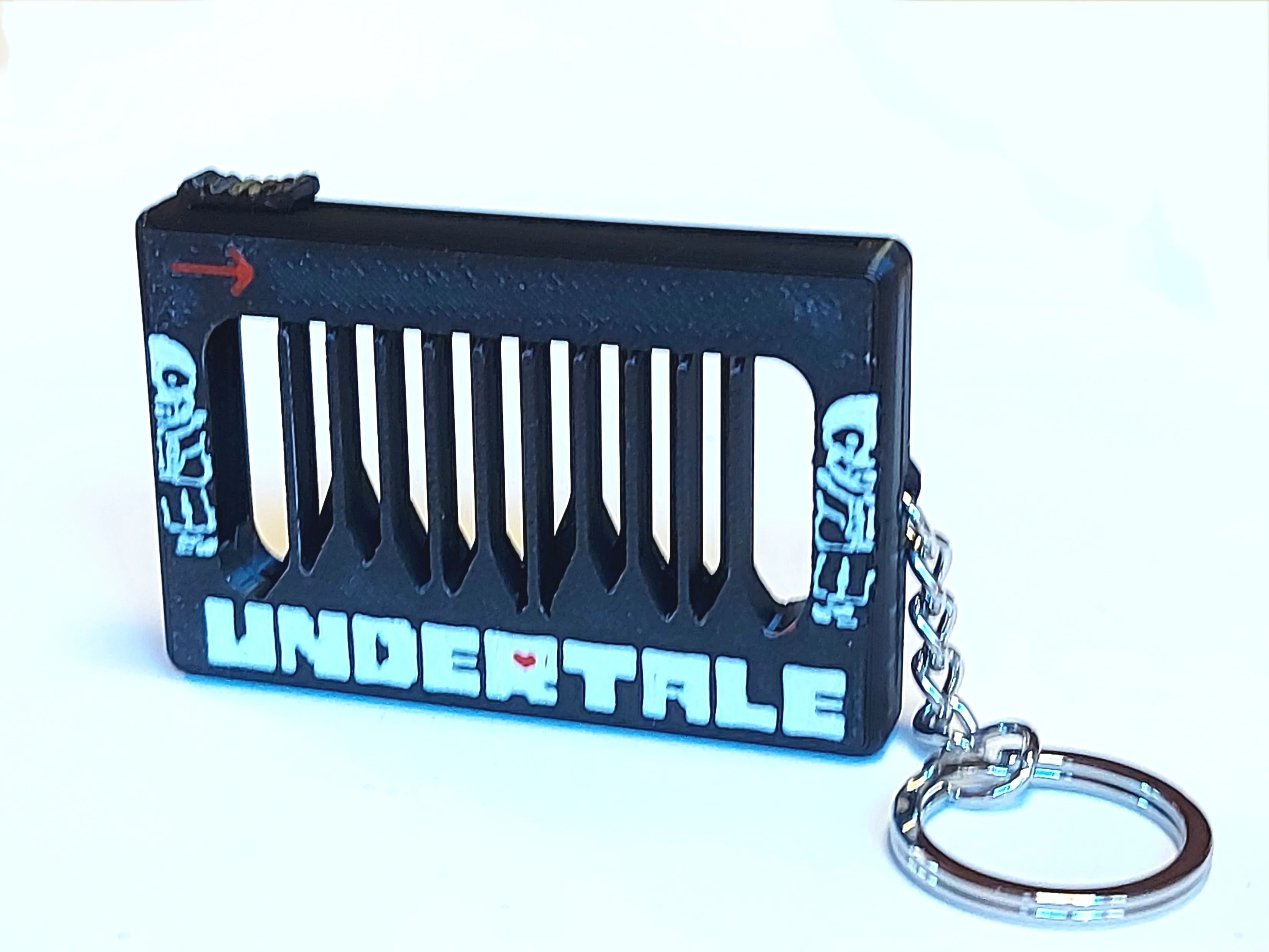
Figure 1, Remove all brim before assembly.
Playing
In order to hear the melody of the fidget it is required that you know the song. You need to play each tone slowly in the rhythm of the melody! It obviously also only plays the melody in one direction. To get an idea how to play and how some of the fidgets sound please have a look at the videos below.
Many thanks to Tater Prints for making the video above.
Making your own melody
The Musical Fidget is reprogrammable for you to make your own melody. Please have a look at the original fidget for detailed instructions.
If you make a new video game related melody, please upload it as a new print profile for others to enjoy! The more to choose from the better :)
Many other songs are also available over at the Original Fidget Model and the X-mas Version of the model.
Enjoy!!
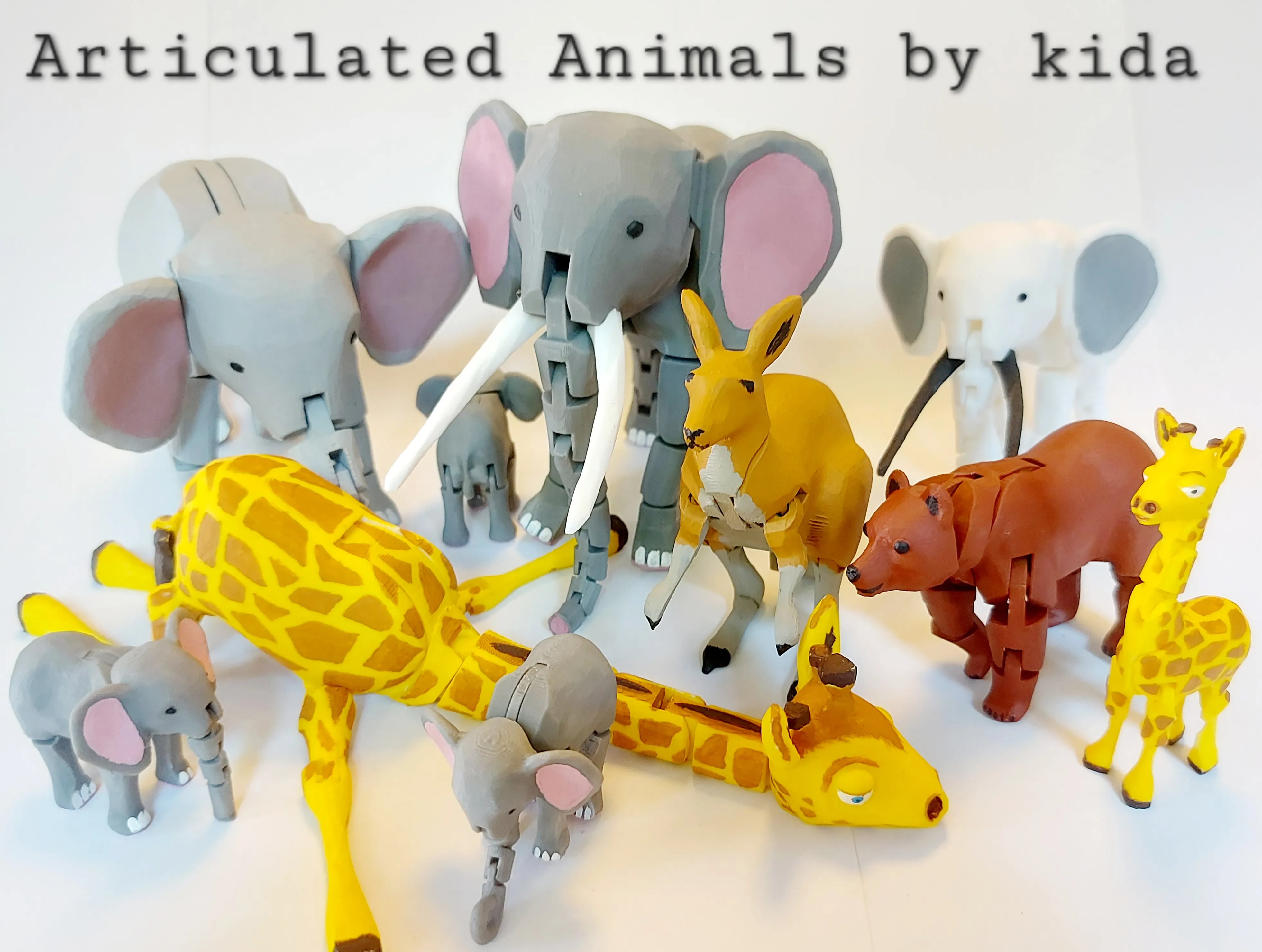
If you liked this model, Please also have a look at my other models in my Articulated Animal Series
License

You shall not share, sub-license, sell, rent, host, transfer, or distribute in any way the digital or 3D printed versions of this object, nor any other derivative work of this object in its digital or physical format (including - but not limited to - remixes of this object, and hosting on other digital platforms). The objects may not be used without permission in any way whatsoever in which you charge money, or collect fees.


Comment & Rating (5077)