
QR base for GOOGLE Review customize
Print Profile(1)

Description
Over time, we have created several support options with QR codes.
I found and optimized all the technical problems.
I believe that now we have reached a product that can satisfy your needs.
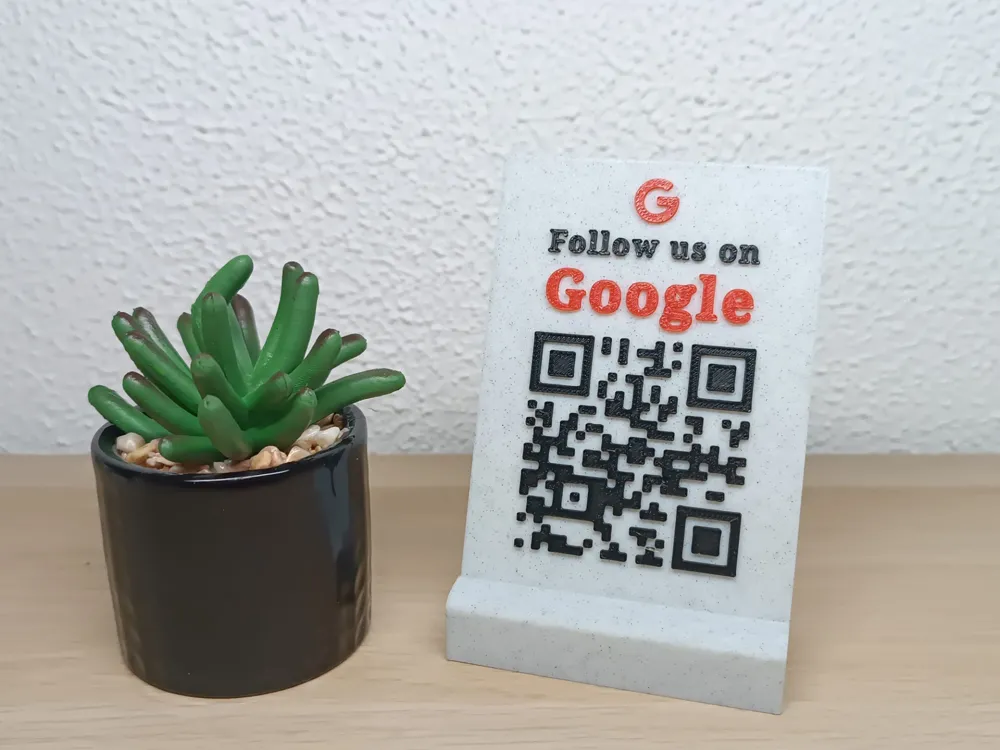
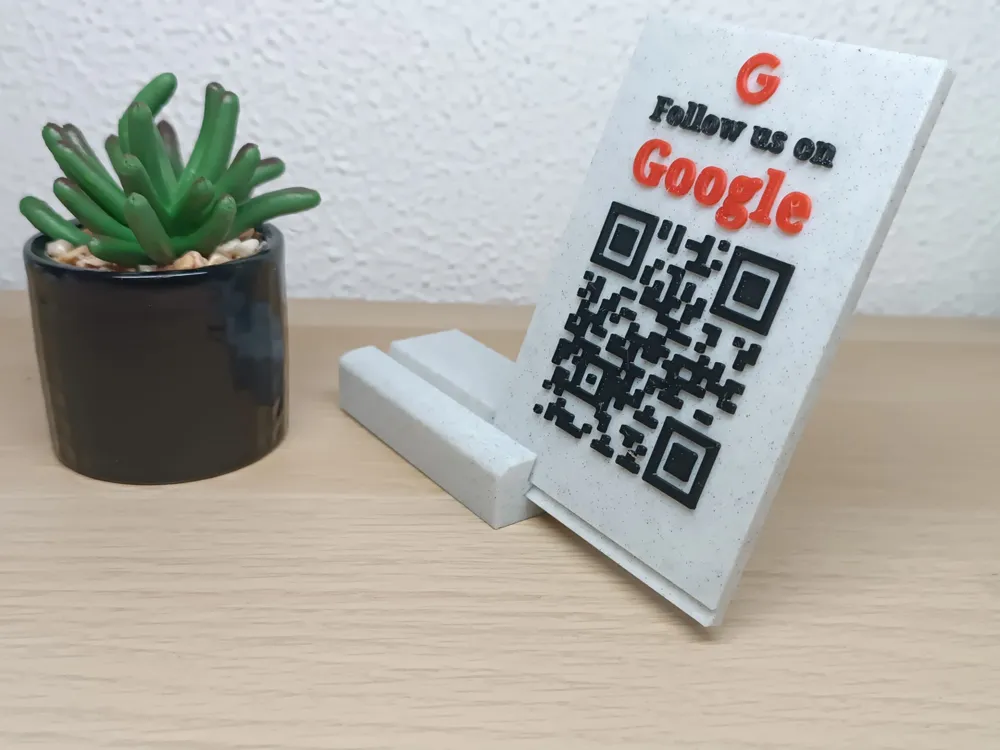
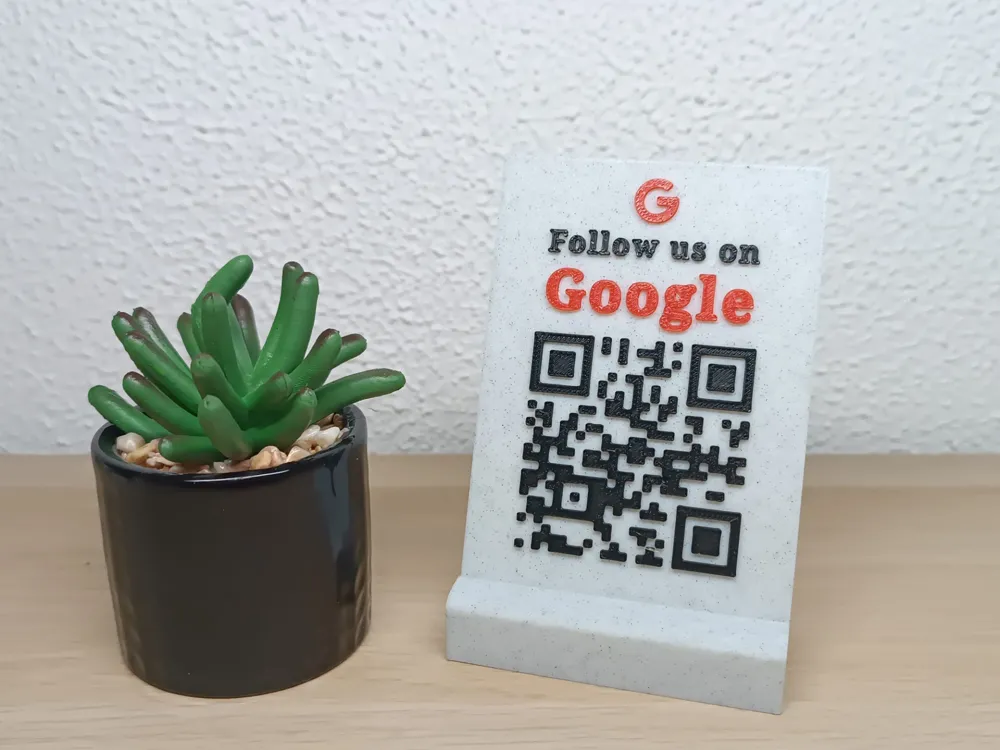
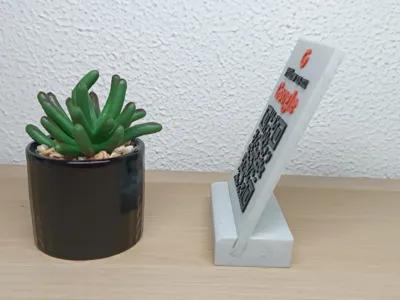
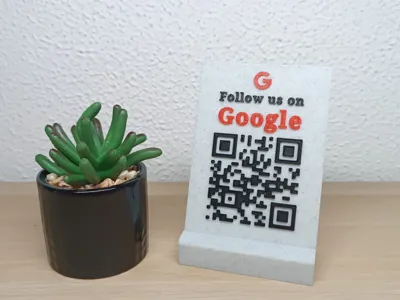
QR code support for google business account reviews.
In the files prepared for printing, you have the support and the plate with 3 lines of text.
1. logo
2. "Follow Us:"
3. Logo text
at the bottom of the plate I will guide you how to generate and insert your own QR code.
Please follow the steps:
- You need to generate the QR code based on the link in your GBA account.
Access the website https://www.qrcode-monkey.com/
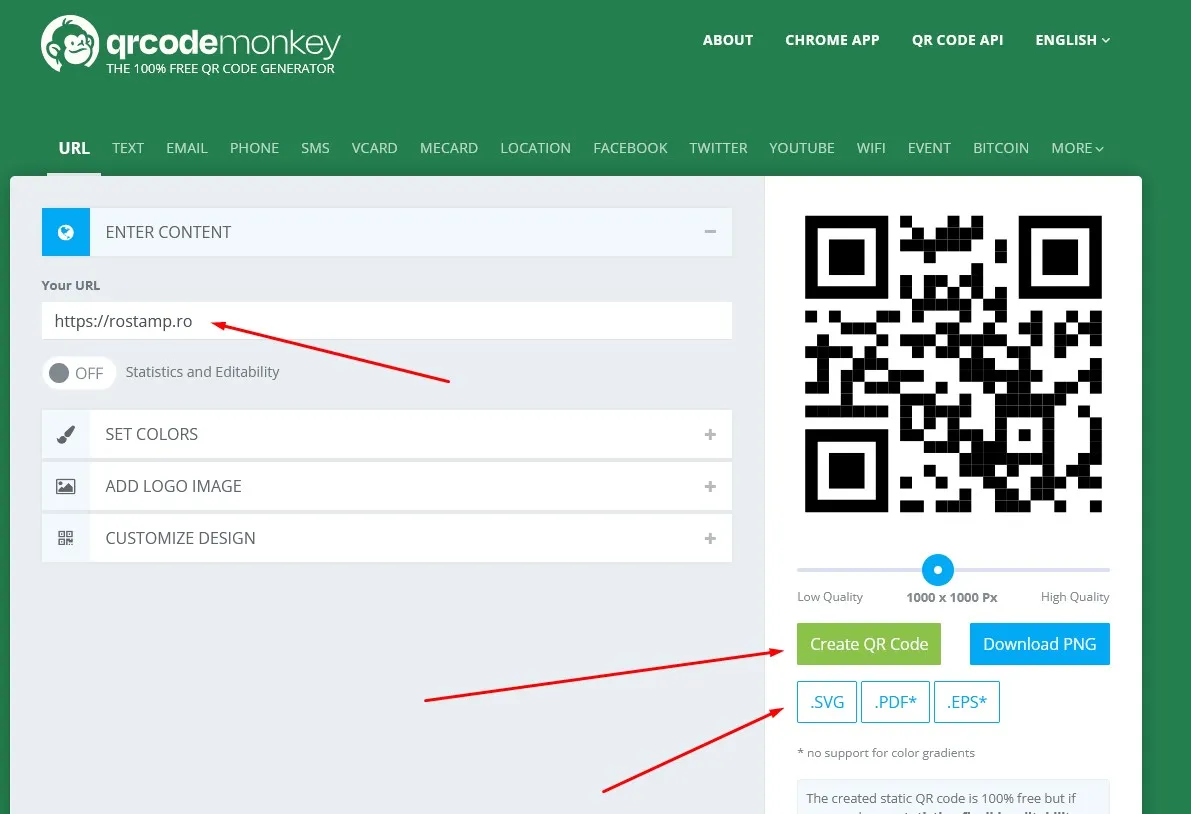
It is preferable to choose a setup as simple as possible if you do not yet have the skills to make more advanced settings in BambuStudio.
Enter the review link then click on "Create QR Code"
Export the generated code in .SVG format.
- The second step, we need to convert the .SVG file downloaded above into an STL file.
Go to the https://svg2stl.com/
press SELECT, choose the .SVG file, then press UPLOAD.
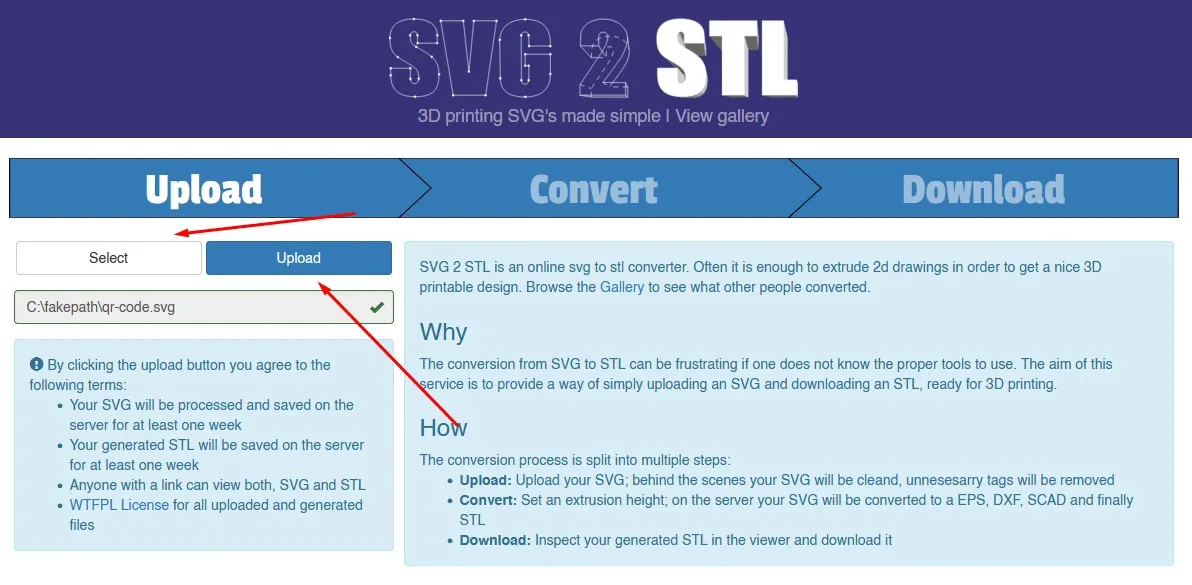
In the following menu you have the option to choose the height of this QR code. I recommend an optimal height of 1.25mm, then press CONVERT.
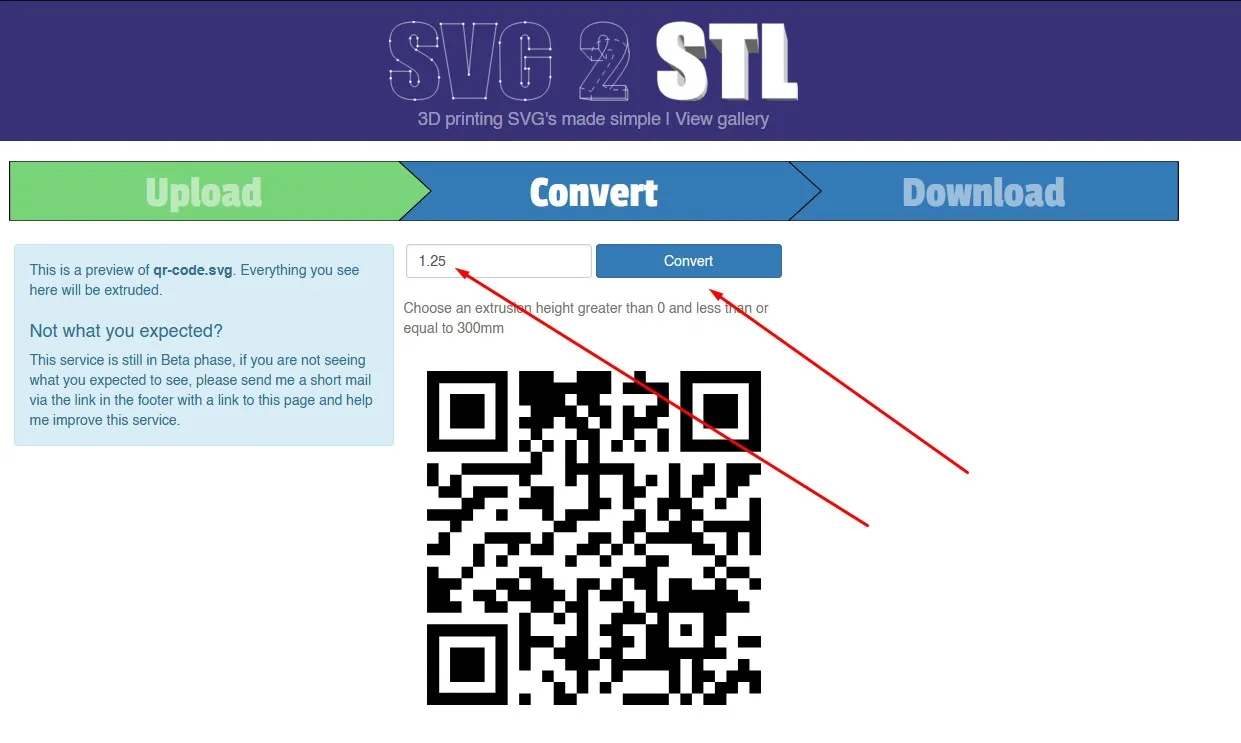
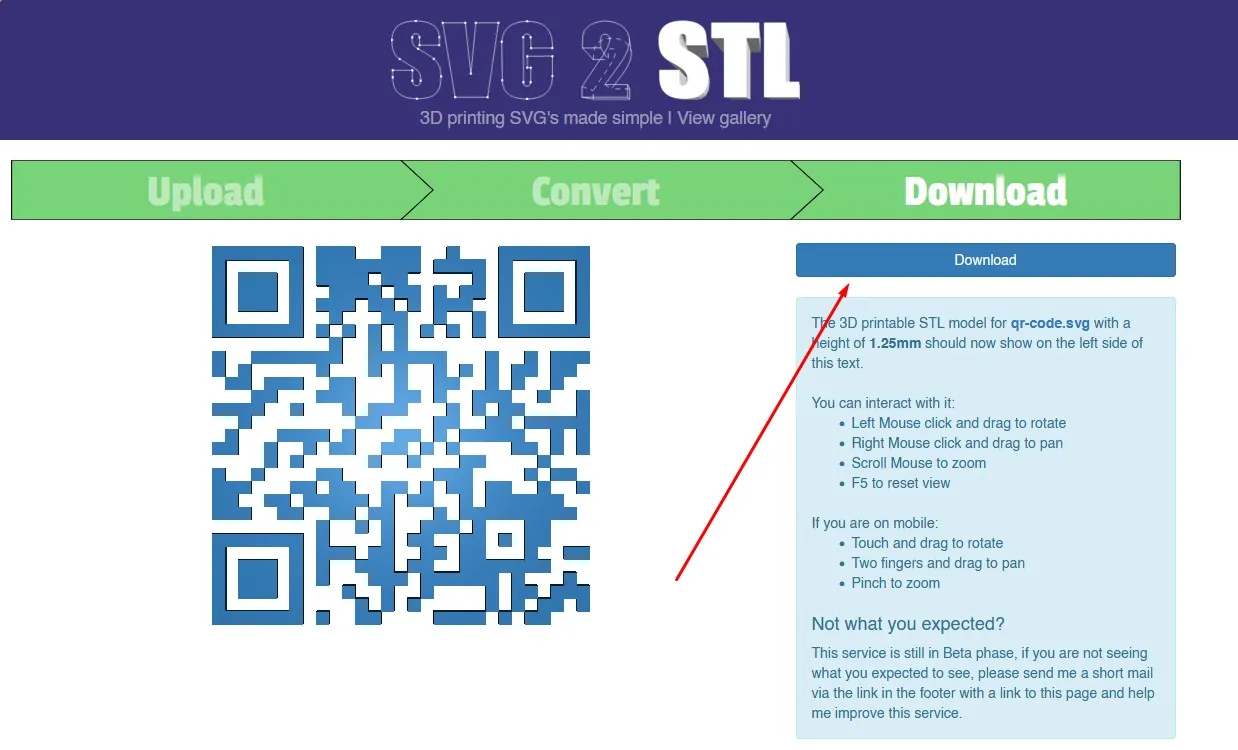
Now you can download.
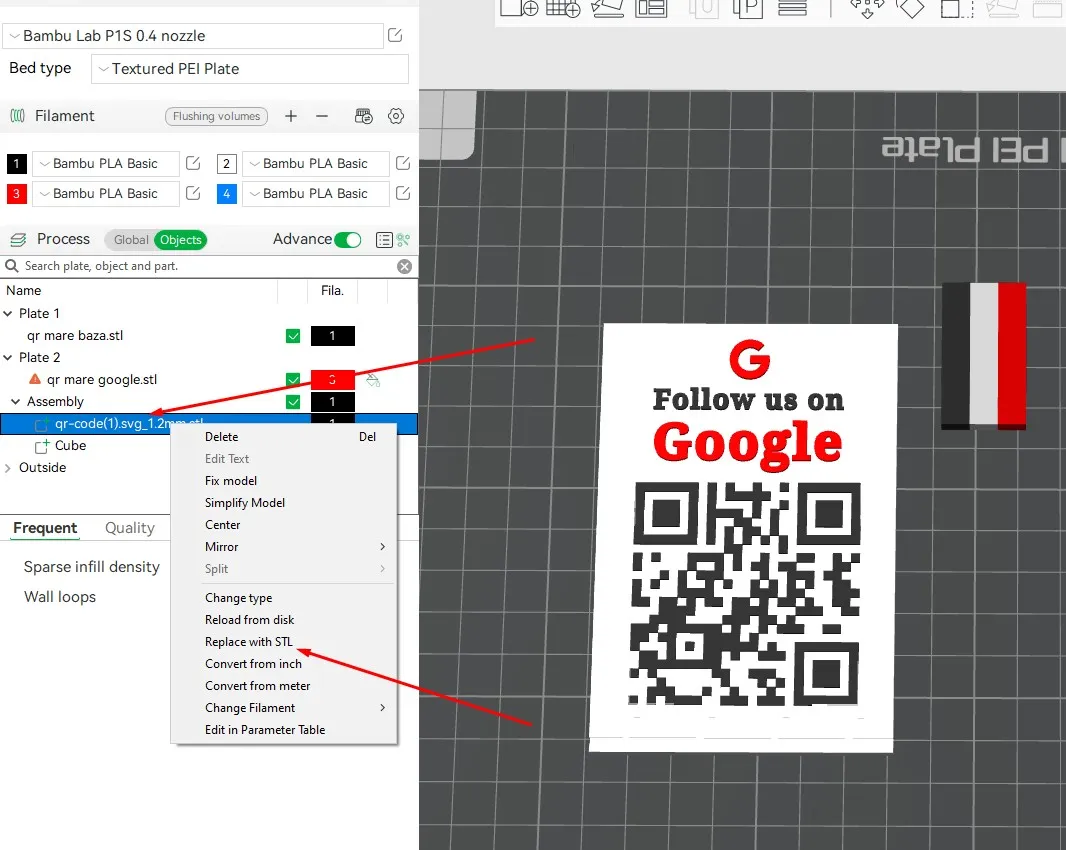
- the last step is to return to BambuStudio and replace my STL with yours.
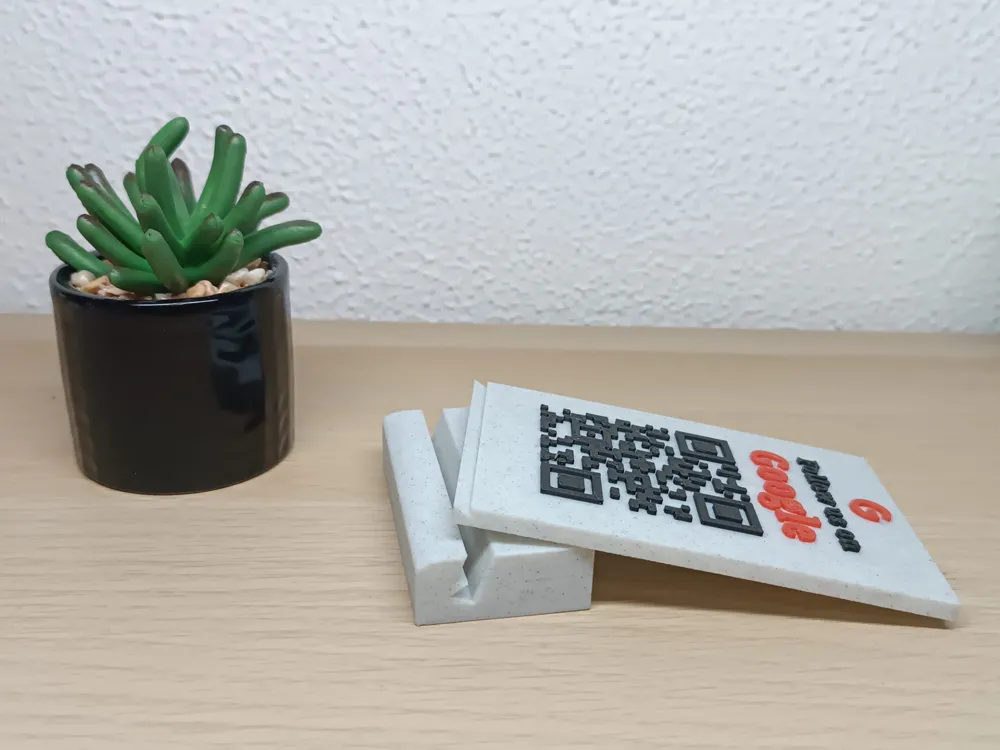
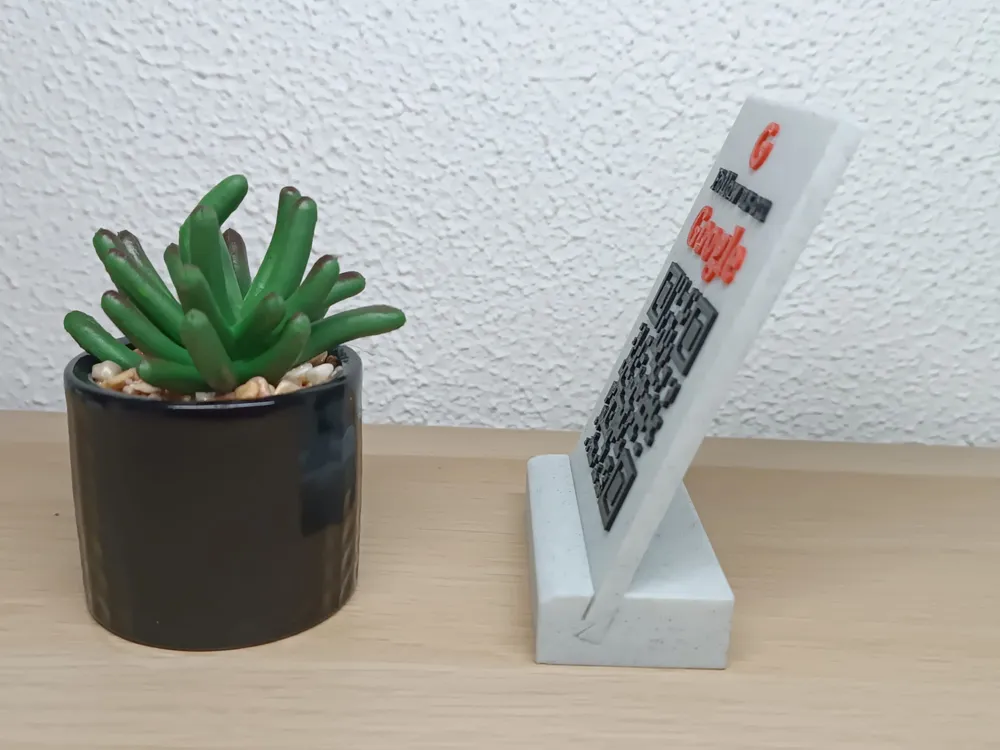
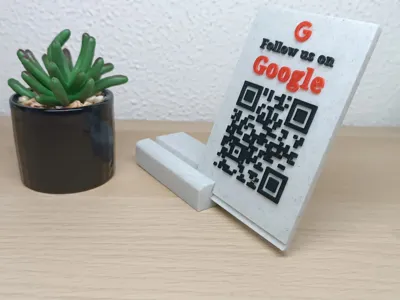
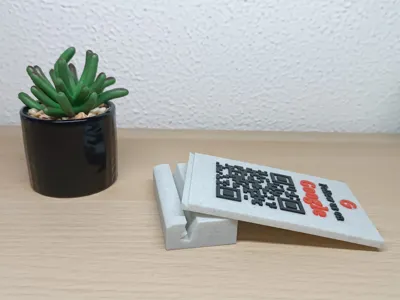
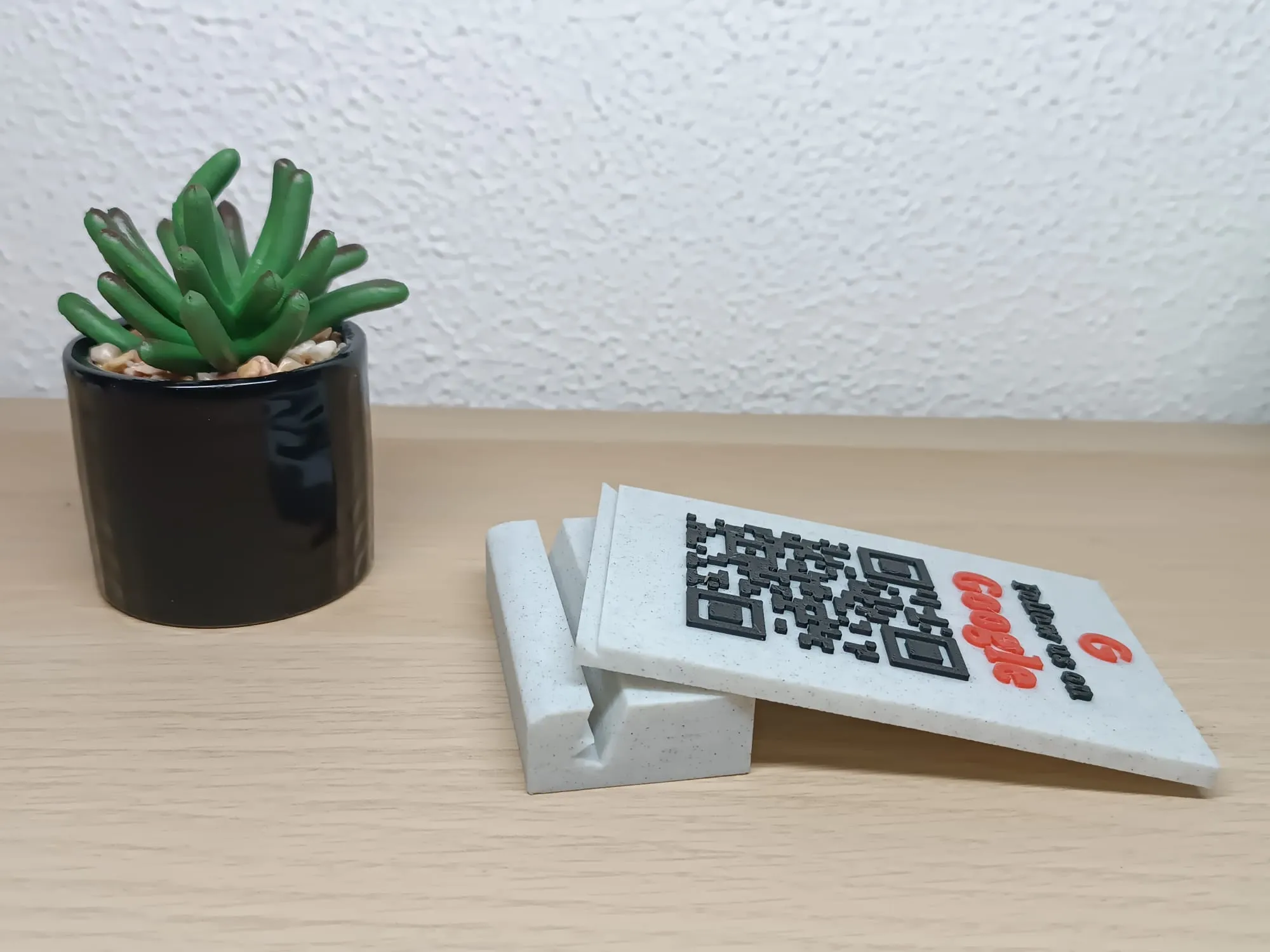
We have created a very practical fastening system, between the support and the plate with details.
In previous models, I had the displeasure of this plate with the QR code falling quite easily from the support.
I hope it was useful to you. :)
License

You shall not share, sub-license, sell, rent, host, transfer, or distribute in any way the digital or 3D printed versions of this object, nor any other derivative work of this object in its digital or physical format (including - but not limited to - remixes of this object, and hosting on other digital platforms). The objects may not be used without permission in any way whatsoever in which you charge money, or collect fees.


Comment & Rating (18)