
Oregon Customizable Name Tag w/ Home Icon
Print Profile(1)

Bill of Materials



Description
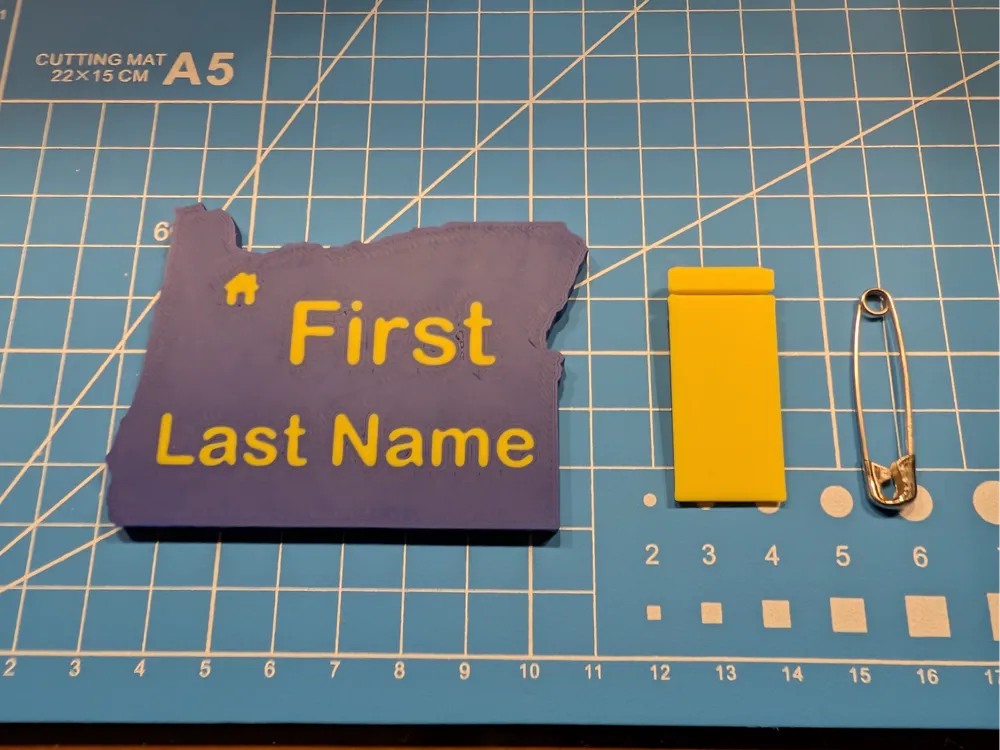
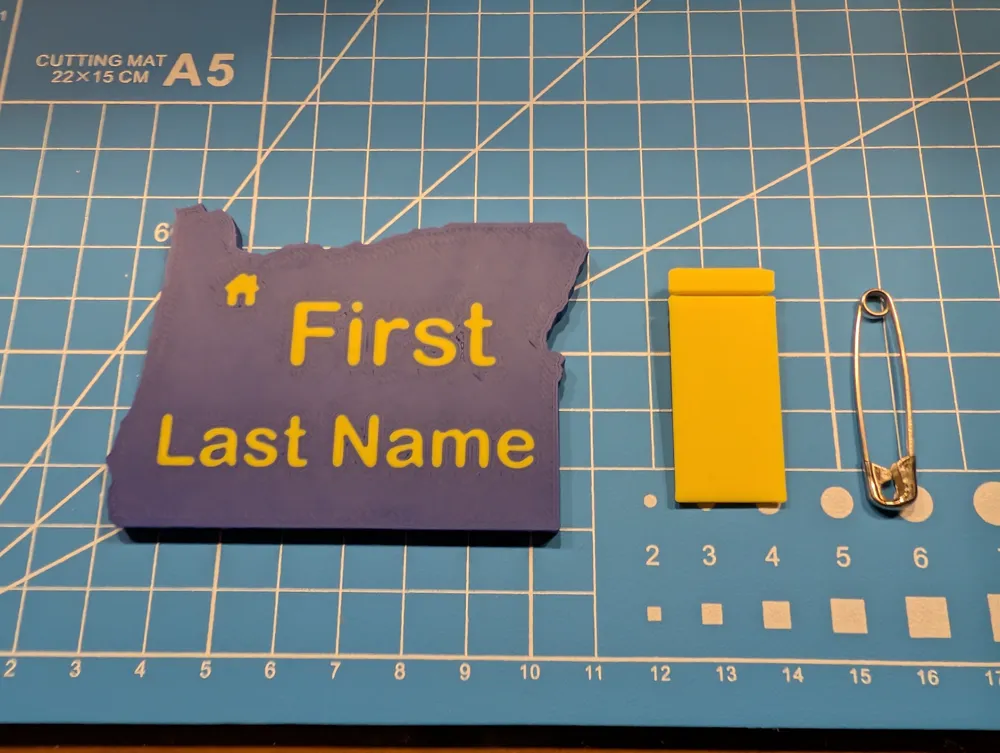
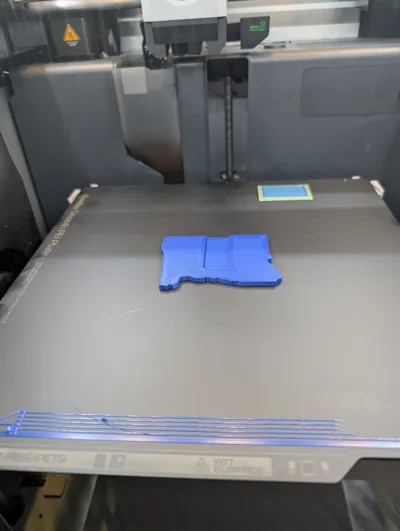
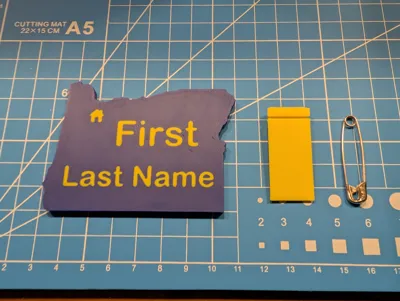
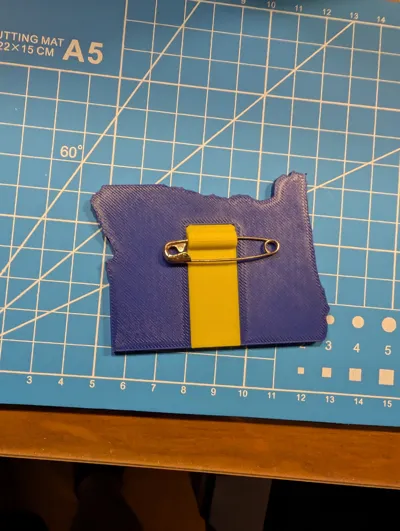
This is my customizable name tag in the shape of my home state, Oregon. Included is an icon of a home that can also be moved around the model within Bambu Studio to show where you live, if you wish. I happen to live outside of Portland, so it's in that general area.
In the project file, I have the name tag initially facing up to aid in editing the name and positions to make it your own.
- After opening the project file, select “Objects” to arrive where you can edit the text on the tag.
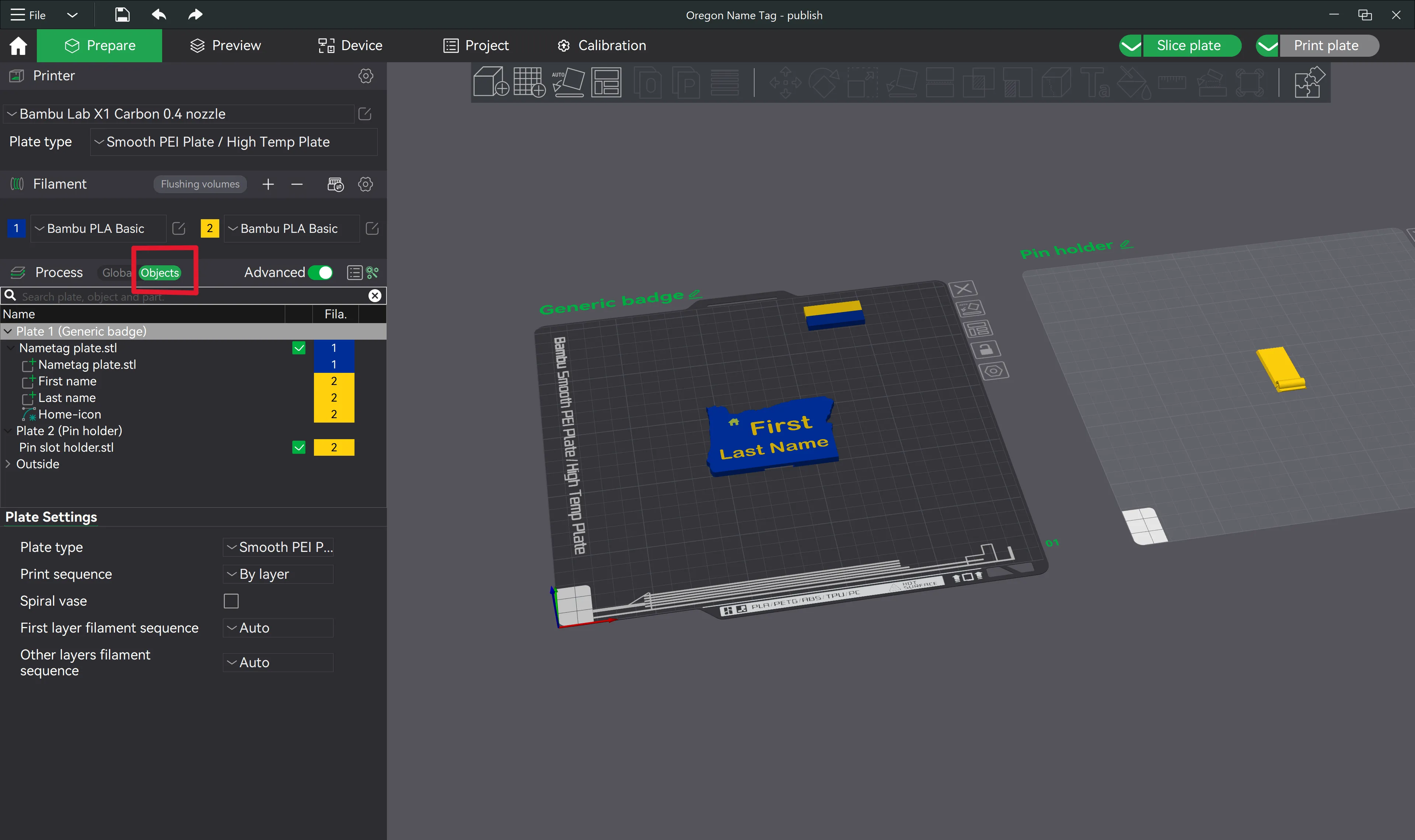
Navigating to Objects to find customizable text - Next, you can right-click on First Name or Last Name, and select Edit Text.
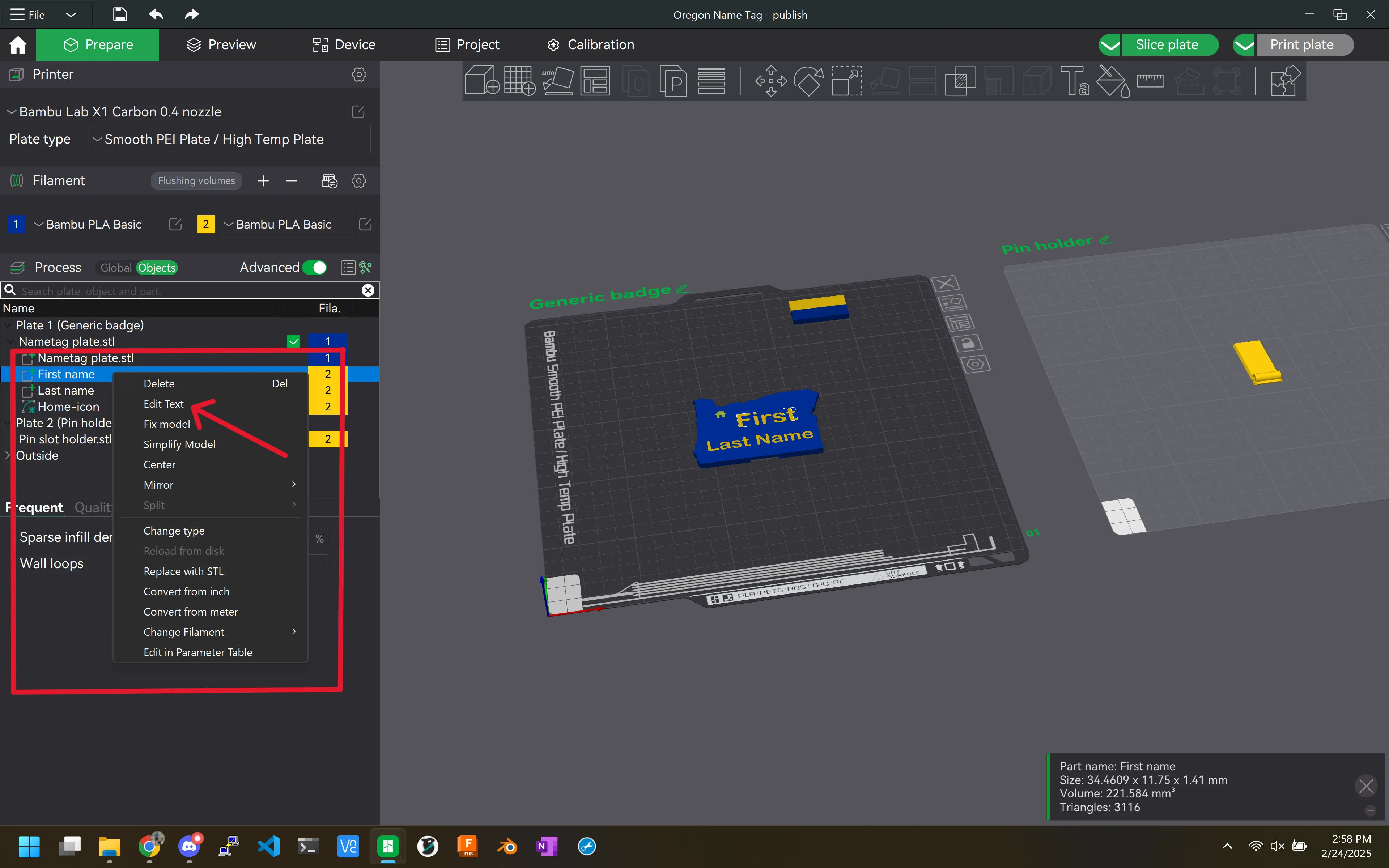
Begin editing text - Now text features can be modified. Enter new text, change the desired Font, size, etc. I'd recommend keeping Embedded where it is, otherwise you may have too thin a layer, or you'll have your name coming out the back.
You can also move the name around at this point where you would like it. Or even add another Text field if desired.
Once you are done, remember to select “return” in the upper-left part of the editing area. 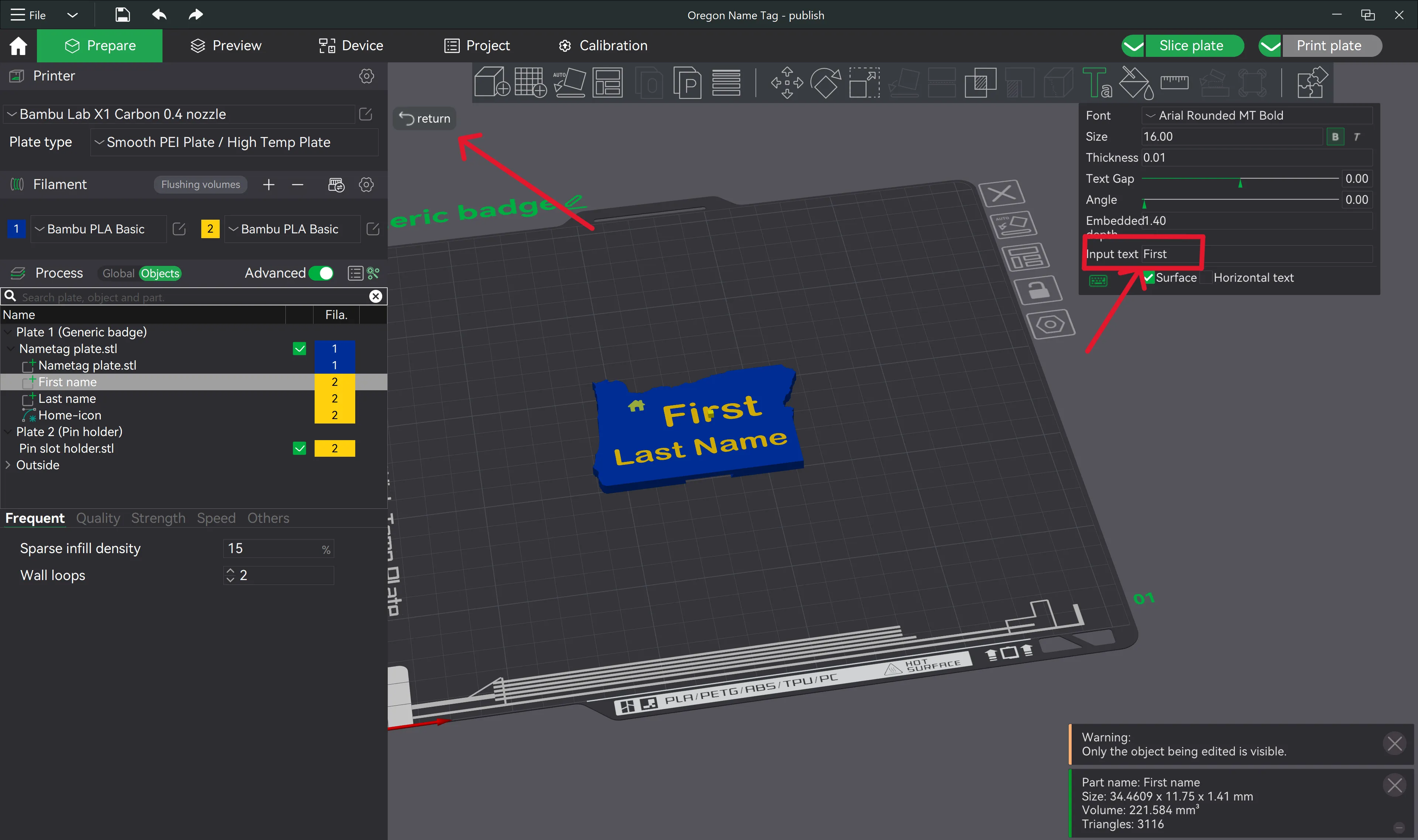
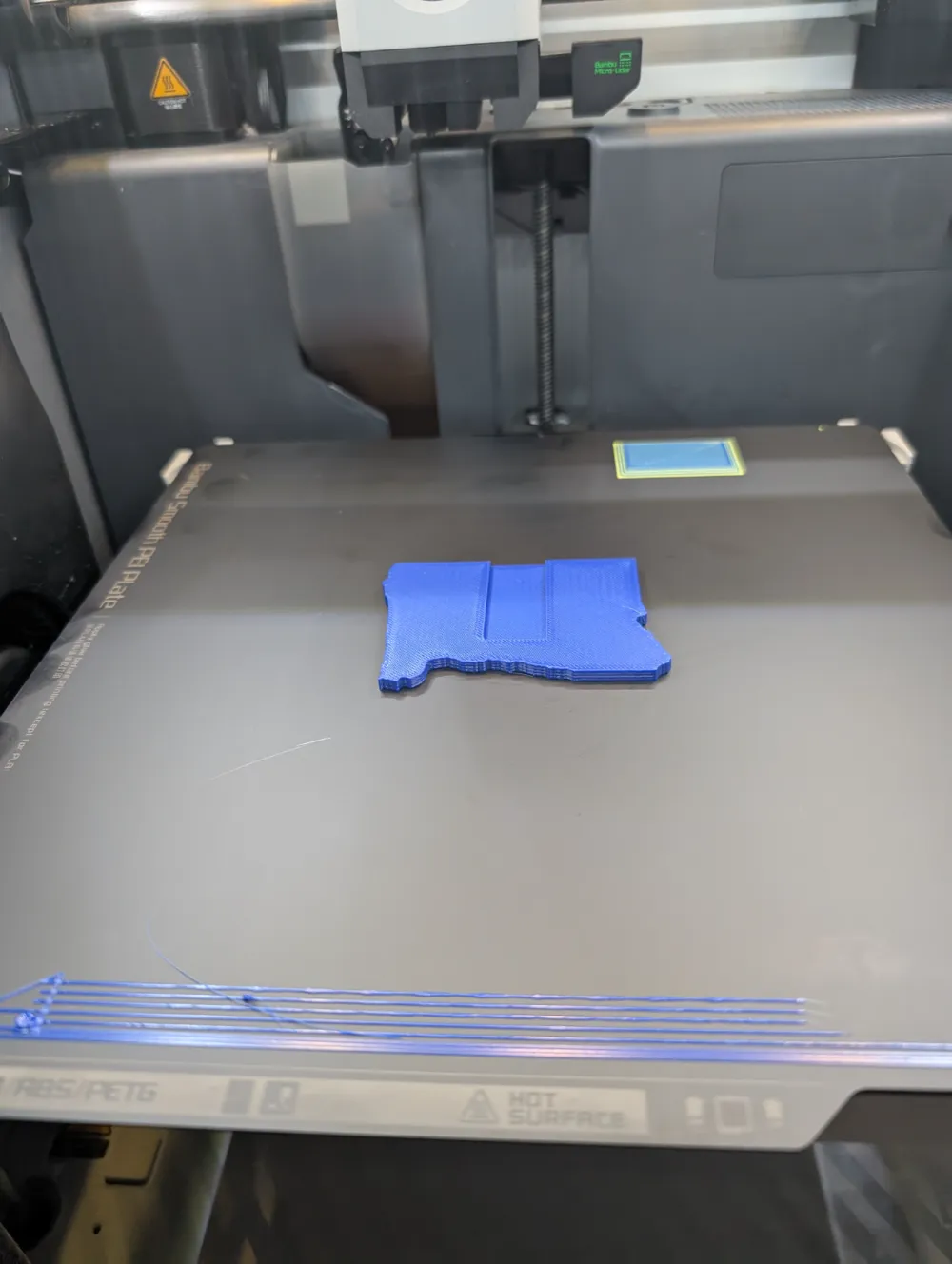
Text editing context - Finally, select the Auto-Orient feature of the build plate, and Bambu Studio will re-orient your model to be face-down on the build plate. This is highly recommended so the safety pin channel will not require supports (which are not enabled in the project by default). This is also why I highly recommend using a smooth plate, unless you prefer a textured finish on your name tag!
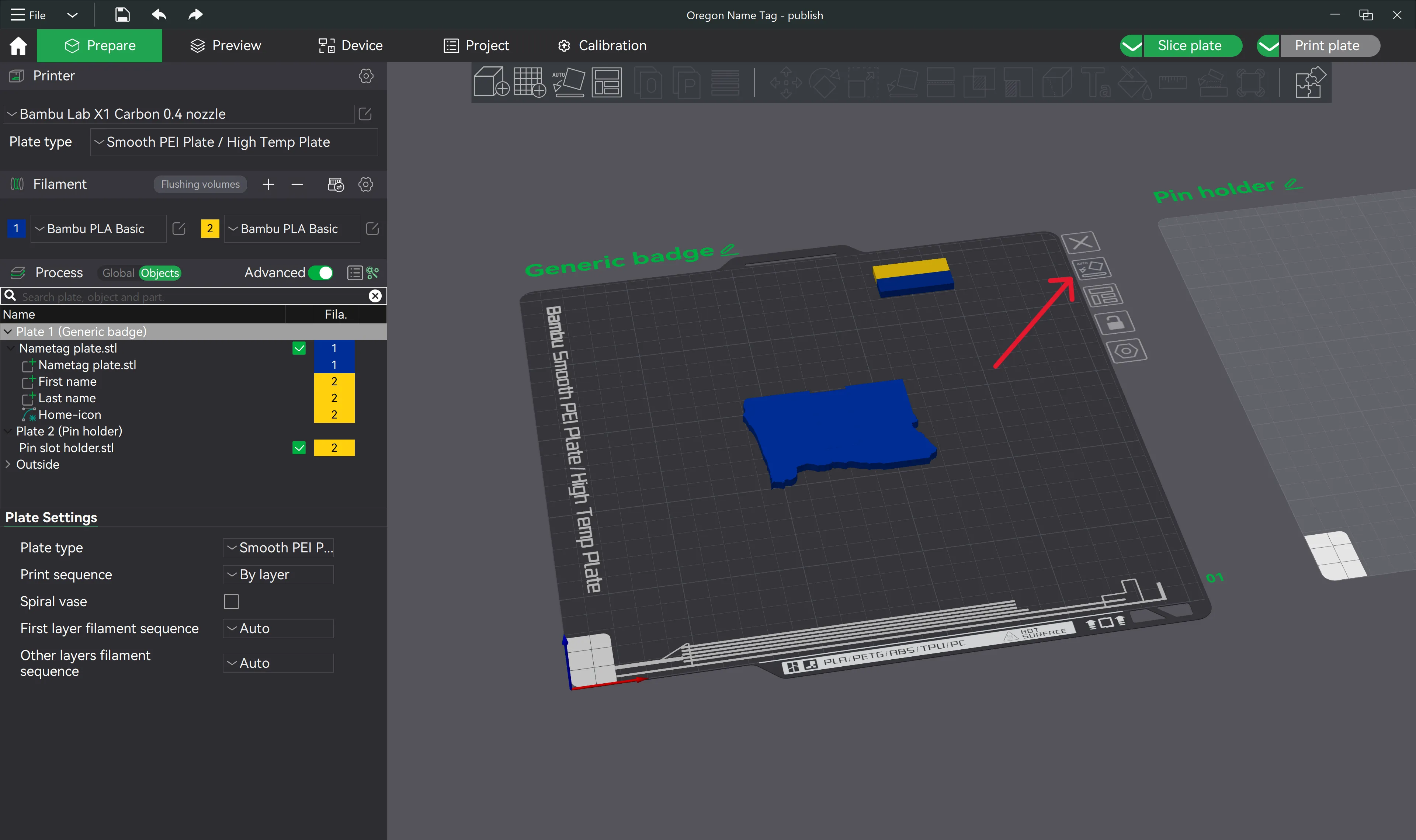
Use auto-orient to place face-down on the build plate
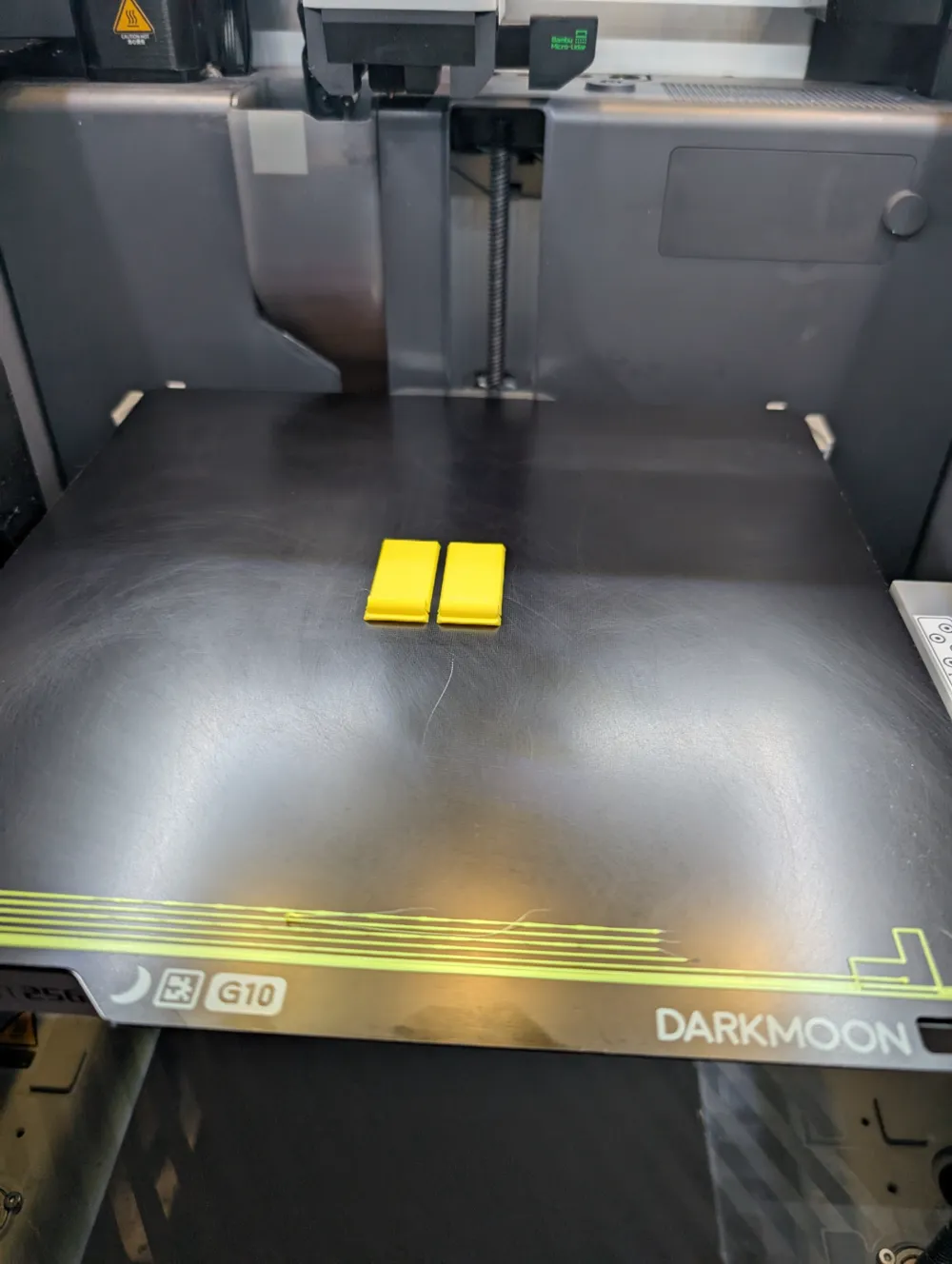
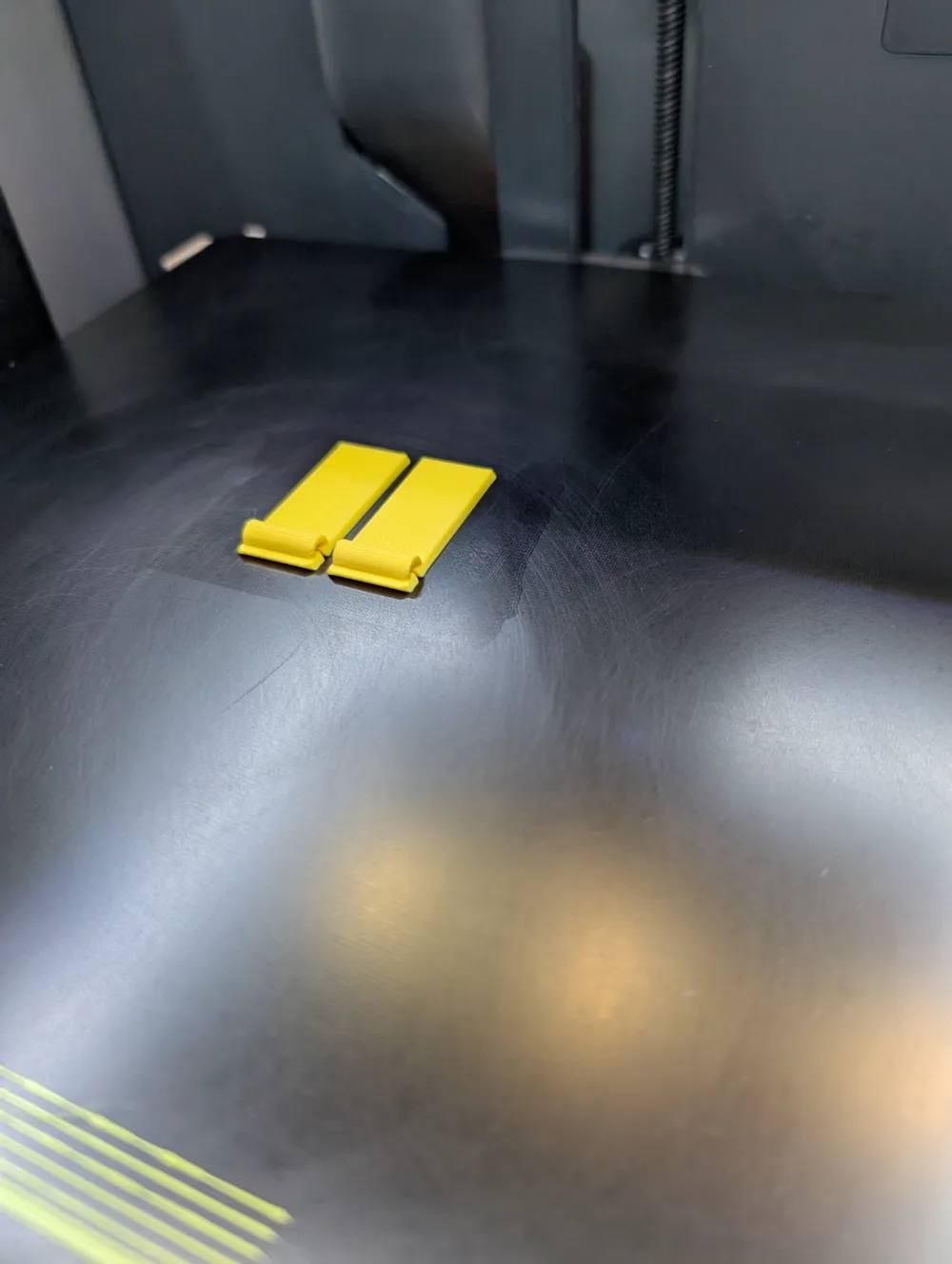
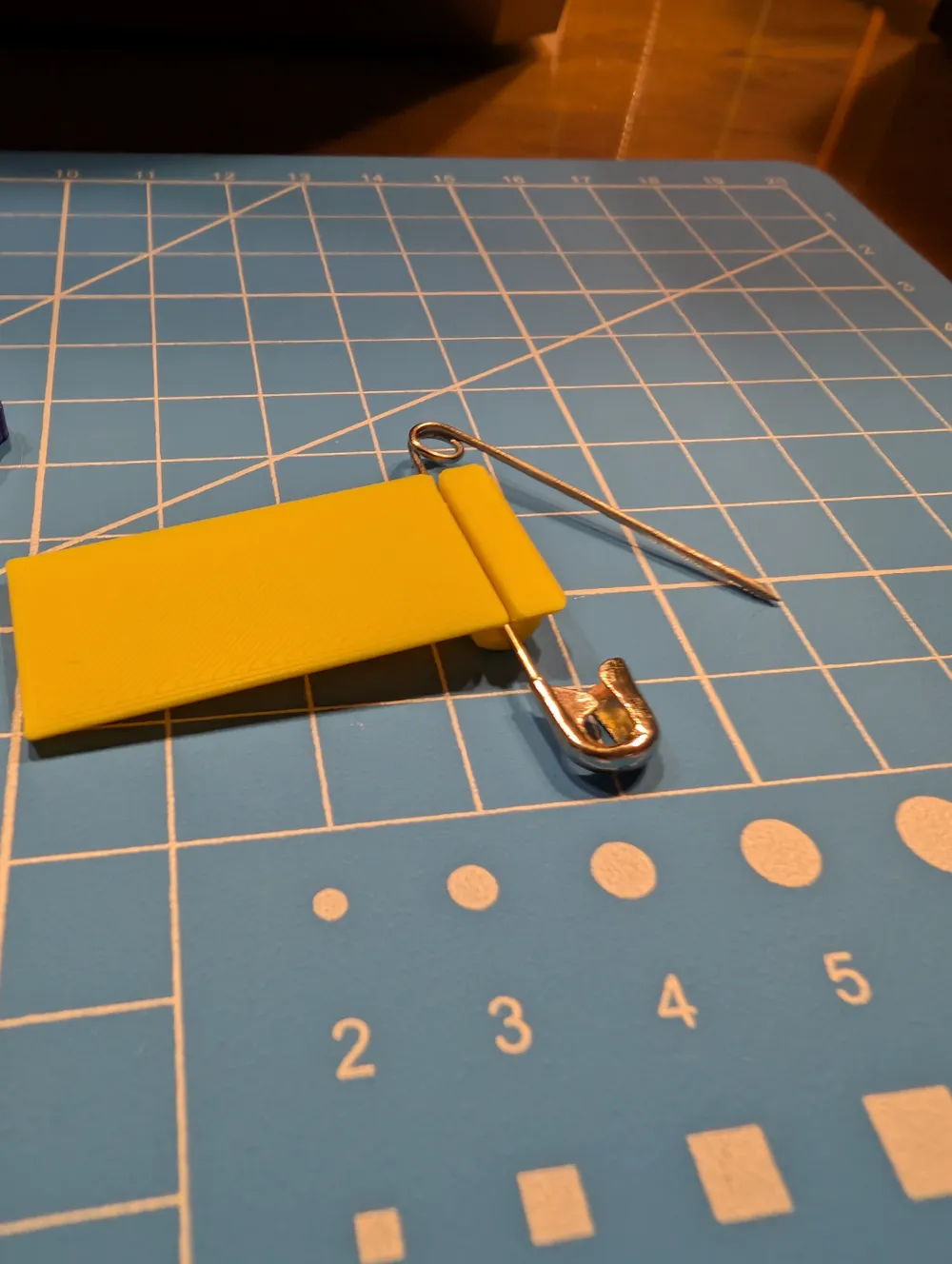
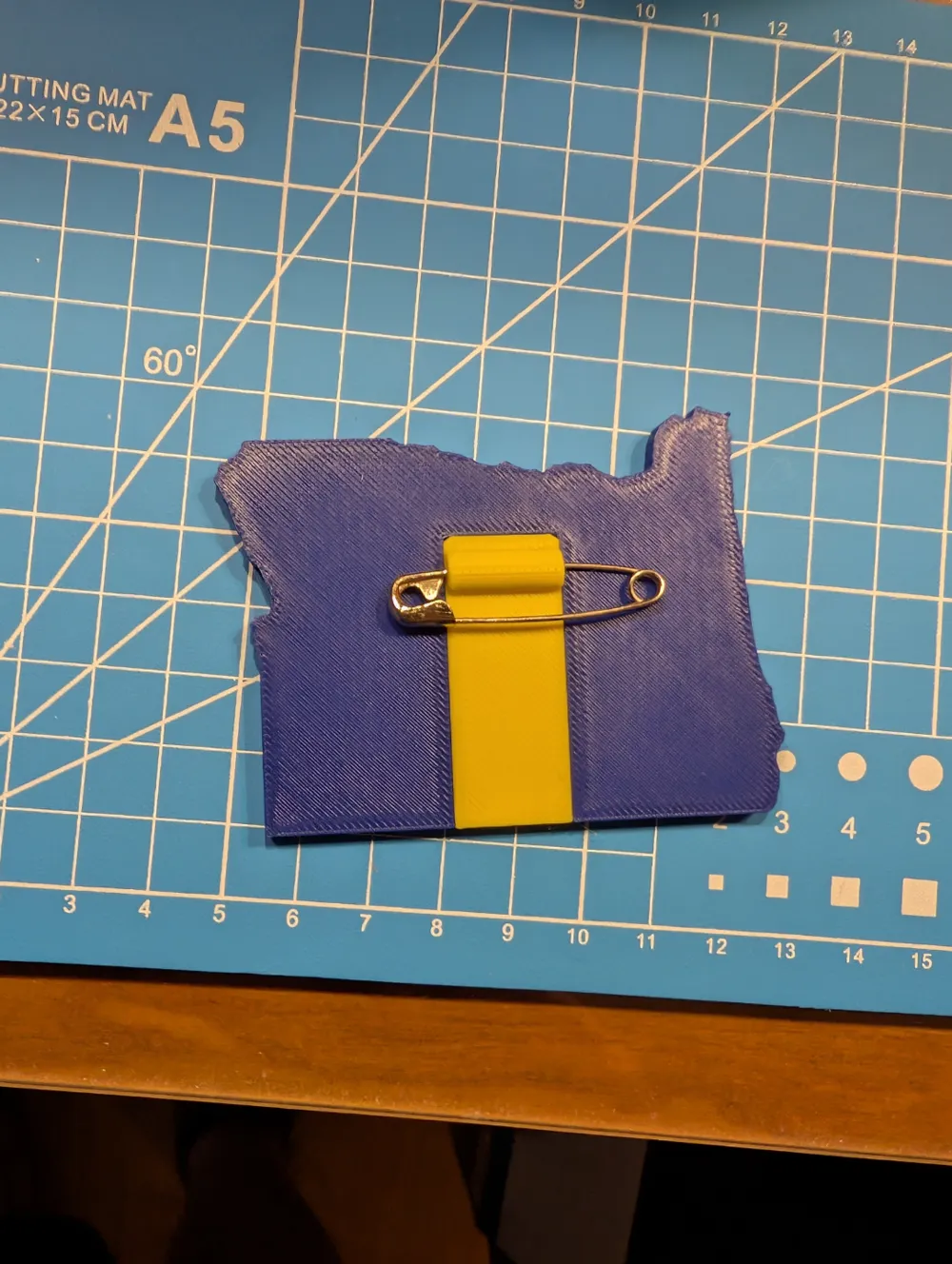
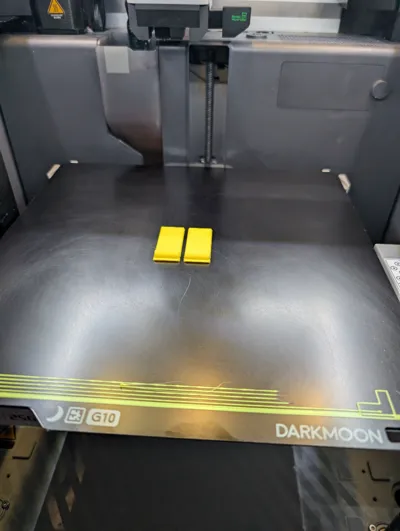
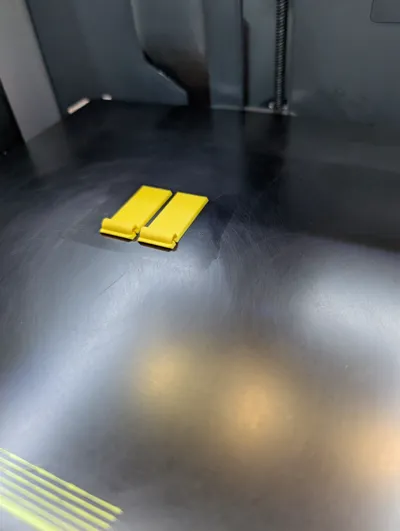
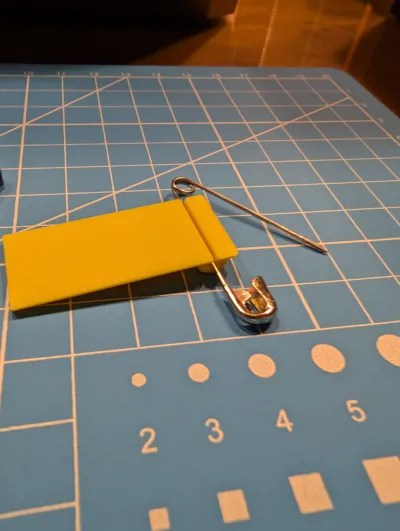
The safety pin channel takes a Size 2 safety pin (1.5" / 38mm). A larger safety pin would work, but a smaller one will not due to the width of the channel.
I highly recommend the name tag be printed on a smooth plate (e.g. Bambu Labs Smooth PEI plate, Darkmoon 3D G10 plate, etc.), and the safety pin channel printed on a Textured Plate (e.g. Bambu Labs Textured PEI plate, Darkmoon ICE, etc.). The textured surface on the safety pin channel makes for a tighter fit when sliding the pin channel to the name tag. THIS IS NOT REQUIRED, only recommended. The main print profile is already pre-configured for this setting.
Membership
Want to sell your 3D prints of these name tags? Better yet, modify and sell your prints? Get the commercial license, Standard or Premier tier, to do just that! Sign up here on MakerWorld.
As I try to do with all of my models, I've included both STEP and STL files for all models in the projects. Feel free to adjust as necessary for your own needs. If you need/prefer the CAD model itself, DM me and I'll try to send you a link to my OnShape project for the model.
Thanks, and happy printing!
Boost Me (for free)
I love building these models for my needs, and I equally love sharing my builds with others in the hopes it also fits your needs. A boost would be the best thank-you for the effort to bring this to you.
License

You shall not share, sub-license, sell, rent, host, transfer, or distribute in any way the digital or 3D printed versions of this object, nor any other derivative work of this object in its digital or physical format (including - but not limited to - remixes of this object, and hosting on other digital platforms). The objects may not be used without permission in any way whatsoever in which you charge money, or collect fees.


Comment & Rating (2)