
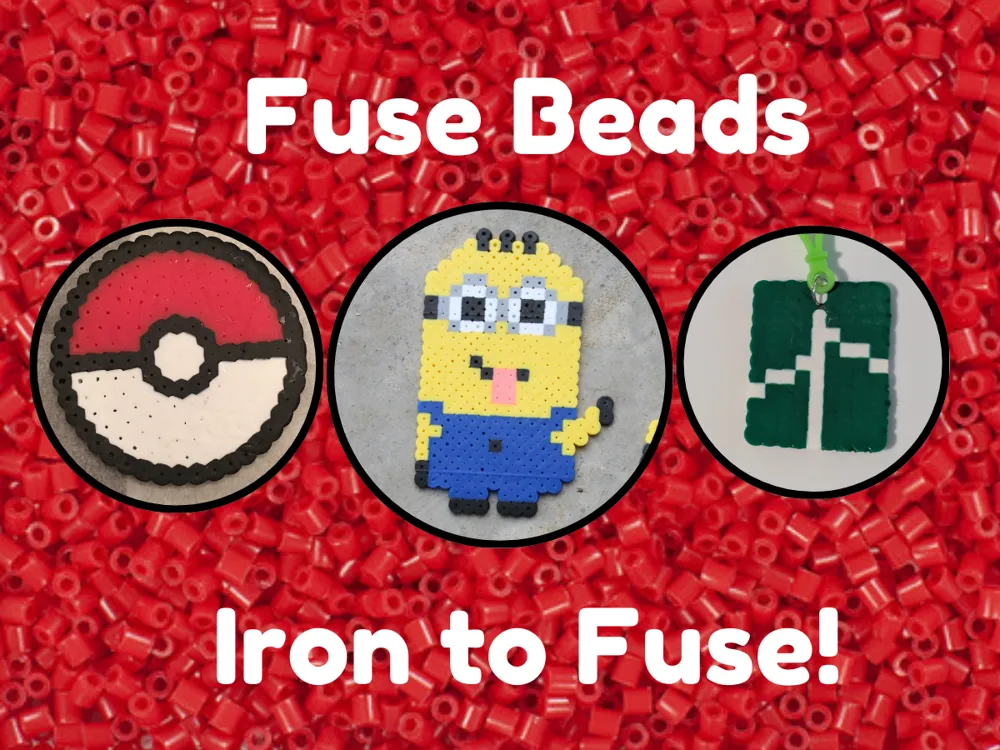
Fuse Beads - Iron to Fuse!
Print Profile(2)


Description
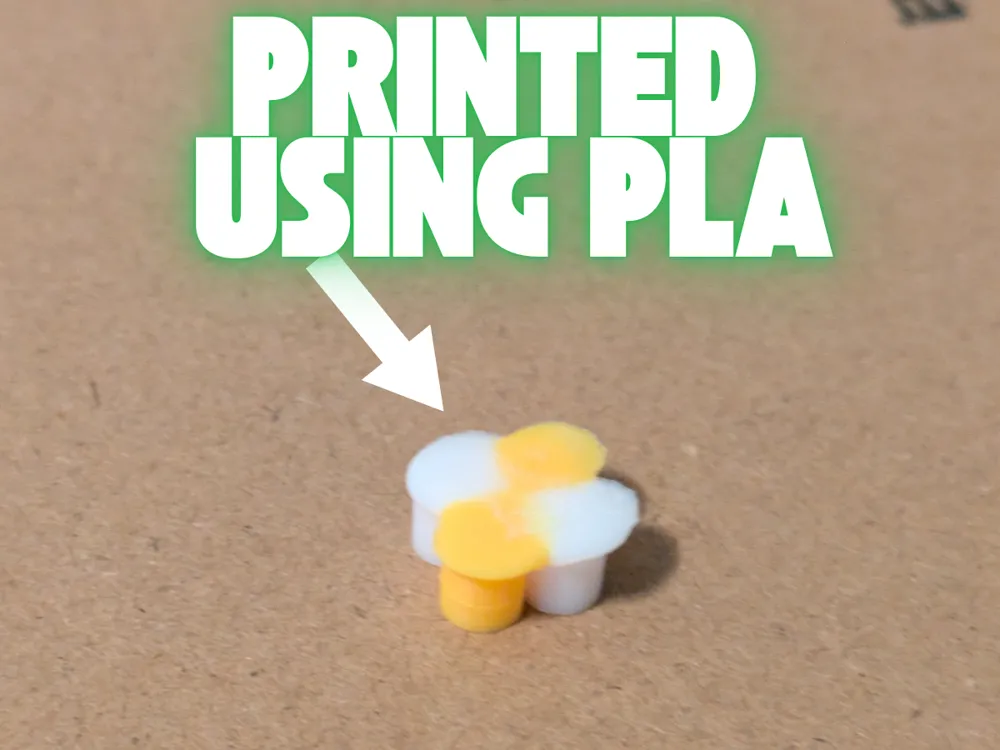
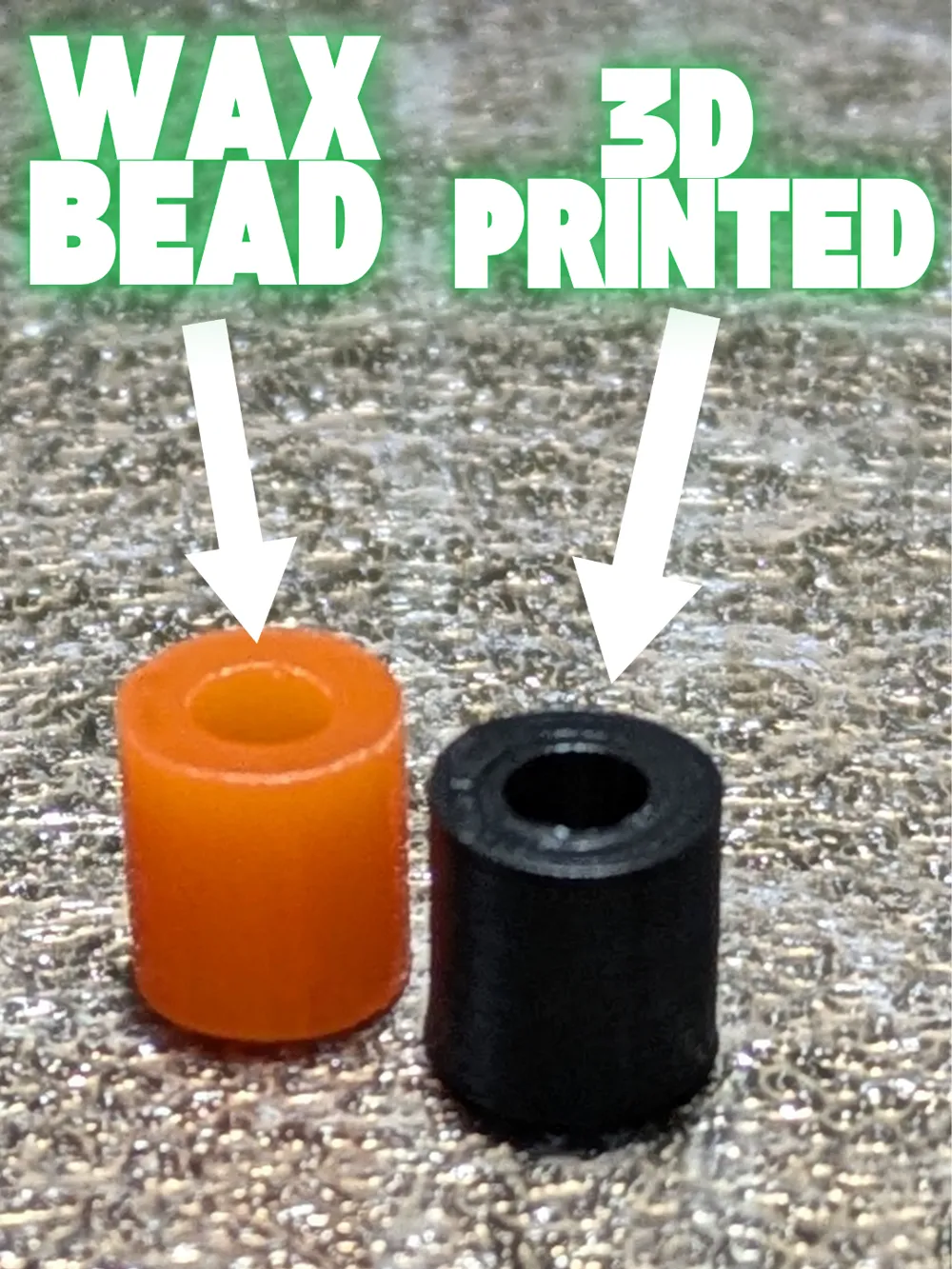
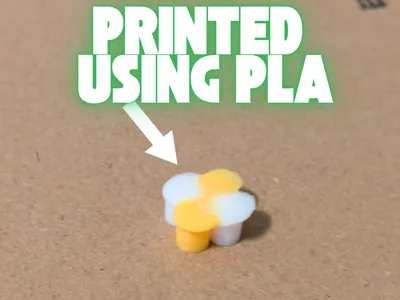
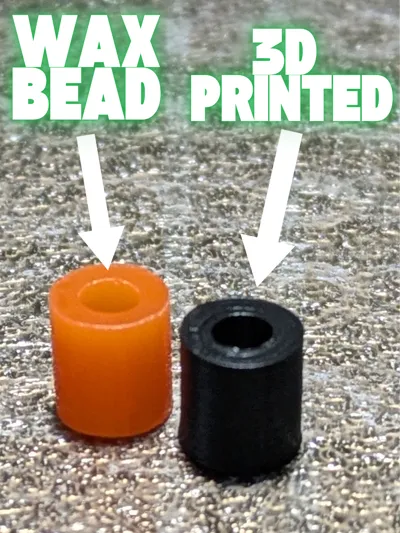
Disclaimer: PLA is the only filament that will work with these beads
Upcoming updates:
- Boards for designs
- Packs/print profiles for certain designs/images (certain amount of each color)
How to Use:
Use a board to create an image/design using the fuse beads
Place a sheet of wax paper on the design
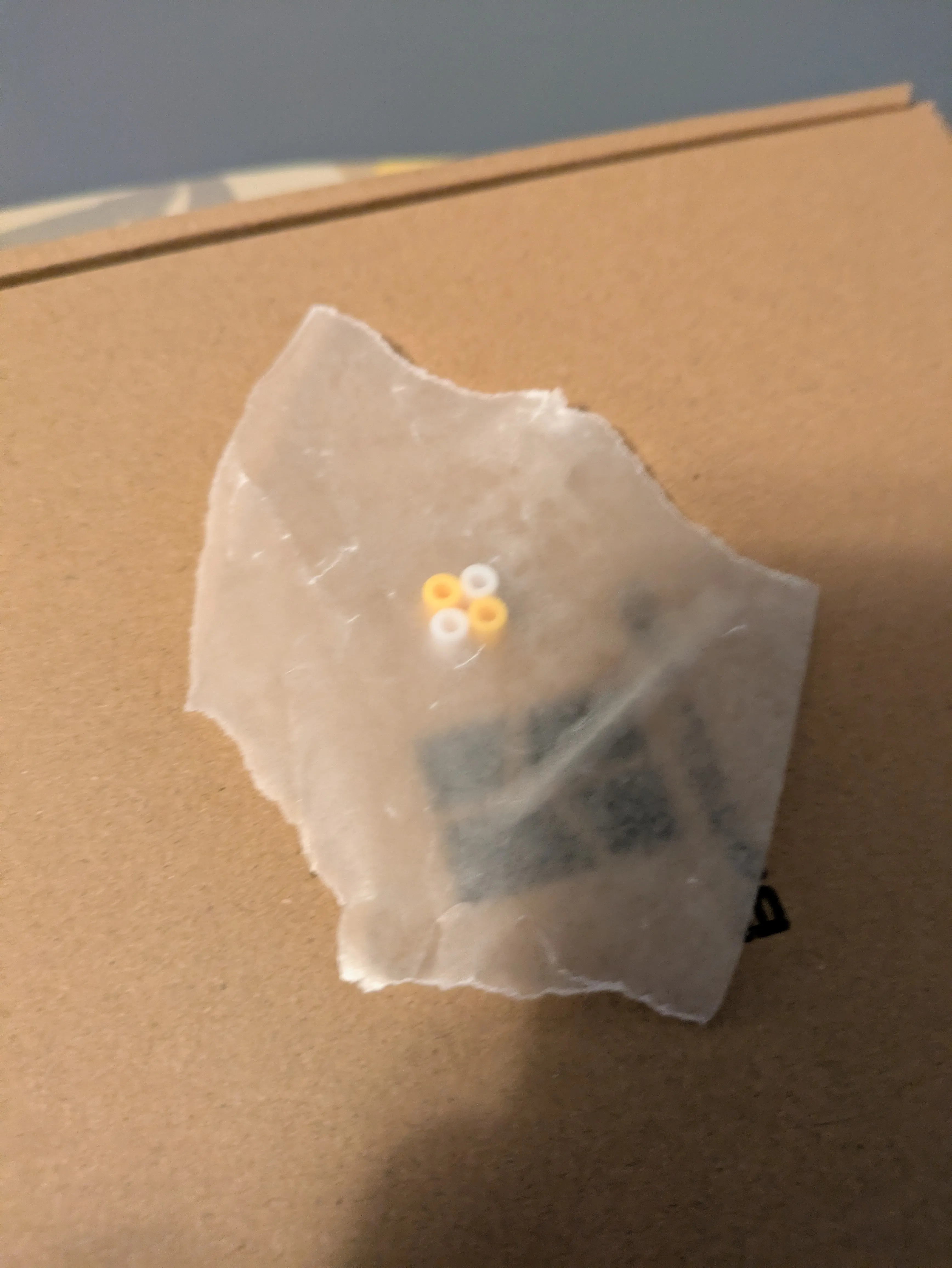
3. Set the Iron to the highest heat setting and press the iron onto the design with medium force for 2-3 seconds (If you want more control over the thickness of your design, set the iron to a lower setting and press for longer)
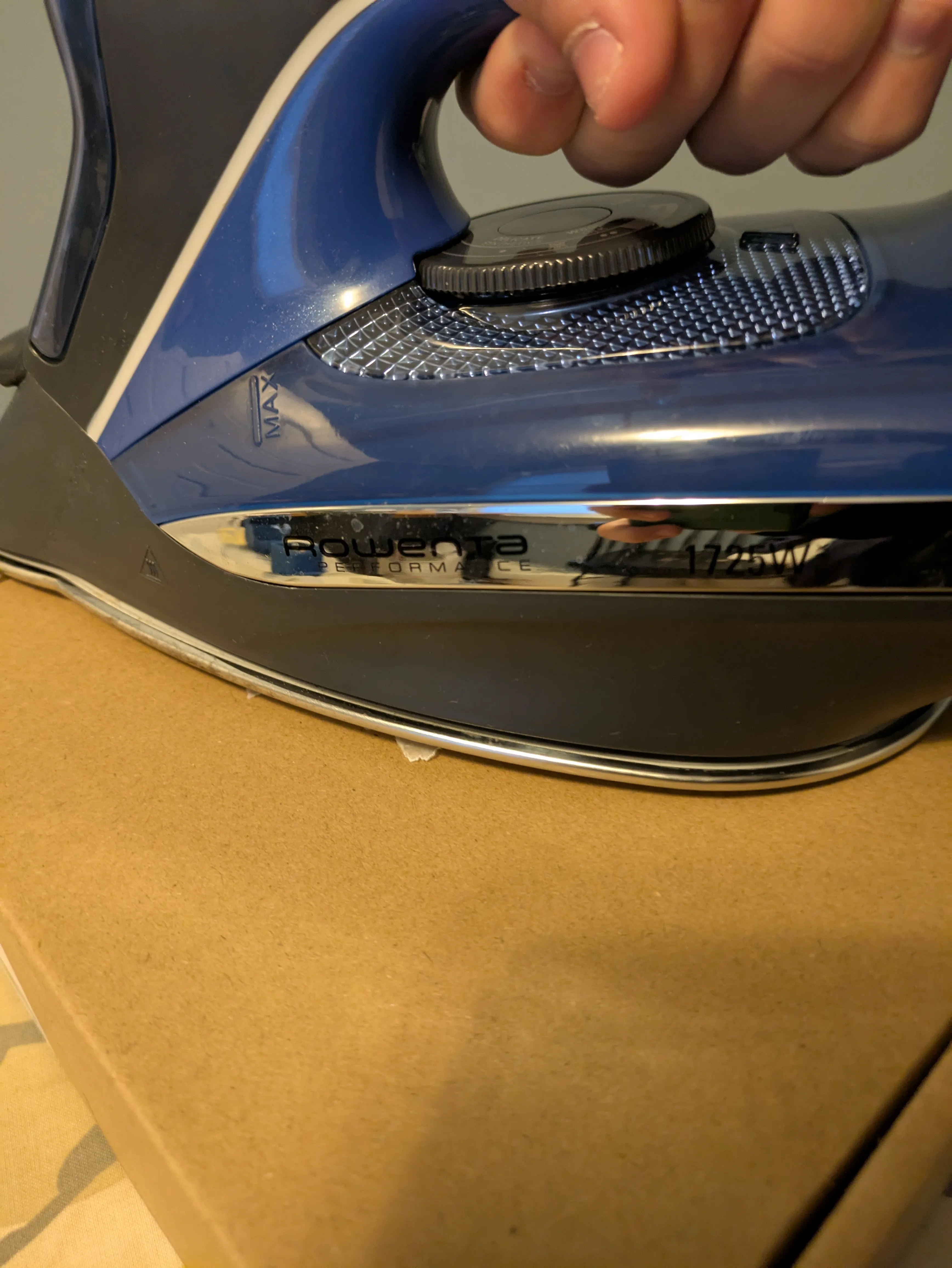
4. Take the Iron off of the design (if the wax paper is stuck to the Iron, carefully peel it off from the edge) and let the design cool for 20-30 seconds with the wax paper still on it
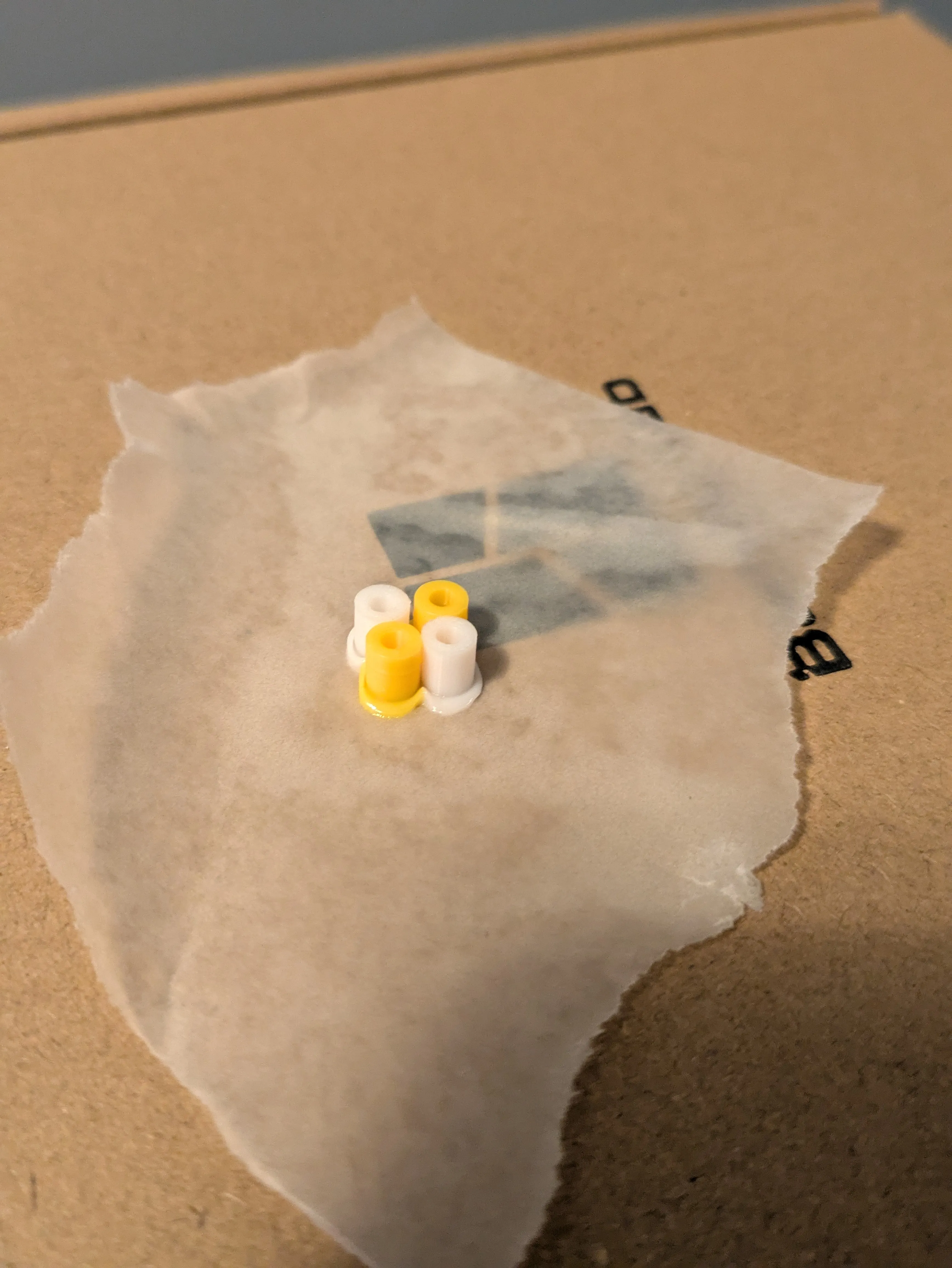
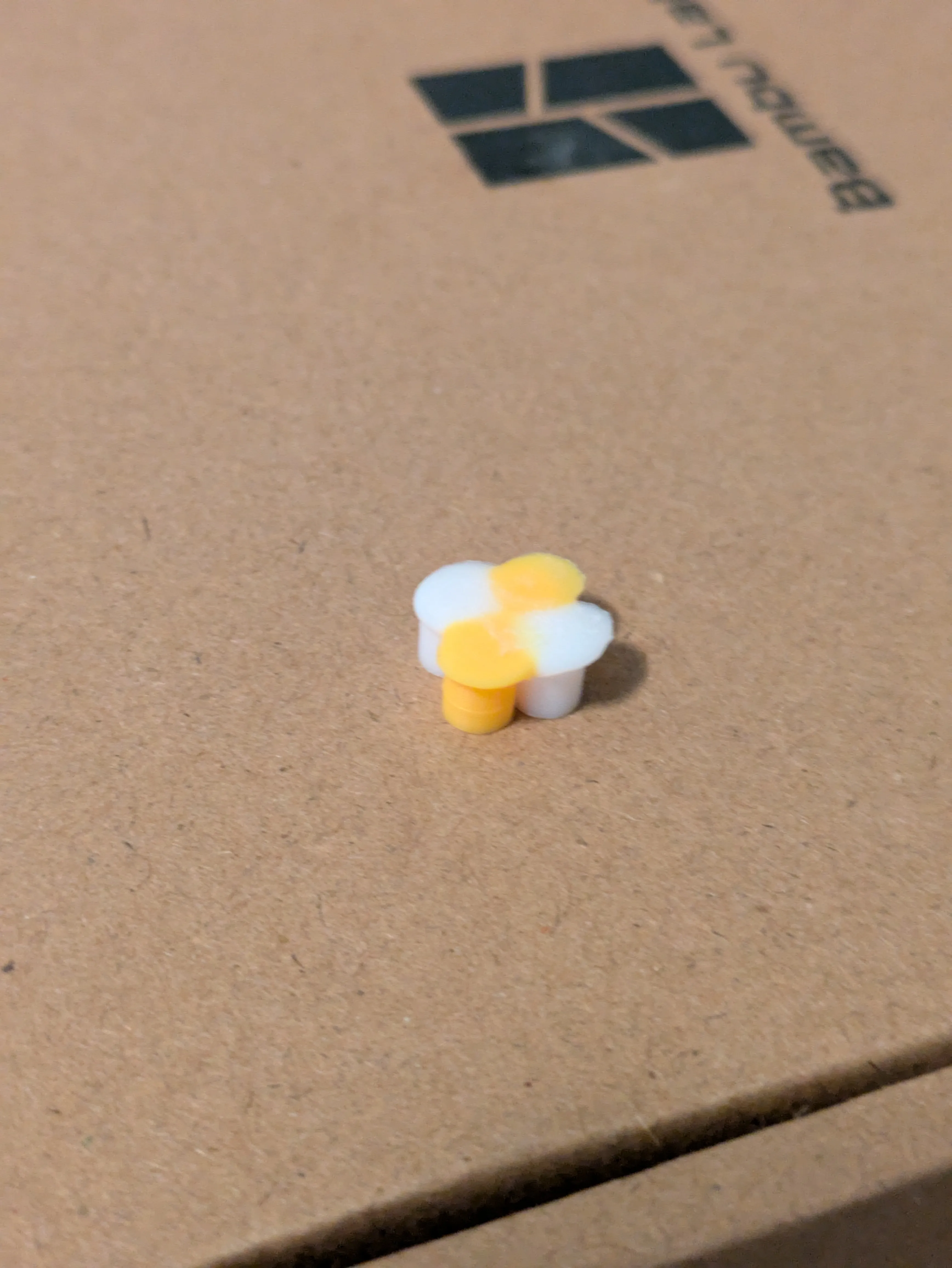
5. Peel of the wax paper
License

You shall not share, sub-license, sell, rent, host, transfer, or distribute in any way the digital or 3D printed versions of this object, nor any other derivative work of this object in its digital or physical format (including - but not limited to - remixes of this object, and hosting on other digital platforms). The objects may not be used without permission in any way whatsoever in which you charge money, or collect fees.


Comment & Rating (13)