
Disneyland Logo Lightbox
Print Profile(1)

Bill of Materials



Description
From one (broke) Disney adult to another, I hope you enjoy 🙂 🎉
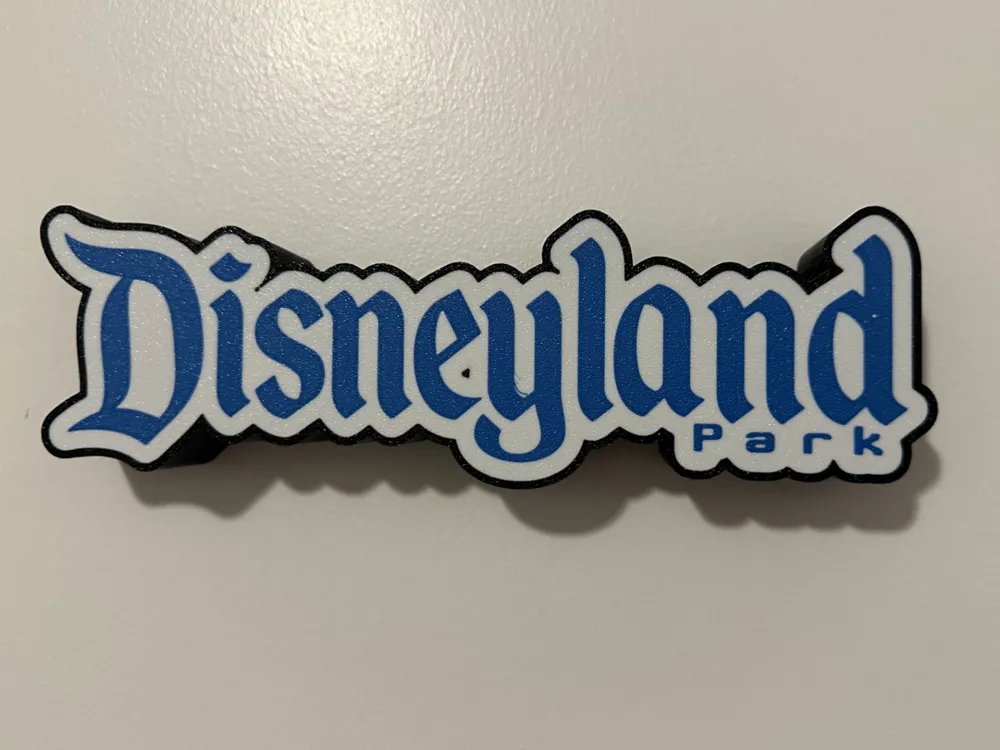
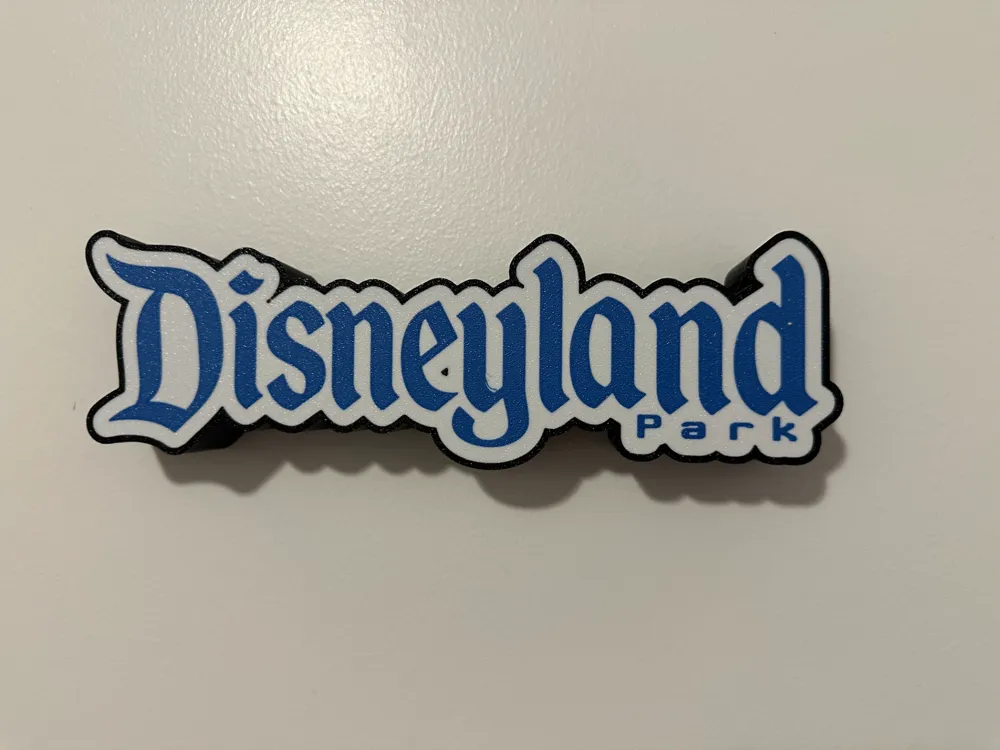
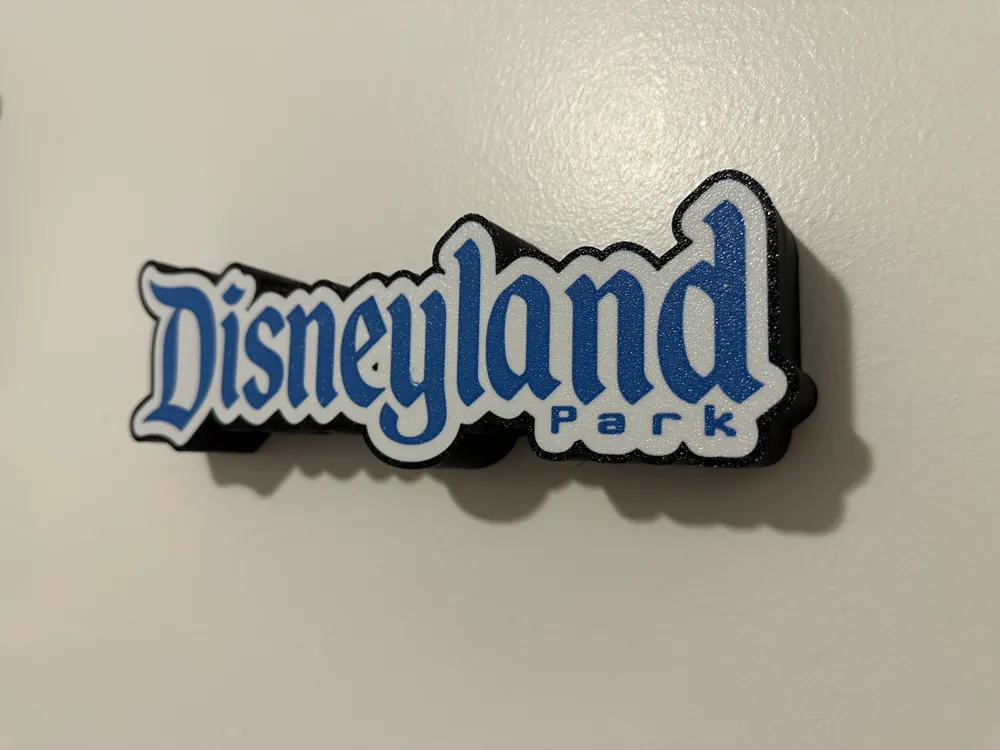
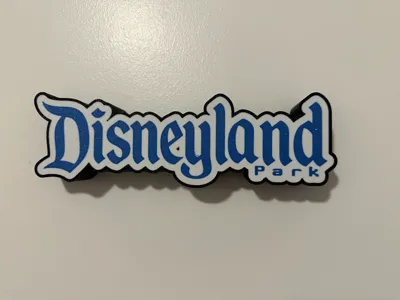
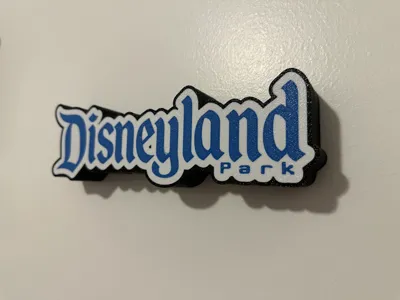
This lightbox is 23 cm x 7 cm x 3 cm at its full scale. It prints in two halves that can be easily snapped together without glue or hardware. There is a hole in the back for a LED cord to be connected through. You could alternatively add a side hole in your slicer if that is preferred. I used the three bambu labs filaments listed on this page, but obviously you can print it in whatever colors you wish.
NOTE: This logo is not licensed and therefore cannot be used commercially.
If you are into Disneyland home décor, you might also enjoy my Pirates of the Caribbean wall sign
If you need a LED light strip to use with the lightbox, I highly suggest these Neon Rope Lights - 3.2ft RGB LED Strip with App Control from Amazon
For the best results, I highly recommend doing the following:
- Clean your build plate thoroughly before starting to get the best adhesion
- Use a very slow print speed on the first layer, again for good adhesion (something like 15-20mm/s)
- Let the print fully cool before trying to remove either half from the print bed to avoid warping
This lightbox was originally created using the awesome Custom shape lightbox generator from @migueljeronimoa. Thank you to him for creating the generator and sharing it. After it was generated, I made a number of changes to the color and print configuration to get the best results I could.
License



Comment & Rating (16)