Search models, users, collections, and posts

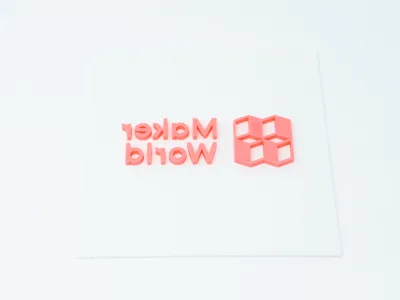
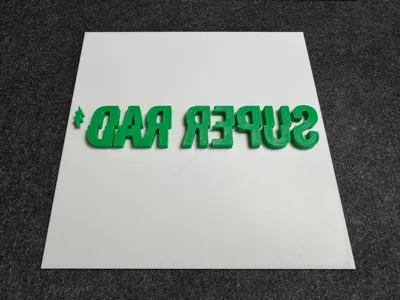
Print Profile(1)

200x100, 0.28mm layer, 2 walls, 15% infill
Designer
1.4 h
1 plate
Open in Bambu Studio
Boost
33
68
0
0
23
9
Released
Description
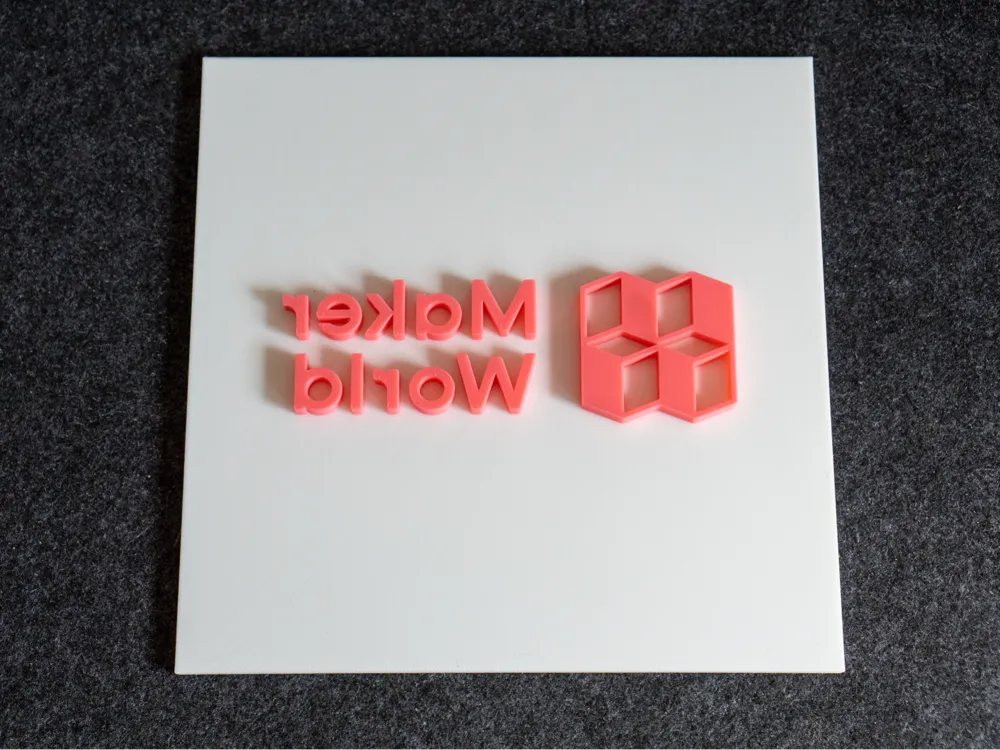
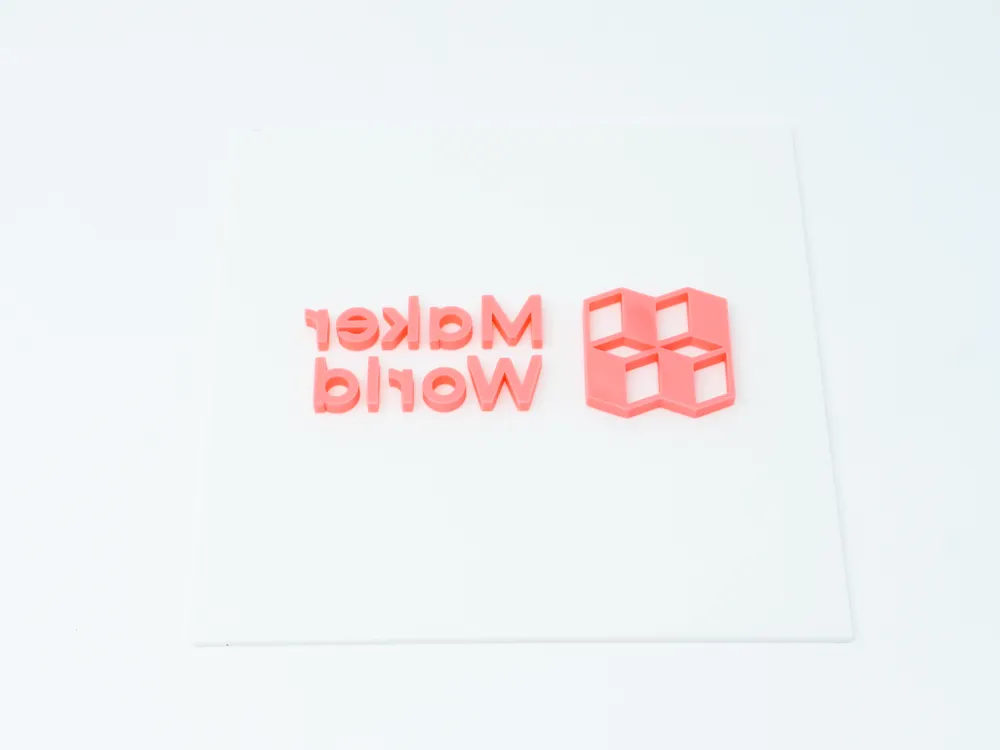
Print your own shirt!
A few weeks back, someone on Reddit shared a tutorial on how to 3D print a template that can be sprayed with bleach to make a custom shirt. Ever since I saw that, I’ve been wanting to try it myself. So, I decided to use the Parametric Model Maker to make it easy to customize.
Just click the Customize button and add your own SVG.
You can see how it's done in this video:
How to use the Customizer
- Adjust the base length, width, and height depending on what build plate size you have
- Select a base color
- Under SVG options upload your SVG file
- Adjust the scale and thickness as needed
- Select the SVG color
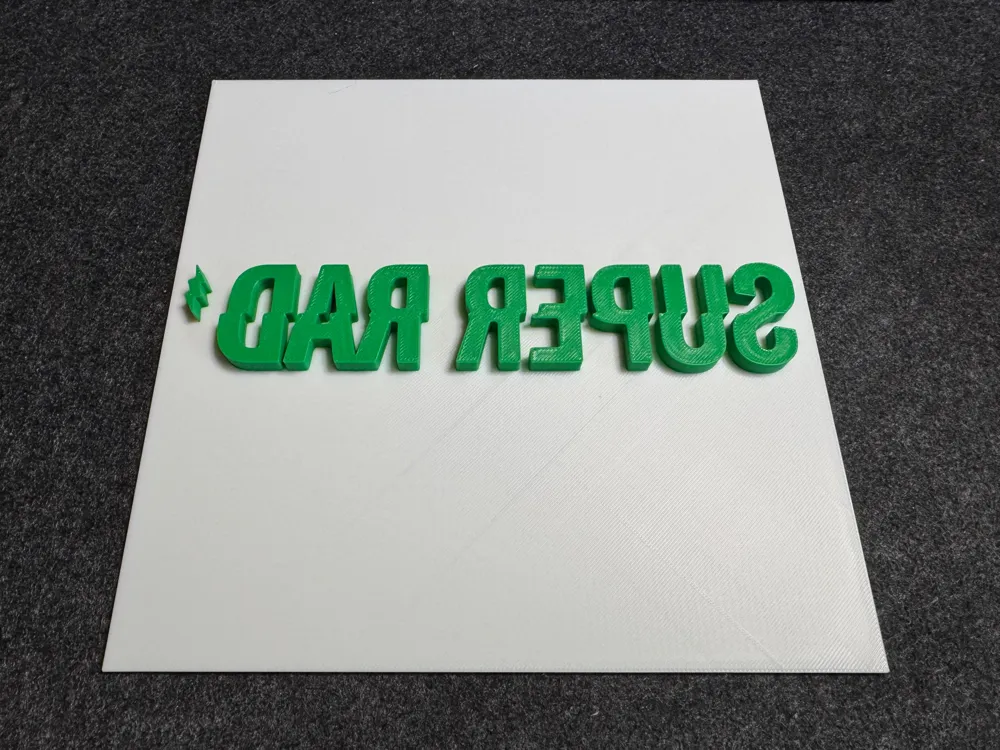
- You'll want the SVG mirrored but the option is there if you need to turn it off
- Make T-shirt
- Profit?
Update
I did some testing and found that it’s actually easier if the logo is taller and the base only needs to be as big as your logo. So, I’ve updated the customizer so you can just adjust the sizing to fit your SVG.
License

This user content is licensed under a
Creative Commons Attribution-Noncommercial-Share Alike


Comment & Rating (0)