
Batman - Vengeance Unleashed HueForge
Print Profile(2)



Description
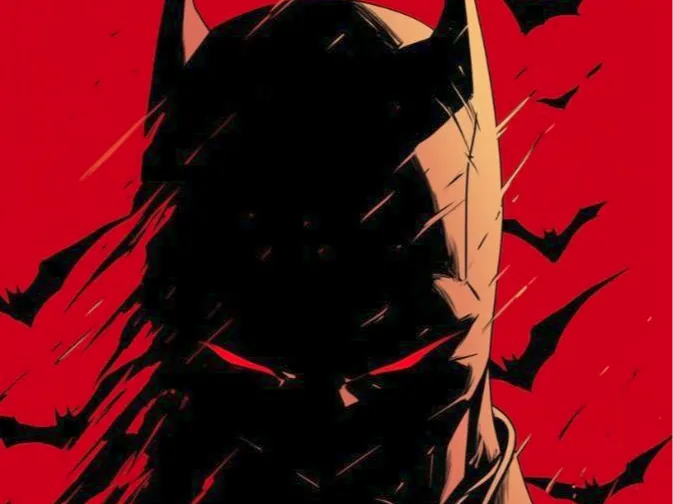
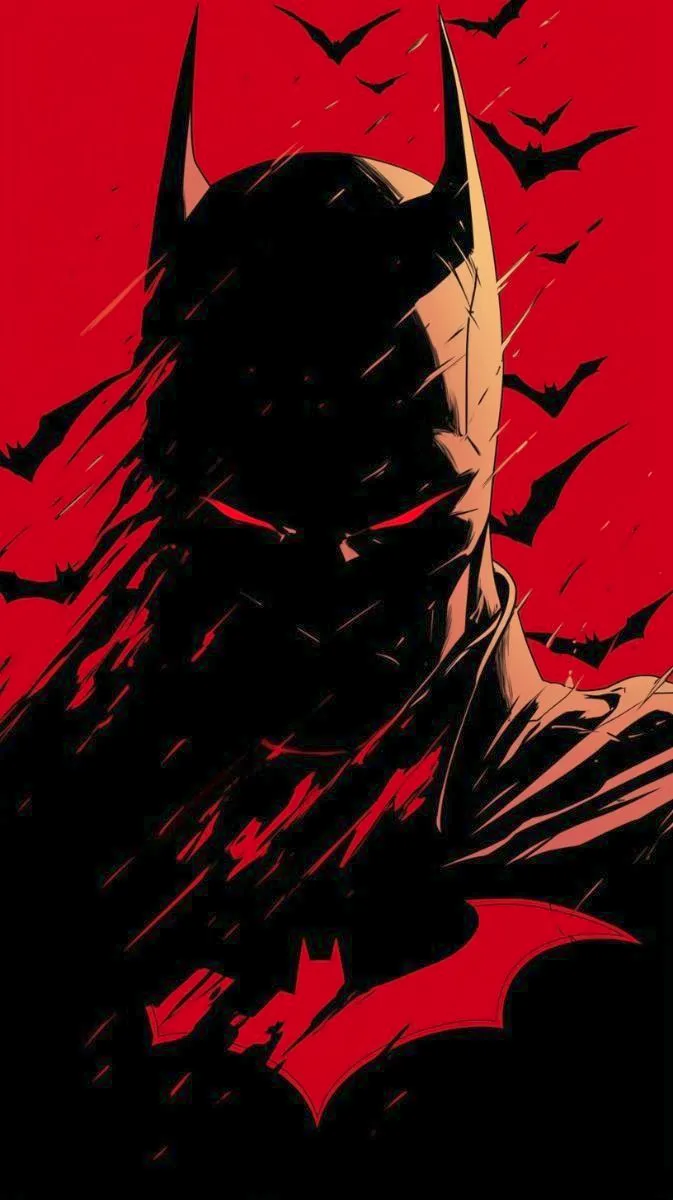
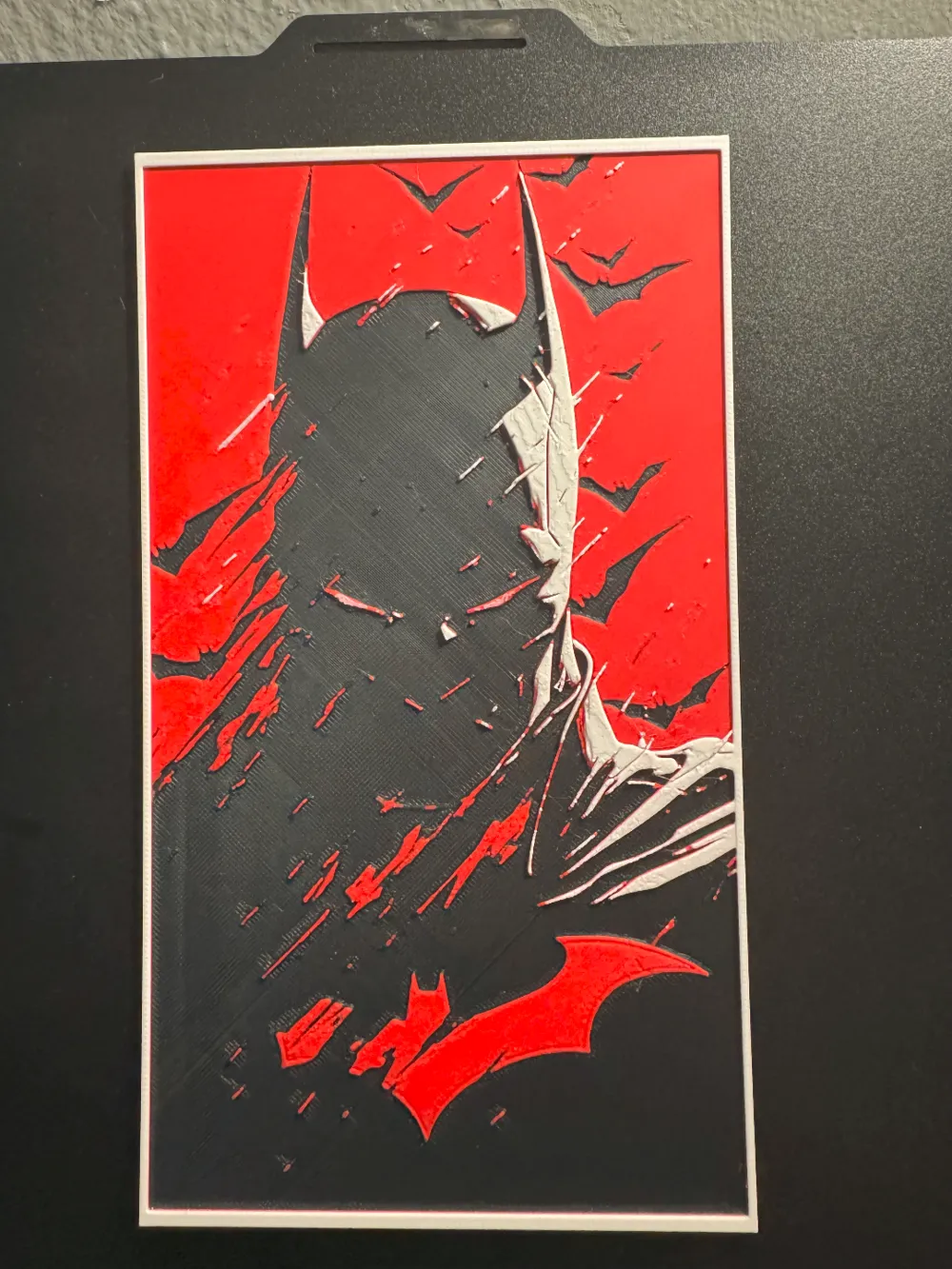
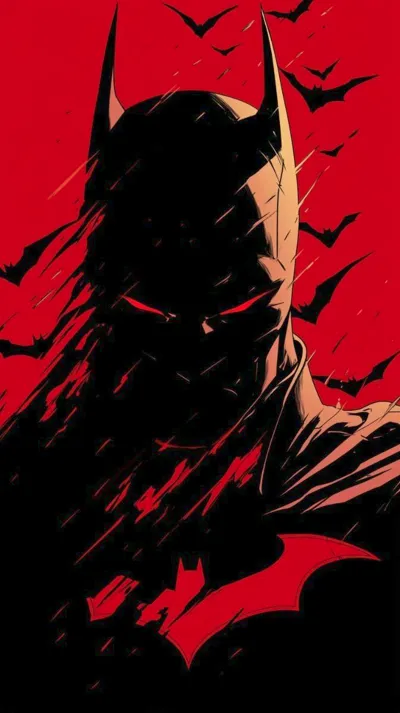
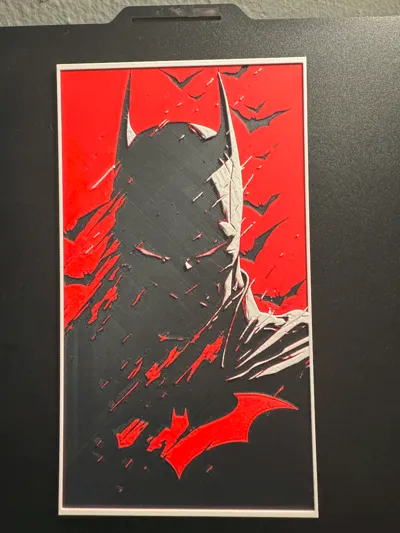
This artwork presents a dark and intense portrayal of Batman, enveloped in deep shadows with piercing red eyes that exude menace. His form appears to dissolve into the surrounding darkness, blending seamlessly with the swarm of bats flying across a blood-red background. The sharp, jagged edges of the illustration enhance the raw energy and chaos, while the bold red Bat-symbol on his chest stands as a stark contrast against the darkness. The overall composition evokes a sense of mystery, power, and the relentless nature of Gotham's protector.
This is Part of my “Protector of Gotham” Series I'm Uploading.
HueForge Info
Z Scaling : Adjusting the Z-axis scaling on any Hueforge will disrupt the intended coloring and result in an inaccurate print “Keep the Z Scaling @ 100%” . However, you can modify the X and Y scaling to resize the image—just ensure you scale both axes by the same percentage for consistency.
Filament Selection: For an accurate print that matches the reference photos, you must use the same filament colors listed below. While switching brands is possible (as long as they are similar), changing filament colors will alter the final outcome.
Slicer Preview vs. Final Print: What you see in the slicer will not exactly match the final print. Hueforge relies on color bleed to create blended effects that emerge during printing.
- Bed Adhesion: Ensure strong bed adhesion to prevent lifting and warping, which could ruin your print.
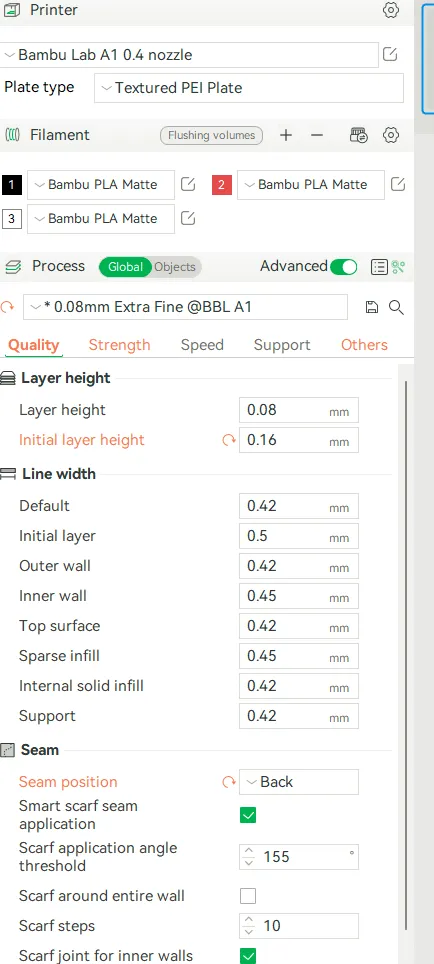
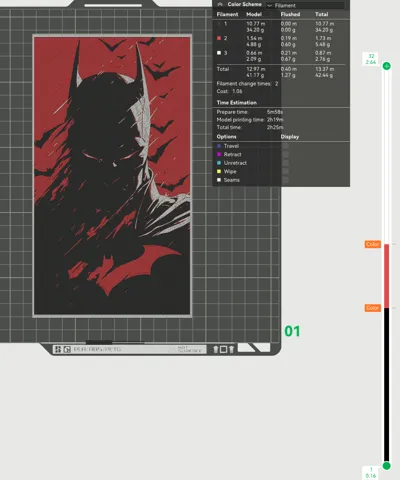
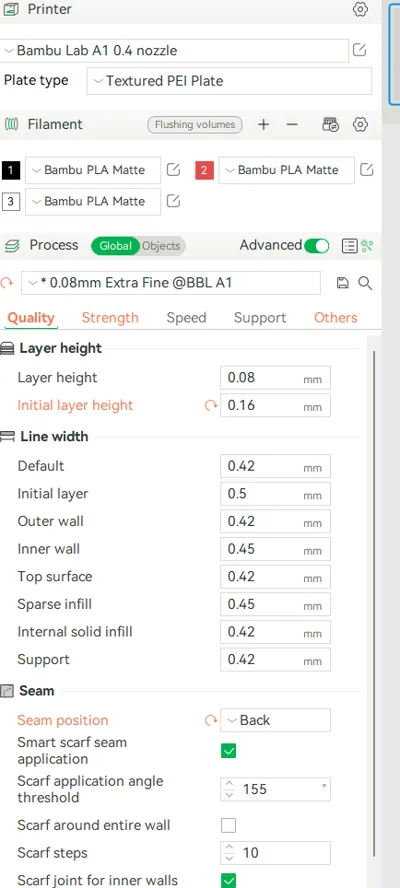
You may print at higher layer heights below the Min Depth of 0.88mm
The Max Depth is 2.6mm and the Actual Depth is 2.7mm
Filaments Used:
PLA BambuLab Basic Black Transmission Distance: 0.6
PLA BambuLab Basic Red Transmission Distance: 4
PLA BambuLab Basic Jade White Transmission Distance: 5
This print uses 3 unique filaments
Swap Instructions:
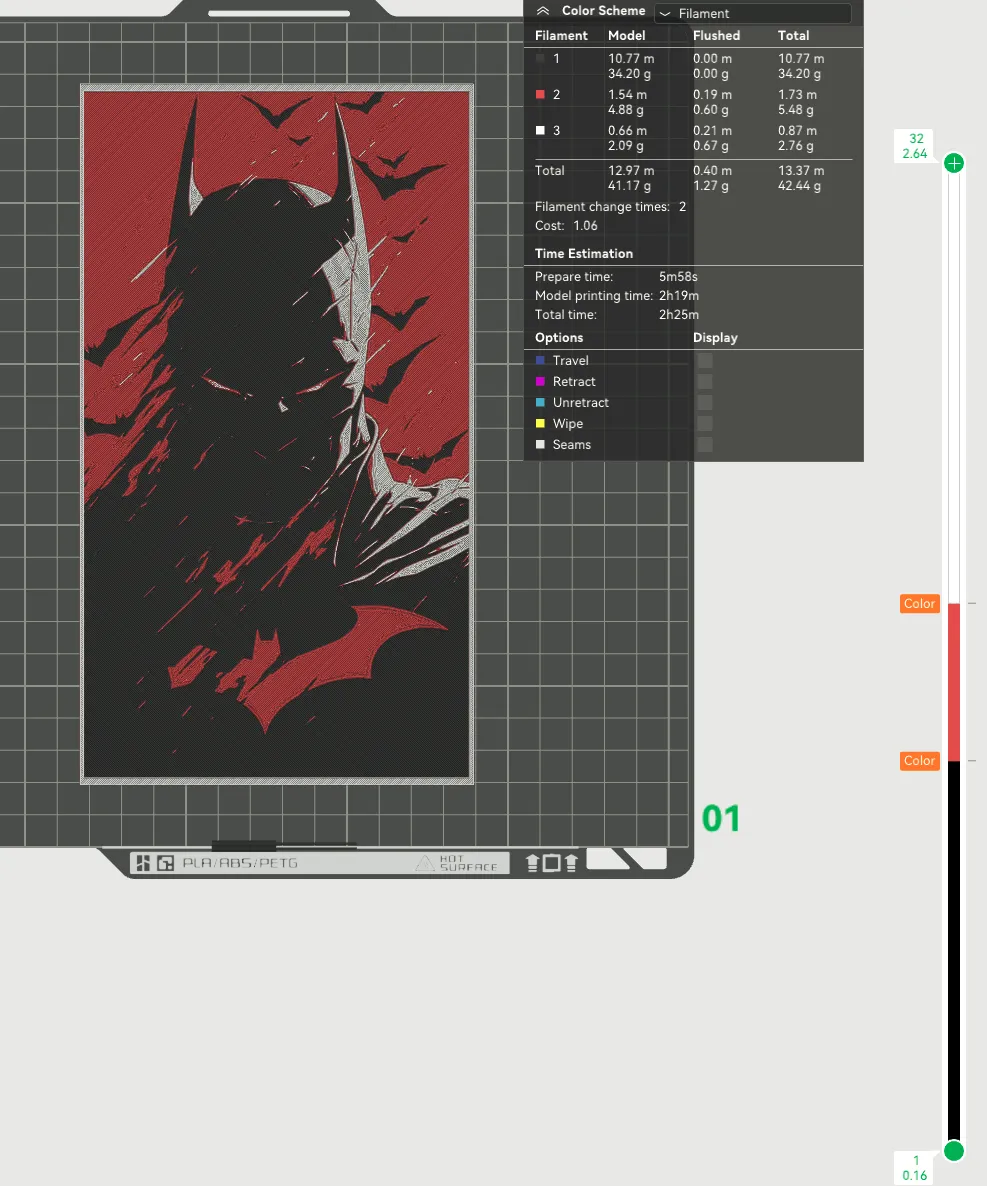
Start with Black
At layer #13 (1.12mm) swap to Red
At layer #18 (1.52mm) swap to Jade White for the rest.
License



Comment & Rating (9)