Search models, users, collections, and posts

Make your own lithophane + frame & base - TUTORIAL


Print Profile(2)

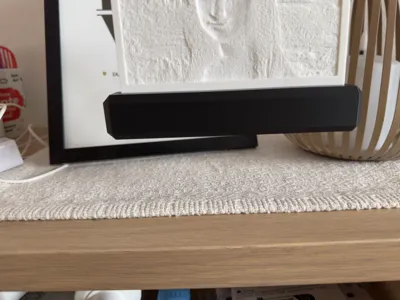
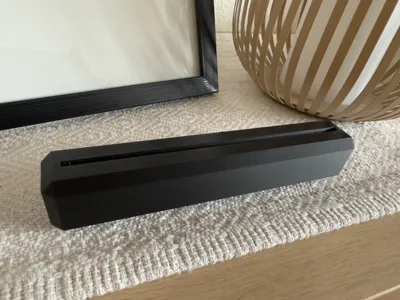
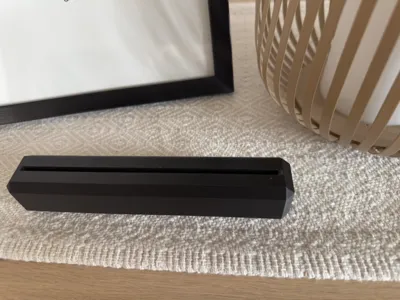
BASE 0.2mm layer, 3 walls, 10% infill
Designer
1.5 h
1 plate

0.12mm layer, 2 walls, 100% infill
Designer
3 h
1 plate
Open in Bambu Studio
Boost
91
244
7
3
211
48
Released
Description
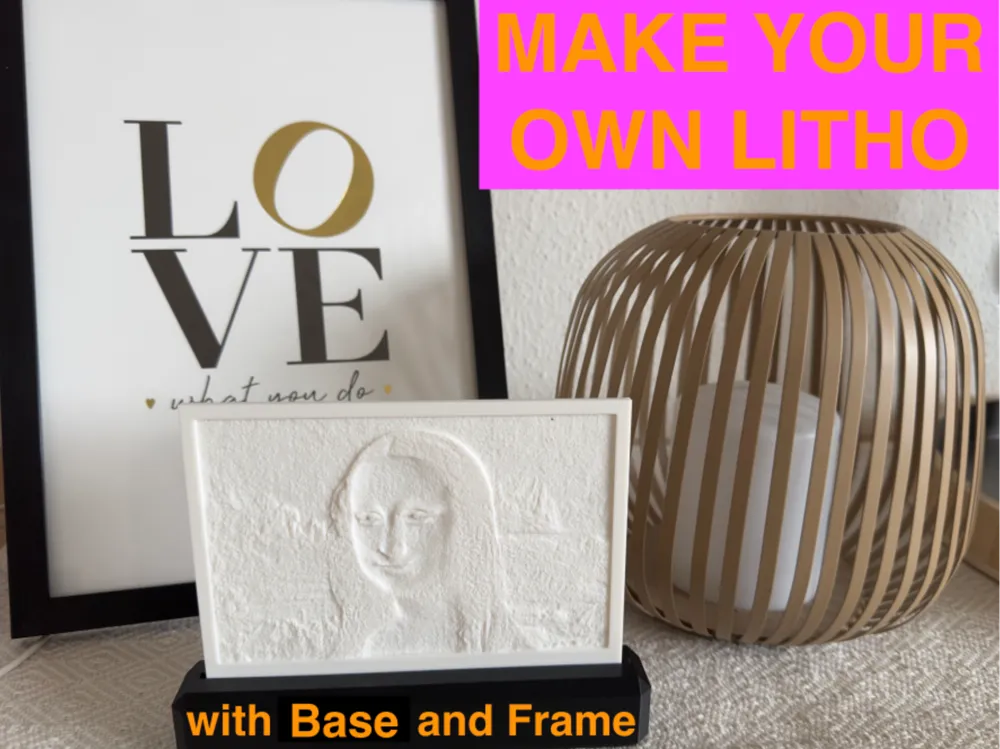
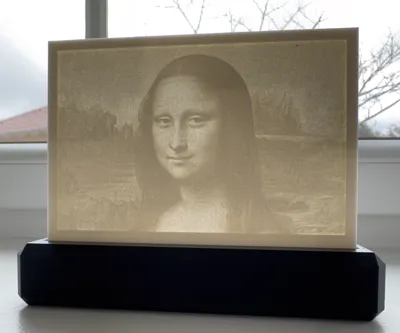
You want to CREATE a personal lithophany with YOUR MOTIF?
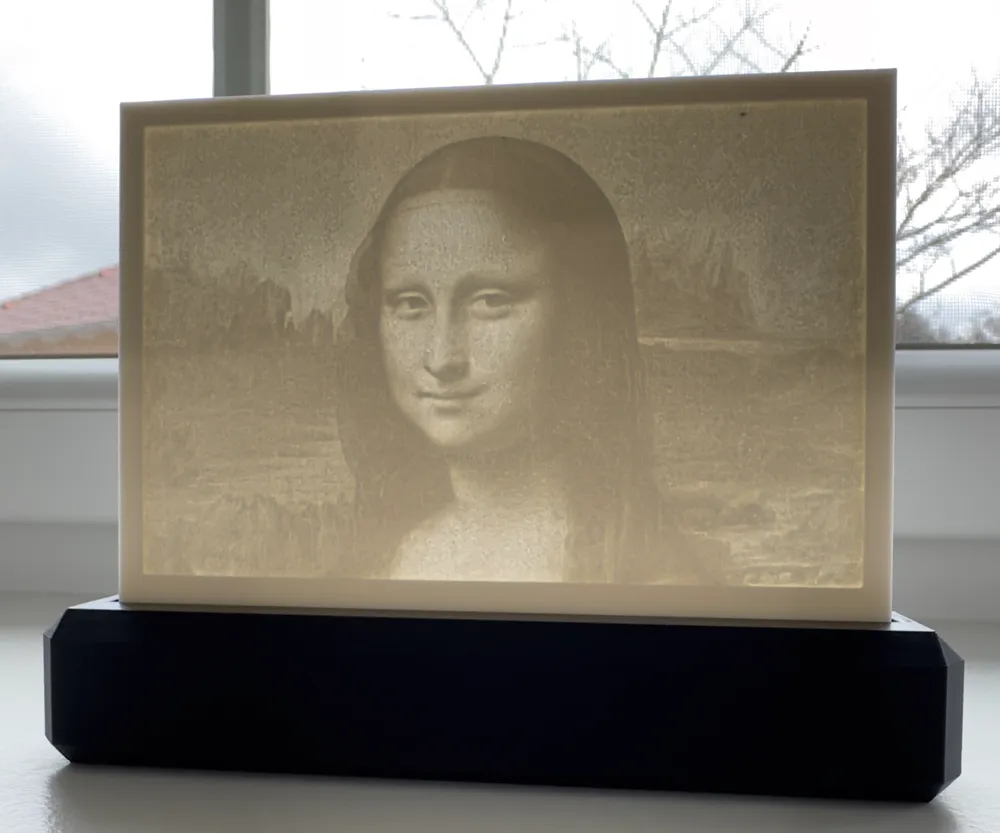
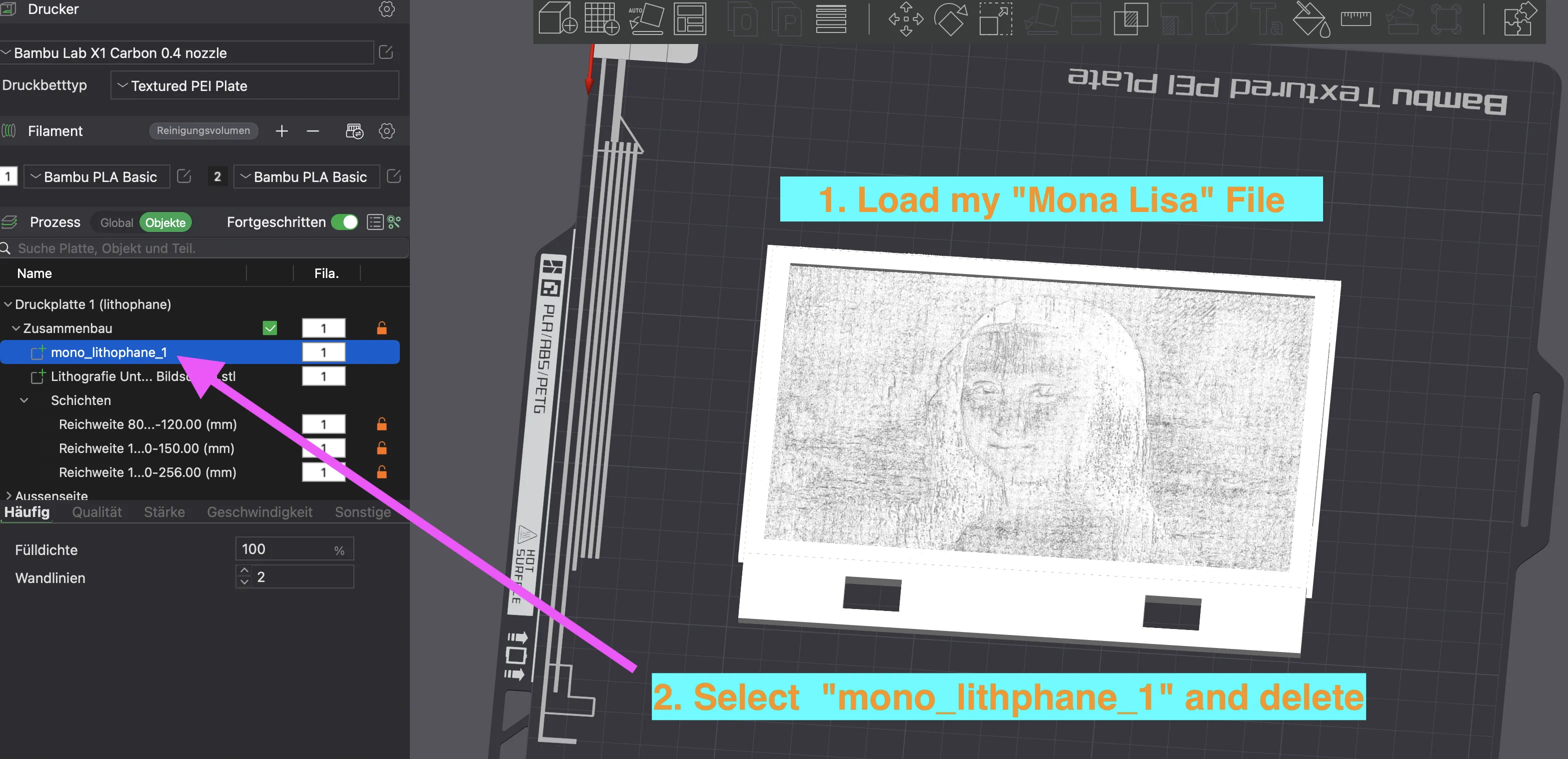
I have uploaded a model with the Mona Lisa as motifs.
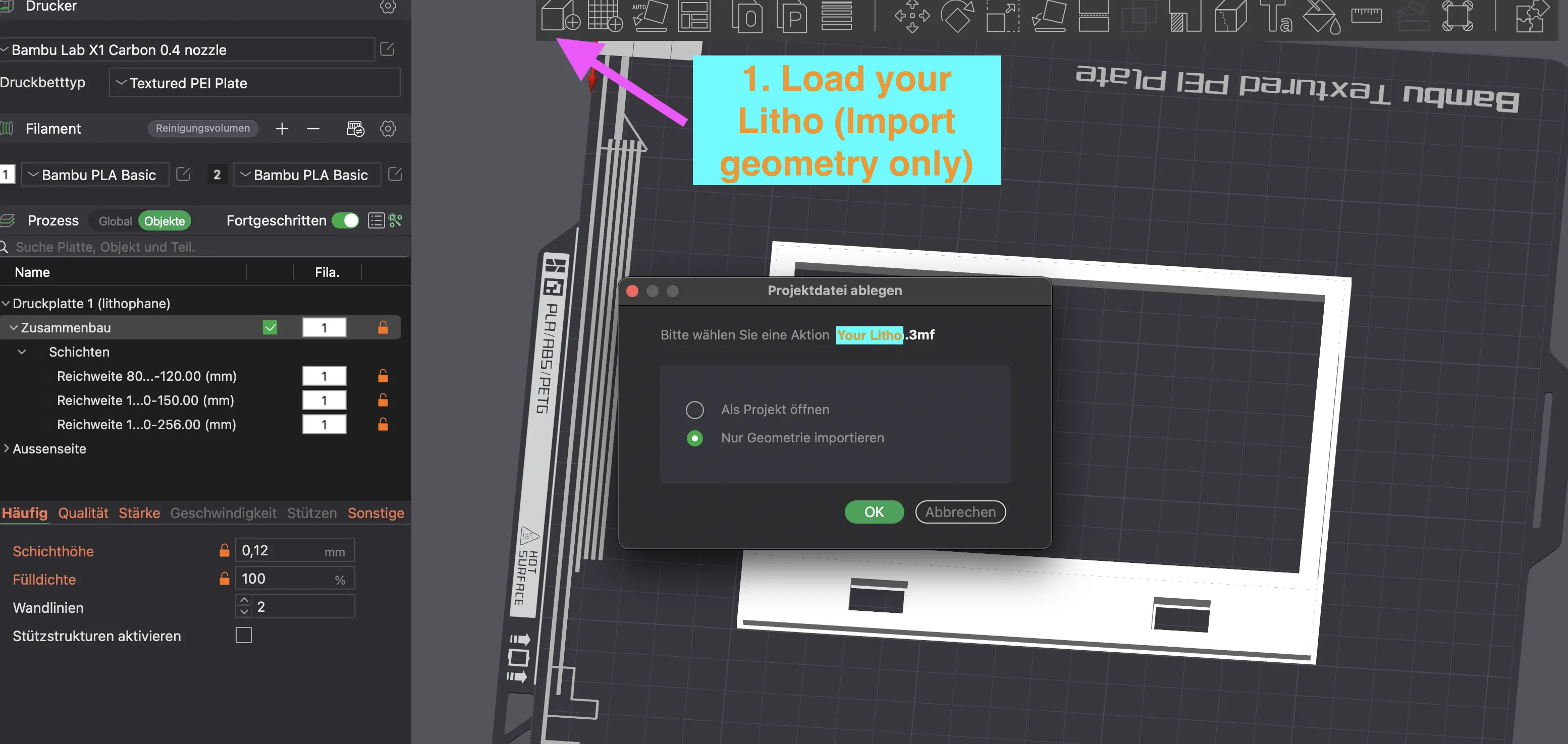
With my instructions you can exchange the Mona Lisa through your motifs.
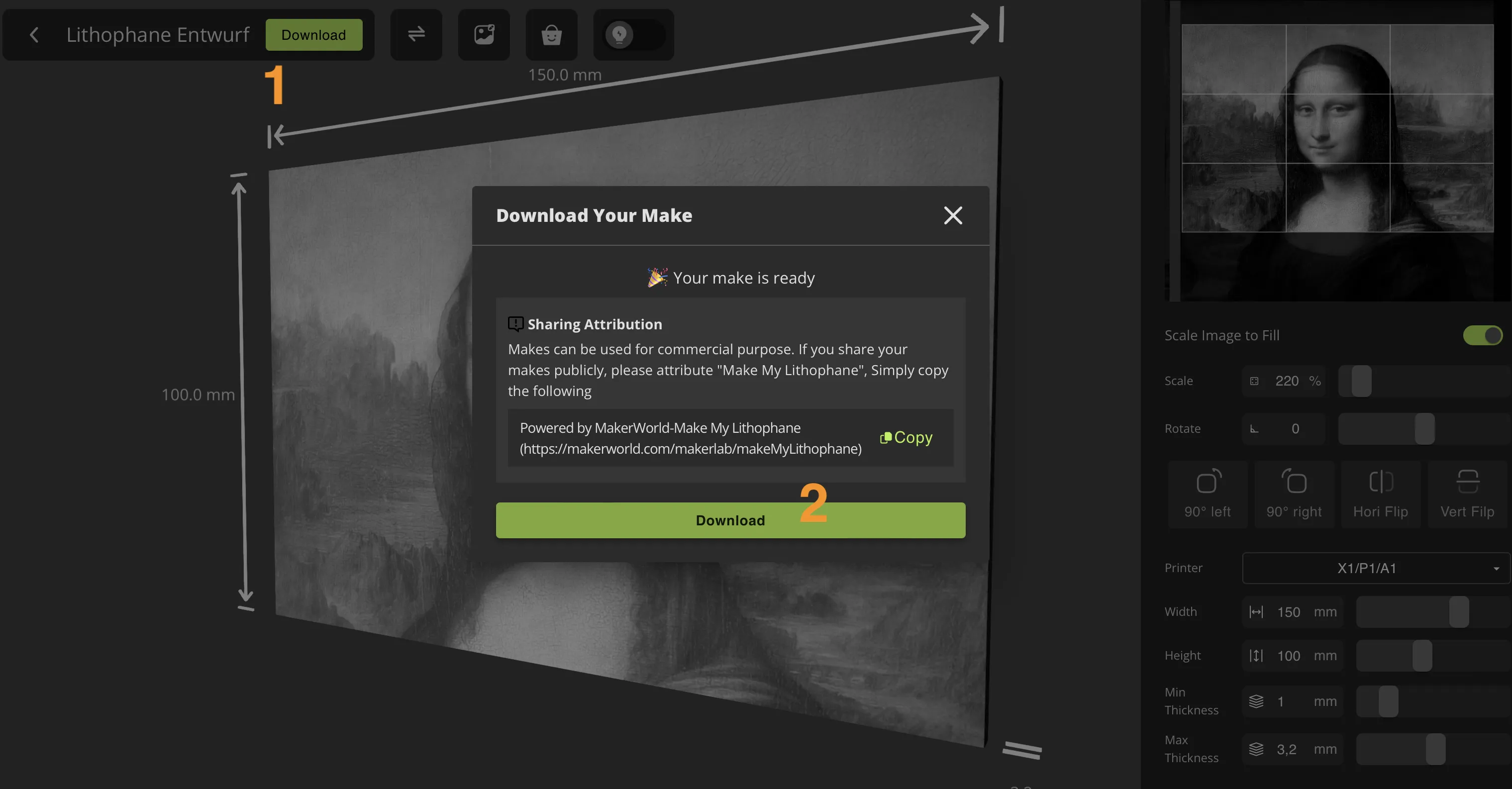
- Download my “Mona Lisa Litho”
- go to https://makerworld.com/de/makerlab/makeMyLithophane?from=makerlab
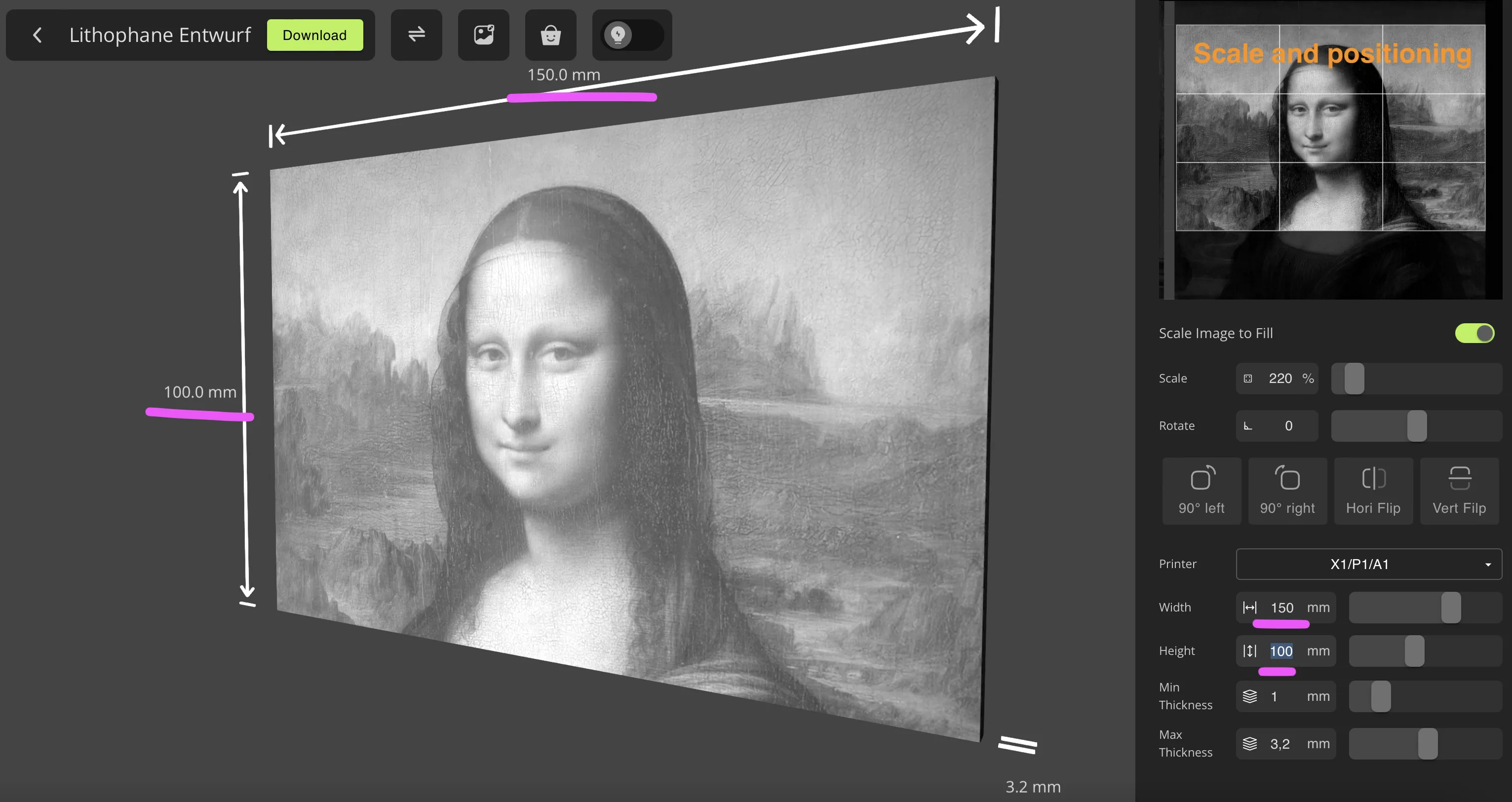
- Create your Lithophane with your Motive in 150 x 100 mm WITHOUT Frame
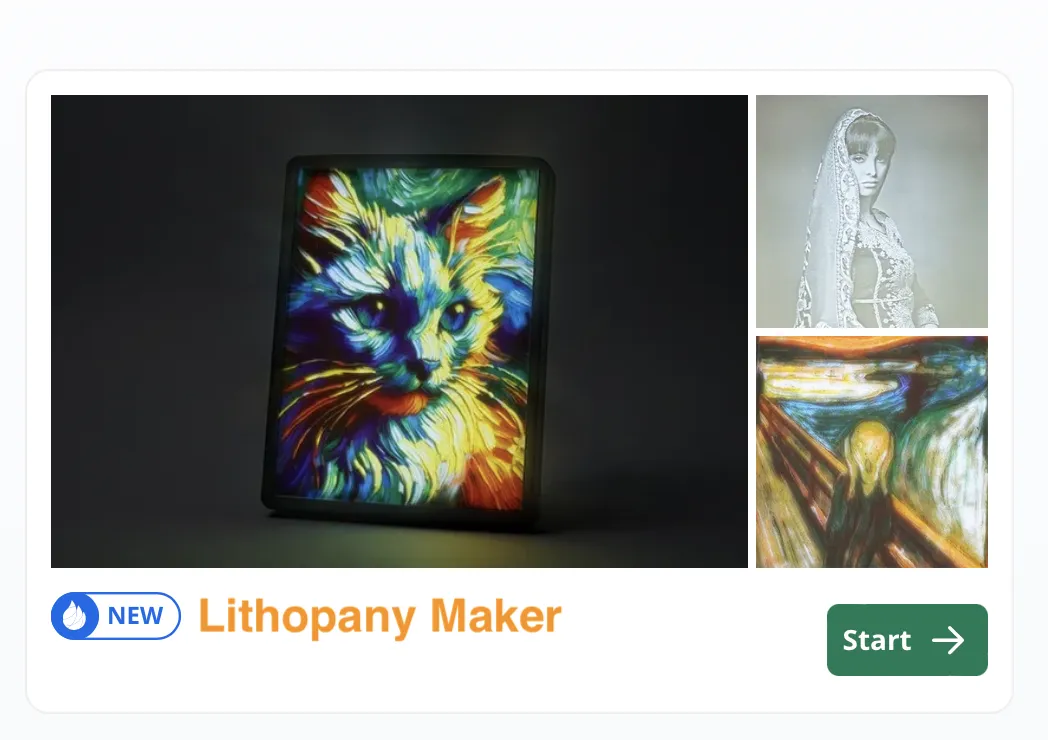
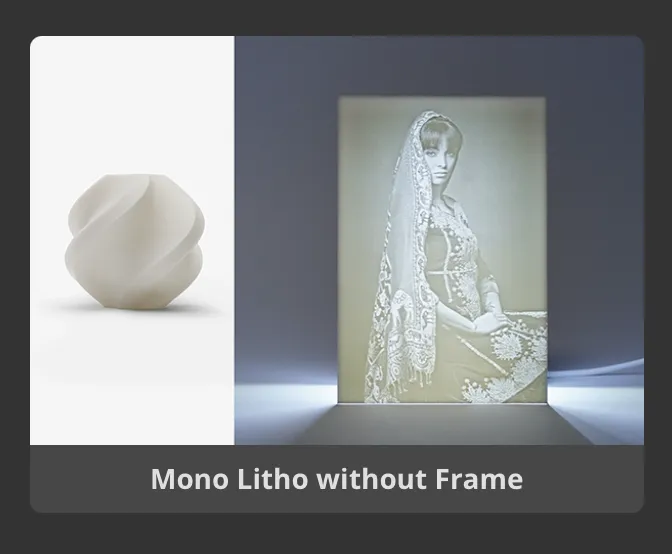
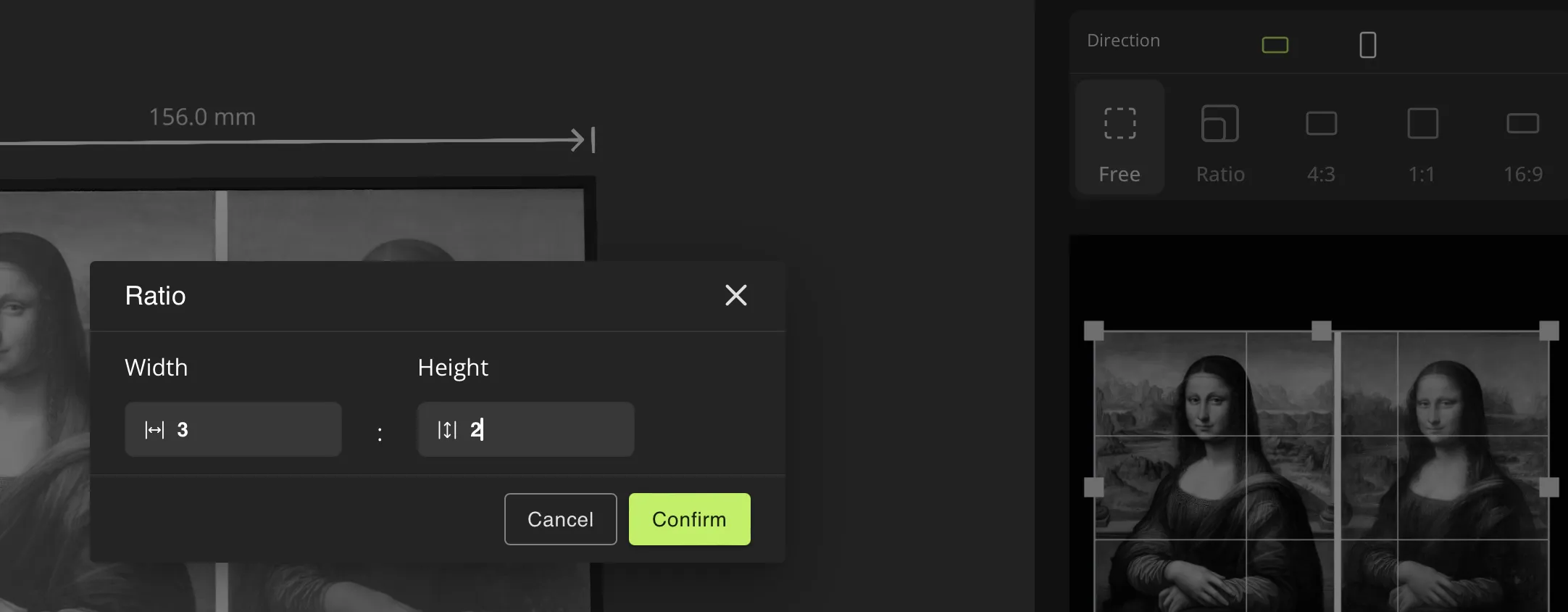
Load your Picture and change the Ratio to 3 : 2
Go to Attribute and set MARGIN to “0” and Margin Thickness to “1”
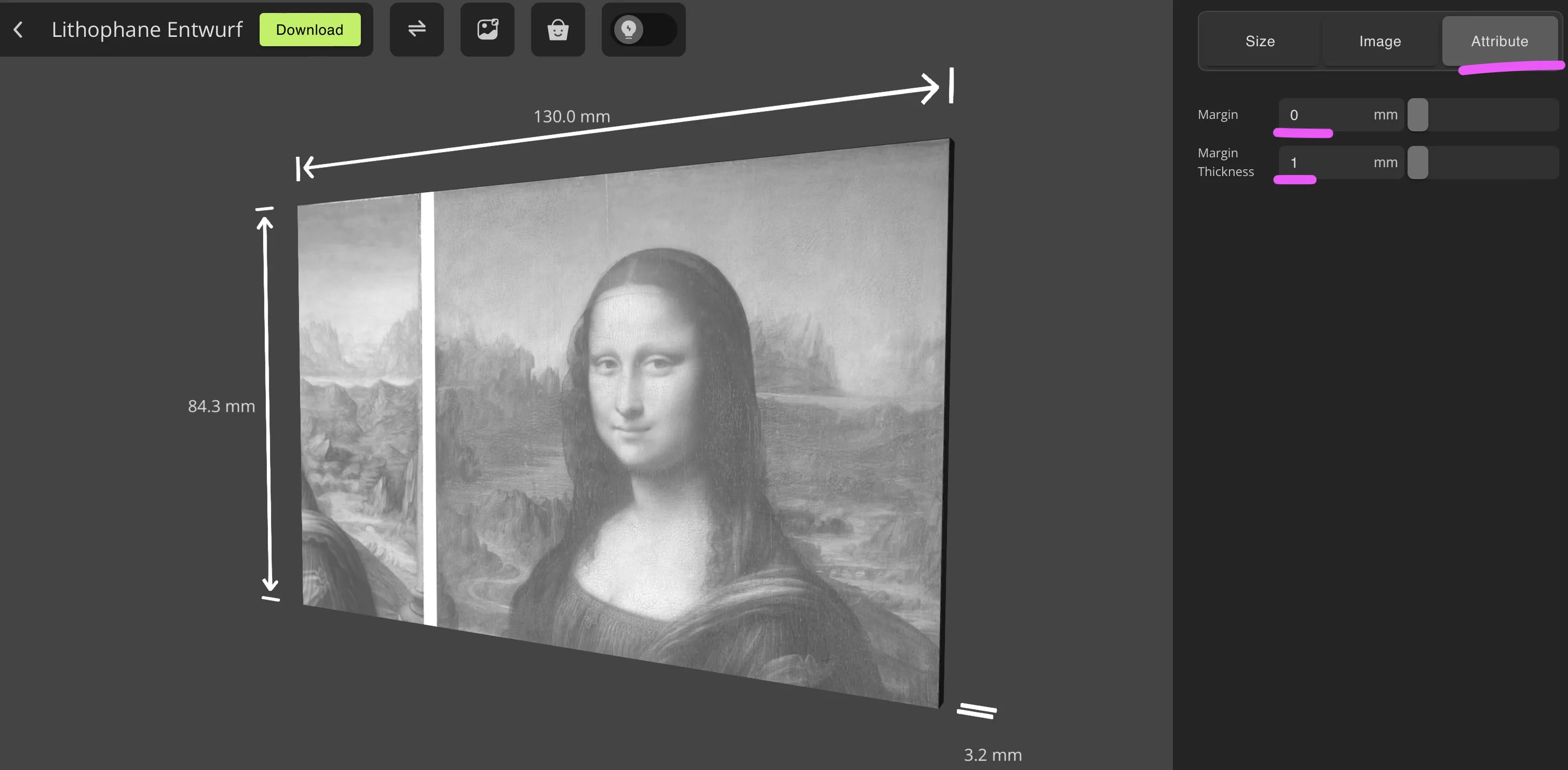
Scale and positioning your Image and set Width to “150” and Height to “100
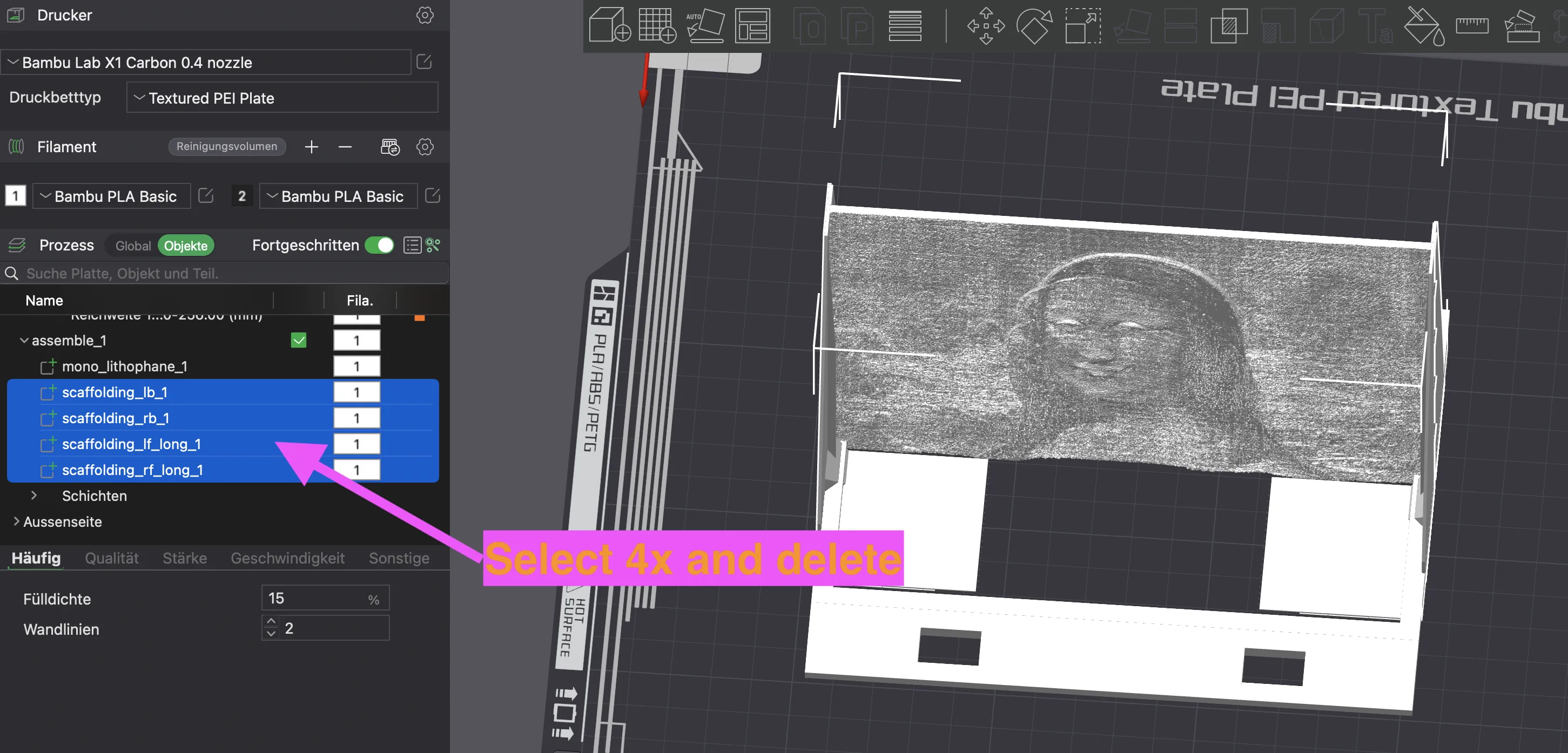
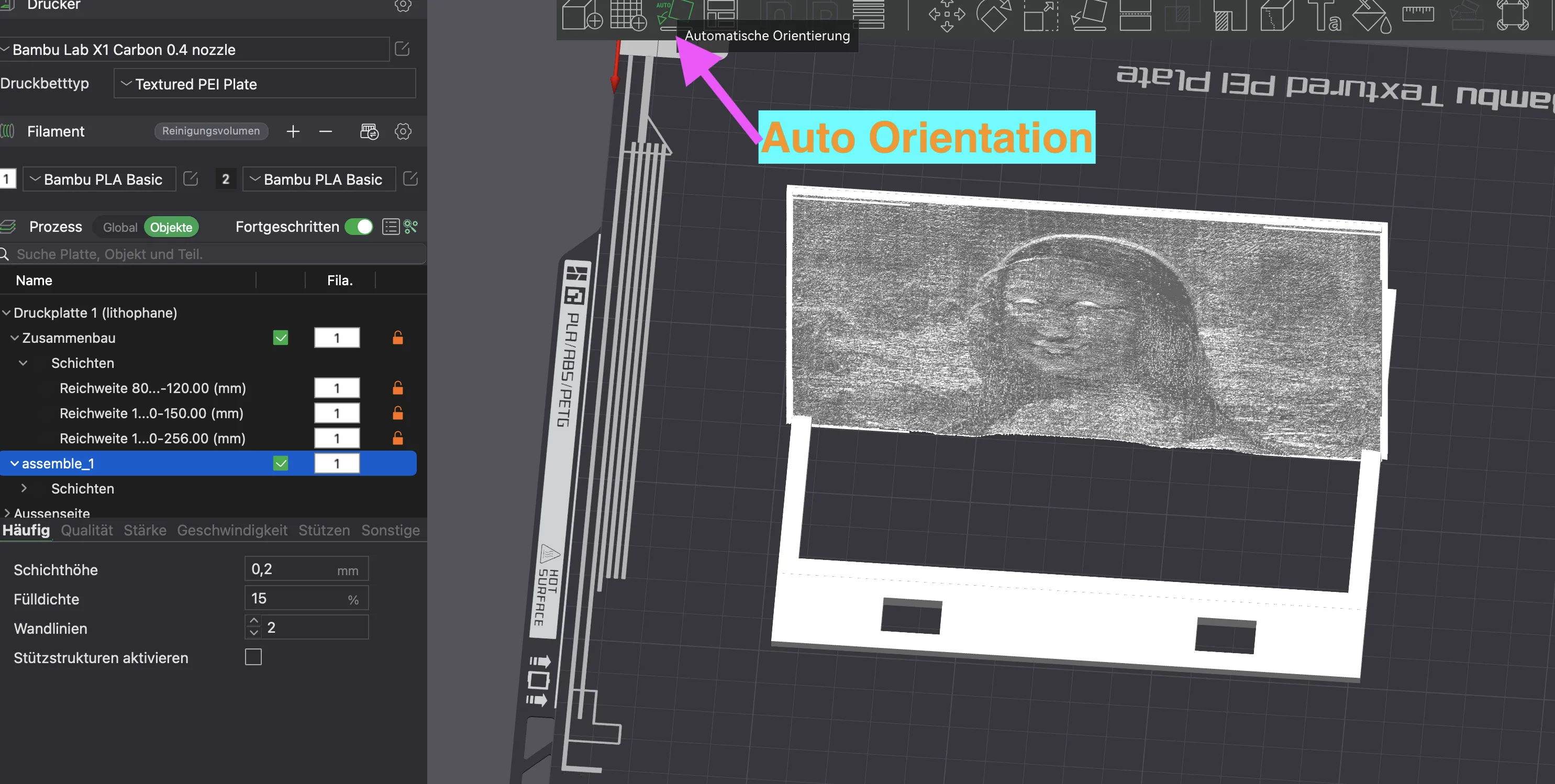
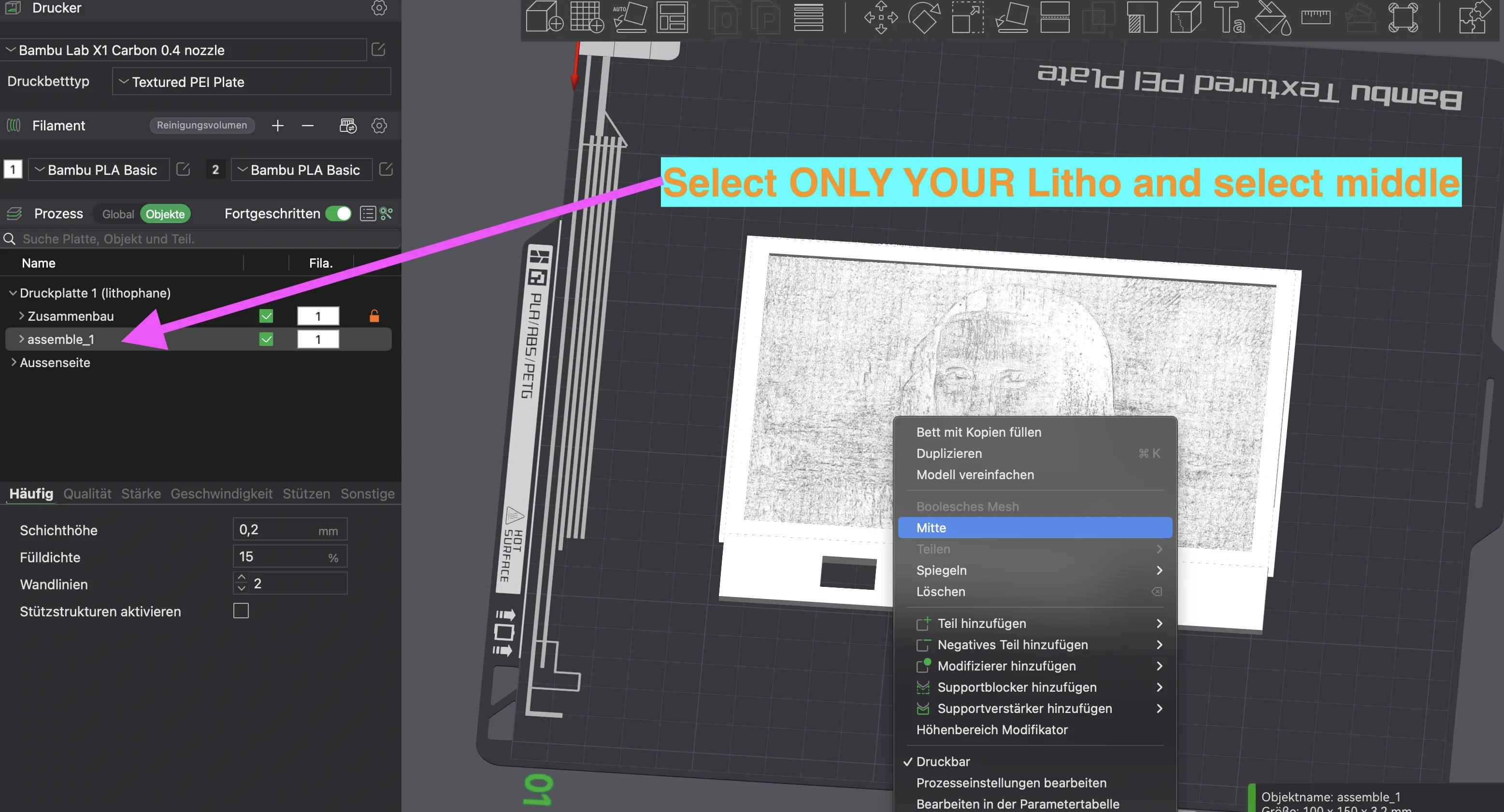
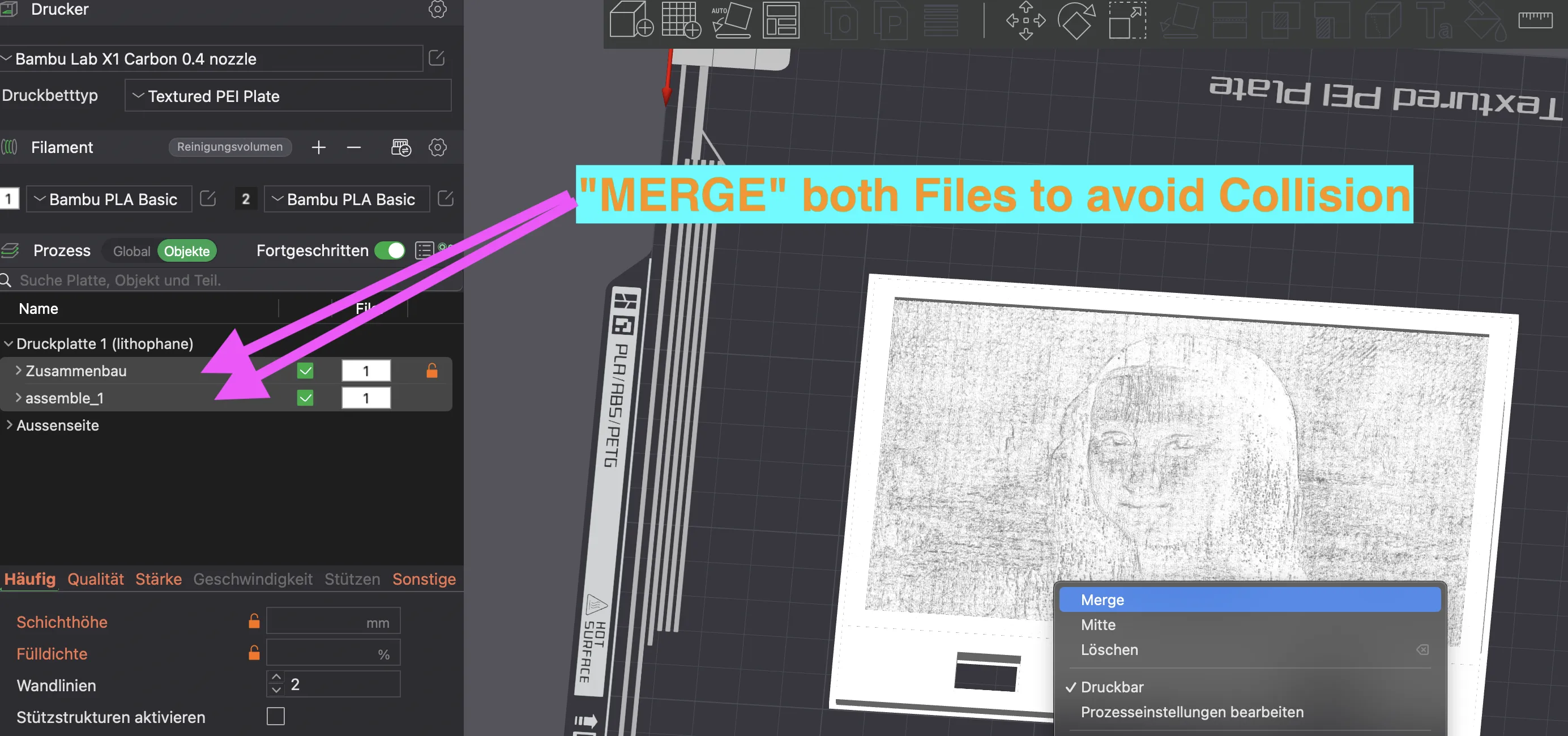
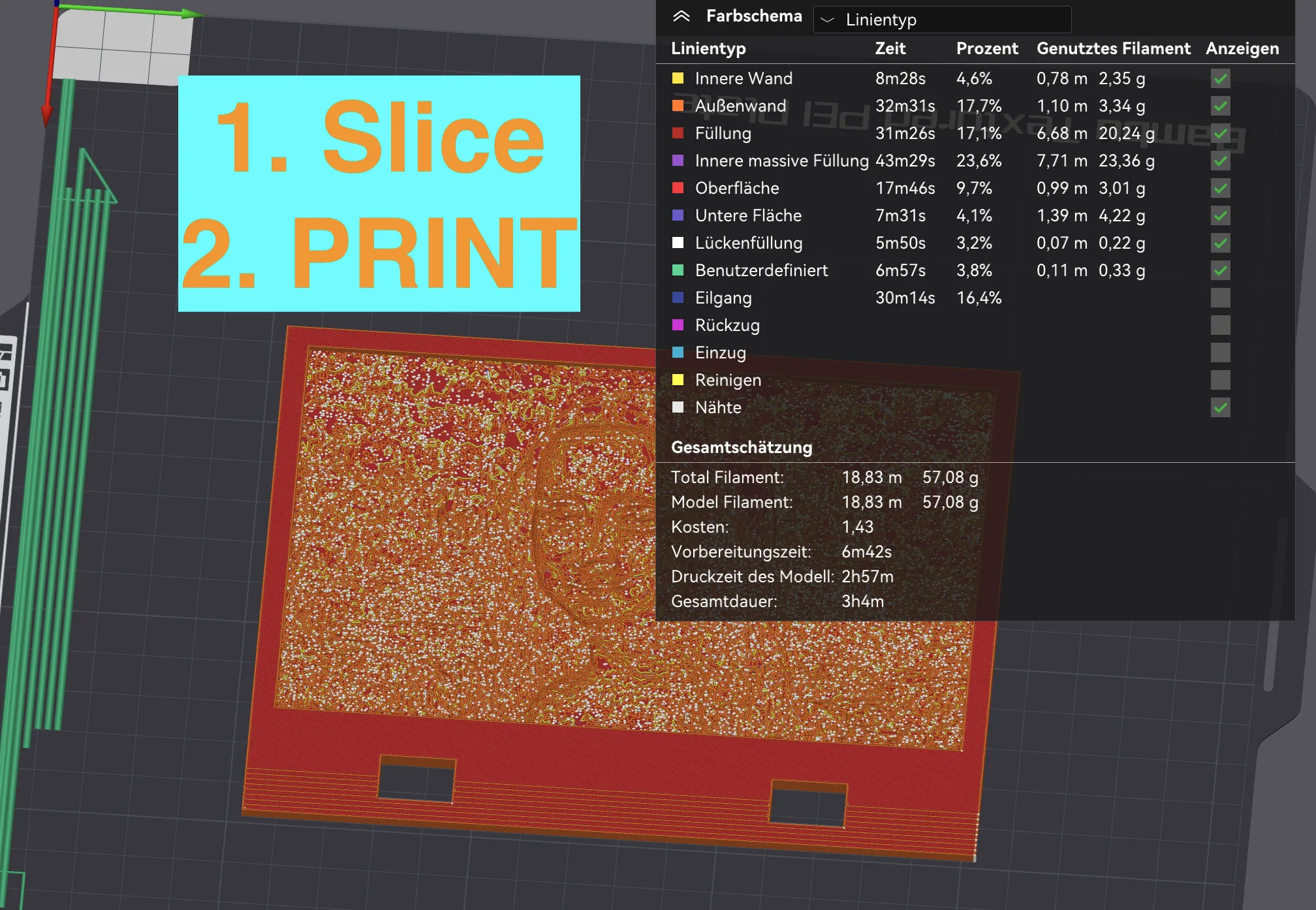
Best Place to place is a windowsill or in front of a lightsource ( TV, Lamp )
License

This user content is licensed under a Standard Digital File License.
You shall not share, sub-license, sell, rent, host, transfer, or distribute in any way the digital or 3D printed versions of this object, nor any other derivative work of this object in its digital or physical format (including - but not limited to - remixes of this object, and hosting on other digital platforms). The objects may not be used without permission in any way whatsoever in which you charge money, or collect fees.


Comment & Rating (7)