
Reolink RLC-1240A Wall Mount
Print Profile(1)

Bill of Materials
Description
Boost Me (for free)
If you find my design useful, please boost this model.
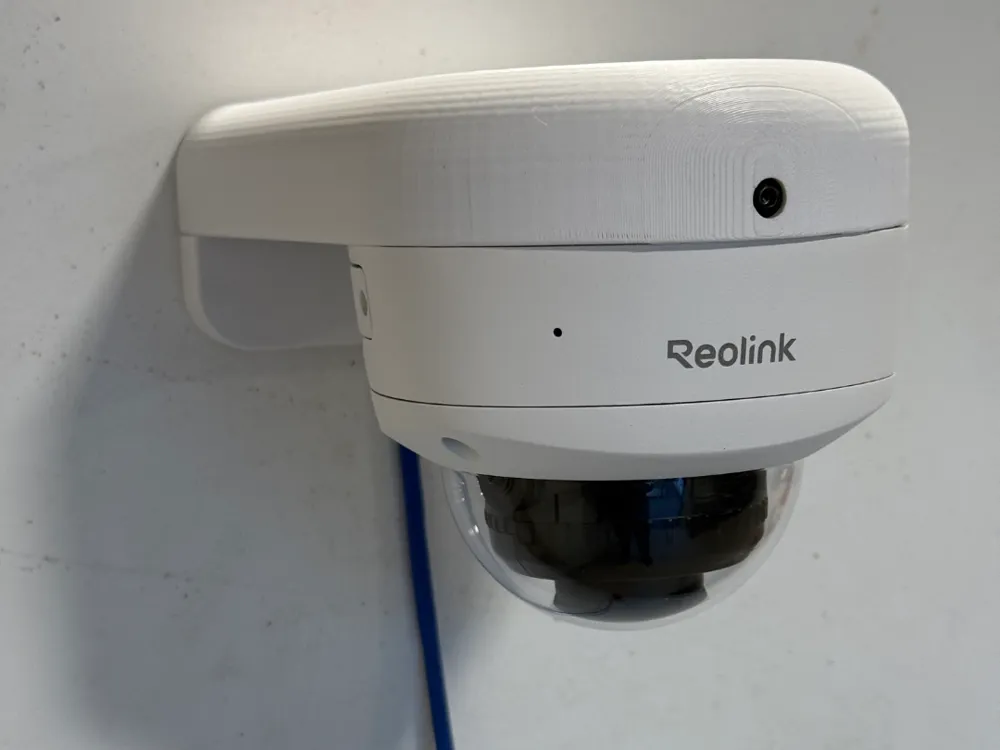
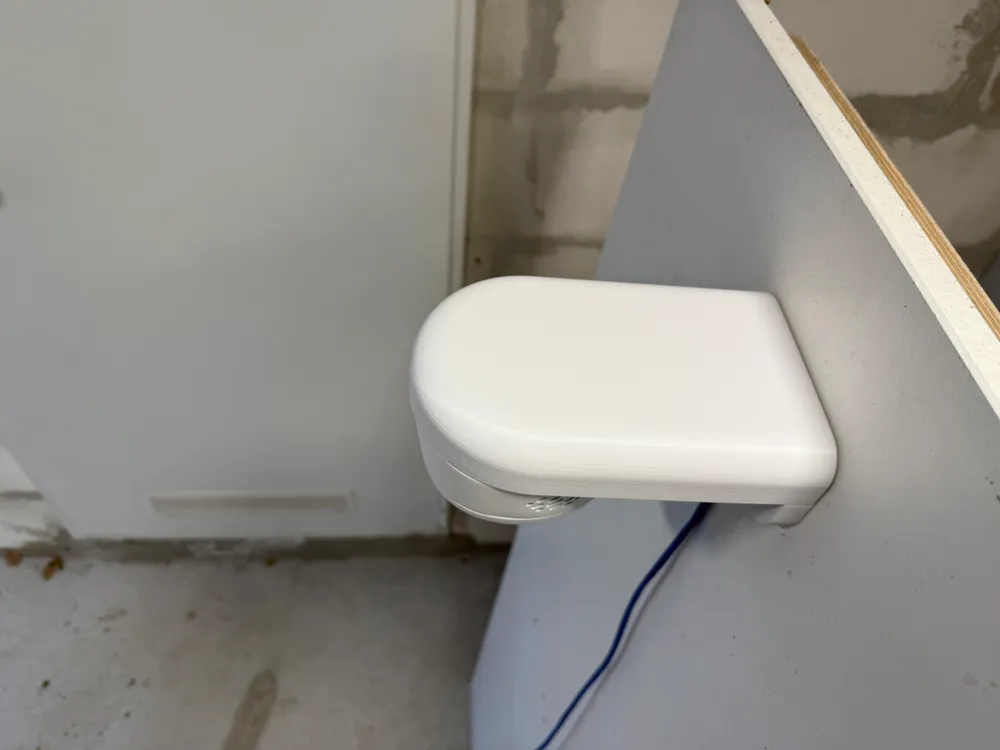
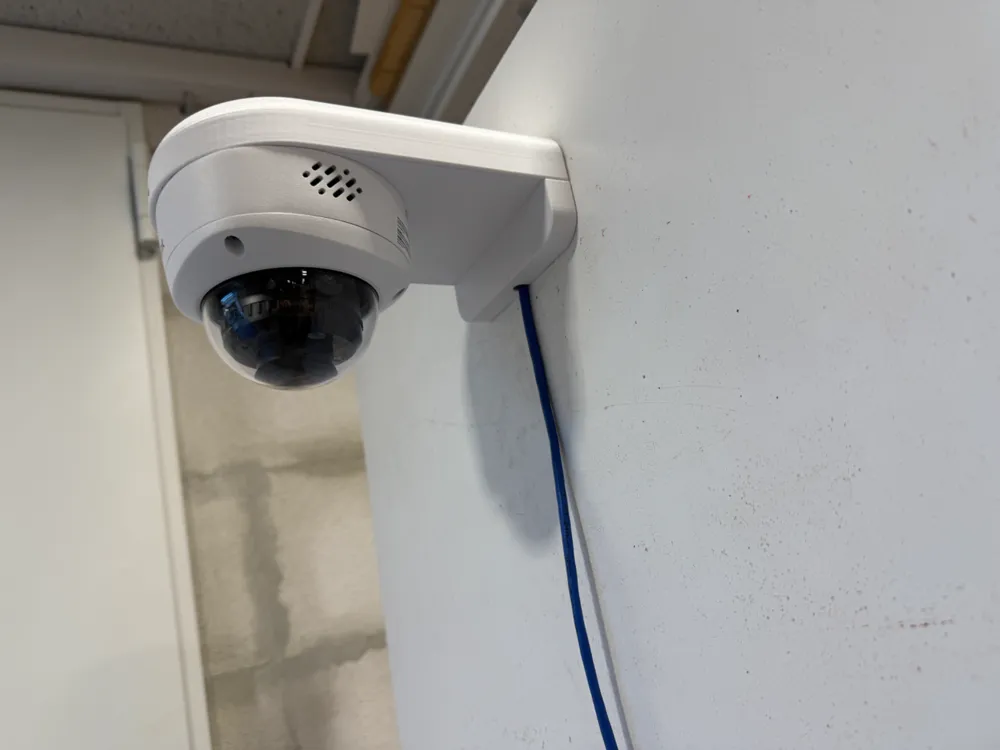
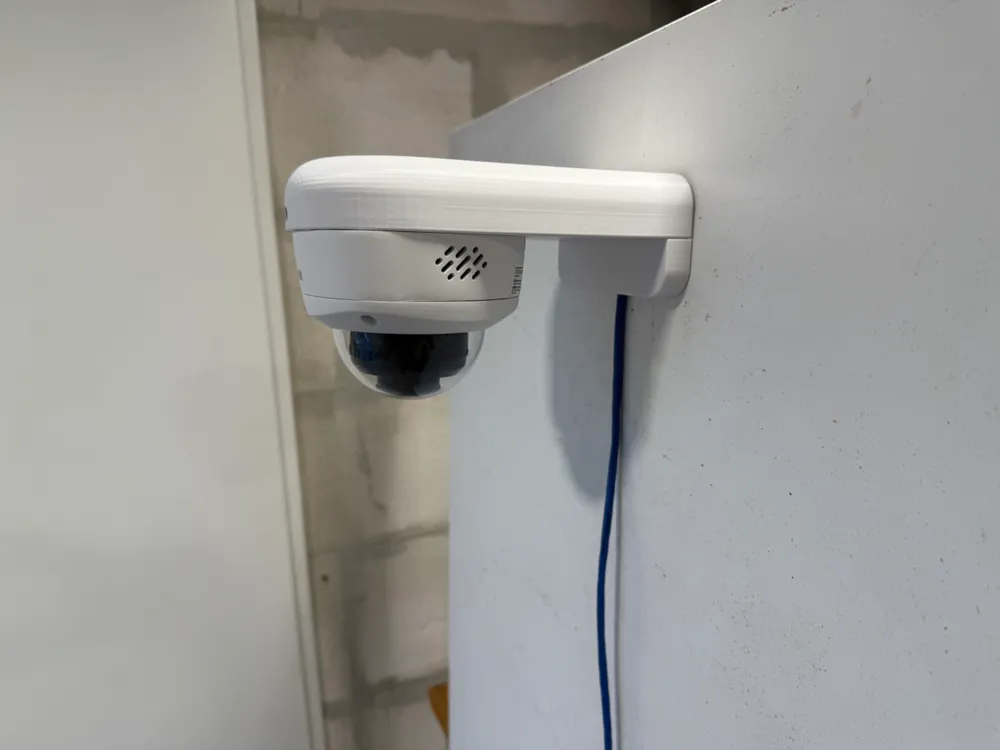
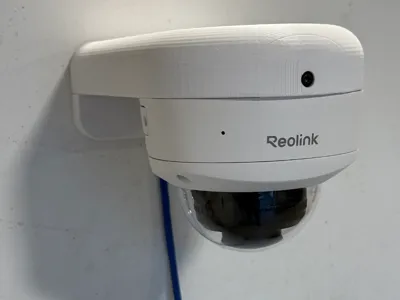
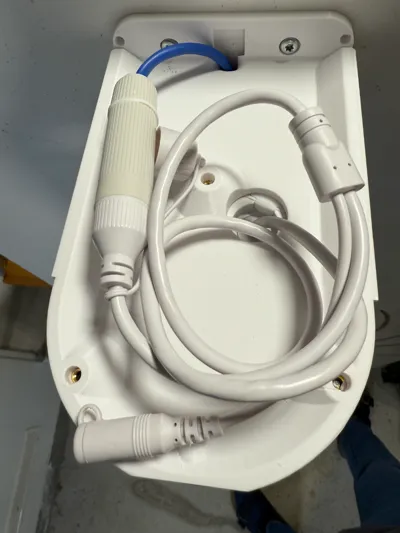
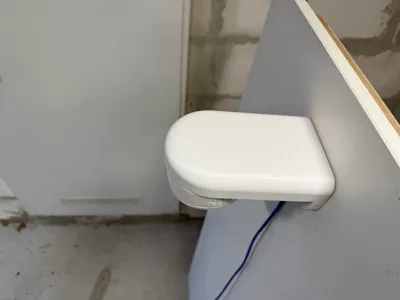
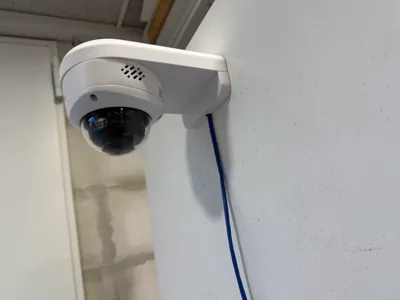
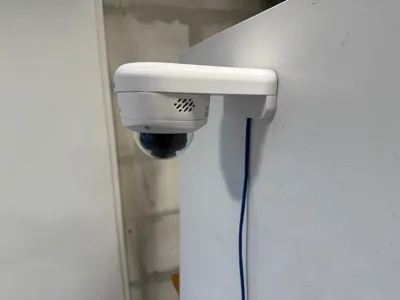
Wall mount for Reolink RLC-1240A Camera. The wall mount includes a junction box for the cable. It printed well in Bambu Lab PETG HF.
Processing after printing and removal of the support structure:
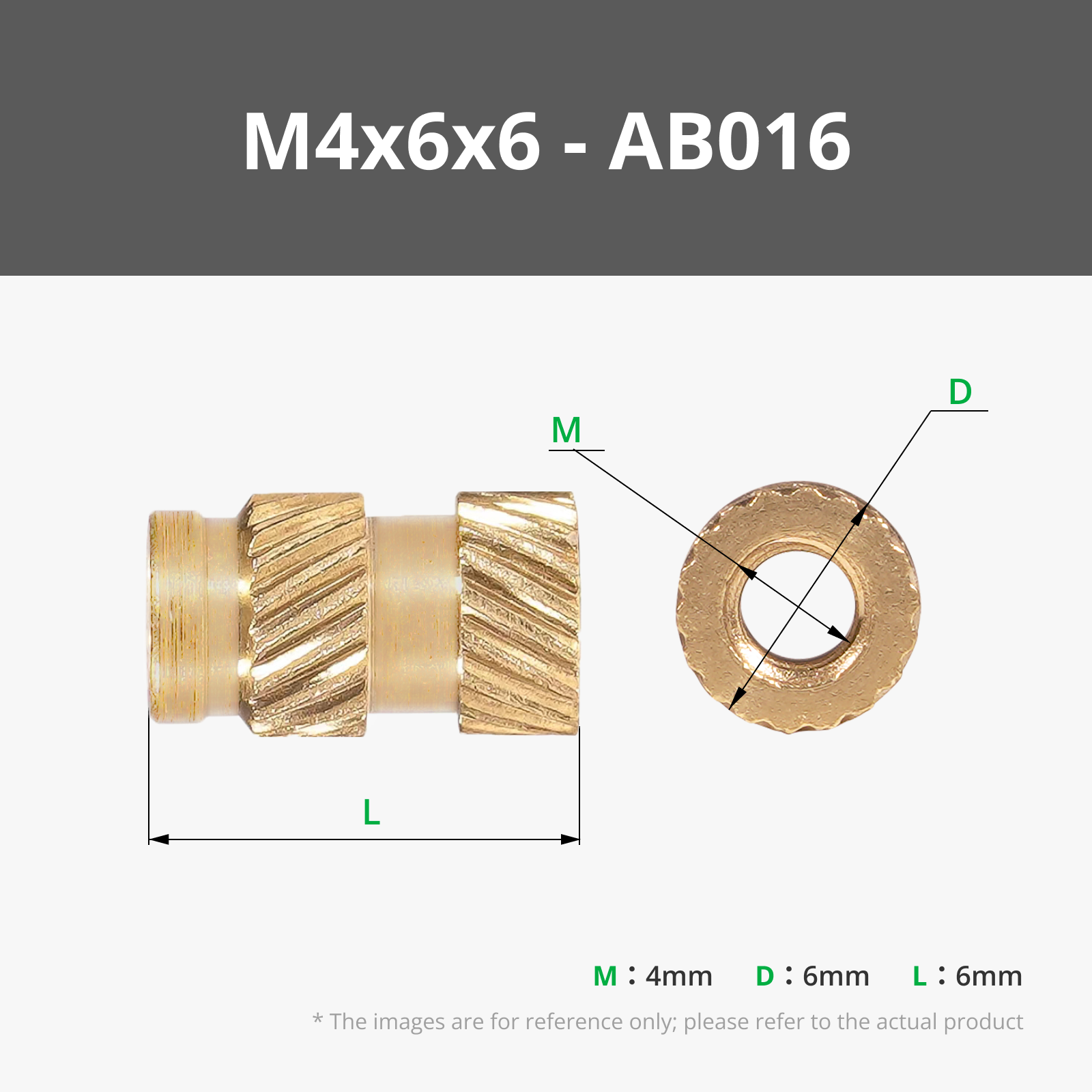
1. Melt in the M4x6x6 heat-insert nut to secure the cover
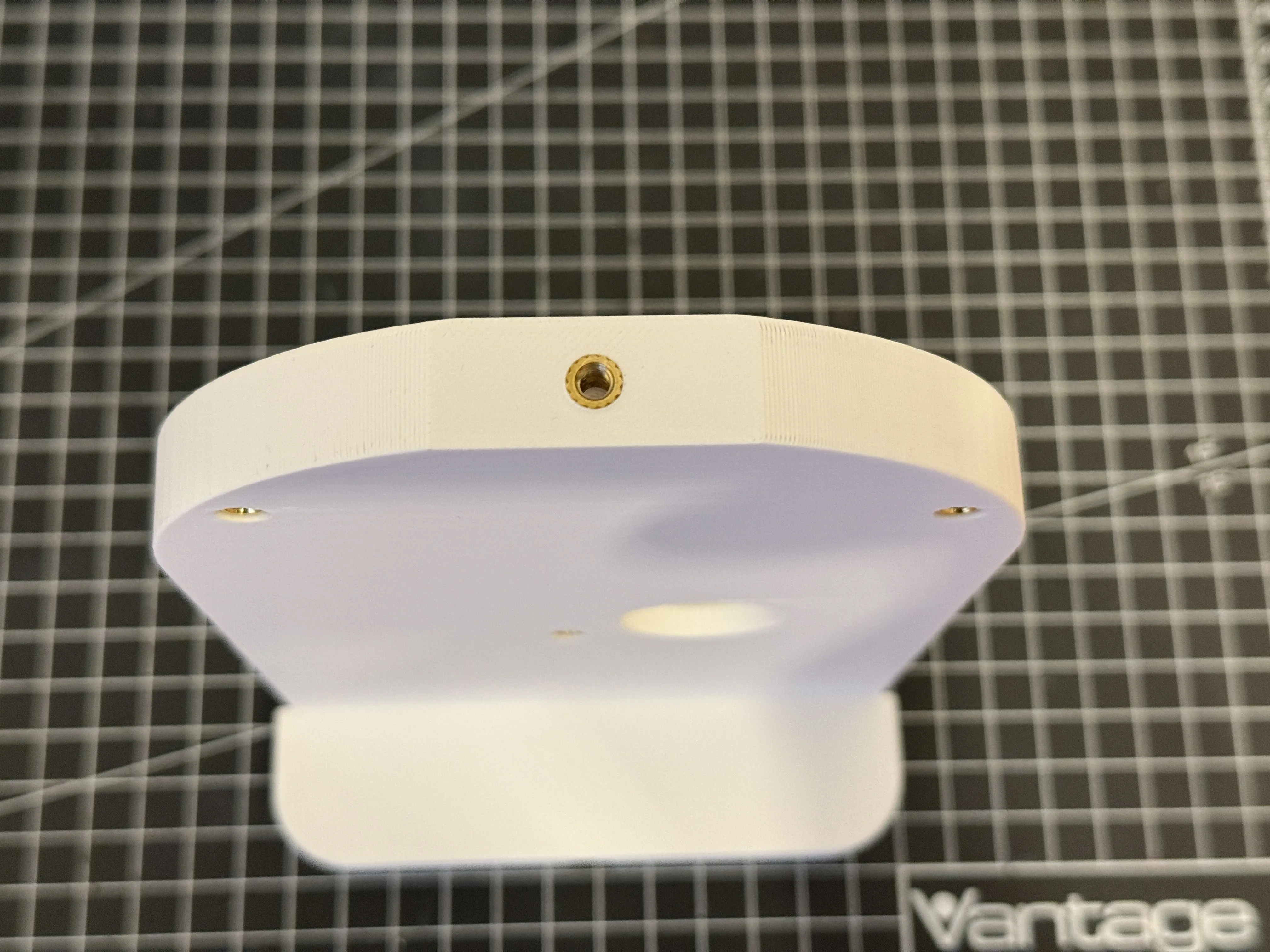
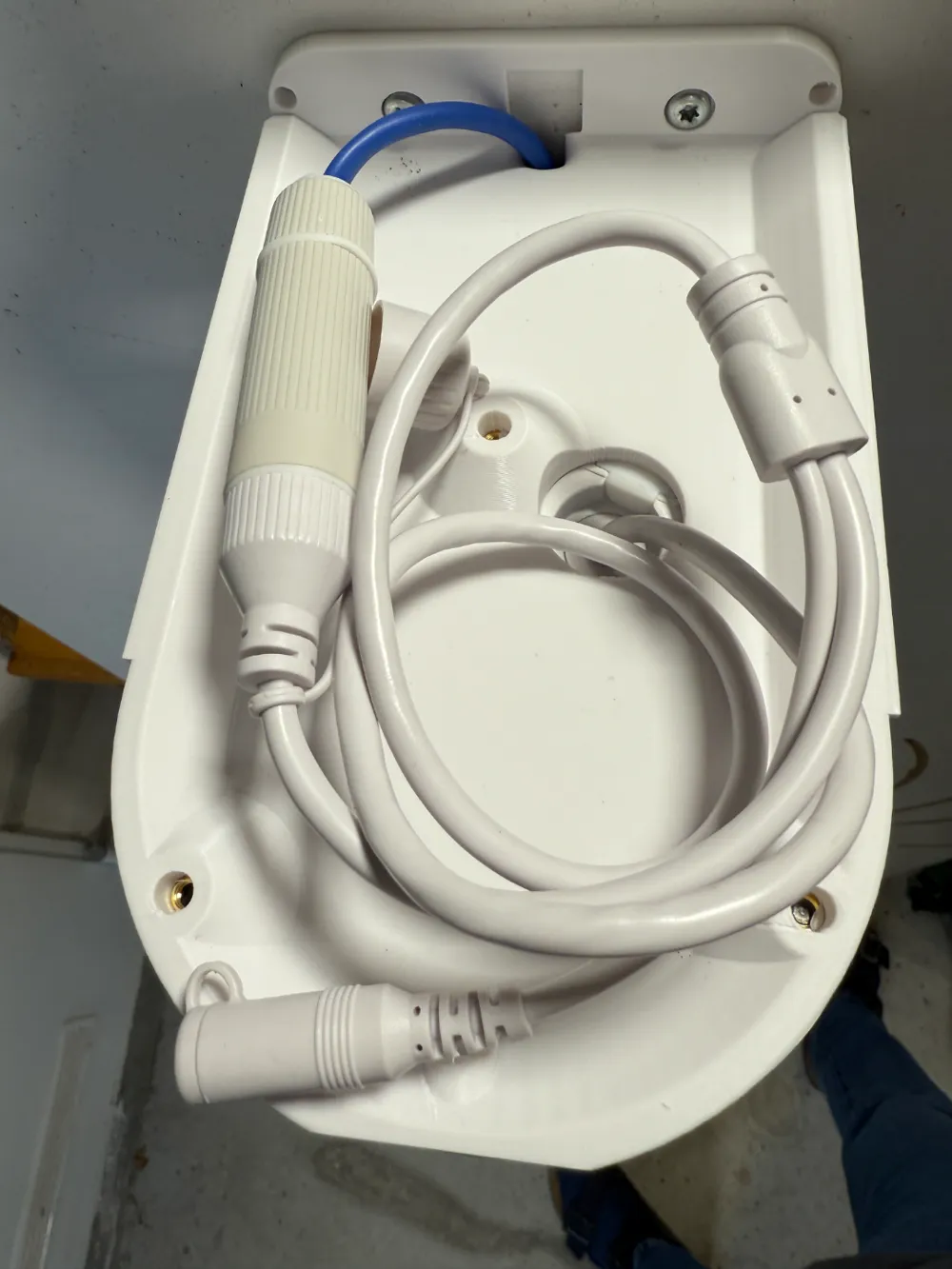
2. Melt in the M4x6x6 heat-insert nuts to mount the camera to the wall mount
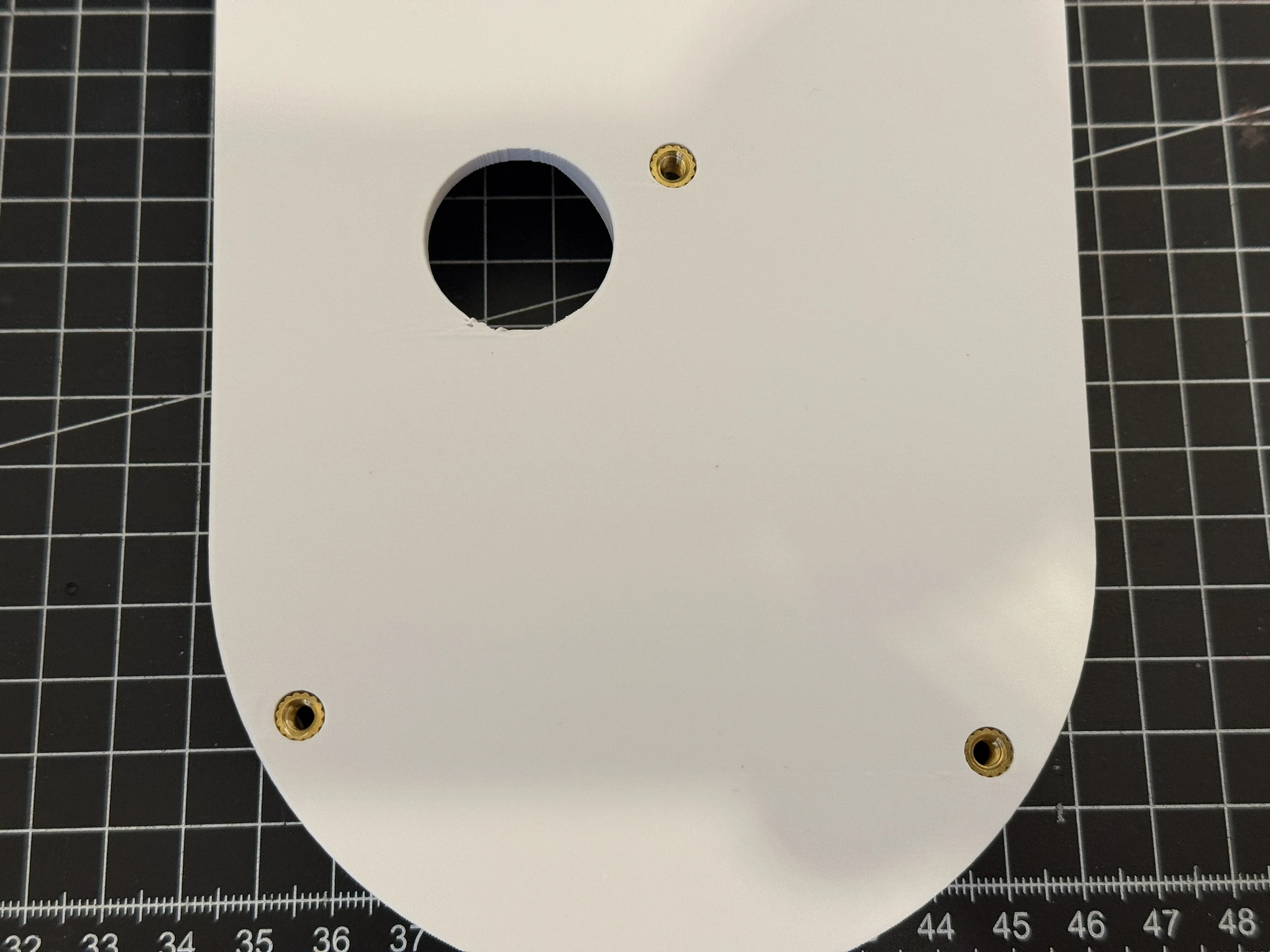
3. Insert the external network cable and Mount the camera to your wall
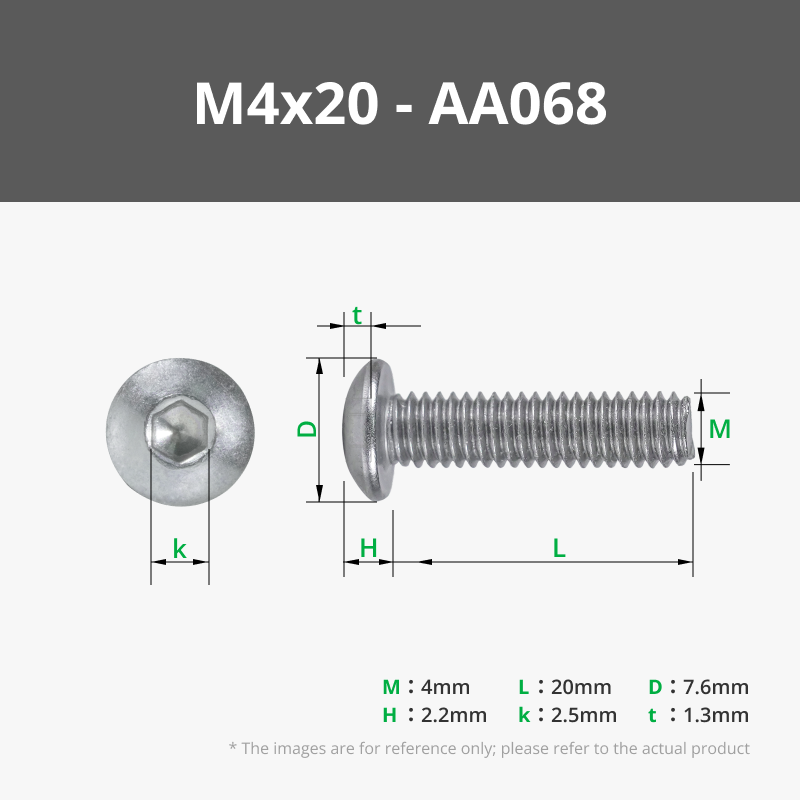
4. Mount the camera the the wall mount using 3 M4x20 screws
5. Connect the cable and arrange the cable inside the junction box
6. Slide the cover to the wall mount and secure it using another M4x20 screw
License

You shall not share, sub-license, sell, rent, host, transfer, or distribute in any way the digital or 3D printed versions of this object, nor any other derivative work of this object in its digital or physical format (including - but not limited to - remixes of this object, and hosting on other digital platforms). The objects may not be used without permission in any way whatsoever in which you charge money, or collect fees.


Comment & Rating (8)