
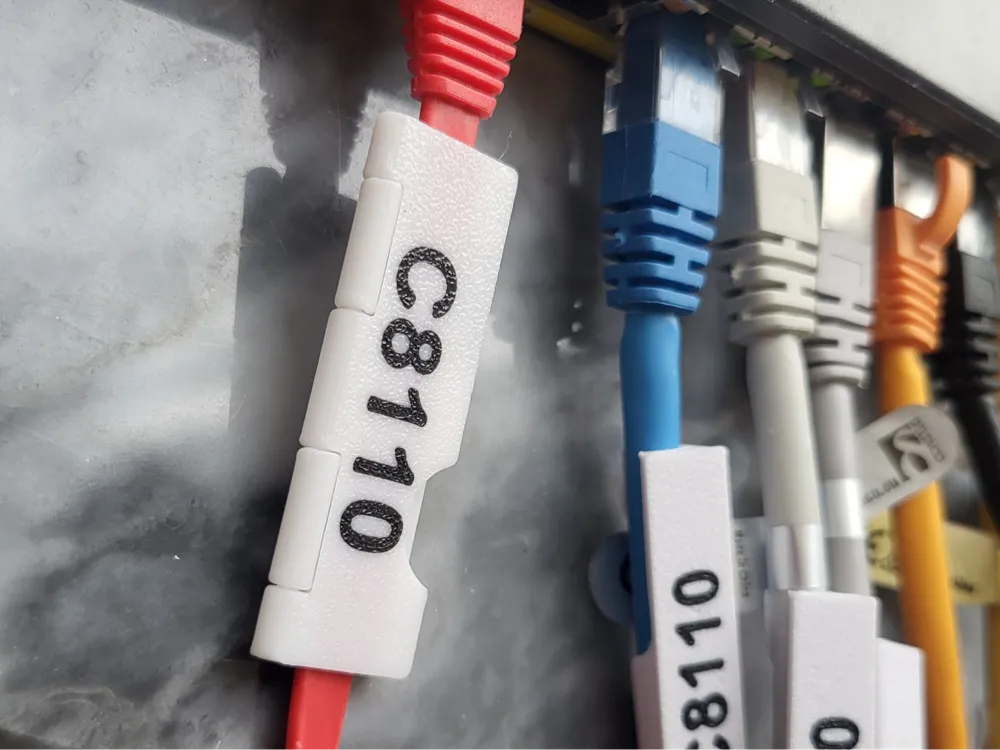


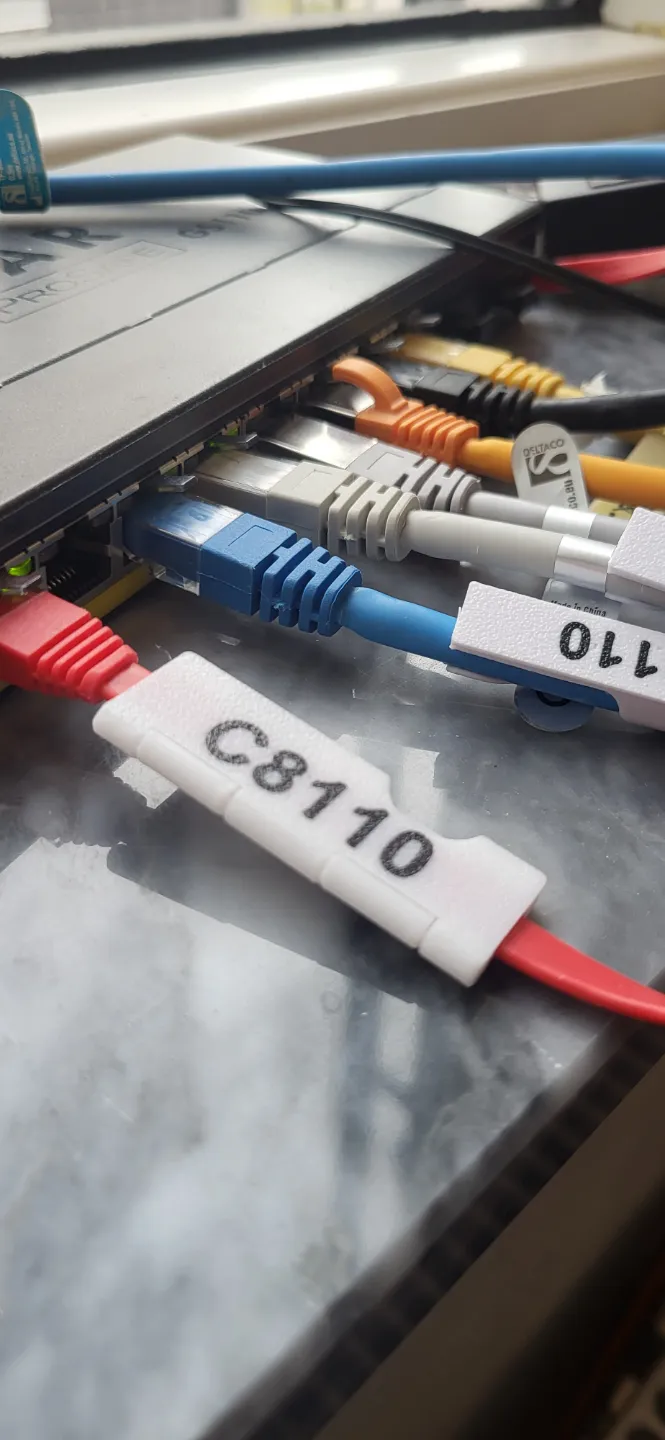
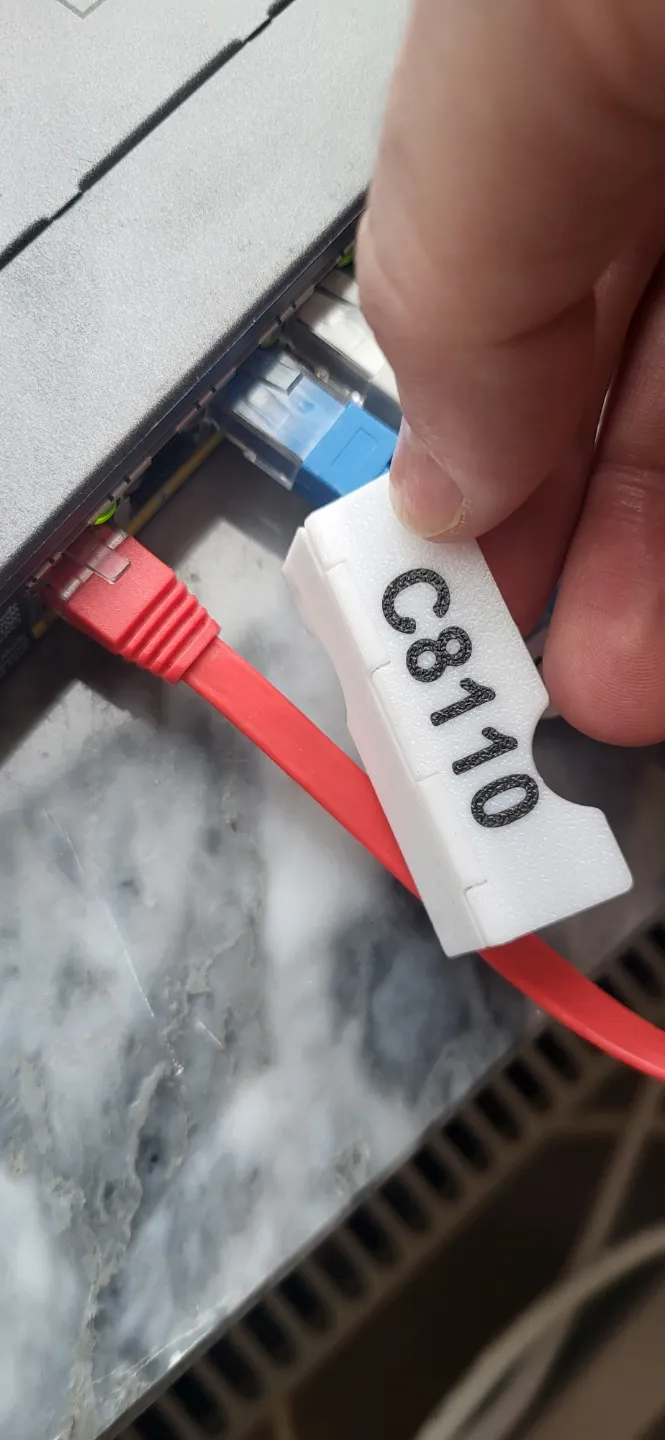
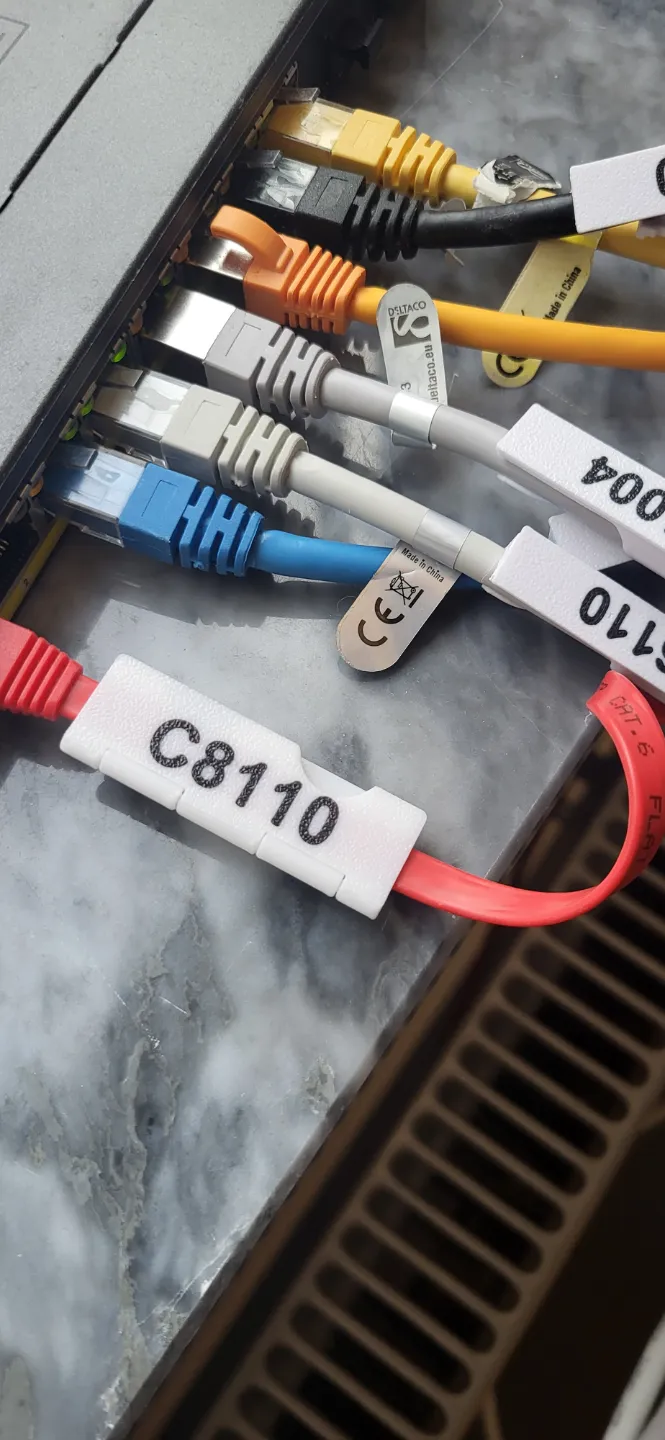
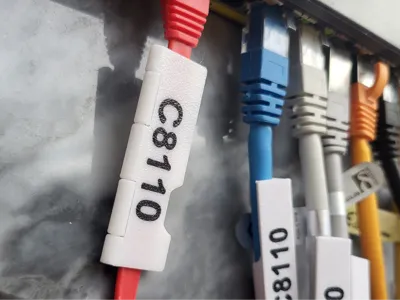
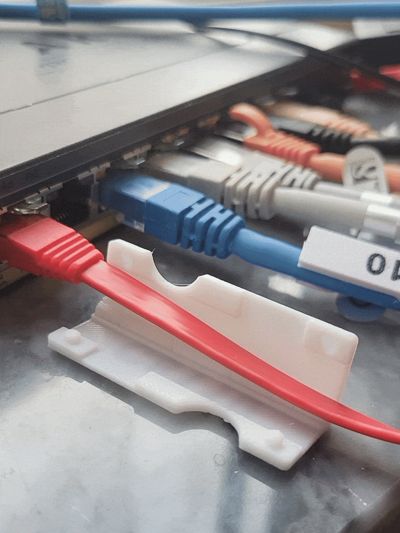
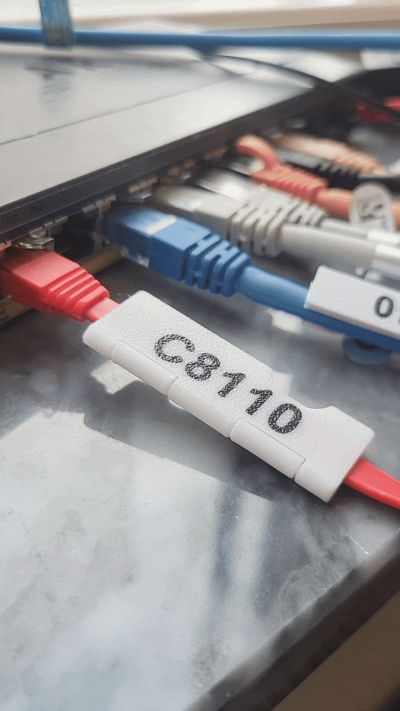
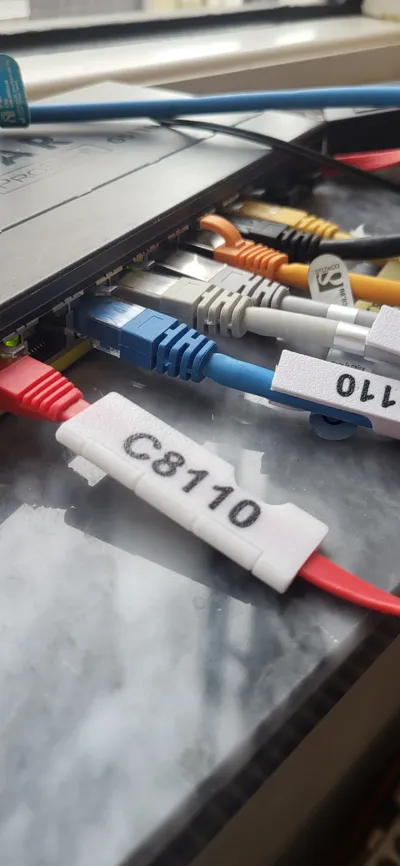
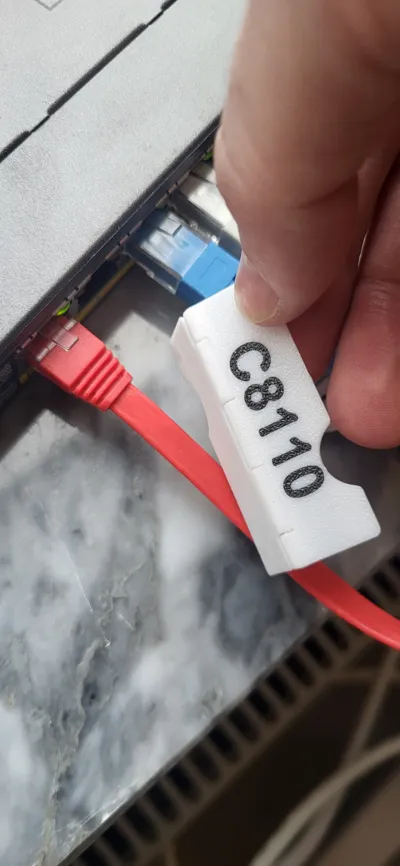
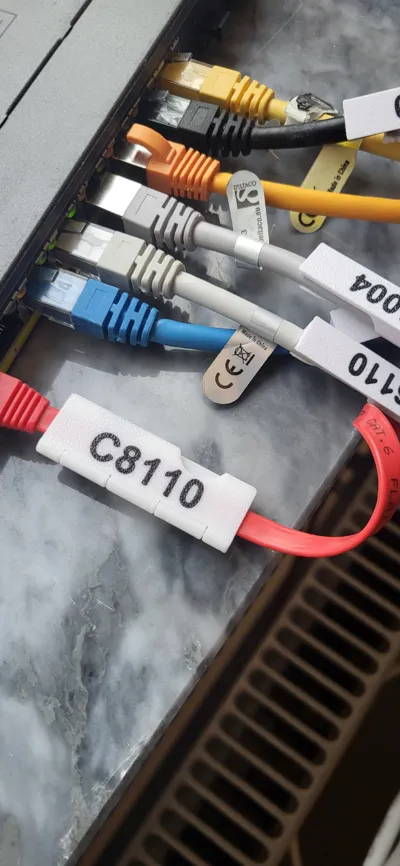
Cable clip with label for flat network cables
Print Profile(1)
![[All printers] Clip with text](https://makerworld.bblmw.com/makerworld/model/US9f1c37a8476601/242700258/instance/2025-03-04_a38cb58eaca62.jpg?x-oss-process=image%2Fresize%2Cw_100%2Fformat%2Cwebp)



Description
Boost Me (for free)
Hi there! Excited to share my latest 3D models with you. Download and boost if you like them. Your support helps me keep creating!
Like My Designs? Support My Work with a Coffee ☕

Commercial License With a Commercial License Membership, you gain the right to sell 3D prints made from my original designs. Available through Patreon. |  |
Update 2026-04-13: I've put up a completely new flat cable parametric design so you can print any width/thickness you need.
Update 2026-04-13: I've also put up a completely new round cable design so you can fit any diameter you need.
Description


A while back I designed a cable clip with replaceable labels for round ethernet cables. It filled my need perfectly until I realized that I had a bunch of flat cables as well. It took me a while but I have now designed a fully print-in-place label for flat network cables.
This design is suited for a ~6.5x2mm ethernet cable (which seem to be the common size)
It has several useful features:
- Print in place
- Snaps together with ease and stays closed even after repeated use.
- Can be easily removed, if you want to replace the cable.
- Add your own label before printing* or print blank and write with a pen.
Remember to check out my other models.
Don't forget to leave a review, I'd love to see your prints!
* Description for changing the text
| Select the clip | 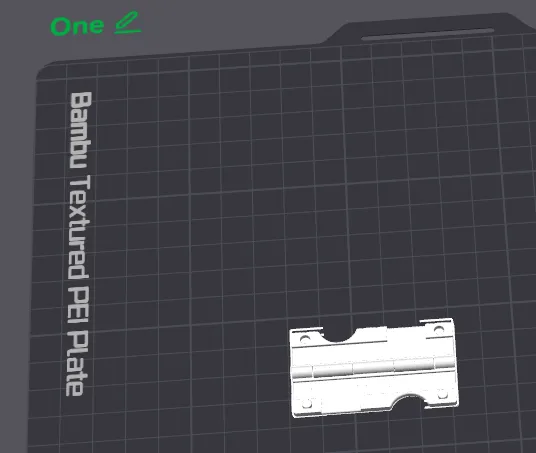 |
| Click “Objects” and select “Your Text” | 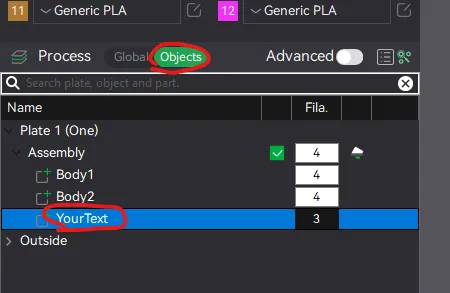 |
| Click on the text tool and change the text to you liking | 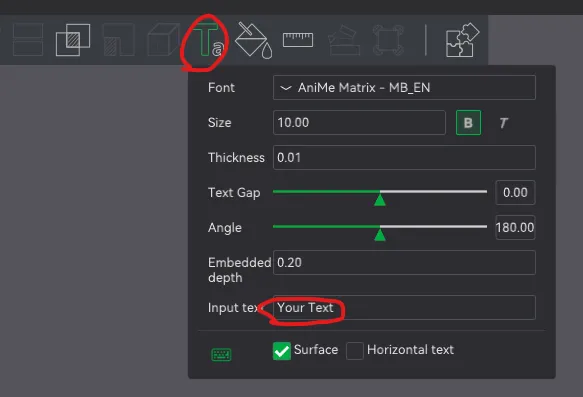 |
| You may need to change the angle +/- 90 or 180 to get it to display properly (I don't know why Bambu Studio randomly rotates the text when you change it) | 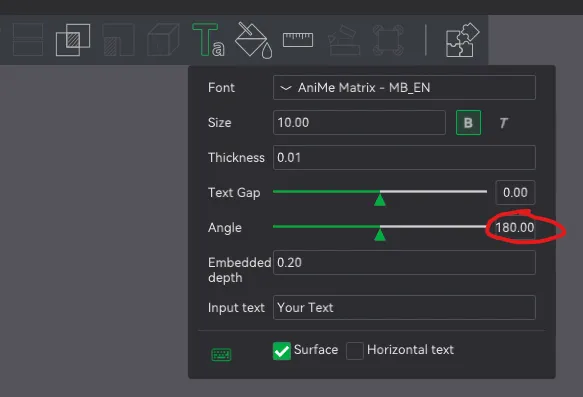 |
| You may want to flip the camera to below to see the text as it prints on the bottom. Use the Yellow marker to move it around. (Make sure it doesn't overlap the hinges) | 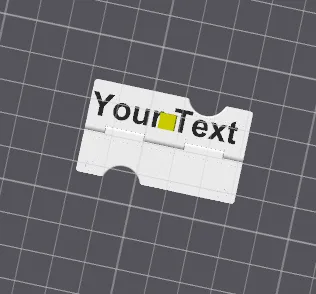 |
| If the text doesn't fit decrease the font size or try another font. | 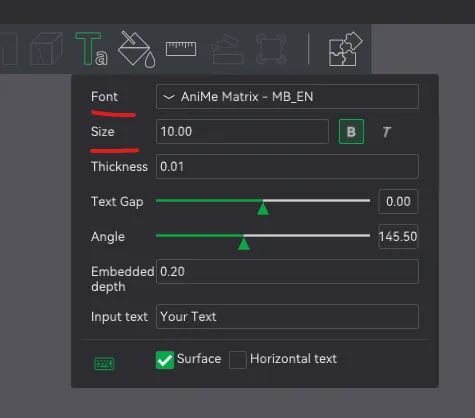 |
 | 
|
|  |
 |  |
License

You shall not share, sub-license, sell, rent, host, transfer, or distribute in any way the digital or 3D printed versions of this object, nor any other derivative work of this object in its digital or physical format (including - but not limited to - remixes of this object, and hosting on other digital platforms). The objects may not be used without permission in any way whatsoever in which you charge money, or collect fees.


Comment & Rating (31)