Search models, users, collections, and posts

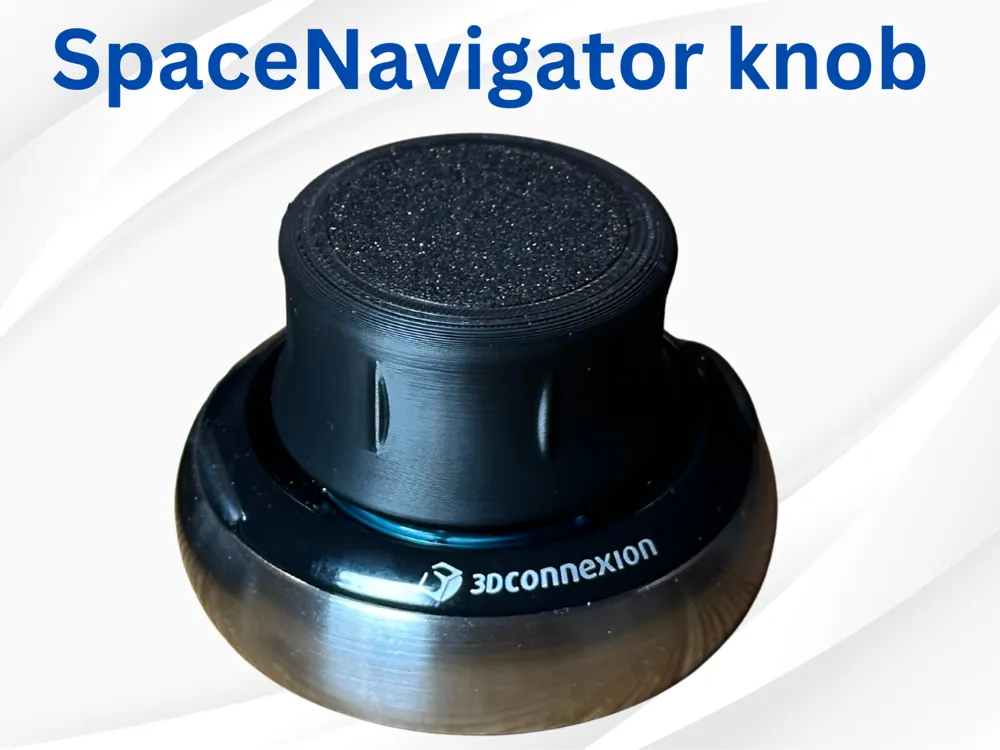
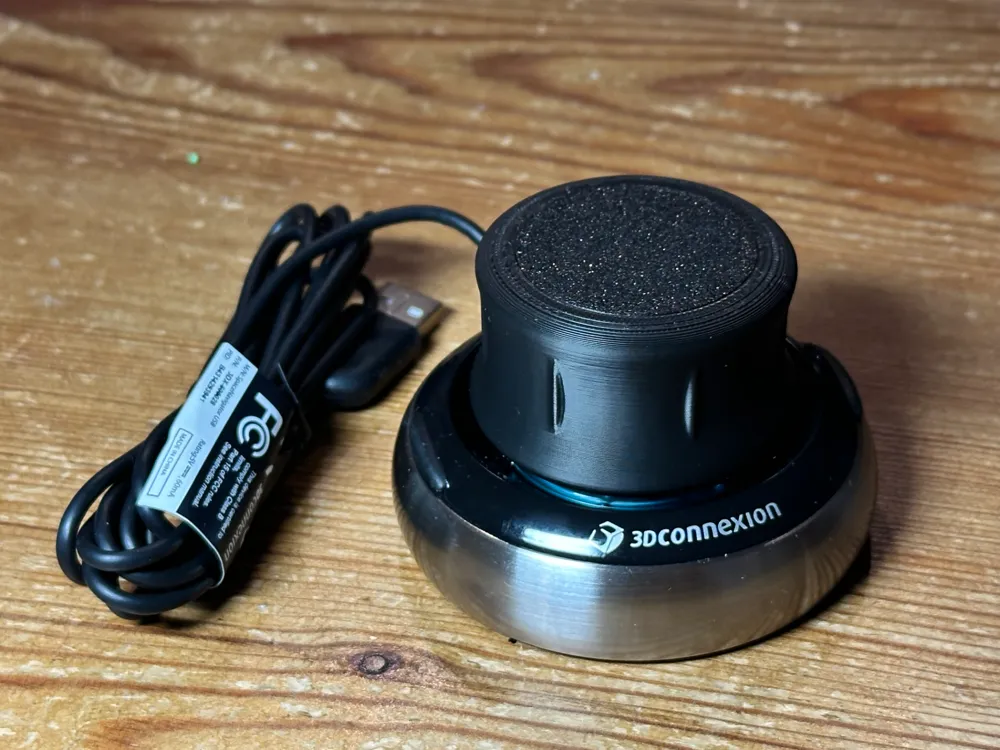
SpaceNavigator Knob
IP Report
Print Profile(1)

0.2mm layer, 2 walls, 15% infill
Designer
55 min
1 plate
Open in Bambu Studio
Boost
15
42
19
8
73
34
Released
Description
The knob for my 3DConnexion SpaceNavigator mouse became sticky, because of the rubber deteriorating. So I designed a new knob.
To replace the knob follow the following steps:
- remove the top cap of the original knob by prying it of with a small screwdriver
- remove the three screws holding the knob
- place the new knob and turn it until you feel it snap into place
- install your new knob with the three screws
- press in the top 3D printed plate
- Enjoy your new knob :-)
Boost Me (for free)
A boost would be appreciated if you like my design.
License

This user content is licensed under a Standard Digital File License.
You shall not share, sub-license, sell, rent, host, transfer, or distribute in any way the digital or 3D printed versions of this object, nor any other derivative work of this object in its digital or physical format (including - but not limited to - remixes of this object, and hosting on other digital platforms). The objects may not be used without permission in any way whatsoever in which you charge money, or collect fees.


Comment & Rating (19)