
MakPac Name Plate
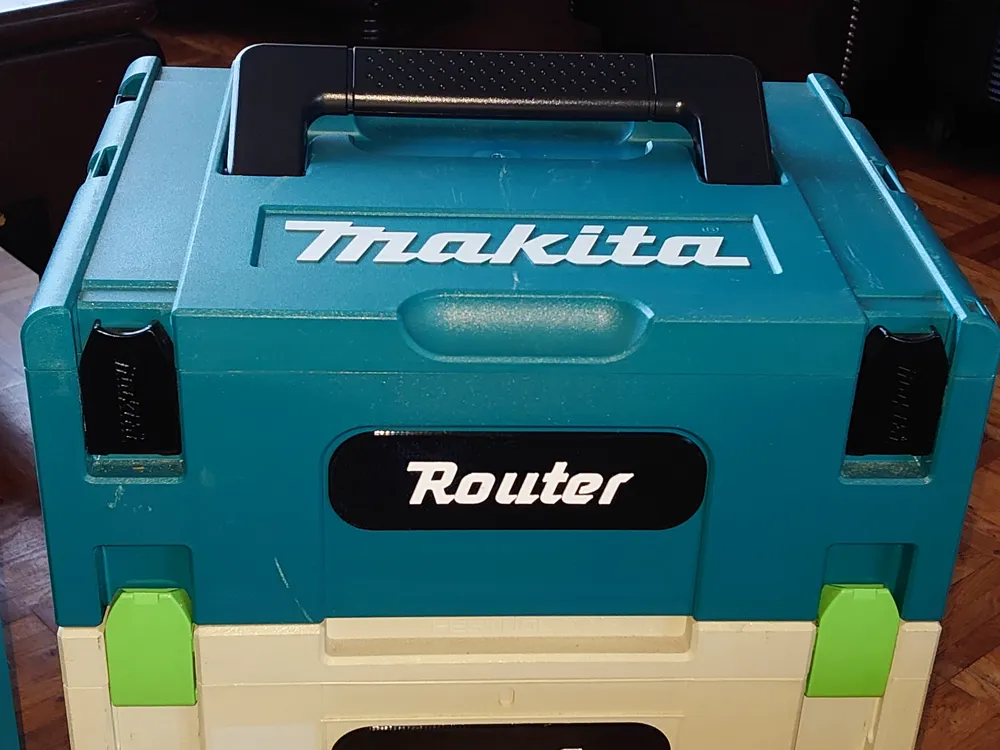
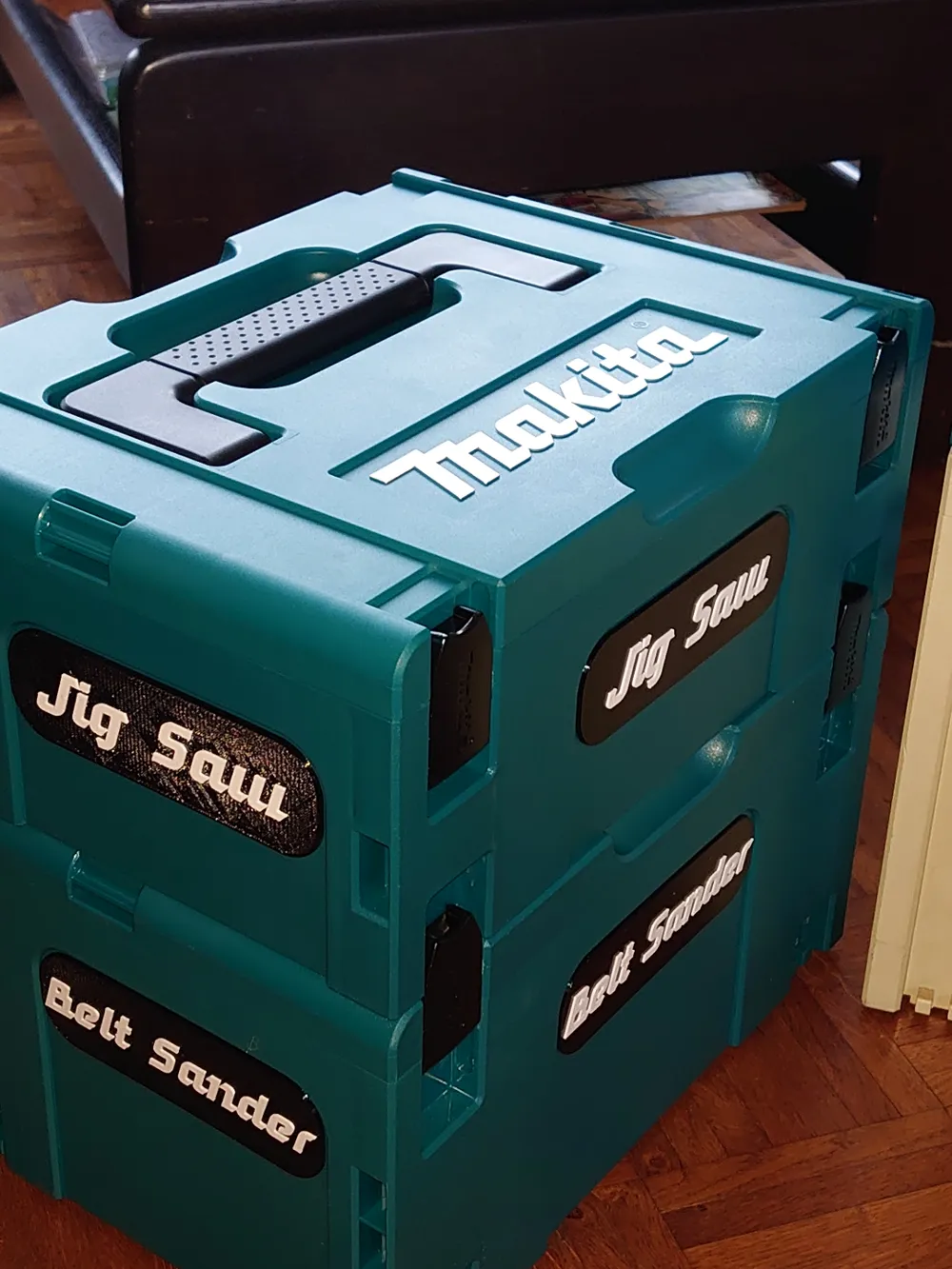
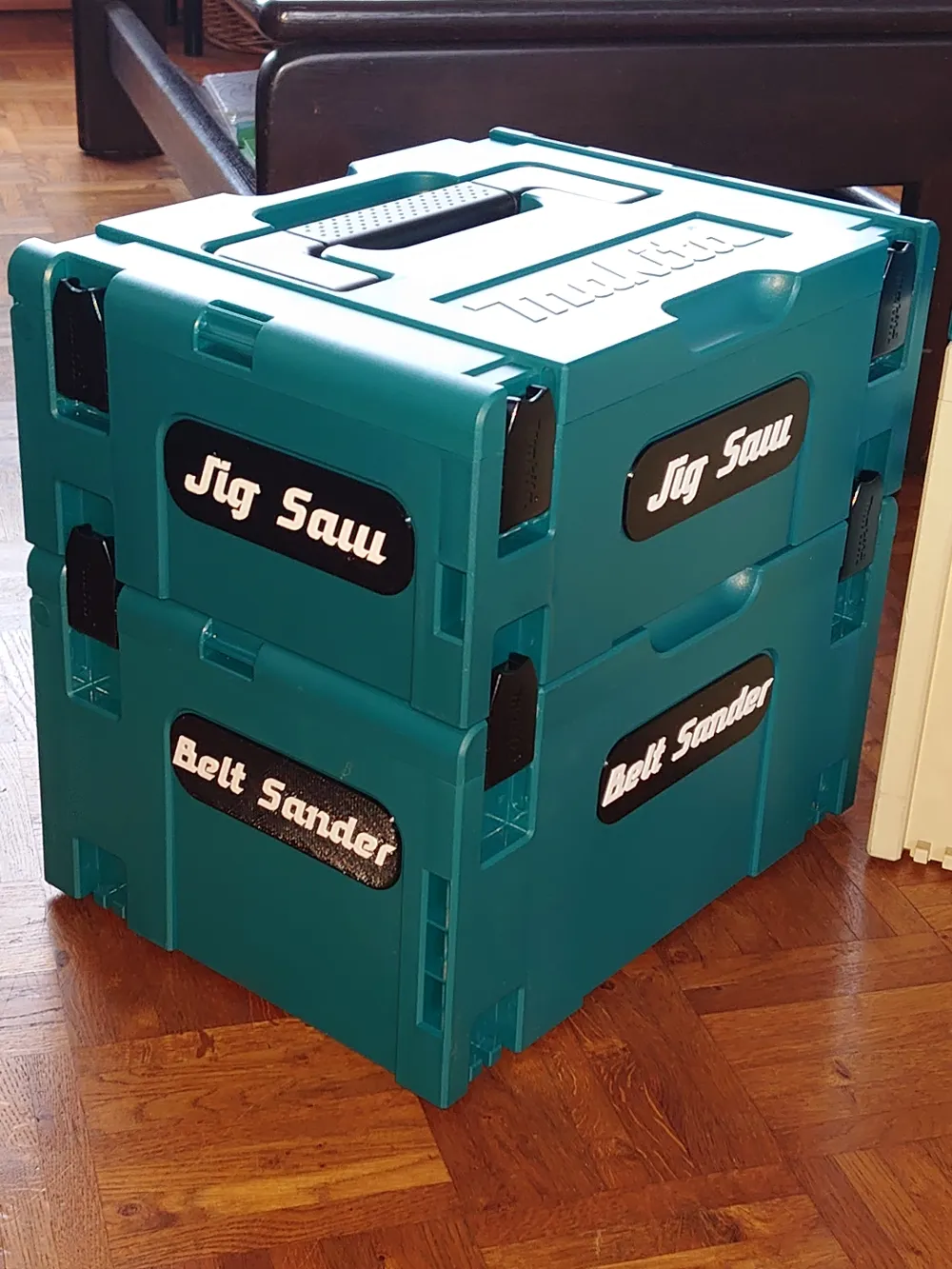
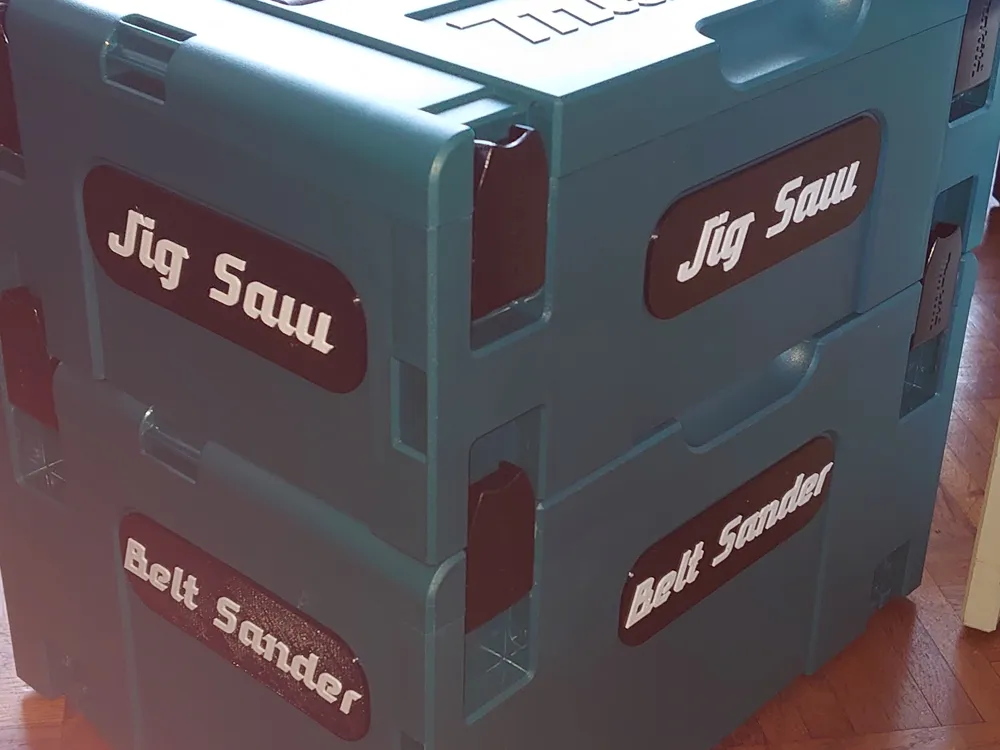
Print Profile(4)


Description
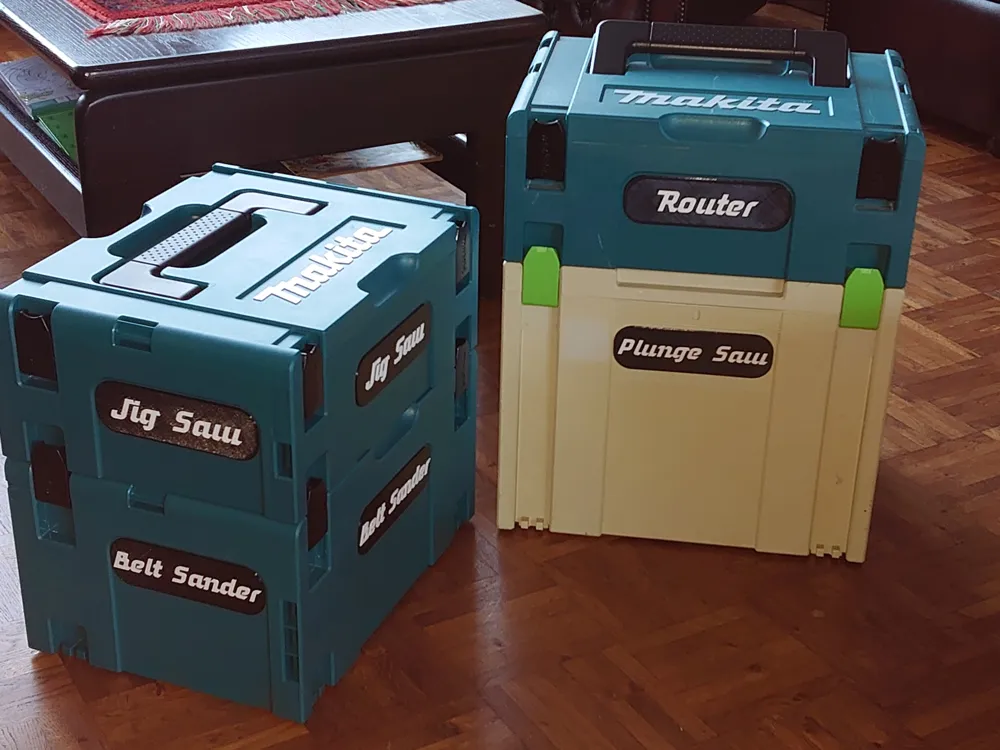
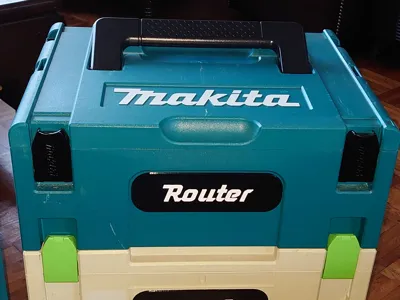
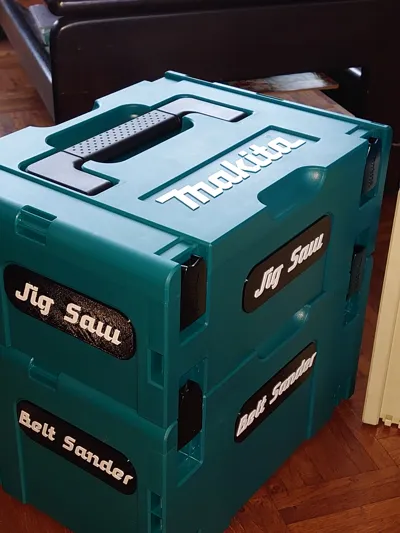
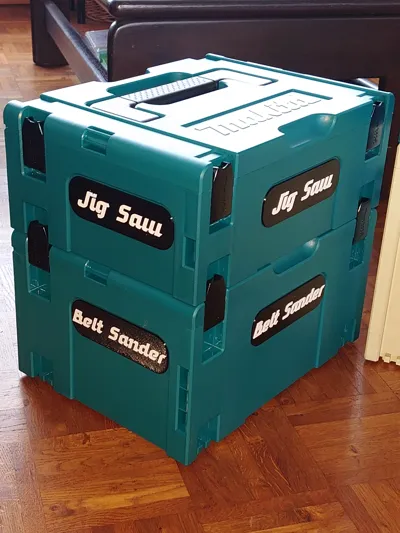
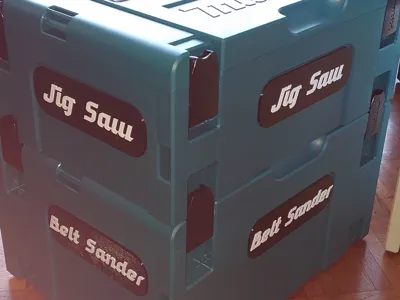
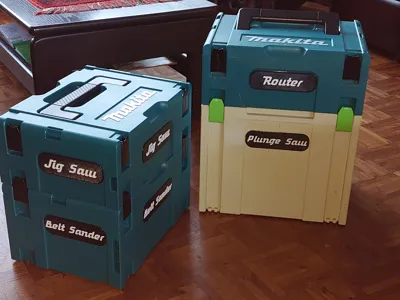
As I was transferring all my power tools to the very convenient Makita MakPac system I thought it would be handy to know what's inside these anonimous boxes.
I could have made a bunch of stickers, but where's the fun in that….
So searching the intenet for the the Makita font I found the Mikita font.
It is very close to Makita, but without the copyright :-)
Though it is a Through Type Font I was unable to use it in Bambu Studio.
Next best was making the separate name plates in my design software and switch filaments at a certain layer.
- To attach the name plates either use a contact glue or double sided tape.
- The are two sizes of the nameplates. Front and back plate is slightly wider than the side plates.
- If you use an A1 Mini, not all 4 nameplates will fit on the plate, so you'll have print them in pairs.
- The No AMS print profiles have an added pause at the layer where you should change the filament color.
- Designed for the Makita MakPac boxes, but it will also fit the Festool/Festo boxes.
The fixed names print profile include:
- Jig Saw
- Router
- Router Bits
- Belt Sander
- Plunge Saw
- Planer
- SDS Plus Rotary Drill
- Cordless Drill
- Multitool
- Circular saw
- Drill and Impact Driver
- Angle Grinder
- Batteries
- Drills Taps
- Reciprocating Saw
June 17 2025 - New additions:
- Battery Charger
- DA Sander
- Drill Bits
- Polisher
- Sander
- Sandpaper
- Torch
June 24 2025 - New addition:
- GRR Ripper
May 23 2025 - New additions:
- Detail Belt Sander
- Stapler
- Rotary Hammer
- Lights
- Finishing Sander
- Orbital Sander
- Compressor
- Caulking Gun
If you want a nameplate not listed above, then drop me a line and I will add it. (But I will only do the English names)
I did include a customizable name plate, but with a different font. (The font I used for the fixed names does not work in Bambu Studio)
To modify the name in the customizable print profile:
On the left next to Process select Objects.
Then select text_shape from the list.
After this, go with the mouse pointer to the text on the model and right click.
Now you can select Edit Text.
Boost Me (for free)
If you like this design... A Boost is very much appreciated.
Membership
Please subscribe when used commercially.
License

You shall not share, sub-license, sell, rent, host, transfer, or distribute in any way the digital or 3D printed versions of this object, nor any other derivative work of this object in its digital or physical format (including - but not limited to - remixes of this object, and hosting on other digital platforms). The objects may not be used without permission in any way whatsoever in which you charge money, or collect fees.


Comment & Rating (56)