
Model Car Stand CUSTOMIZABLE TEXT - 2 Versions!
Print Profile(2)


Description
Boost Me (for free)
Its free!
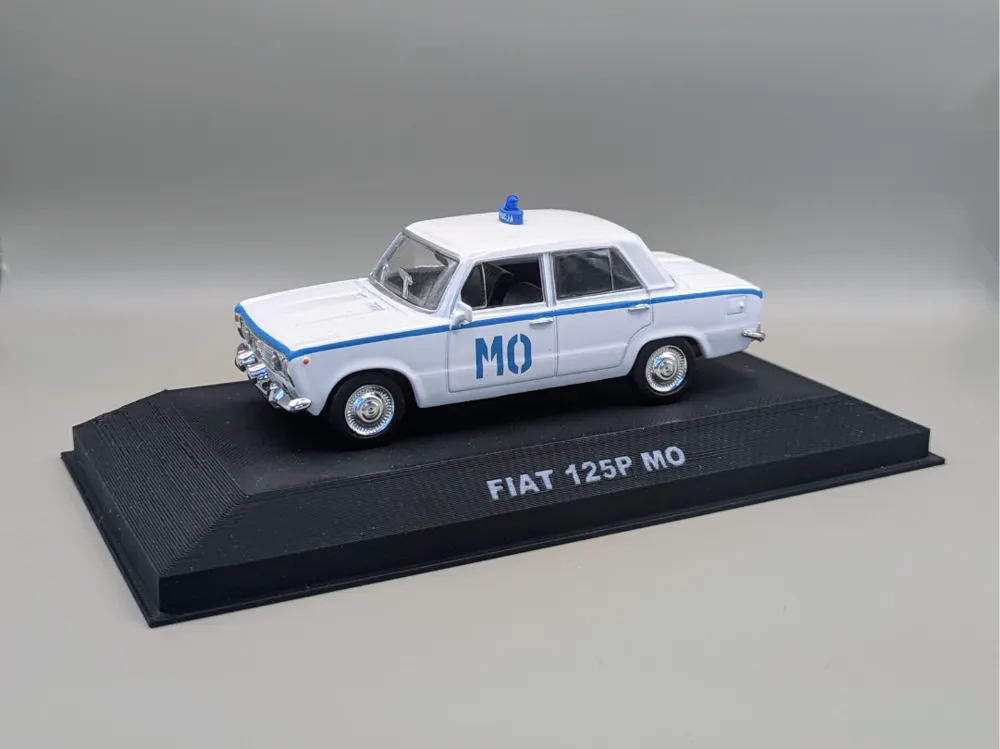
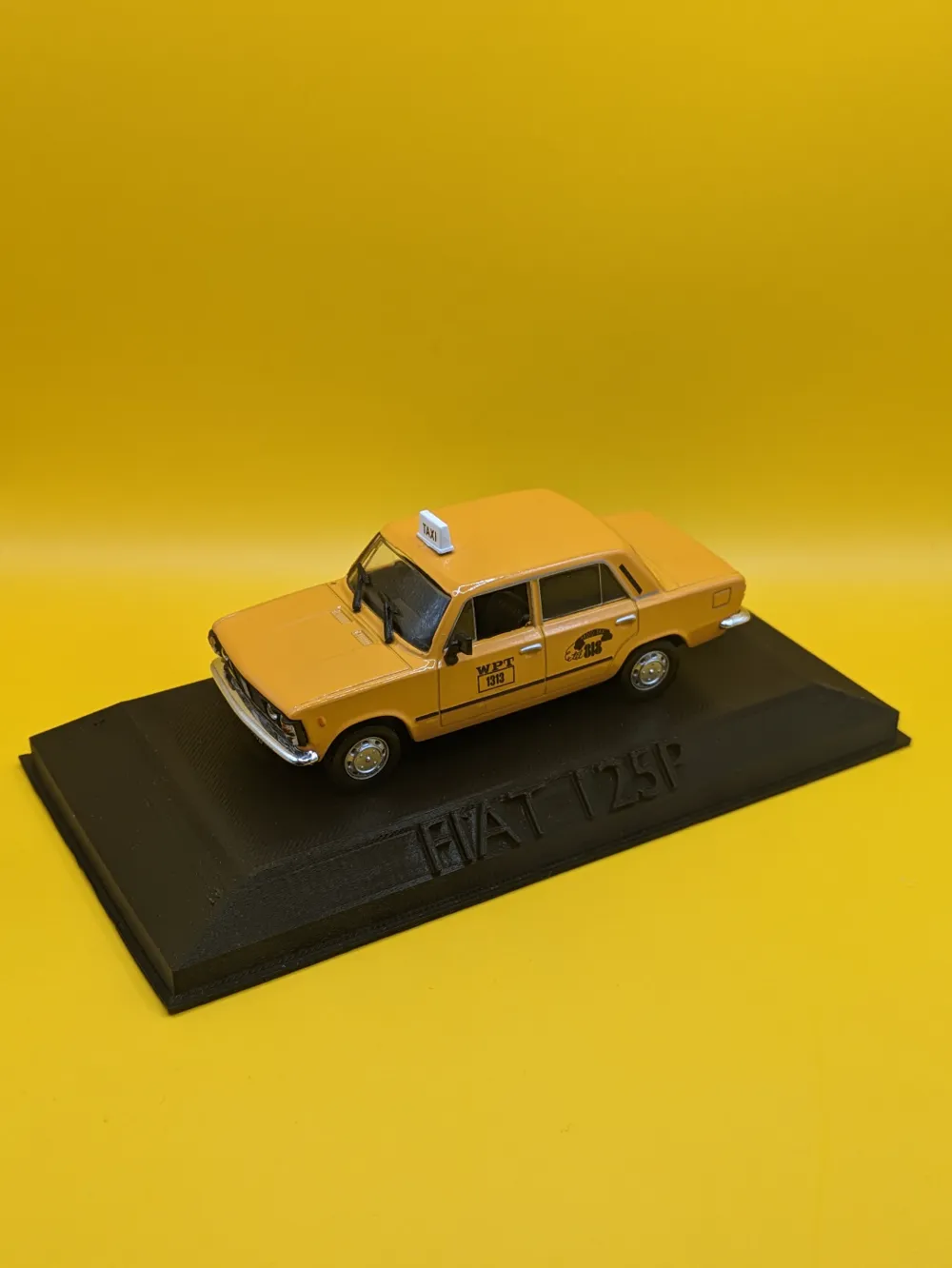
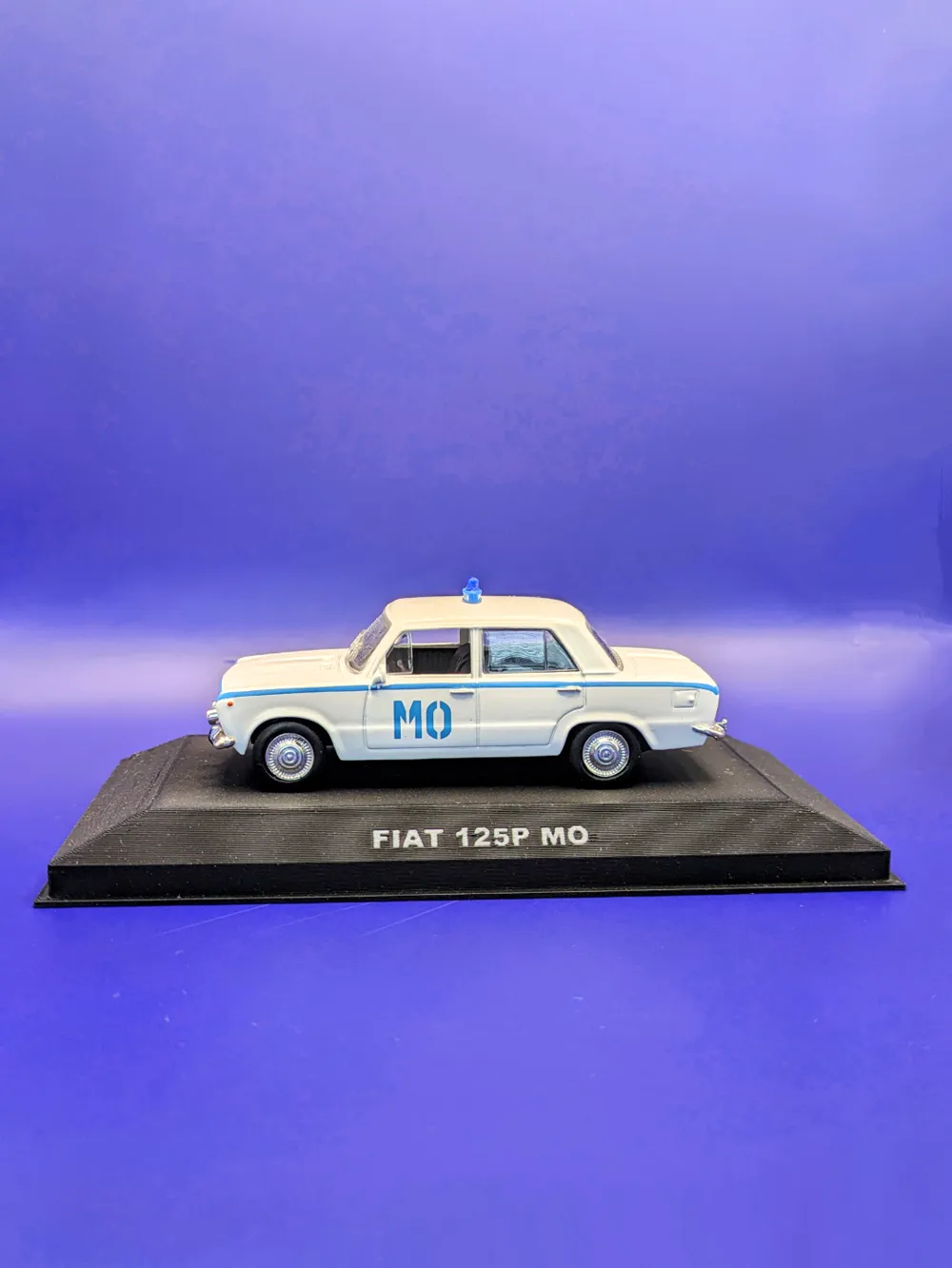
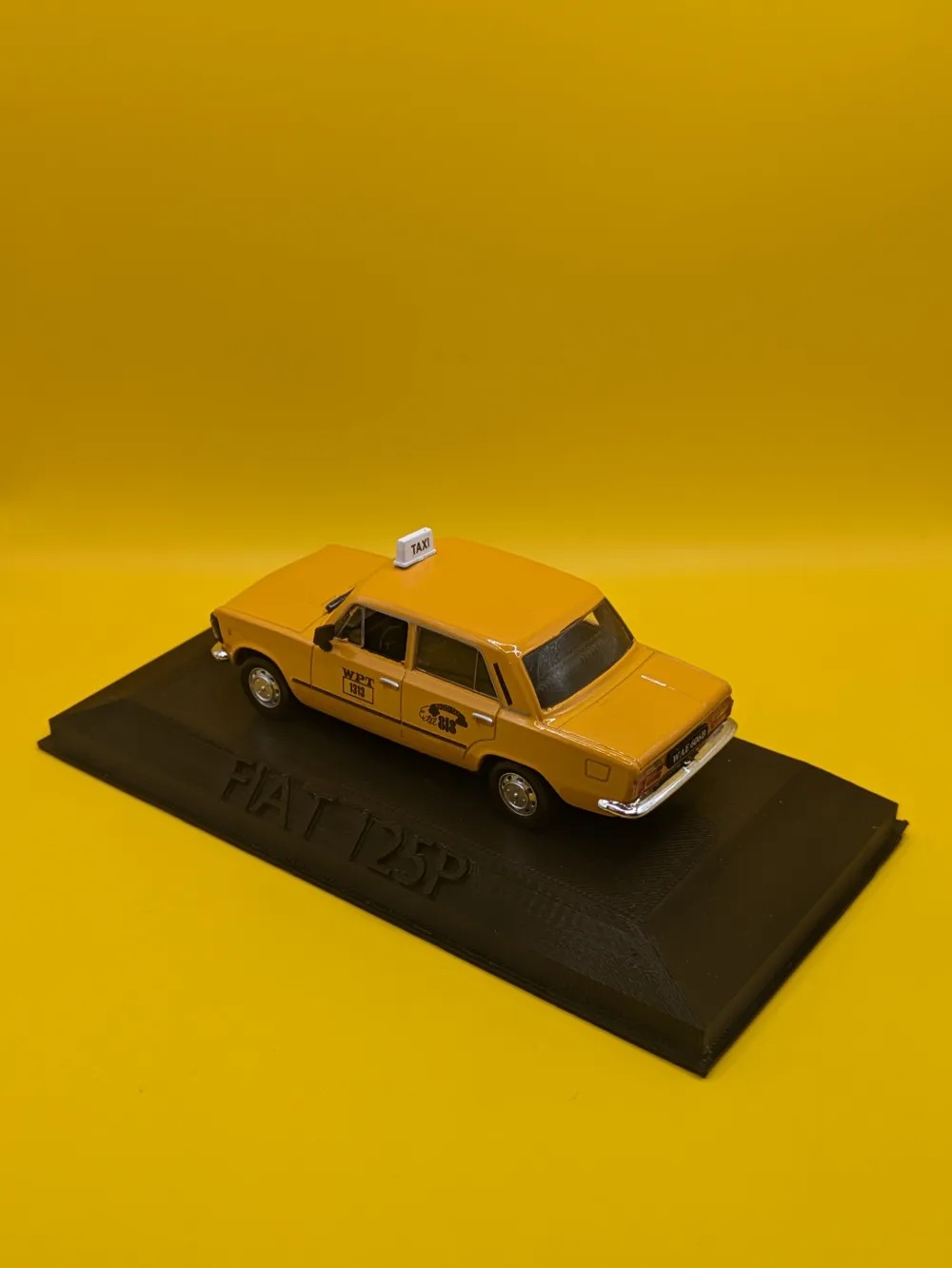
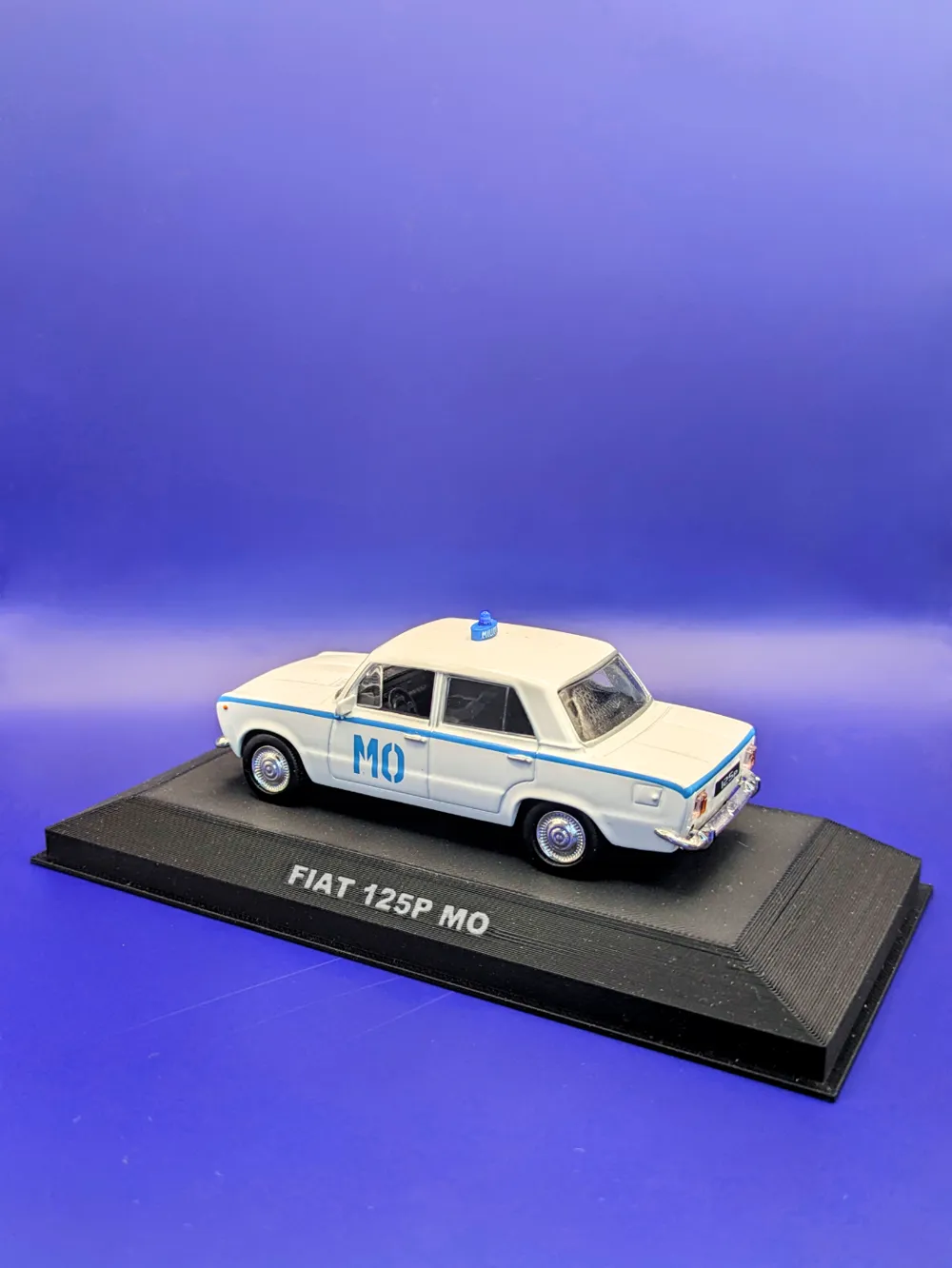
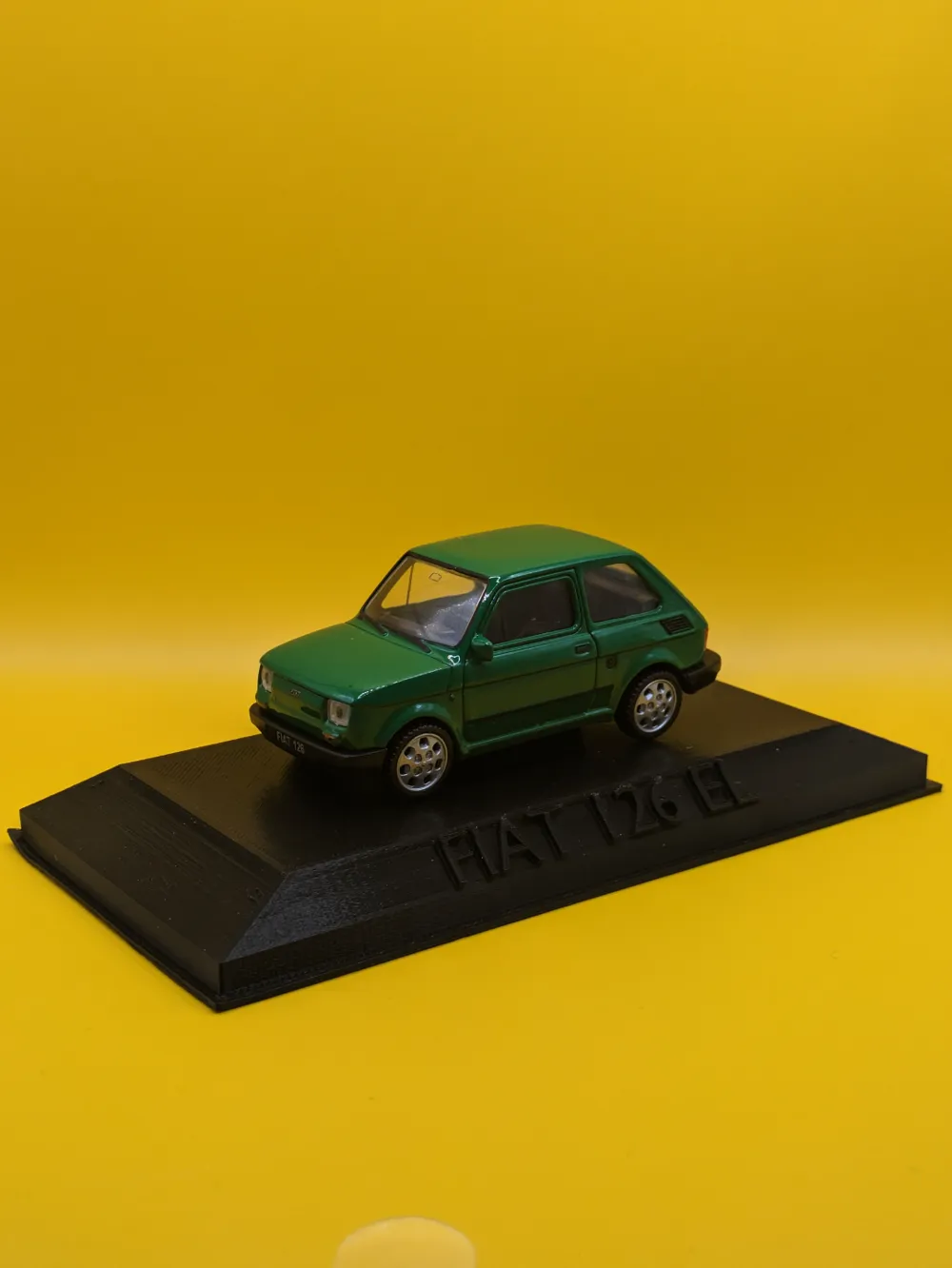
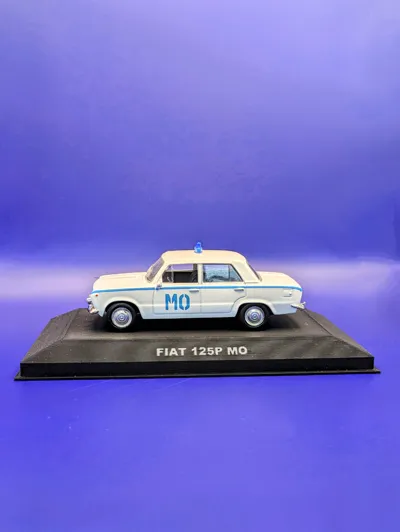
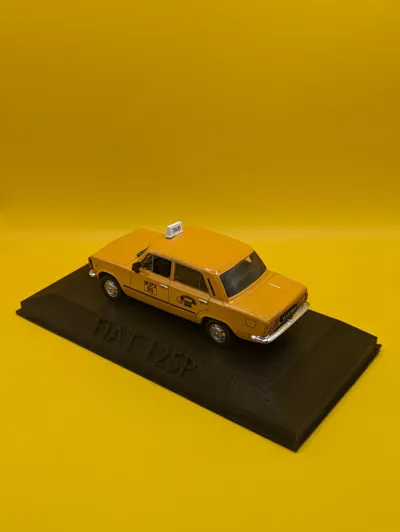
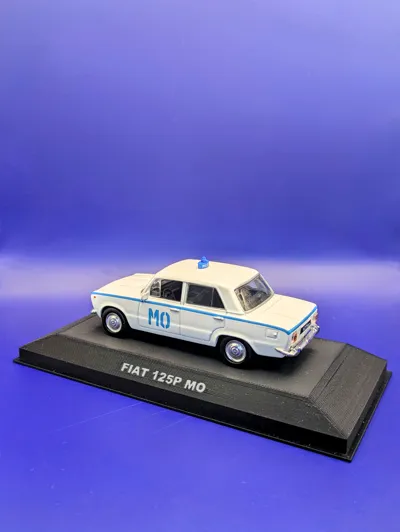
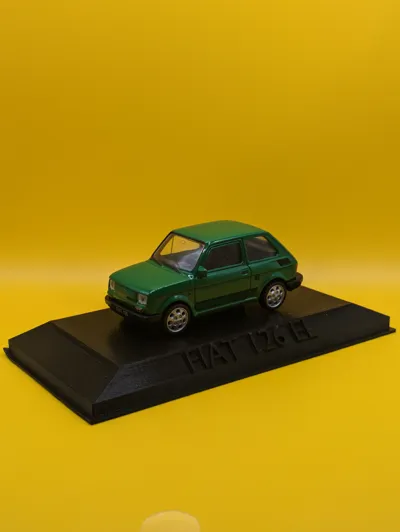
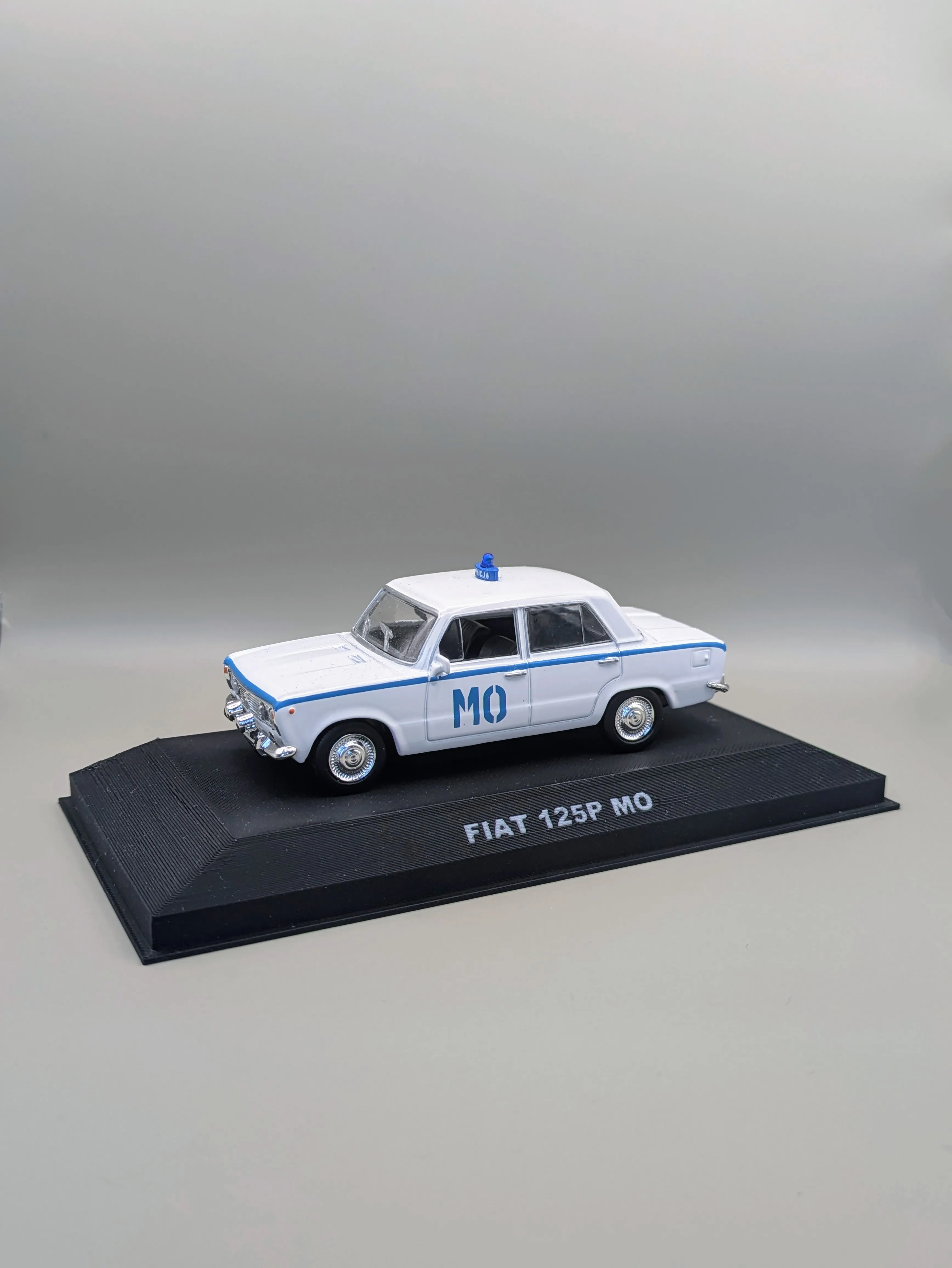
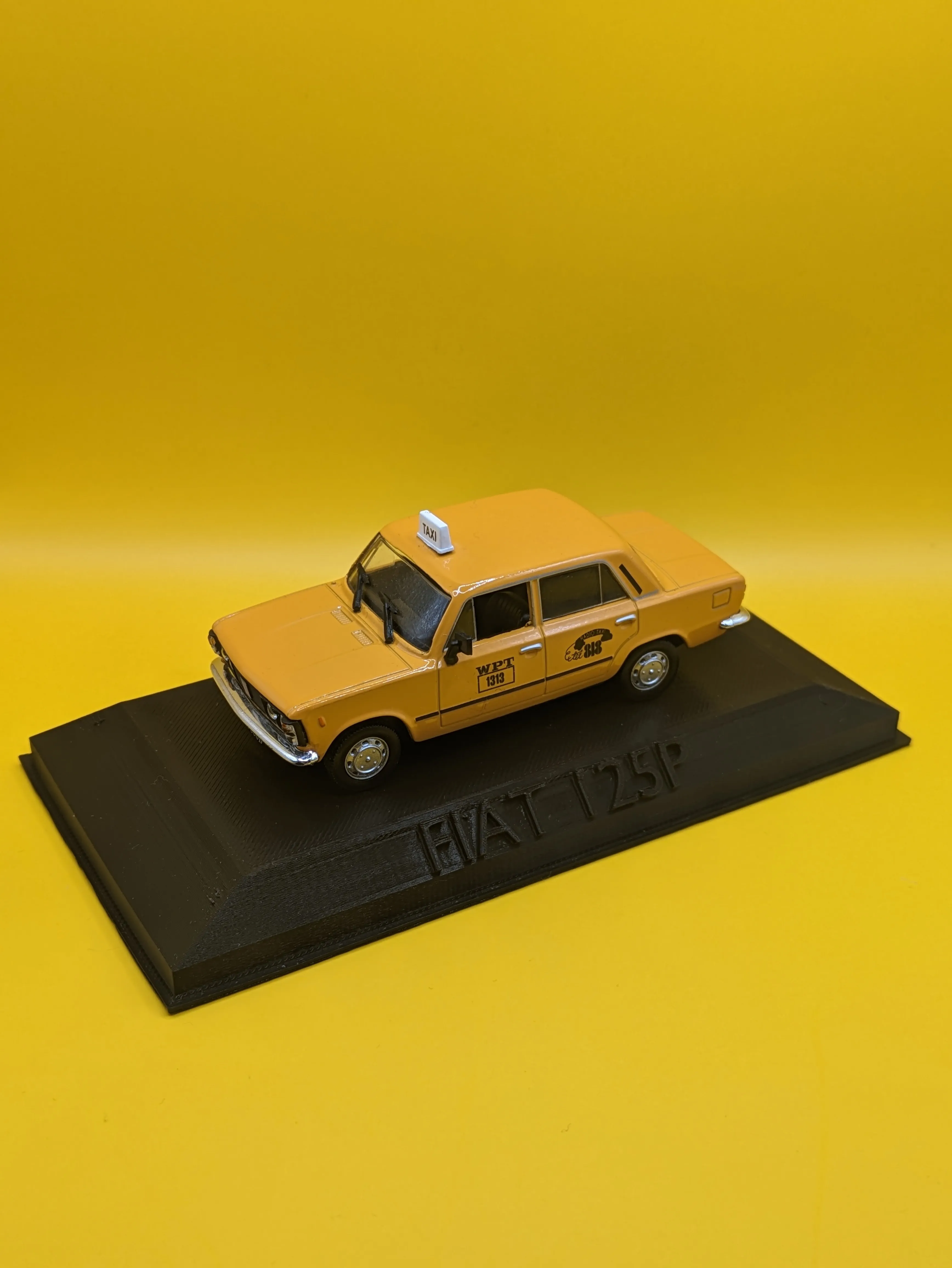
Customizable Model Car Stand - Extruded and Flush Version!
HOW TO EDIT TEXT -
- Open In Bambu Studio
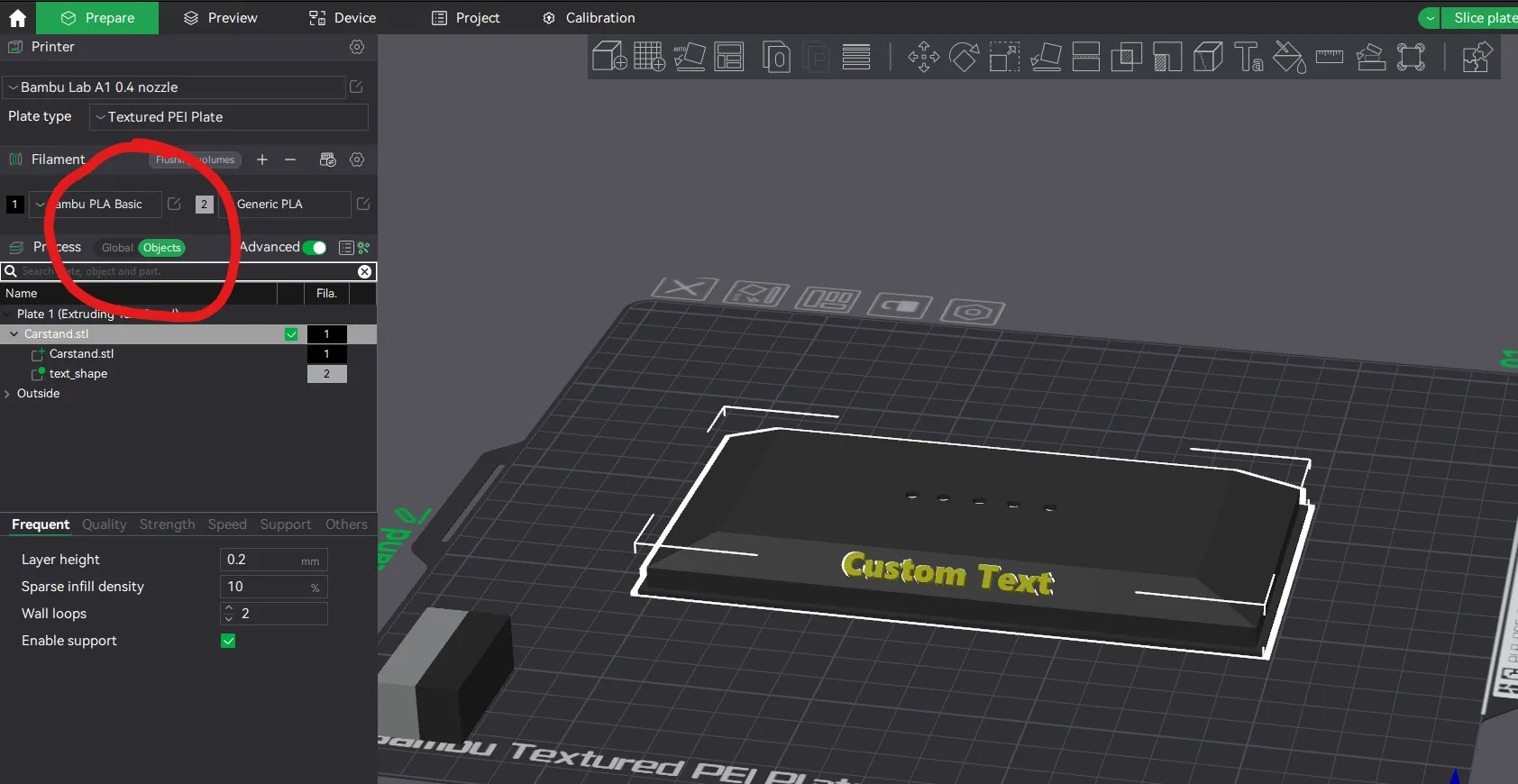 Switch from “Global” to “Object”
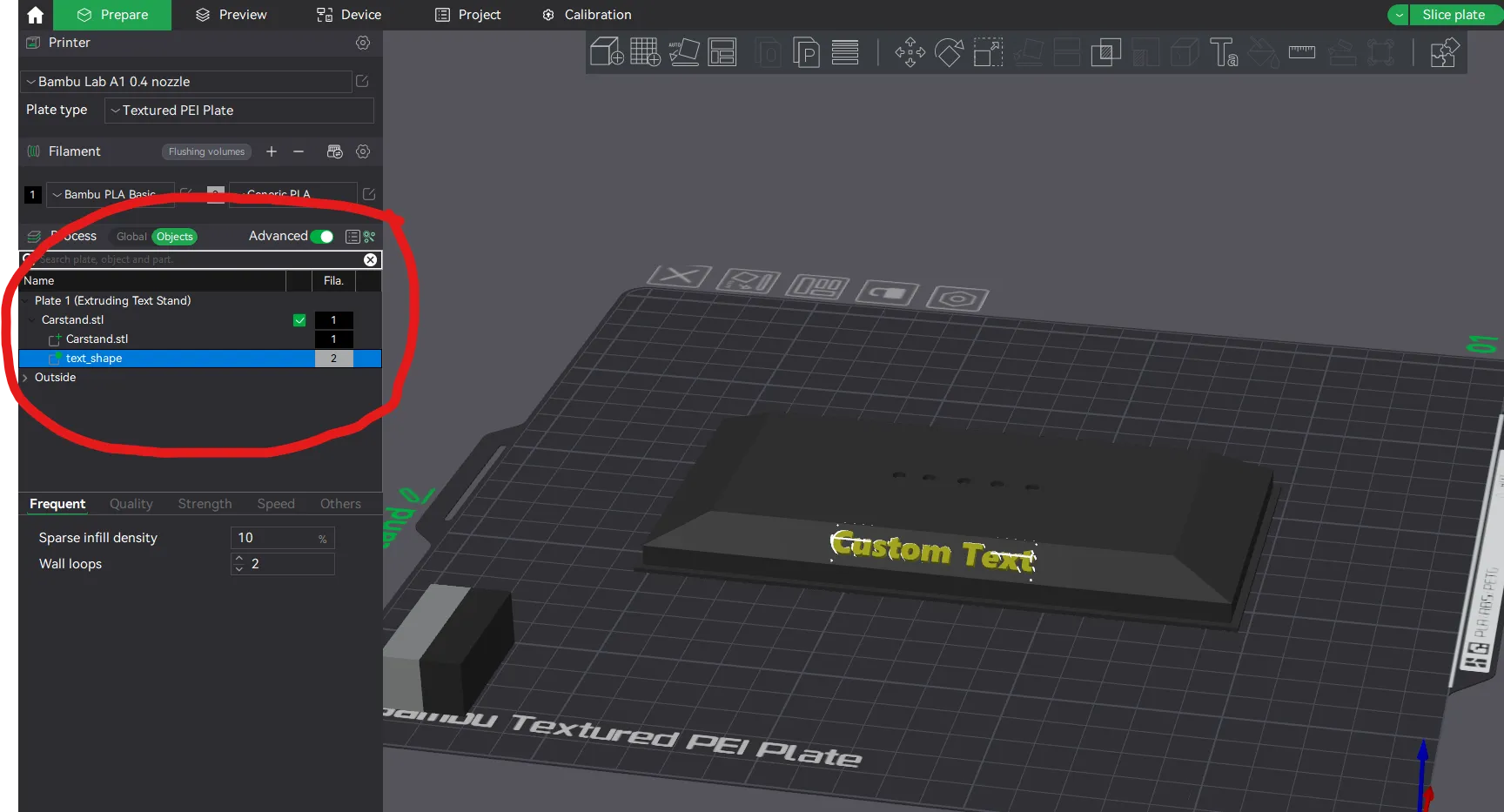 Select “Text_Shape”
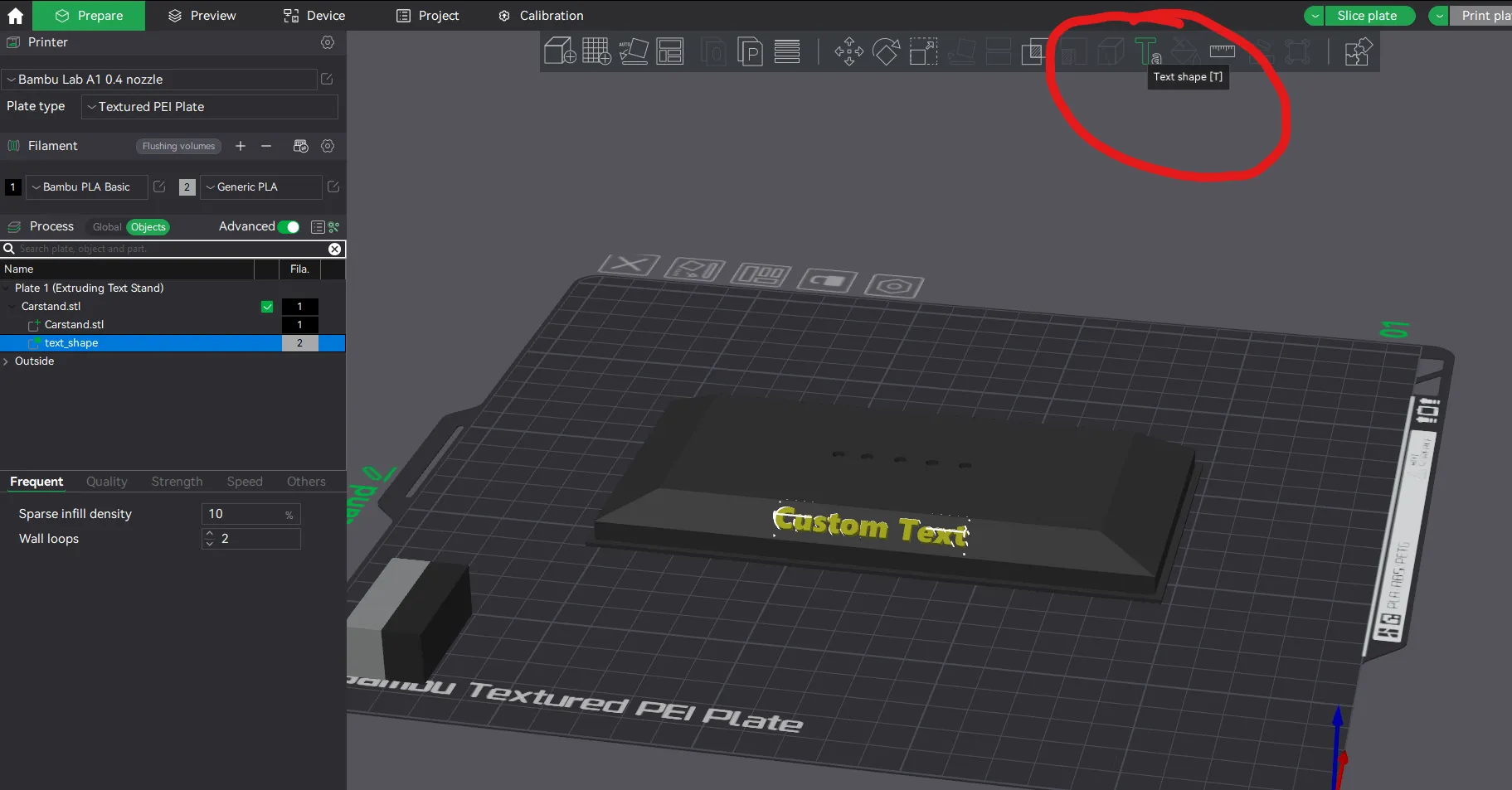 Select “Text Shape (T)” OR simply press “T”
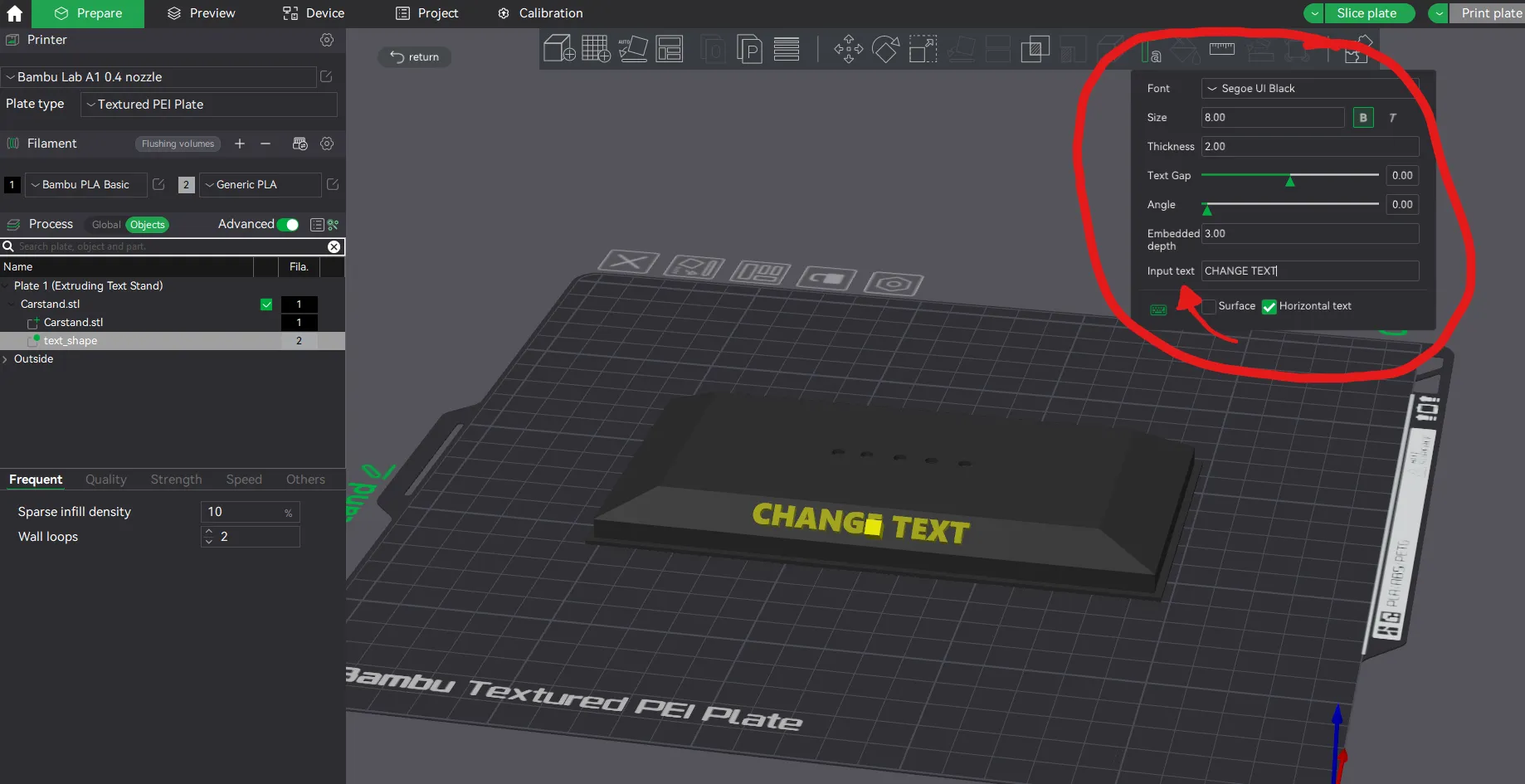 Finally Change The “Input Text”! You will see the change immediately! Additionally you can also drag the yellow dot in the middle of the model where your text is to move it around. Make sure you are using AMS or AMS lite with the FLUSH version. You can print extruded text with my other profile!
Why i made this?
My father collects model cars and was missing stands for some of them so i asked him to give me one of his stands so i could remodel it and make him some! I first printed him the stand with extruded text since i didn't have an AMS but after getting a Bambu Printer and AMS i was able to make the flush version for him to match his other ones!
What is FLUSH and Extruded?
Extruded is with the YELLOW background, the text Extrudes out of the model.
FLUSH is with the white/Gray background, Using AMS you can make the Text flat with the model.
License

You shall not share, sub-license, sell, rent, host, transfer, or distribute in any way the digital or 3D printed versions of this object, nor any other derivative work of this object in its digital or physical format (including - but not limited to - remixes of this object, and hosting on other digital platforms). The objects may not be used without permission in any way whatsoever in which you charge money, or collect fees.


Comment & Rating (3)