
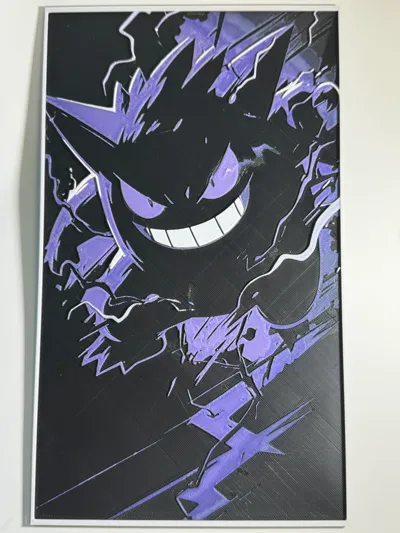
The Power of Gengar -Hueforge

Print Profile(1)



Description
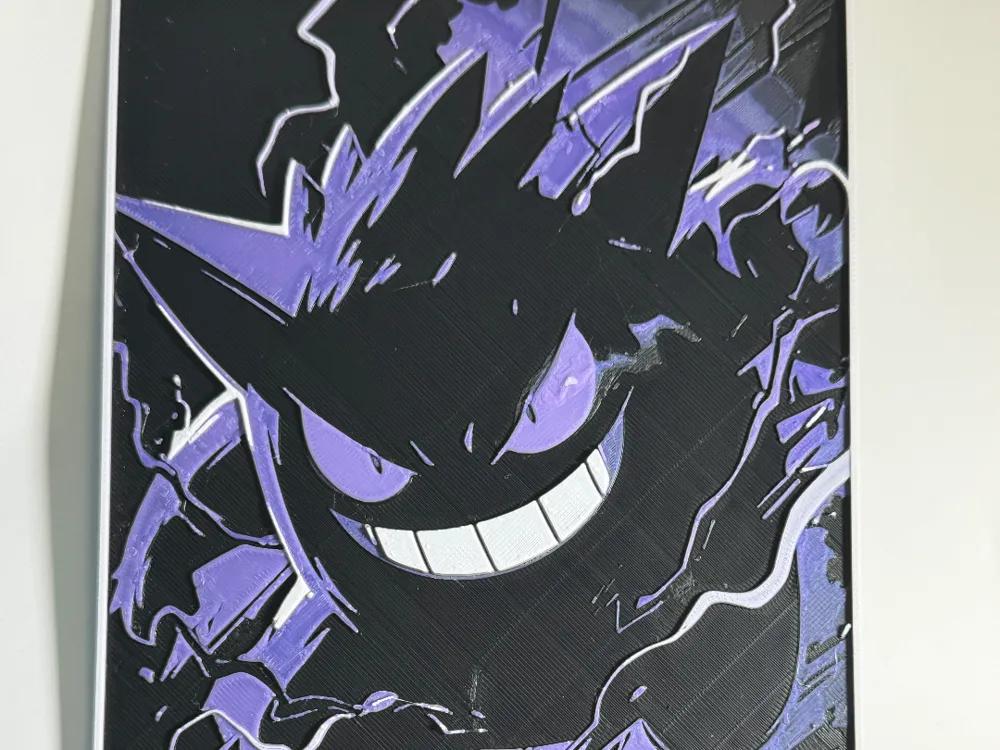
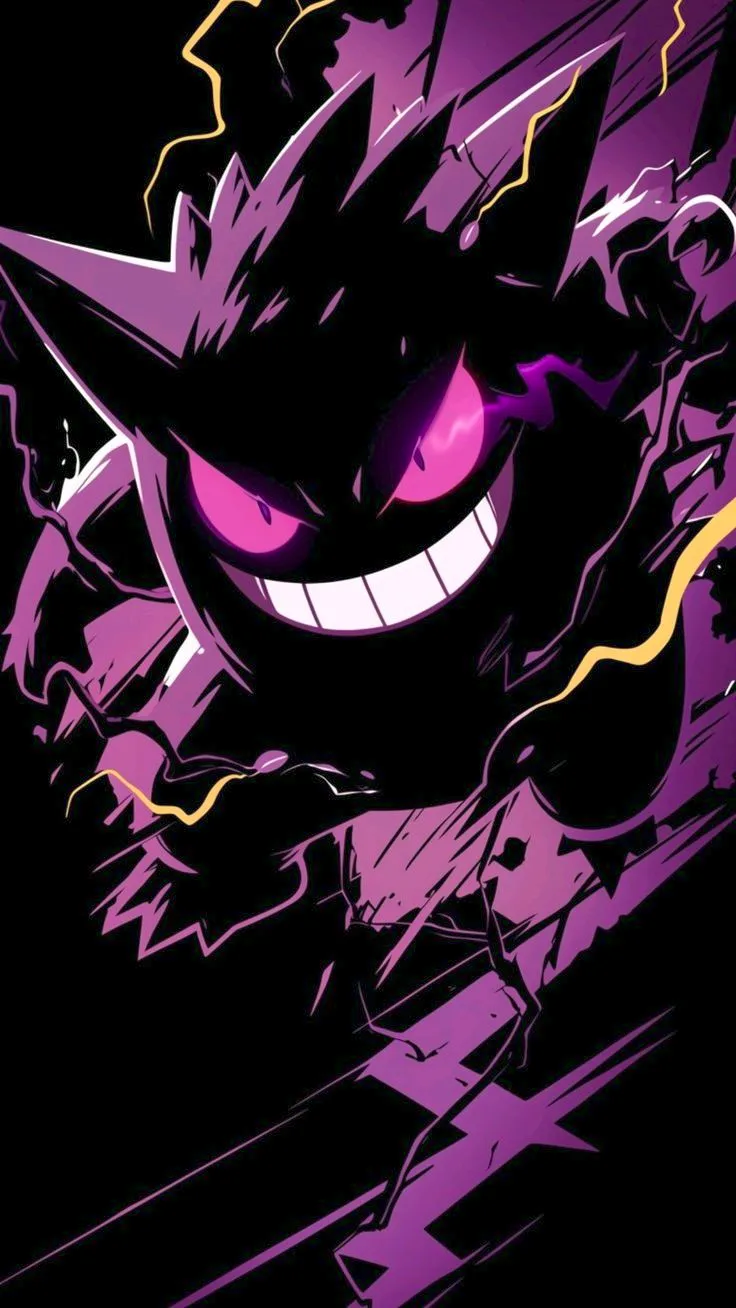
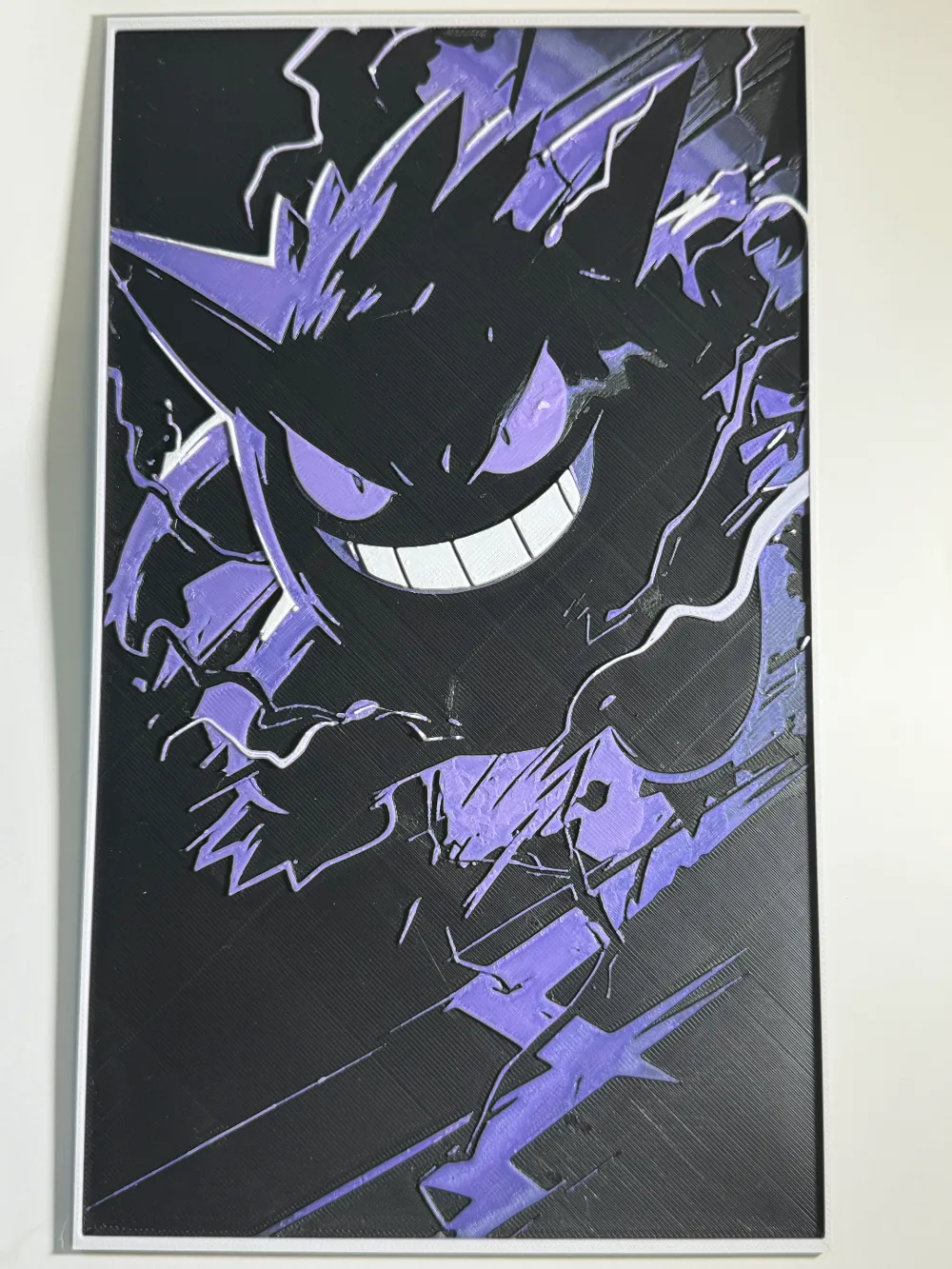
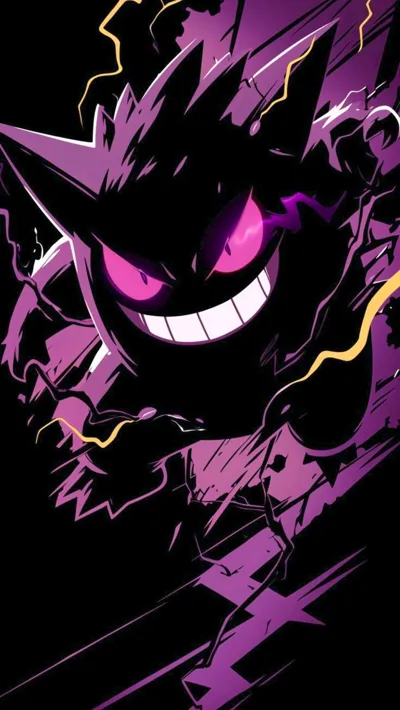
This is a Hueforge 3D printed artwork of Gengar, a Ghost- and Poison-type Pokémon known for its mischievous and sinister nature. Gengar loves to play pranks and scare people, often lurking in the shadows to surprise its victims.
HueForge Info
Z Scaling : Adjusting the Z-axis scaling on any Hueforge will disrupt the intended coloring and result in an inaccurate print “Keep the Z Scaling @ 100%” . However, you can modify the X and Y scaling to resize the image—just ensure you scale both axes by the same percentage for consistency.
Filament Selection: For an accurate print that matches the reference photos, you must use the same filament colors listed below. While switching brands is possible (as long as they are similar), changing filament colors will alter the final outcome.
Slicer Preview vs. Final Print: What you see in the slicer will not exactly match the final print. Hueforge relies on color bleed to create blended effects that emerge during printing.
- Bed Adhesion: Ensure strong bed adhesion to prevent lifting and warping, which could ruin your print.
You may print at higher layer heights below the Min Depth of 0.88mm
The Max Depth is 2.6mm and the Actual Depth is 2.6mm
Filaments Used:
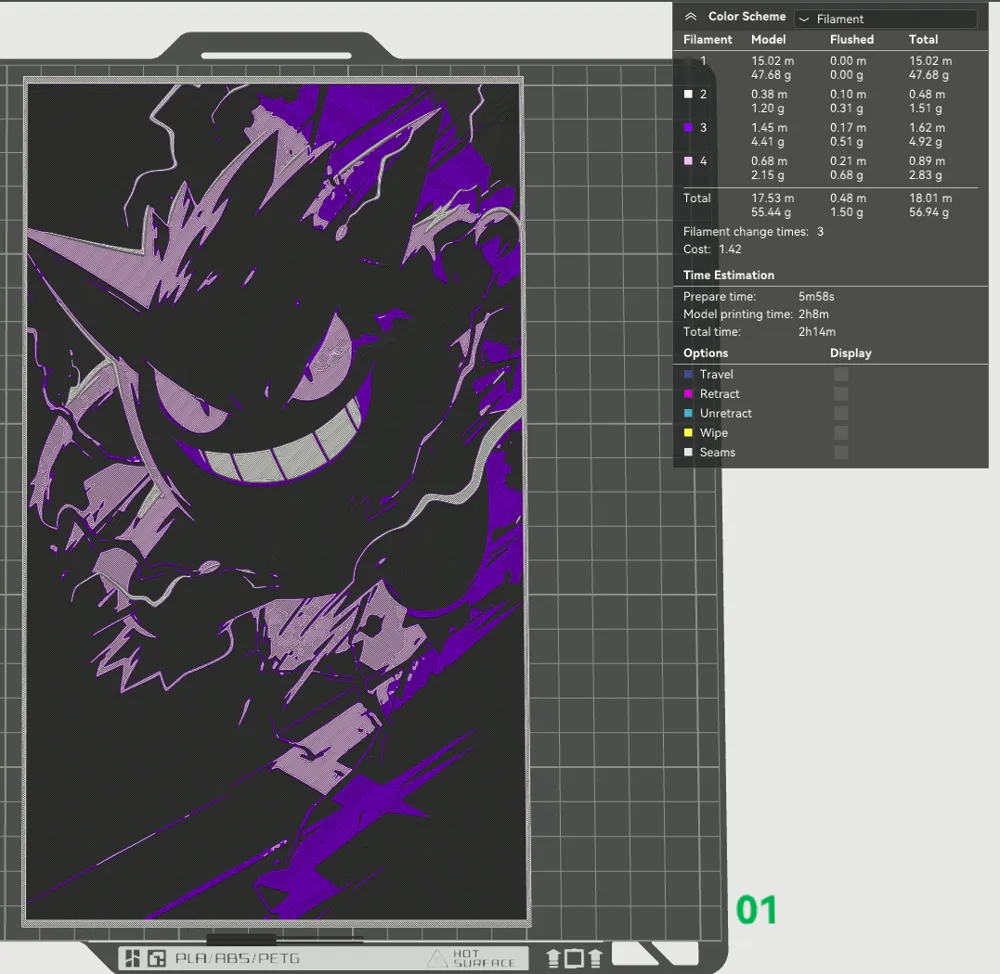
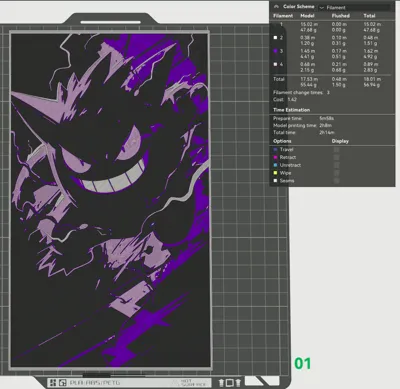
PLA BambuLab Matte Charcoal Transmission Distance: 0.6
PLA BambuLab Basic Purple Transmission Distance: 1
PLA BambuLab Matte Lilac Purple Transmission Distance: 2
PLA BambuLab Matte Ivory White Transmission Distance: 5
This print uses 4 unique filaments * You can use different filaments, but just make sure they are the same color *
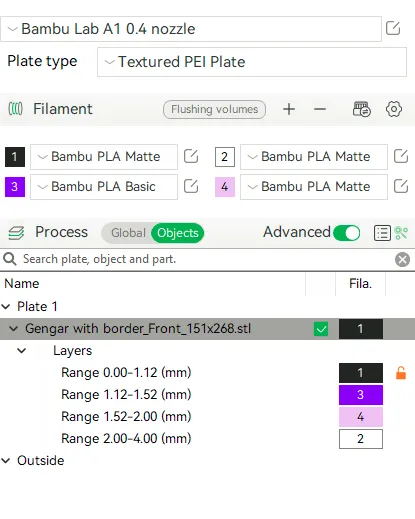
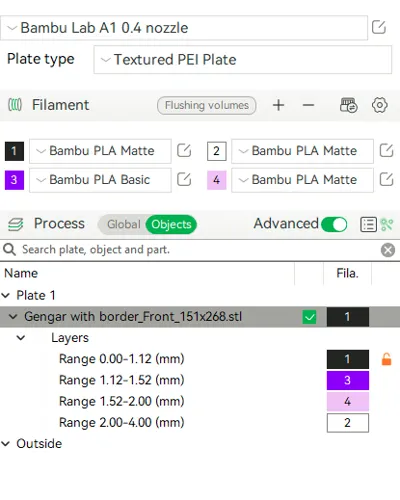
Swap Instructions:
Start with Charcoal
At layer #13 (1.12mm) swap to Purple
At layer #18 (1.52mm) swap to Lilac Purple
At layer #24 (2mm) swap to White for the rest.
License



Comment & Rating (4)