
Geometric Catch-all Change/Jewelry/Key Tray
Print Profile(3)




Description
Boost Me (for free)
If you download, print, or collect this free model, I would really appreciate it if you take the time to click the like <3 button (or boost if you see fit) as I put a ton of time, experimentation, and filament into developing, testing, and posting these- and your support helps me continue to do so!
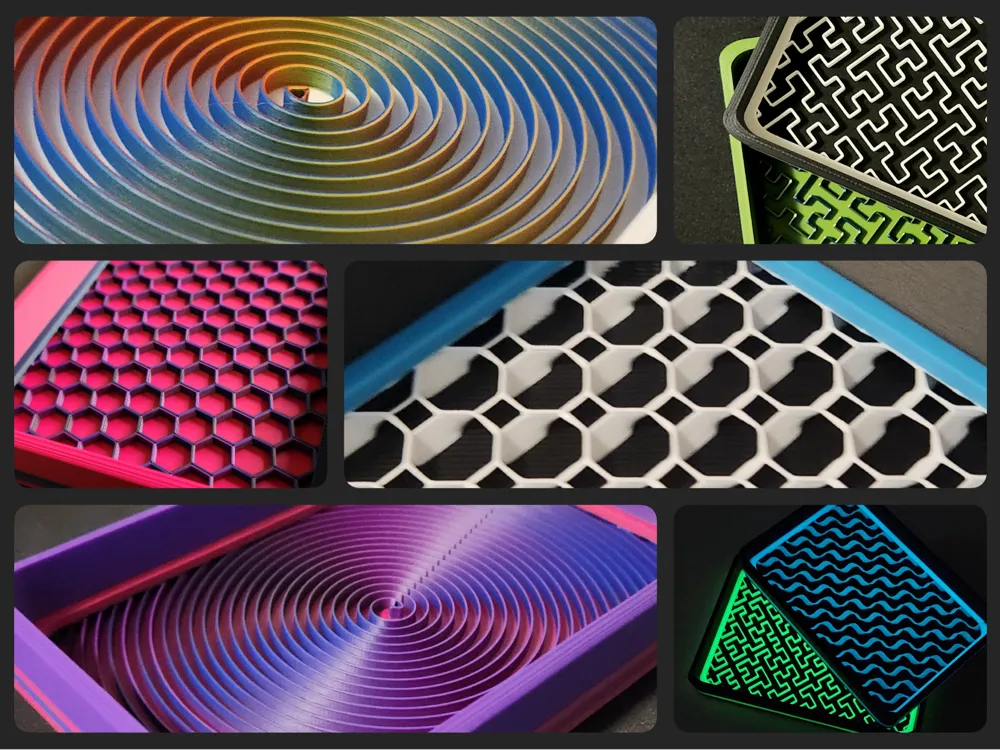
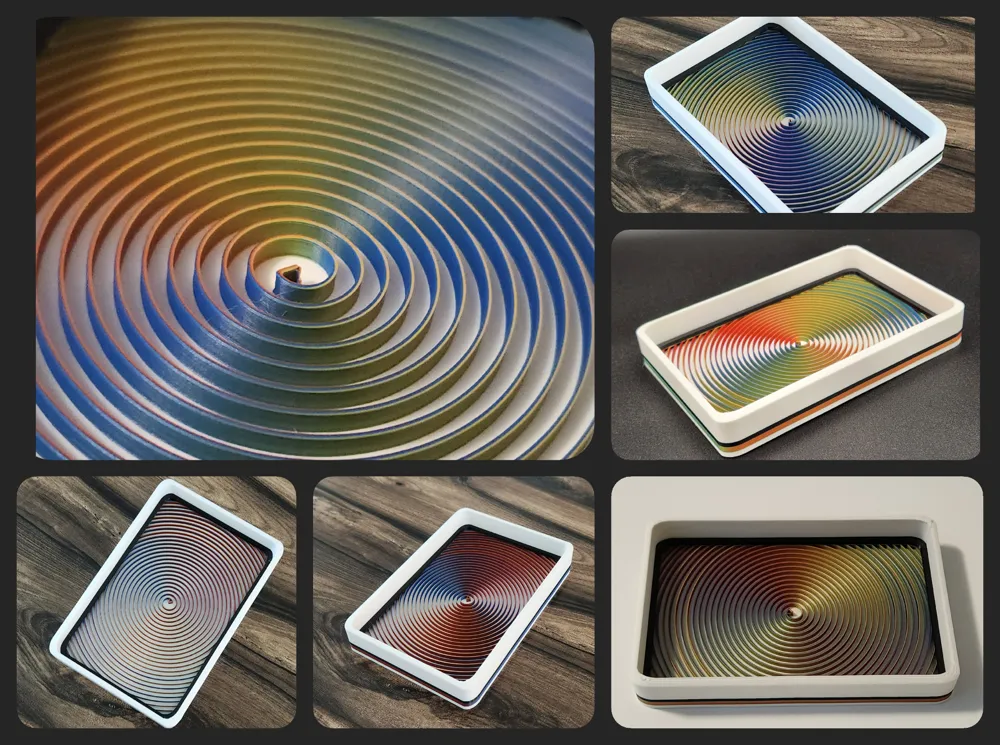
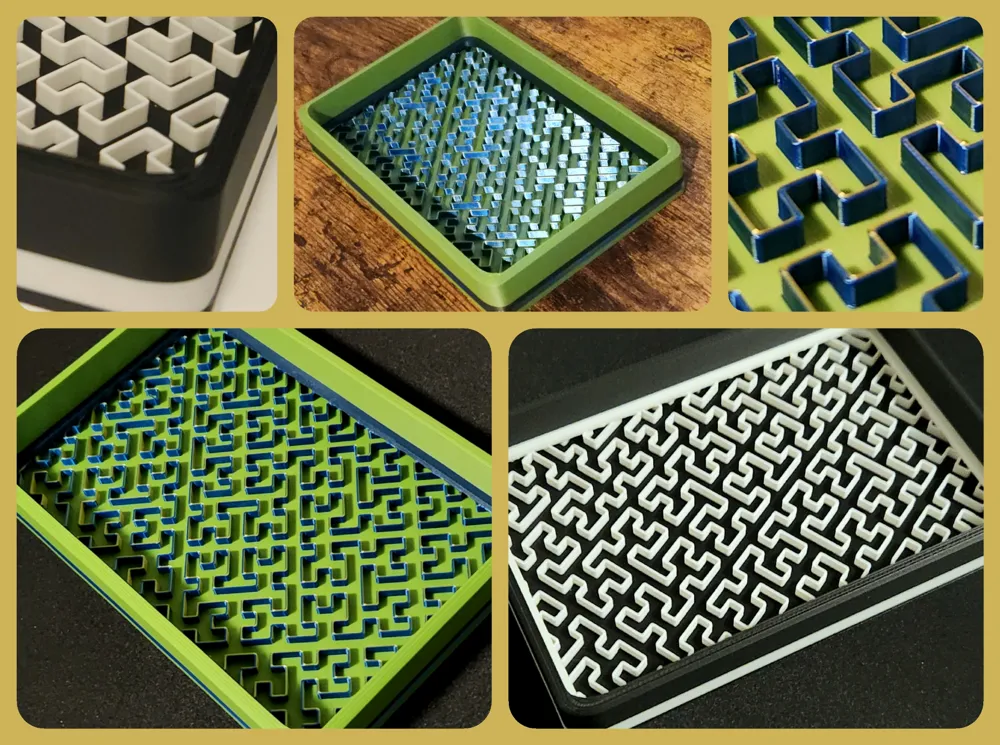
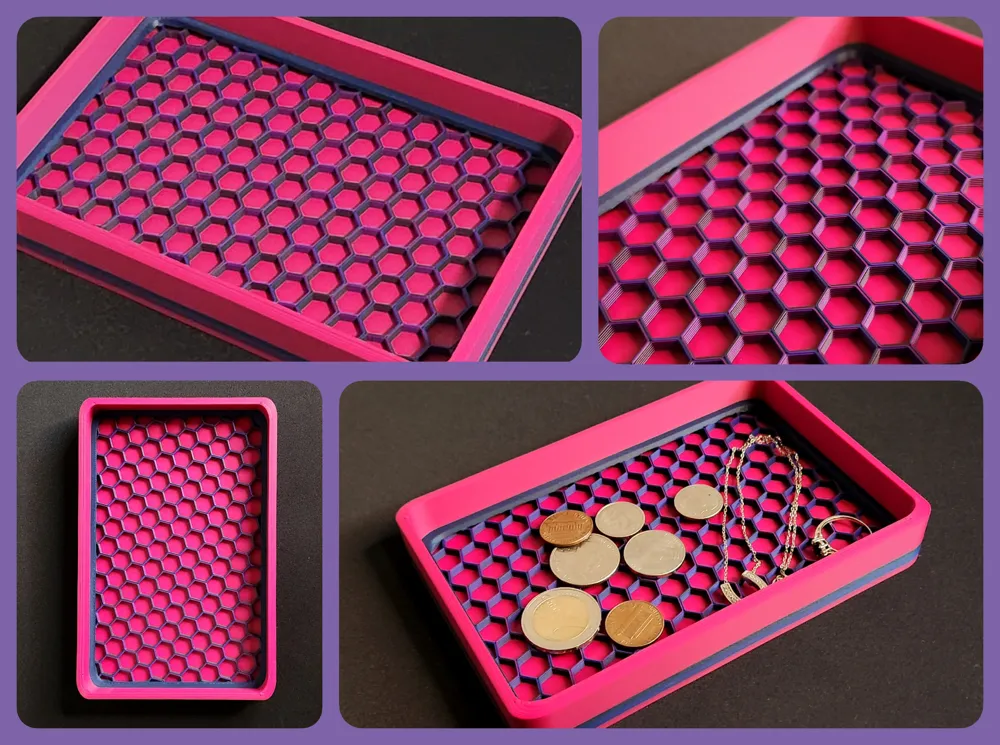
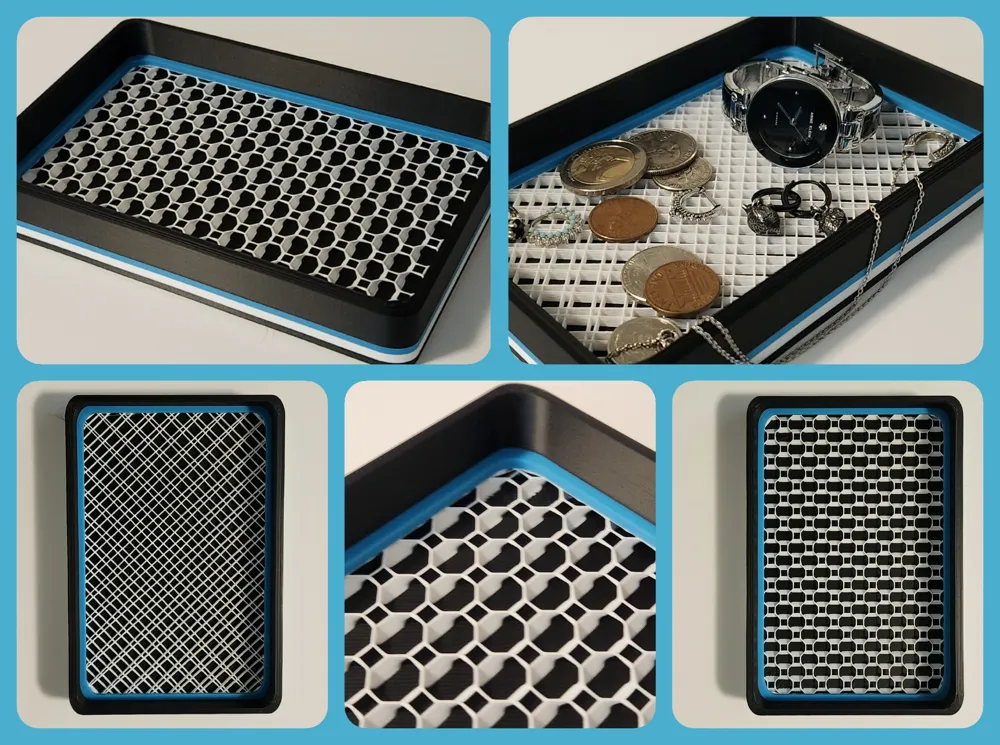
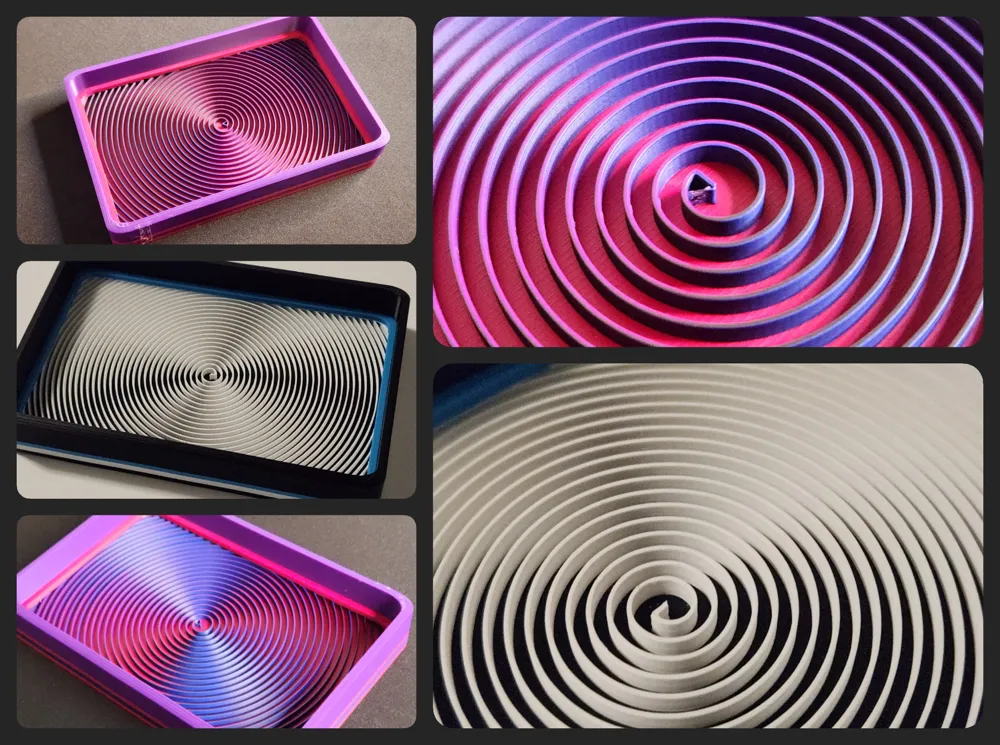
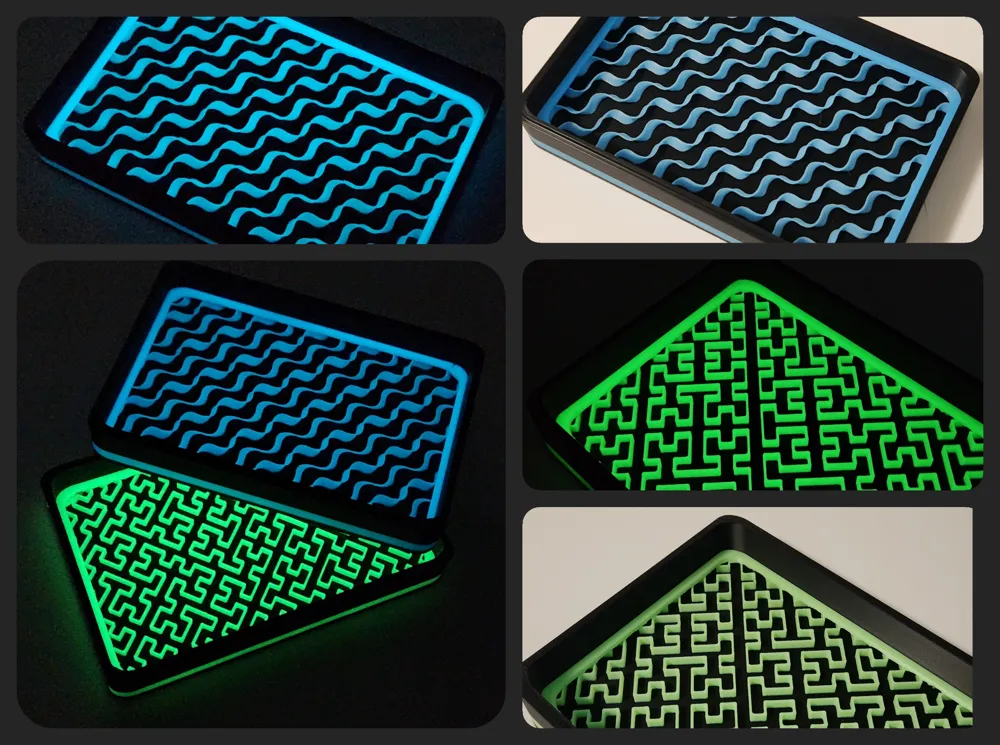
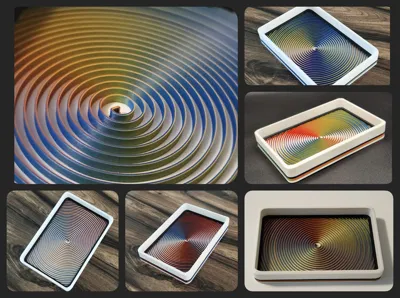
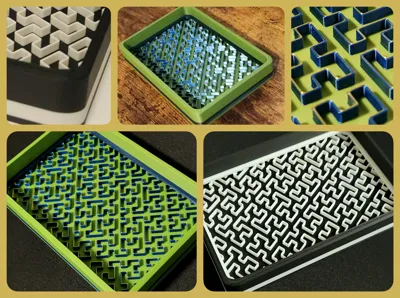
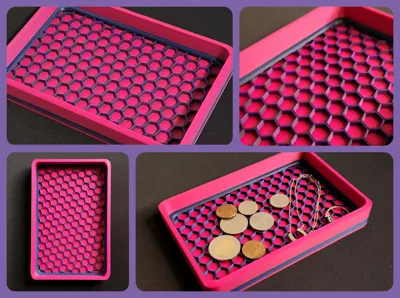
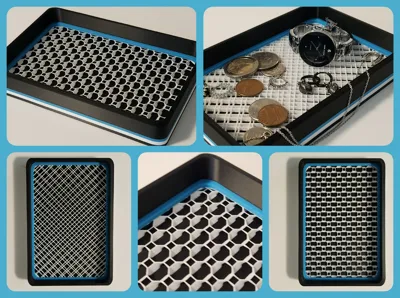
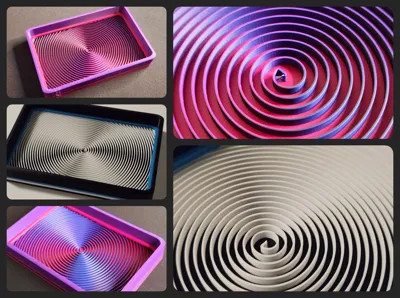
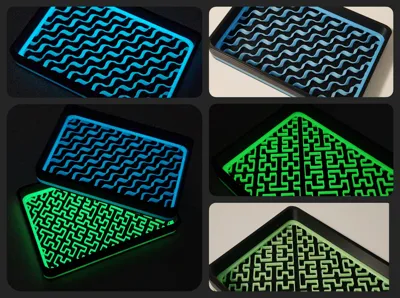
This version of my catch all key/change/jewelry tray is one of several projects I've been working on as part of some seriously fun slicer experimentation. If the patterns in the pictures look kinda familiar it's because they are different variations of the slicer's sparse infill options, and there are 10 different ones in the provided print profiles.* When you first open the files, the trays will appear to be blank- but once you hit slice you'll see the patterns. Be aware though- some of the patterns may vary slightly on different printers or if you open it in a different slicer.
Mixing colors and filament types (like tricolor or glow in the dark) can create some really cool results, so have some fun trying out different combos- I'd love to see what you come up with!
Hey there- if you like the patterns on these catch-alls or on lots of my other geometric designs and are interested in learning how to add similar ones to your models, make sure to check out the quick how-to guide on the forum here: https://forum.bambulab.com/t/get-the-most-out-of-your-slicer-decorative-sparse-infill-hack/163077?u=ominous_fyxen
Happy Printing!
License

You shall not share, sub-license, sell, rent, host, transfer, or distribute in any way the digital or 3D printed versions of this object, nor any other derivative work of this object in its digital or physical format (including - but not limited to - remixes of this object, and hosting on other digital platforms). The objects may not be used without permission in any way whatsoever in which you charge money, or collect fees.


Comment & Rating (26)