Search models, users, collections, and posts

Key cap for mechanical RGB keyboards
IP Report

Print Profile(0)
Add the first print profile to earn points
Boost
34
73
1
2
133
26
Released
Description
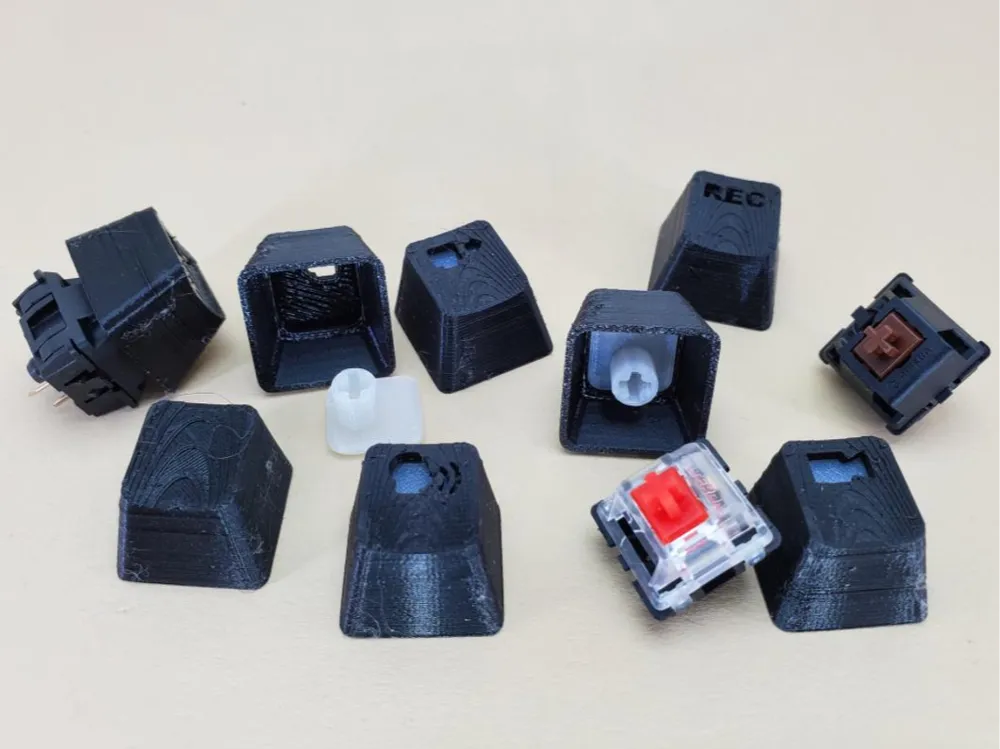
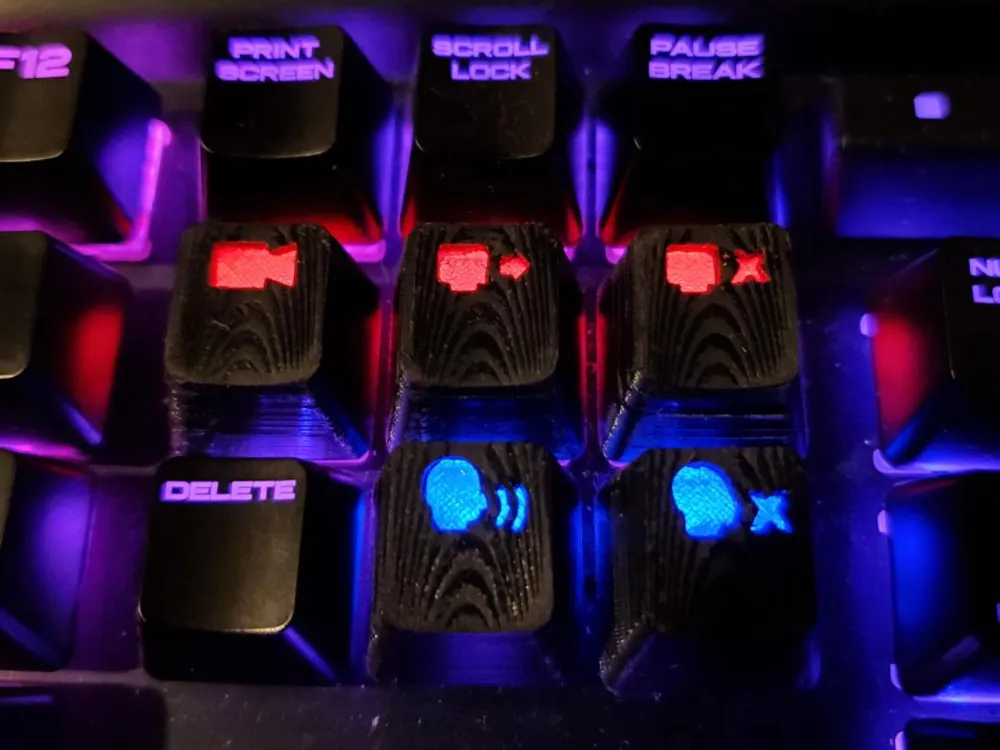
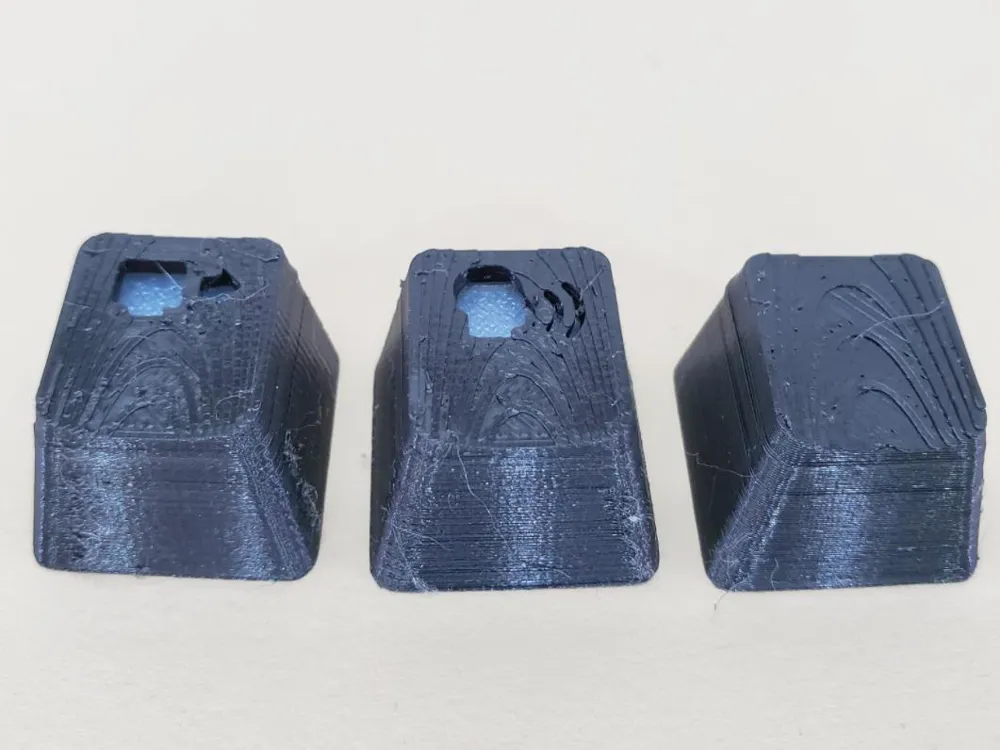
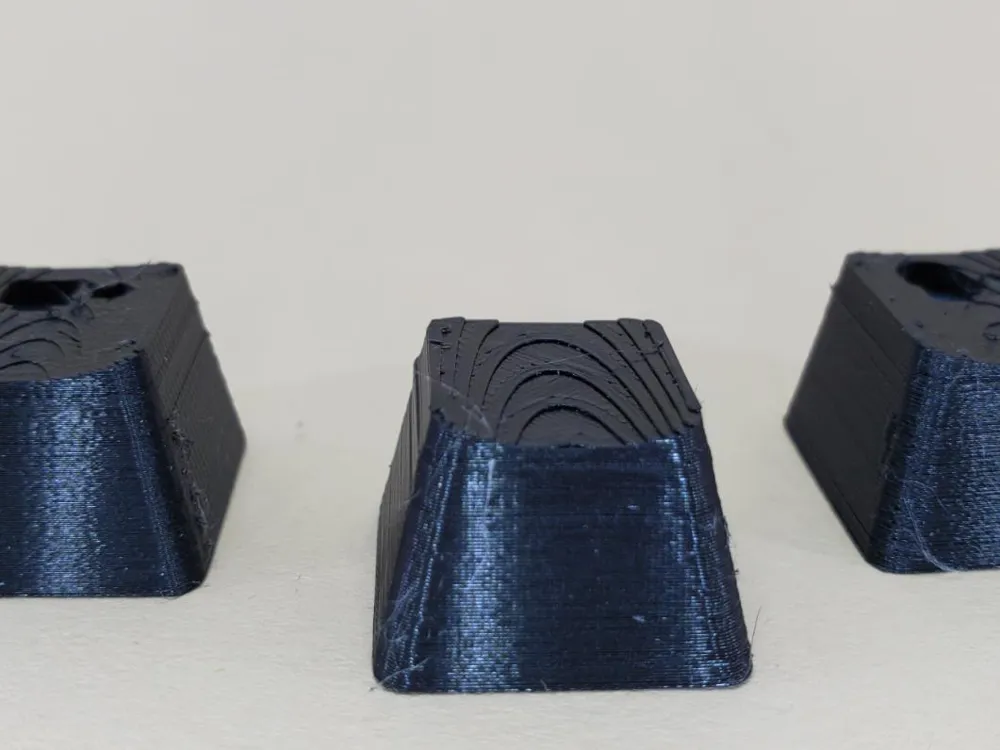
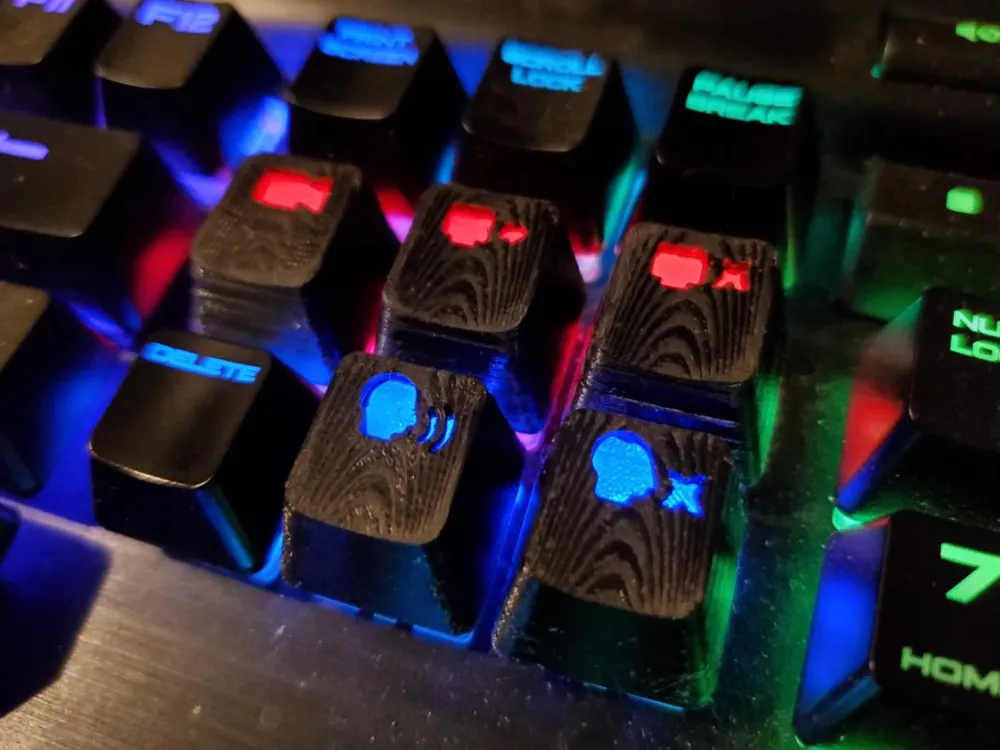
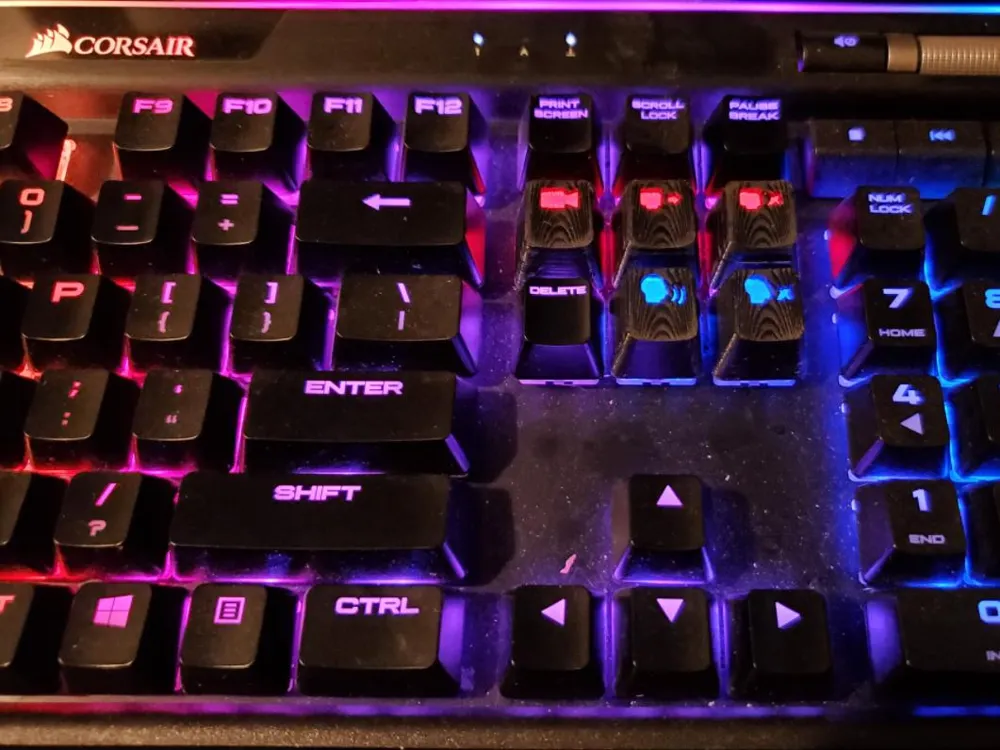
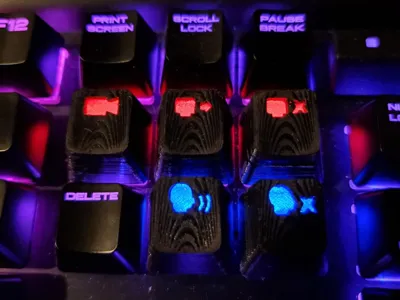
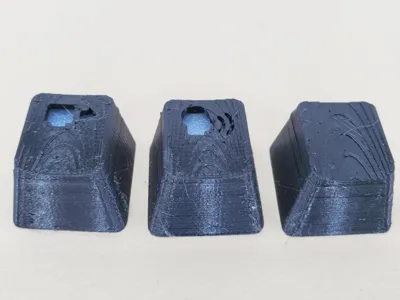
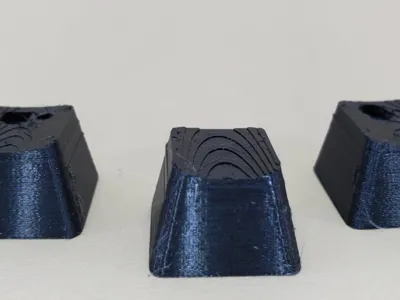
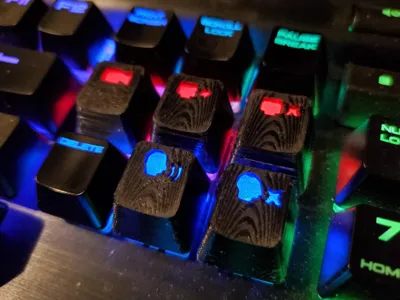
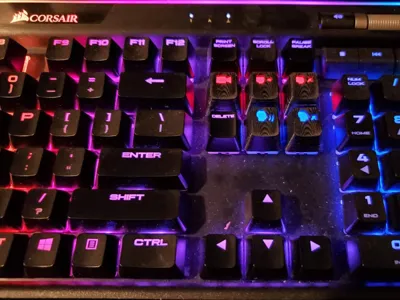
I have a Corsair K95 RGB keyboard and couldn’t find keycaps that both supported my RGB lighting and had the symbols I needed for game streaming, so I designed my own.
Important Note:
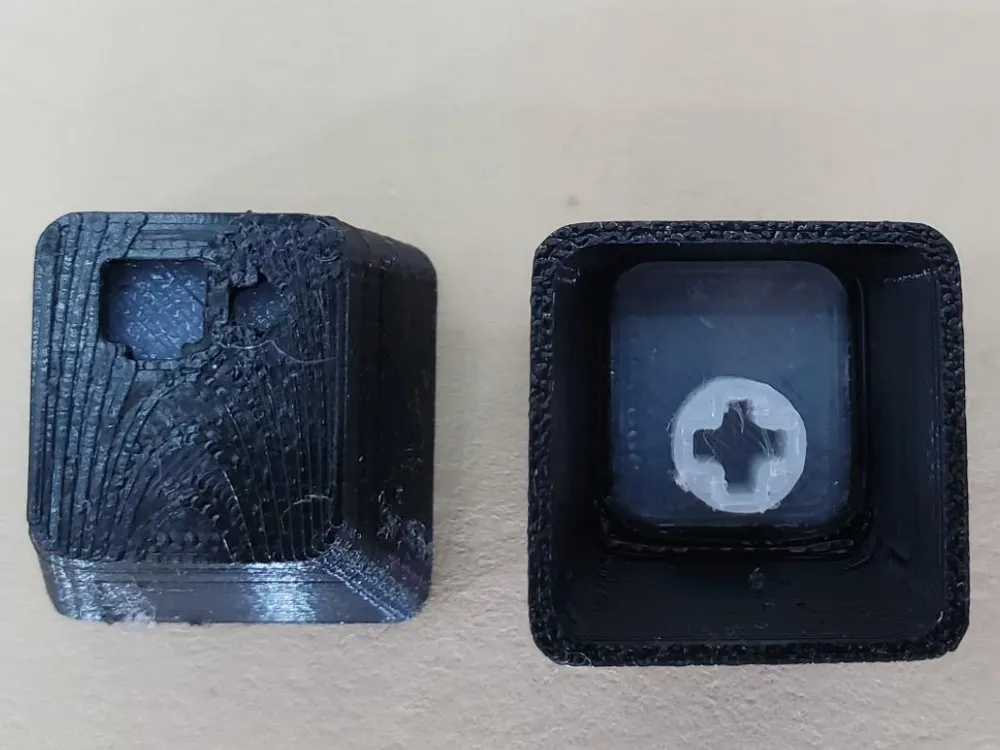
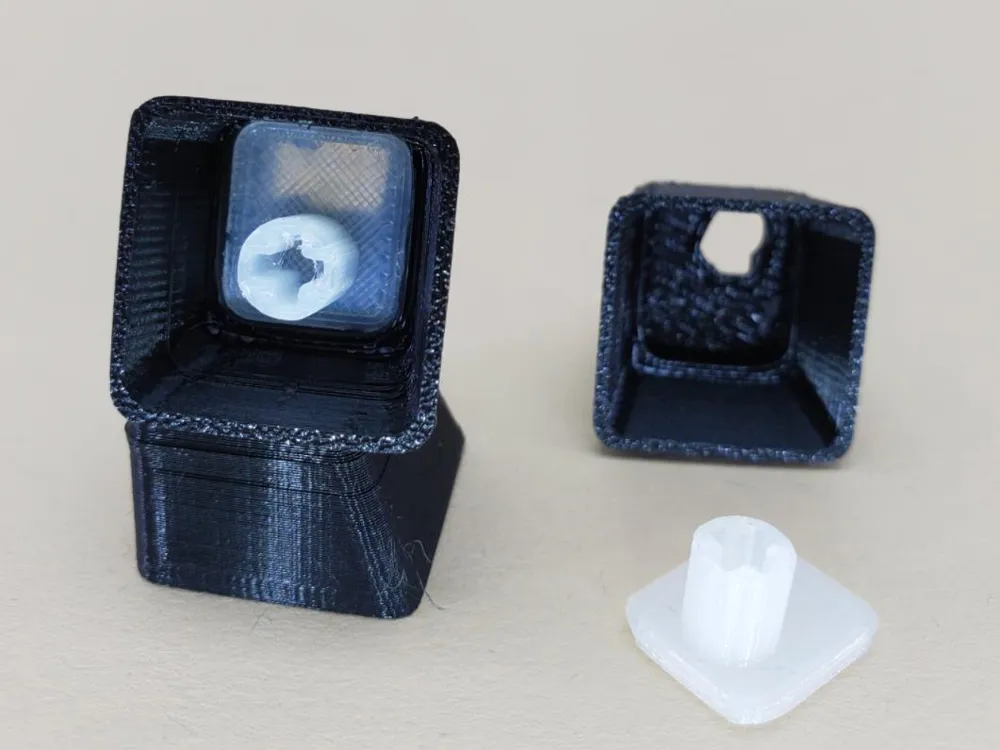
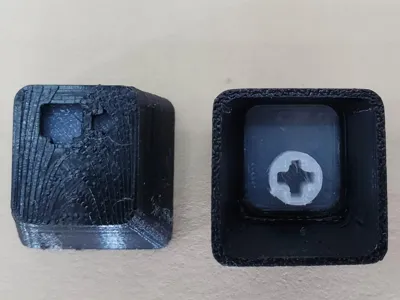
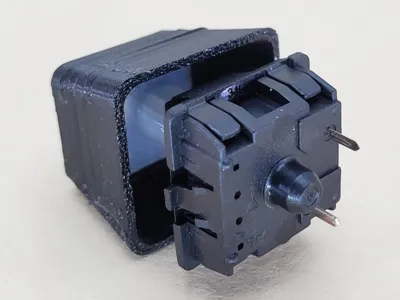
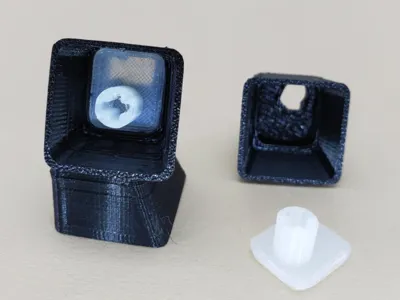
For each key you print, you need to print the key insert “translucent insert,” ideally using the clearest filament you have, or at least white.
Use the “blank cap” to create your own keys. Simply cut the desired symbol into the cap. Many slicer software options have a negative volume feature, or you can use any STL editing software to subtract your shape from the blank cap.
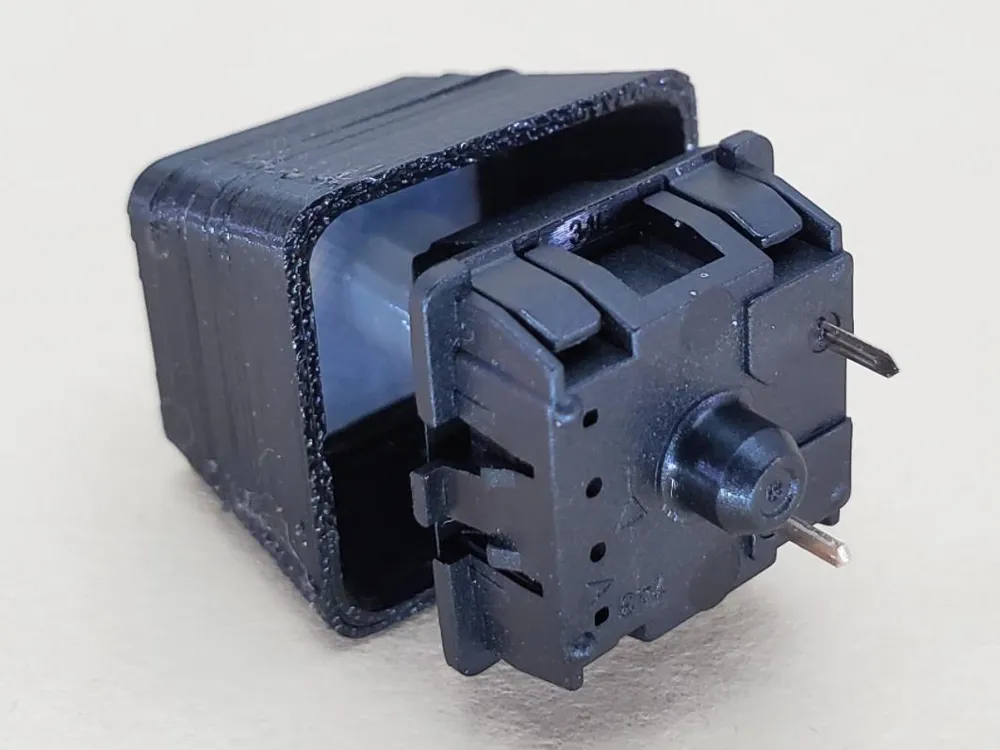
When finished put the insert into the cap you have chosen. You might need a little glue to hold it tight.
License

This user content is licensed under a
Creative Commons Attribution


Comment & Rating (1)