

Print Profile(2)


Bill of Materials
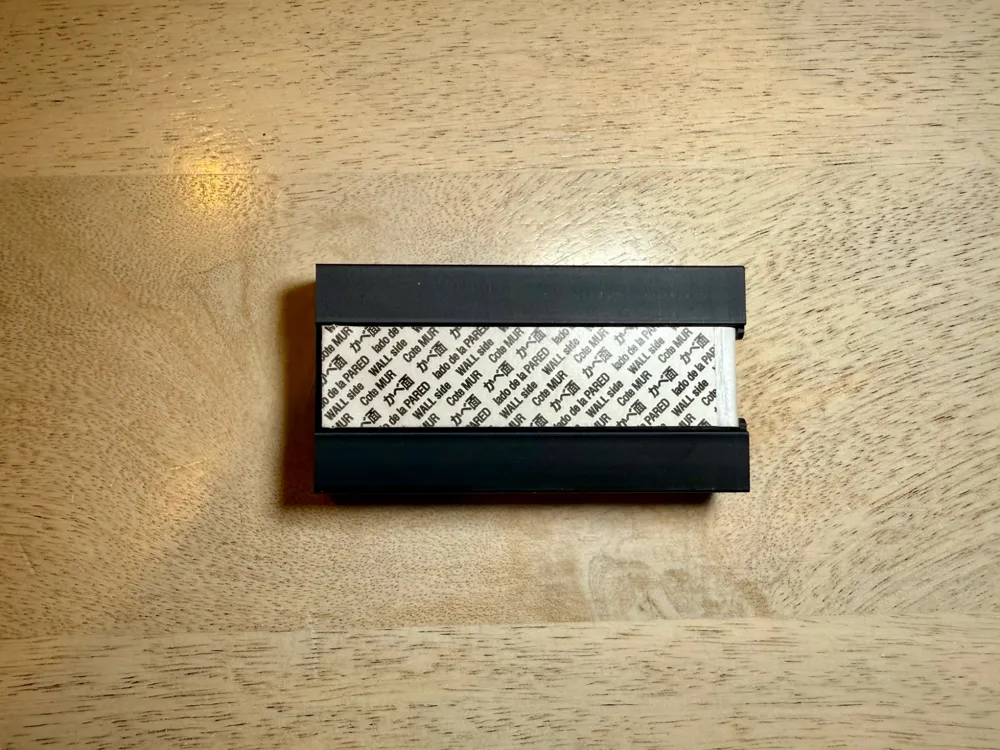
- Command Large Refill Adhesive Strip x 1:
Description
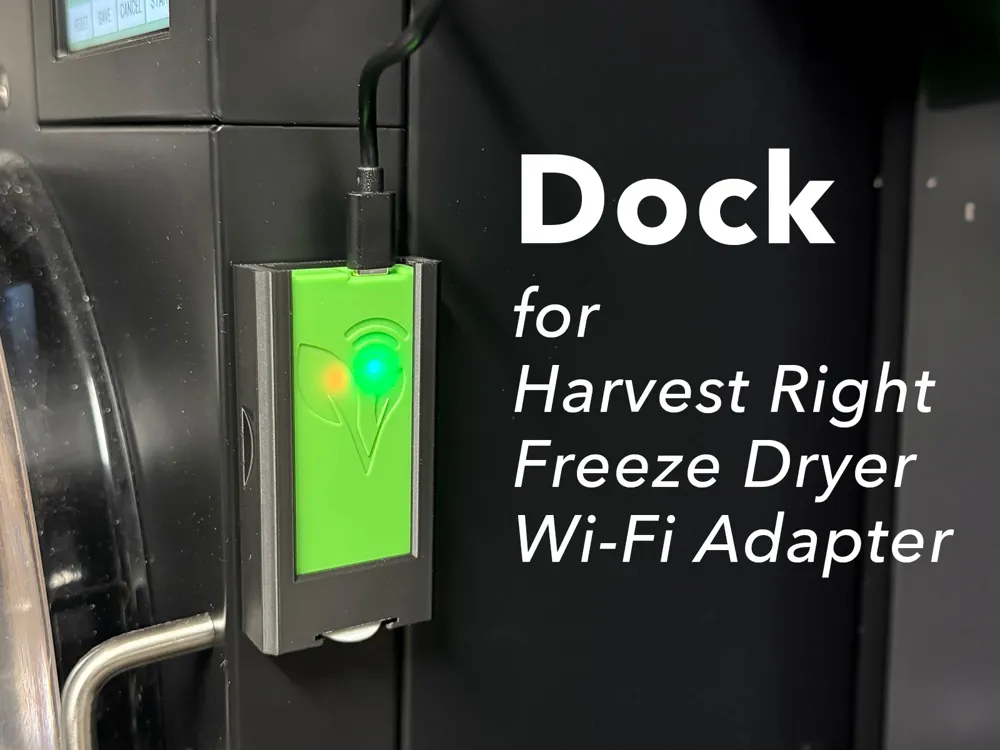
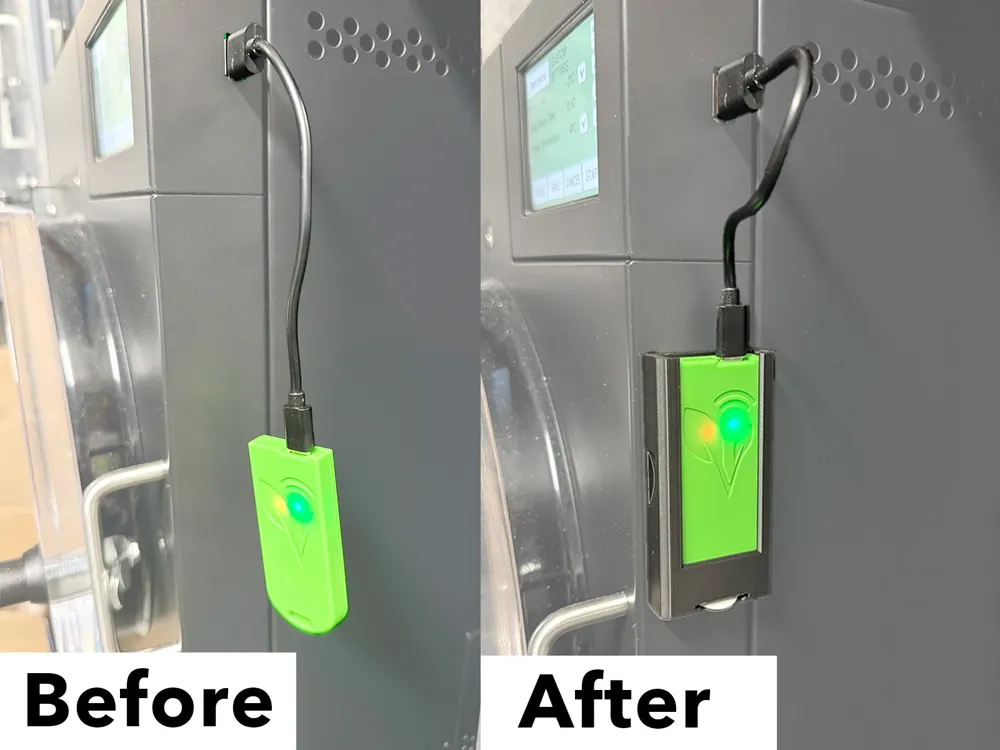
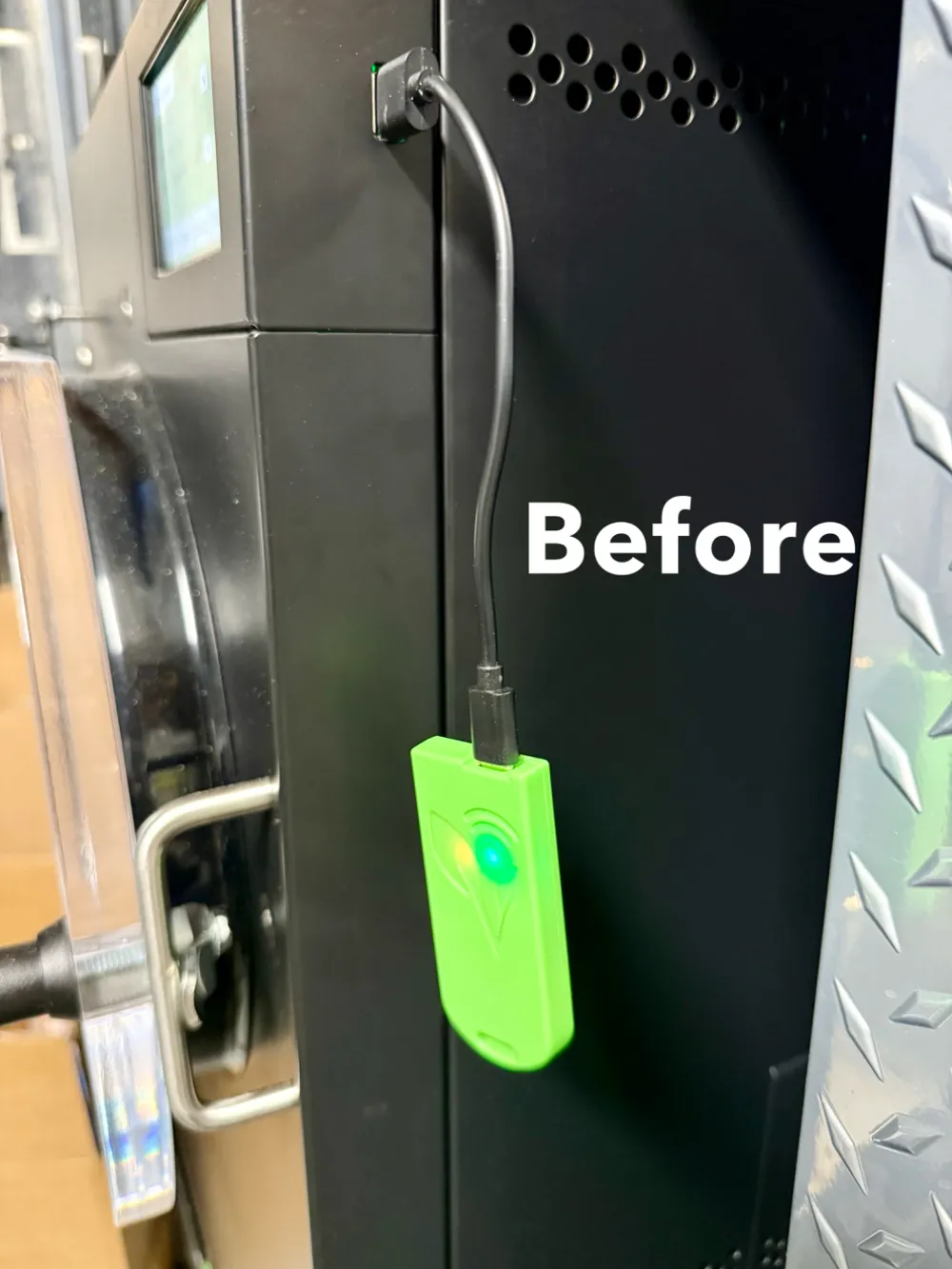
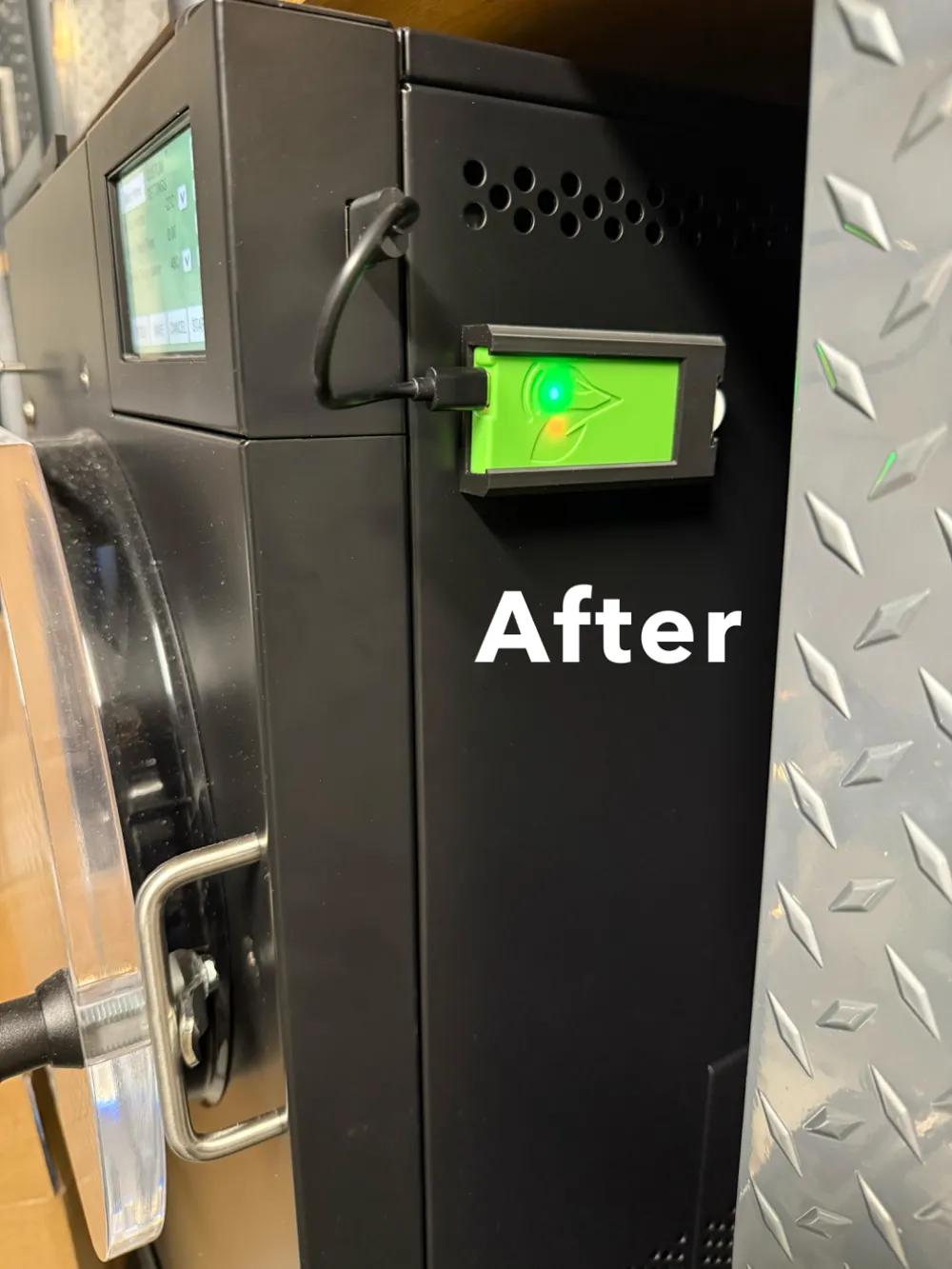
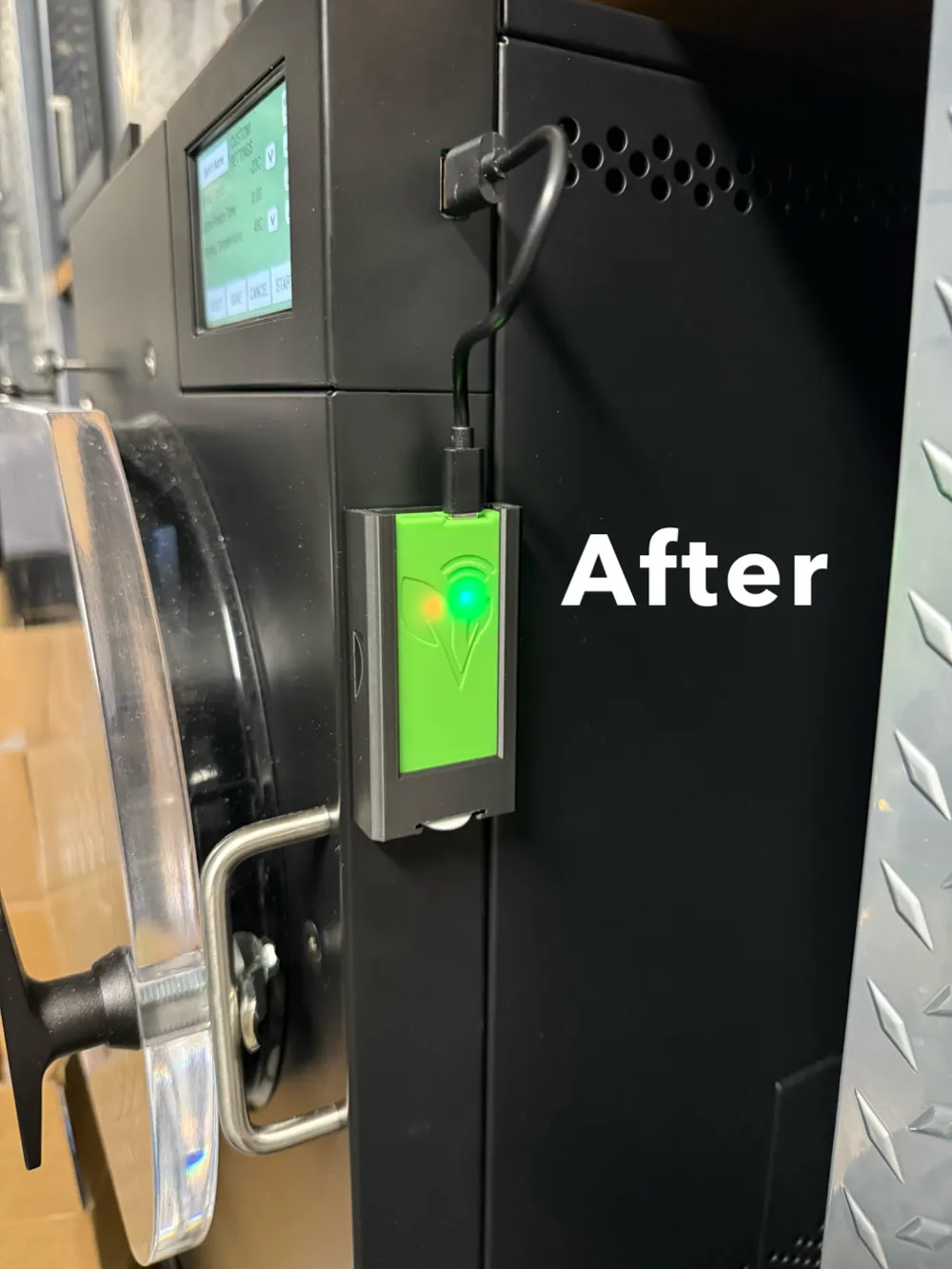
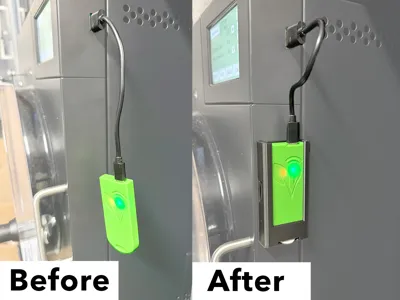
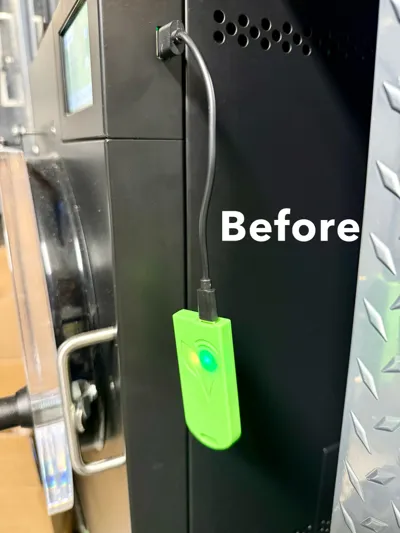
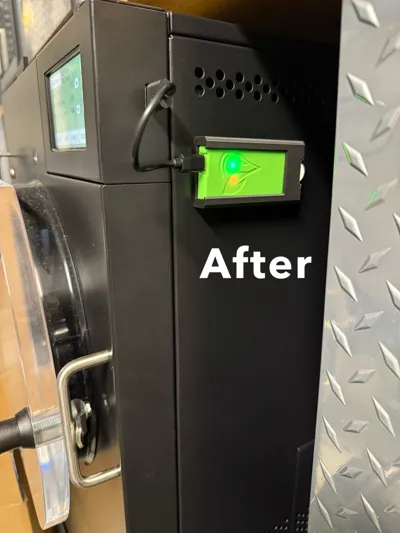
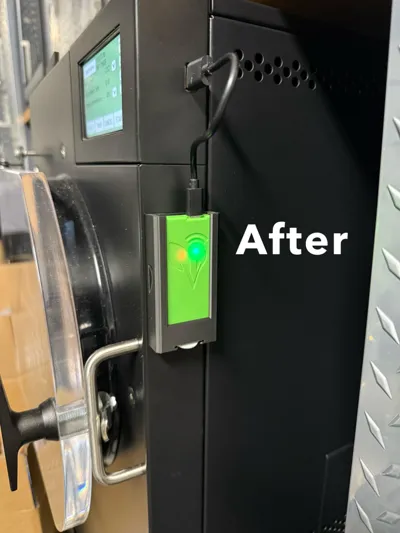
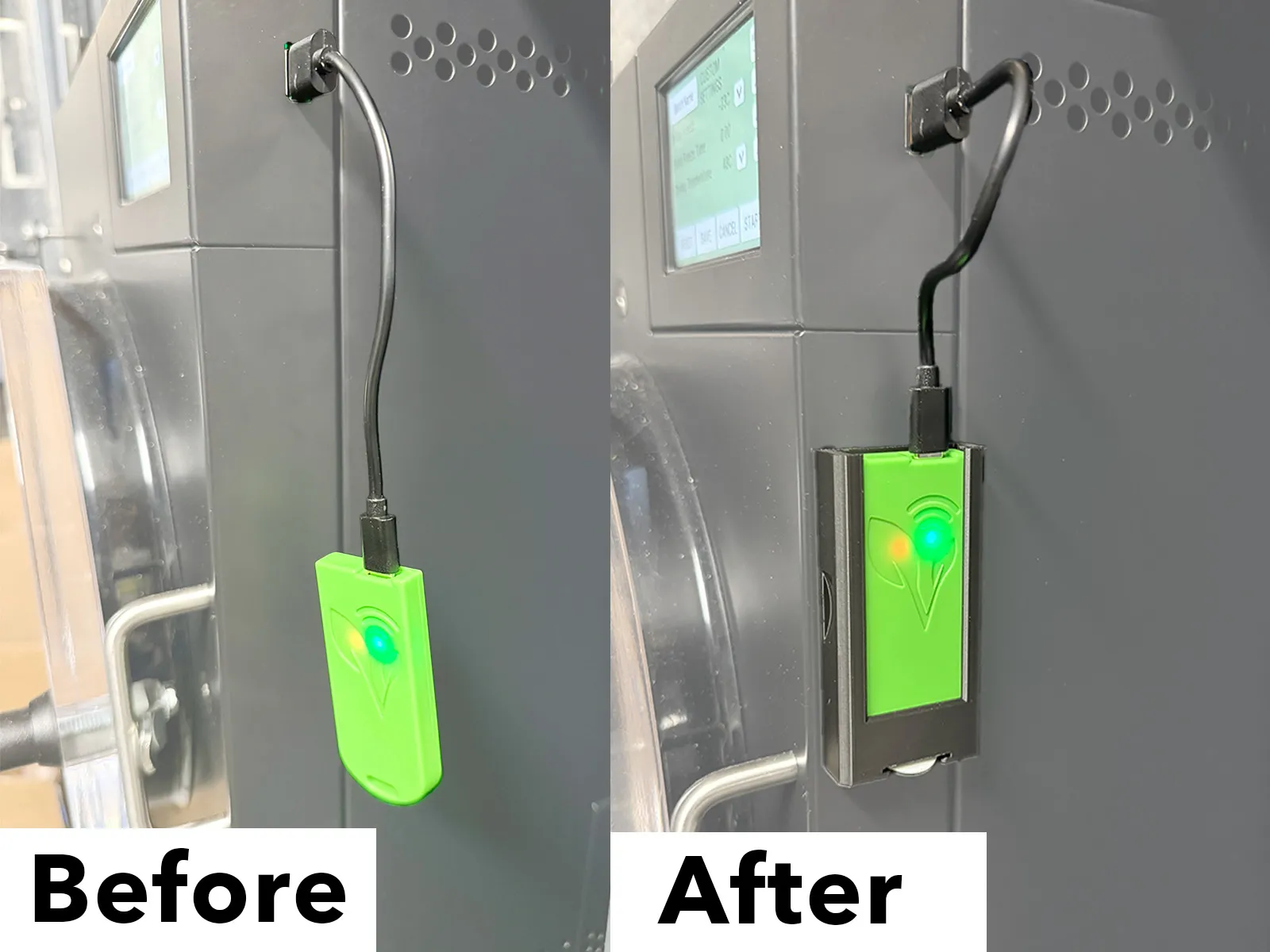
Tired of your Harvest Right Freeze Dryer Wi-Fi USB Adapter dangling by its cable?
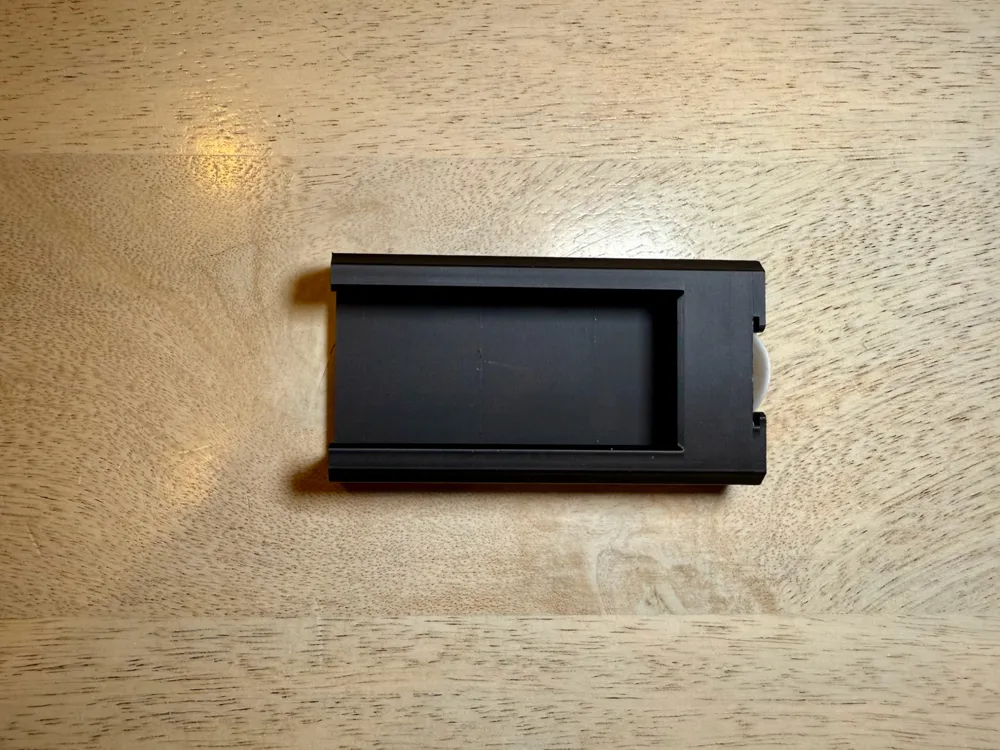
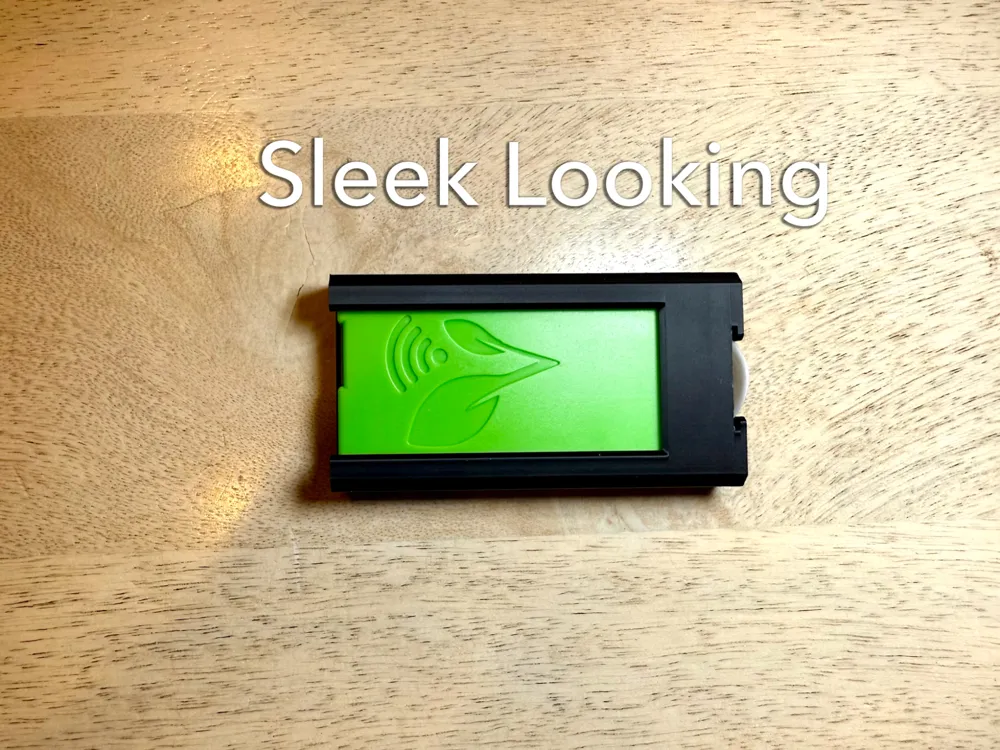
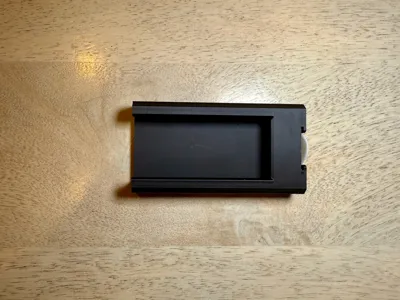
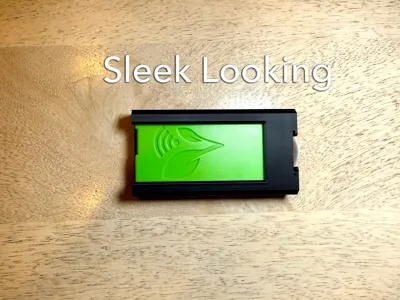
This precisely designed Wi-Fi Adapter dock offers a tidy and secure solution. Instead of leaving your adapter hanging freely, this dock lets you conveniently mount it to the side of your freeze dryer using the a large Command Damage-Free Strips! It also features a dedicated storage area for a Command Strip tab, ensuring a clean and organized look.
You can buy the printed and ready to use version directly from Etsy to support me. Use code 4DC4428005A54C8AC388 to receive 20% off when you buy 2.
This design is intended for personal use only. If you are interested in OEM partnerships or in selling it, please contact me.
Key features:
1) Eliminates dangling cables (prevents cable strain and adapter damage) and includes a hidden storage area for your Command Strip tab
2) Easy installation: no special tools required
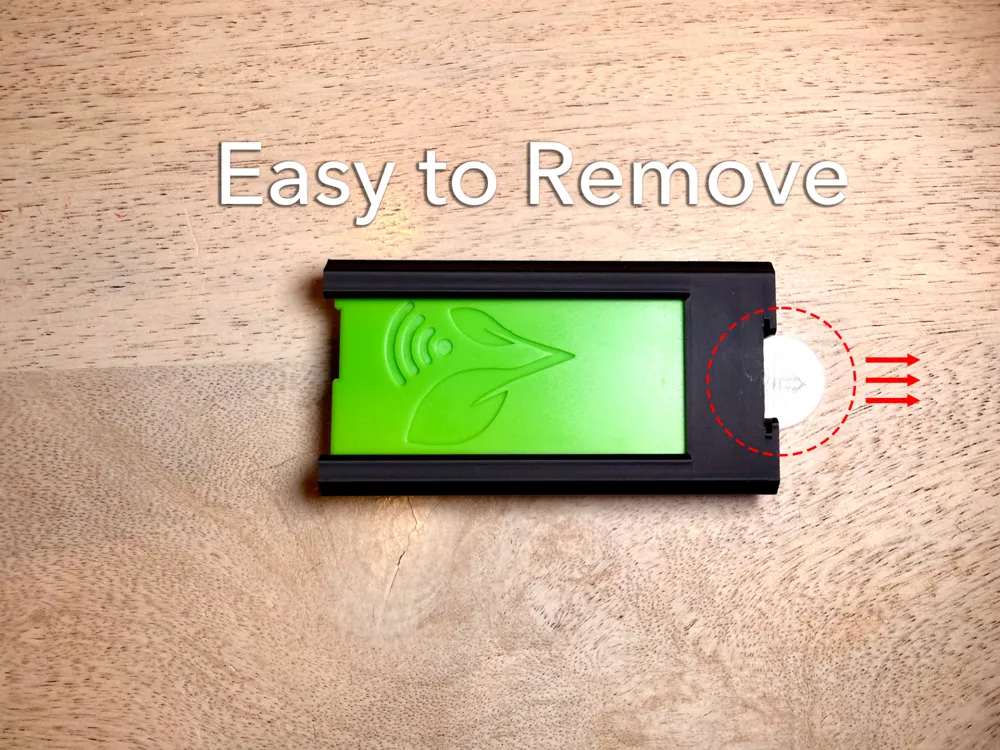
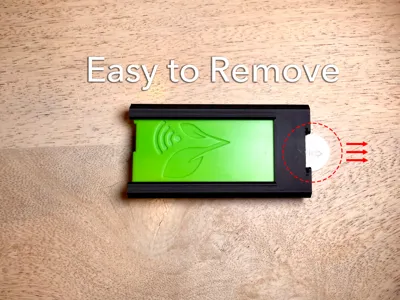
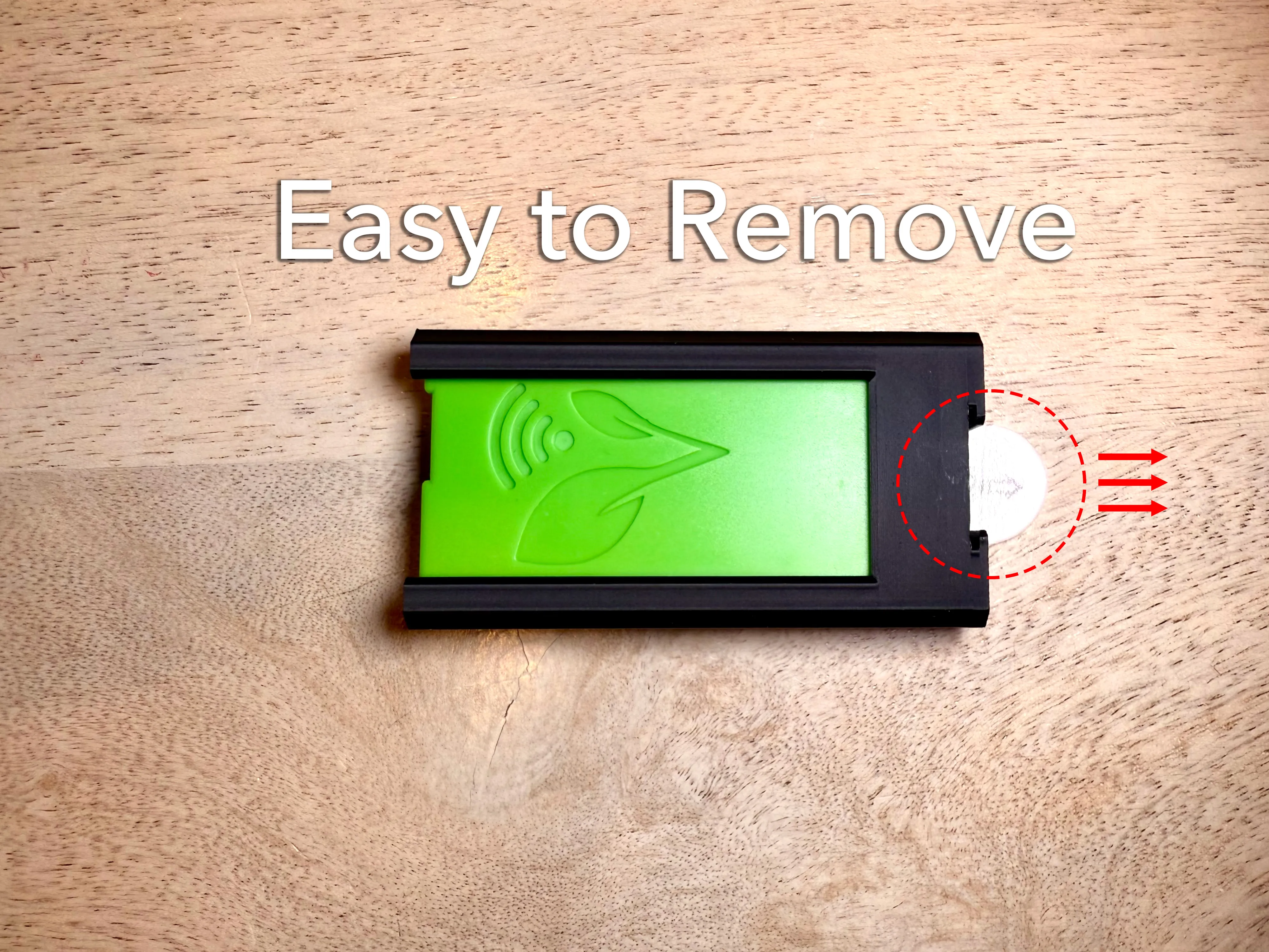
3) Easy to Remove: Simply pull the stored Command Strip tab for quick and hassle-free removal or repositioning
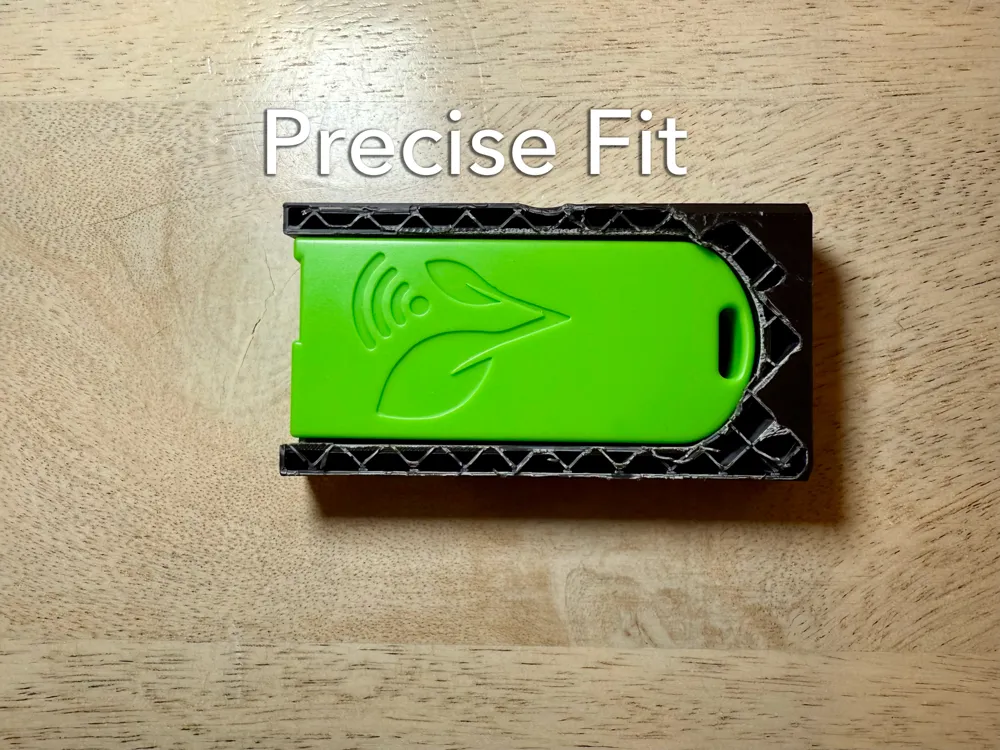
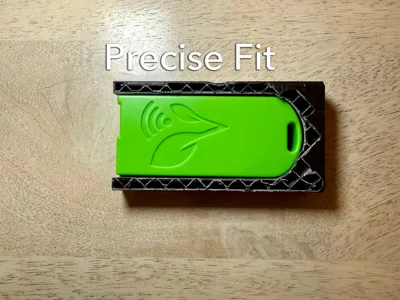
4) Precise Fit: Specifically tailored to the Harvest Right Wi-Fi USB Adapter
Enjoy improved convenience and aesthetics with this thoughtfully designed mount!
Installation Instruction:
- You need 1 x Command Large Refill Adhesive Strip.
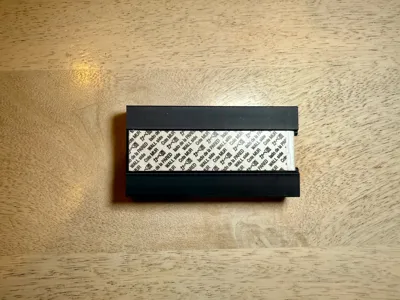
- Remove red liner of the strip, press adhesive to the slot the dock. Make sure the pulling tab towards the tab storage area.
- Find the ideal spot, remove the black liner of the strip, then press the middle ( the area has logo and “DOCK” words) to the spot for 10 seconds. It may slide freely on the surface even with the liner removed, just be sure press the middle area, then the magic will happen.
- Fold and slide the strip pulling tab into the storage area.
- Slide the Wi-Fi adapter into the dock until feel the “click”.
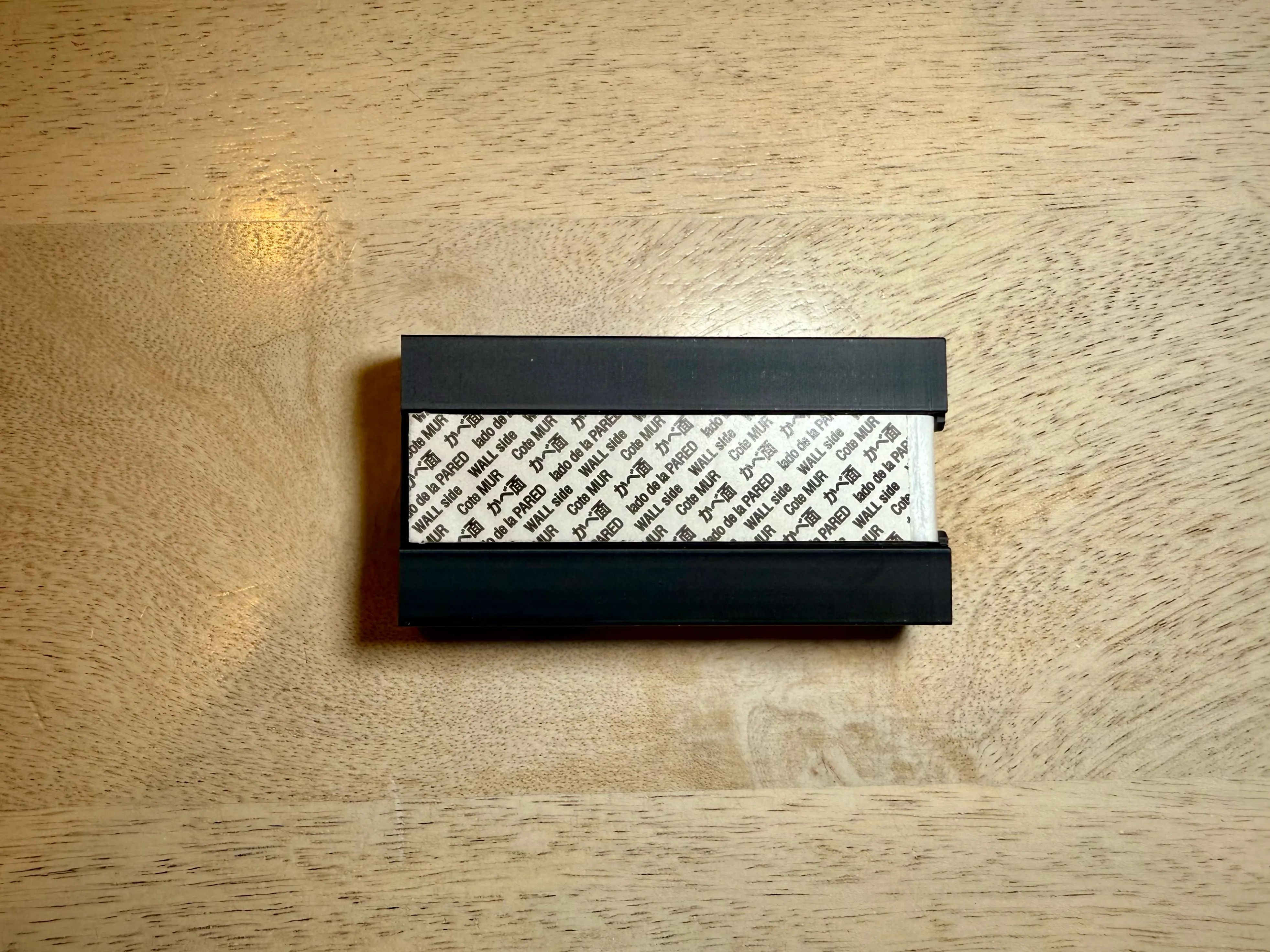
Remove instruction:
Take the pulling tab out from the storage area. Then gently hold the dock in place. Stretch the strip slowly against the mounting surface at least 15 inches to release. Never pull the strip towards you! Always pull straight down.
Boost Me (for free)
License

You shall not share, sub-license, sell, rent, host, transfer, or distribute in any way the digital or 3D printed versions of this object, nor any other derivative work of this object in its digital or physical format (including - but not limited to - remixes of this object, and hosting on other digital platforms). The objects may not be used without permission in any way whatsoever in which you charge money, or collect fees.


Comment & Rating (29)