
Flushing Volume Measurement Plate


Print Profile(3)



Description
Fast and efficient flushing volume measurement plate.
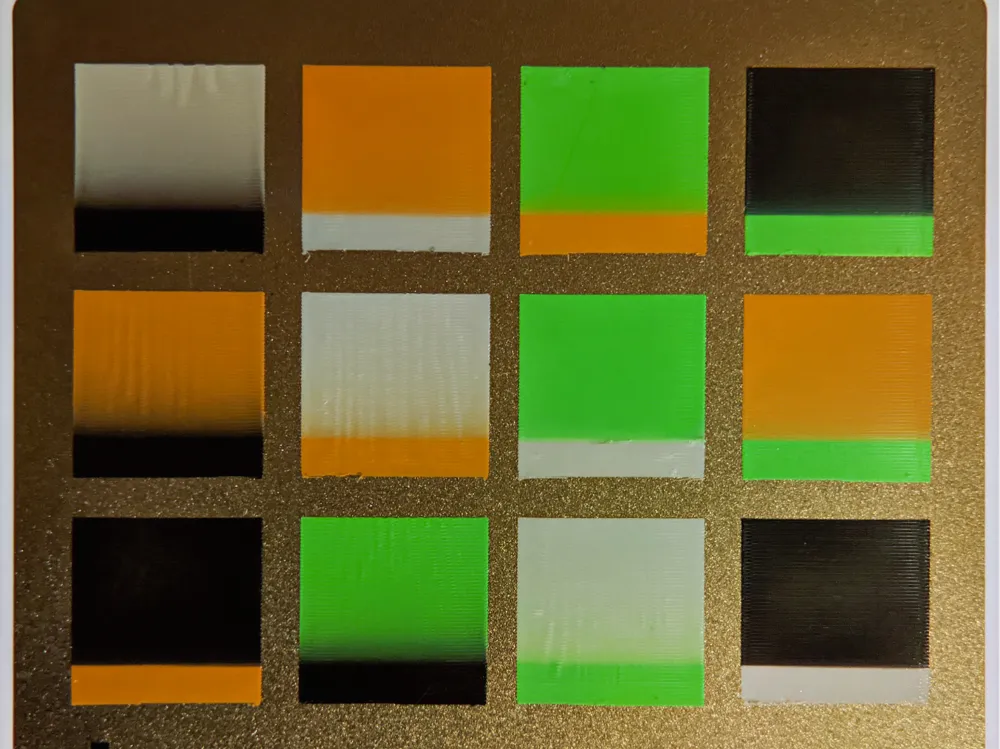
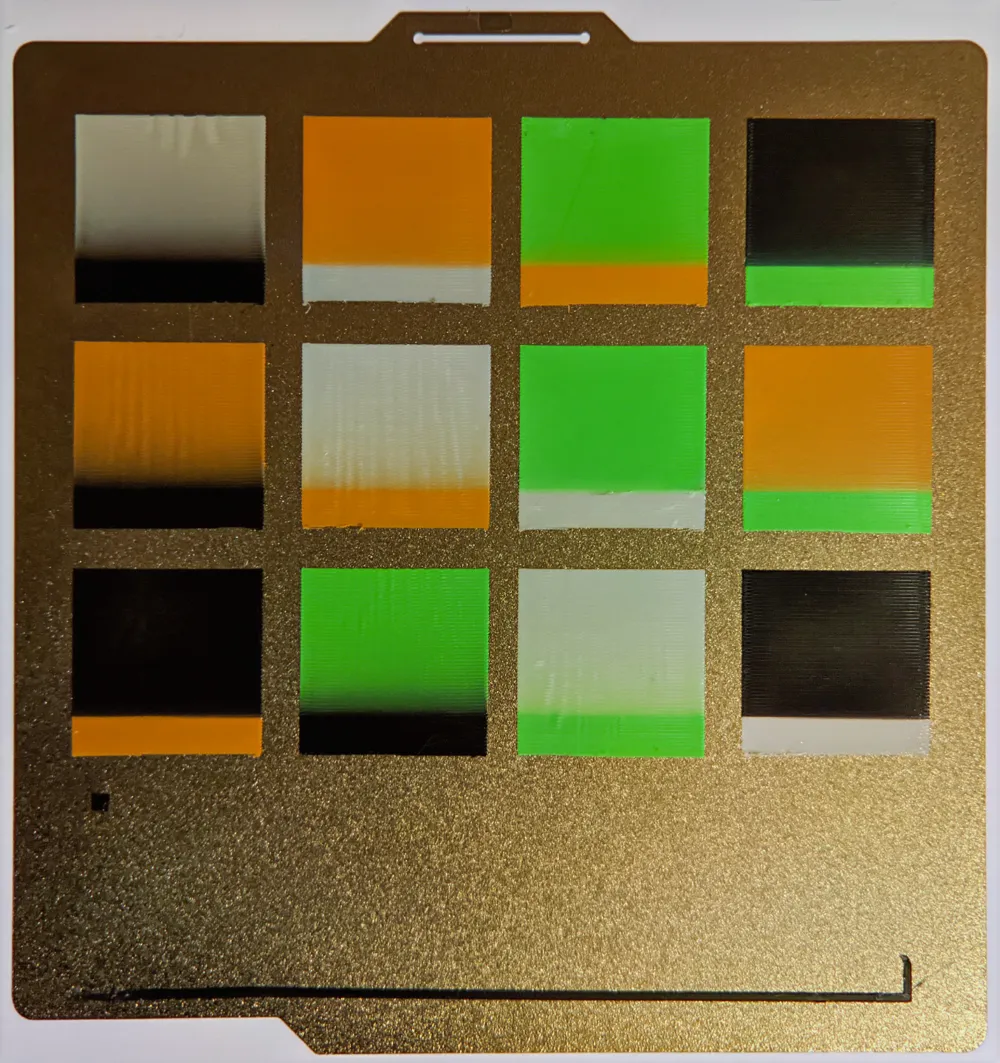
This plate can measure the required flushing volume for up to 4 color transitions using less than 3g of filament and 9 minutes of print time (excluding prepare time).
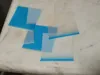
The plate contains 5 objects: prime, 1st, 2nd, 3rd, 4th which are printed in that order from the middle to top left then clockwise. The color transitions are between prime and 1st, 1st and 2nd etc. Choose your filaments and assign them to the objects in the Process Objects list. In the posted plate the objects are assigned black, white, black, red, white.
The project flushing volumes need to be zero and should be having a multiplier of 0.0 set.
The 4 test objects consume 10 mm^3 of filament per mm of length so simply measure in mm how far up the object the color becomes pure and multiply by 10 to get the required flushing volume.
The test objects are 50mm long giving a range of 500 mm^3. If that is too little or consistently too much you can scale the objects up or down in the Y axis. If you need less than 4 color transitions simply delete the unused later objects.
WARNING: Loading this project sets the flushing volume multiplier to zero. I am not sure, but, it seems to get saved as part of the slicer configuration so make sure you check and reset it when you create another project.
Update: Changing filament with zero flushing volume tends to leave a bit of oozed filament on the nozzle which sometimes doesn't get wiped off. Dragging a bit of filament onto the print doesn't really cause any problem, however, a work around would be to set all flushing volumes to say 50 mm^3 and remember to add 50 to what you measure.
Update: Bambu studio got smarter about print by object and object heights which now allows one plate to contain 13 objects to measure the required flushing volumes for all transitions between four filament colors. A profile for that has been added.
License



Comment & Rating (88)