Search models, users, collections, and posts

GIF
GIF
GIF
Print Profile(5)
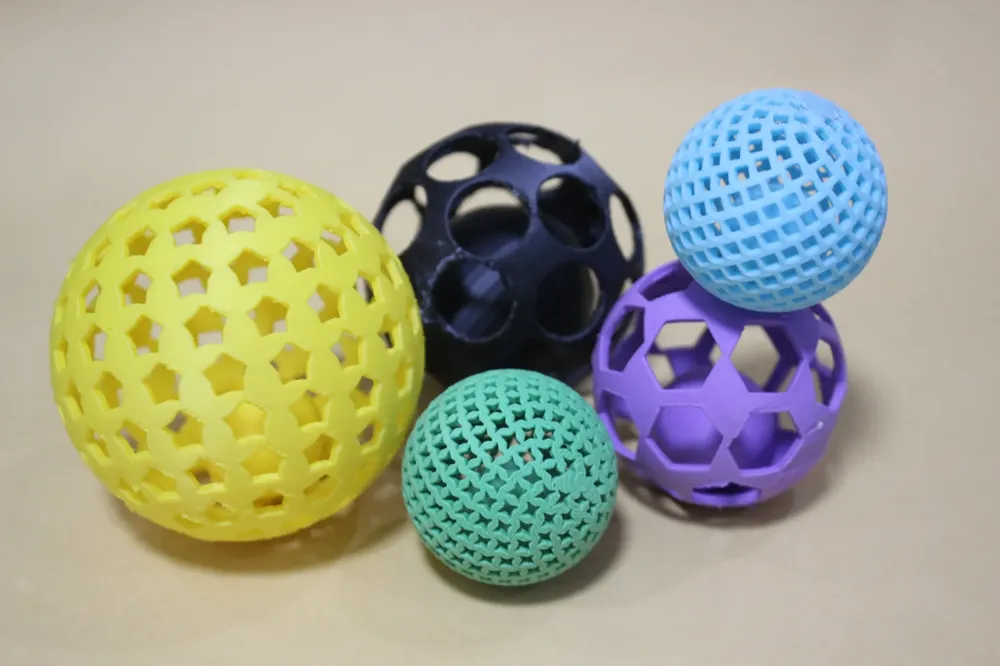
50mm large openwork pentagon
Designer
48 min
1 plate

60mm circular aperture (40mm internal sphere)
Designer
1.1 h
1 plate
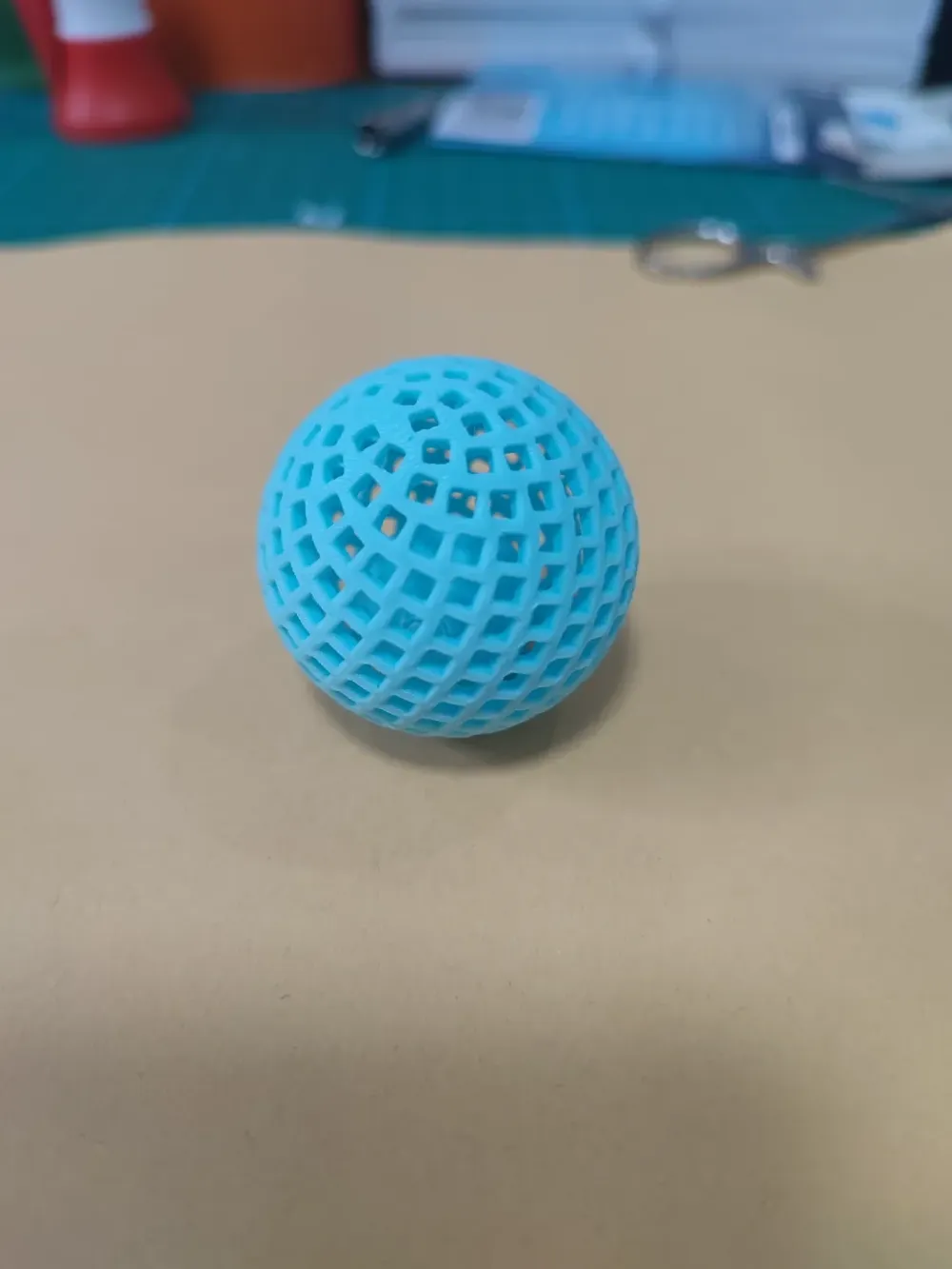
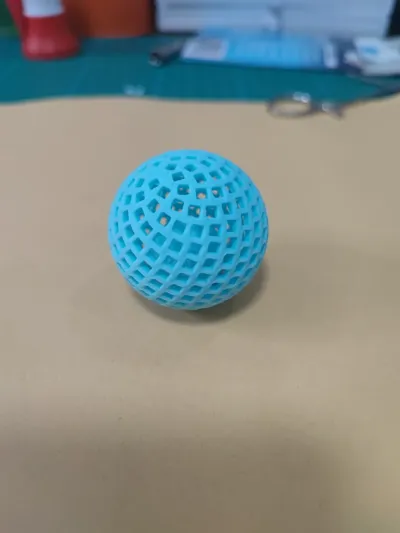
40mm square holes (dense)
Designer
1 h
1 plate
70mm Pentagram (Large Sphere)
Designer
1.8 h
1 plate
Click to see more
Open in Bambu Studio
Boost
44
113
10
5
212
133
Released
Description
Content has been automatically translated.
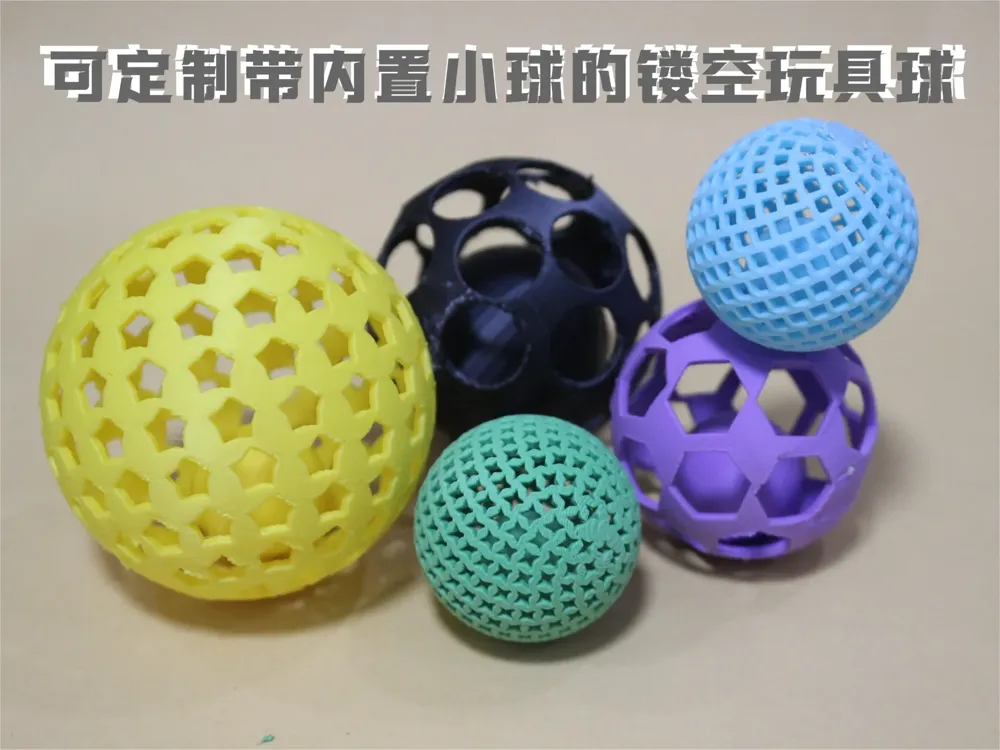
This model is developed based on OpenSCAD, with core algorithms referencing the project by @GLB_BrentPeterson, to whom we extend our sincere gratitude.
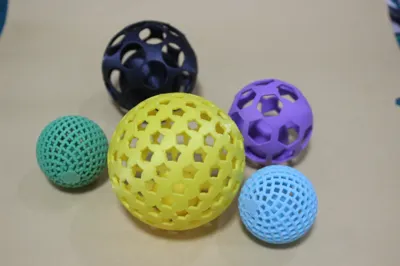
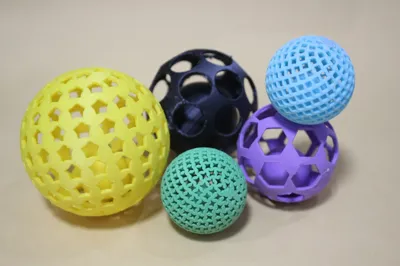
You can create unique and distinctive openwork artistic spheres through parameterized settings.
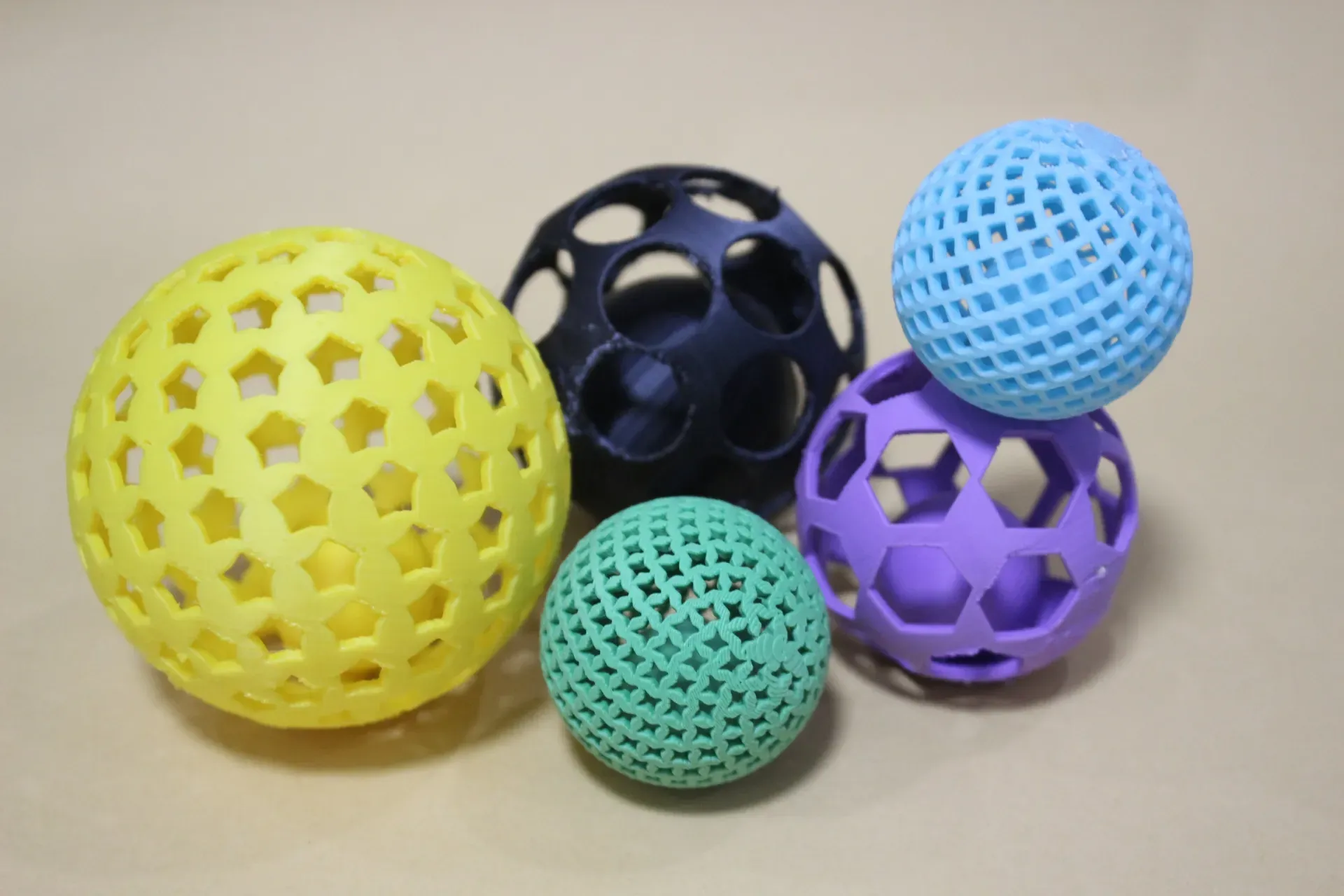
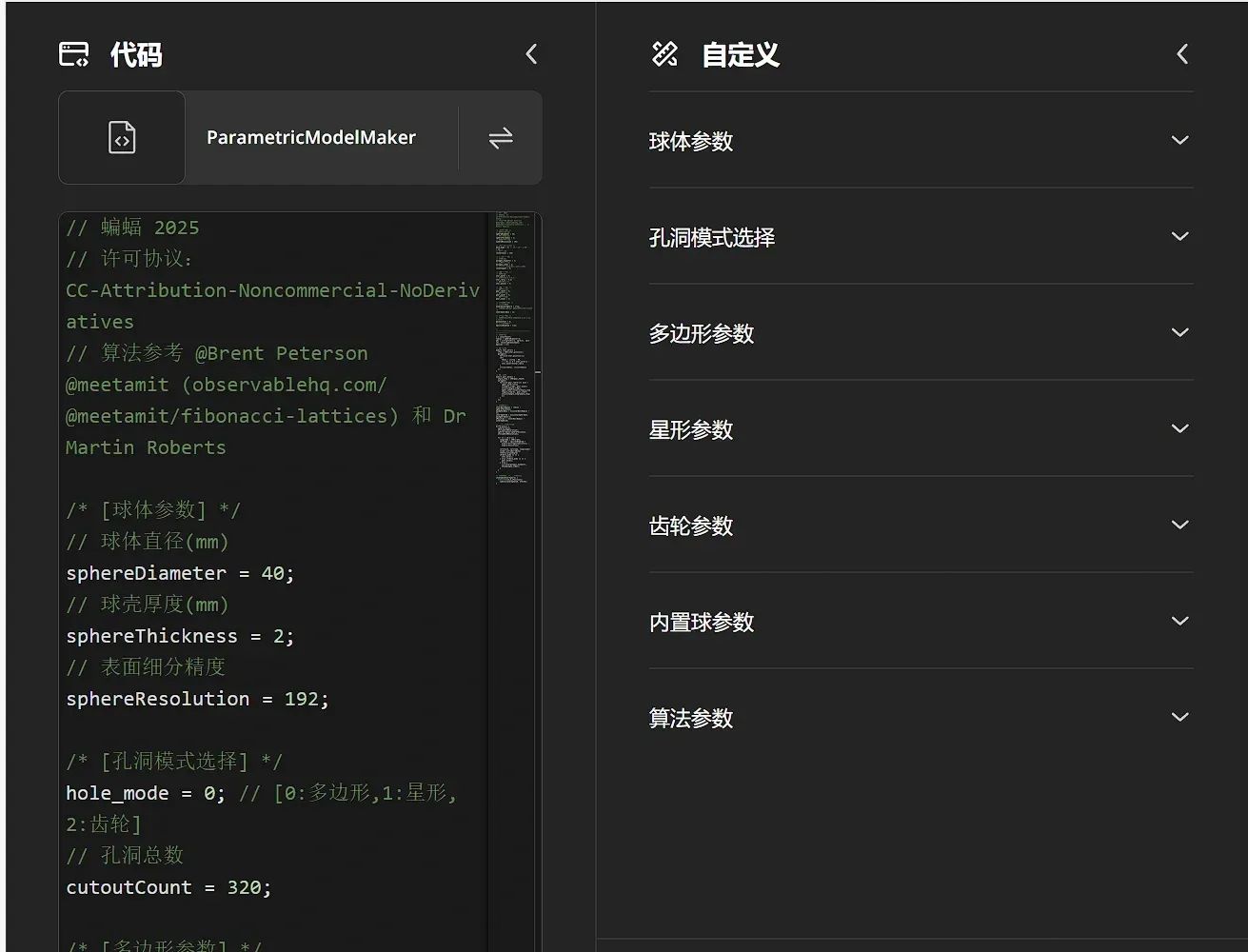
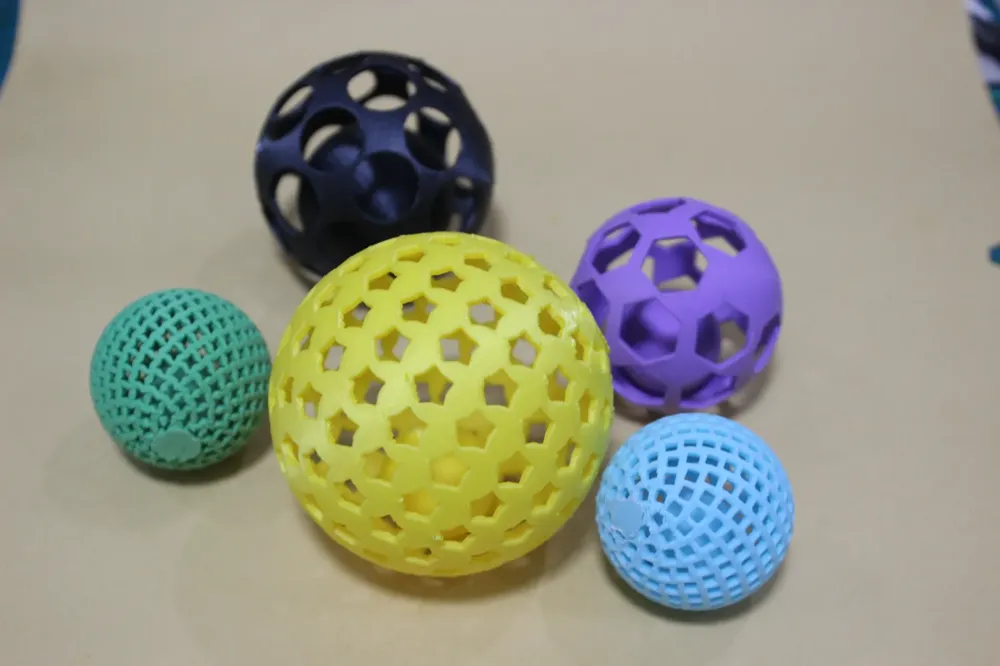

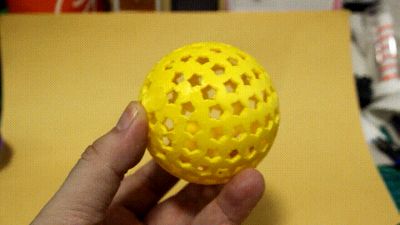
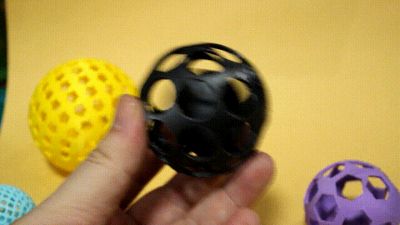
Utilize this project to freely customize artistic openwork toy spheres. The openwork holes offer diverse options (polygons, stars, gears), allowing you to adjust parameters to customize the number, size, and arrangement of holes, crafting your own unique toy sphere.

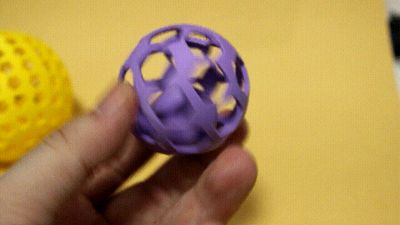
An independent internal ball switch enables the generation of a controllable-size inner ball within the openwork sphere, significantly enhancing the toy's playfulness.



(The above models with inner balls are all generated by the parameterized model editor; sphere size, holes, and inner ball size are all freely adjustable)
Particularly, the toy spheres with inner balls are exceptionally suitable as pet toys, children's toys, or even giveaway items for market stalls.
While wall thickness can be freely set using parameters, the default 2mm thickness is already quite robust (it has survived several accidental drops during photography), making it perfectly suitable for pet play.
Printing suggestions: Refer to the preset templates I have uploaded for parameter settings.
Sphere support requires manual drawing; here's a useful method (again, thanks to @GLB_BrentPeterson)
After loading the model, press ctrl+0 to reset the viewpoint
Click the support drawing button in the top toolbar to enter support drawing mode
Press ctrl+1 to set the top-down view
Modify the top-right corner parameter [Cross-section view]: 0.7
(The above steps effectively "hide" the upper 70% of the model)Press ctrl+2 to set the bottom-up view
Select the top-right "Fill tool" and click to fill the sphere surface.
(This effectively draws support on the entire lower 30% surface of the sphere)
Regarding the inner ball:
In freshly printed models, the small ball and the openwork sphere are interlocked (tangential in the model), but the connection is not tight; a firm object can be inserted through the hole to pry them apart. Therefore, when setting parameters, note:
1. The openwork holes cannot be too small—at least not smaller than the diameter of your pry tool; otherwise, you won't be able to insert it.
2. The inner ball cannot be too large; larger balls have more contact areas, and more importantly, may lack sufficient space for prying.
Finally, thank you for your interest in this project. If you successfully create fun toy spheres, we would appreciate your support.
Boost Me (for free)
Thank you for your support.
License

This user content is licensed under a Standard Digital File License.
You shall not share, sub-license, sell, rent, host, transfer, or distribute in any way the digital or 3D printed versions of this object, nor any other derivative work of this object in its digital or physical format (including - but not limited to - remixes of this object, and hosting on other digital platforms). The objects may not be used without permission in any way whatsoever in which you charge money, or collect fees.


Comment & Rating (10)