
Resident Evil - Welcome to Raccoon city Hueforge




Print Profile(2)






Description
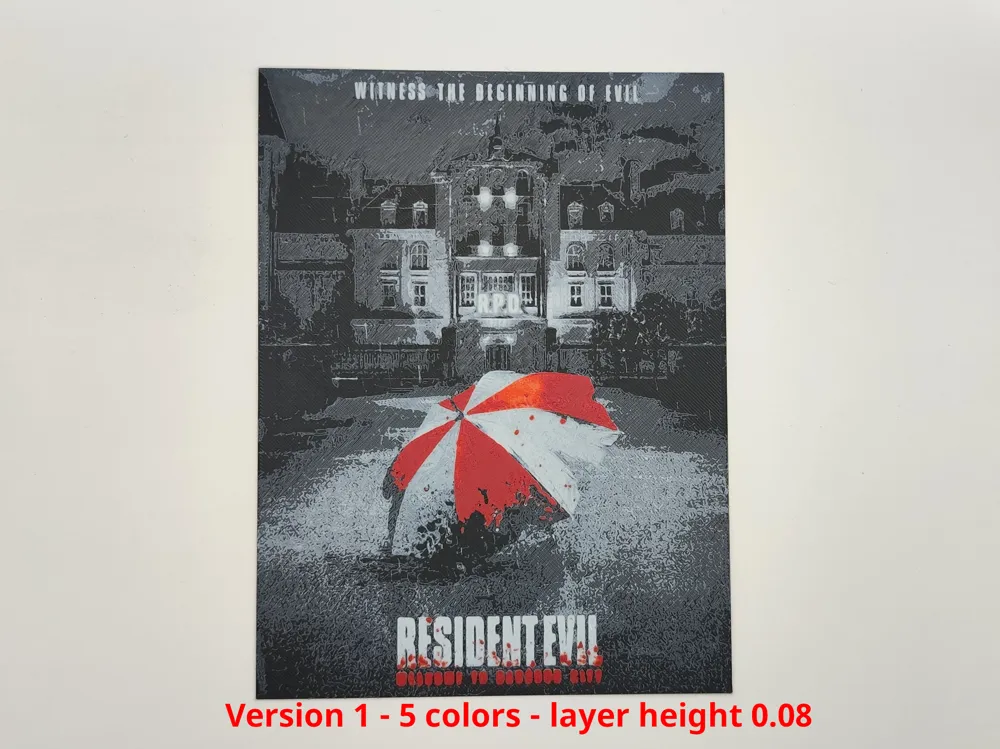
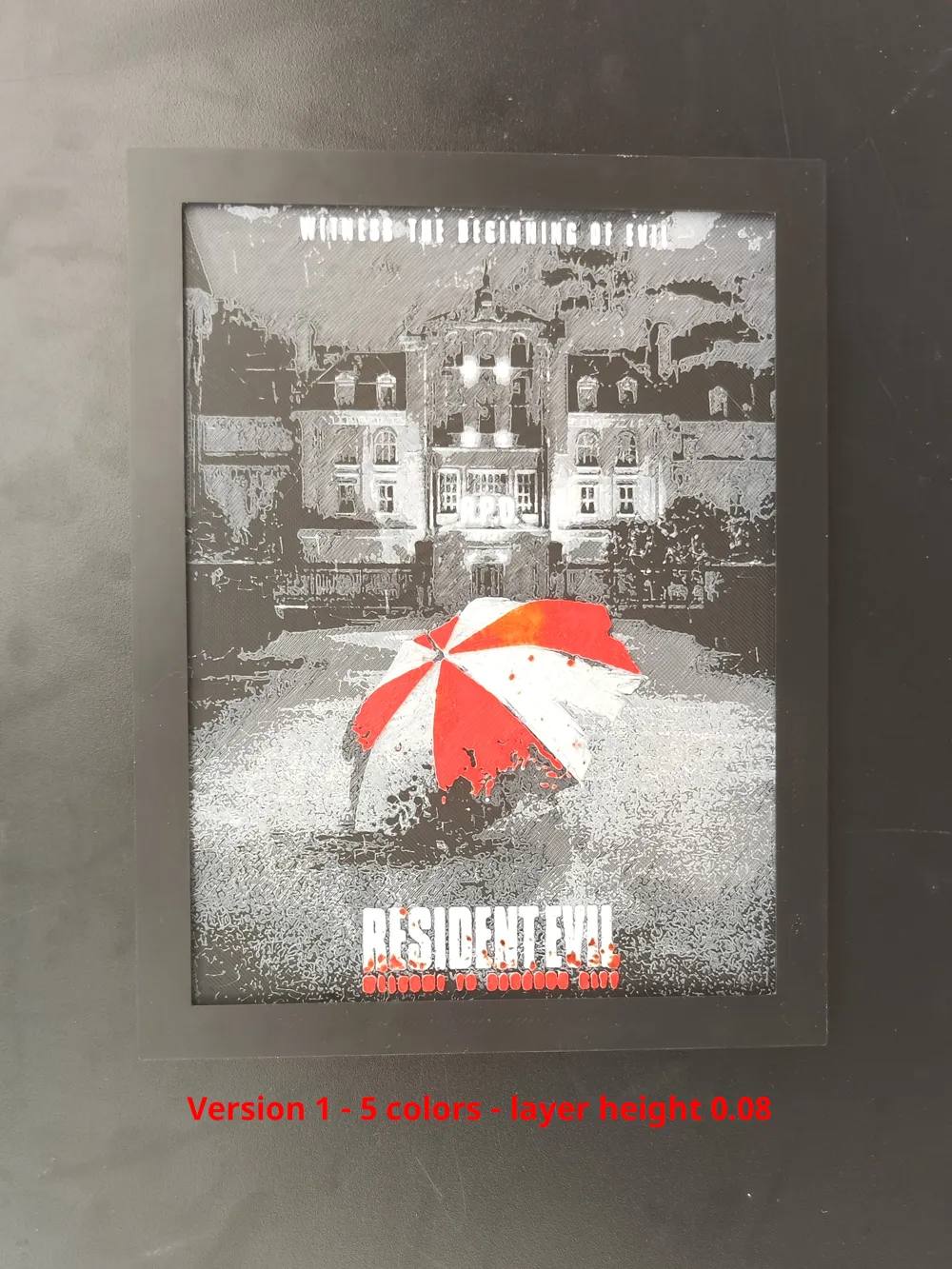
My photos are indeed those of the printed model and not of the original image
-------------------------------------------------------------------------------------------------------------------------------------------------------
Commercial license and exclusive models on Ko-fi!

Thanks!
-------------------------------------------------------------------------------------------------------------------------------------------------------
Hueforge of Resident Evil - Welcome to Raccoon city poster
The photos shows the result in 200*150mm and a nozzle of 0.4
There is a version 2 of the model, there was a typo on my print profile that I kindly pointed out to Essamant
I took the opportunity to rework the model for better rendering and reduced the number of colours, going from 5 to 4 colours and from 0.08 to 0.04 layer height.
Boost Me (for free)
Thanks for your boost!
You can change the X and Y dimensions but do not change the Z dimensions
You must define the printing parameters indicated in the description below and change the filament on the indicated layers.
You can use filaments other than those indicated, but the result will differ.
You can use any black PLA
Hueforge description
The Model is 150.09x200mm in size
You may print at higher layer heights below the Min Depth of 0.48mm
Version 2
Print at 100% infill with a layer height of 0.04mm with a base layer of 0.16mm
You may print at higher layer heights below the Base Thickness of 0.48mm
The Max allowed Thickness is 2.24mm and the Actual Thickness is 2.08mm
Filaments Used:
#000000 PLA BambuLab Basic Black Transmission Distance: 0.6
#4c5f71 PLA BambuLab Basic Blue Gray Transmission Distance: 3
#ffffff PLA BambuLab Basic Jade White Transmission Distance: 5
#c00d1e PLA BambuLab Basic Red Transmission Distance: 4
This print uses 4 unique filaments
Swap Instructions:
Start with BambuLab Basic Black
At layer #10 (0.52mm) swap to BambuLab Basic Blue Gray
At layer #18 (0.84mm) swap to BambuLab Basic Jade White
At layer #30 (1.32mm) swap to BambuLab Basic Black
At layer #32 (1.4mm) swap to BambuLab Basic Red
At layer #43 (1.84mm) swap to BambuLab Basic Jade White for the rest.
Version 1
Print at 100% infill with a layer height of 0.08mm with a base layer of 0.16mm
The Max Depth is 2.2mm and the Actual Depth is 1.6mm
Filaments Used:
PLA BambuLab Basic Black Transmission Distance: 0.6
PLA BambuLab Basic Blue Gray Transmission Distance: 3
PLA BambuLab Basic Jade White Transmission Distance: 5
PLA BambuLab Basic Red Transmission Distance: 4
PLA BambuLab Basic Marron Red Transmission Distance: 1.3
This print uses 5 unique filaments
Swap Instructions:
Start with Black
At layer #6 (0.56mm) swap to Blue Gray
At layer #7 (0.64mm) swap to Jade White
At layer #13 (1.12mm) swap to Red
At layer #17 (1.44mm) swap to Marron Red for the rest.
-------------------------------------------------------------------------------------------------------------------------------------------------------
Don't forget your grandma's advice: Always have a clean plate, a dry and calibrate filament, and make an offering to the god of 3D printing from time to time.
License



Comment & Rating (21)