
Big Brick * Pager/Beeper
Print Profile(1)

Description
Boost Me (for free)
Hello! If you enjoy my designs and have a spare boost, I'd greatly appreciate your support as it helps me continue creating models for free on this platform! Thanks!
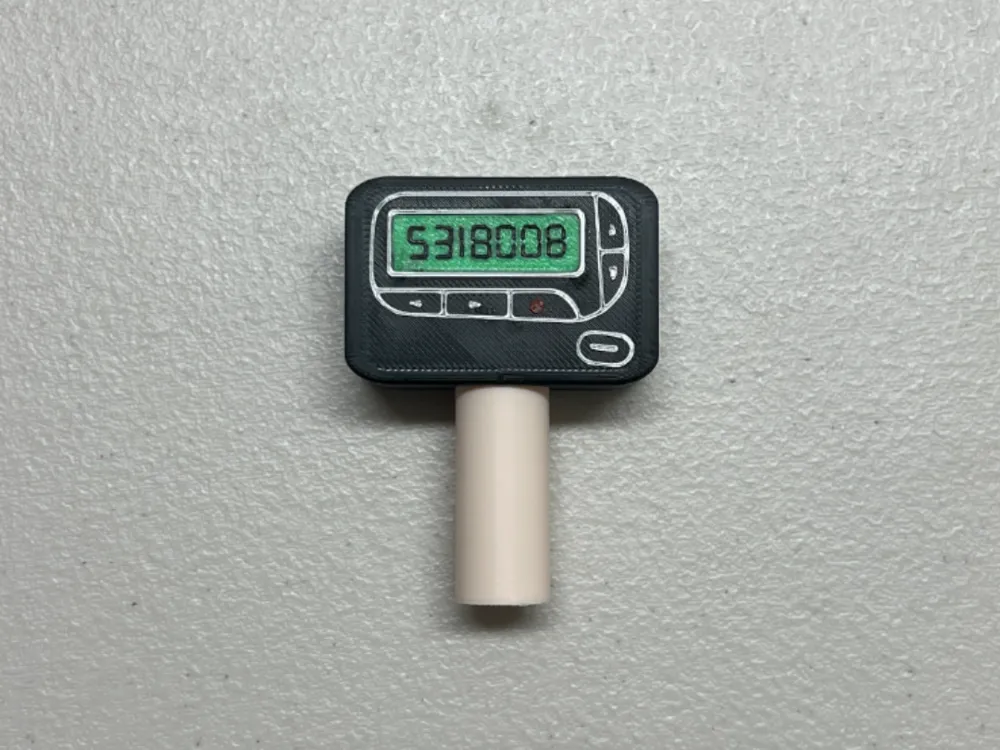
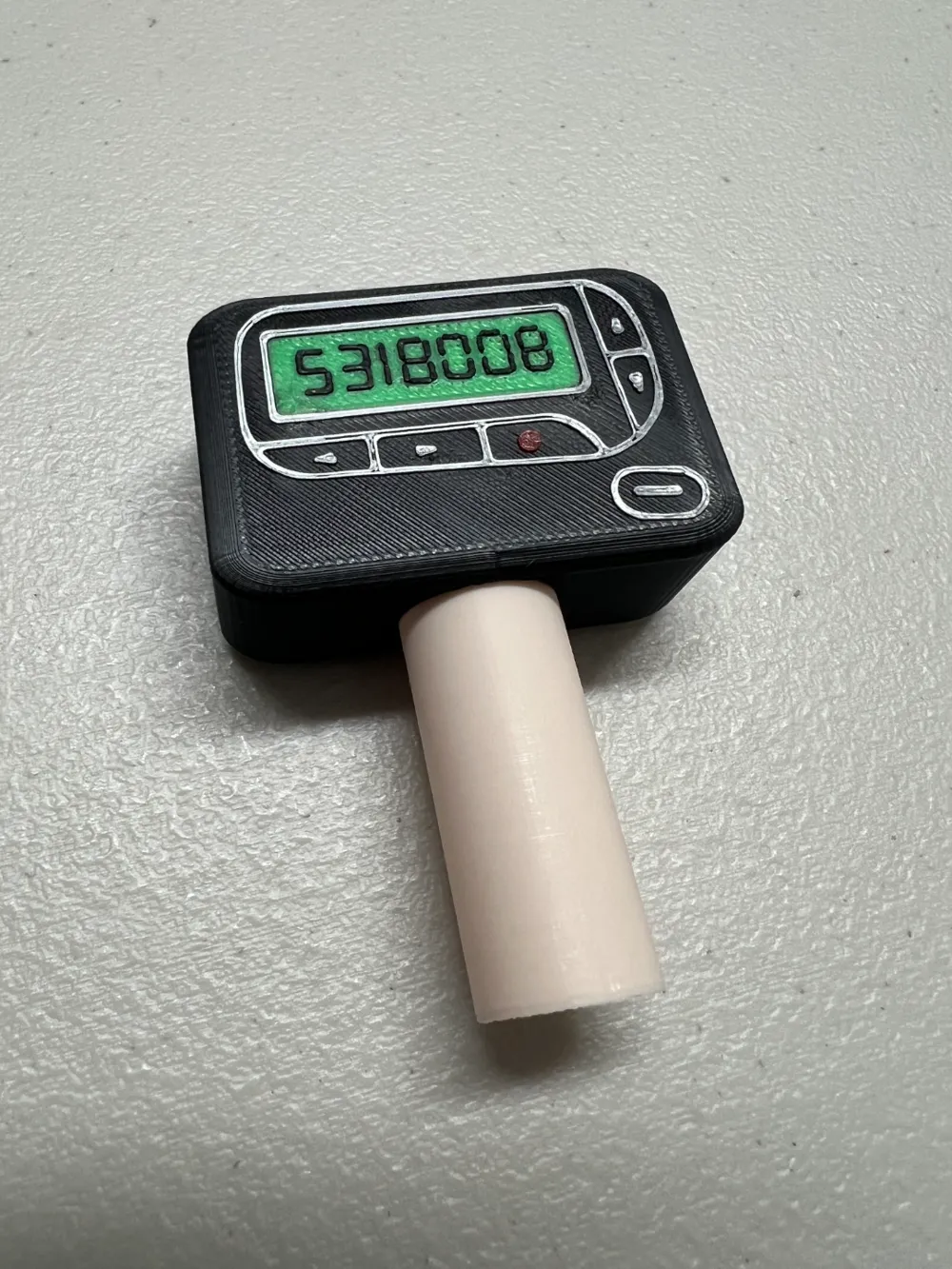
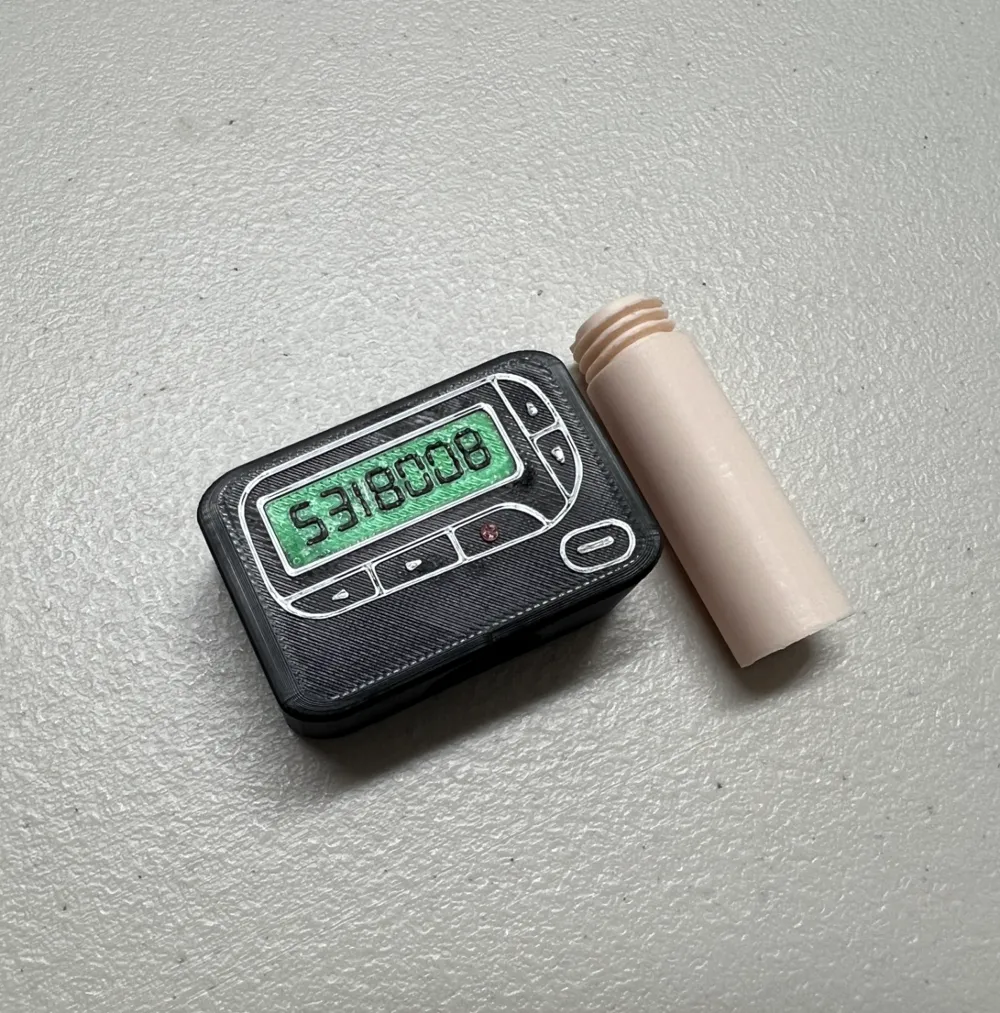
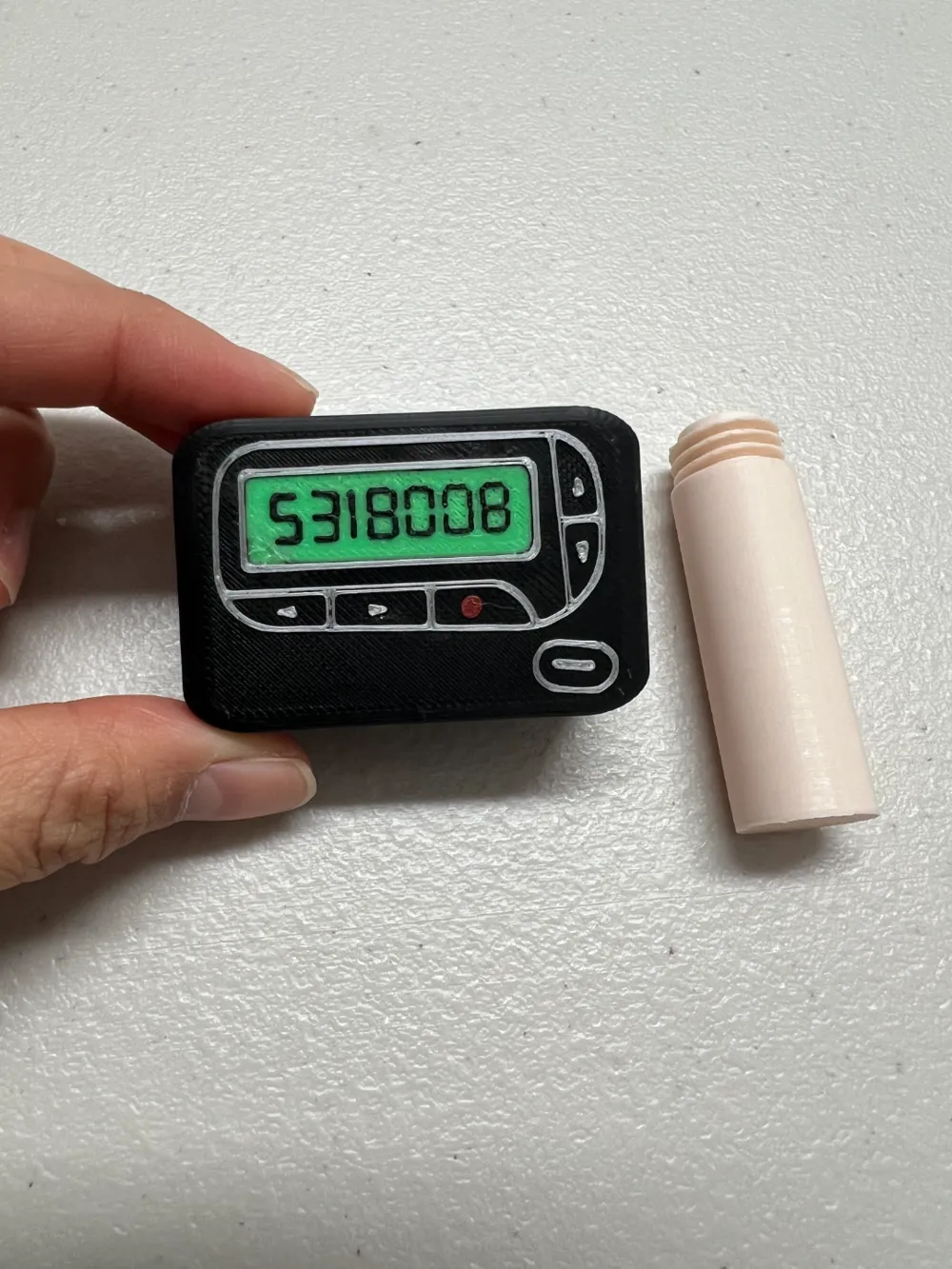
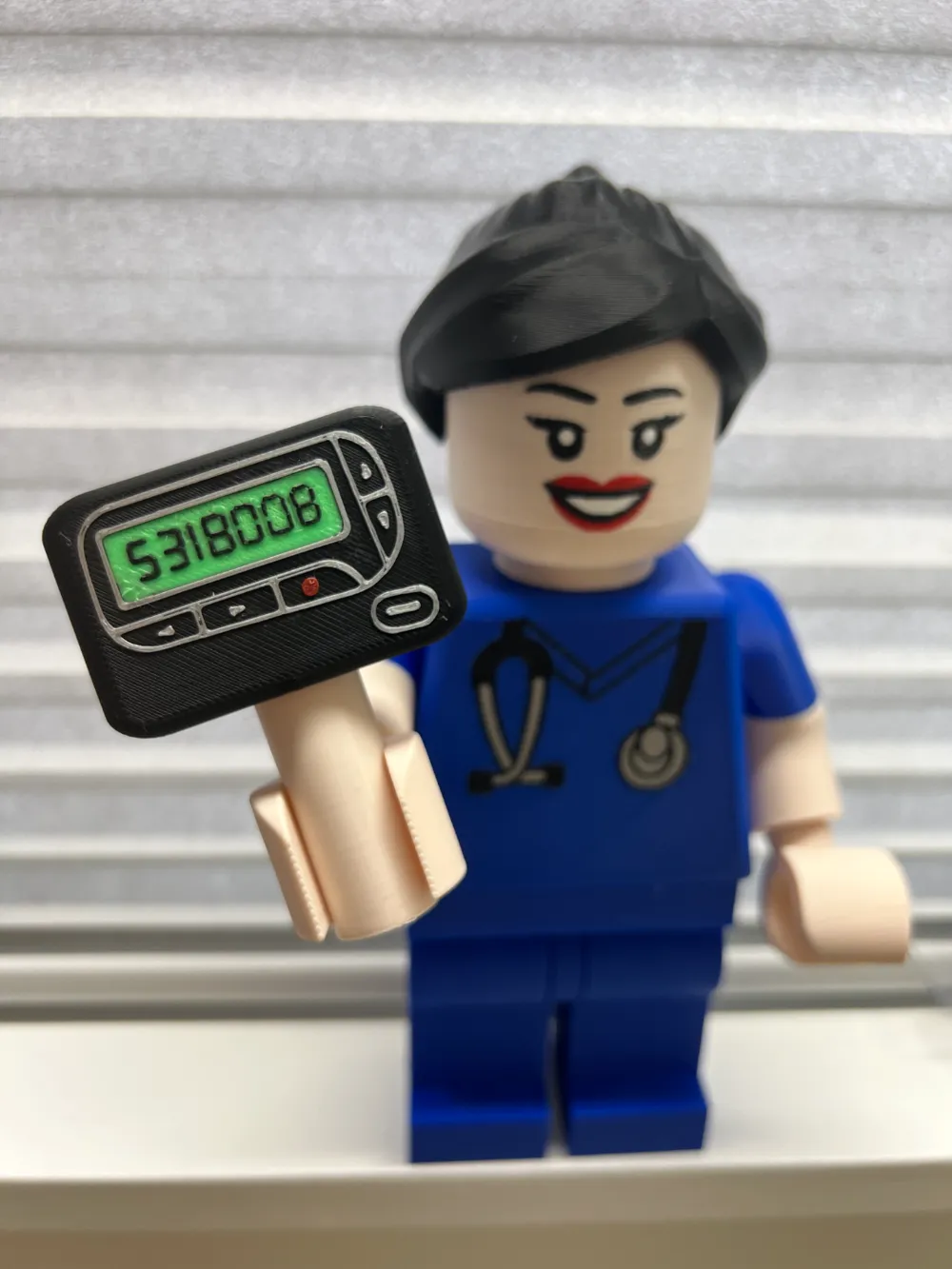
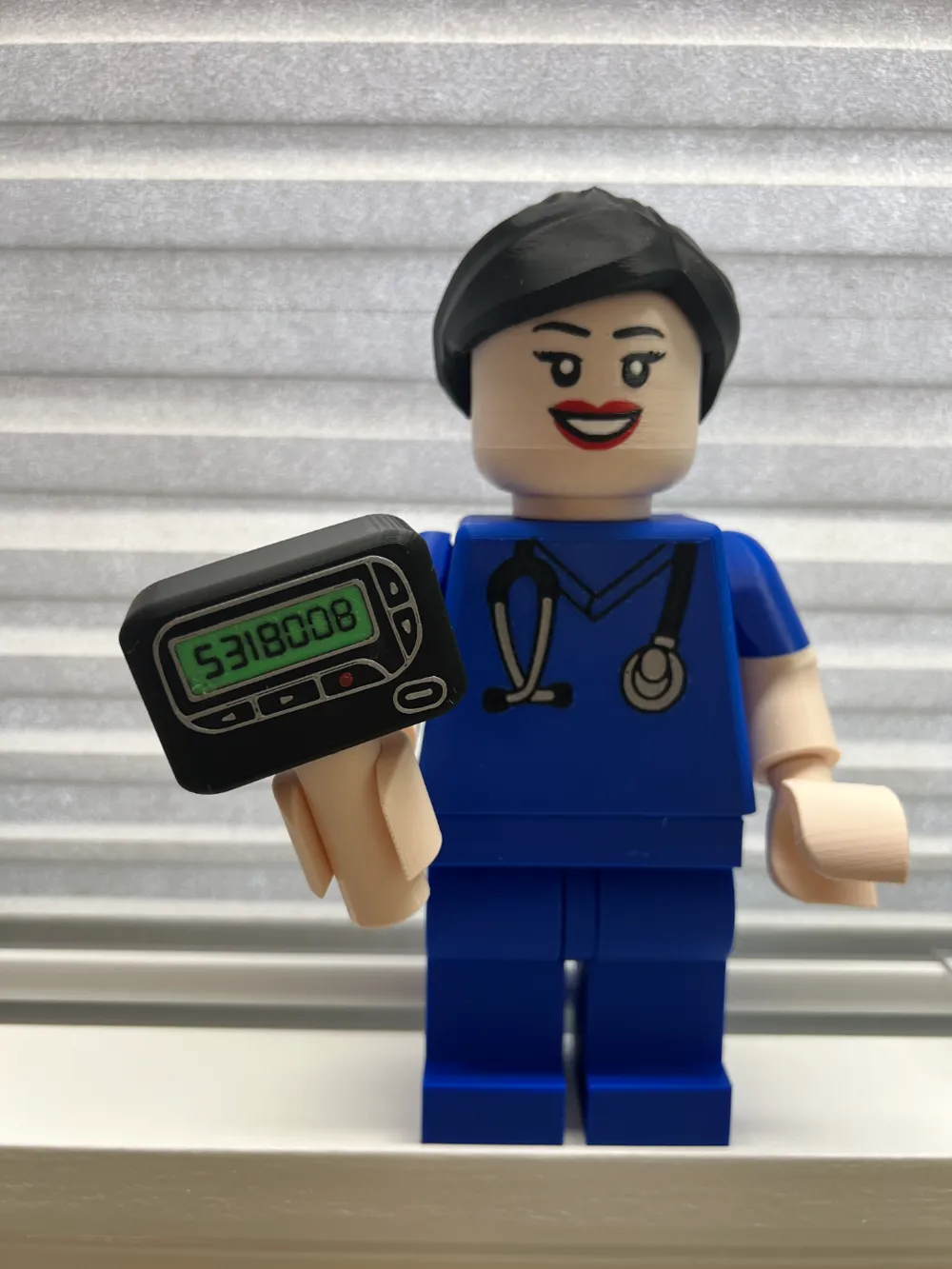
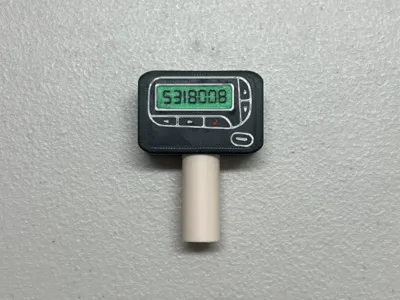
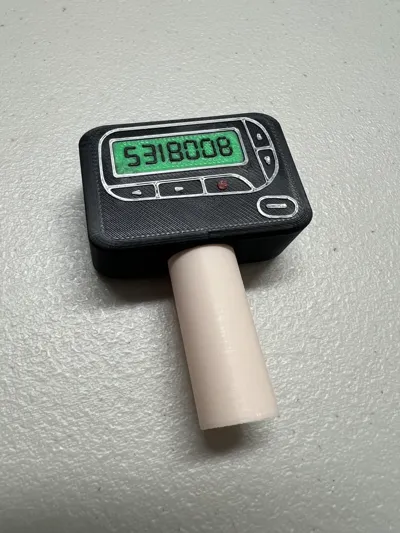
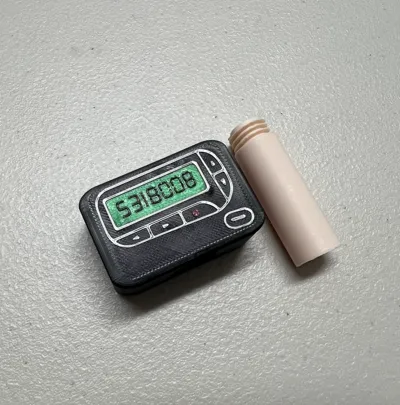
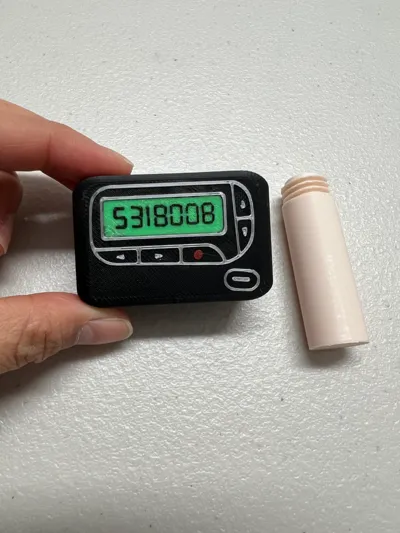
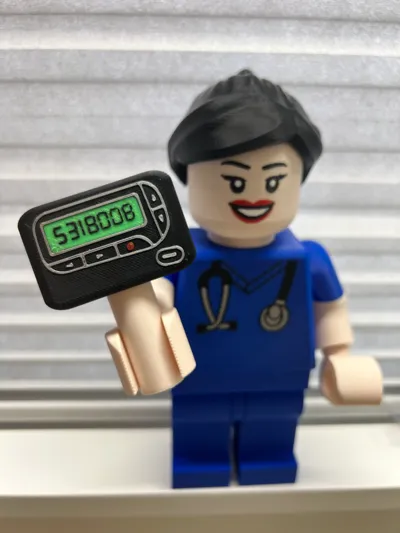
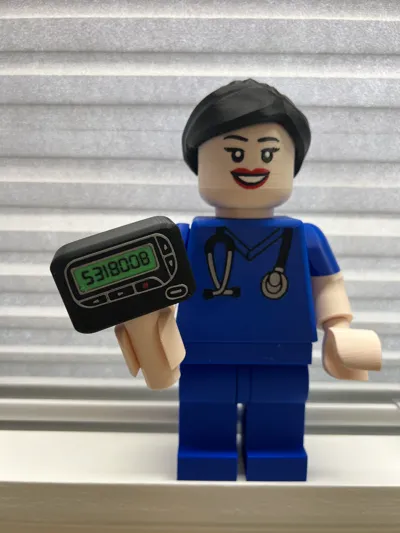
This is a big brick accessory for healthcare-related big bricks (approx. 6:1), specifically for hospitalists! It features a pager or beeper commonly used in the hospital with a handle for the big brick figure to hold. The handle is removable – it screws on and off and is printed separately to reduce filament waste. The infamous 5318008 number is shown, but there is a blank version and customizable version as well.
Hospitalists are physicians who care for patients while they are in the hospital. This is a broad group including multiple providers!
Print one for your favorite, current, new or graduating hospitalist today!
All healthcare providers have used or touched one of these during residency, so print one out for nostalgia…or to face your fears as you still hallucinate the incessant beeping in the middle of the night causing you to wake in a panic thinking you missed an admission.
Not you? Oh…yeah just kidding that doesn’t happen to me either…. >:(
Handle should fit most Big Bricks (approx 6:1) on Maker World, but make sure to check sizing prior to printing. Handle diameter is ~16.5 mm.
Big brick scrubs here.
If you’re looking for different faces, check out my collection of Big Brick Faces!
For the different hairstyles:
- Female brick ponytail
- If you're looking for other hairstyles, check out my collection of Big Brick Hair!
I’m starting a new series to create unique accessories to represent different specialties within the healthcare field. Check out my full Big Brick Healthcare collection here or below:
- Stethoscope - Medicine
- Pill Bottle – Pharmacy
- Molar Tooth – Dental
- Heart – Cardiology
- Pager - Hospitalist
- Lung – Pulmonology
- Brain - Neurology
Let me know if there’s a specialty you would like!
HOW TO CUSTOMIZE TEXT:
Click on the PLATE 3 - It is the only one that is customizable. Make sure you are on “Objects” and not “Global.
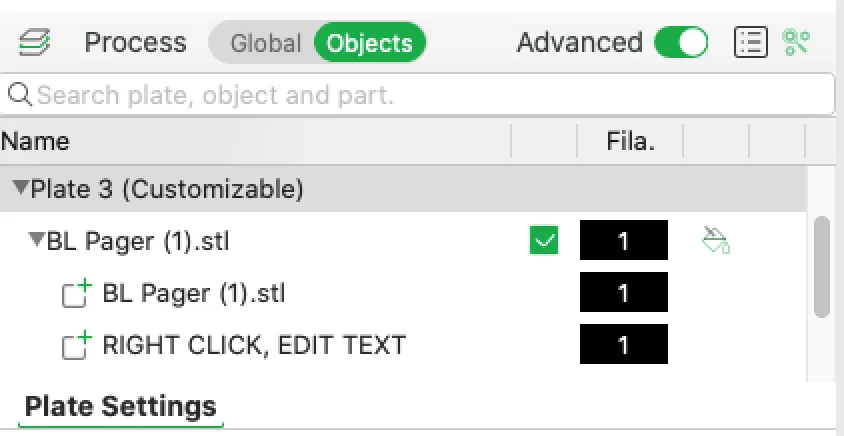
Expand the arrows and you should see “RIGHT CLICK, EDIT TEXT”
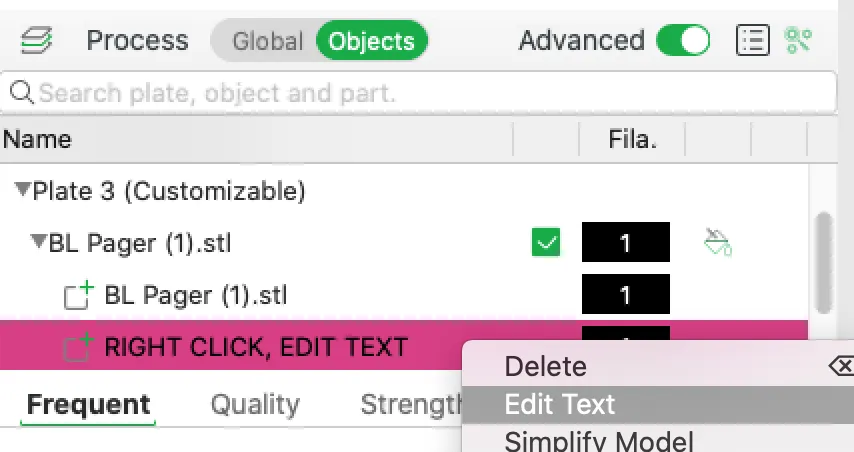
Right click on it and choose “Edit Text” and it should bring up a new box in the right corner:
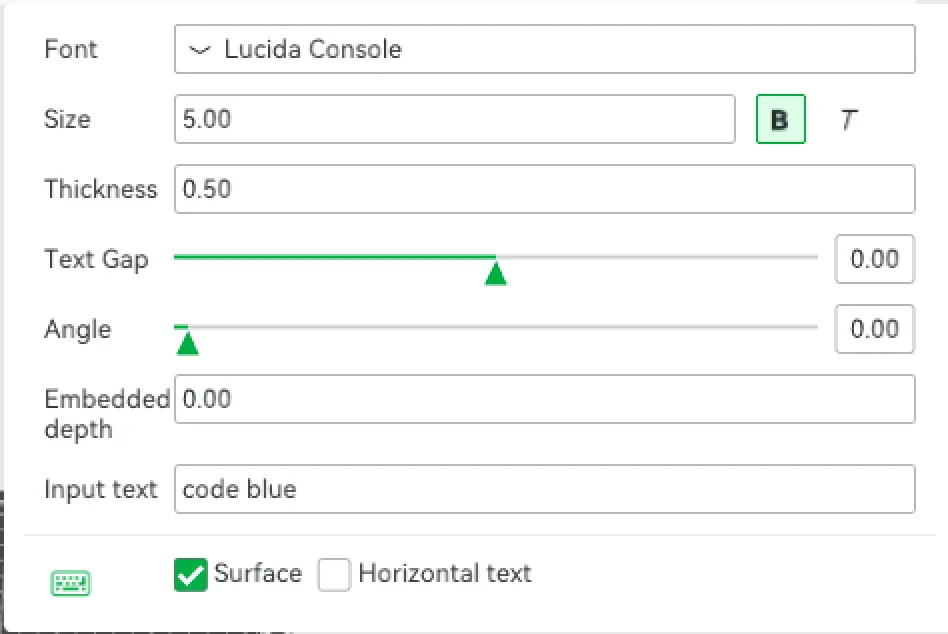
- Where it says “Input text" on the bottom - you can input what you want (ie. code blue, etc)
- You can customize the size to fit. The font you're looking for is Digital-7, which you can find online and download.
License

You shall not share, sub-license, sell, rent, host, transfer, or distribute in any way the digital or 3D printed versions of this object, nor any other derivative work of this object in its digital or physical format (including - but not limited to - remixes of this object, and hosting on other digital platforms). The objects may not be used without permission in any way whatsoever in which you charge money, or collect fees.


Comment & Rating (2)