
Bed Scraper (Bambu Scraper)
Print Profile(3)


Description
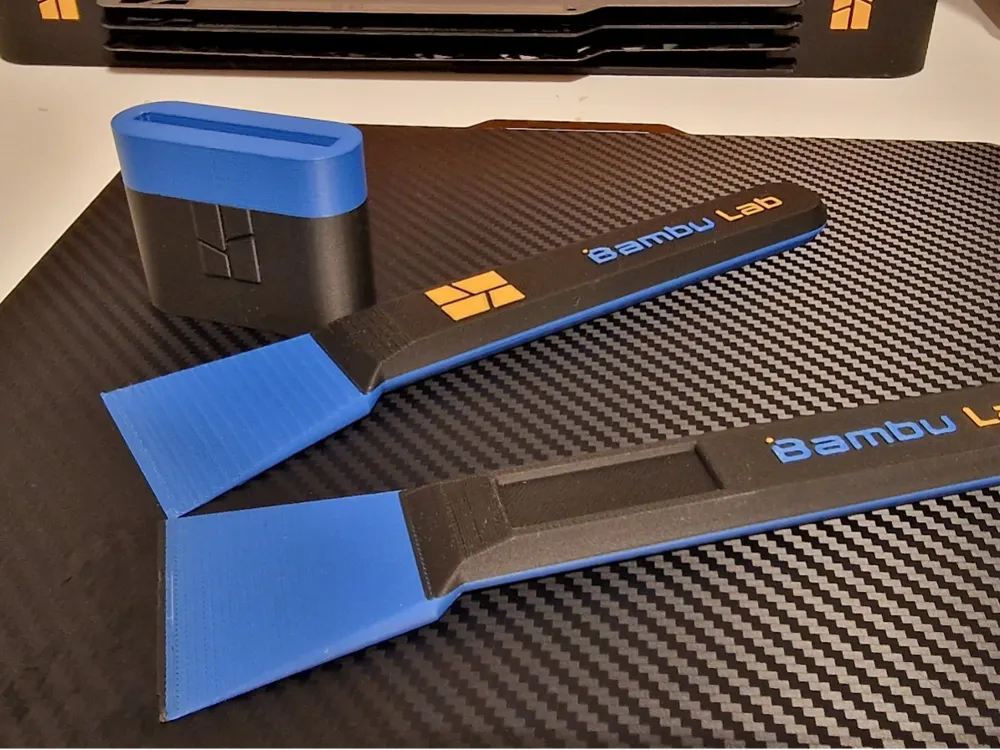
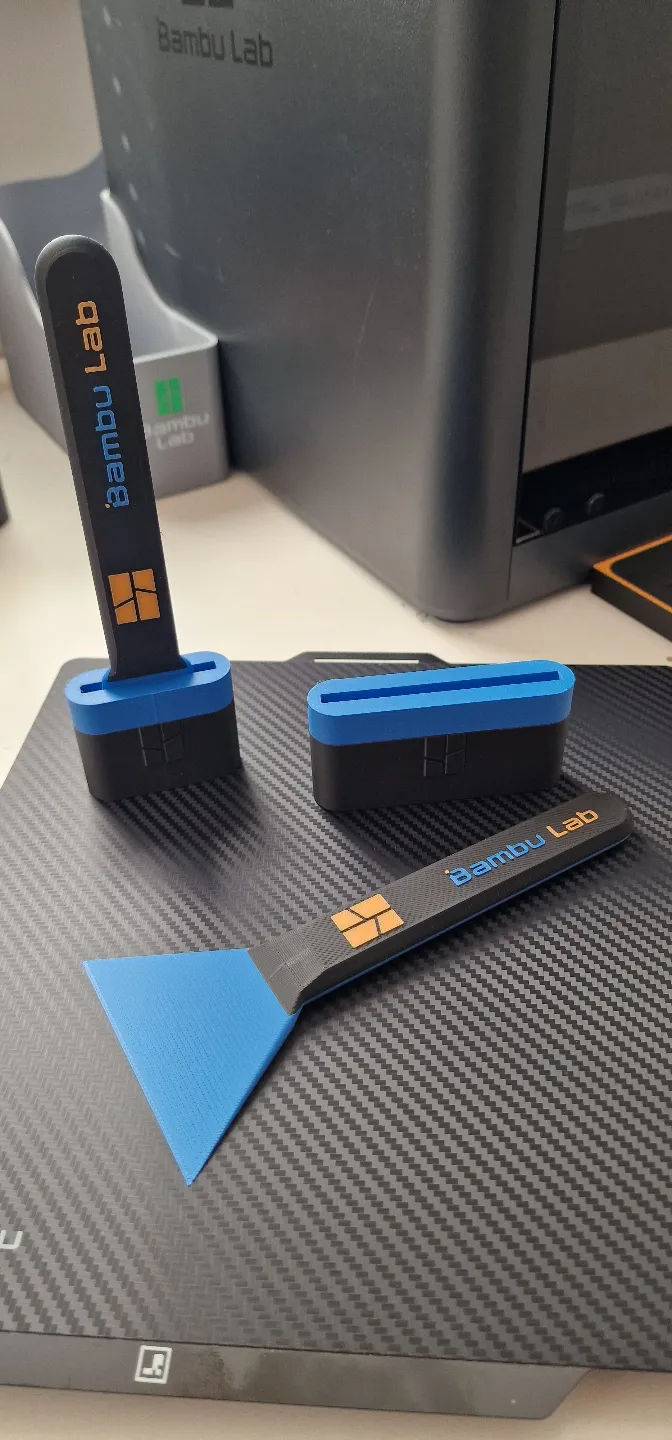
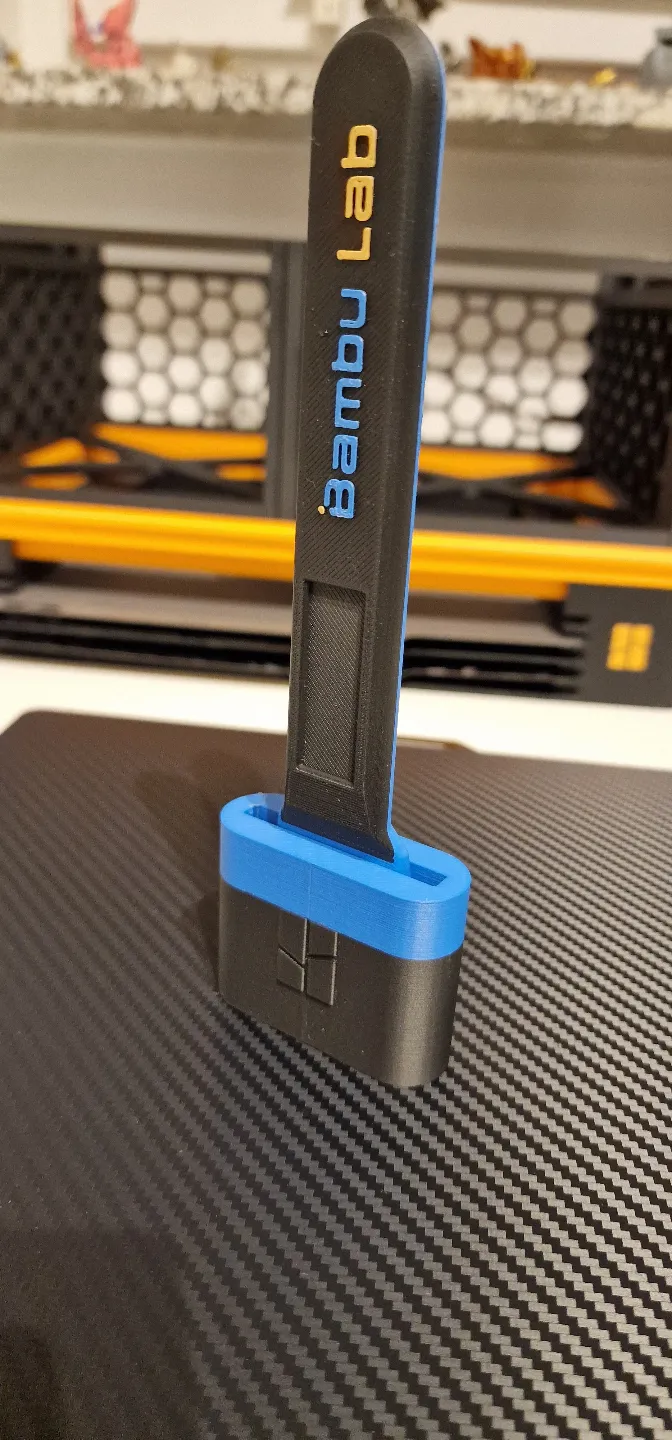
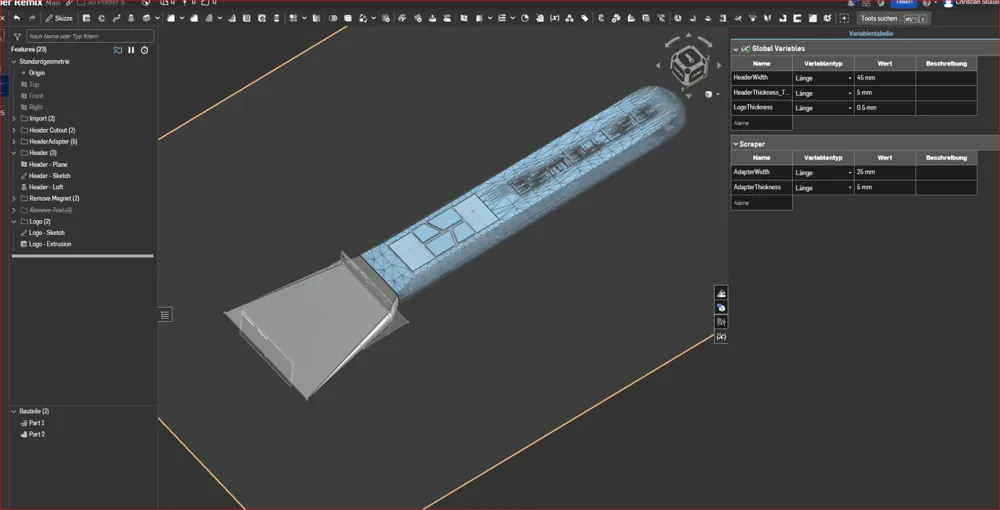
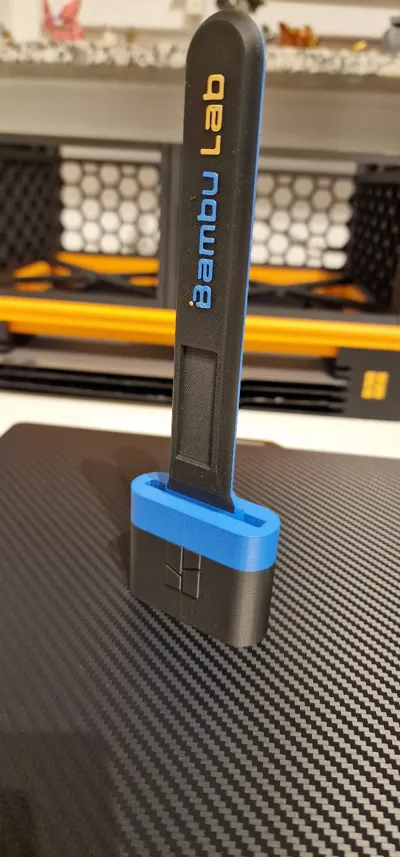
I am currently learning CAD (using OnShape) and attempted a combination of the two Bambu scraper designs to practice handling external STLs.
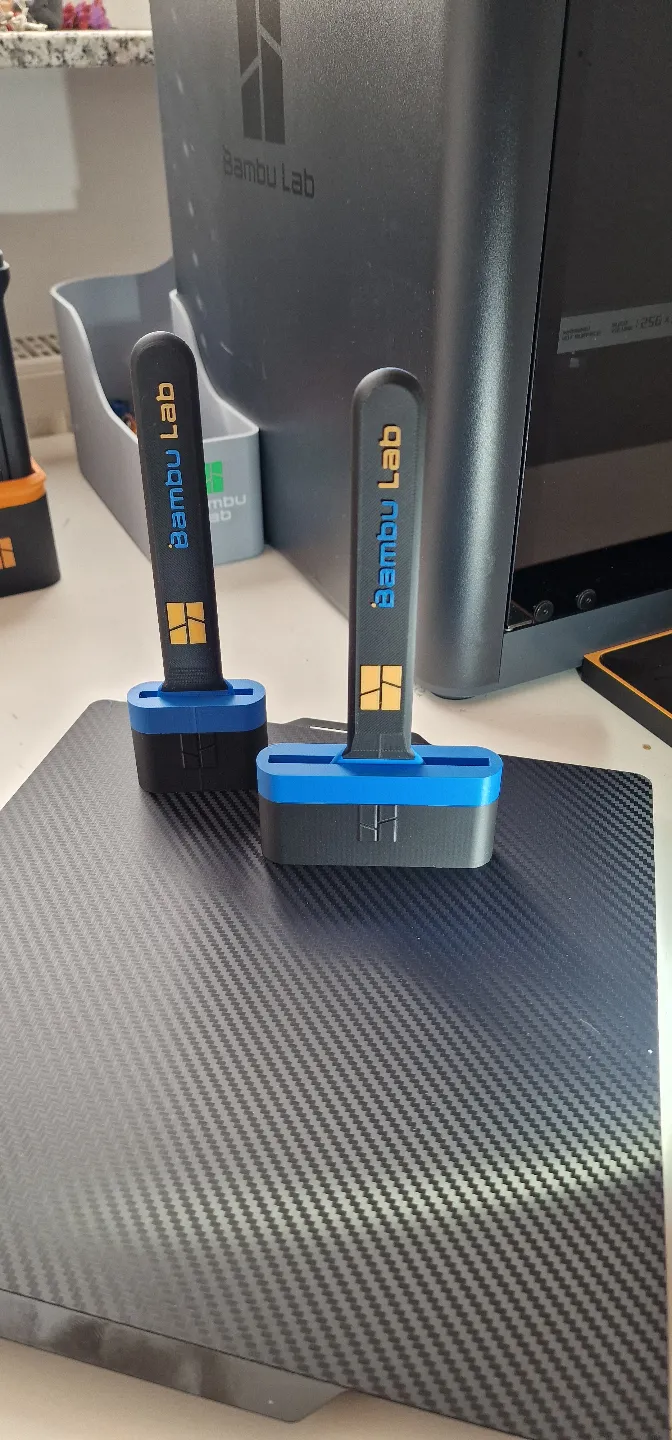
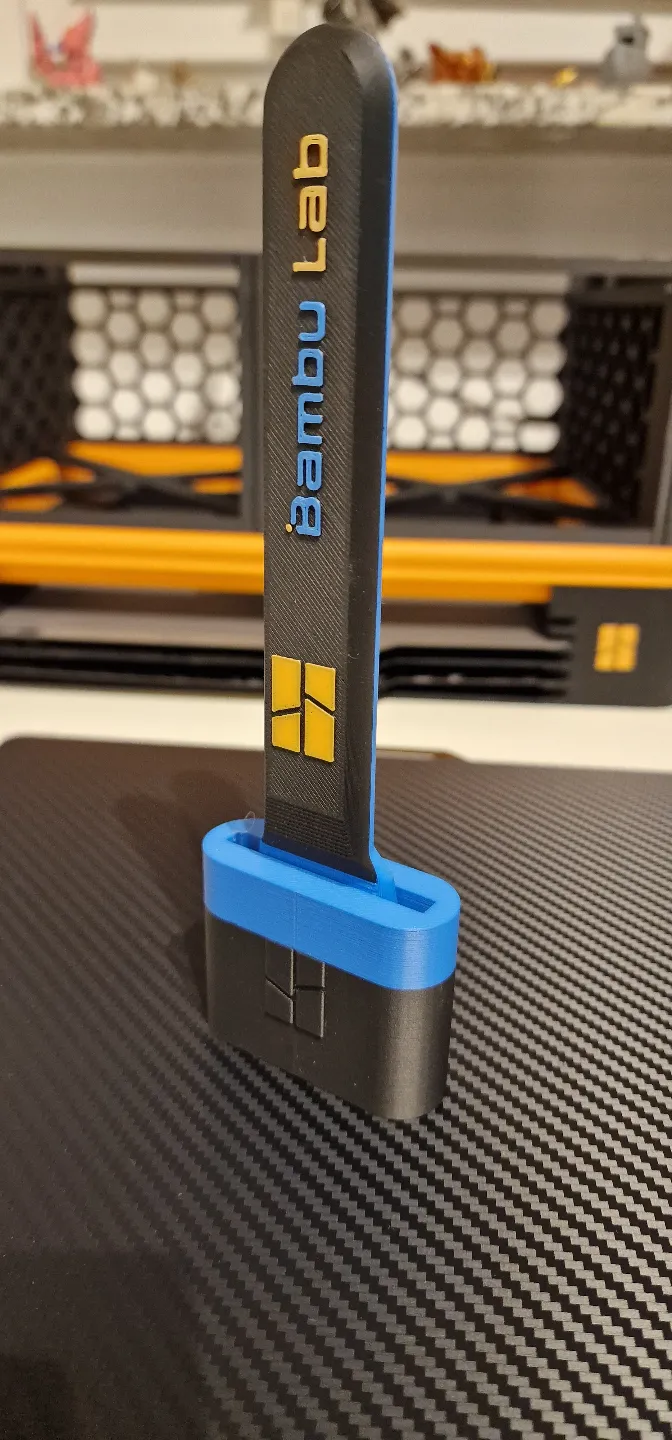
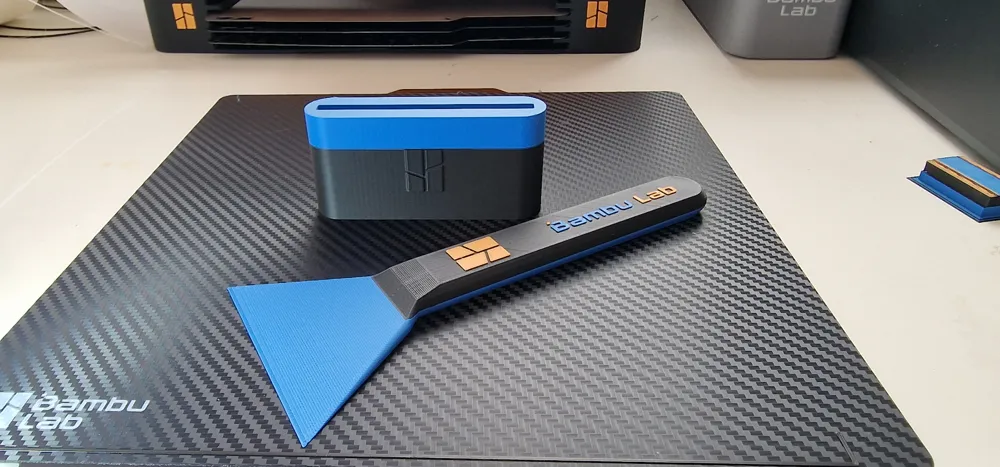
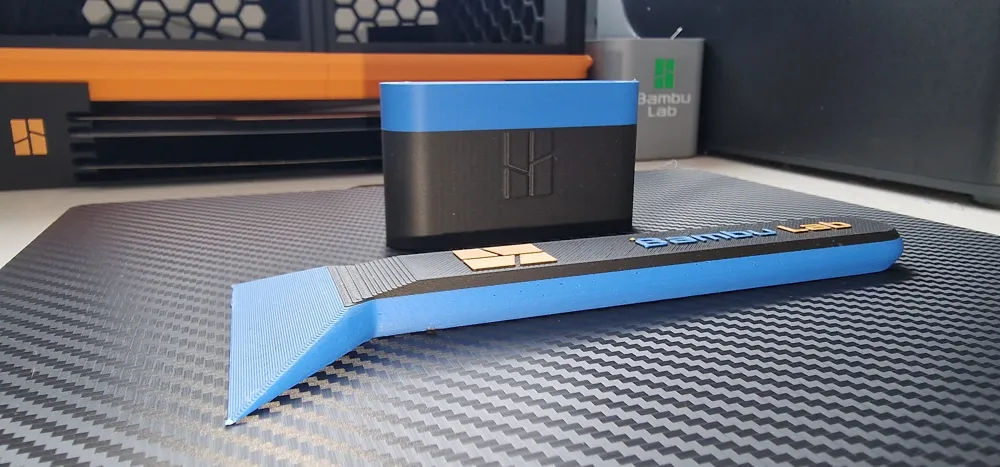
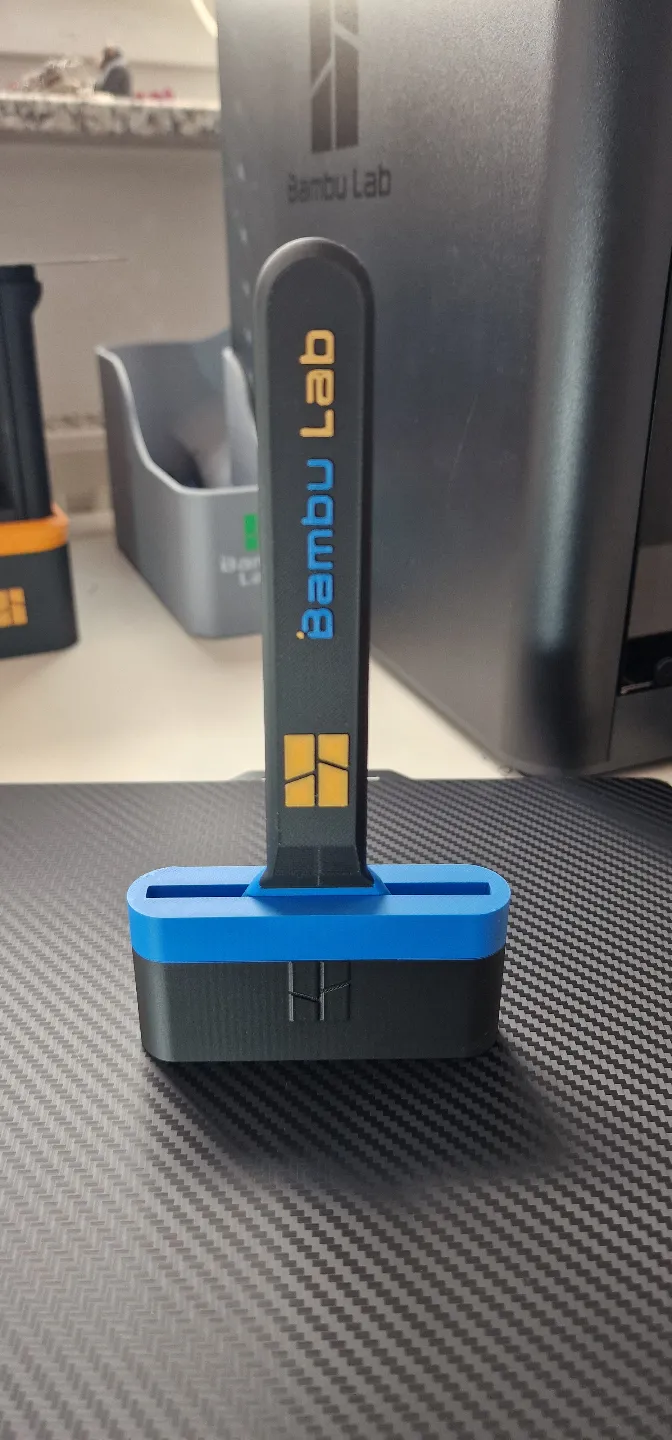
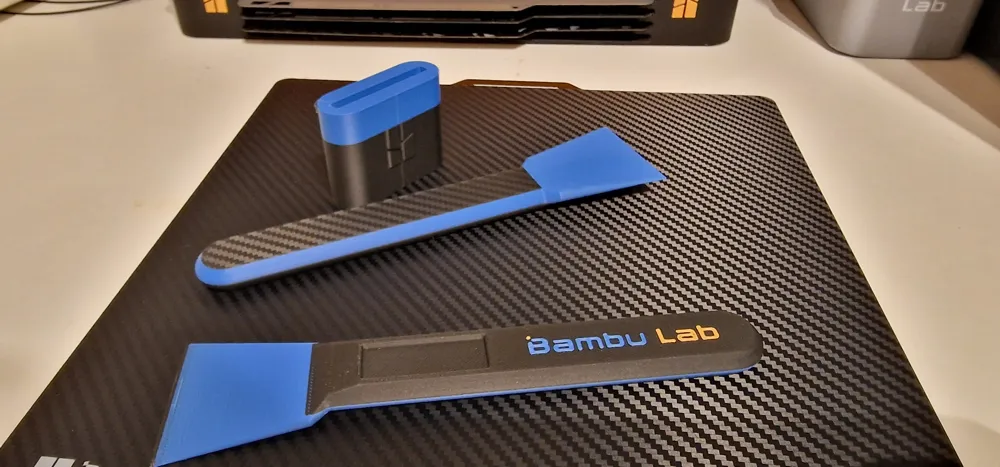
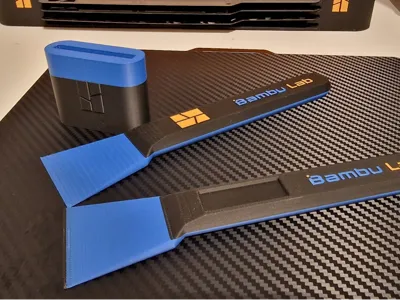
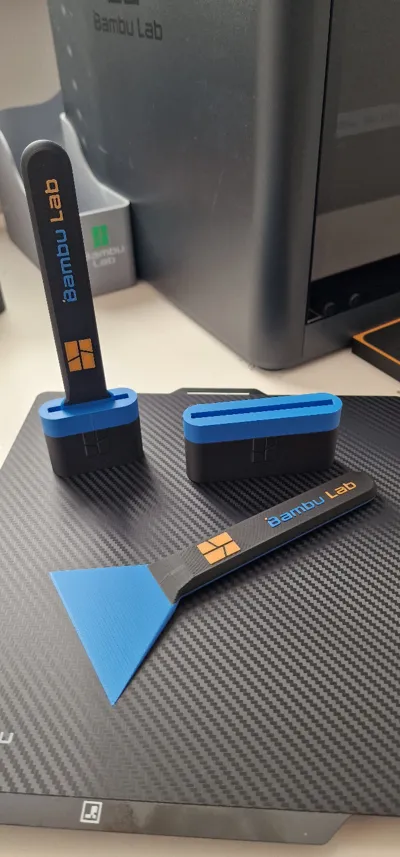
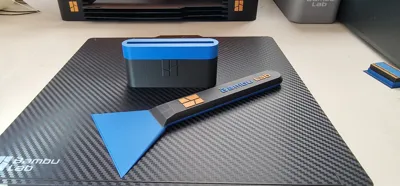
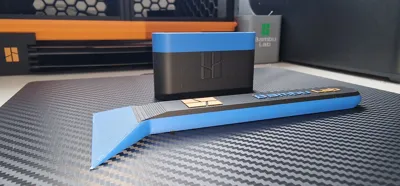
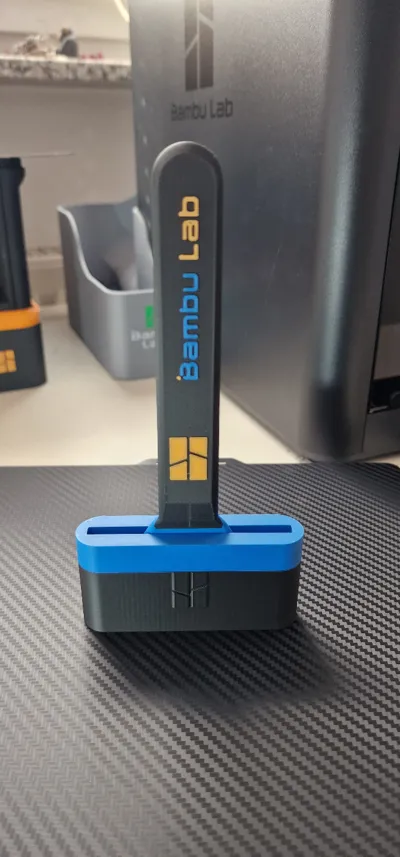
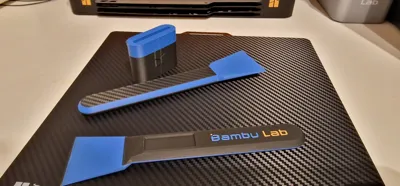
The result is this combination of a printable bed scraper with the elegant original Bambu scraper handle. Naturally, such a printed scraper is unsuitable for initially removing very stubborn prints, but if you have larger prints and have already loosened them in one area using the standard scraper with a blade, this scraper is excellent for loosening the rest and avoids risking damage to your print bed with the blade.
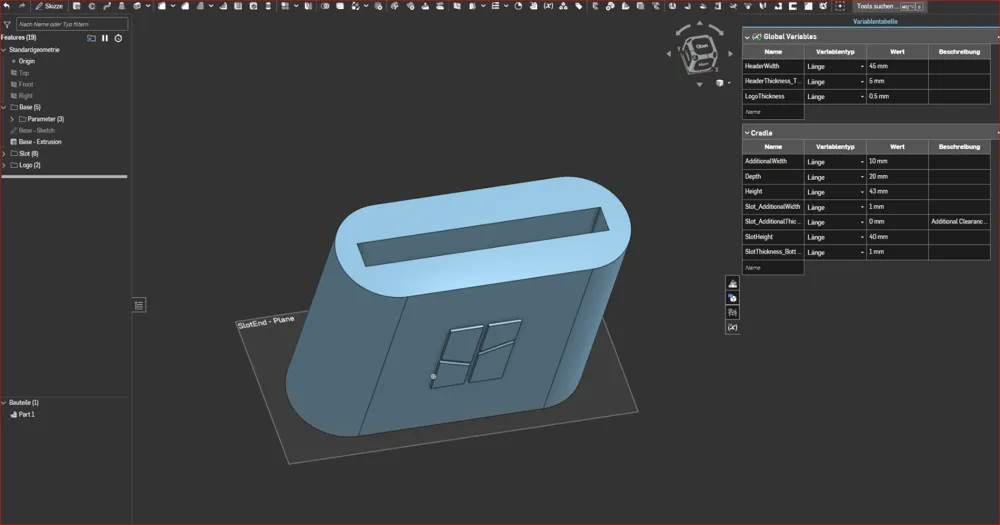
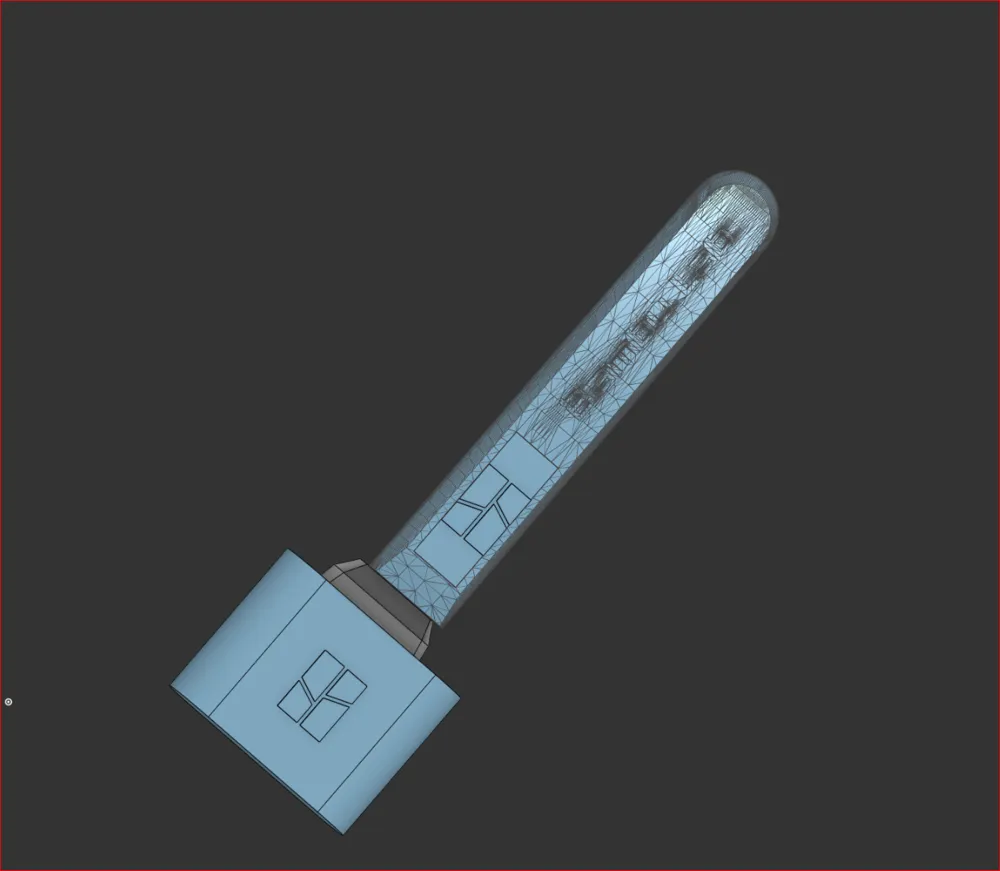
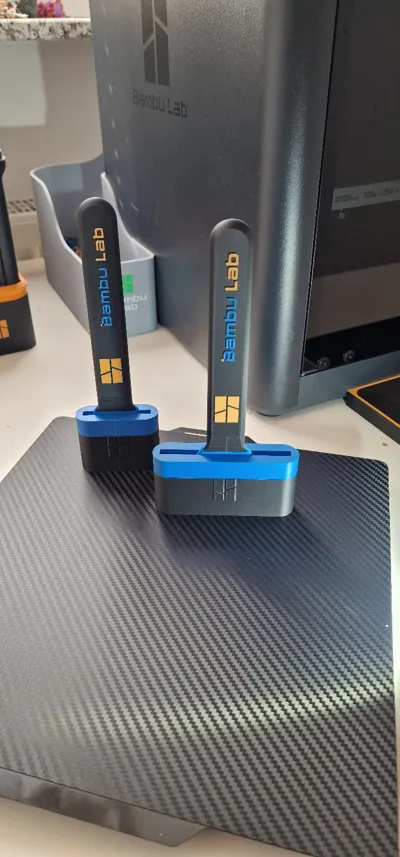
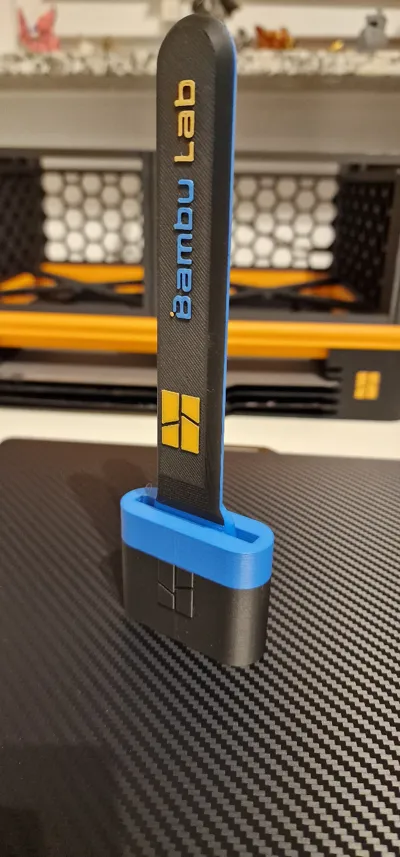
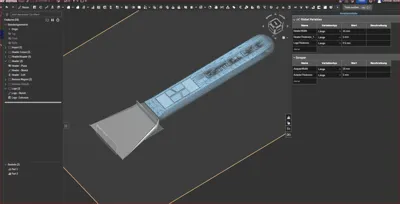
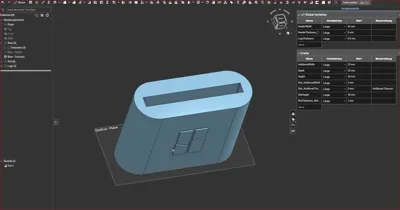
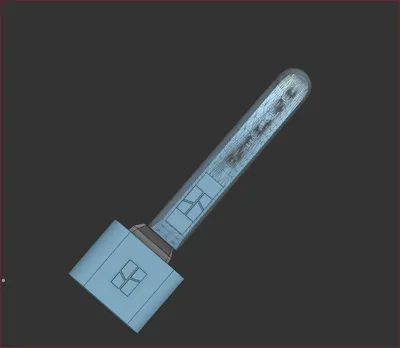
The scraper handle was shortened at the front, an adapter piece was inserted, and the blade of the printable bed scraper was remodeled at the front, with the cradle also replicated and adapted for the new bed scraper.
Feel free to create a copy of my OnShape design and, for example, modify the scraper's width by simply adjusting the global variable list (the first sheet at the bottom). The cradle will be adjusted accordingly, allowing you to easily create your own combination (Note: when exporting the scraper, select the STL format; with STEP, only the adapter and blade without the imported STL handle are exported).
When importing the scraper as a new object in Bambu Studio, activate adaptive layer height so that the blade has a smooth surface and is less likely to snag on your prints.
The profile includes plates with various versions (with a recess for the magnet like the original, with a Bambu logo instead, or without a logo and lettering). However, in the OnShape design, you are welcome to incorporate your own logos or lettering – feel free to experiment.
To illustrate what you can achieve with simple changes to two variables, I have also created a profile with an 80mm wide and a 66mm wide and shorter (steeper blade incline) variant.
I hope some of you enjoy this remix!
This remix is based on


License



Comment & Rating (22)