
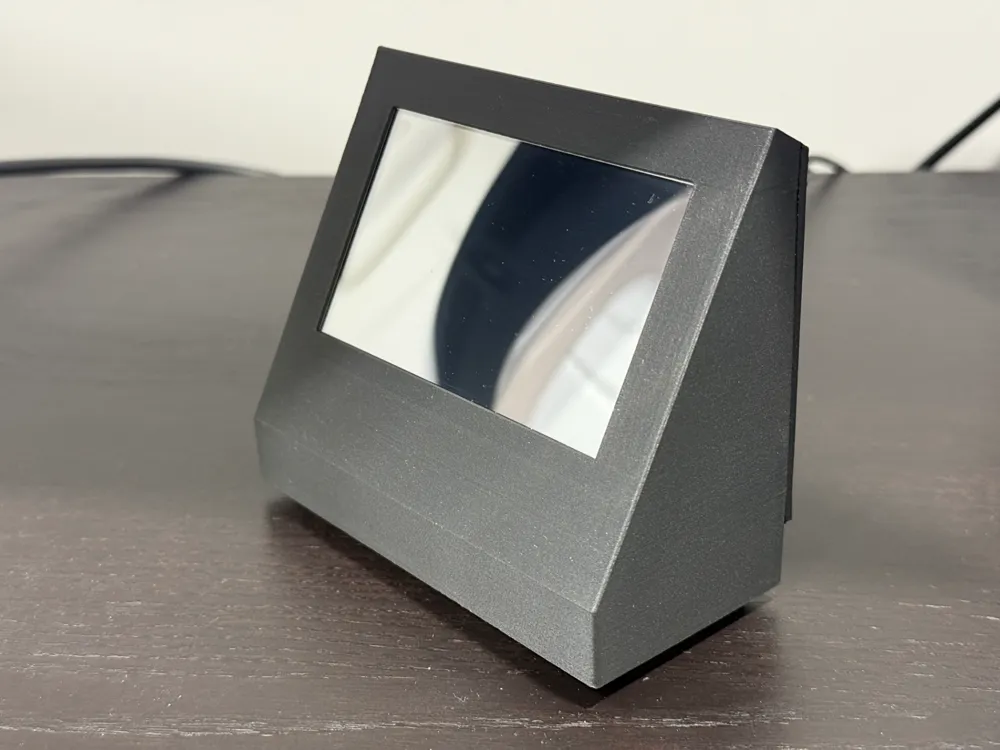
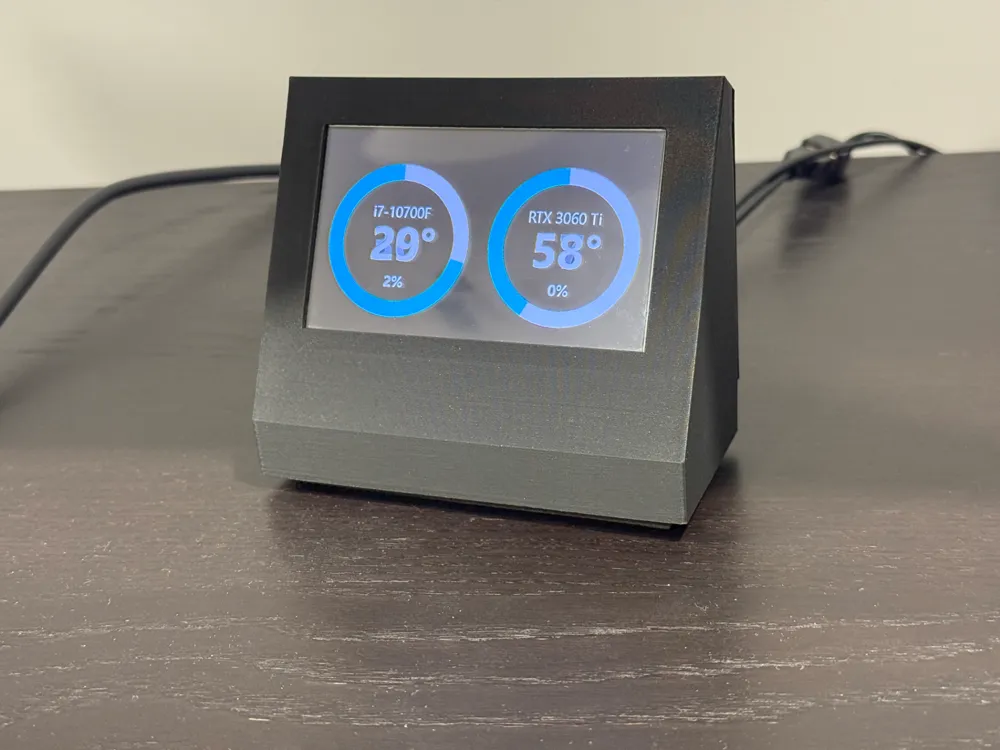
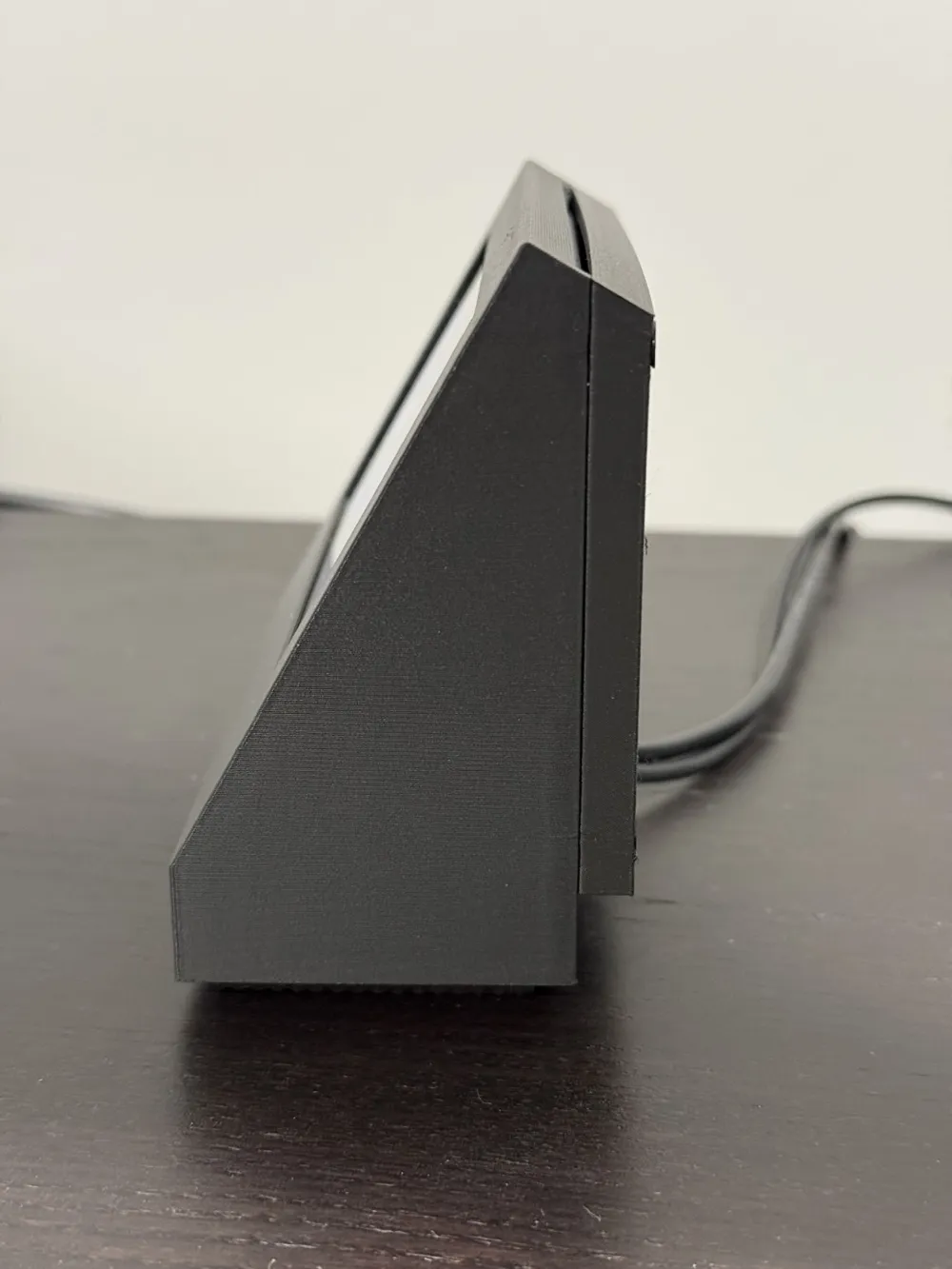
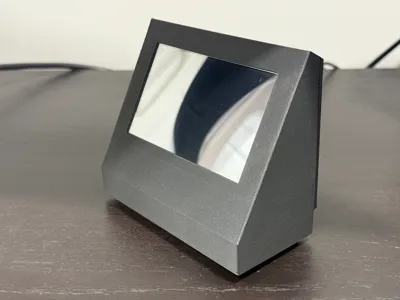
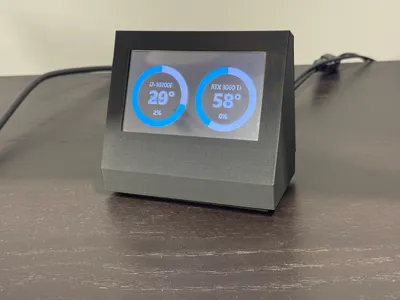
4" LCD Monitor CPU GPU Temp PC Stats Screen
Print Profile(1)

Description
I had an NZXT H1 and utilized this LCD Mod:
- NZXT H1 LCD Mod (PSU Replacement Cover)
https://www.printables.com/model/108025-nzxt-h1-lcd-mod-psu-replacement-cover
The screen can be purchased from Amazon: 4" Miuzei Raspberry Pi 4 Touch Screen.
https://www.amazon.com/dp/B07XBVF1C9?ref_=ppx_hzsearch_conn_dt_b_fed_asin_title_2
You will need the following:
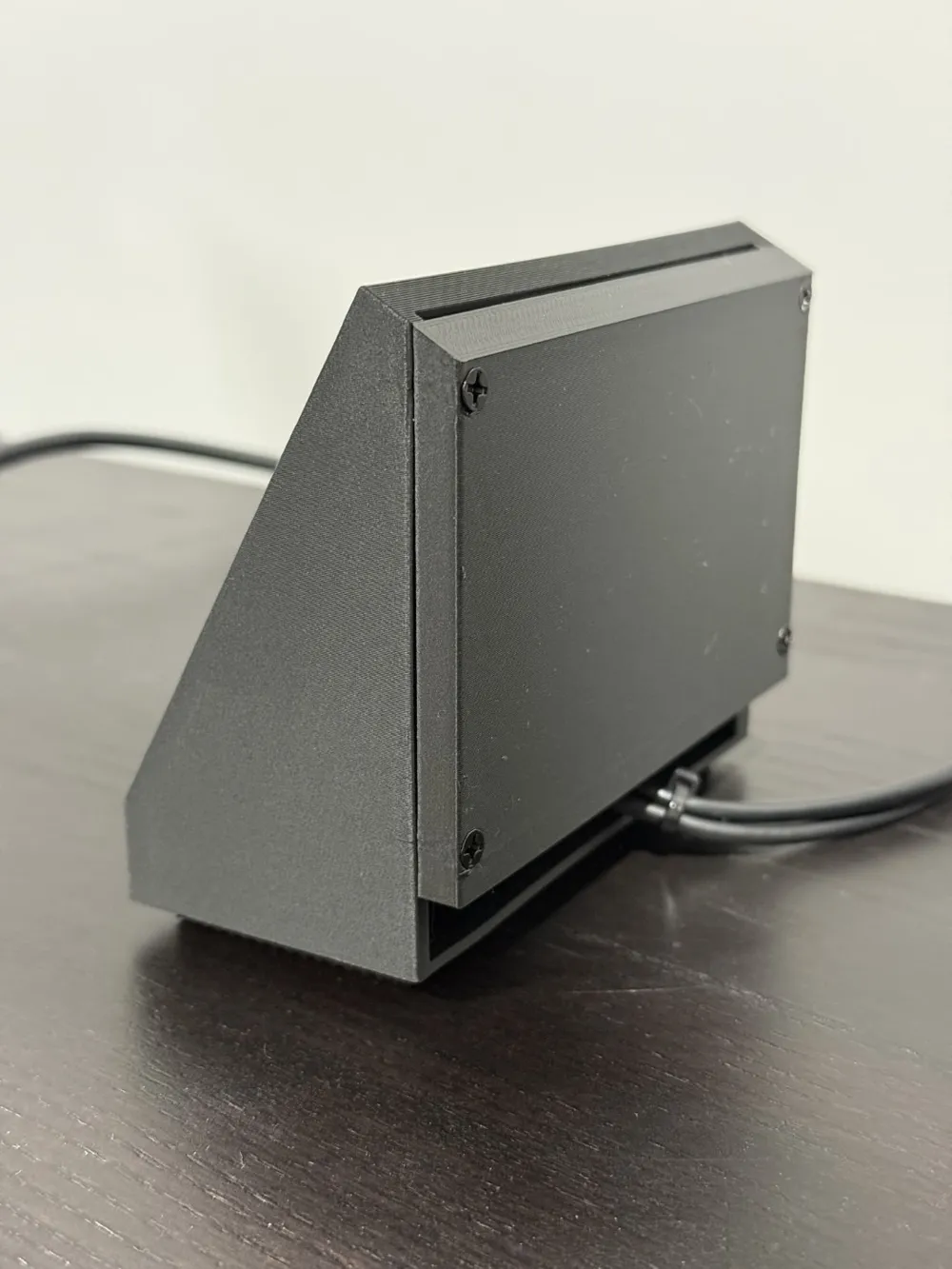
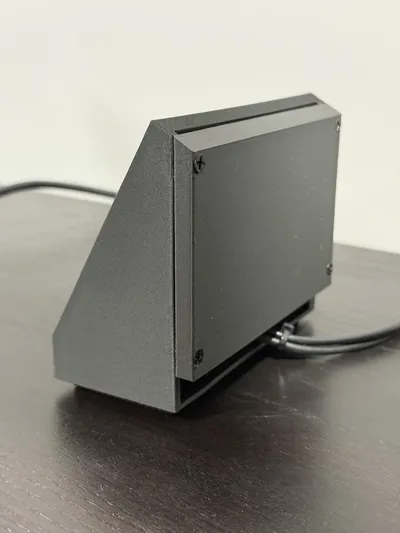
- M3 4mm or 6mm, 10mm flat head machine screws & nuts. Three 4mm/6mm nuts & screws to secure the LCD. Four 10mm screws to secure the back panel.
- M3 x L4 x D4.2 or D3.2 threaded inserts
- Up angled 90 Degree Micro USB Male to USB male Charge Cable 1M
- Up angled Male to Female Elbow HDMI Extension Cable 100CM
- Soldering Iron Kit or similar
https://www.amazon.com/dp/B07GJNKQ8W?ref_=ppx_hzsearch_conn_dt_b_fed_asin_title_2
I used MSI Afterburner to obtain my CPU & GPU temperatures. I used Rainmeter (https://www.rainmeter.net/) for the display and tweaked/followed these instructions:
https://www.deviantart.com/jarmag32/art/CPU-GPU-FPS-Monitor-1-1-831547018
Ensure that the USB port on your computer will turn off the LCD screen when you turn off your computer. I had to go into the BIOS to set the deep sleep setting. Otherwise, with a little electrical knowledge you could install a power button for the LCD?
This remix is based on

License



Comment & Rating (1)