Search models, users, collections, and posts

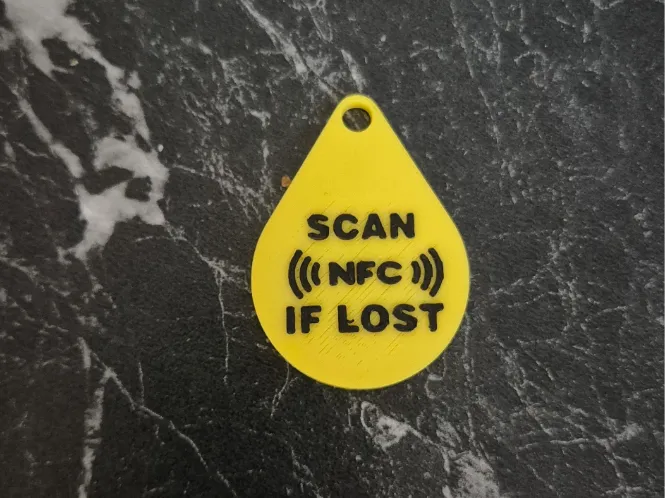
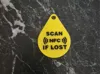
NFC Keychain –SCAN( ( ( NFC ) ) )IF LOST"
IP Report
Print Profile(1)
0.12mm layer, 2 walls, 20% infill
Designer
29 min
1 plate
Open in Bambu Studio
Boost
7
16
1
0
33
17
Released


Description
Content has been automatically translated.
NFC Keychain – "SCAN ( ( ( NFC ) ) ) IF LOST"
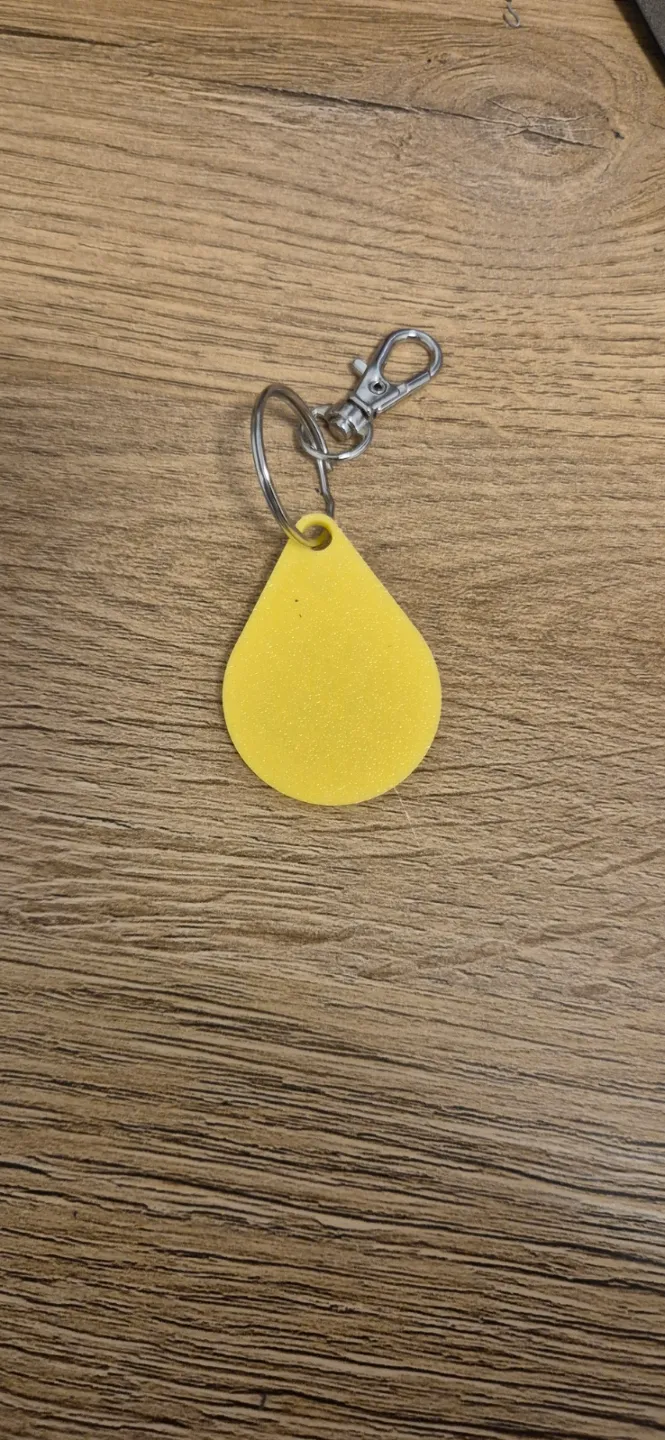
This practical keychain is not only a stylish accessory but also a lifesaver for forgetful people! With the inscription "SCAN ( ( ( NFC ) ) ) IF LOST", it signals to any finder that the keychain contains an NFC tag that can reveal important information or contact details of the owner.
Features:
- Integrated NFC Tag Placeholder: A pause is inserted at layer 10 of the print to easily and precisely insert the NFC tag.
- Clear Message: The inscription "SCAN ( ( ( NFC ) ) ) IF LOST" is unambiguous and encourages finders to scan the NFC tag.
- Robust Design: The keychain is designed to withstand daily use.
Printing Recommendations:
- Material: PLA, PETG or similar materials
- Layer Height: 0.12 mm
- Infill: 20% for greater stability
- Pause at Layer 10: Important! Be sure to set a pause at layer 10 to insert the NFC tag.
- NFC Tag Size: The model is designed for NFC tags with a diameter of 25 mm and a thickness of 0.1 mm.
Application:
- Loss protection for keys, bags, backpacks, etc.
- Sharing contact information in an emergency.
- Quick access to important information (e.g., medical data).
Instructions for using the NFC Tag: https://www.amazon.de/your-orders/pop?ref=ppx_yo2ov_dt_b_pop&orderId=305-9870497-9453154&lineItemId=mnllkwnmrornsoy&shipmentId=UwkxhmzY0&packageId=1&asin=B0CSJST6KZ
- Program the NFC tag with the desired information (e.g., contact details, website URL). I use the app https://play.google.com/store/apps/details?id=com.wakdev.wdnfc&hl=de_AT&pli=1
- Scan the NFC tag with an NFC-enabled smartphone.
- The stored information will be displayed.
Feel free to share photos of your printed keychains in the comments!
License

This user content is licensed under a
Creative Commons Attribution-Noncommercial


Comment & Rating (1)