







Print Profile(1)
![[Official Profile] Remington Typewriter Tissue Box](https://makerworld.bblmw.com/makerworld/model/US137247c7f1556a/835621419/instance/2025-03-25_6c224787977d6.jpg?x-oss-process=image%2Fresize%2Cw_100%2Fformat%2Cwebp)
Description
【Leng brand】
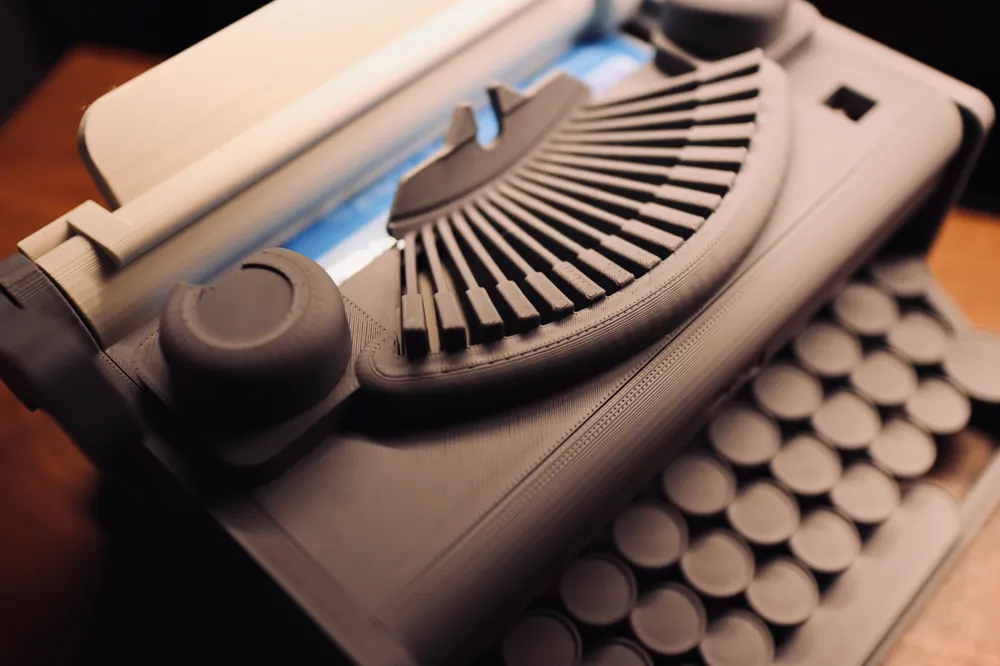
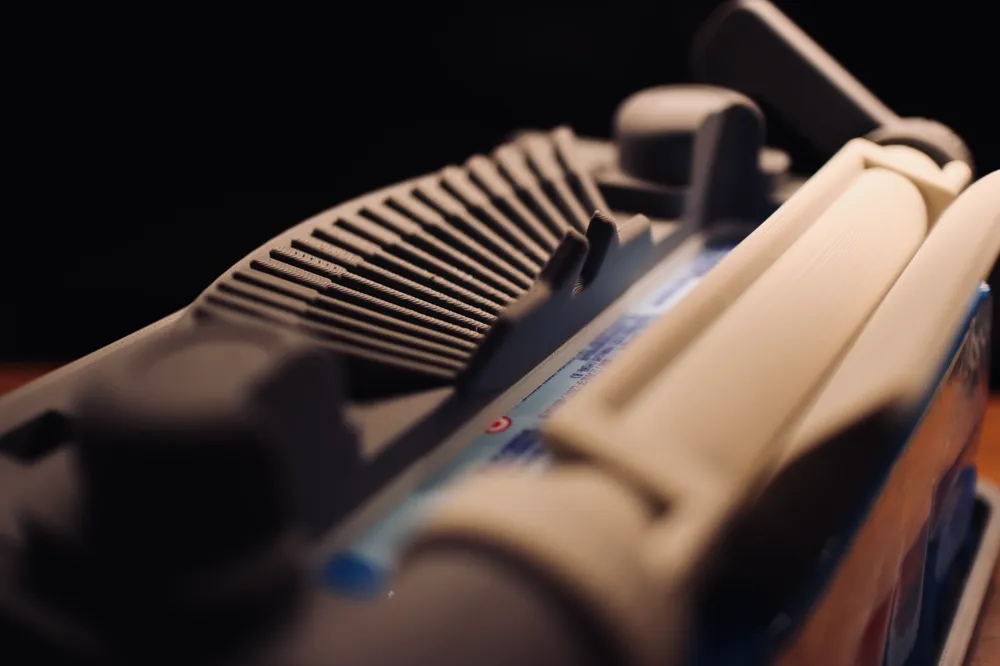
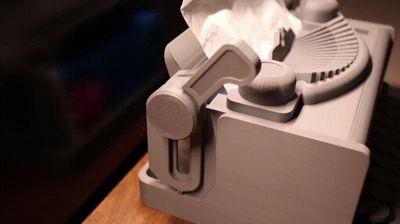
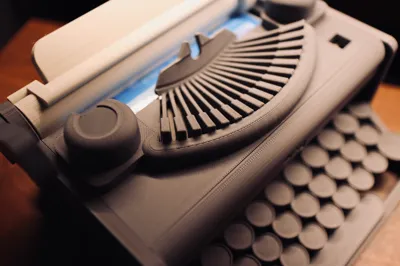
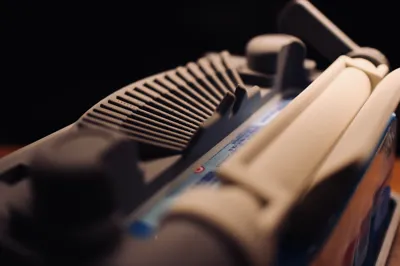
This tissue box is designed based on the revolutionary Remington typewriter from the last century, incorporating an automatic pressure mechanism. When the tissue quantity is low, the cover on the slide will be pressed down by gravity, compacting the tissue bag, thus facilitating smoother tissue extraction
【Instructions for Use】
The inner dimensions of the tissue box are 160mm X 110mm X 70mm (length, width, height) It can accommodate most tissue boxes up to 150 sheets (excluding 150 sheets)
Do not attempt to force tissues exceeding these dimensions into the box!
【Installation Instructions】
1. Remove the small supports on both sides of the model; tools are required

2. If your tissues are thick, insert them before installation. If your tissues are thin, insert them after installation


3. Position the pressure cover and withdraw tissues from the opening

4. Tighten the right-side knob. Caution! Do not overtighten! Tighten until significant resistance is felt! Avoid breaking the printed bolt!

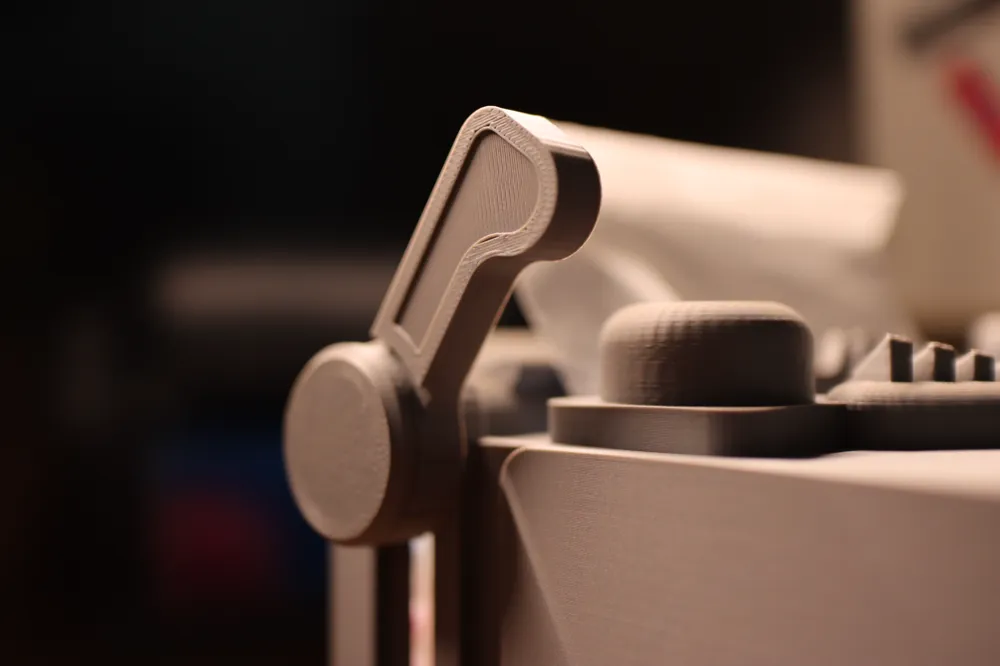
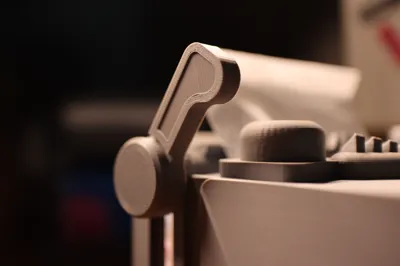
5. Screw the return lever outer cover into the ratchet core, then attach the return lever handle, assembling the typewriter's return mechanism. Caution! Do not overtighten! Tighten until significant resistance is felt! Avoid breaking the printed bolt!

6. Attach the return lever assembly to the typewriter. Caution! Do not overtighten! Tighten until significant resistance is felt! Avoid breaking the printed bolt!
After installation, gently raise and lower the cover installed in step 3 to observe if it descends smoothly due to gravity. This cover's function is to press down on the tissues, ensuring smooth extraction even with low tissue levels. Therefore, the cover's slight mobility after tightening the bolts on both sides is normal

7. Slide the top cover into the groove

8. Finally, insert the front panel. Congratulations! Installation complete!

License

You shall not share, sub-license, sell, rent, host, transfer, or distribute in any way the digital or 3D printed versions of this object, nor any other derivative work of this object in its digital or physical format (including - but not limited to - remixes of this object, and hosting on other digital platforms). The objects may not be used without permission in any way whatsoever in which you charge money, or collect fees.


Comment & Rating (41)