
Flexible Nametag/Keychain Generator

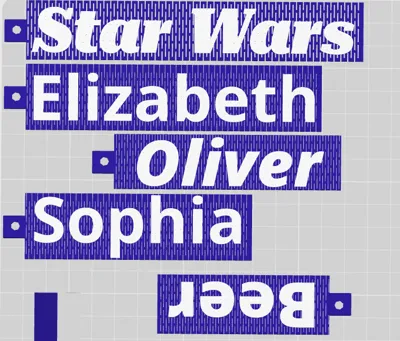

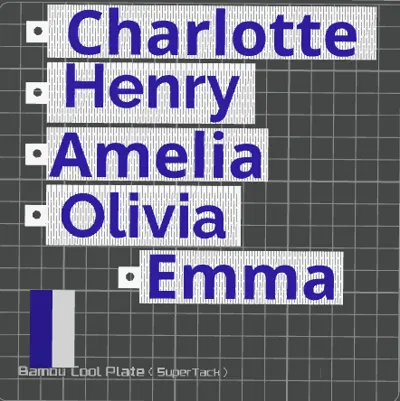
Print Profile(1)

Bill of Materials

Description
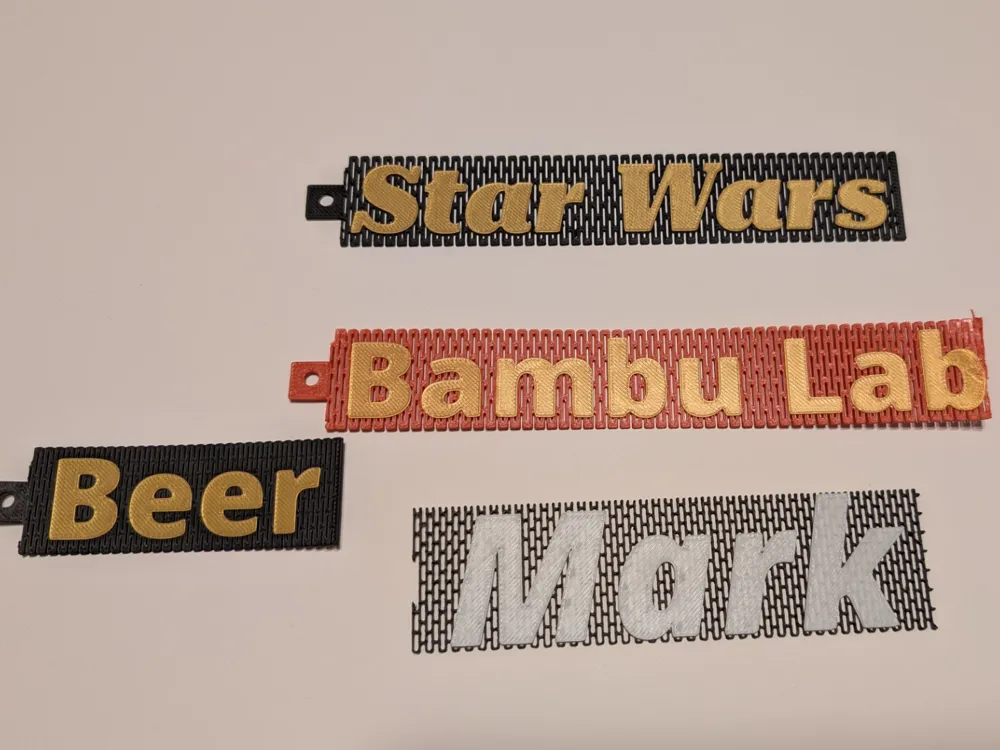
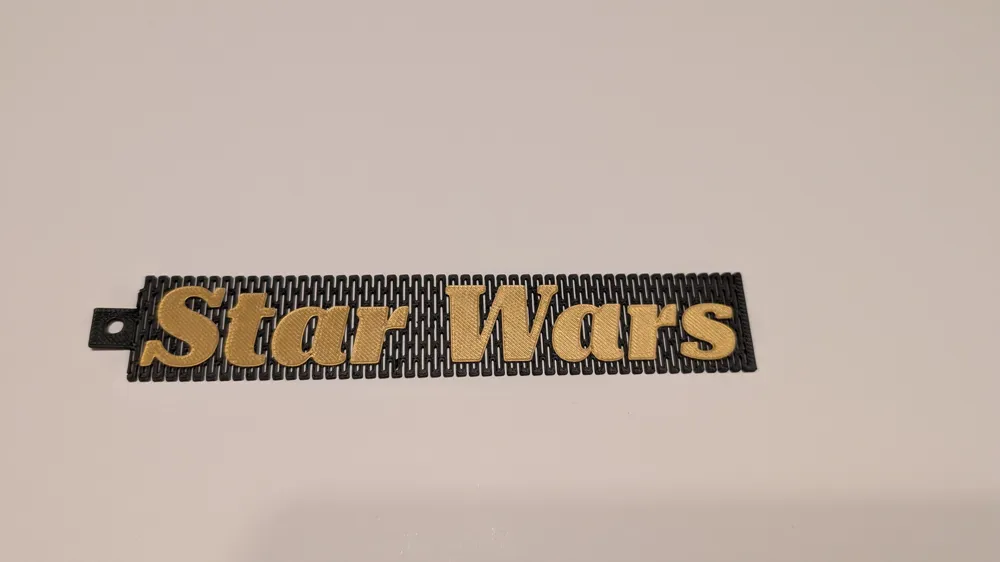
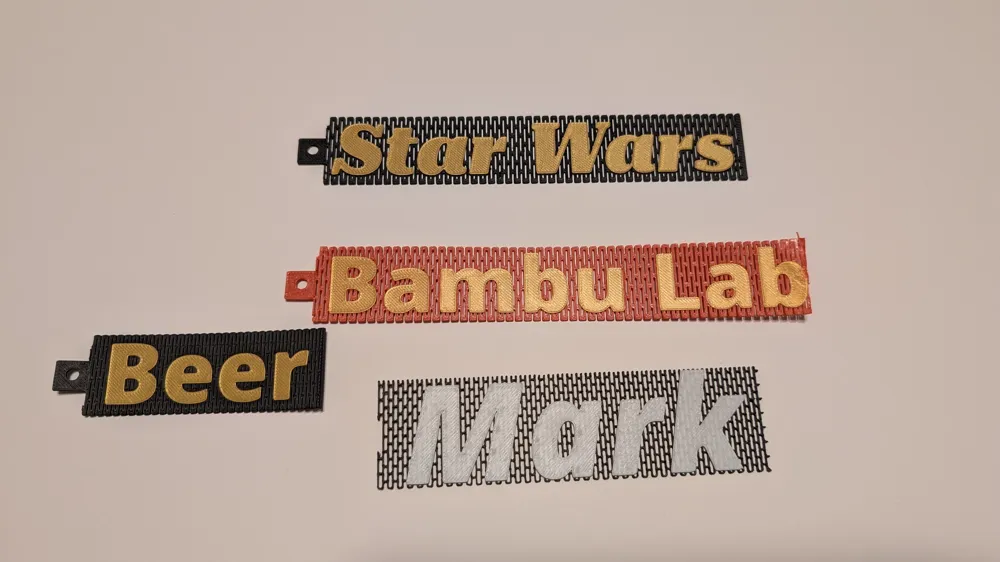
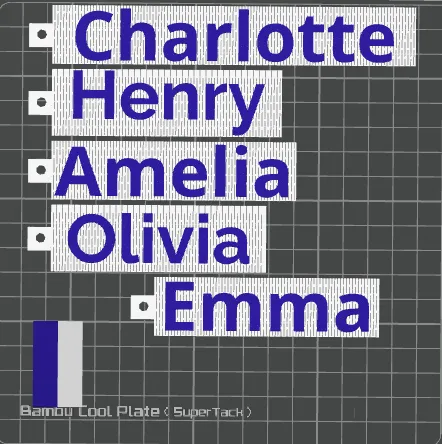
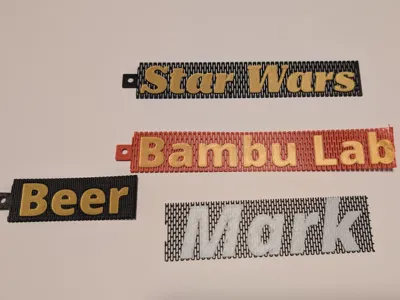
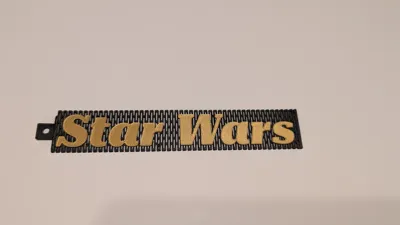
Create your own custom name tag or keychain. This flexible generator allows you to put in your own text. Clean your build plate!
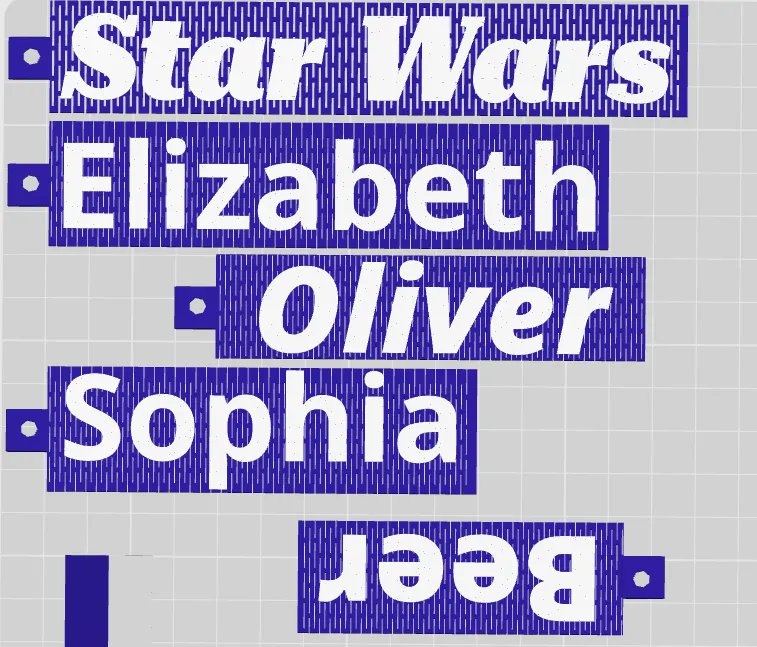
I've created some tags that are already created. Let me know if you need help in generating one and I can get it added as well!
They are flexible not indestructible. The default pattern will bend 180 degrees with a gentle curve without to much difficulty. Adjusting the pattern spacing could make them break at 90. Decreasing/increasing the box height will change the characteristics of the flexibility. Let everyone know if you come up with a better default values!
Boost Me (for free)
A free boost is never expected but always appreciated.
I do not recommend silk PLA.
PETG will provide the best flexibility .
Clean your build plate! There is a lot of first layer start/stops that if there is any oils there will be problems.
How to use:
Enter your name/text into the first field.
Select your text sizing and font.
Click the generate button. If the text is overhanging the box. Adjust the scale width to increase the size at .1 at a time. If the text is to tall you can add additional height with the “adjust height option”.
I have preloaded the defaults that work but there is major flexibility within the parametric modeler. I recommend keeping the box height at 1 mm and the text height at .4.
You can adjust the rectangle cutout with the “rectangle - width/height/spacing” which will provide less or more stiffness.
The keychain is togglable and can be removed.
If your pattern looks like this there is a couple things you need to adjust:
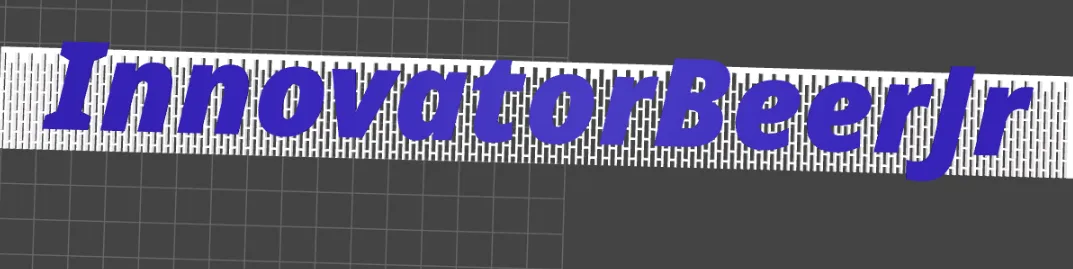
- Increase or decrease the patter inset. This adjust the cut outs of the flexibile pattern. The vertical cutouts need to be completely cutting the top and bottom for it to work.
- Adjust height: Add in additional height until the I and J are completely covered.
If you don't have an AMS you can add a pause between the colors or add G-code to your filament to add a pause.
Lastly, make sure you clean your build plate and the machine is calibrated. Flexible patterns cause a lot of start/stops on the first layer that can cause issues. Ensure you have a first good layer before moving on.
License

You shall not share, sub-license, sell, rent, host, transfer, or distribute in any way the digital or 3D printed versions of this object, nor any other derivative work of this object in its digital or physical format (including - but not limited to - remixes of this object, and hosting on other digital platforms). The objects may not be used without permission in any way whatsoever in which you charge money, or collect fees.


Comment & Rating (1)