

Eggsplode: Bunny Surprise Egg

Print Profile(6)


Description
Crack it. Smash it. Love it!
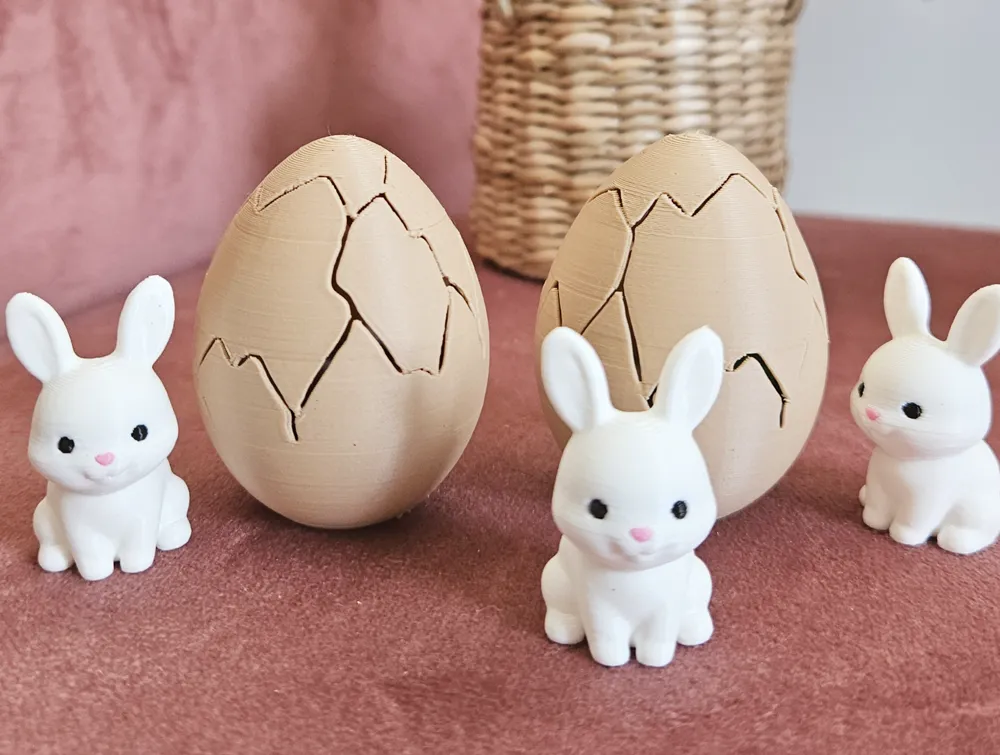
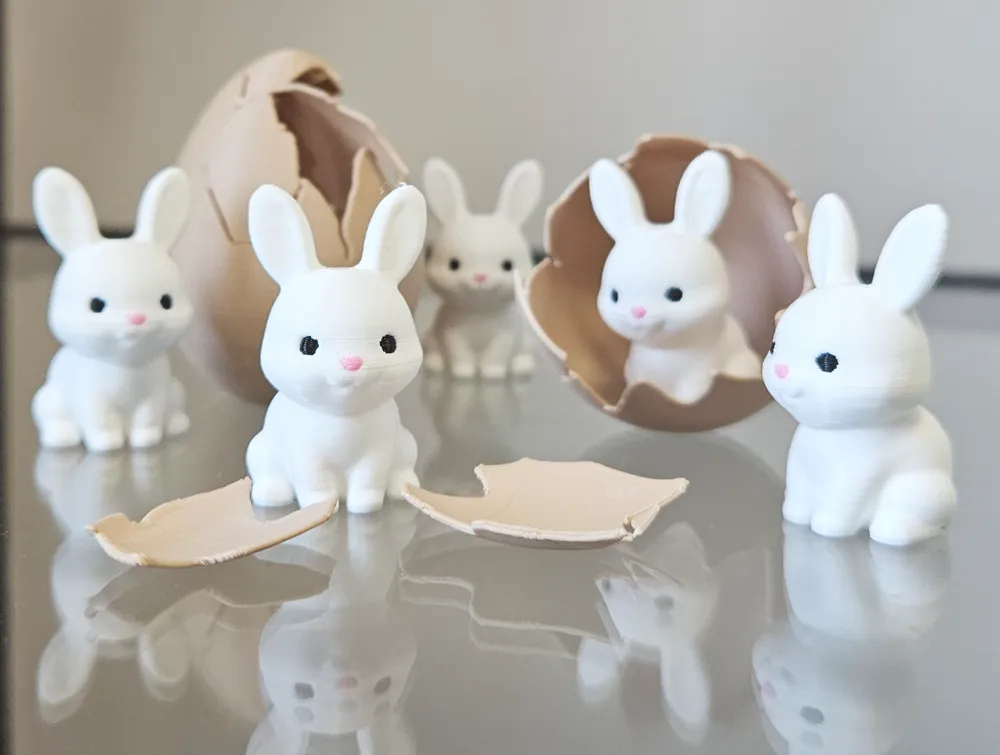
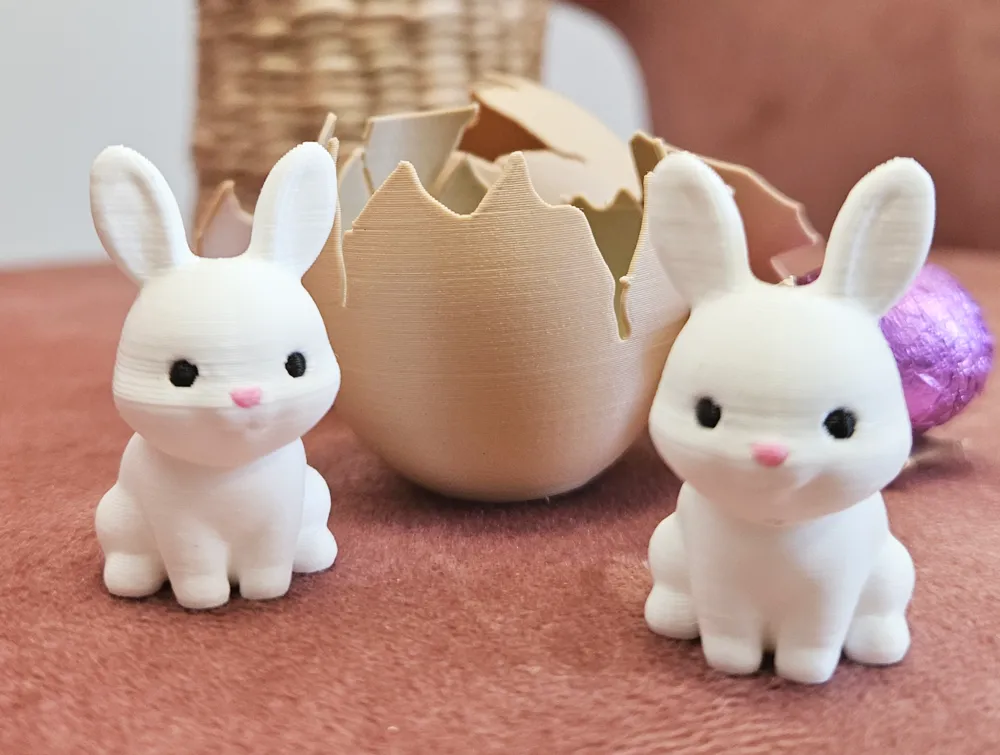
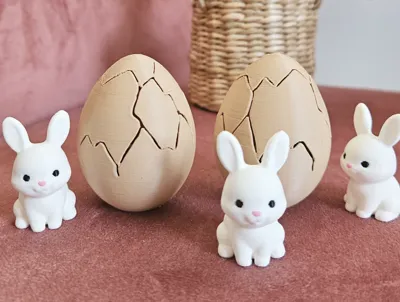
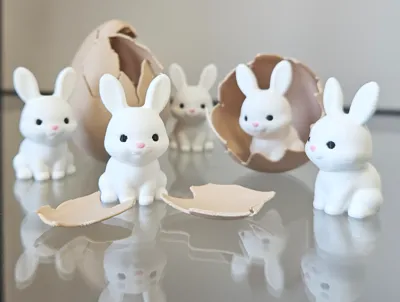
Eggsplode is a fun and satisfying 3D-printable surprise egg that breaks open to reveal a cute little bunny hiding inside! 🐰💥
Perfect for Easter, parties, gifts, or just a fun collectible moment. No supports needed, easy print, and remixable with your own tiny surprises!
✨ What’s inside your Eggsplode?
🎁 Add your own mini gifts
🖨️ Print-friendly
😄 Fun for kids and grown-up collectors
✅ Important Notes (Read Before Printing!):
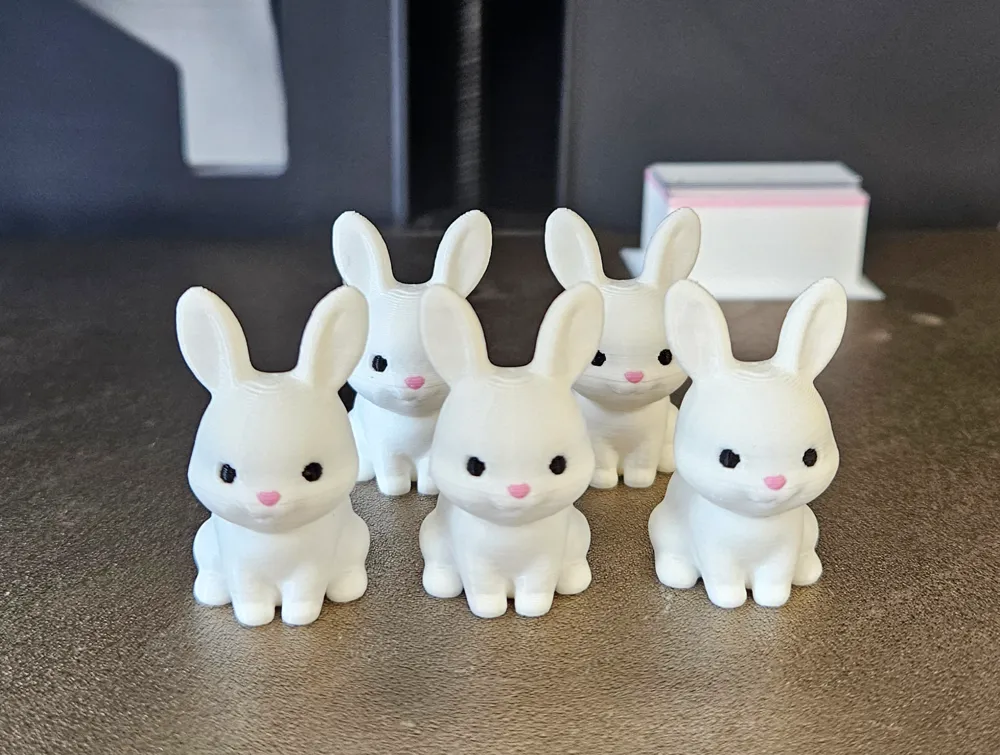
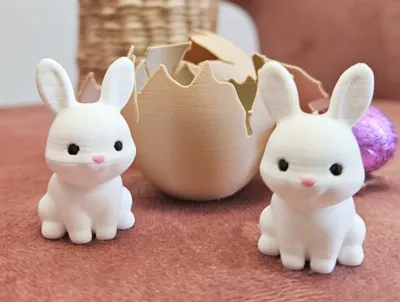
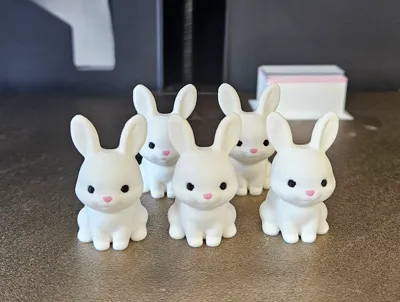
- 🐰 Make sure the bunny has a cute face! Seriously – it changes everything! 😍
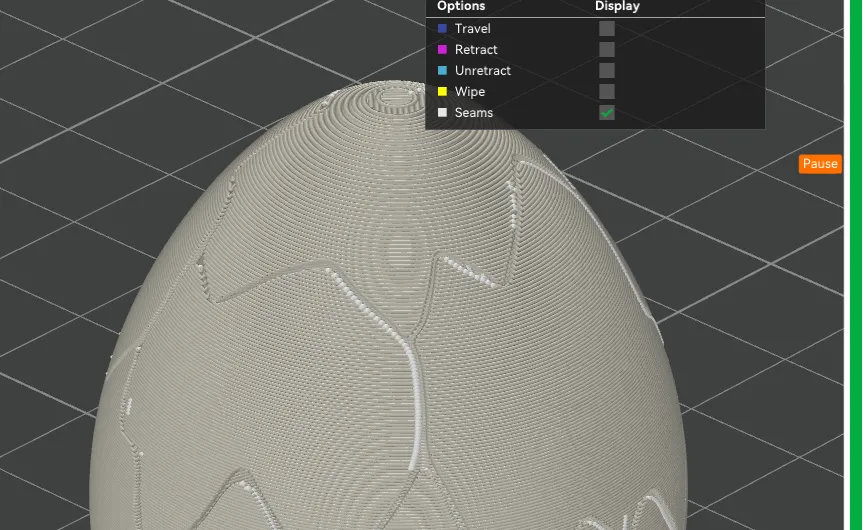
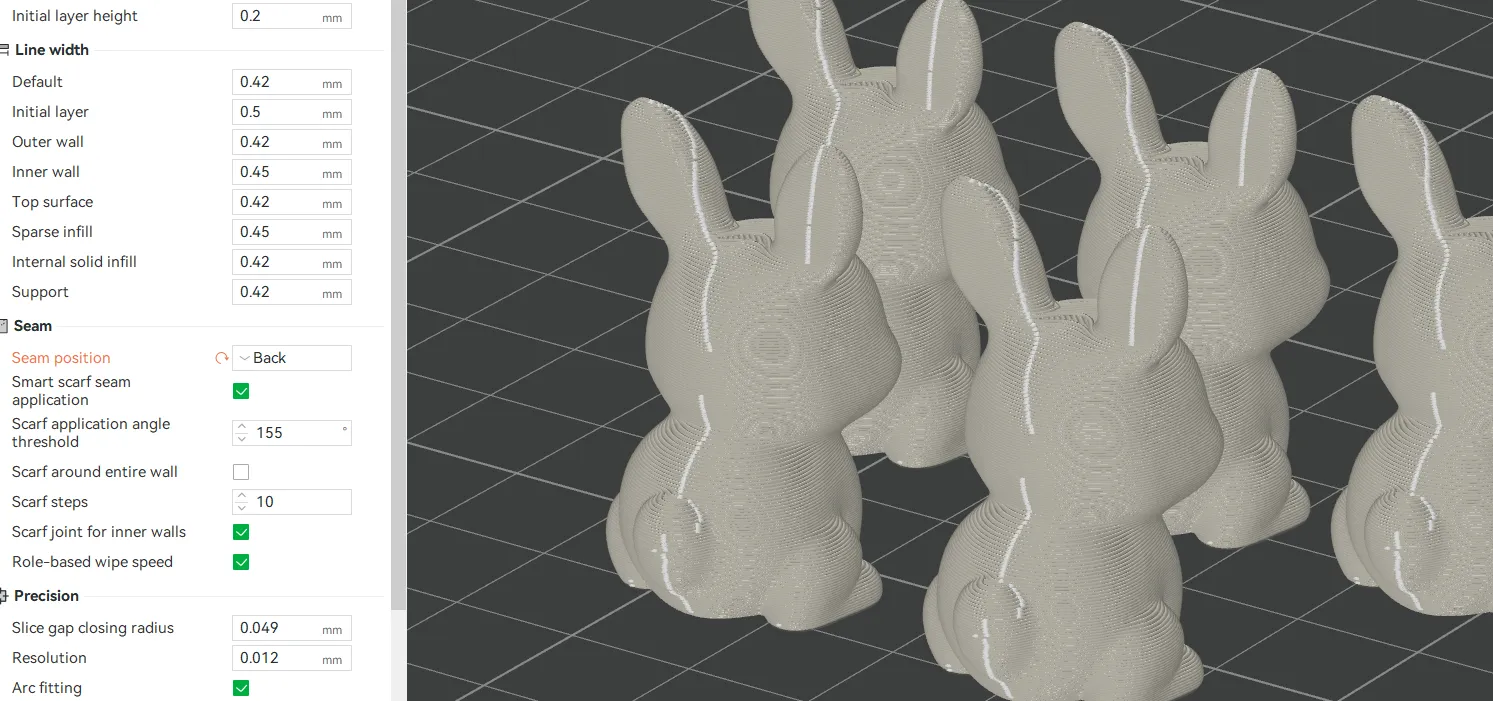
- ⚙️ Set seam alignment to “Back” when slicing the bunny – makes it look much cleaner from the front.
- 🖨️ The egg prints smoothly, but make sure to test one or two before filling your plate with a dozen (yes, you will want to print a dozen 😂).
- ❄️ Let the print bed cool down completely before removing the eggs!
Hot plate = cracked shell risk. Be gentle when peeling them off! - 🍳 The eggs break open easily with a simple spoon tap. Super satisfying – no tools needed!
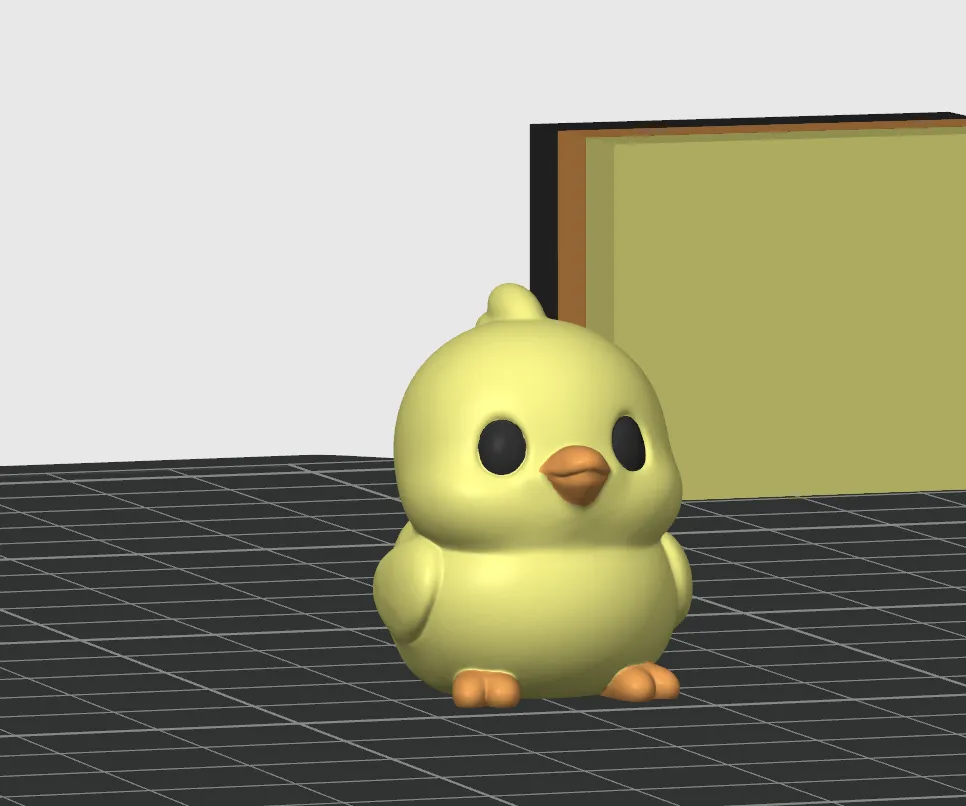
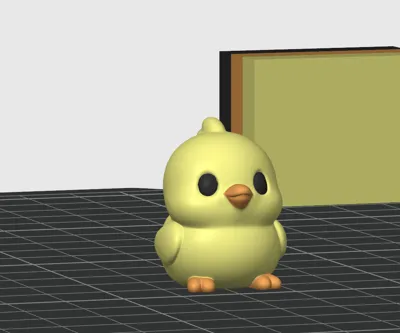
- 🎁 Inside, you can place small surprises like the bunny, chick, or even the snake from my previous model – they all fit perfectly!
- ⏸️ Bambu Lab users – there's a pause set at the perfect layer so you can drop in your surprise before the shell seals.
Just make sure the object doesn’t stick out – we don’t want any nozzle collisions! - 🍬 If you’re adding candy – avoid chocolate!
Mine melted a little 😅 Try something that can handle the heat (like a wrapped sweet or non-melty snack). 💸 Stickers, coins, small toys, notes – anything small and fun will work!
Let your creativity hatch! 🐣✨
Boost Me (for free)
Boost me for free
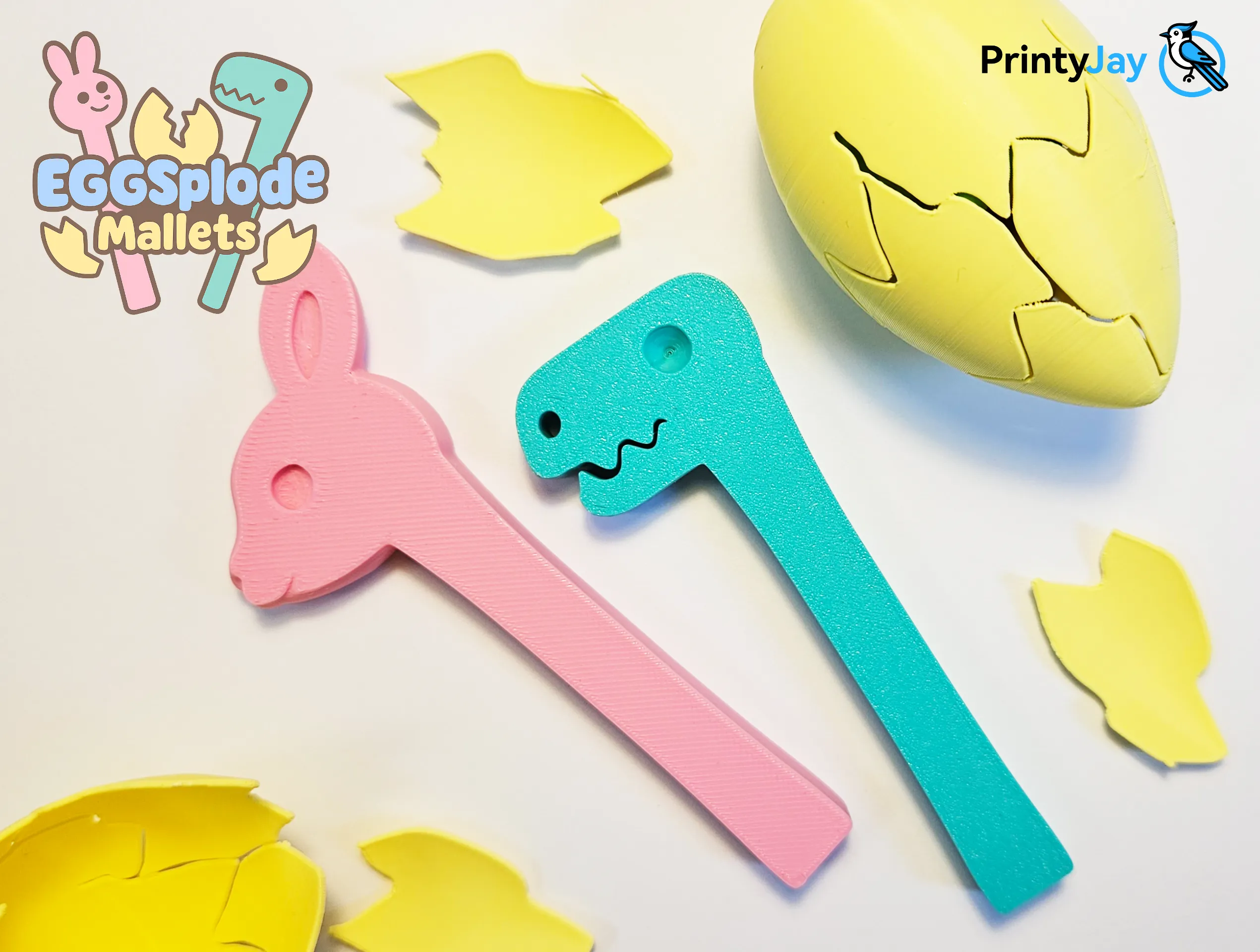
Grab super cute mallet to crack eggs in a style!
⚠️ 📌 Important: What to do if the pause is missing
If the print didn’t pause automatically to insert the surprise inside the egg, here’s how to fix it:
🔶 1. Why the pause might be missing:
Sometimes Bambu Studio removes the pause if you assign filament colors before loading the model.
✅ Fix:
→ Reload the model
→ Then assign filament colors
→ Then slice
📎 This usually brings the built-in pause back!
🔶 2. How to add a pause manually:
If the pause still isn’t there:
🟢 Open the model in Bambu Studio
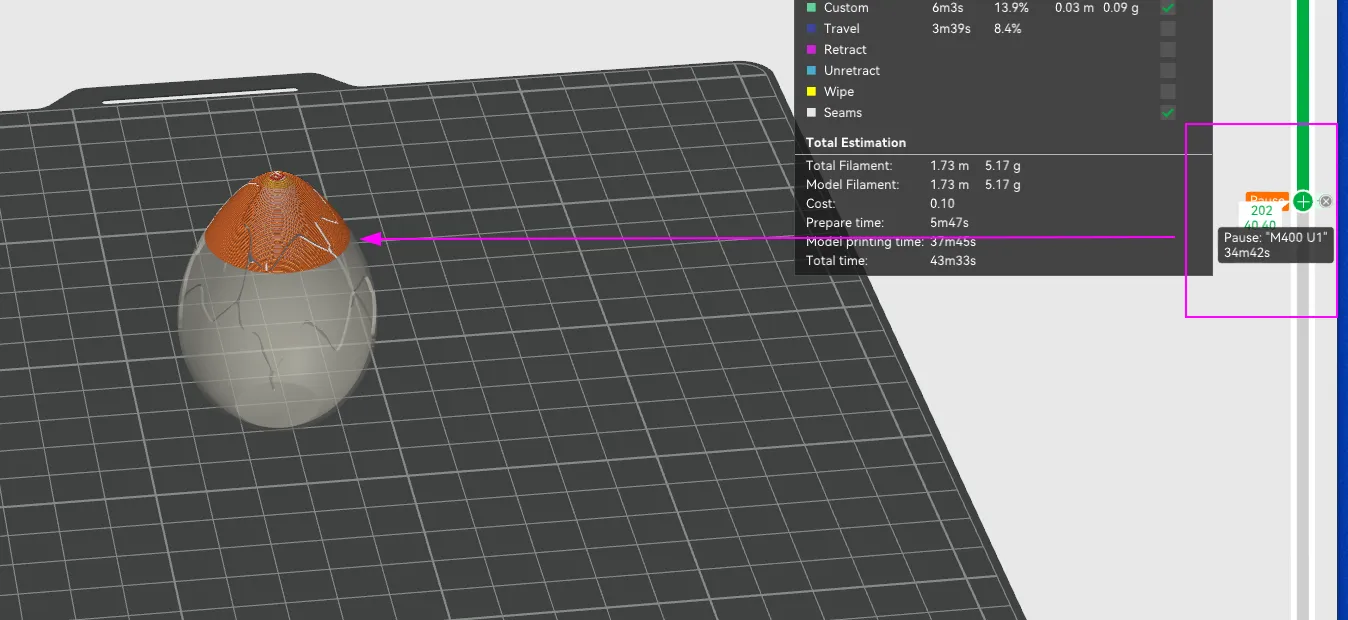
🟢 Use the green slider on the right side to scroll through the layers
📷 Check the screenshot provided in the description and match that approximate layer
🖱️ Once you're there, right-click on the green slider and select “Add Pause”
🎁 That’s the perfect moment to insert your bunny, chick, or other surprise!
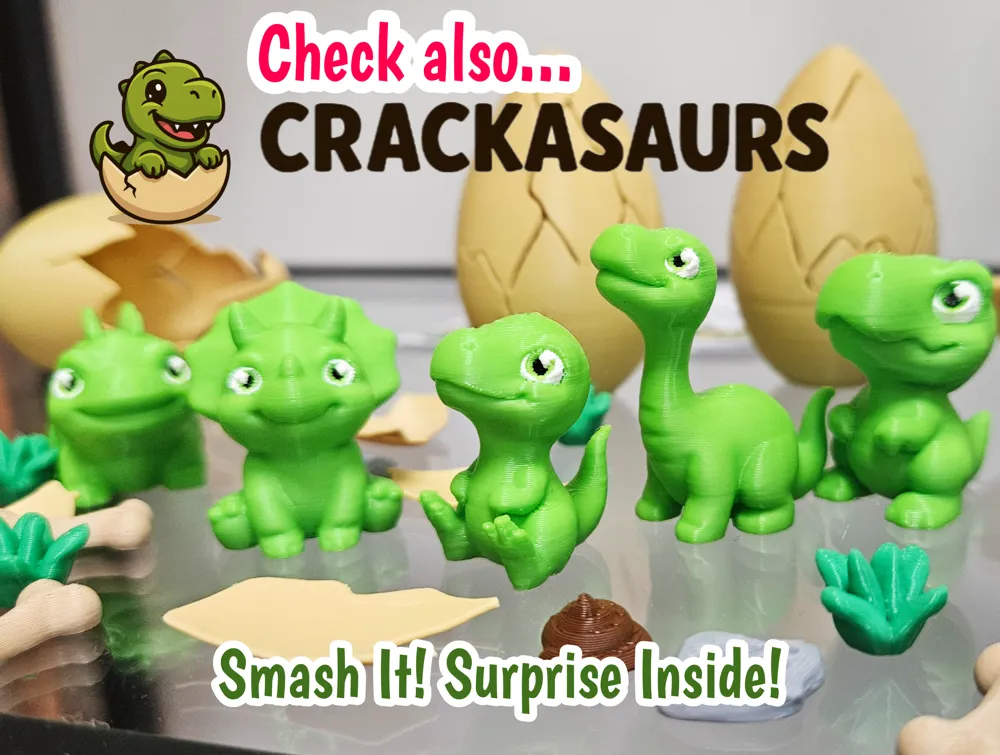
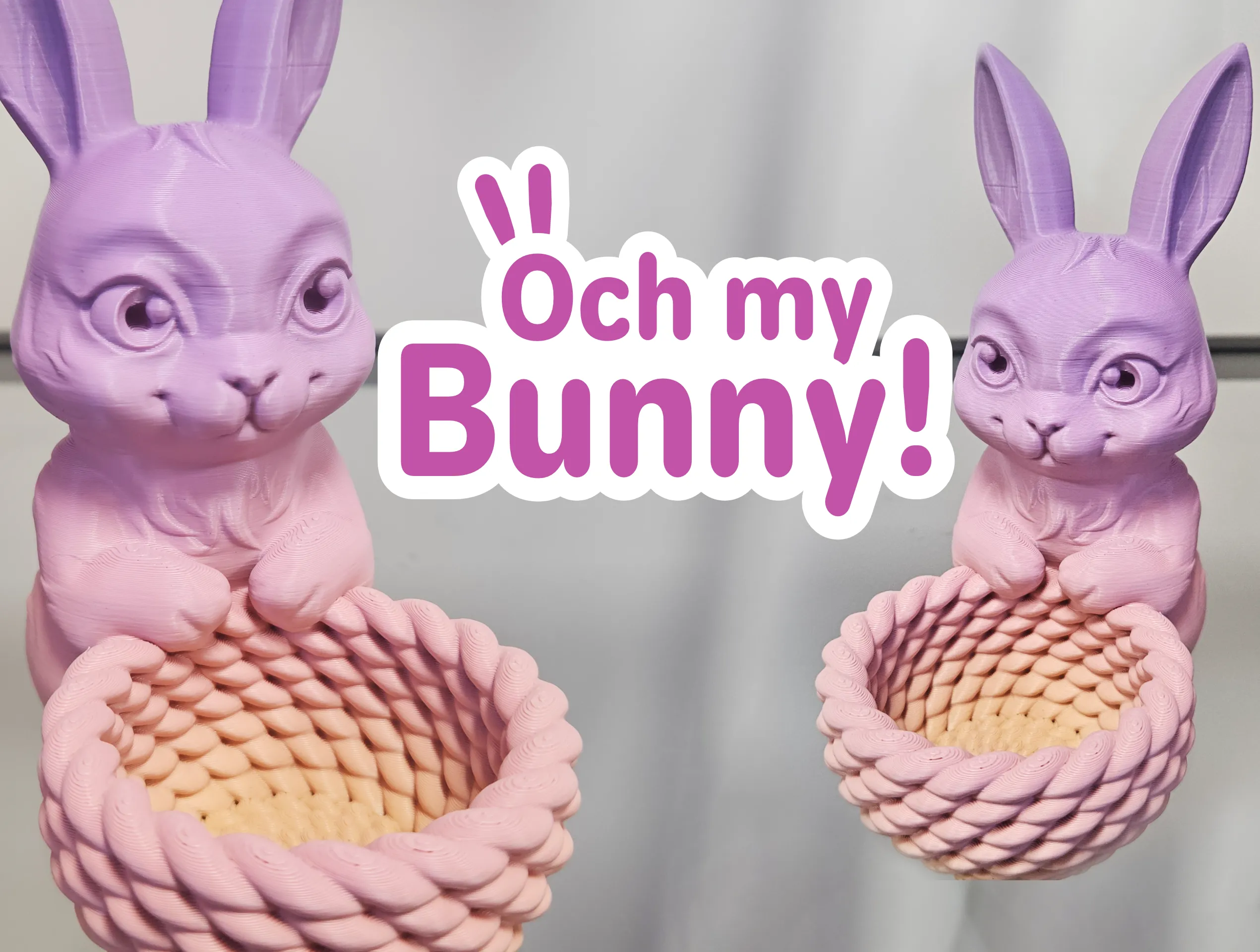
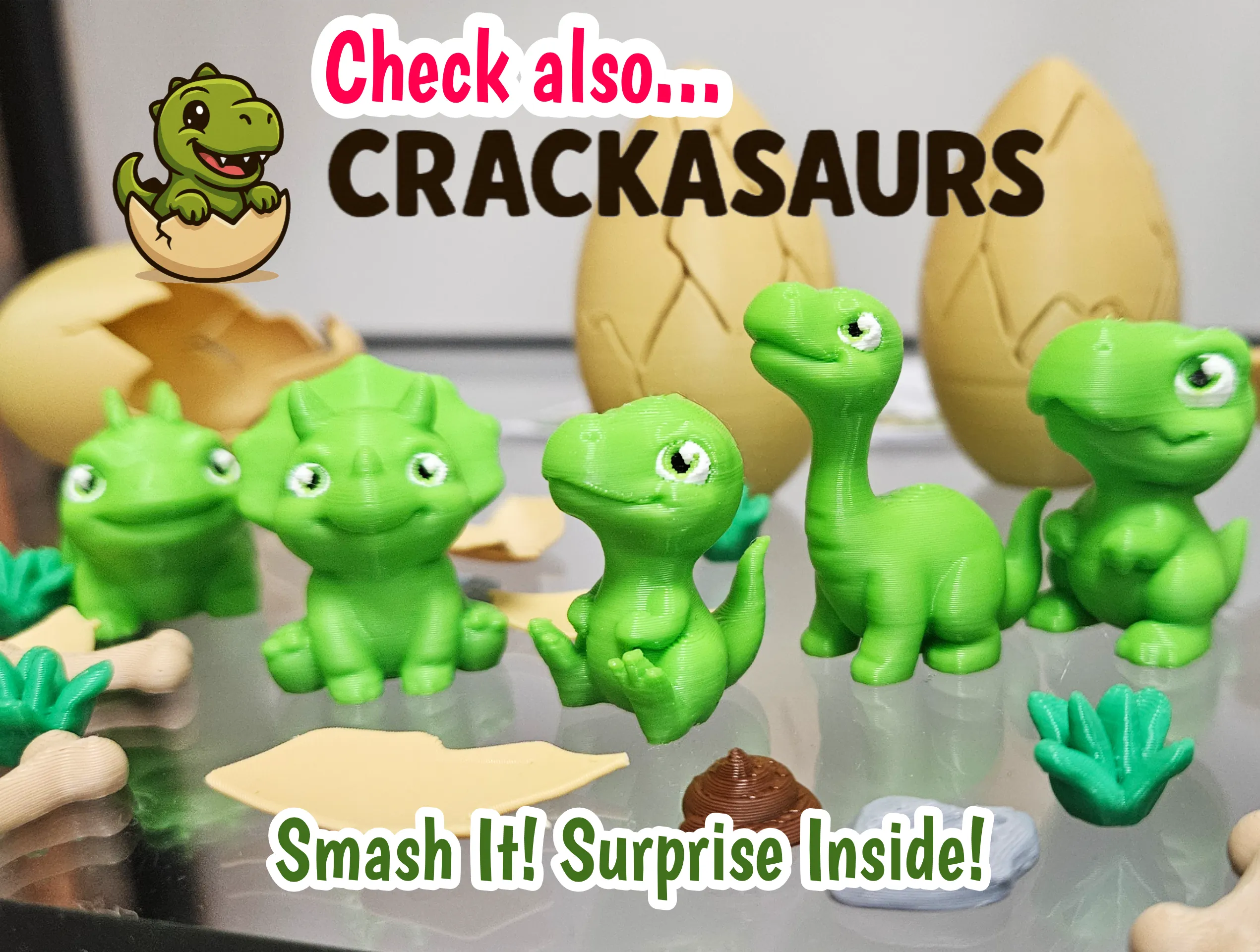
Check also:
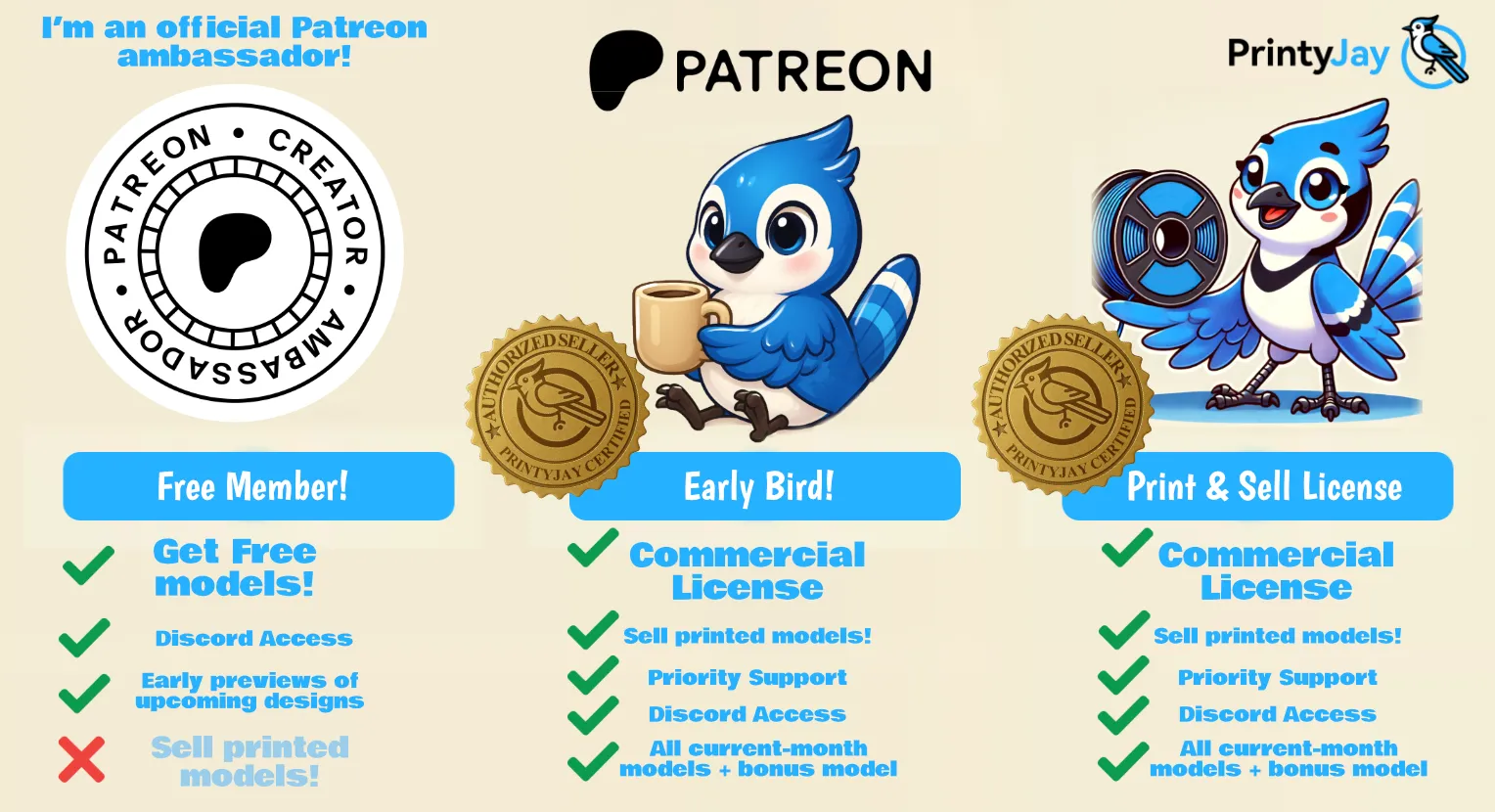
Want to sell these unique models?
Join me on Patreon to sell 3D prints! 🛠️💙
Or hop in as a free member so you never miss the next drop! 💛

License

You shall not share, sub-license, sell, rent, host, transfer, or distribute in any way the digital or 3D printed versions of this object, nor any other derivative work of this object in its digital or physical format (including - but not limited to - remixes of this object, and hosting on other digital platforms). The objects may not be used without permission in any way whatsoever in which you charge money, or collect fees.


Comment & Rating (1083)