
Nozzle & Filament Tags - A1 / MINI
Print Profile(4)


Description
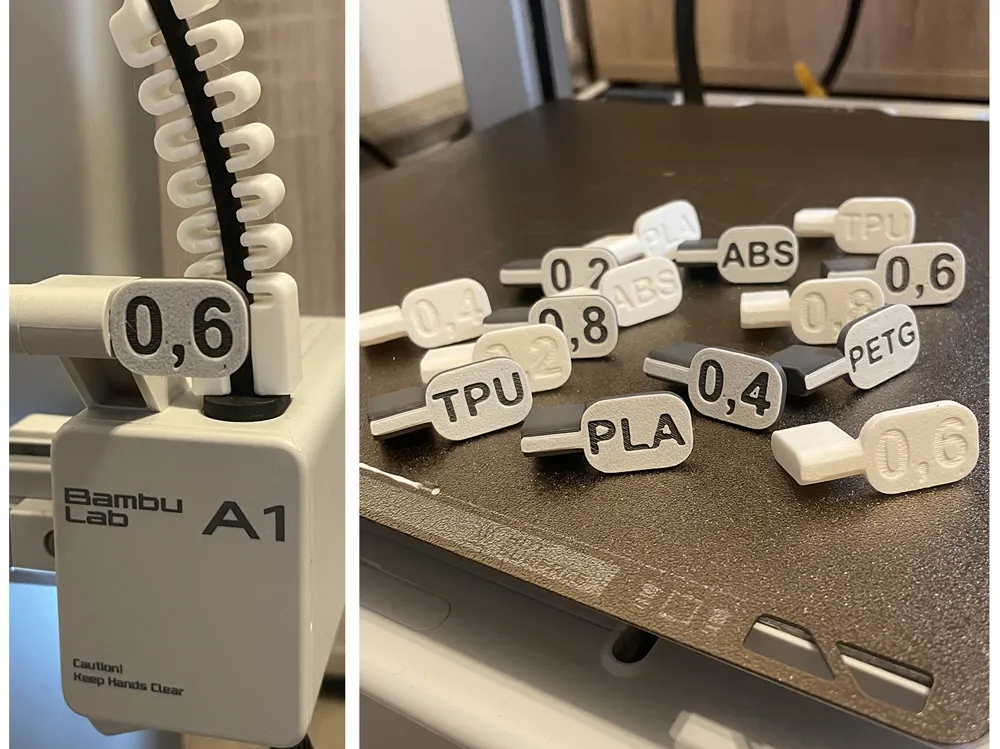
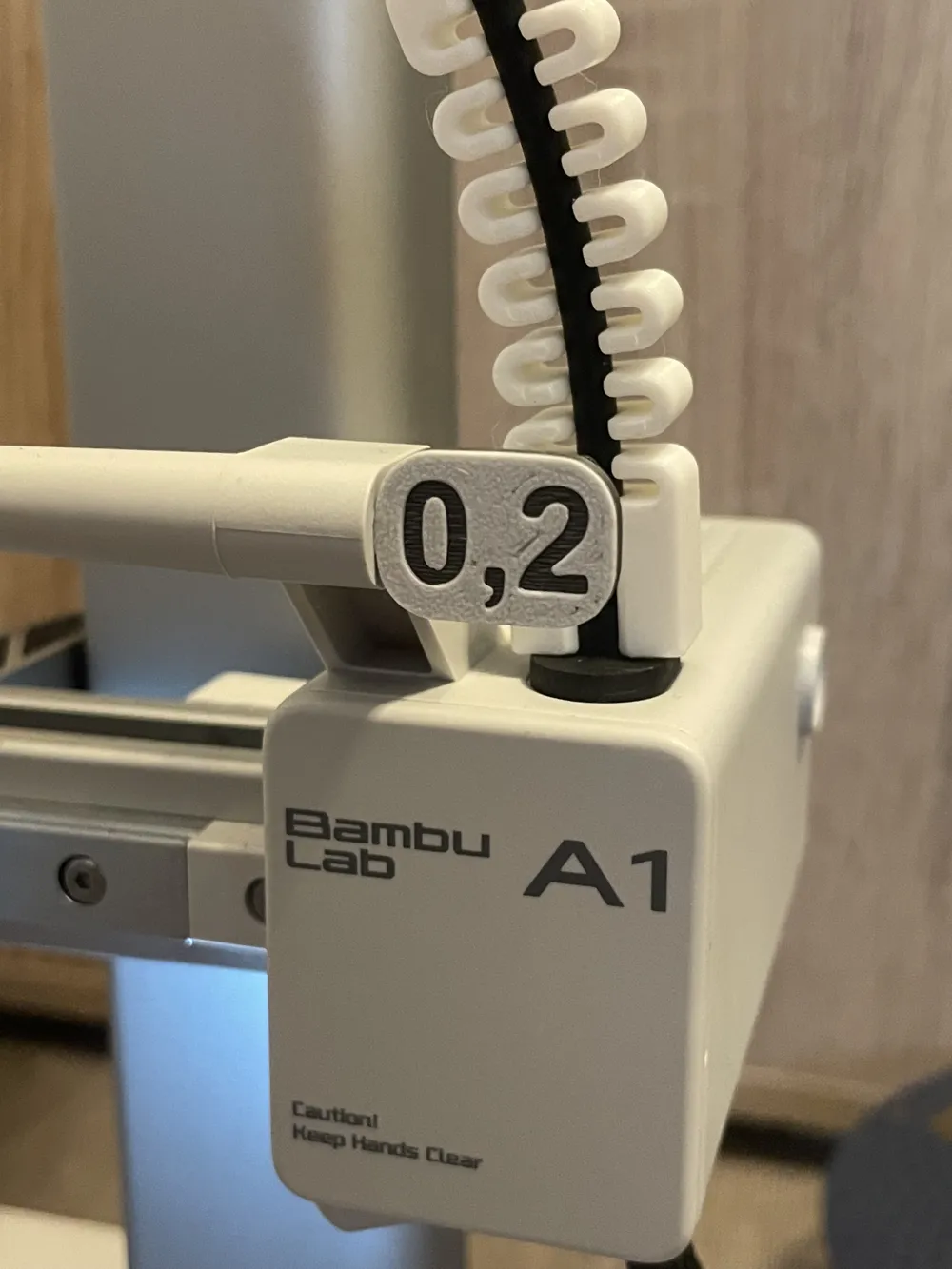
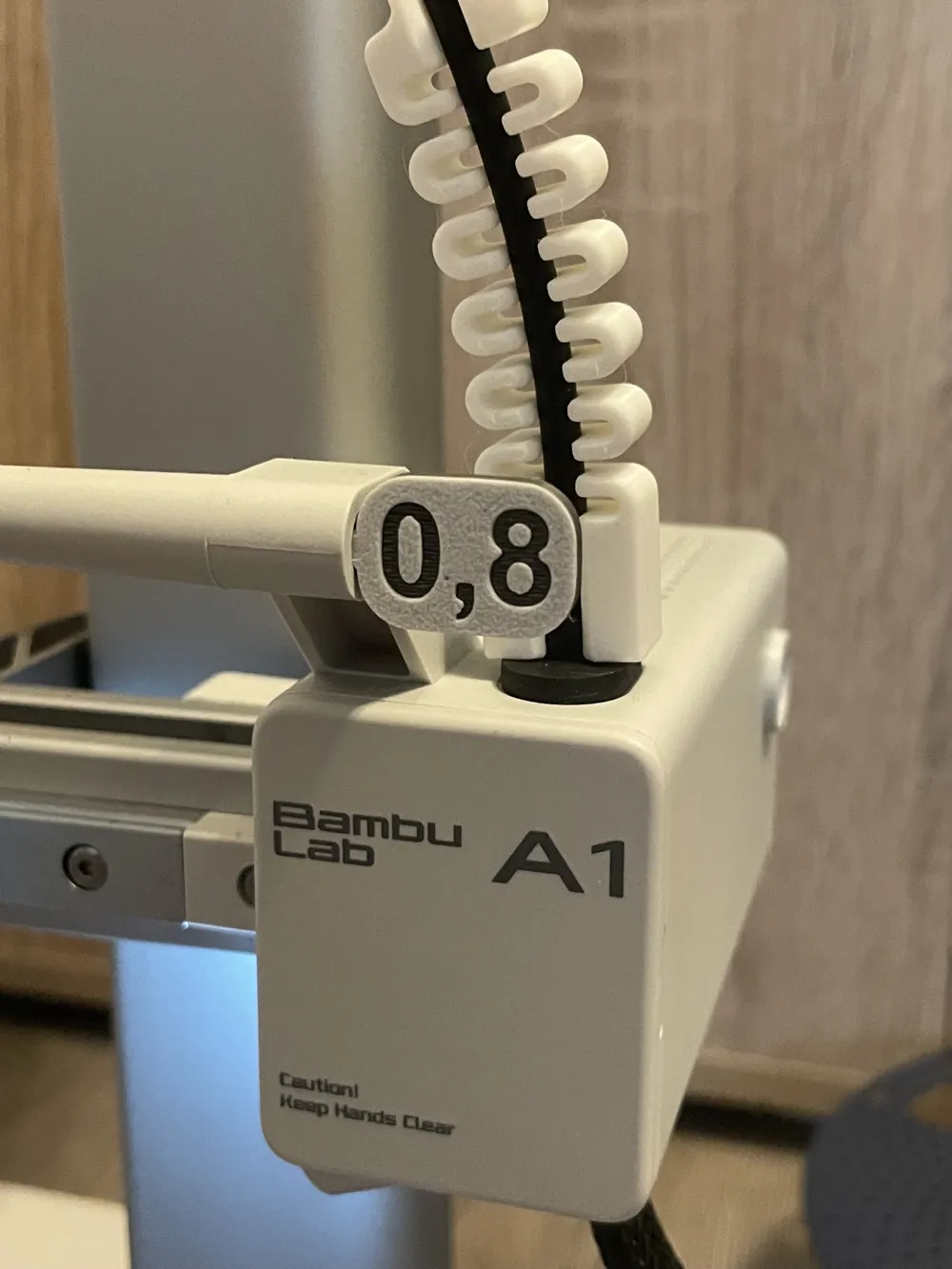
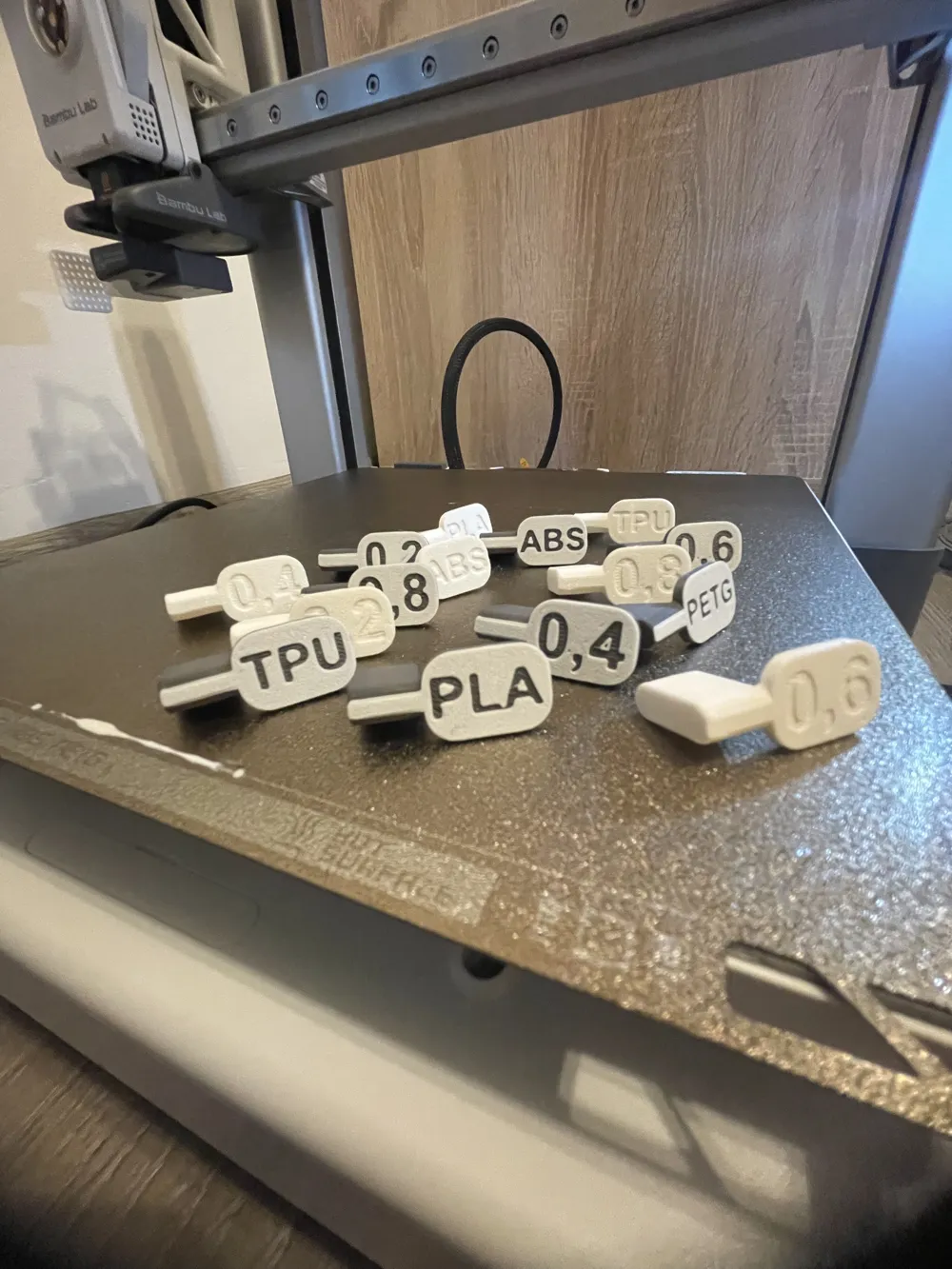
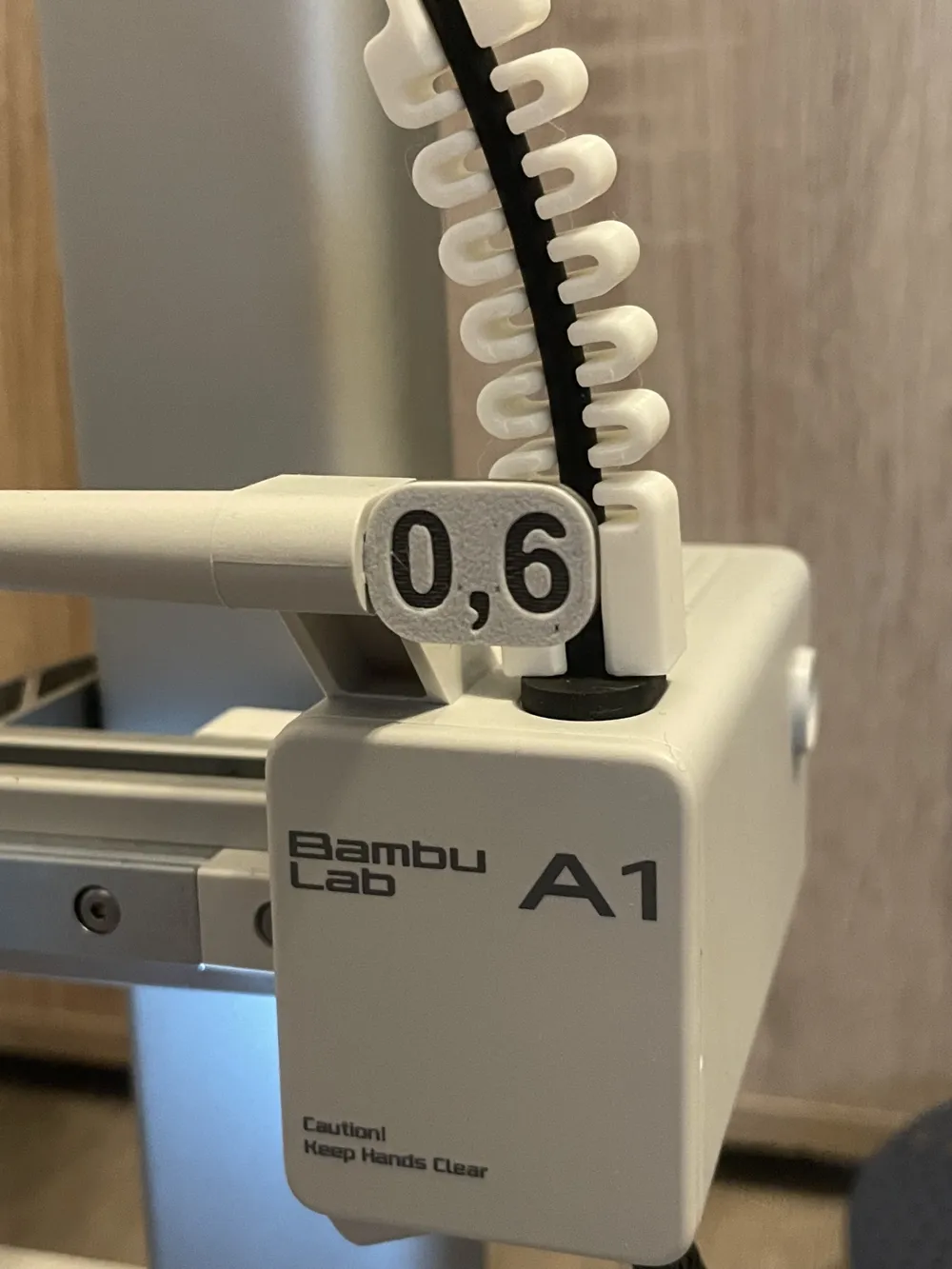
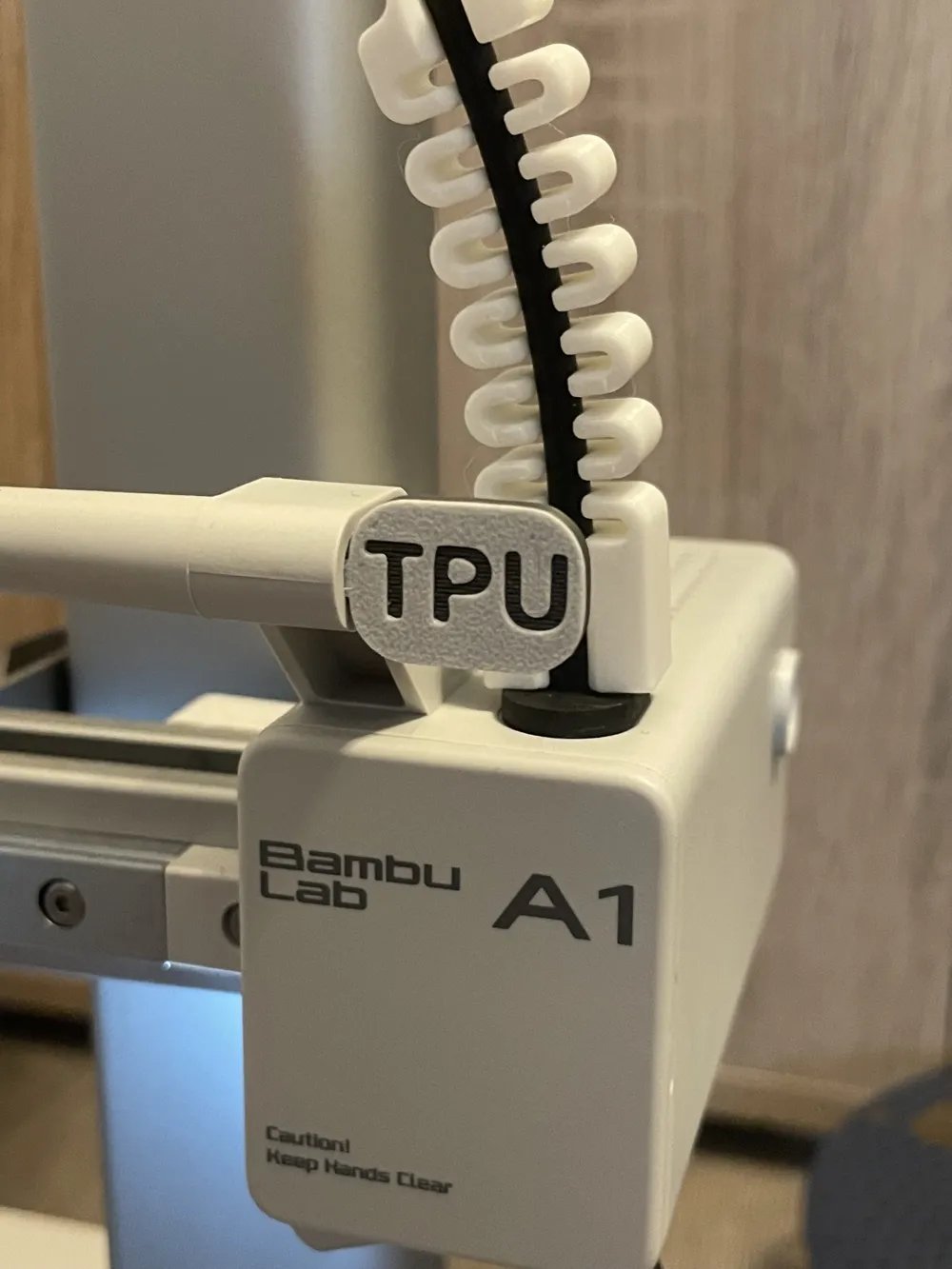
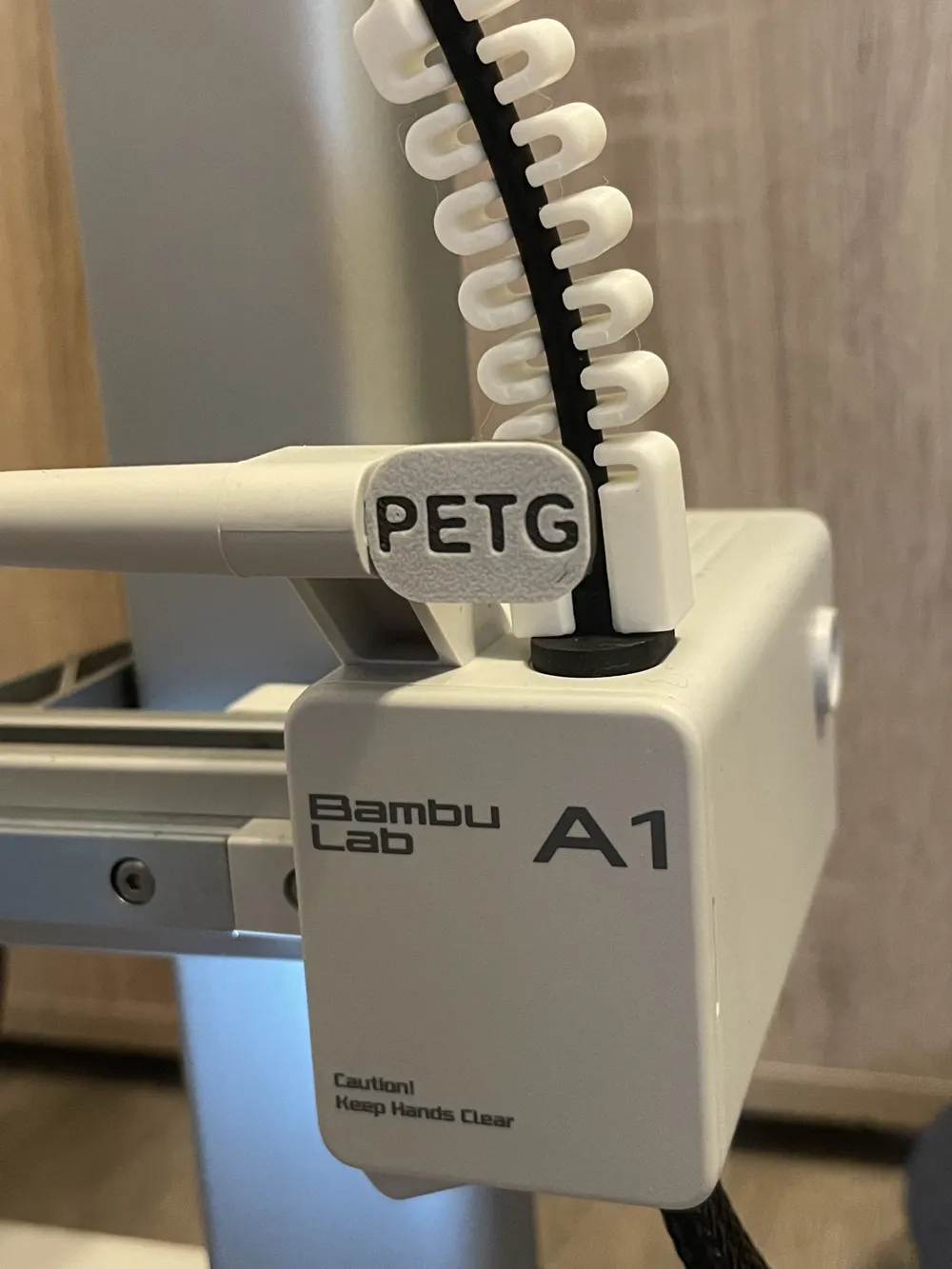
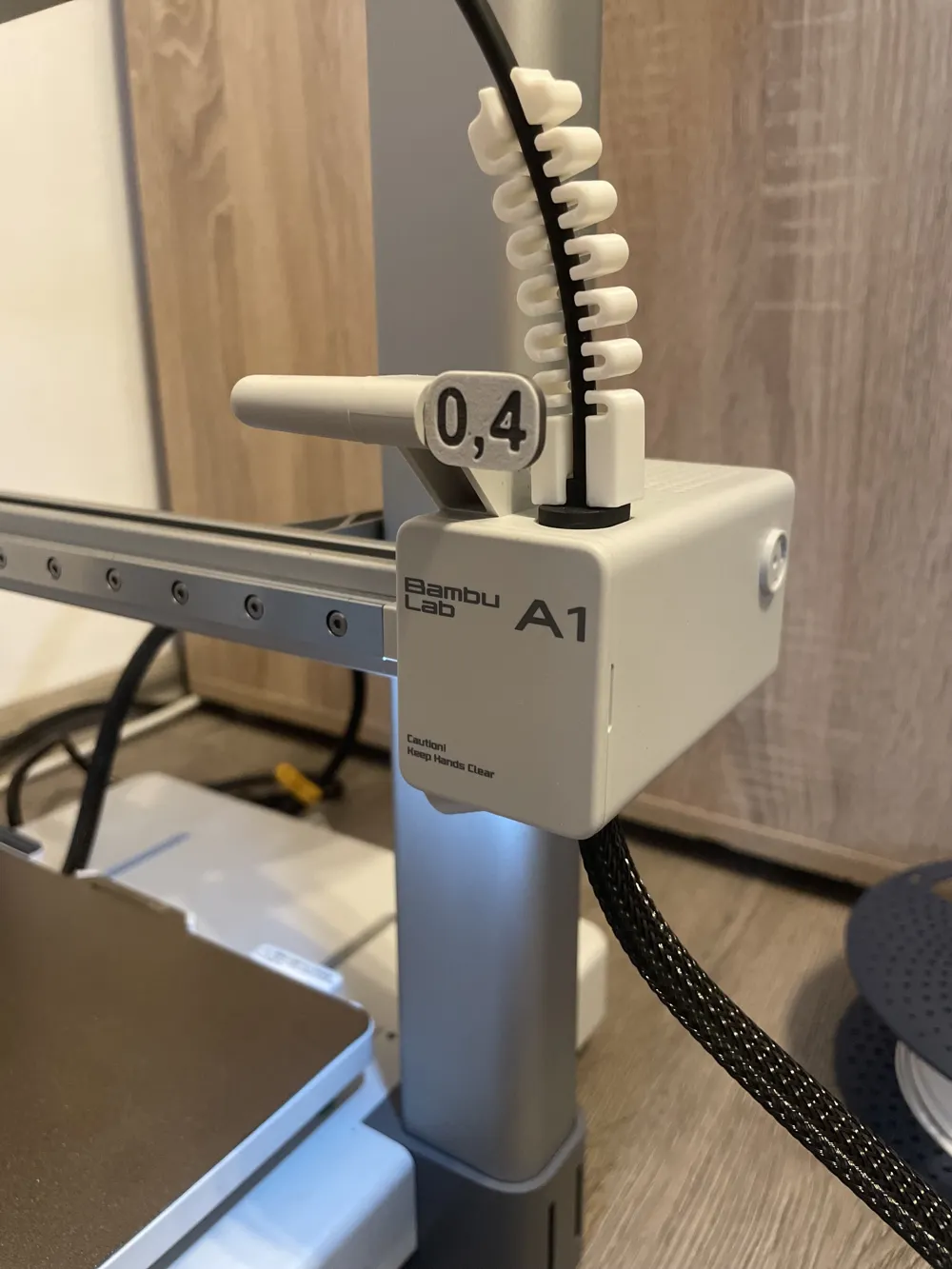
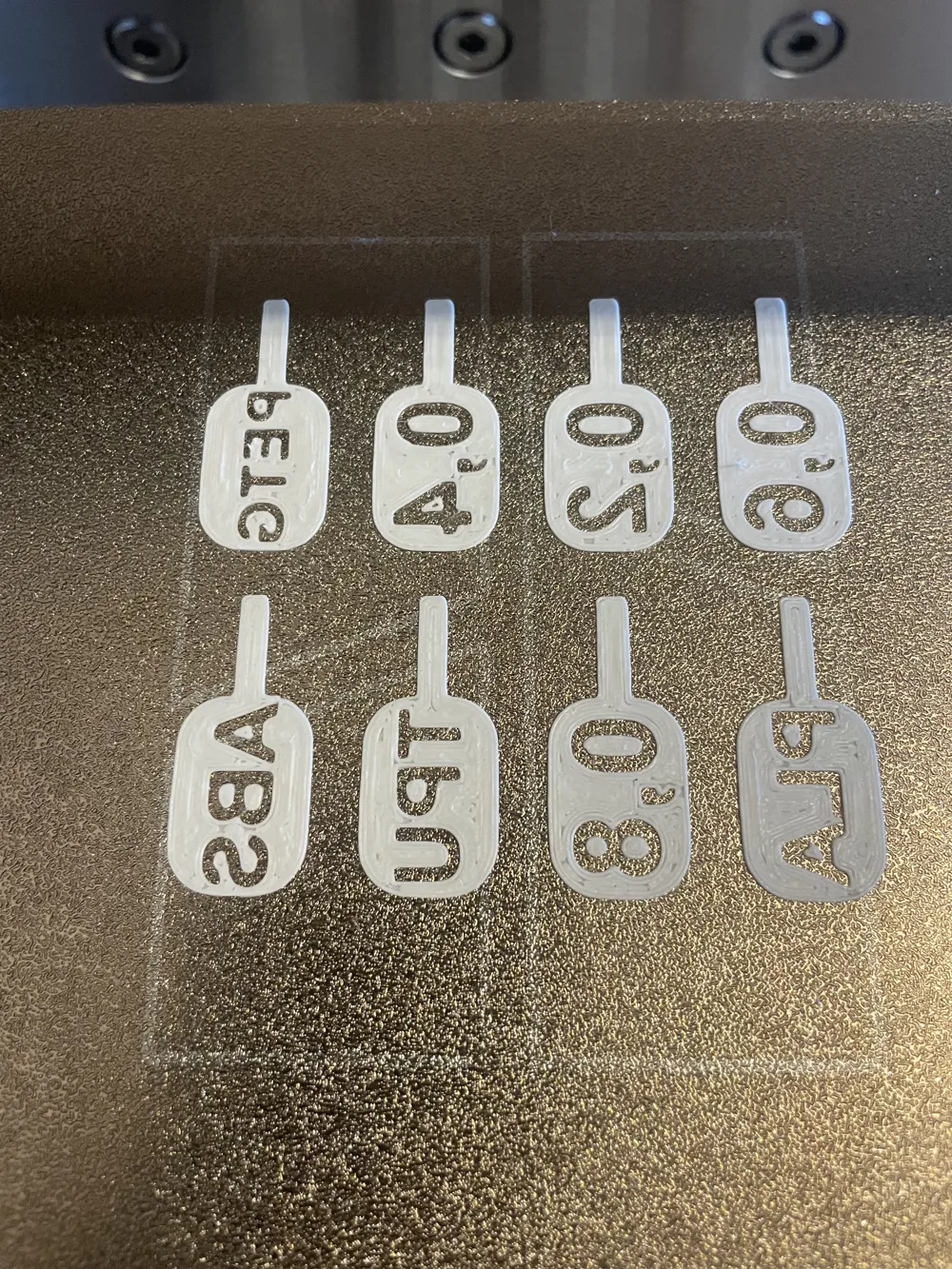
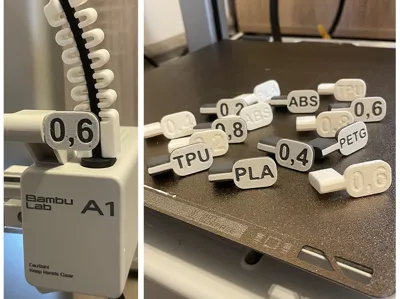
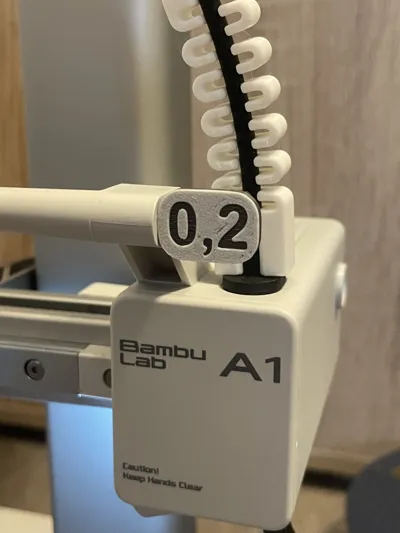
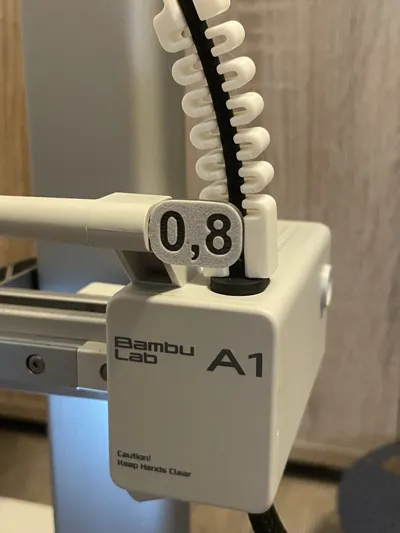
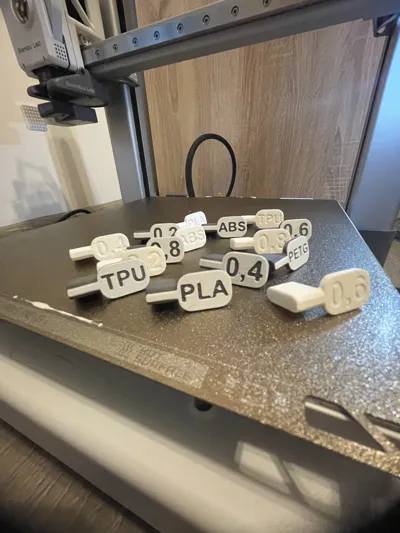
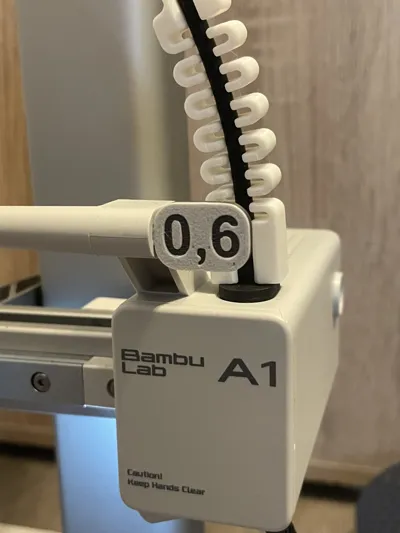
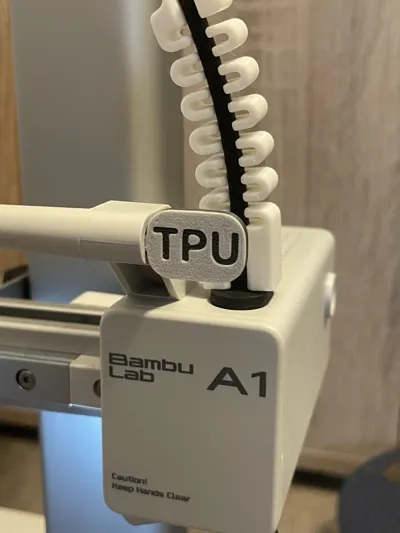
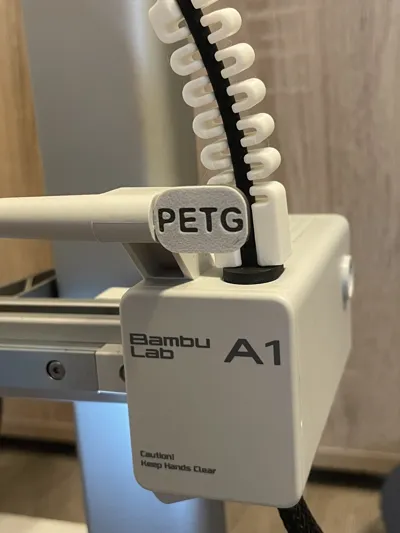
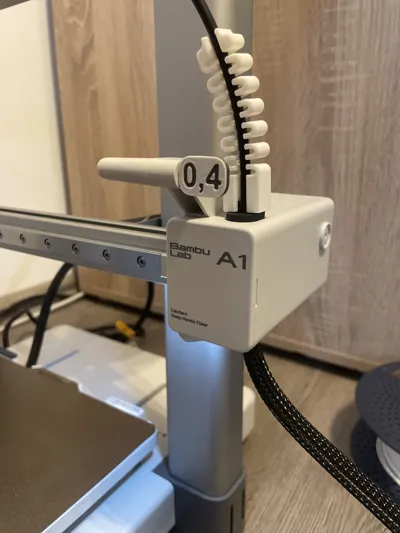
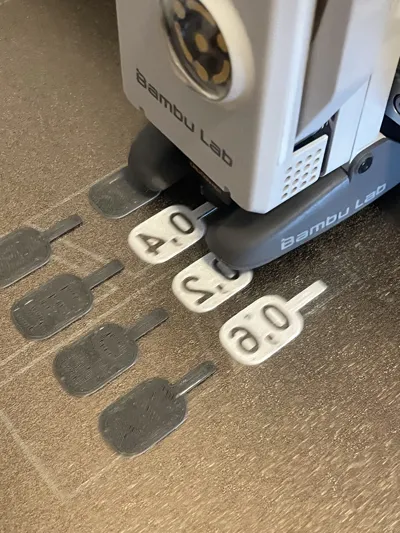
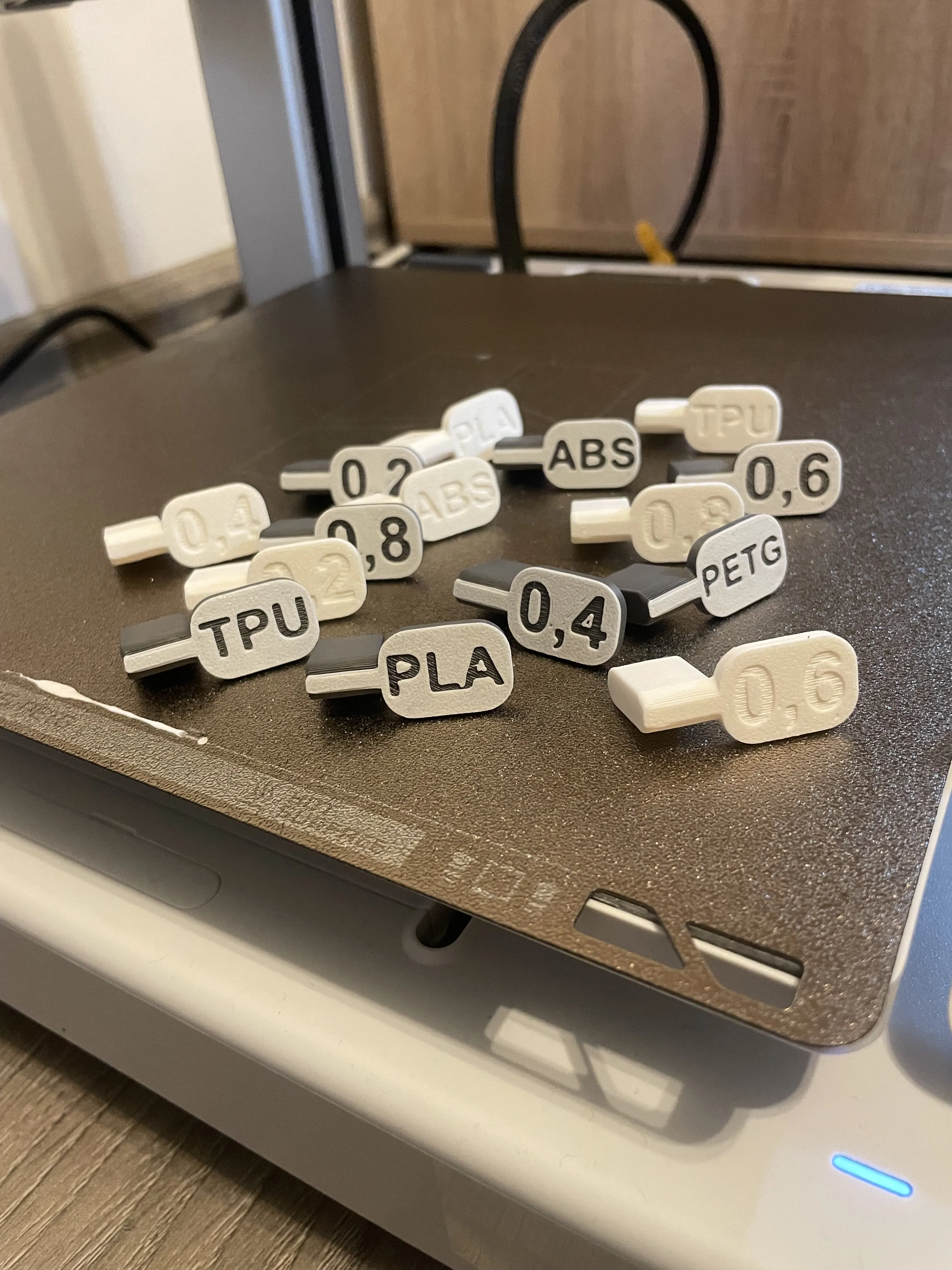
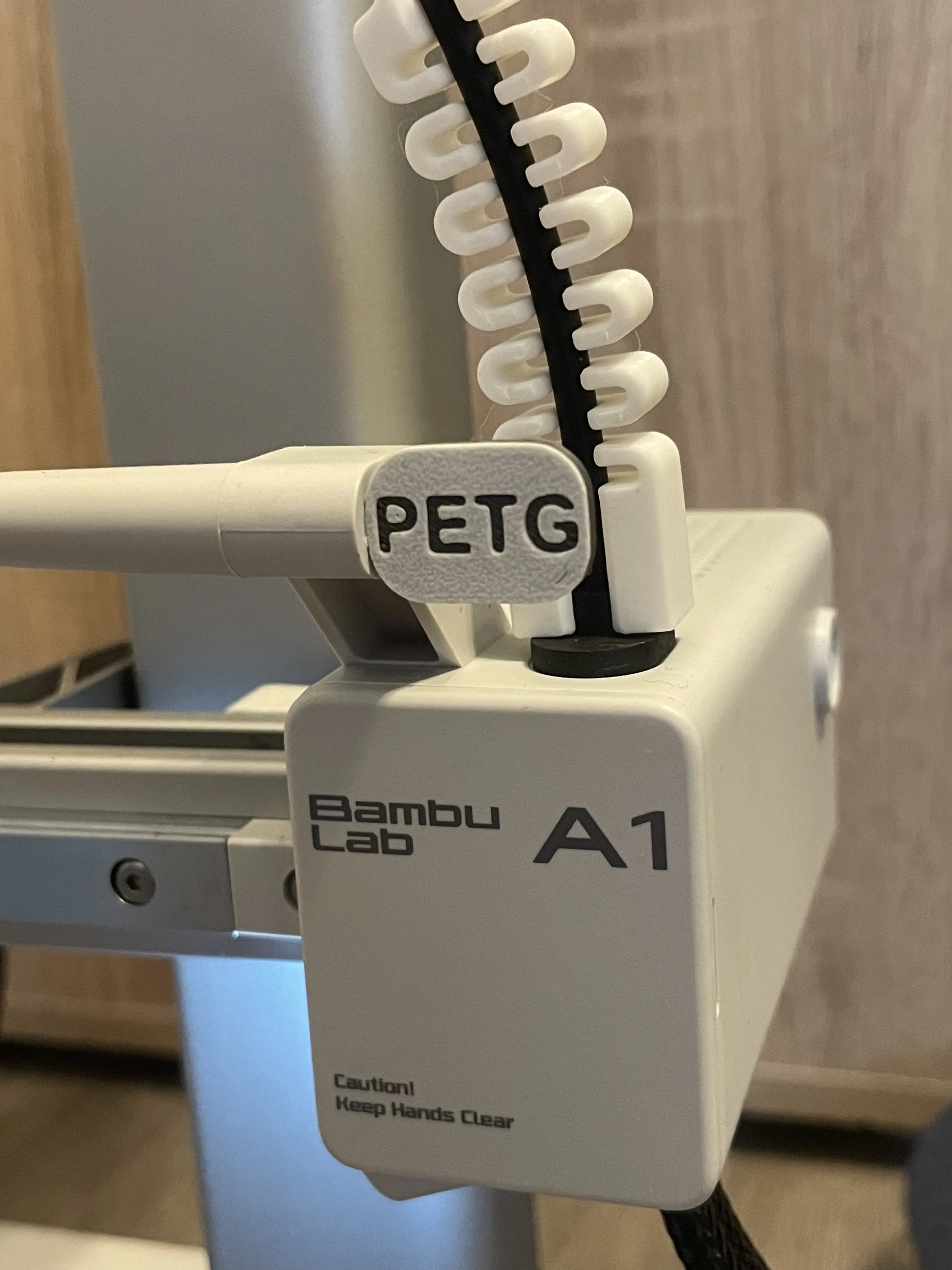
Nozzle & Filament Tags for A1 & A1 MINI 🏷️
Got a mix of nozzle sizes and filament types and can’t keep track? Same…
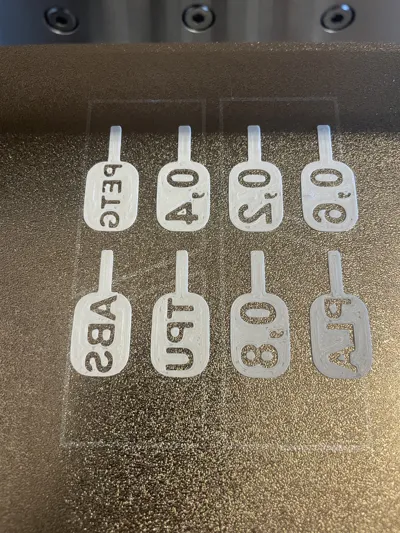
I came across a few models online, but none of them quite fit what I needed. Some were missing certain nozzle sizes, others didn’t include the filament types I use. A few were too loose, others too tight — just not the right fit.
So, I made my own version that covers it all.
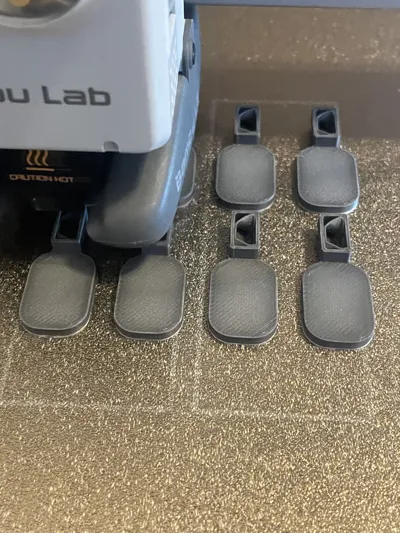
You’ll find separate tag sizes for both the A1 and A1 Mini, including all the common nozzle sizes and most popular filament types. (If there’s something missing that you’d like added, feel free to let me know — I’ll be happy to update the model.)
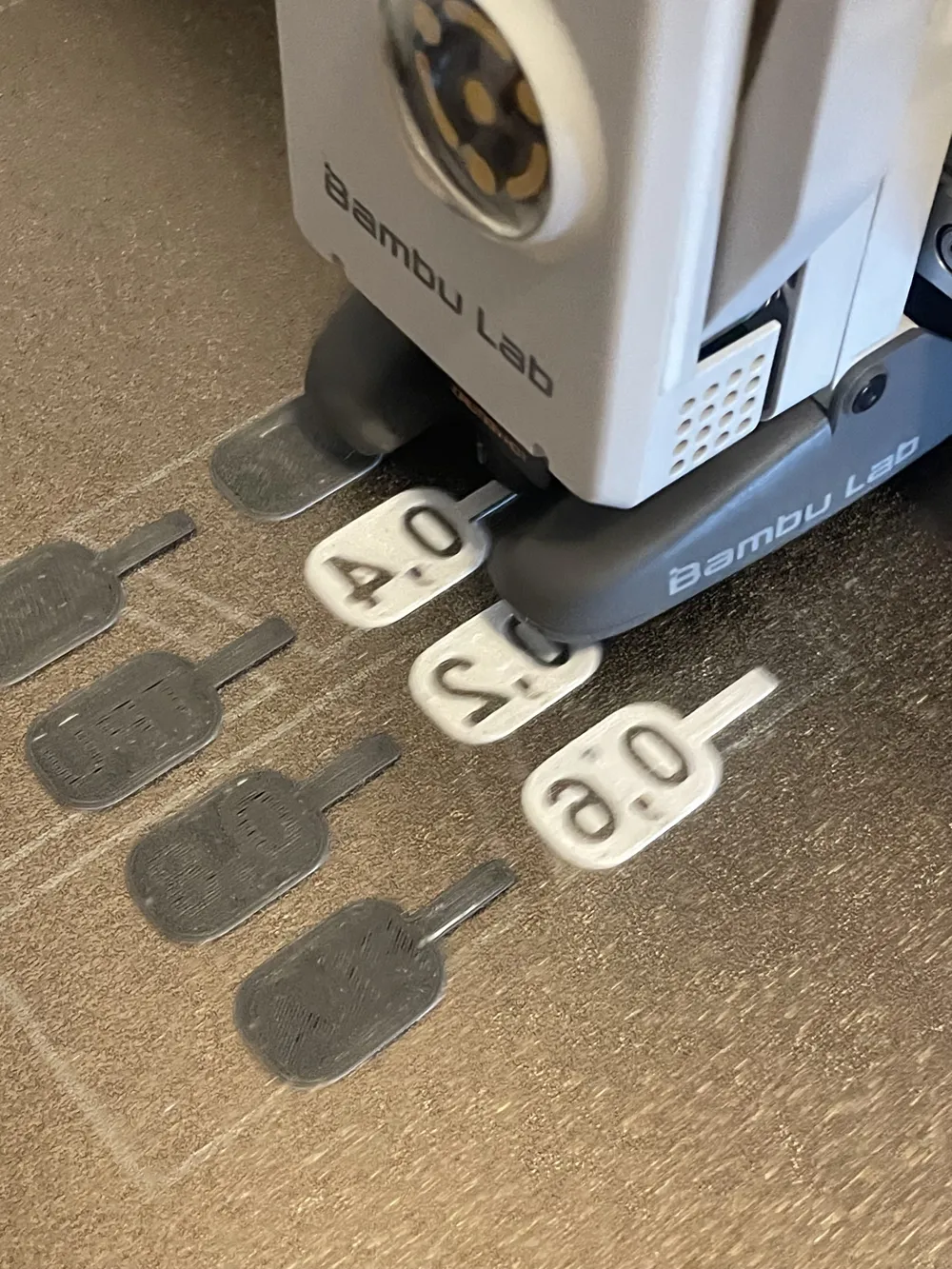
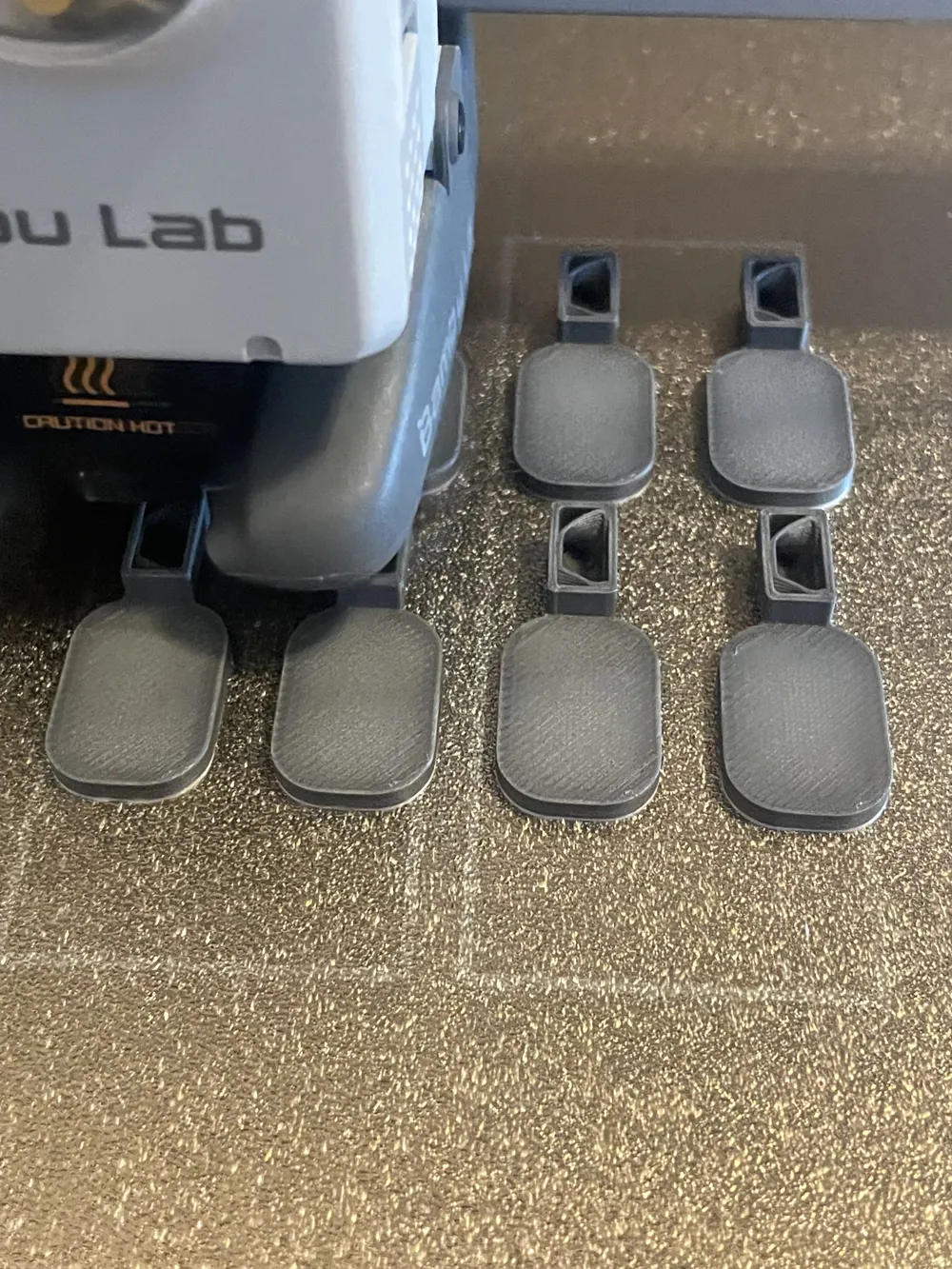
Plus, there’s a version for those using AMS, and another one for those printing in multicolor without AMS — using a simple pause in your print profile to swap filaments. No more guesswork, no more hassle. Hope you like it! 🙌
Here’s how it works for those printing without AMS:
1. Select the print profile for your printer — either A1 or A1 Mini without AMS. (Size matter in this case, Mini has bigger tags 😂)
2 .Start the print as usual.
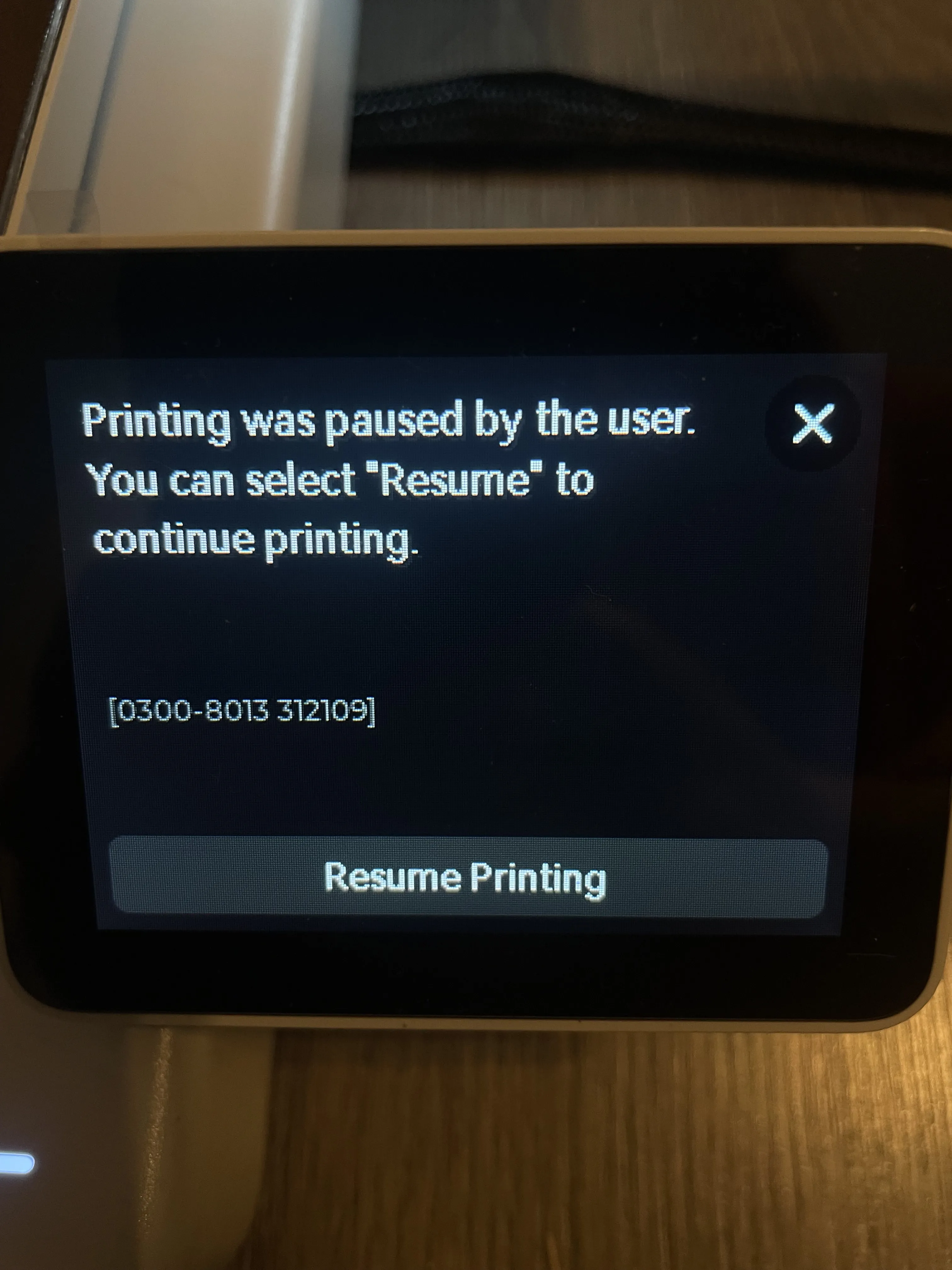
3. When the printer notifies you that it's pausing, close that message.
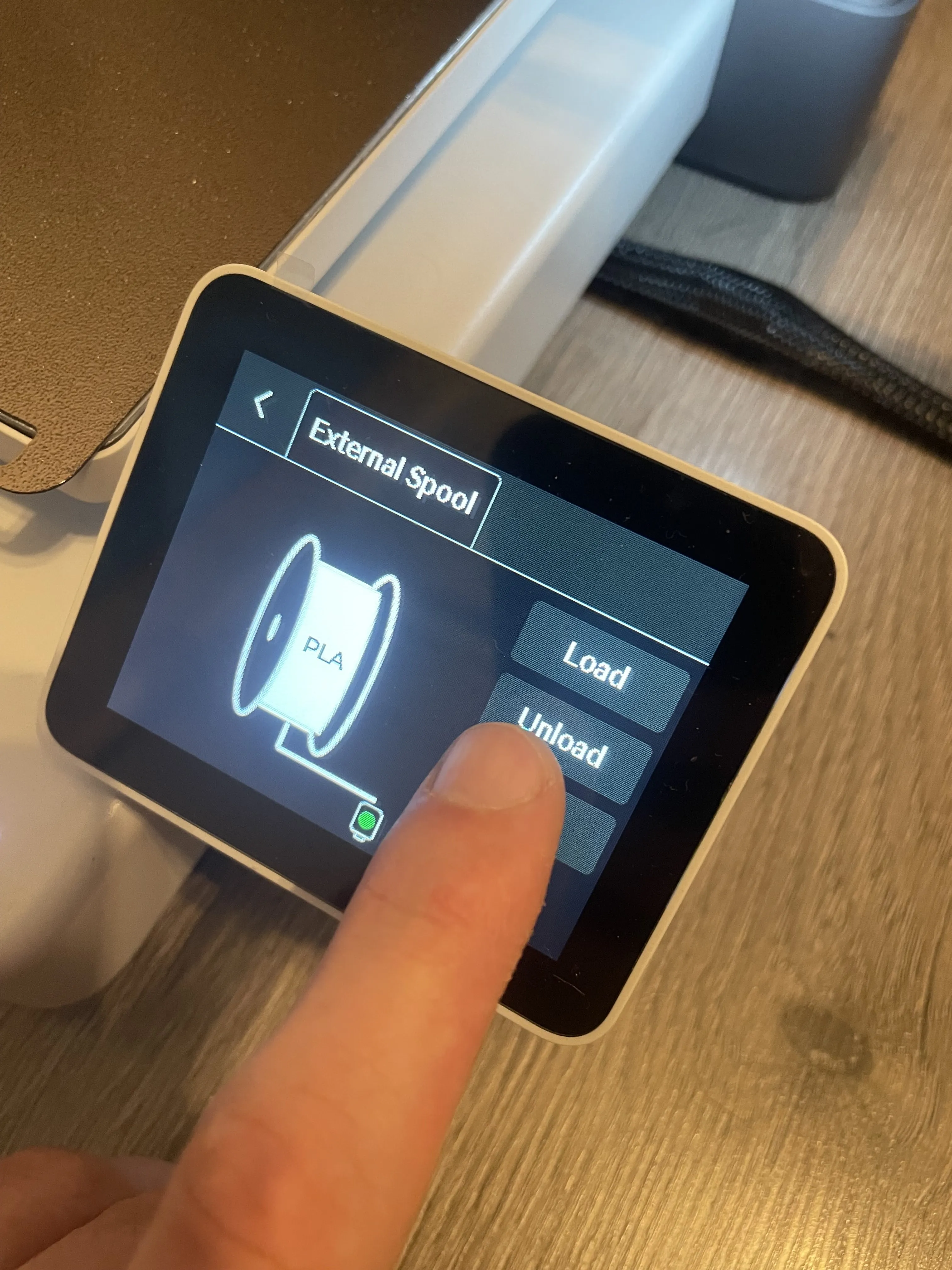
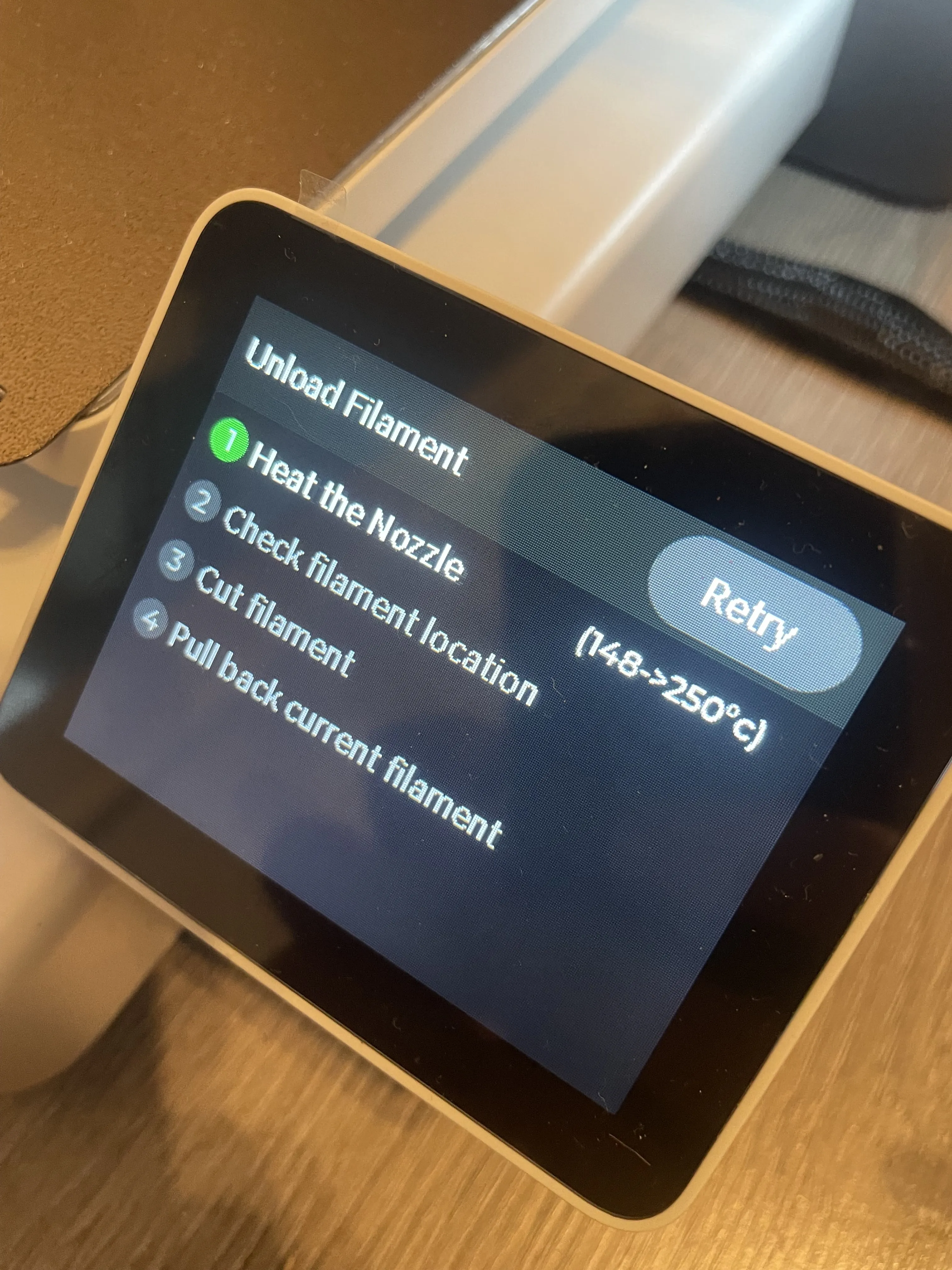
4. Go to the Filament section in the printer’s menu and tap Unload to remove the current filament.
 |  |
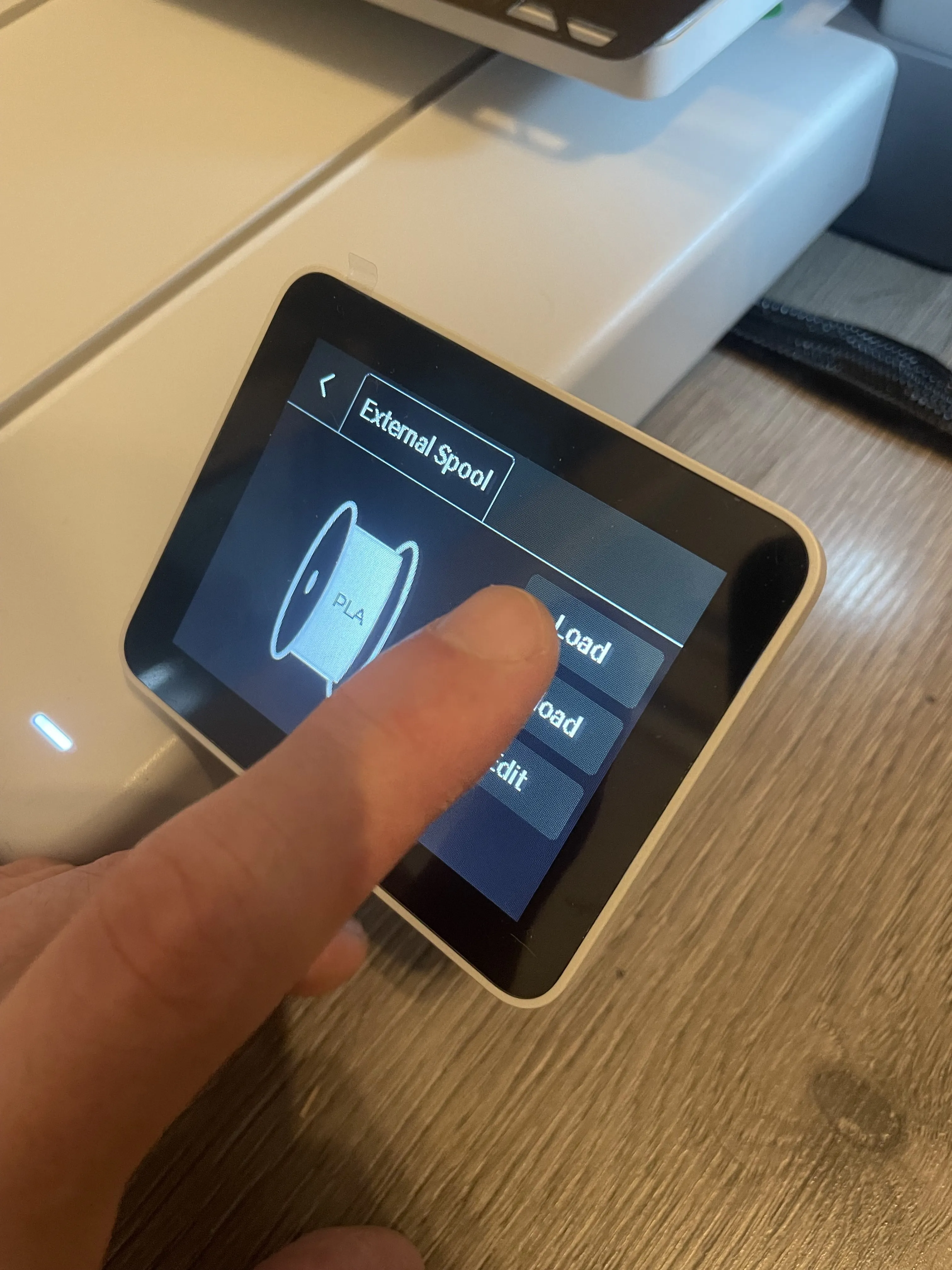
5. Once the old filament is out, load the new filament by selecting Load filament.
 | 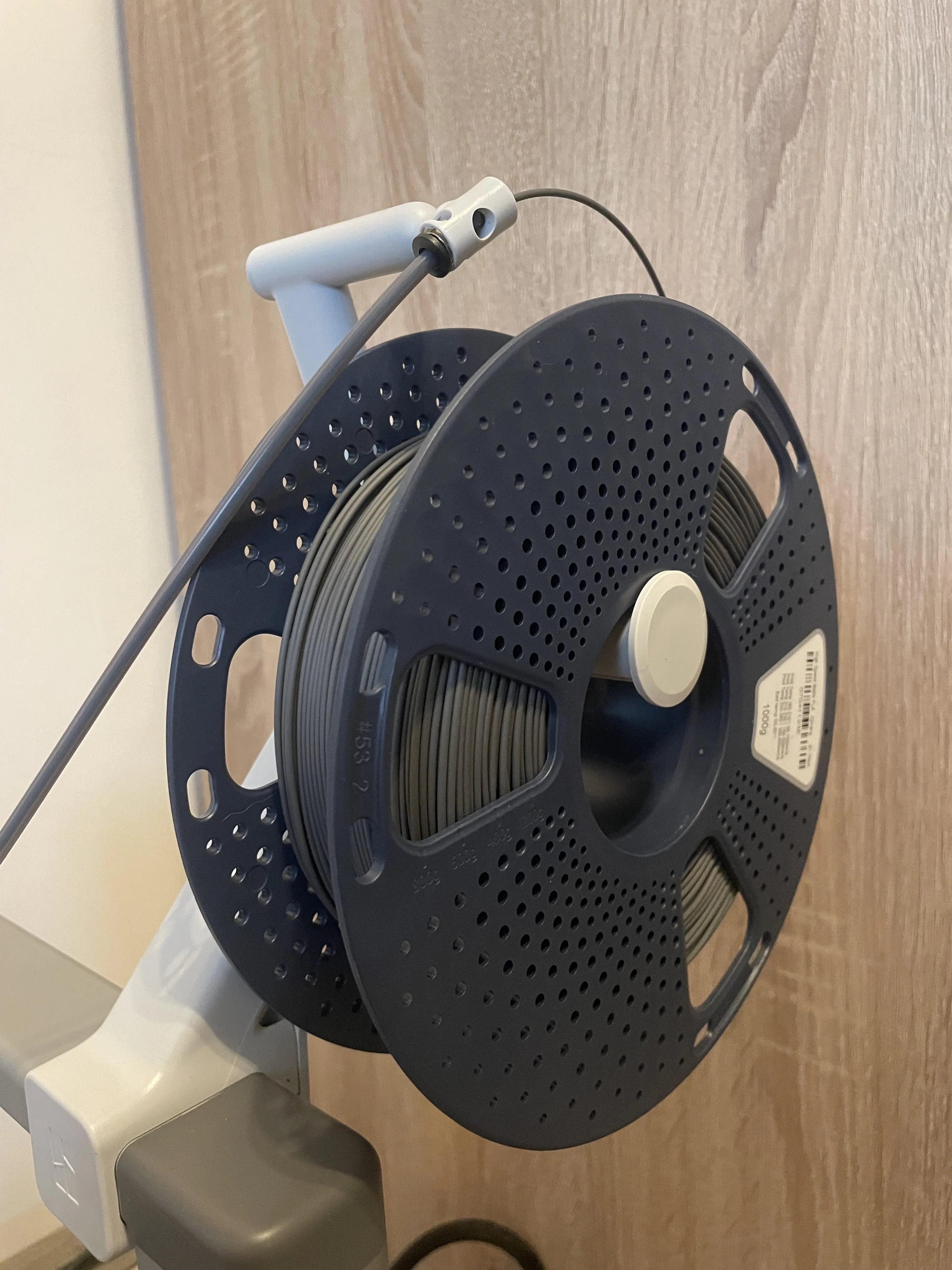 |
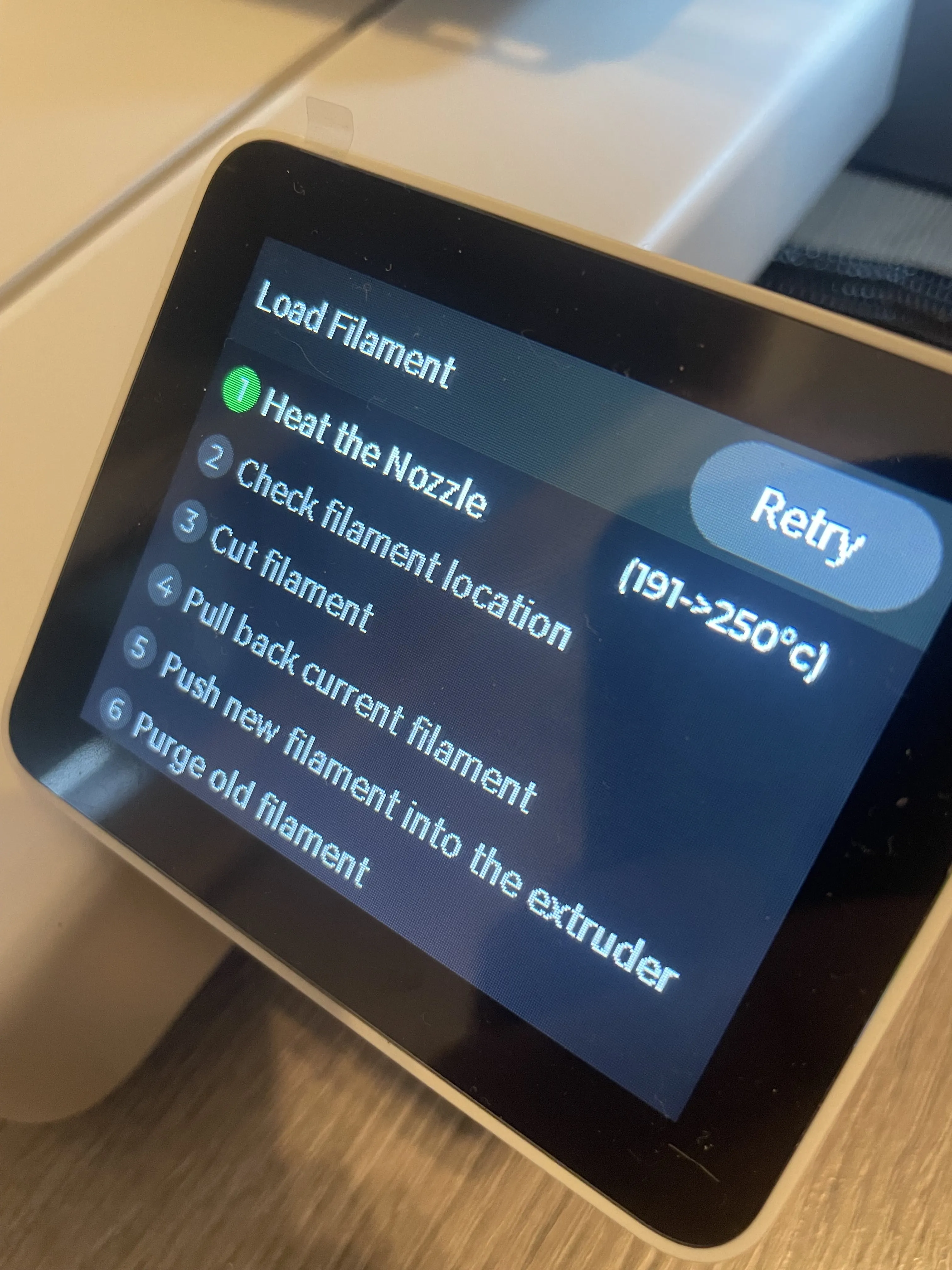
6. Follow the on-screen instructions to finish loading the new filament.
7. After the swap is complete, return to the current print job and tap Resume print.
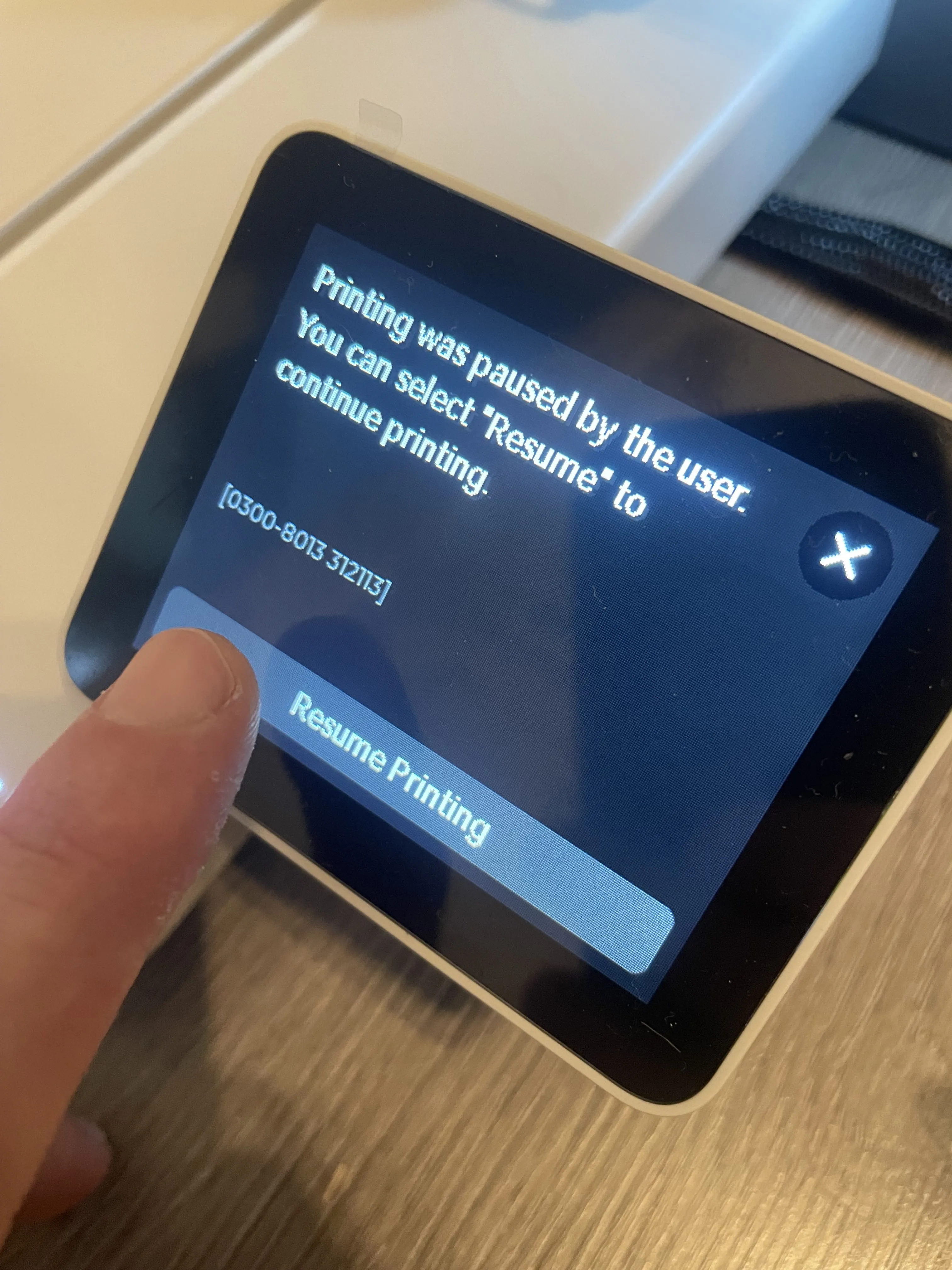 | 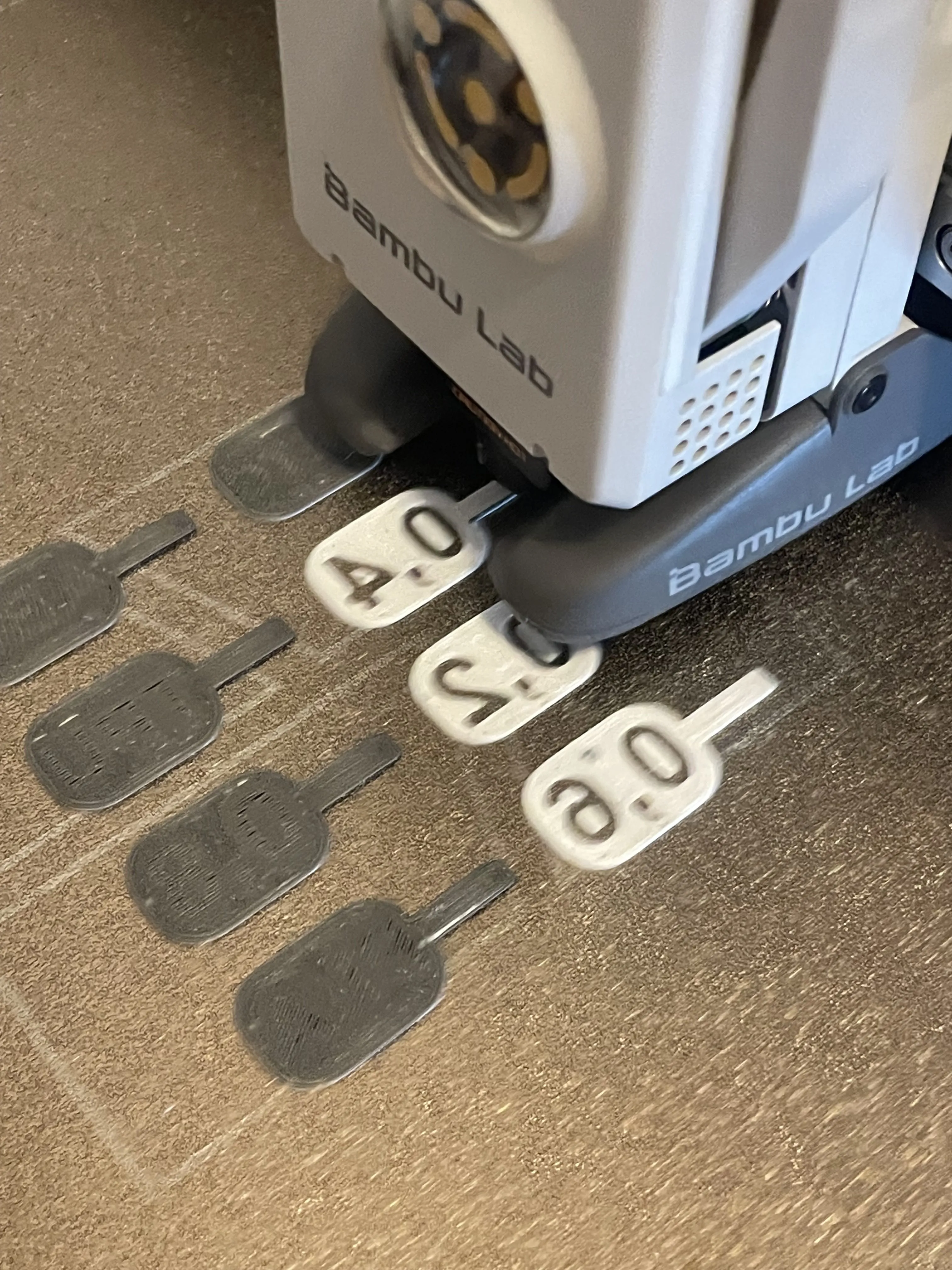 | 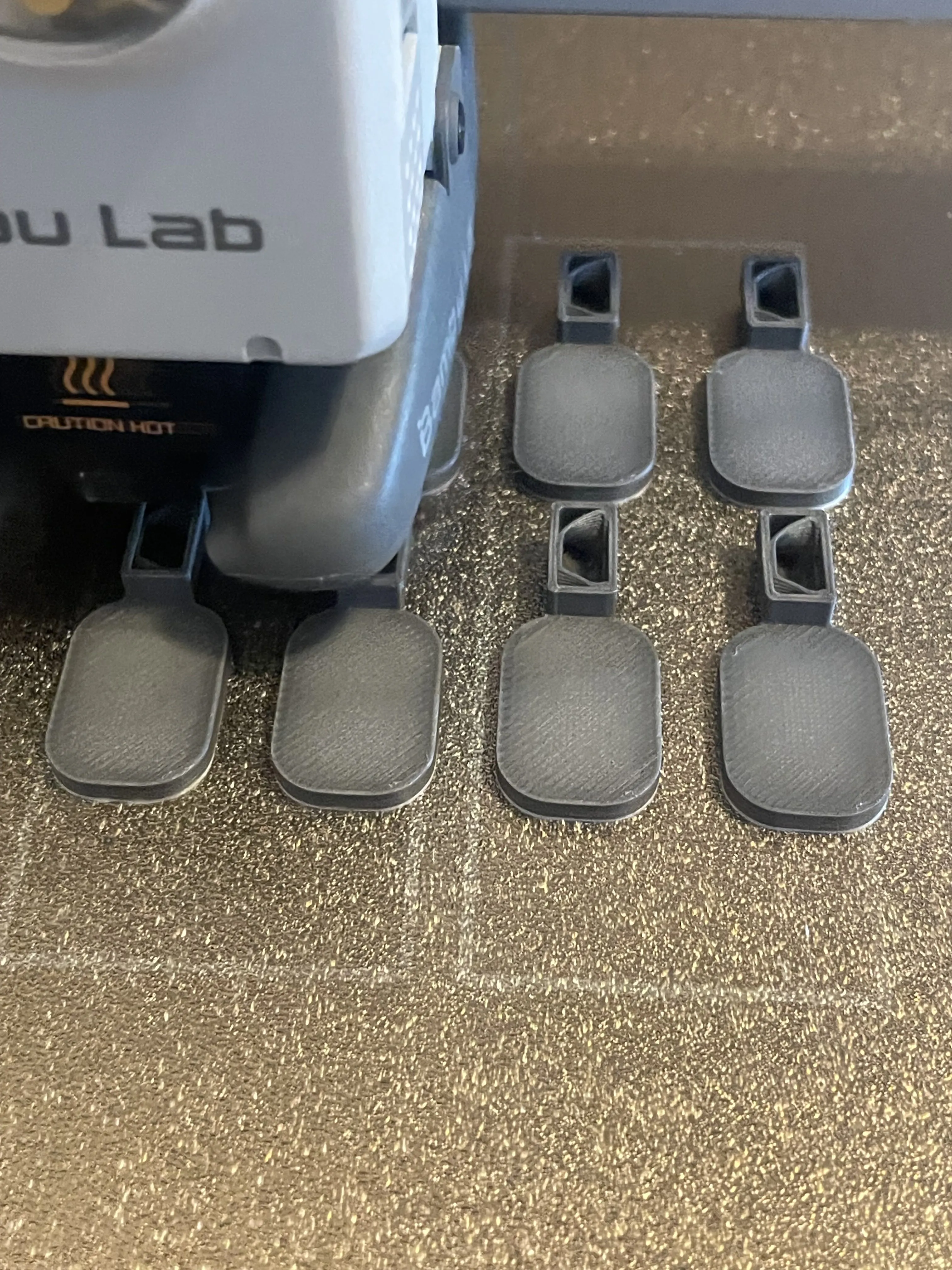 |
That’s it — the rest is taken care of. 🎯
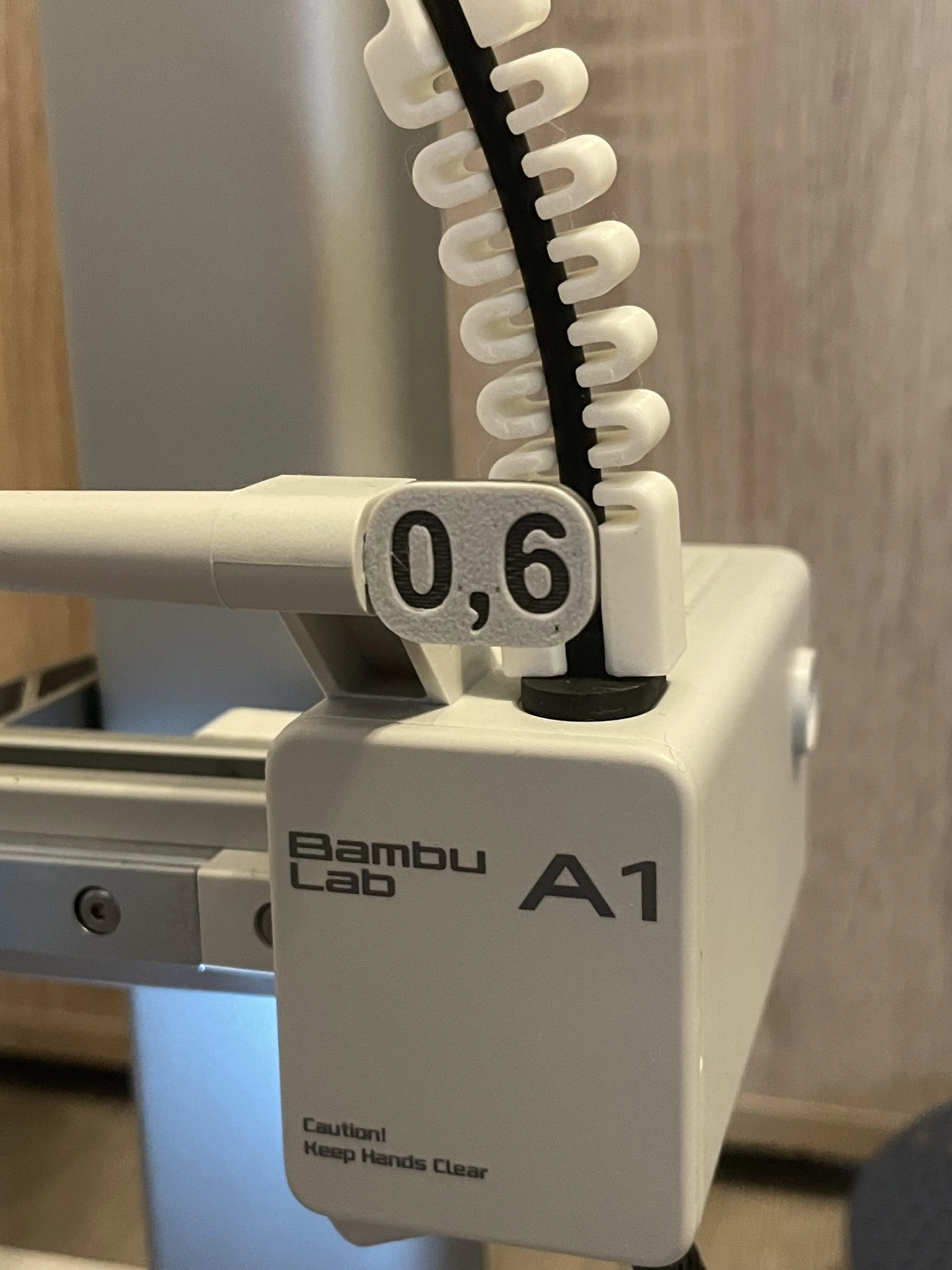 |  |  |
✨ Enjoy my designs? Please boost, like, and follow! Your support makes a big difference! ✨
If you'd like to go further, you can buy me a beer here: 🍺 buymeacoffee.com/bobel.
Thank you!
Boost Me (for free)
If you enjoy it, feel free to download and print it! I’d really appreciate a like or a little 🚀 (boost )for my work — think of it as buying me a beer! 🍺 Cheers!
License

You shall not share, sub-license, sell, rent, host, transfer, or distribute in any way the digital or 3D printed versions of this object, nor any other derivative work of this object in its digital or physical format (including - but not limited to - remixes of this object, and hosting on other digital platforms). The objects may not be used without permission in any way whatsoever in which you charge money, or collect fees.


Comment & Rating (5)