
Lens covers for Loxone presence detector
Print Profile(3)


Description
Boost Me (for free)
Do you like this model? Don’t hesitate to boost my model – it doesn’t cost you anything and you will be supporting my work so I can create more models like this one… Thank you!
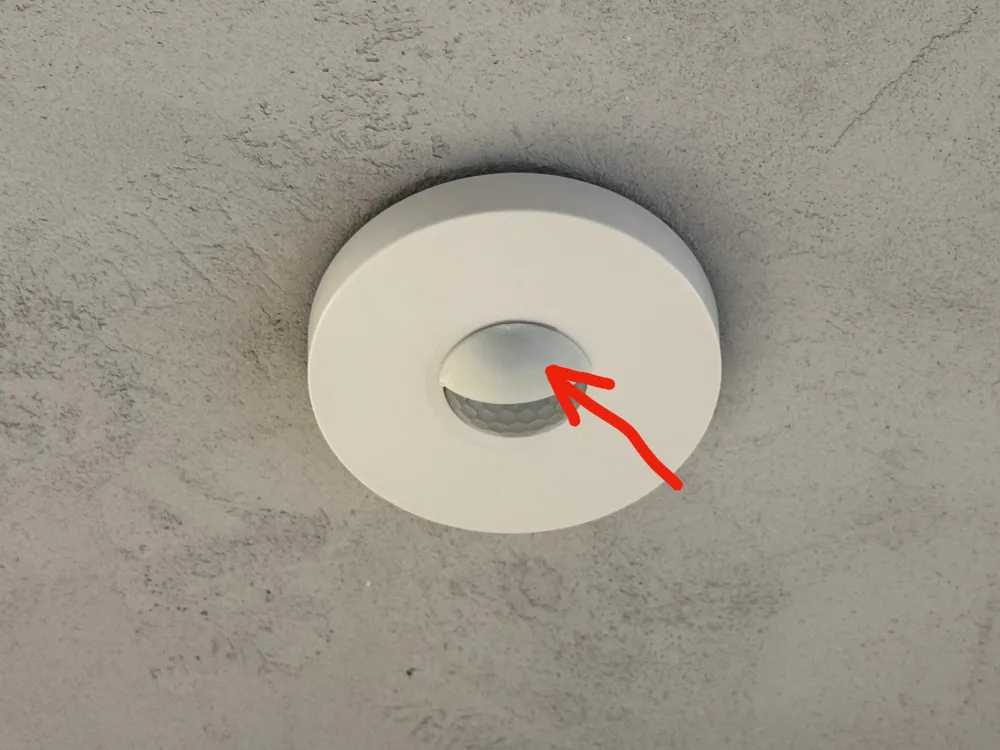
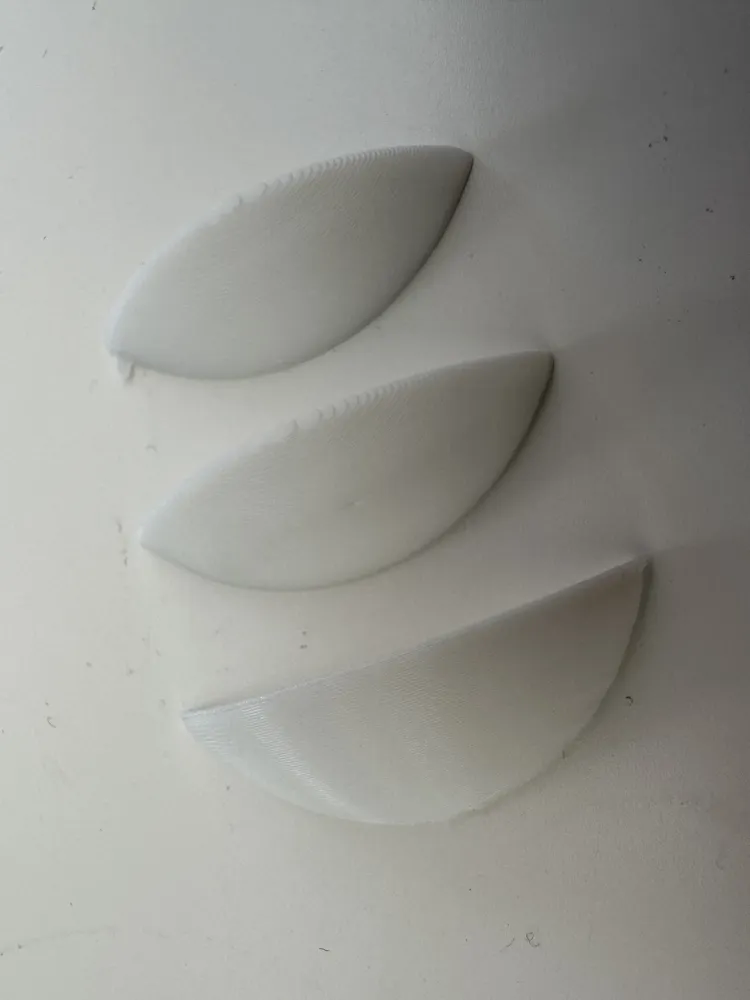
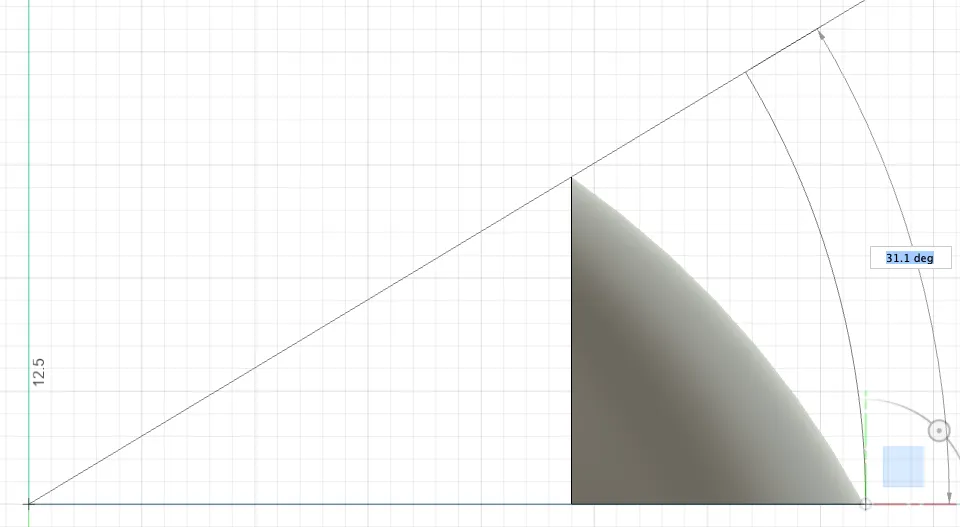
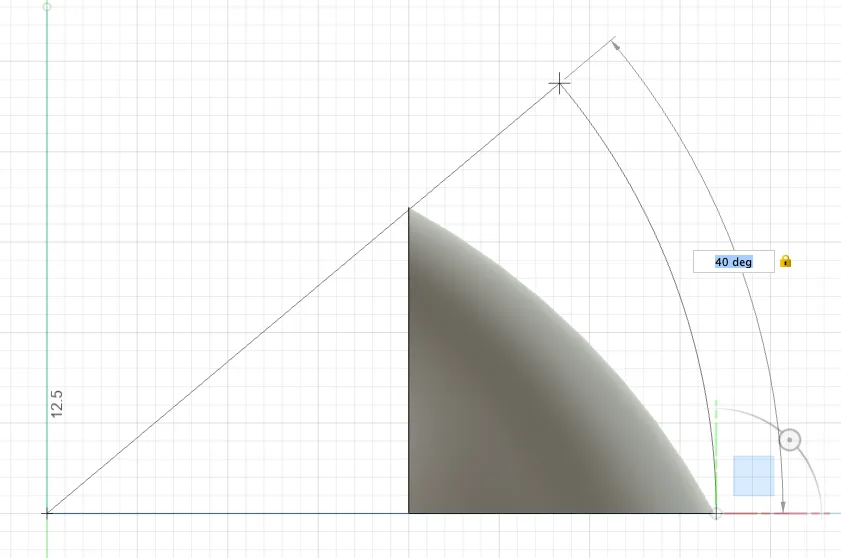
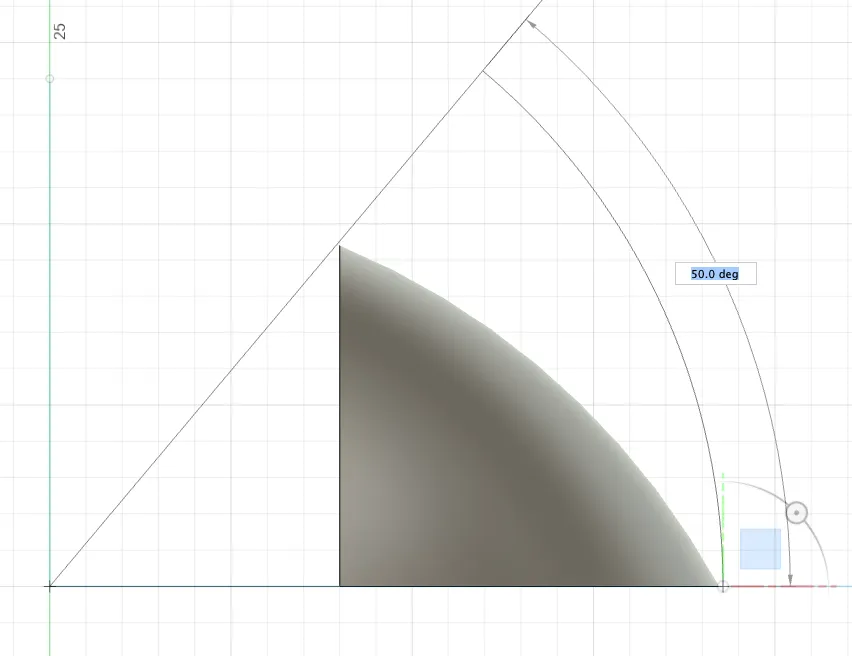
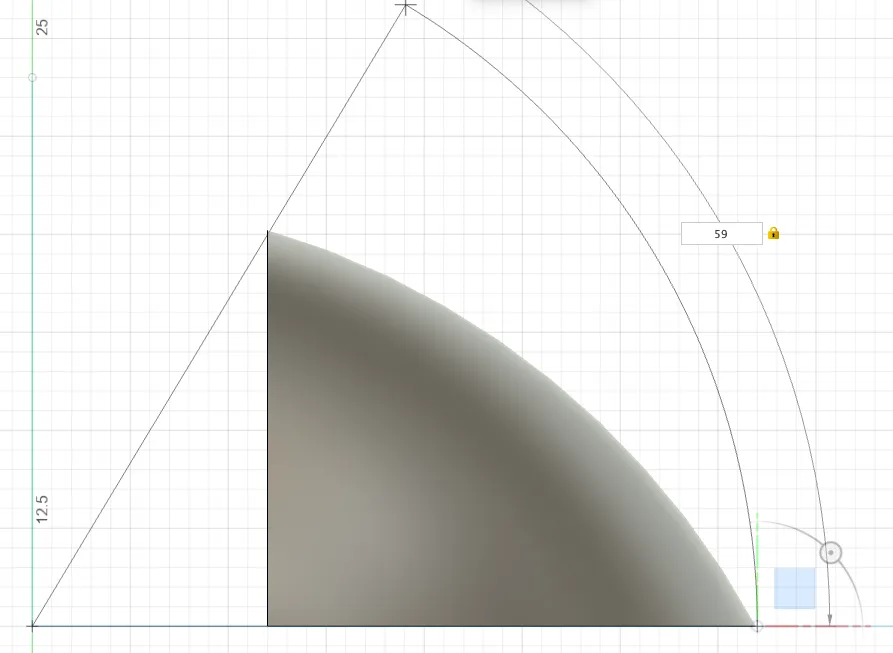
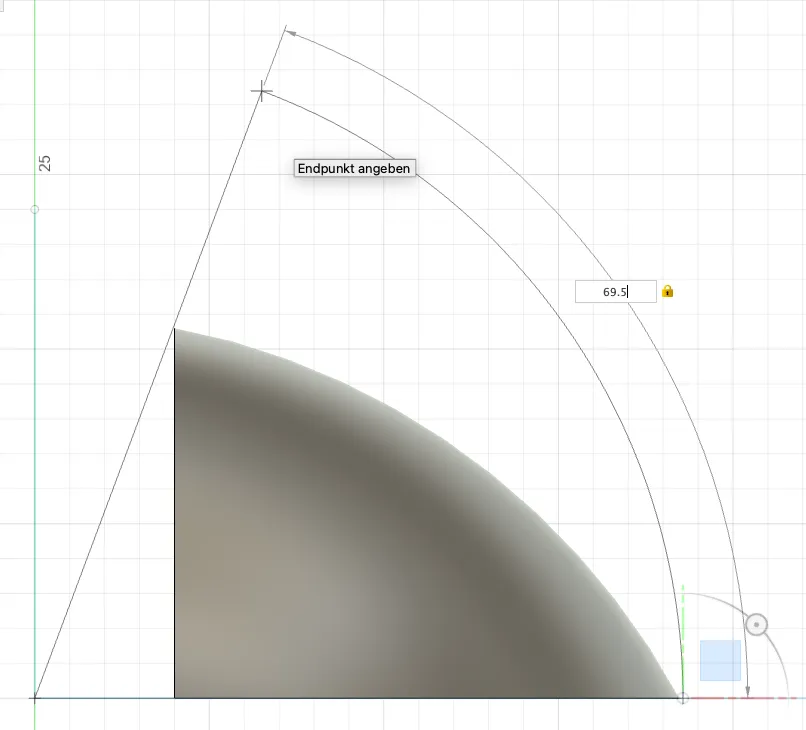
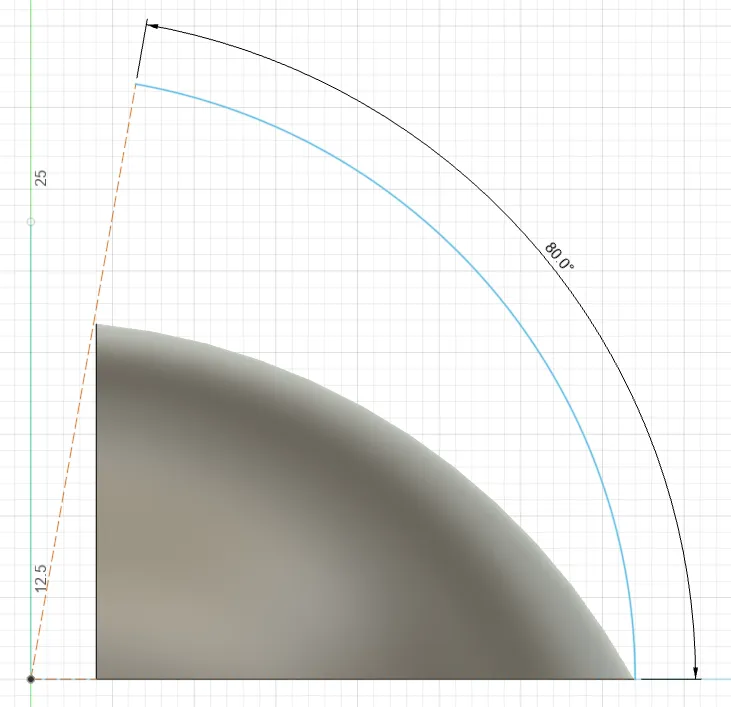
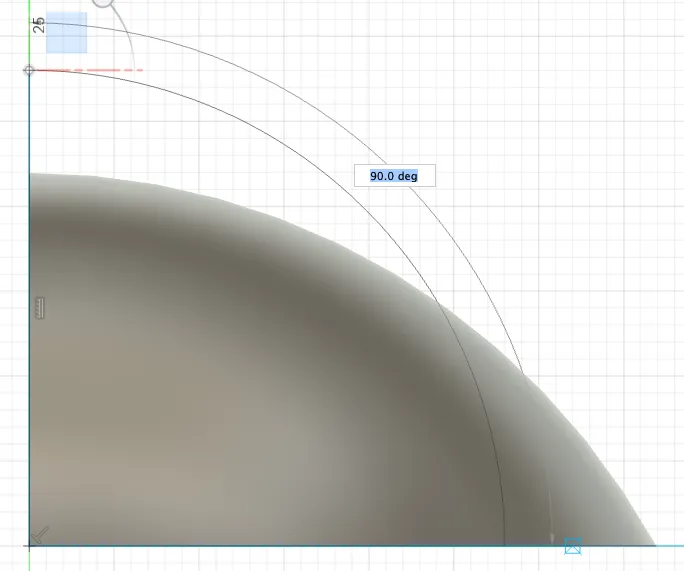
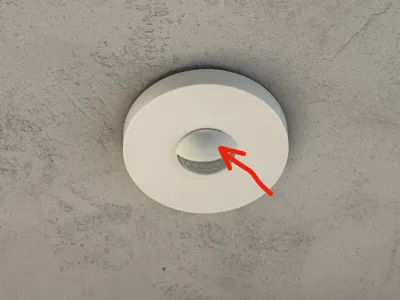
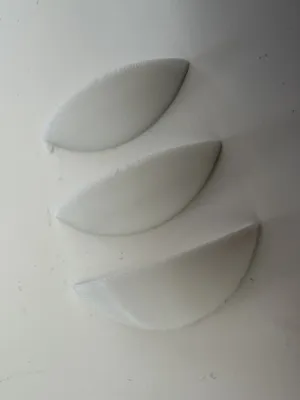
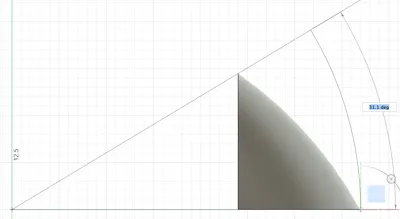
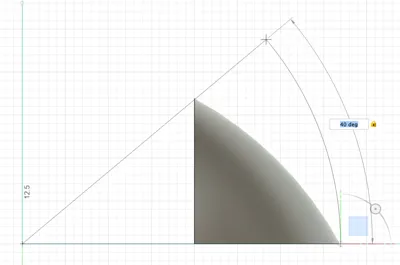
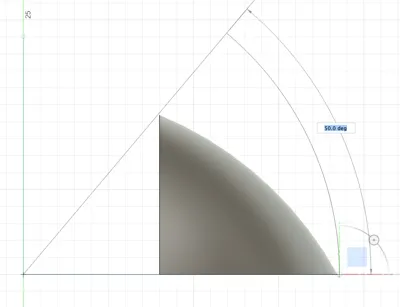
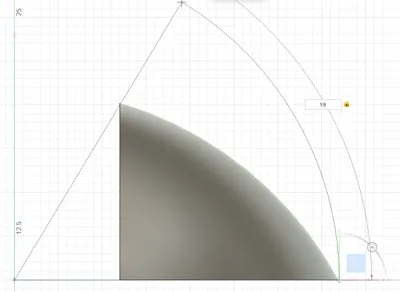
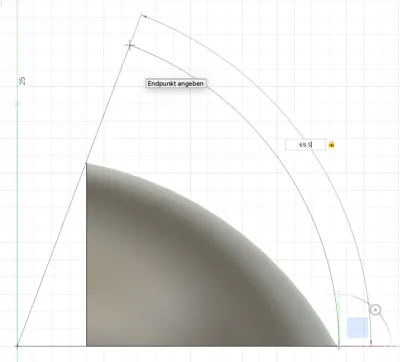
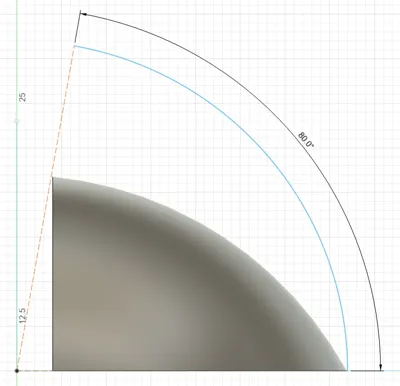
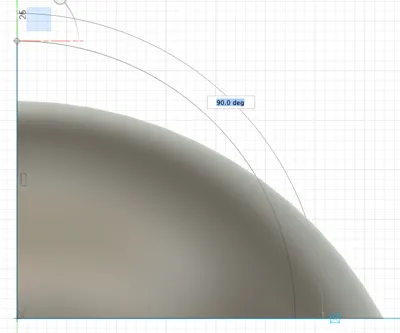
I have recently commissioned my new Loxone home automation system. I have previously used other presence detectors where you could open the dome and put stickers inside the dome to block detection in certain areas. As the included stickers didn't work well for me with the Loxone presence detector (FYI I am using the tree version) I have designed lens covers that I can put on the lens dome from the outside. For my use case I want to block 180° horizontally but need various vertical activation angles. E.g.: When you want to block that the presence detector detects far distance movement you then want to block a small angle only (the smallest one of my covers blocks 31°. When you want the presence detector to be activated not before you stand right under it you need the 180° cover.
I have designed covers that cover that very range from 31° to 180°. If you also need to block presence detection on the other side of the detector, you can just re-use any of the covers on the other side of the dome, accordingly.
On the BambuStudio file you will find many print plates that are named after the blocking angles of the respective cover.
I have printed this with Bambulab PLA basic in white in order to match the presence detector colour. To attach the covers onto the presence detector dome I am using an adhesive putty named Blu-Tack from Bostik (I've brought this with me from Australia). In Europe there are similar variants you can use:
- Pritt Multi Tack
- UHU Patafix
- Faber-Castell Tack-It
- Tesa Tack
I wouldn't recommend the use of glue or double sided tape as you can potentially seriously damage your presence detector lens.
My print worked well for me without the use of any support as my printer. If the print doesn't stick to your print bed (I'm using the Textured PEI build plate which I have never removed again since first using it - my absolute recommendation!) try to re-level your print bed or/and to use some print bed glue or worst case to use some brim around the model.
If you have any queries don't hesitate to ask. Have fun printing this!
License

You shall not share, sub-license, sell, rent, host, transfer, or distribute in any way the digital or 3D printed versions of this object, nor any other derivative work of this object in its digital or physical format (including - but not limited to - remixes of this object, and hosting on other digital platforms). The objects may not be used without permission in any way whatsoever in which you charge money, or collect fees.


Comment & Rating (0)