
PETG with PLA support settings, strength optimised

Print Profile(1)

Description
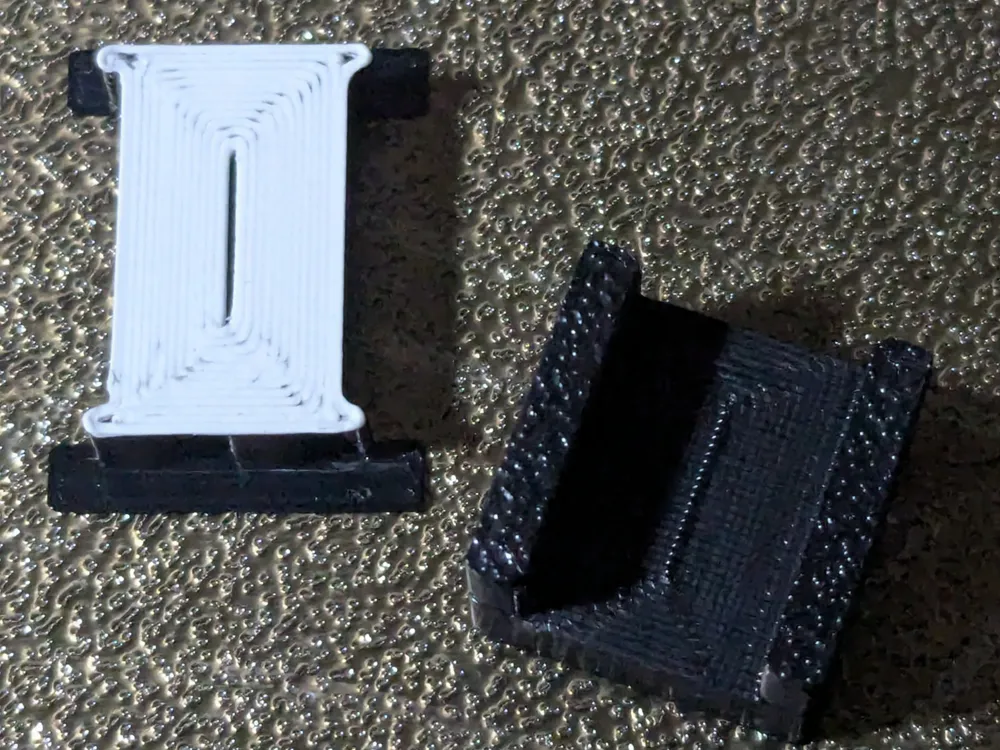
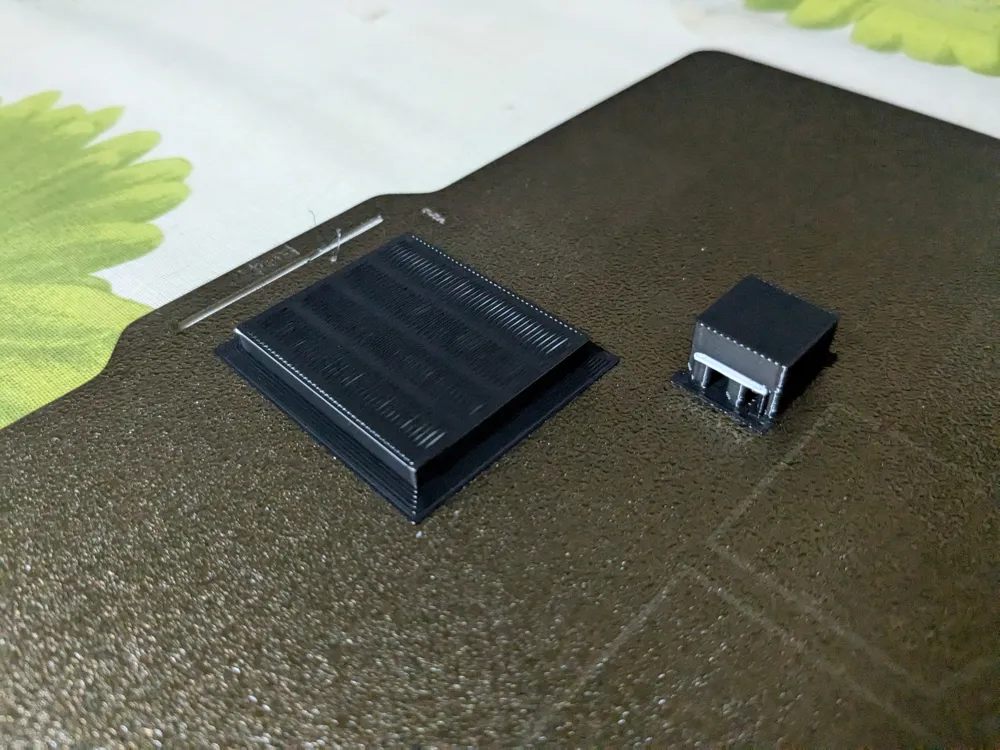
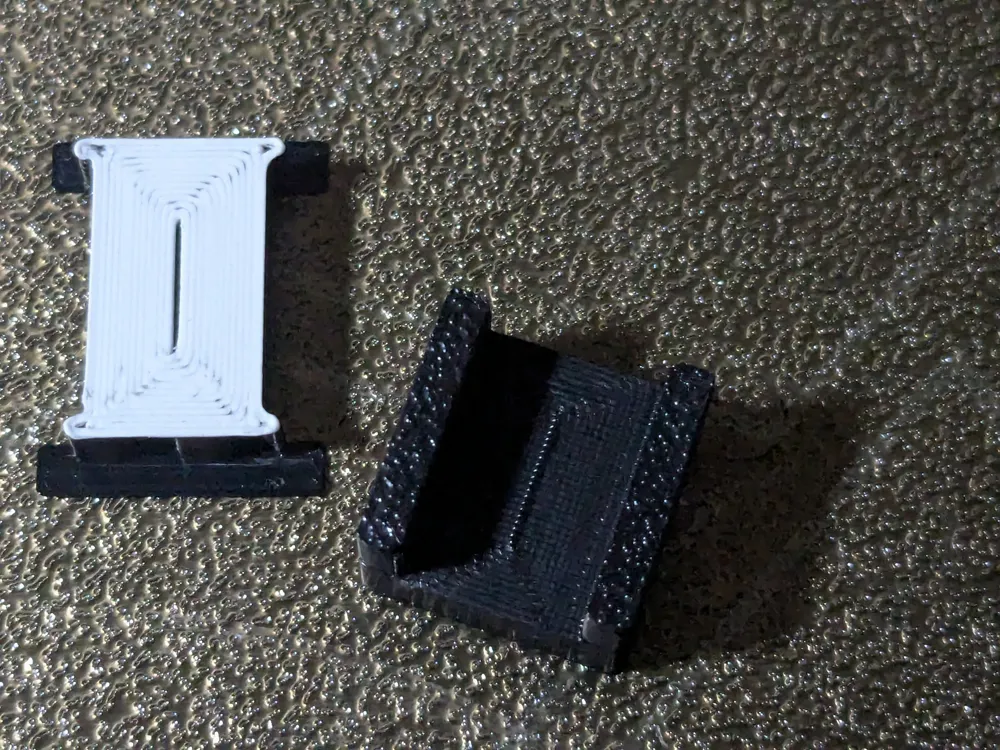
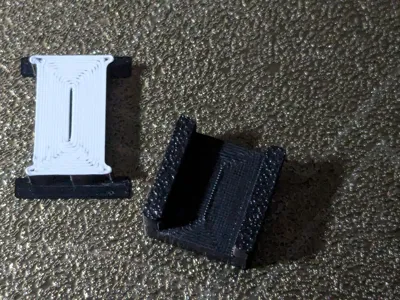
This is a test print with the settings I identified to both improve quality and reduce purged filament as far as I could.
Settings are for printing in PETG with a PLA interface layer for supports.
Settings for both OrcaSlicer and BambuSlicer are included (see files).
The following settings have been changed:
- Retract before cutting is active to use more of the flush volume to actually flush
- flushing is minimal when changing from PETG to PLA, while it is maxed out when going back from PLA to PETG to allow for good layer adhesion of the actual part
- there is a wipe tower to keep residue minimal; increased wipe tower flushing volume to 250 mm³
- Z distance and line spacing are 0 to allow for no sag of the supported area
All of these settings combined lead to relatively low filament waste (as far as possible…) while still making the test part strong enough to not allow me to break it by hand, which is really really easy if you have any PLA residue left in the nozzle when continuing to print your part.
License

You shall not share, sub-license, sell, rent, host, transfer, or distribute in any way the digital or 3D printed versions of this object, nor any other derivative work of this object in its digital or physical format (including - but not limited to - remixes of this object, and hosting on other digital platforms). The objects may not be used without permission in any way whatsoever in which you charge money, or collect fees.


Comment & Rating (0)